Budget season is coming up. Event teams are picking next year’s shows and signing booth contracts. Restaurants are setting labor budgets, clinics are planning winter cover, and retailers are mapping out launches and holidays. Data-driven budget planning means bringing evidence to those decisions instead of a feeling.
Most teams don’t. Someone remembers that a show felt busy, so it stays on the calendar. Someone remembers Saturdays felt slammed, so Saturday gets an extra person.
If you ran a waitlist last year, you already have the evidence. Every guest who joined left a record: when they came, how long they waited and whether you served them. Pull it before the budget locks and plan around what happened, not what it felt like.
What to pull for data-driven budget planning
Data-driven budget planning starts with 5 numbers from last year’s waitlist: how many guests joined, how many you served, how long they waited, how many left before their turn, and when demand peaked. Together they show what your spend delivered and where demand outran your staff or space. Add leads and engagement if you capture them.
Here is what each one tells you:
- Guests who joined. Your real demand, not the foot traffic you hoped for.
- Guests you served. What your staff and space could actually handle.
- Wait times. Long waits point to too few people, too few stations or too little room.
- Cancellations. Guests who gave up. Each one is demand you paid to attract and didn’t serve.
- When demand peaked. The days and hours that need full cover, and the ones that don’t.
The analytics dashboard shows these in one place, and it’s included on the Business plan and up. It counts every guest, whether they joined through self check-in or your team added them. Filter by location and date range to look at last year’s busy season on its own. If finance wants to run its own model, export the raw data to CSV or Excel.

One thing to read carefully: the gap between joined and served. Most budget reviews only count the guests you served. The guests who joined and never got served are the clearest sign of where you underspent, and they never show up as a complaint.
Events: decide where to go back and how big
Event teams commit to shows, booth size and crew months ahead, often before the floor plan is final. If you ran your activations on NextMe, each one has an Event Insights Report. Put last year’s reports side by side and the budget questions get easier.

Which shows earned a return
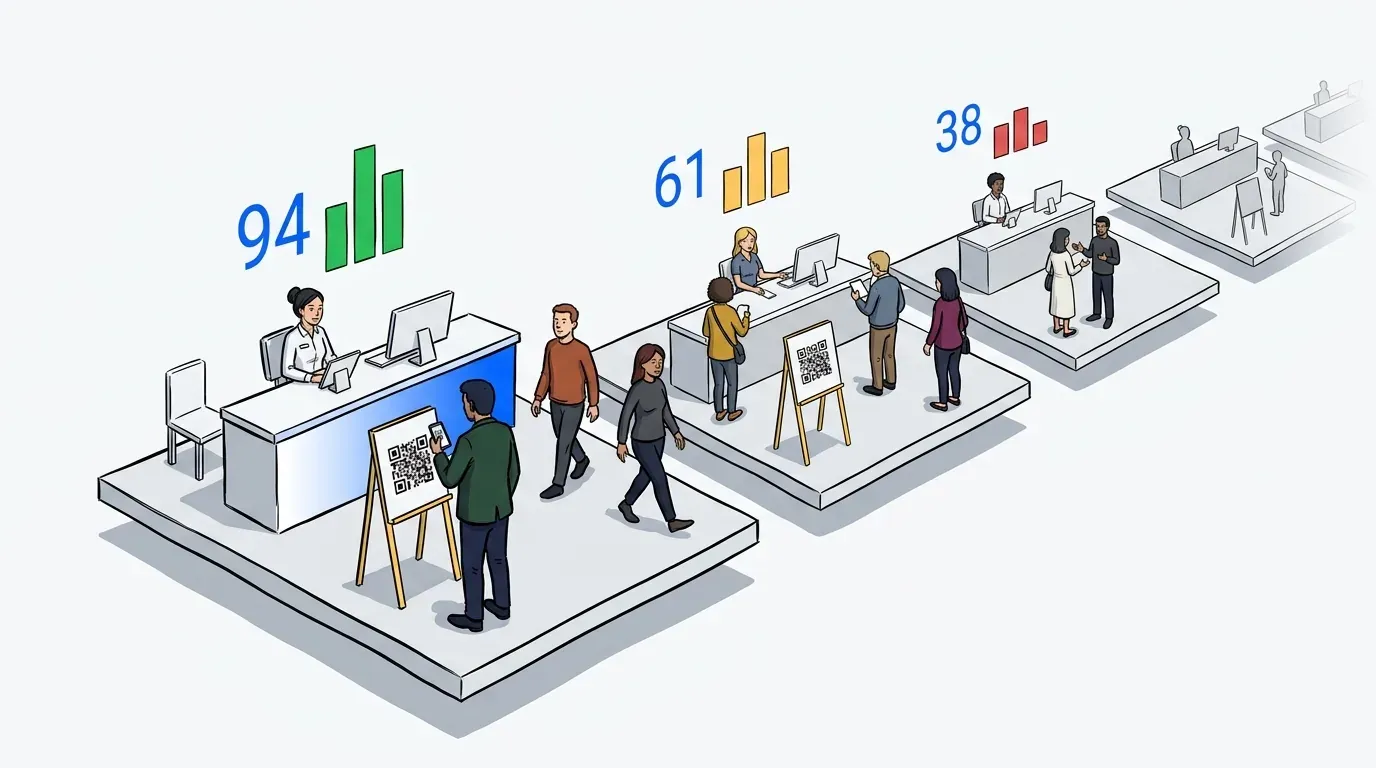
Compare every show on the same measures: guests served, how many stayed in line, leads captured and time guests spent with your brand while they waited. A show that filled your queue and held people’s attention has earned its place. A show with plenty of sign-ups but few guests served may not need a cut. It may need a bigger setup.
Engagement numbers carry real weight here. At Connect Marketplace, the Visit Anaheim gifting suite served over 900 hosted buyers. Guests spent more than 27 hours combined in its branded waiting room and tapped to preview their gift nearly 700 times. That is the kind of result that justifies a line in next year’s budget. The full story’s here.

Booth footprint and stations
The report charts sign-ups against guests served for every hour of the show. If sign-ups ran well ahead of service for most of the day, interest wasn’t the limit. Your stations were. That is a case for more demo stations or a bigger footprint.
If service kept pace and the booth still felt packed, more square feet may not help. A hybrid line might: a short visible line at the booth, with everyone else waiting by phone until it’s their turn. We’ve written about balancing the physical and virtual line.
Crew size
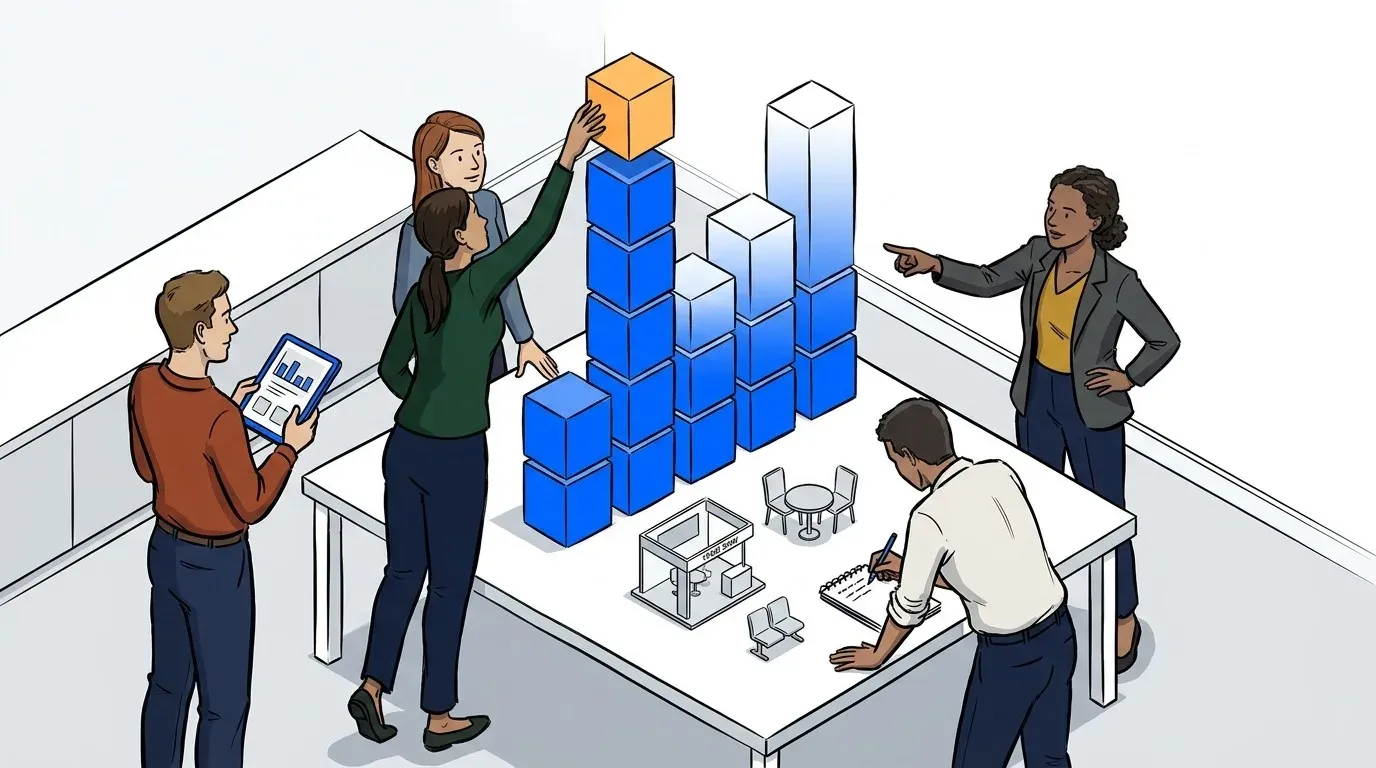
Hourly throughput shows how many guests your booth served in an hour, and the daily results show which days drew the most. Use both to plan headcount, and put your full crew on the strongest days. Tours work the same way. On LEGO’s five-city Build the Thrill tour, some stops topped 1,000 guests a day, so each stop’s history tells you what crew it needs. We’ve written about the roles an activation crew needs to cover.

For event teams, this is where virtual queue software for events earns its place in the budget. It runs the line on the day and hands you the numbers for the next plan.
Restaurants: put labor where the waits are
Labor is one of the biggest costs a restaurant controls, and wages keep rising. The Bureau of Labor Statistics tracks that every quarter in its Employment Cost Index. That makes every extra shift worth defending.
Your waitlist history shows which nights the host stand quoted long waits and which nights it didn’t. The day-of-week chart shows the shape of your week, and cancellations show the nights you lost parties to the wait. Add a host or server on the nights that need one, and trim the nights that don’t.

Keeping waiting guests changes the plan, too. Lou Malnati’s replaced pagers with NextMe across 15 locations and saved over $10,000 on hardware. It also kept more waiting diners, which extended its peak hours by 30 to 60 minutes. Here’s how they did it. We’ve also written about how a digital waitlist helps you seat more guests on busy nights.
Healthcare: plan cover for the months that spike
Walk-in clinics rarely see steady traffic across the year. Last year’s check-in data shows which months, days and hours brought the most patients, and how long they waited at those times. Plan front desk cover and extra provider hours to that pattern instead of spreading them evenly.
Look at waits as well as volume. If waits ran long at the same times every week, the desk was short at those times. A crowded lobby makes that worse. With a virtual waiting room, patients wait in the car or at home and get a text when it’s their turn. Mid City Pediatrics used NextMe this way, with patients waiting in their vehicles until a text called them in. The full story’s here.

NextMe is designed with patient privacy in mind. You can anonymize guest data and still keep the aggregate stats, like visits and wait times, that a budget plan needs. We’ve written about what holds up at peak hours in urgent care.
Retail: plan launches from last year’s biggest days
Retail budgets often turn on a few big days: a launch, a drop, a holiday weekend. Pull up last year’s. How many people joined, how many did you serve, and how fast? Those answers set the crew, the opening plan and the stock for the same day next year.
An organized wait also changes how much you sell. When KPOPMERCH ran its PPULBATU pop-up in Chicago, a virtual queue raised retail throughput by 28%. Here’s how they did it. We’ve also written about keeping retail customers calm during peak hours.
Set up this year so next year’s budget is easier
The data is only as good as what goes into it. A few habits now make next fall’s planning much faster:
- Run every guest through the waitlist. Include walk-ups your team adds by hand, so the counts are complete.
- Use separate queues for separate services. Demos, fittings or appointment types each get their own line, so you can see which one needs more.
- Keep locations and events separate. Each one gets its own numbers, so you can compare them side by side.
- Export after every event or season. Save the raw data while it’s fresh, so the comparison is ready when budgets open.
- Note what changed. A bigger booth, a new menu or a new provider explains a jump in next year’s numbers.

Bring last year’s numbers to the budget meeting
Budget season rewards the team that brings evidence. Your waitlist already recorded how many guests came, how many you served, how long they waited and how many gave up. Data-driven budget planning means putting those numbers in front of the decision: which shows to keep, how much space and staff to fund, and where demand went unserved.
See what NextMe analytics shows, or start a free trial and have this year’s numbers ready for next year’s budget.