
Case study
NextMe Helps SCDMV Maintain a Contactless Waiting and Check-In Experience
- increase in guest throughput
- 25%
Government
NextMe is a government waitlist app and queue management system that helps offices enhance operational efficiency, improve fairness, and keep a manageable, organized flow of visitors. Shorten lines and reduce the workload on your staff by allowing visitors to join a virtual waitlist for your services. The best part? NextMe can be used on any device and your visitors don’t need to download another app.


Visitors join your waitlist by phone, QR code, or a tablet at the door, then wait wherever they like instead of standing in line. Your lobby stays calm and your counters stay clear.

See everyone waiting, their estimated wait, and where they are in the queue at a glance. Set up service lanes for each kind of request, send an SMS update in one tap, and keep your team focused on the visitor in front of them.

When it’s time, the visitor gets an SMS to head to the counter. No crowded lobby, no line out the door, no one wondering if they’ve been forgotten.
Wait times may be inevitable, but they don’t need to be a drag on your operations. NextMe gives you all the tools you need to manage expectations and allow guests to wait for services without standing in line. Government offices that use NextMe often see a 30% increase in guest retention while freeing up staff to focus on other important tasks. Waitlist software doesn’t need to be clunky or overcomplicated, and we’re here to help you modernize your workflow in just a few easy steps.

At NextMe, we understand the unique challenges that government agencies face when trying to effectively serve customers. Communication is key and our waitlist solution gives you the power to set expectations and allow guests to monitor their position in real time. This reduces the likelihood of complaints and frustration among visitors who might otherwise feel their requests are being ignored or delayed without explanation. Here are just a few examples of how NextMe is being used in government settings:


Offer virtual queuing to reduce frustration and keep physical lines short. Empower guests to join the waitlist using self check-in and notify them conveniently via SMS text when it’s their turn. Guests can use their time more productively while staying connected to their place in line.

Reduce staff workloads by automating queue management. Balance scheduled bookings with walk-ins for better service coverage. Provide staff with real-time data to identify inefficiencies and adjust workflows.

Leverage our analytics dashboard to gain insights and optimize the delivery of your services. Monitor wait times, peak periods, and service outcomes to improve resource allocation. With NextMe, you get access to all the reporting tools you need to make more data-driven decisions.
Case study
Waitlist & Queue Management
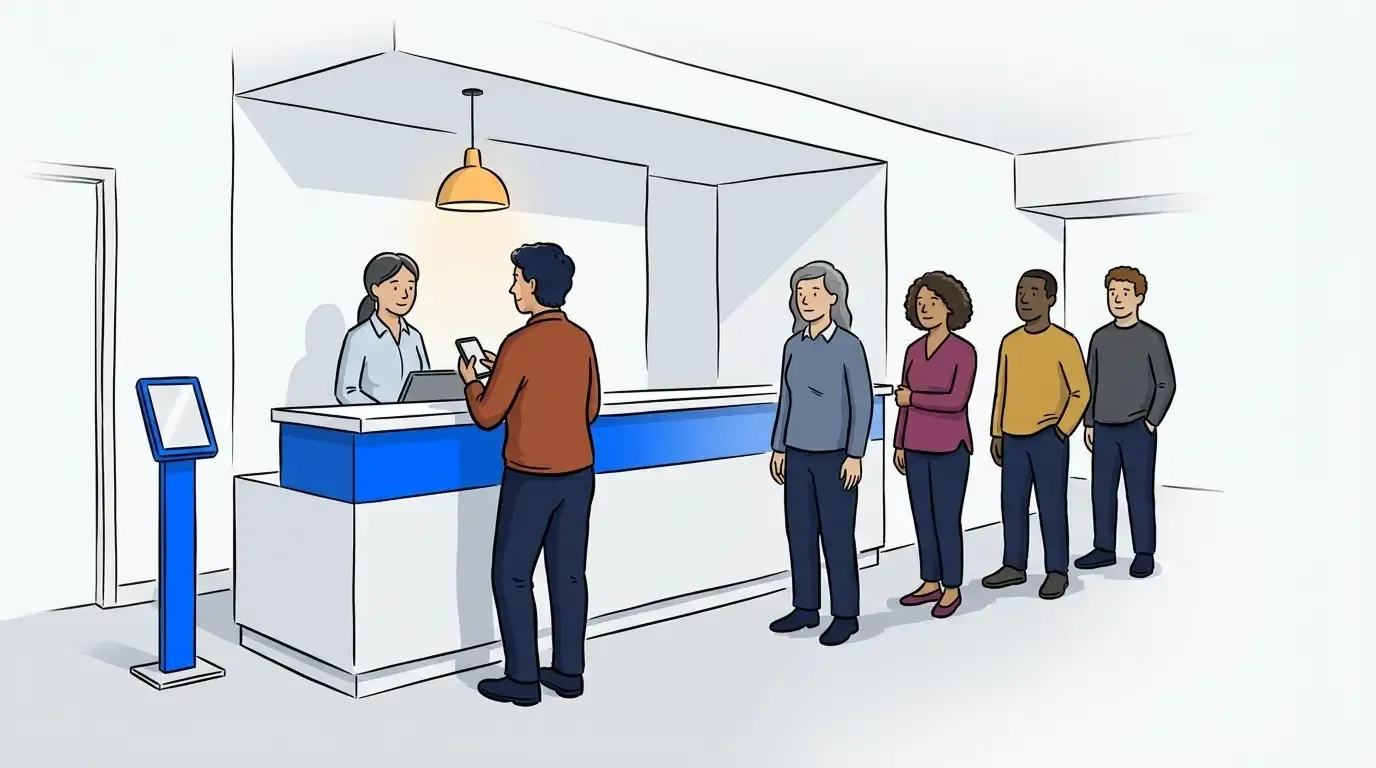
Why Government Offices and Schools Are Moving Away From QLess (And What to Use Instead)
Searching for a QLess alternative for your government office or school? See how NextMe handles queues from single offices to statewide DMVs.
June 30, 2026 · 4 min read
Waitlist & Queue Management
A Customer's Perspective on Waitlist Apps
DMVs, Dispensaries, Restaurants, and Vets are using NextME's self-check-in options and virtual waiting rooms to improve customer experience.
March 29, 2026 · 3 min read
Retail & Services
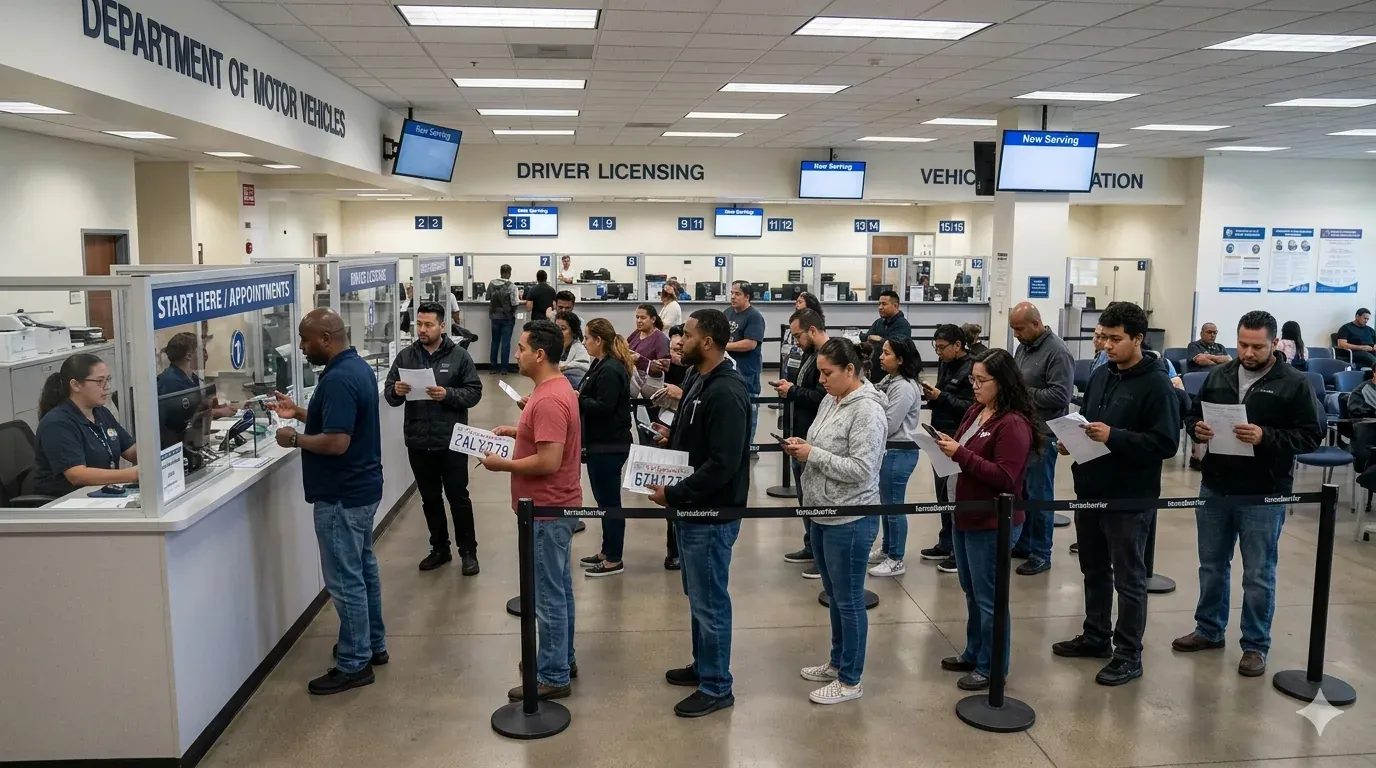
Virtual Waitlist System Helps DMVs Service More Guests
Using NextME, DMVs are standardizing their check-in policies while reducing phone call volume, no-show rates, and crowded waiting rooms.
May 7, 2026 · 3 min read

A government queue management system replaces the physical line at a public office with a managed waitlist. Visitors join by phone, QR code, or a tablet, track their place in line in real time, and get an SMS when it is their turn. Staff manage every service from one dashboard.
Any office where people wait to be served. NextMe is used in DMV offices, permit and licensing offices, public health services, courthouses, and public utilities.
Yes. Visitors check their position and estimated wait on your virtual waiting room in real time. When people can see the line moving, they are less likely to feel ignored or to complain.
Yes. You can balance scheduled bookings with walk-ins in one queue for better service coverage. Staff see everyone in one place, whether they booked ahead or just walked in.
The analytics dashboard tracks wait times, peak periods, and service outcomes. Use it to plan staffing, improve resource allocation, and make more data-driven decisions about your services.
We can seamlessly transition you to NextMe and import your existing QLess data. Compare NextMe and QLess
Try NextMe free for 14 days or book a demo with one of our onboarding specialists.