Analytics
Analytics insights to help your business thrive
Unlock the power of waitlist analytics! The data you capture with NextMe will help you understand your customer flow like never before. Review peak hours, customer retention rates, average wait times, and much more in your very own data dashboard. Easily export your guest list and integrate it with other tools in your technology suite. With NextMe, data-informed decisions are at your fingertips.

How NextMe analytics works
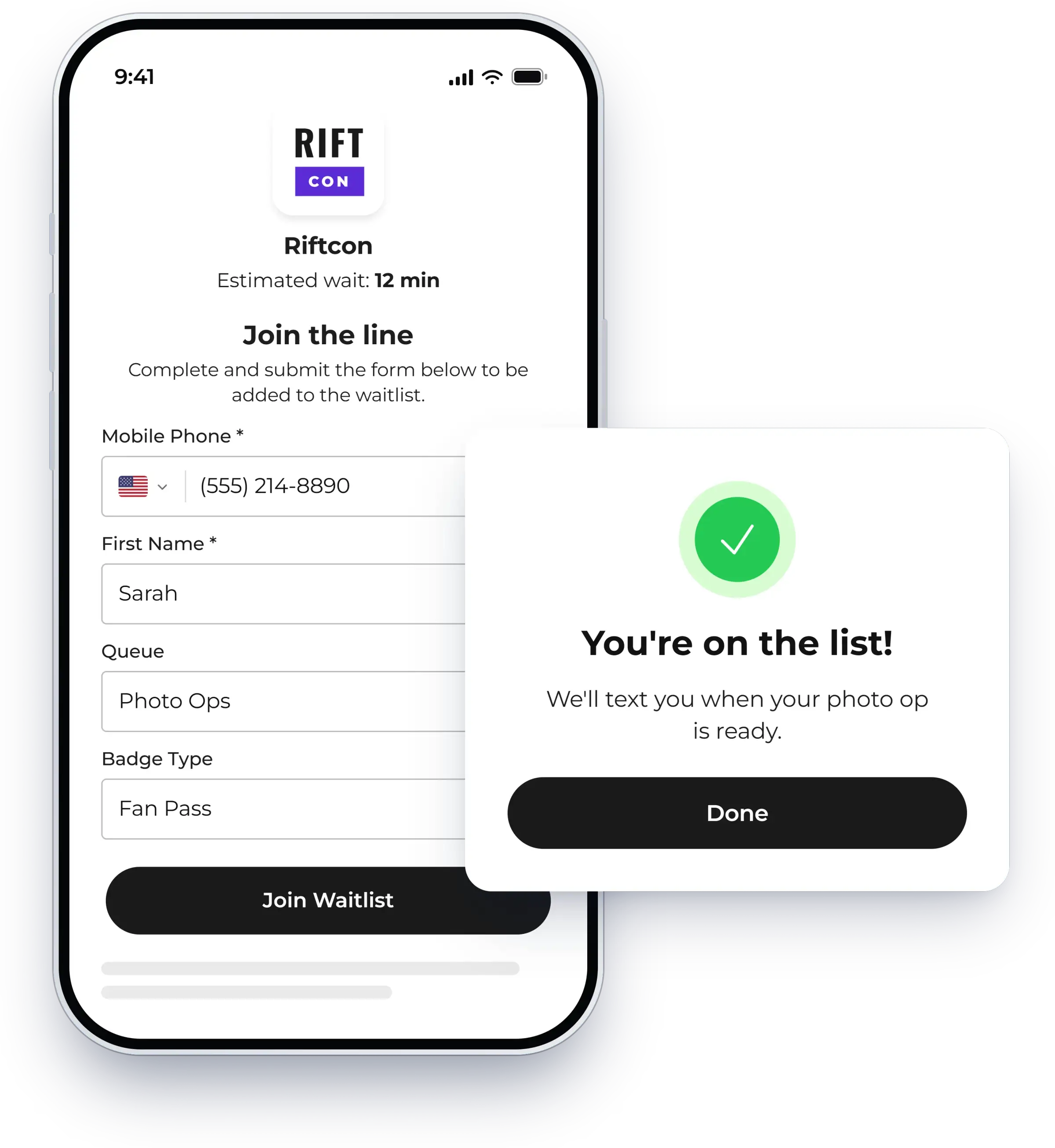
Capture data with every visit
Every guest who joins your waitlist adds to your data, whether they check in themselves or your team adds them. There is no separate intake step and nothing to reconcile by hand.
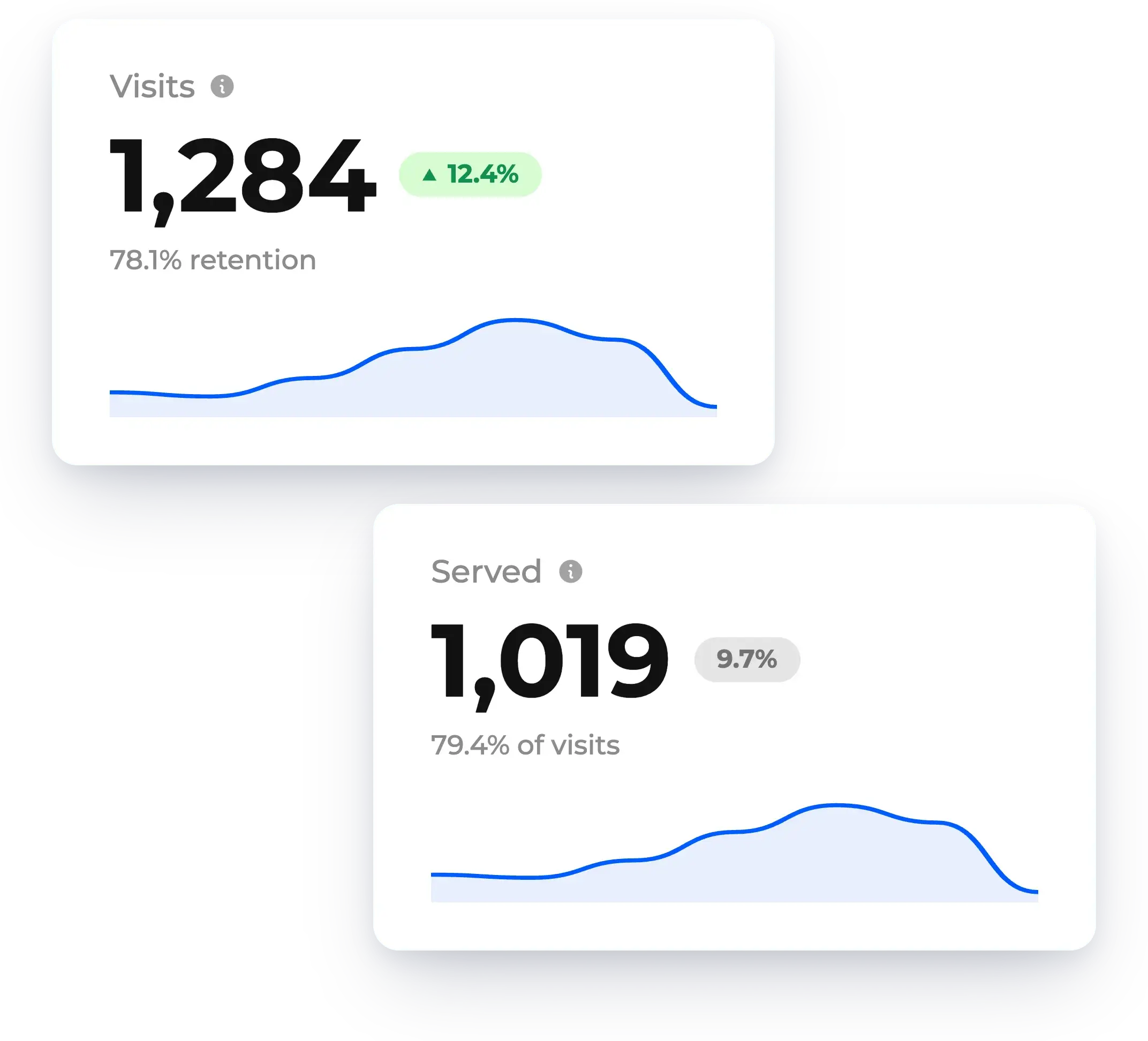
Review it in your dashboard
See guest traffic, wait times, and retention in one place. Filter by location and date range to spot your peak hours and compare how each site is doing.
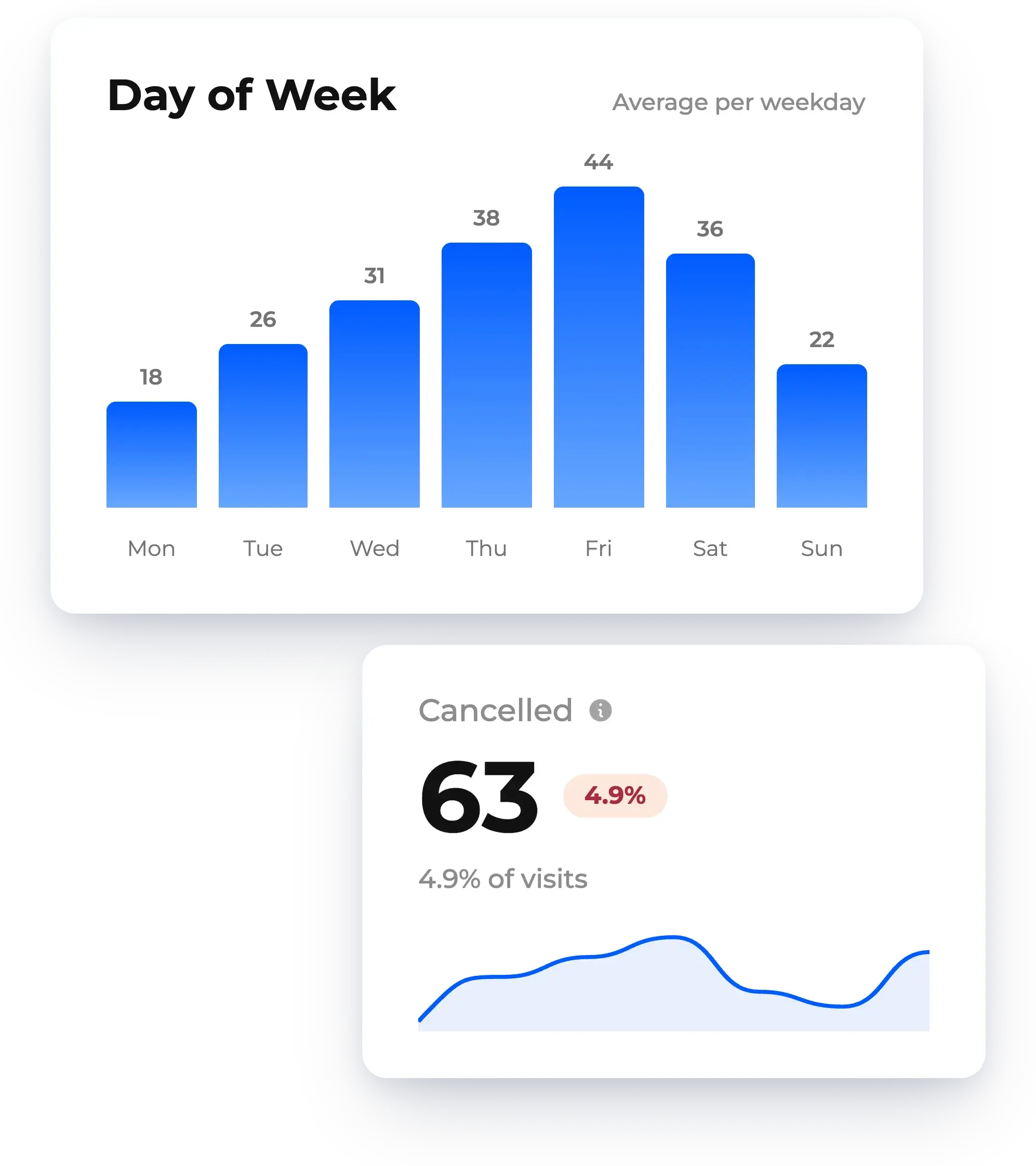
Make data-informed decisions
Staff for your busiest days, set better wait time expectations, and plan your next event or season around what the numbers show.


Everything you need to understand your customer flow

Analytics dashboard
Access your latest stats in one convenient place. Easily filter by location and date range.

Data exports
Download your raw data in CSV or Excel format for further analysis or integration with other tools.

Flexible privacy controls
Anonymize your data to protect the privacy of your guests. Stay compliant while retaining access to aggregate stats.
Case studies
All case studies
Events
How NextMe Enhanced The Mom Project’s Career Fair Experience
Learn how NextMe helped an in-demand career fair achieve zero lines. The Mom Project drew hundreds of moms (and dads!) across San Francisco.

Events
NextMe Partners with Magic Leap to Manage Crowds at CES
NextMe helped Magic Leap enhance the attendee experience at CES by streamlining the waitlist, reducing wait times, and boosting attendee satisfaction.
Events
NextMe Enhances Biostrap's Presence at Paleo f(x)™ Conference
Learn how NextMe helped increase 1:1 consultation times between Biostrap reps and attendees at the Paleo f(x)™ conference.
Frequently asked questions

What is waitlist analytics?
Waitlist analytics is the data your waitlist captures about every guest who joins it. NextMe turns it into a dashboard of peak hours, customer retention rates, average wait times, and more. It helps you understand your customer flow and make data-informed decisions.
What can we see in the analytics dashboard?
Your latest stats in one place, including peak hours, customer retention rates, and average wait times. You can filter by location and date range to compare sites or look back at a busy stretch.
Can we export our data?
Yes. Download your raw data in CSV or Excel format for further analysis. You can also export your guest list to use with other tools, such as your CRM or customer engagement software.
How does NextMe protect guest privacy?
You can anonymize your data to protect the privacy of your guests. You stay compliant while still keeping access to aggregate stats like visits and wait times.
How can analytics help with staffing?
Your dashboard shows when guest traffic peaks and how long people wait. Use it to staff for your busiest hours and improve your processes over time.
Ready to get started with waitlist analytics?
Try NextMe free for 14 days or book a demo with one of our onboarding specialists.