Most urgent care software gets chosen on a quiet day. The demo runs against a queue of a few patients, you ask reasonable questions, and you get reasonable answers. Nothing in that conversation tells you what happens when 20 people are in the room and 3 more just walked in.
That gap is the problem with how an urgent care waitlist app usually gets evaluated. The features work. What varies between tools is how they hold up once arrivals triple and your front desk has no attention left to spend on software.
This guide skips the feature checklist. It covers three things worth testing instead: how a tool behaves during a surge, what an opaque wait costs when another clinic sits 4 minutes away, and how to compare sites if you run more than one.
What an urgent care waitlist app actually needs to do
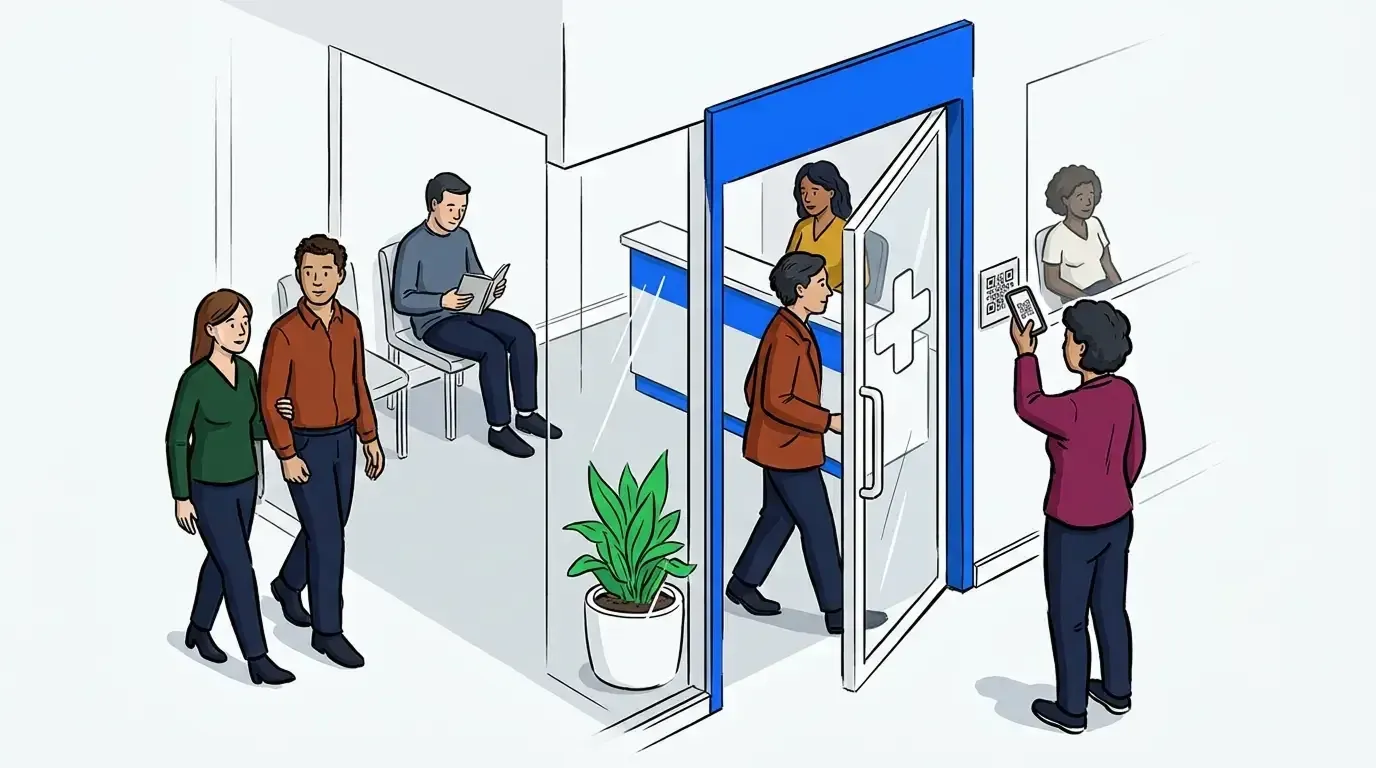
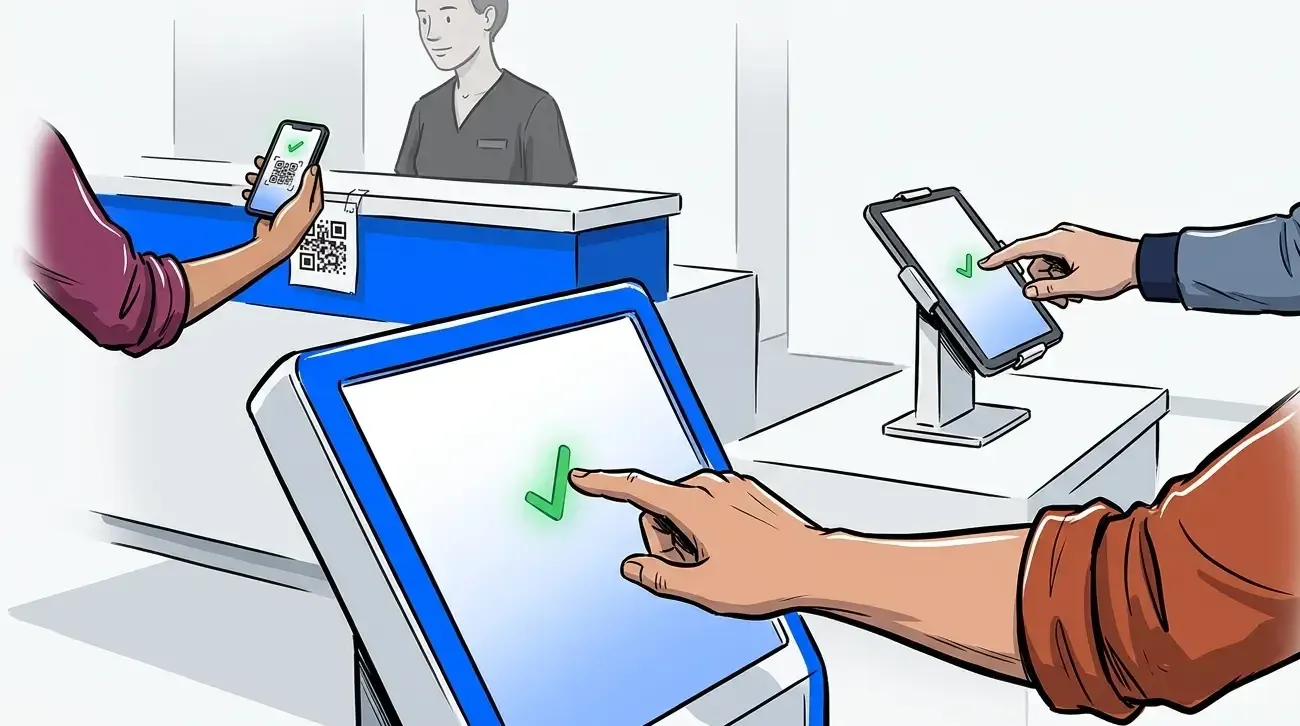
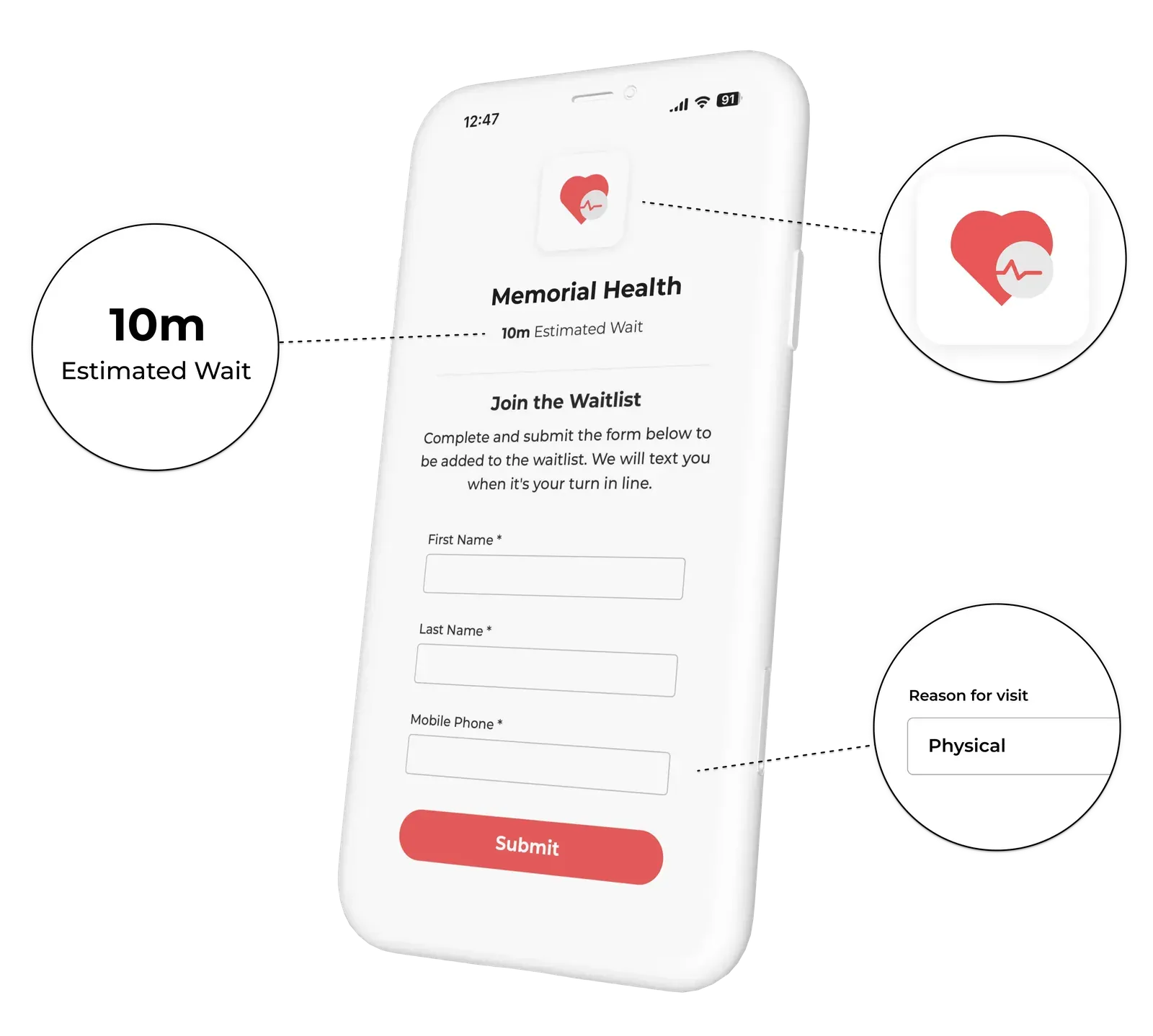
An urgent care waitlist app is a digital queue that captures walk-in arrivals and tracks how long each patient has waited. Patients join at the door, either through self check-in on their own phone or with help from the front desk. Staff see the whole queue on one screen. Patients get text updates and can wait outside the lobby. The difference from a general clinic tool is load, not features.
A primary care office has an appointment book, and that book spreads demand across the day. Urgent cares have no such buffer. Every arrival lands on the queue as it comes. That one structural difference explains a lot. A tool that works beautifully at a booked practice can still buckle when a week of arrivals shows up in one afternoon.
Evaluating for a general clinic instead? Our guide to waitlist apps for walk-in clinics covers the standard feature criteria. The broader healthcare waitlist software buyer’s guide works through vendor evaluation across clinic types.
Surge is the operating condition, not the exception
School lets out. An office closes early. A bug moves through town. The causes vary, but the shape doesn’t: arrivals cluster, and the queue absorbs all of it at once.
Ask a vendor how the system handles a rush and you’ll usually hear about uptime. That’s the wrong question. Servers rarely fail, but front desks get overwhelmed.
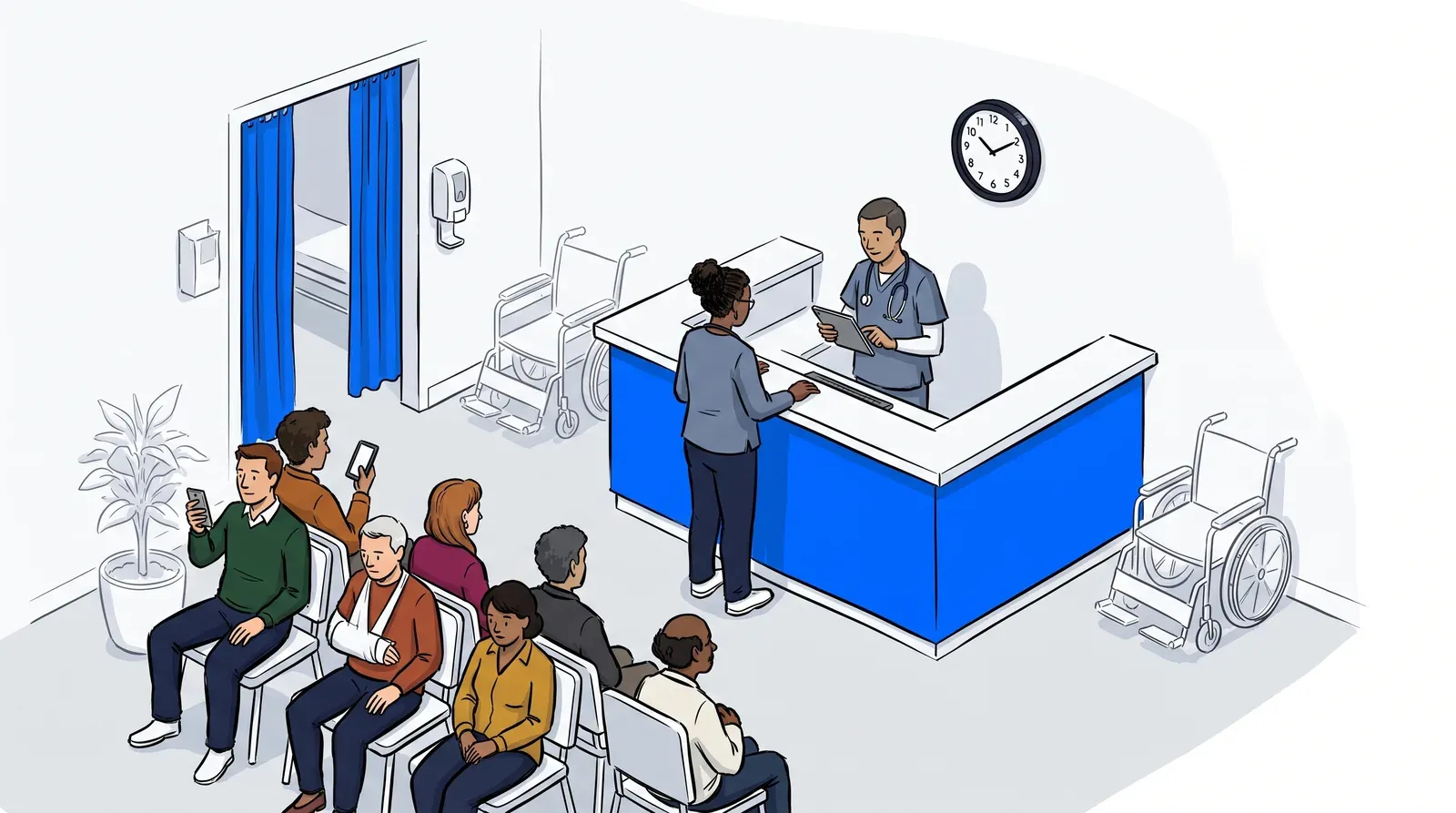
The real question is what your staff does differently when 22 people are waiting instead of 6. If the answer is more clicks per patient, the tool will fail you during a surge. Every extra step multiplies across everyone in the room. A busy lobby is exactly where your team has the least attention to spare.
Watch for a few specific behaviors during a demo. Can one person add a patient without leaving the queue view? Can staff notify several patients in a single action? Does the wait estimate update on its own, or does someone maintain it by hand?
That last one matters more than it sounds. Staff stop updating an estimate the moment the lobby fills up. Patients notice, and they stop trusting every estimate after that one.
Questions that expose how a tool handles a rush
- How many taps does it take to check in one walk-in patient?
- Can staff message a group of waiting patients in one action?
- What happens to the estimated wait when 10 people join in 15 minutes?
- Can staff move a patient up the queue without disrupting what everyone else sees?
Setup speed matters here too. A tool you can stand up in an afternoon gets configured before your busy season starts. Our walkthrough of contactless patient check-in covers what a working arrival flow requires. The comparison of scheduling software and a patient queue system is worth reading if you think your calendar tool already handles this. It almost certainly doesn’t.
What an opaque wait costs when the next clinic is 4 minutes away
At a primary care practice, a frustrated patient reschedules. At an urgent care, they leave. They drive to another clinic that takes the same insurance and sits a few minutes away. The visit isn’t deferred, it’s transferred.
That changes the math on wait transparency. You’re not buying a nicer experience. You’re protecting revenue with a very short path to a competitor. Patients make that call within the first few minutes in your lobby.
Wait times are under real pressure across the sector. MGMA reported that close to a quarter of medical practice leaders saw wait times worsen in 2024. Most of them were actively working on the problem at the time. Capacity is rarely the constraint, and the real constraint is visibility.
A virtual waiting room changes the decision a patient is making. Someone in a full lobby with no information is weighing whether to stay. Someone in their car with a queue position and a text on the way is just waiting. The wait is the same length, but the decision isn’t.
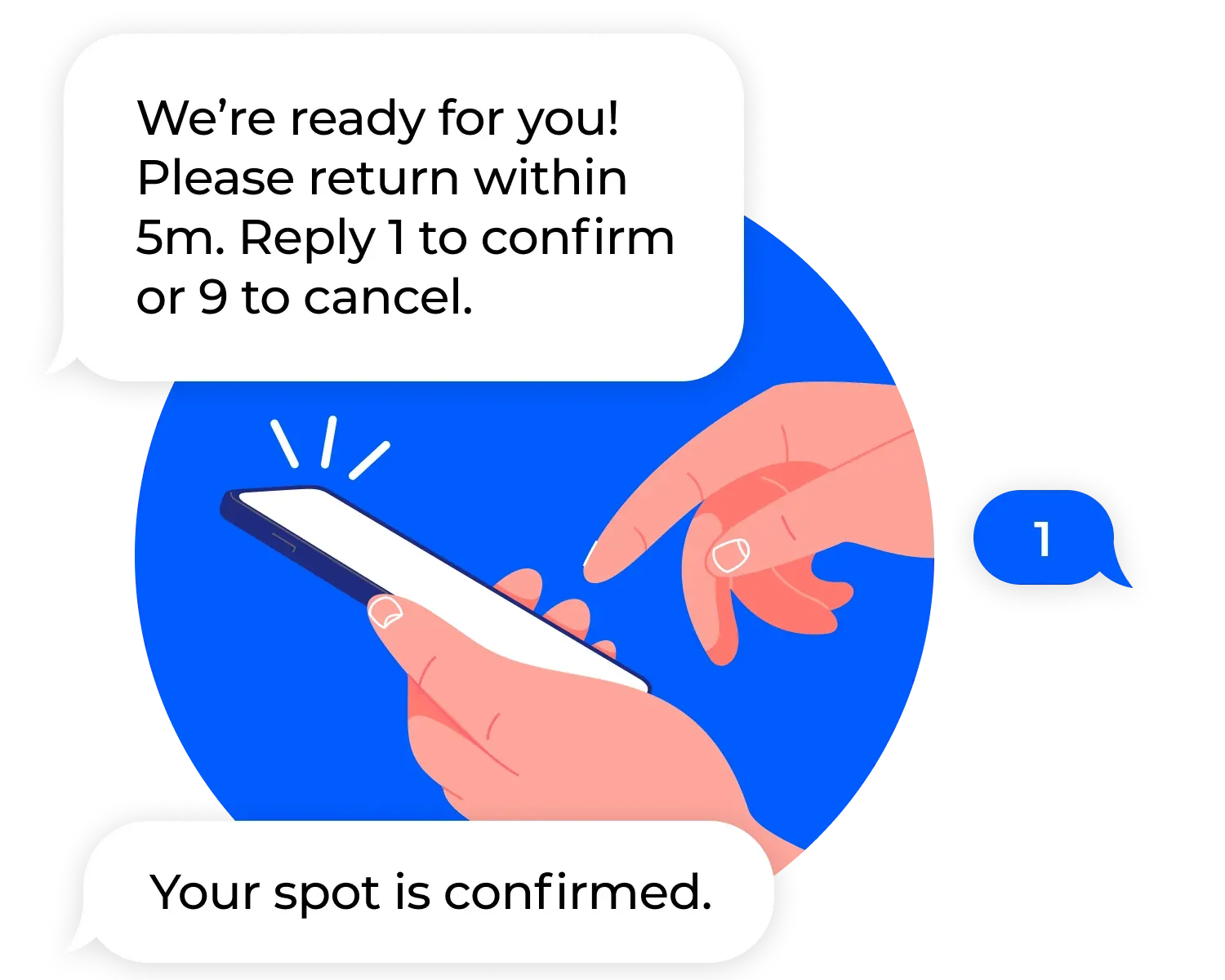
Two-way messaging tightens it further. NextMe texts patients when their turn approaches. They reply 1 to confirm or 9 to cancel. Staff learn who’s still coming before calling a name into an empty room.
Mid City Pediatrics moved patient flow into a live queue and eased crowding in its waiting area. Families now hold their place without sitting in a full lobby. The full story covers how the front desk workflow changed alongside it.
Comparing the same numbers across every location
Plenty of urgent care operators run more than one site. This is where evaluations tend to go thin. Vendors demo per-location settings readily enough, but they rarely demo cross-location comparison.
If you oversee several clinics, you need the same wait metric at every one, calculated the same way. Otherwise one site logs arrival time at the door while another logs it at registration. The gap between those two numbers tells you nothing.
Ask what each location controls on its own, such as hours, capacity and intake fields. Then ask what stays identical everywhere. Wait time calculation and the guest-facing flow both belong in that second group. You want local control over operations and central consistency over measurement. Some tools only offer one.
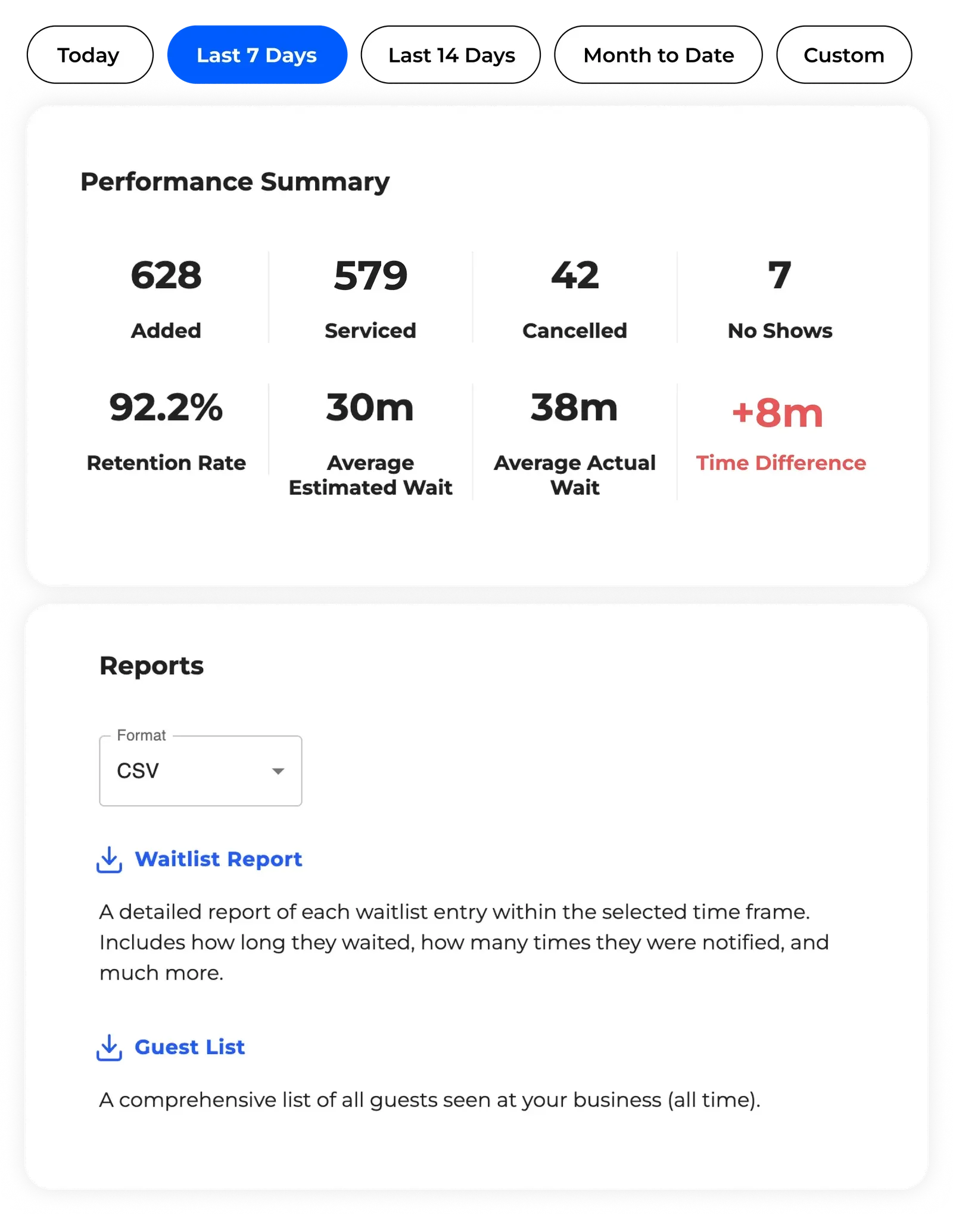
Analytics turns that into a staffing decision. Knowing one site runs 18 minutes longer than another on Saturday mornings is useful. Knowing it every Saturday is what lets you move a provider.
Choosing for your worst hour
A queue problem differs from most operational problems in one way. You can pull a staff member from another station mid-rush. You can’t stand up a queue system while 20 people are already waiting. Whatever you configured before the surge is what you’re running.
Decide now rather than in February. Evaluate against your worst hour, not your average Tuesday. Ask every vendor what happens to their system at 3 times normal arrival volume. The ones that answer that well are worth your time.
NextMe’s waitlist app for healthcare is built for clinics that can’t predict who walks through the door next.