Event organizers hear it in almost every conversation about virtual queuing: won’t this just get rid of my line entirely? For a lot of operators, that sounds like a problem, not a benefit. A visible line at your booth, festival gate, or product drop is proof that people want in, and nobody wants to trade that energy for an empty entrance.
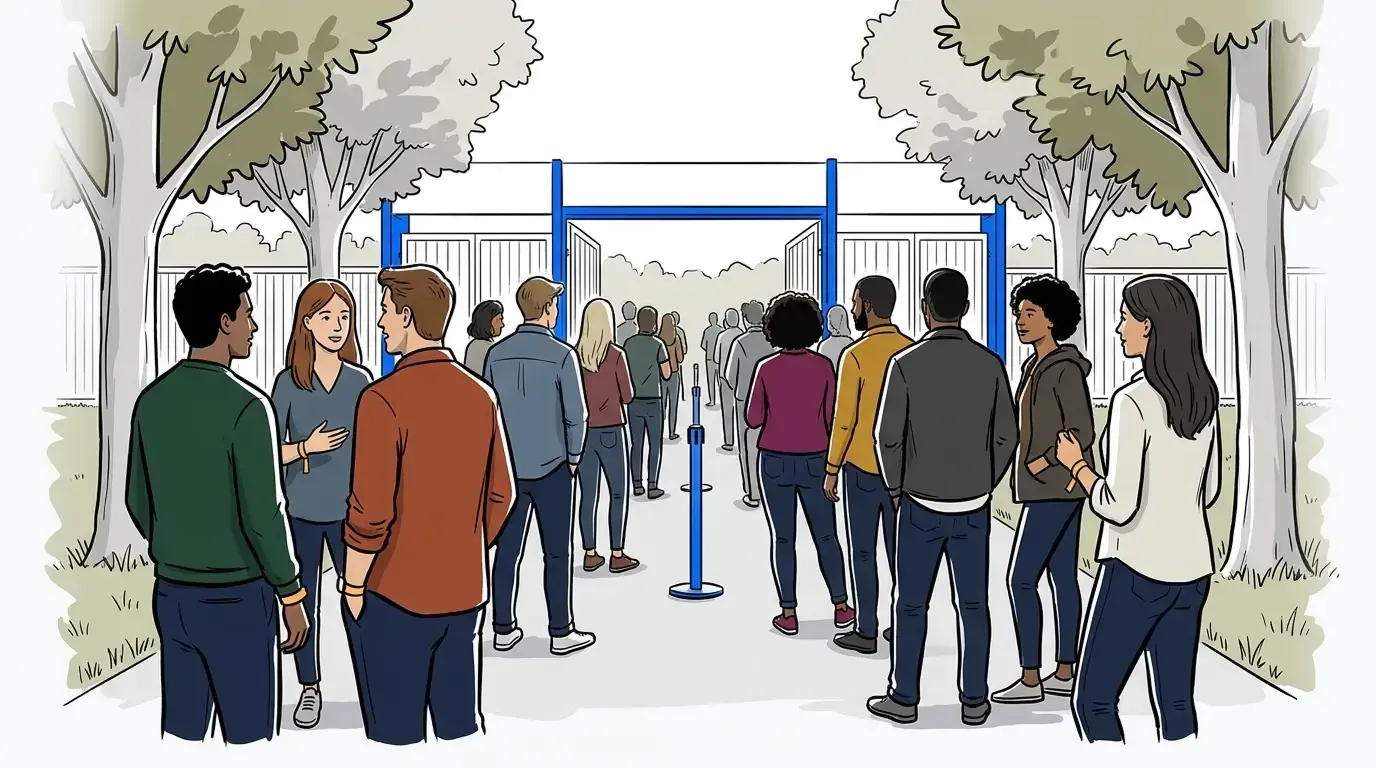
That fear misunderstands what a virtual queue actually does. Learning how to manage event crowds without losing that visible demand starts with a simple shift: NextMe runs a hybrid queue, part physical, part virtual, and you control the split. It does not erase your line, it gives you a dial for it. You decide how long the physical queue gets before the rest of the crowd shifts into a virtual one, so the buzz stays intact and the overflow stays manageable.
This post breaks down what that control looks like in practice: how it works as a safety valve when demand outpaces your space or staff, and how the same mechanic lets you serve more guests without adding headcount.
Why eliminating the line is the wrong goal
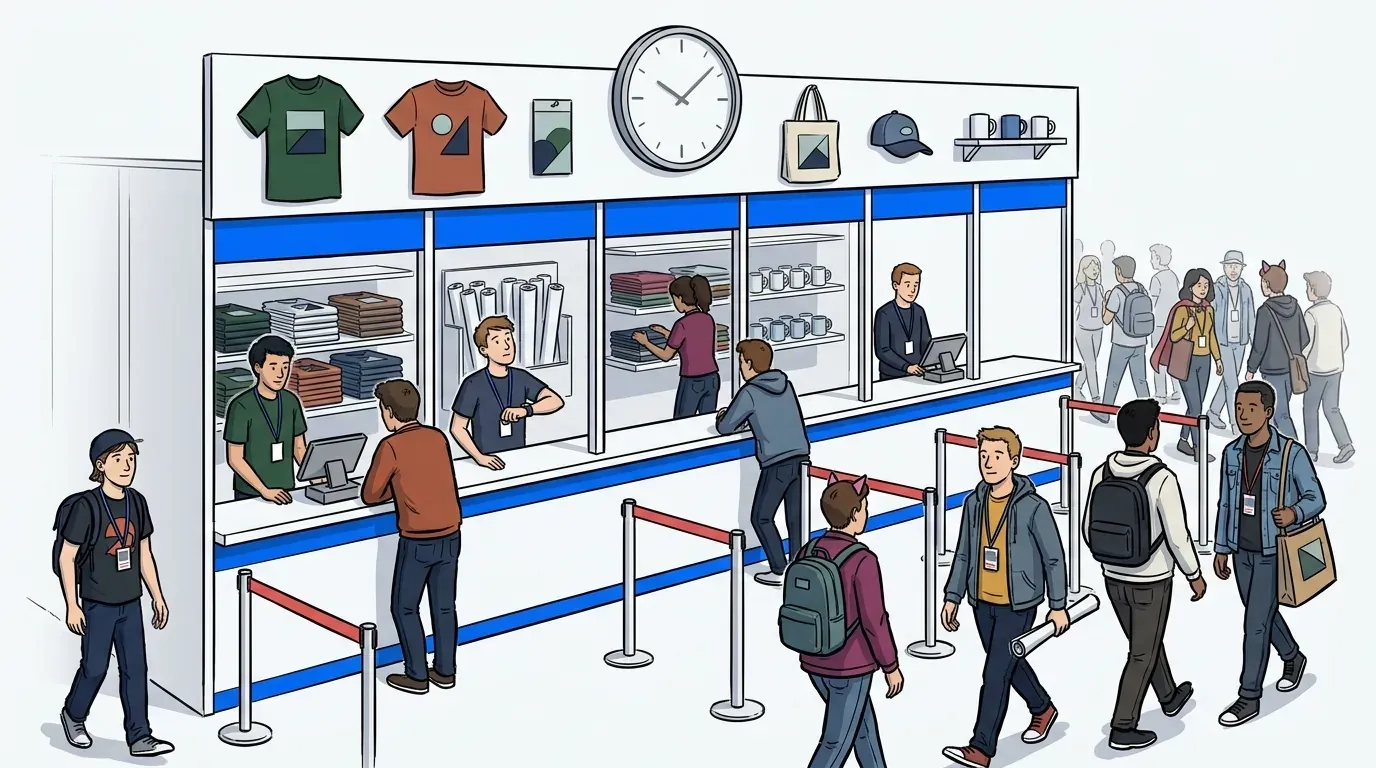
A physical line is not the problem event organizers think it is. It signals demand, builds anticipation, and tells every passerby that something is worth waiting for. The real problem is an unmanaged line, one that grows past what your space, staff, or fire code can safely hold, with no visibility into when it will move. NextMe’s job is to keep the line in that first category and stop it from ever sliding into the second.
Most vendors in this space lead with removal: scan a code and the line disappears. That pitch sounds appealing until an operator remembers that a disappearing line also means a harder-to-read room. Guests wandering unsupervised near a high-demand activation are not automatically calmer than guests standing in a visible queue. They are just less visible to your staff.
How NextMe puts a dial on your line instead of an eraser
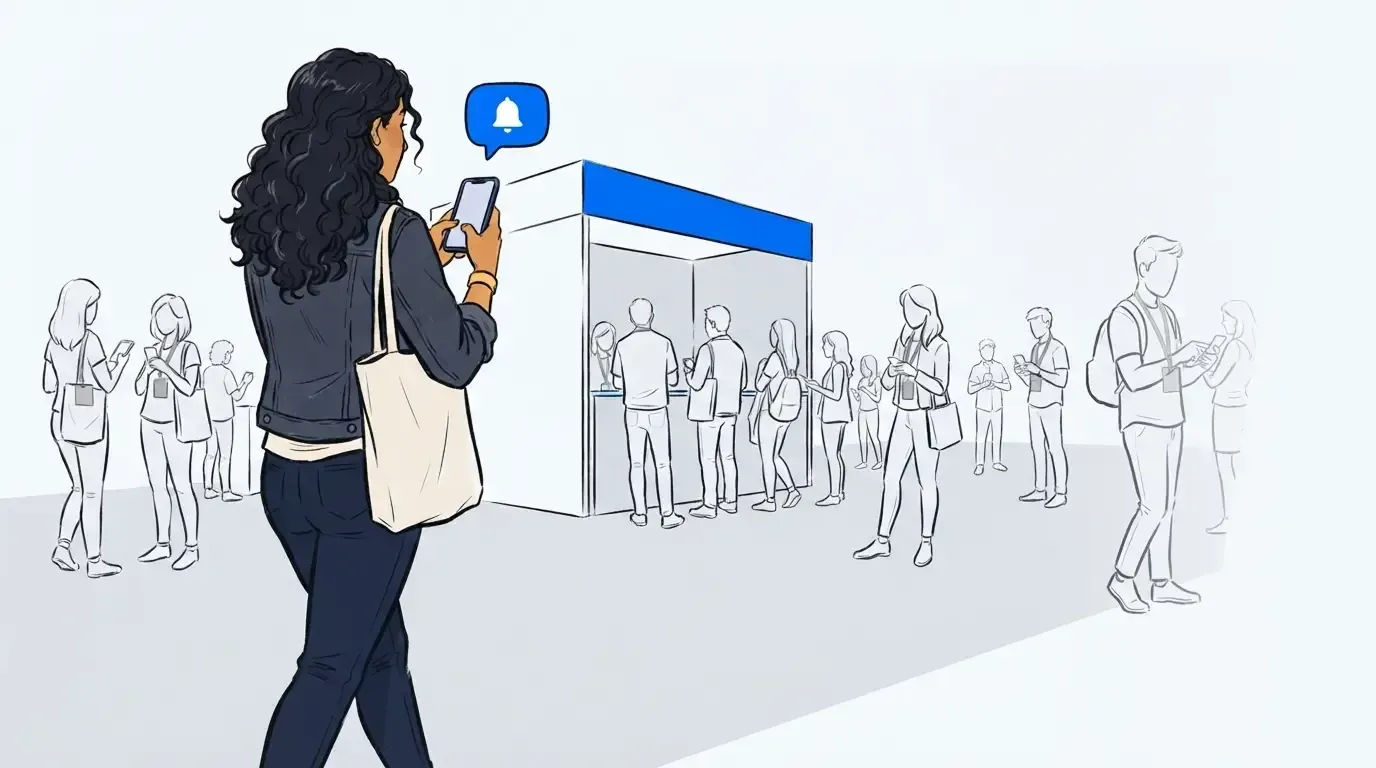
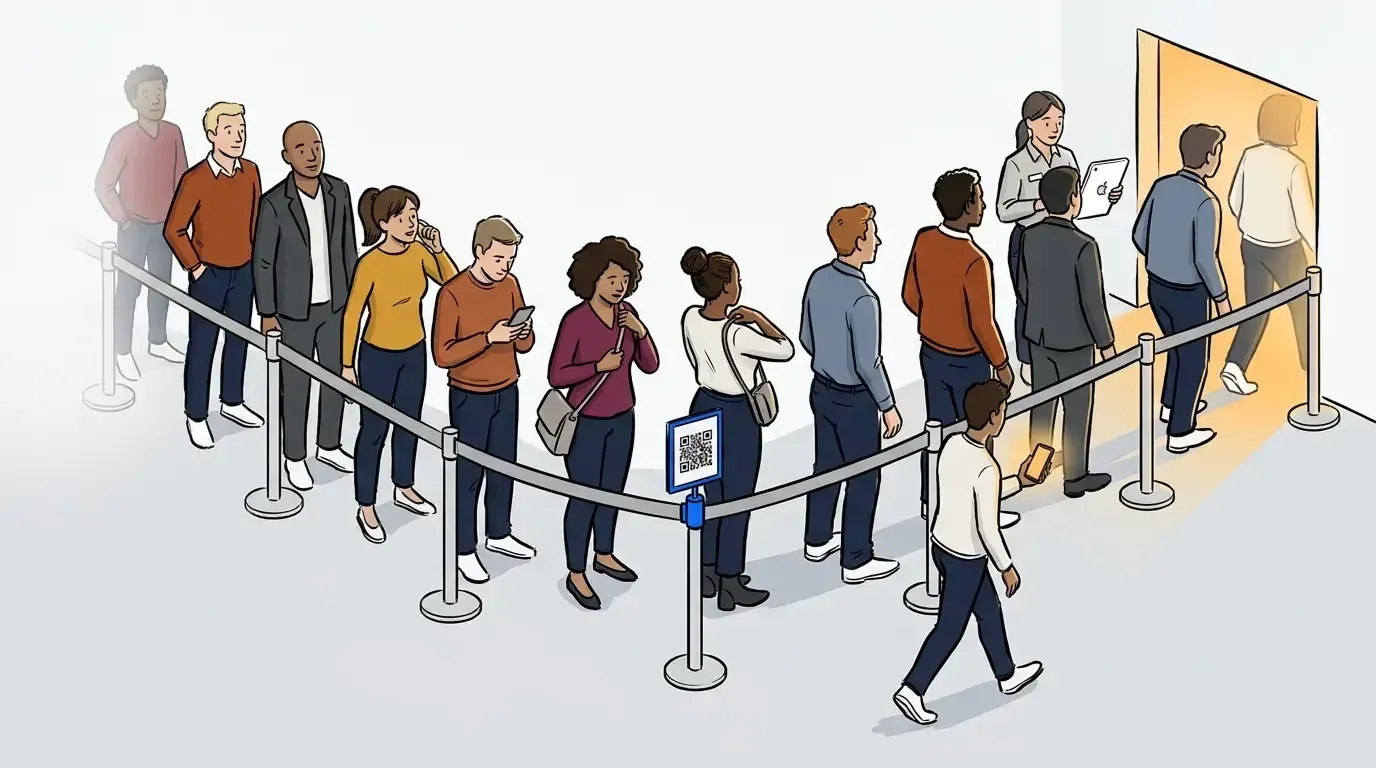
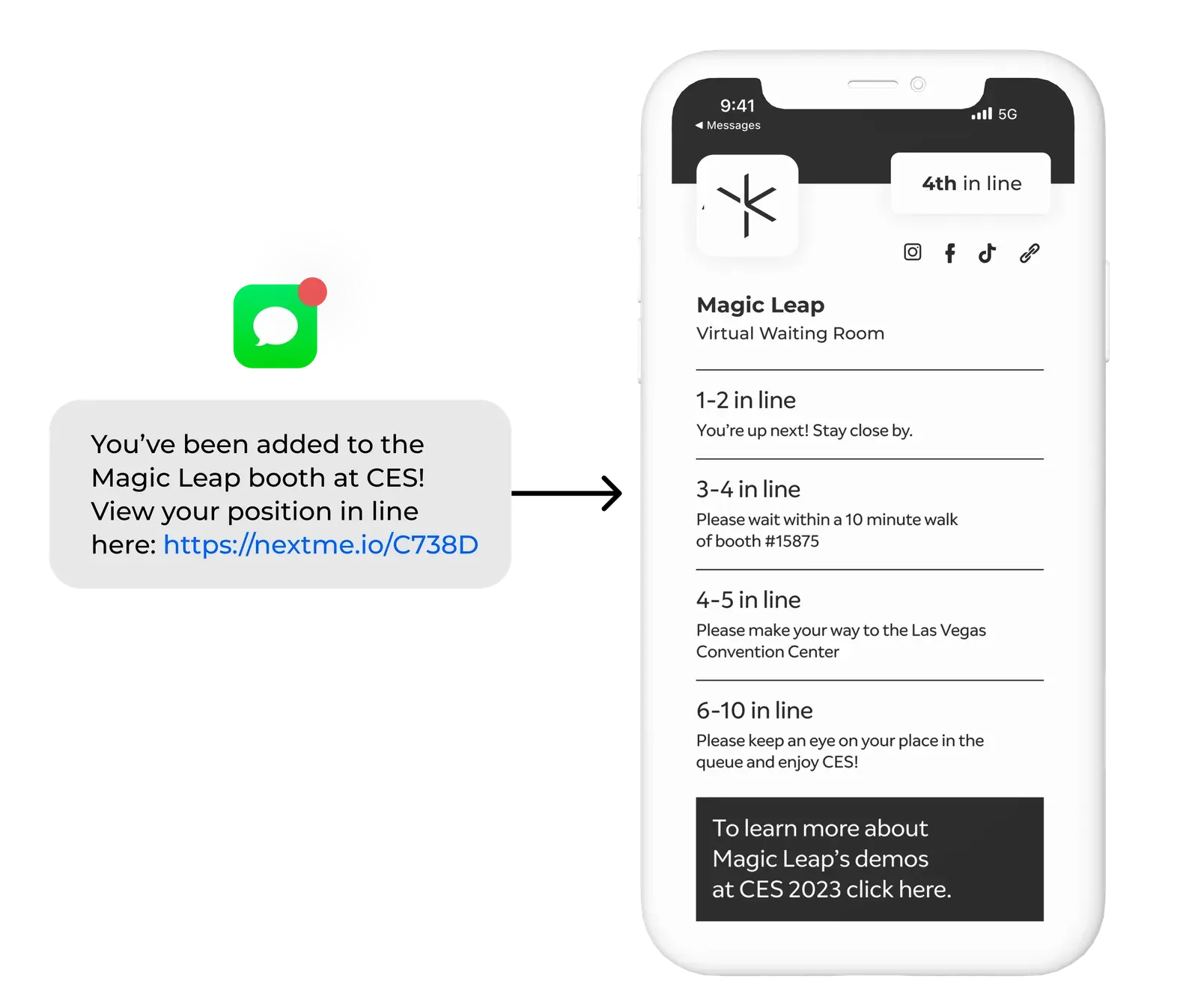
NextMe’s virtual queue works by capping how many guests wait in the physical line at any moment. Once that cap is hit, new arrivals join through self check-in, whether that’s a QR scan, a tablet, or a link, and get a position number and an estimated return time by text. From there they can browse, eat, or spend time in NextMe’s virtual waiting room while the physical line in front of your activation stays at whatever size you set.
That threshold is entirely yours to move. A brand activation trying to project heavy demand on day one might run a longer visible line with a thin virtual overflow. The same activation on a packed Saturday might flip that ratio the other way. Nothing about the mechanism forces either choice. For the fundamentals of how this fits into a broader crowd plan, our complete guide to event crowd flow management covers the full picture.
Treat it as a safety valve, not just a courtesy
Every event reaches a point where demand outruns what the space, staff, or fire code can absorb. A visible-line-only strategy breaks down right there, because a line has no ceiling of its own. It keeps growing until a fire marshal, a venue manager, or an angry guest forces the issue. The Event Safety Alliance’s ANSI ES1.9 standard draws a useful distinction here: crowd management is the ongoing set of decisions that keep a crowd safe and moving, not the after-the-fact scramble of crowd control once it already has.
NextMe’s cap-and-overflow model gives operators that release point before things become an emergency. When NCompass International ran the Adult Swim Festival on NextMe, the physical wait at the festival’s busiest activation stayed real and visible, but the queue kept it up to three hours shorter than it would have run uncontrolled, while the rest of the crowd engaged with branded content instead of standing in the sun. The line still existed. It just never became a liability.
For a deeper look at capacity thresholds and building this into your event safety plan, see our guide to event capacity management software as a venue safety net, built for organizers thinking through compliance and floor-wide visibility.
Turn a controlled pace into more guests served, not fewer
A managed line does more than protect the guest experience. It changes what your existing staff can actually get through in a day. A crowd that surges and stalls forces staff to sprint during spikes and stand idle during lulls, and both modes waste labor. A steady, predictable pace lets the same headcount process more people, because nobody is sprinting to catch up.
F1 Arcade saw this directly at its Miami Grand Prix racing simulator activation. NextMe’s virtual queue and virtual waiting room managed hundreds of guests through the experience and serviced them with near-zero abandonment at close, a pace the on-site team could sustain start to finish. Octagon ran a similar model across 25 US cities for BMW’s Ultimate Driving Experience test-drive tour: the same crew size completed more test drives per stop and cut walkaways, because the SMS-based virtual waiting room kept arrivals spaced out instead of dumping them all on the check-in table at once.
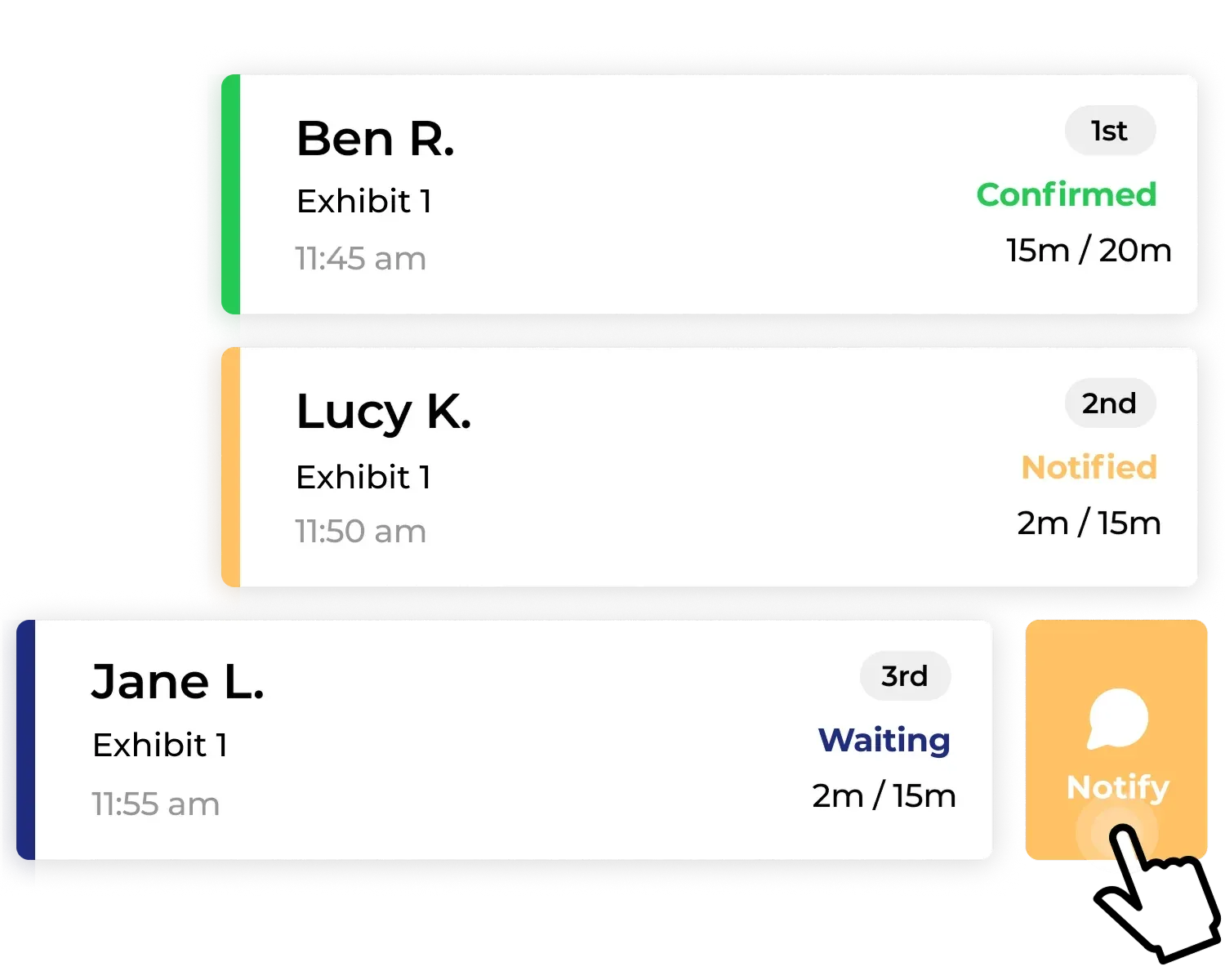
None of this requires more staff. It requires a queue that tells your team exactly how many guests are waiting and when to call the next one forward, instead of eyeballing a physical line and guessing.
What this means for your next event
The line at your event is not the enemy. An unmanaged line is. NextMe does not take away the visible demand that makes your activation look worth waiting for, it puts a ceiling on it, gives you a release valve before things get unsafe, and turns a stop-and-go crowd into a steady one your staff can actually keep up with.
If you are planning your next activation, booth, or festival gate, see what controlled queue and crowd management for events looks like with NextMe.