Saturday afternoon in a busy clothing store. Three staff members are tied up with customers, a line has formed at the service counter, and two more shoppers are hovering near the entrance, unsure whether to commit or leave. That moment of hesitation is where revenue goes missing.
Peak hours are the most important windows in a retailer’s week. They’re also the most fragile. Without a system to manage the queue, the busiest periods become the ones most likely to drive customers away. A retail queue management system changes that by giving customers a predictable wait, giving staff visibility into demand, and keeping the floor in control even when it’s at full capacity.
This guide covers how retail queue management works, what to look for in a system, and how retailers are using digital queues to turn peak hours into their most reliable revenue periods instead of their most stressful ones.
What is a retail queue management system?
A retail queue management system is software that organizes and tracks customer wait times at a retail service point, such as a sales counter, fitting room, consultation desk, or repair intake area. Instead of customers forming a physical line or guessing how long they’ll wait, the system assigns them a place in a digital queue and sends SMS updates when their turn is approaching.
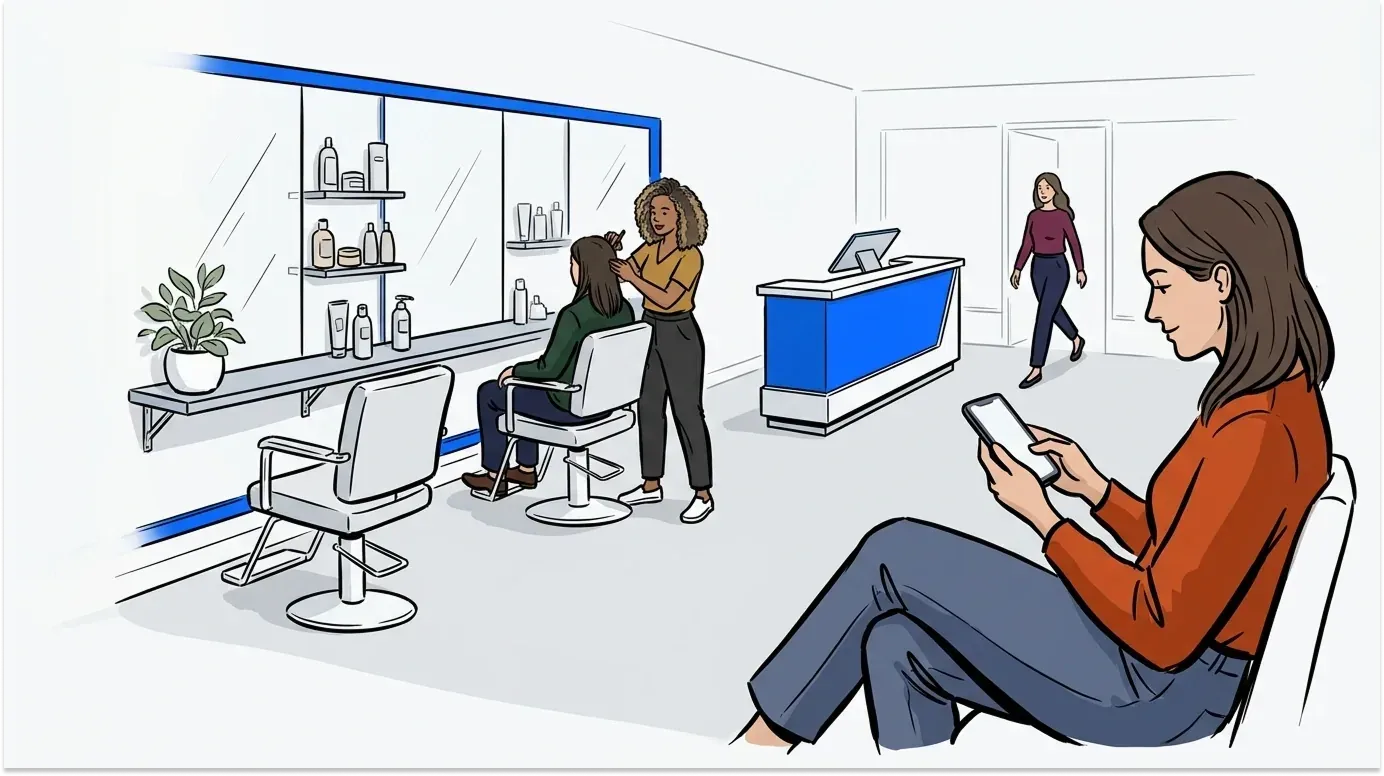
The core components are a digital check-in method (QR code, kiosk, or staff-assisted entry), a queue dashboard for staff, and an automated SMS notification flow that keeps customers informed while they browse, wait in their vehicle, or step outside. The result is a managed, transparent wait rather than an uncontrolled pile-up.
Why peak hours break unmanaged queues
Most retail businesses manage low-traffic periods just fine. It’s the peak window that exposes the gap between what a team can handle and what demand requires.
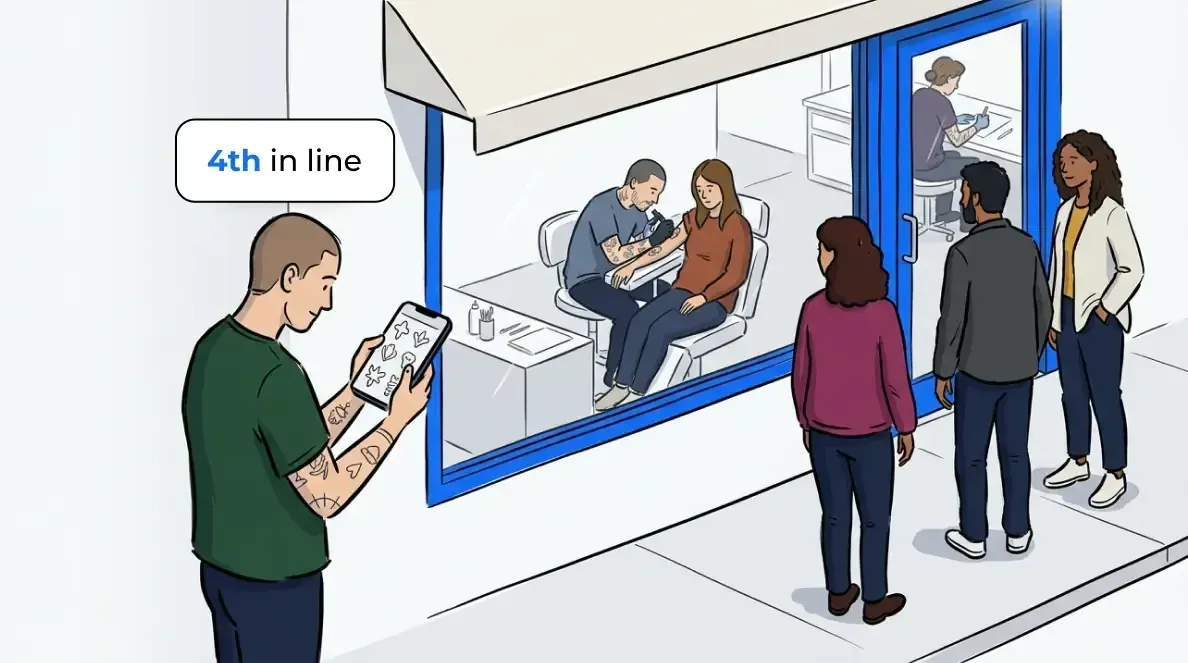
During a rush, wait times spike without warning. Customers arrive, see a long queue, and make a quick calculation: is this worth my time? Research published in the Journal of Retailing found that retailers consistently overestimate how damaging a longer-than-expected wait is, and that managing customer wait time expectations is more effective than trying to shorten wait times further. A customer who knows they’re fourth in line and expects a 12-minute wait behaves very differently from one who has no information and assumes the worst.
That’s the core problem a retail queue management system solves. It doesn’t eliminate the wait. It makes the wait legible, which is what keeps customers from abandoning it.
The risk isn’t just lost sales in the moment. A customer who walks out during a peak period may not return. And a customer who has a frustrating wait experience is less likely to recommend the store to others. Peak hours are where reputation is built or damaged, one queue interaction at a time.
How a retail queue management system works
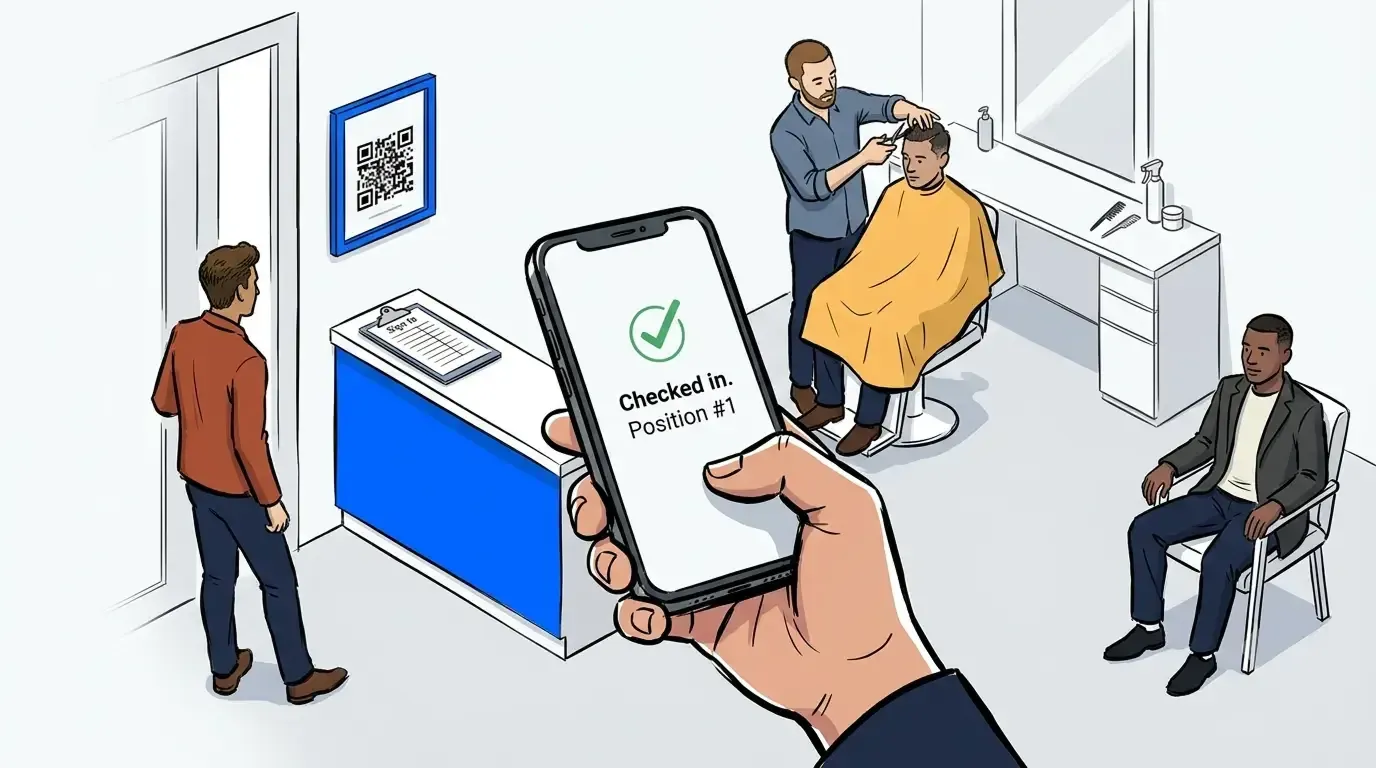
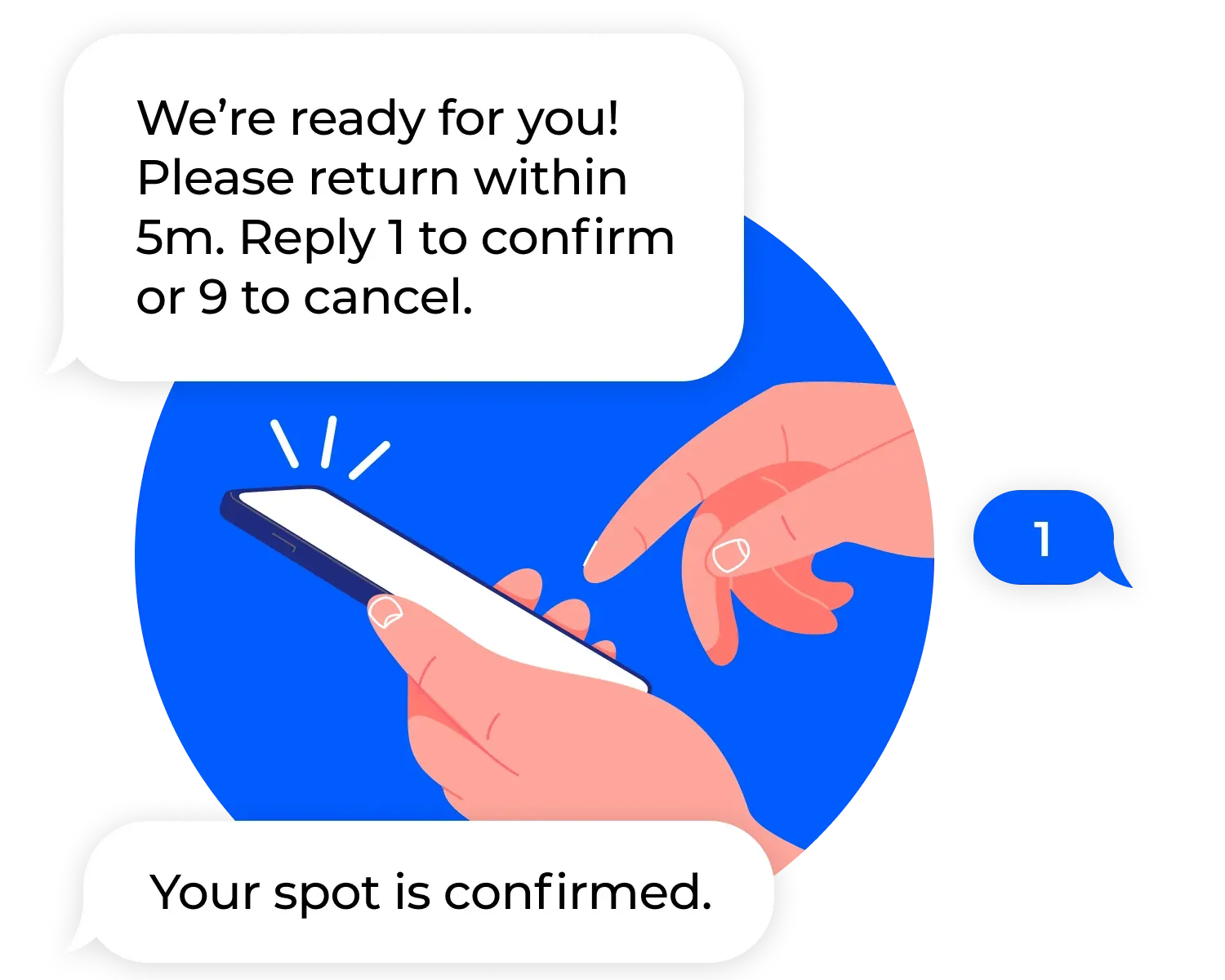
The flow is simple from the customer’s perspective. They arrive, check in (via QR scan, a self-service kiosk, or a staff member adding them to the queue), and receive a text confirming their place. As the queue moves, they get an update when they’re next. Gone is the physical line, the hovering near a counter, the uncertainty about whether they’ve been forgotten.
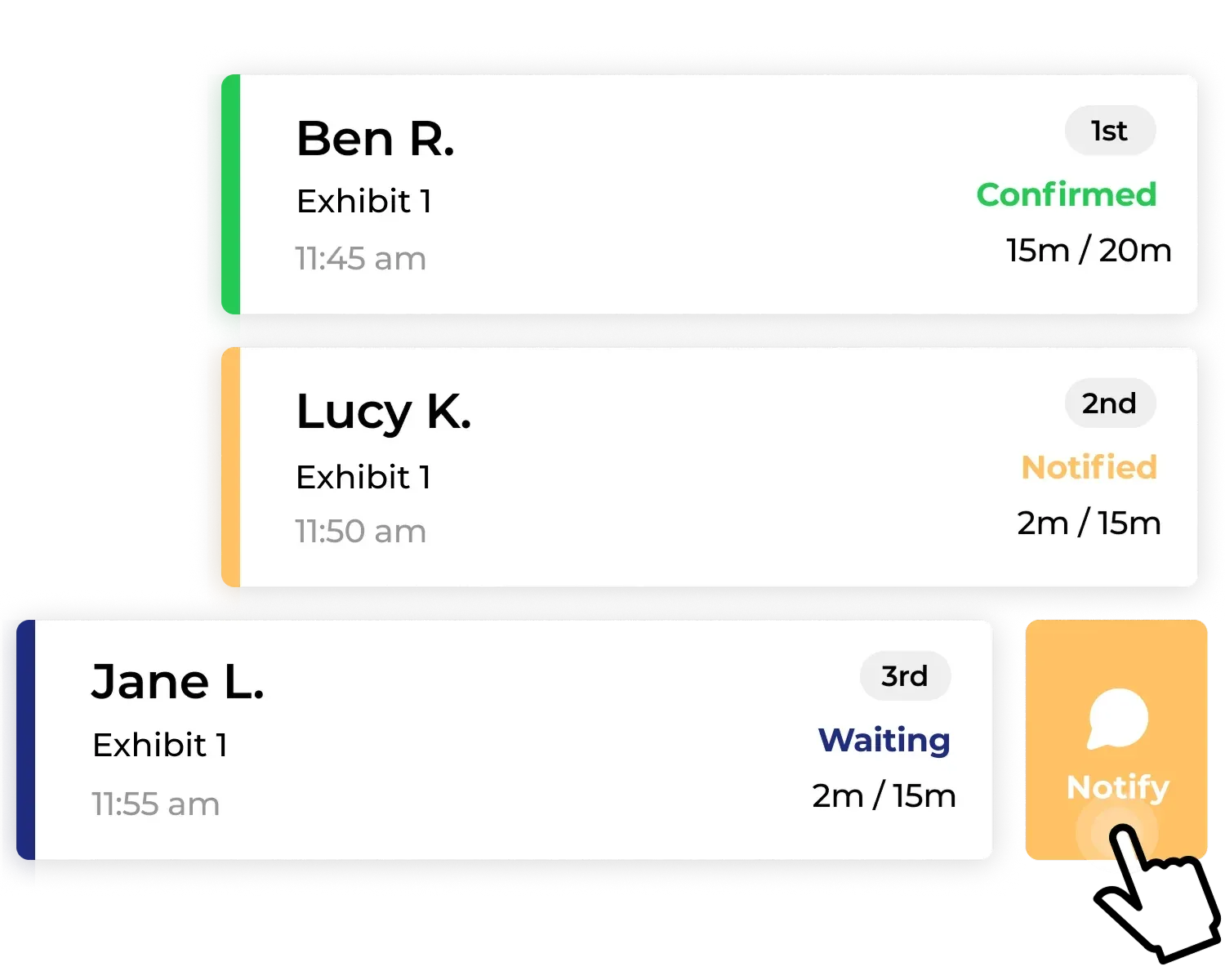
The operator dashboard shows the full queue in real time: how many customers are waiting, estimated wait times, and which service points have capacity. Staff notify customers directly from the dashboard when they’re ready, add notes against each entry (preferred service type, product interest, accessibility needs), and track how demand flows across the shift.
NextMe handles both walk-in and appointment queues in one view, so scheduled customers and walk-ins never back each other up. Retailers using appointment bookings alongside walk-in traffic find the unified flow is one of the more significant time savings day to day. For those using waitlist management as a core ops tool, that single dashboard removes a lot of manual coordination.
For context on how digital queues prevent walkouts specifically, see How Retail Stores Are Using Queue Management to Cut Walkouts.
Managing peak hours in practice
Peak hour management isn’t just about handling high volume, it’s about making the experience feel calm to the customer regardless of how busy the floor is. That requires two things: a visible wait structure and proactive communication.
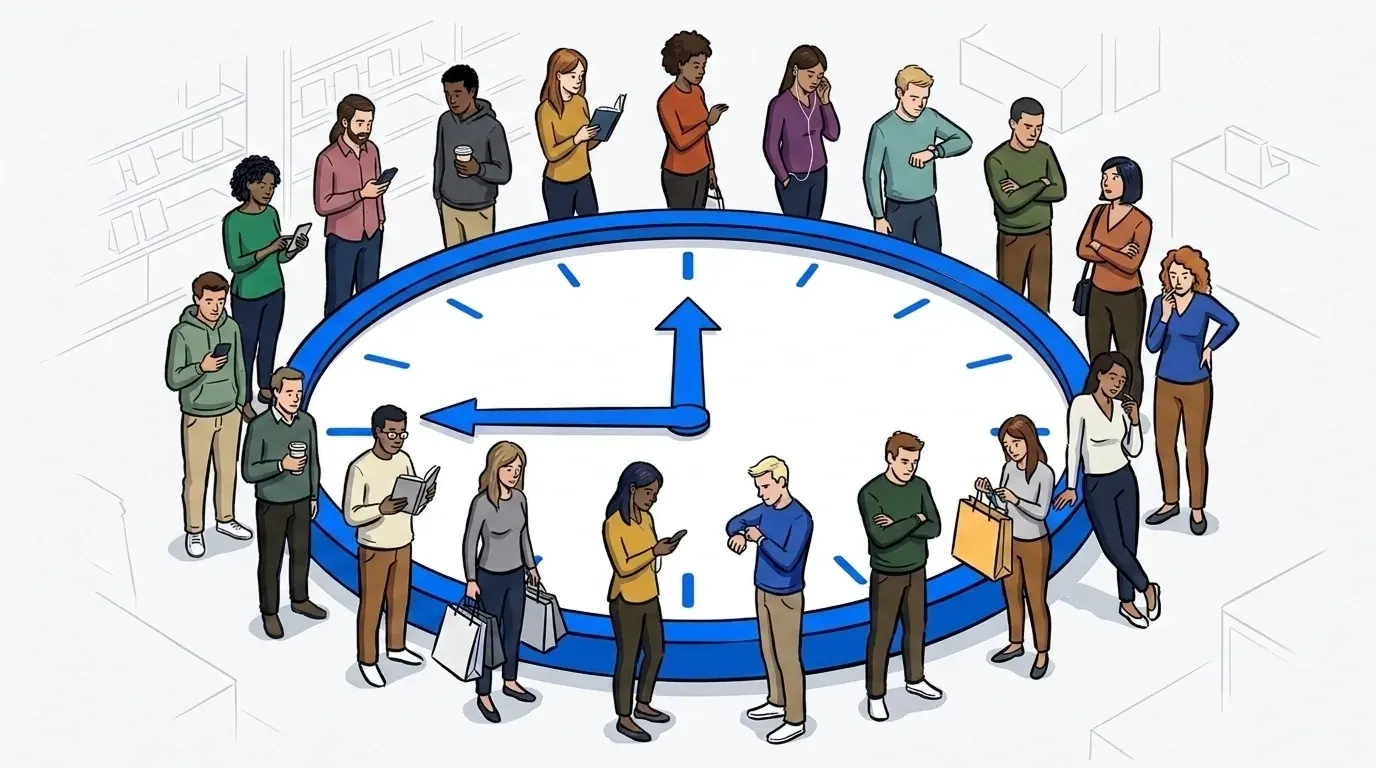
The peak patience window is the period between when a customer joins a queue and when they decide whether to leave. Research suggests this window is roughly three to five minutes for most retail contexts. If a customer receives no acknowledgment or information within that window, they’re significantly more likely to abandon the queue. A retail queue management system closes that window by delivering a check-in confirmation immediately, which sets expectations and signals that the customer’s wait has officially started.
Beyond the initial acknowledgment, the system earns its value through the follow-up. An SMS sent when the customer is two positions away gives them enough time to return from browsing the floor, move from their car to the entrance, or finish a task before their turn. That timing, combined with visibility into actual wait lengths, dramatically reduces the no-show problem that makes peak-period queues unpredictable.
Staff behavior also changes with a system in place. Instead of managing a physical crowd and answering “how long?” questions repeatedly, staff work from a queue dashboard that keeps them ahead of demand. They can see when the queue is building before it becomes a problem and adjust service pacing accordingly.
Real-world retail: high-demand moments
Some retail contexts are built around peak demand events: product launches, sale days, seasonal rushes, and limited-edition drops. These are high-stakes situations where queue management is the difference between a smooth, brand-positive experience and a chaotic one that ends up on social media for the wrong reasons.
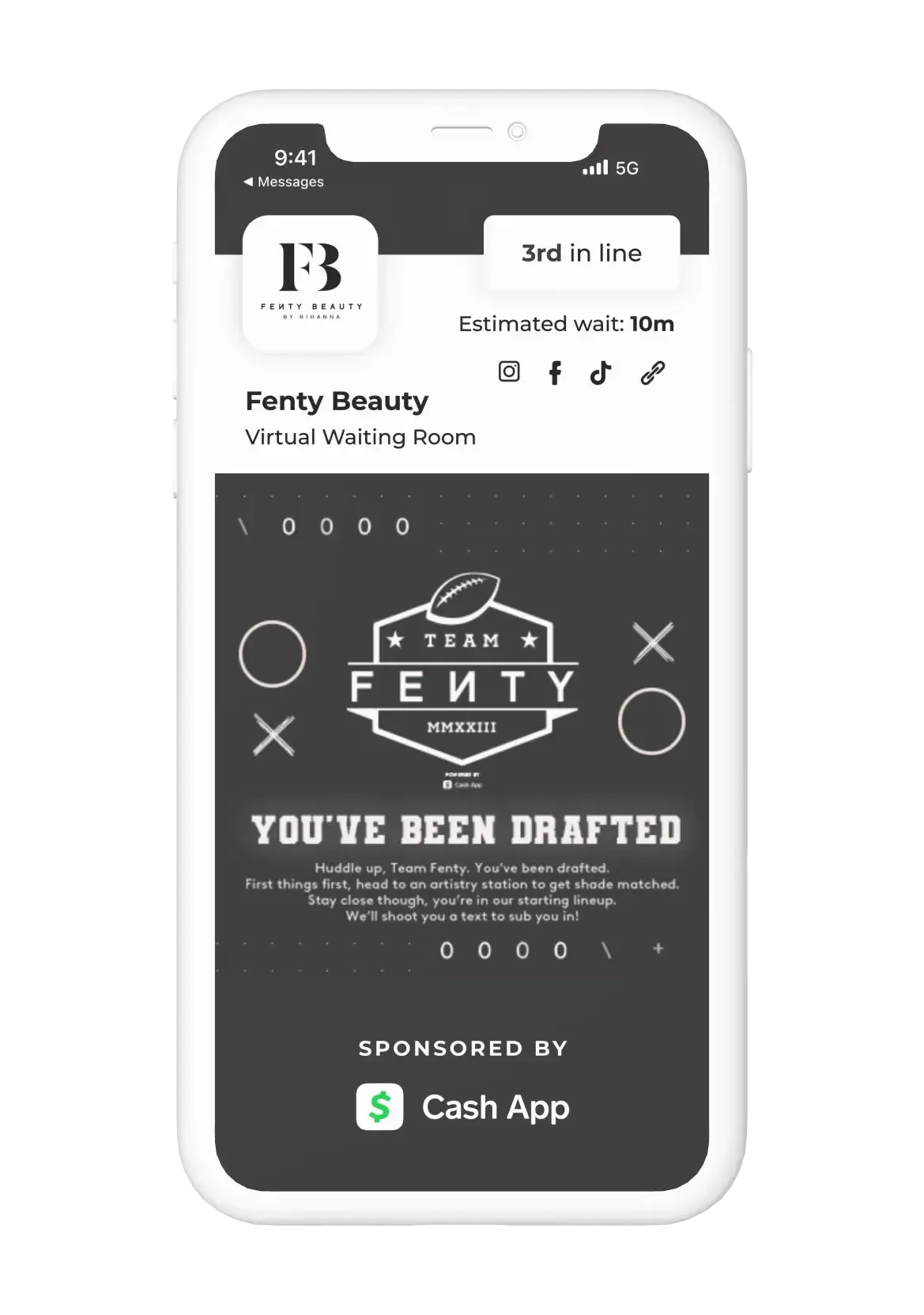
Fenty Beauty has used NextMe’s virtual waiting room to manage high-demand retail activations, giving customers a structured, branded wait experience rather than an uncontrolled crowd at the entry point. The virtual waiting room can display product content, brand messaging, or promotional material while customers wait, turning a holding period into a brand engagement moment.
For retailers who haven’t yet operated at that scale, the principle applies at every level. A specialty retailer running a weekend sale, a device repair shop managing a backlog of drop-offs, or a clothing alteration studio handling a pre-holiday rush all face the same core challenge: more demand than they can serve simultaneously, and customers who will leave if the wait is invisible or unmanaged.
A virtual waiting room for retail doesn’t require a large operation to deliver value. The check-in flow and SMS notification system work the same way for a two-person team as they do for a high-volume flagship store.
What to look for in a retail queue management system
Not every queue management tool is built for retail. Many are designed primarily for restaurants or healthcare settings and adapted with surface-level customization. When evaluating options for a retail context, a few criteria matter most.
Setup and staff adoption are the first filter. A system that requires extensive onboarding or dedicated hardware is a barrier for most retail environments. The best retail queue management tools run on a tablet or existing device, are operational within a session or two, and don’t require a dedicated ops team to manage.
SMS reliability is non-negotiable. The entire value proposition of a digital queue rests on customers receiving their updates when expected. If messages are delayed or inconsistent, customers miss their turn, the queue breaks down, and trust is lost. Confirm that any system you evaluate has clear messaging reliability data and supports two-way texting for cases where a customer needs to signal they’re on their way.
Reporting and analytics determine whether you can learn from peak periods rather than just survive them. A system that tracks wait times, queue length by hour, and staff throughput gives you the data to adjust staffing levels, service pacing, and operating hours based on actual demand patterns rather than assumptions.
NextMe’s analytics dashboard surfaces this data in a format retail operators can act on without a dedicated analytics function, which matters for independent and multi-location retailers alike. For a broader view of how the retail queue management category is evolving, the NextMe retail industry page covers the key use cases and operator context.
Conclusion
Peak hours define a retailer’s reputation. How a store performs when demand is highest is what customers remember and what determines whether they return. An unmanaged queue during a Saturday rush or a product launch doesn’t just lose sales in the moment, it shapes how customers perceive the brand.
A retail queue management system gives customers a transparent, predictable wait and gives staff the visibility to manage demand before it becomes a problem. The technology is simple, the setup is fast, and the impact on peak-hour performance is measurable from the first week. Try it free before your next busy period.