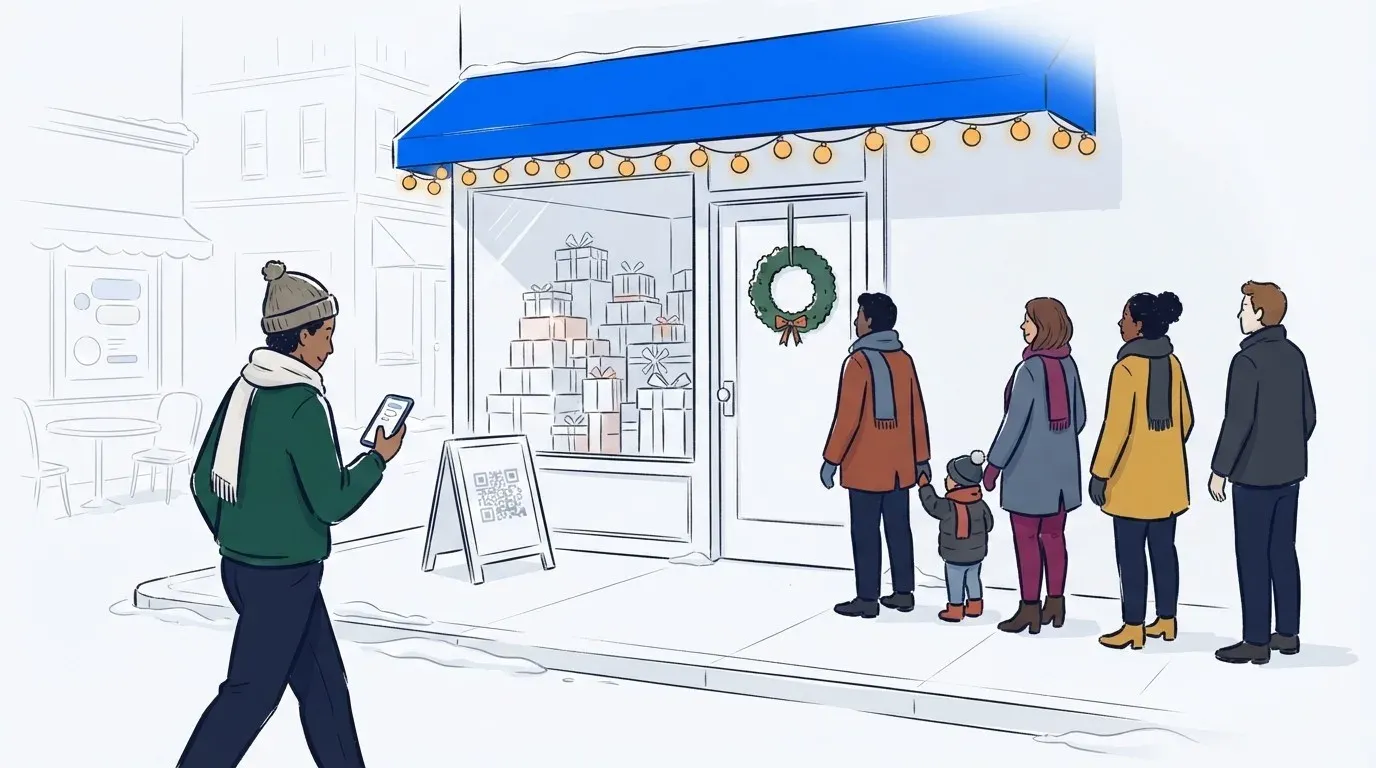
A holiday pop-up shop only runs for a few weeks, and most of its sales land on a handful of busy weekends. The line is often the first thing a shopper sees. In December it forms in the cold, on a sidewalk or a mall concourse, full of people with five other stops to make.
Most of them don’t mind the wait itself. They leave because nobody can tell them how long it will take, and they have somewhere else to be. A line that answers that question keeps them. A line that doesn’t sends them to the next store.
The fix is a line that lives on your guests’ phones, with a short one left at the door. It works for holiday markets, brand activations, Santa photos and the rest of the season’s busy lines too.
What’s the best way to manage a holiday pop-up shop line?
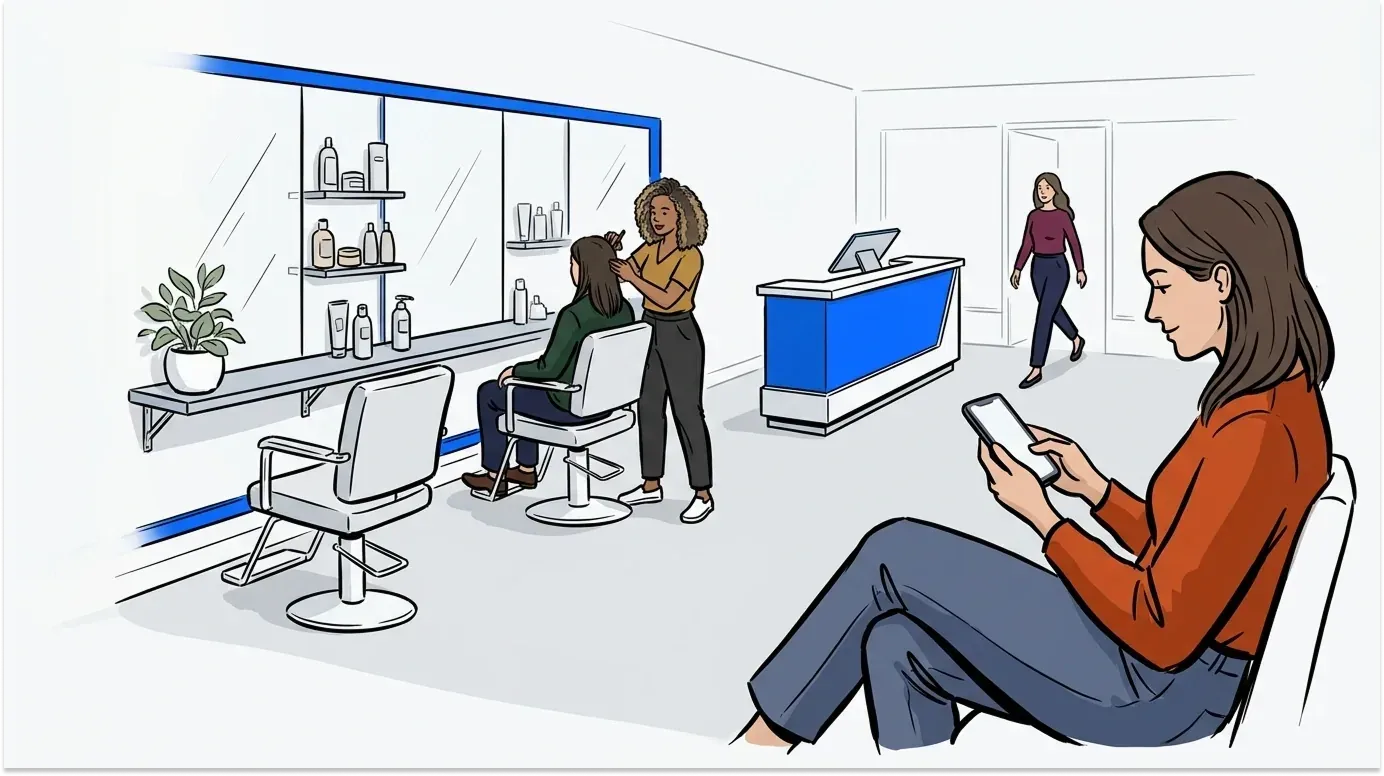
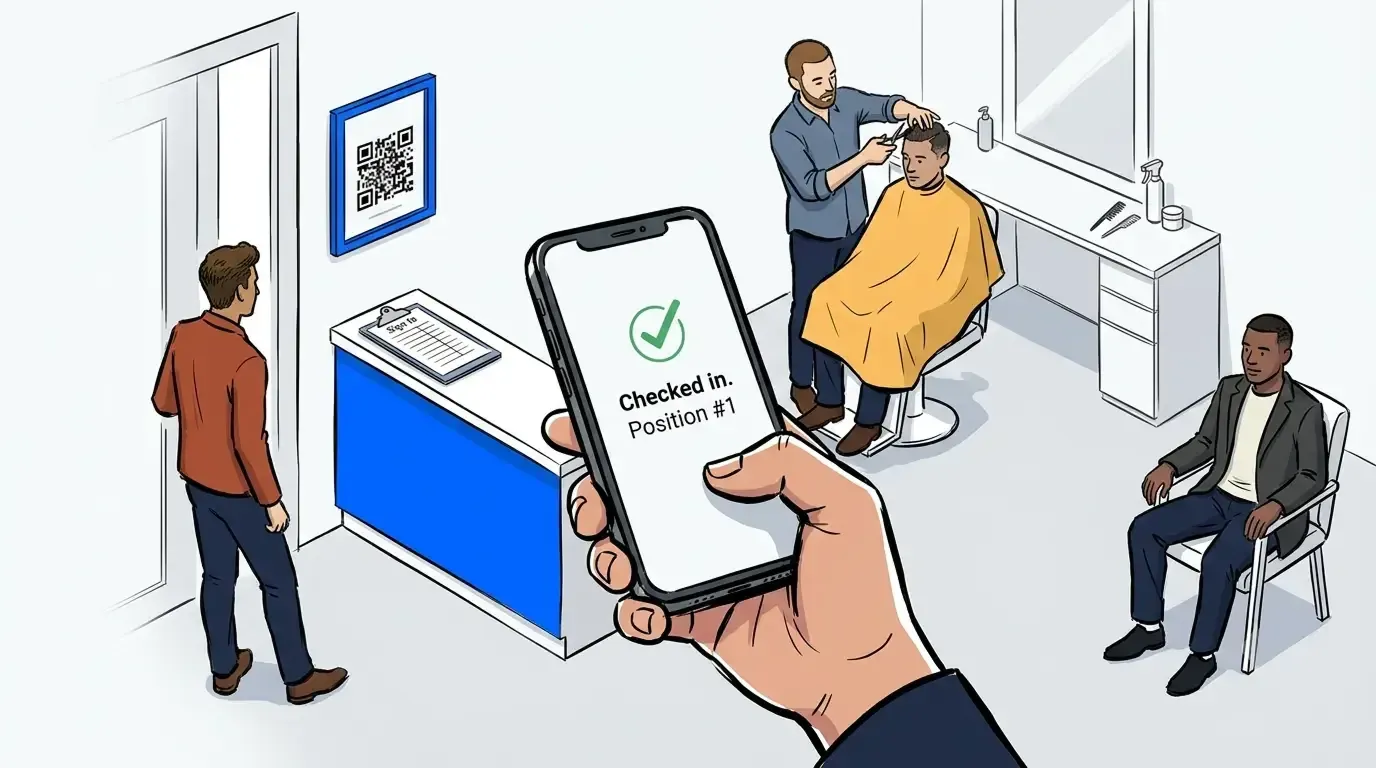
The best way to manage a holiday pop up shop line is a hybrid queue. Guests scan a QR code to join a virtual line, then shop nearby or warm up inside while they wait. A text tells them when it’s their turn. A short physical line stays at the door, capped at a length your space can safely hold.
That setup answers the one question every guest has: how long will this take? It keeps the sidewalk clear and gives your staff one list to work from. It also still shows people walking past that something worth waiting for is inside.
Why holiday lines are harder than the rest of the year
Holiday demand comes in sharper peaks than any other season. The NRF forecasts November and December retail sales of $1.013 trillion this year, up 4.2% on 2025. It expects 182.7 million people to shop over Thanksgiving weekend alone. A pop-up feels all of that in a handful of weekends.
Three things make those weekends harder:
- The weather. A line that’s fine in May is miserable at 30 degrees. Guests in the cold give up sooner, and families with kids give up first.
- Shoppers on a schedule. Holiday shoppers are working through a list of stops. Every minute in your line is a minute away from the next store, and they’re doing that math the whole time.
- Seasonal staff. Many pop-ups run on a team hired for a few weeks. Whatever runs your line has to make sense to a new hire on their first shift.
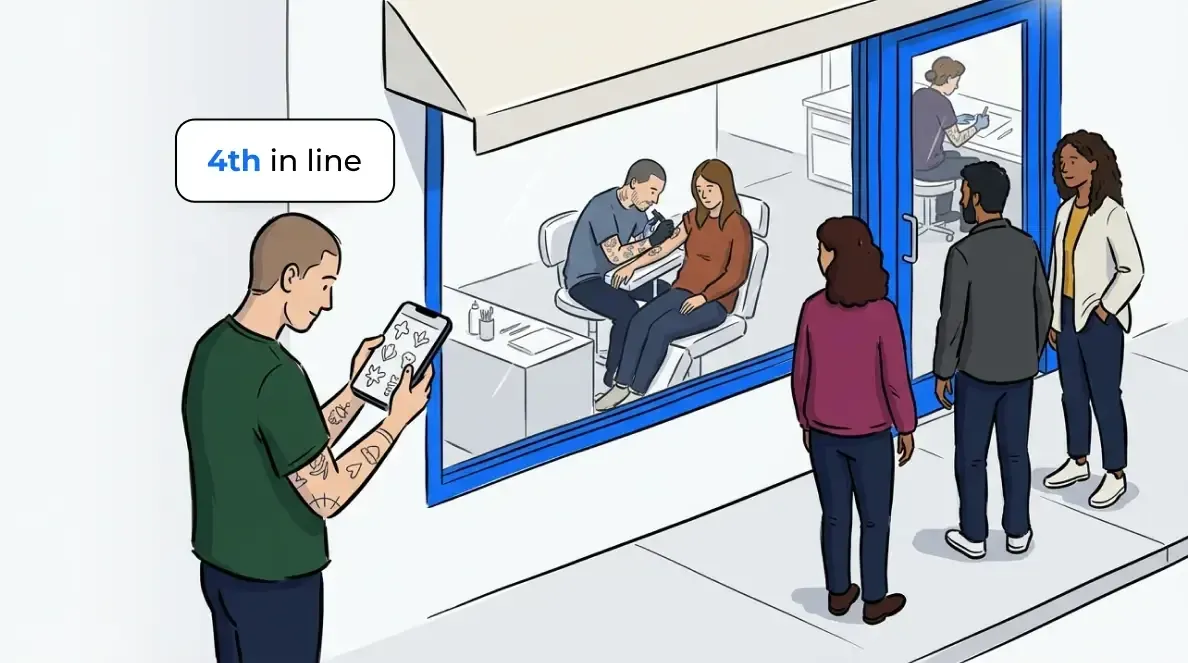
The common thread is uncertainty. A guest who can see they’re 14th in line, with a 20-minute estimate, will go get a coffee and come back. A guest staring at the back of a crowd, with no idea how fast it moves, will walk. The same holds for any store at its busiest, and we’ve written about how to keep shoppers calm during peak hours.
Plan the line before you need it
Most pop-up teams plan the fixtures, the stock and the staff schedule, then leave the line until the last minute. Then opening weekend brings a bigger crowd than anyone expected, and there’s no time to set anything up. A line is much easier to plan while it’s still empty.
If there’s any chance demand runs high, have the virtual queue ready before day one. If the crowd never shows, you’ve lost nothing. If it does, you’re ready.
How to set up a holiday pop-up shop line
Setting up the line takes an afternoon, not a project. Here’s the order that works:
- Create a queue for the pop-up. Add a separate line for any service that runs at its own pace, like engraving, personalization or gift wrap.
- Print your QR code signs. Put one at the door, one at the end of the physical line and one wherever guests gather. Our free QR sign generator makes them in a few minutes.
- Keep the join form short. Name, phone number and party size are enough. Only add a question if the answer changes how you serve the guest.
- Write your text messages. Set the confirmation guests get when they join and the text that calls them back. Tell them how long they have to return.
- Set a cap on the physical line. Decide how many people your door or sidewalk can safely hold. Everyone past that number waits by phone.
- Brief the team. One person calls guests from a tablet or phone. Everyone else needs one line: scan the sign to join.
Guests join through self check-in from the QR code, a kiosk or a link on your website, so nobody types names into a list at the door. It’s the same queue management for retail stores that service counters use all year, set up for a few weeks instead.

Keep a short line at the door on purpose
A line out the door is part of what makes a pop-up feel worth visiting. The goal isn’t to make it disappear. It’s to stop it from growing past what your space can hold.
Hello Kitty Cafe Chicago faced exactly that at its grand opening. Fans started lining up at 4 AM, and the Chicago Police Department warned the team it would shut the opening down if the line blocked the sidewalk. The cafe kept a visible line at the door and moved everyone else into a virtual queue with a QR code at the entrance. More than 4,600 guests went through it across the weekend, and the opening stayed open. Here’s how they did it.
The same idea works at a smaller scale. KPOPMERCH ran a character pop-up in Chicago with a QR code check-in and a branded virtual waiting room. Customer intake got 300% faster, fans saved about 2 hours each, and retail throughput rose 28%. The full story’s here.
If your holiday release is limited stock, plan for a rush at open. We’ve covered the product launch queue mistakes that catch teams out on drop day.
Turn the wait into holiday shopping time
Every guest in your virtual line has your page open on their phone. That’s the most attention they’ll give you all day, so put it to work.
NextMe’s virtual waiting room shows each guest their place in line and an estimated wait. Below that, you choose what they see. Show a carousel of your bestsellers, a gift guide, a discount for buying today or a quiz that helps them pick a gift. Guests reach the front of the line already knowing what they want, so every sale goes faster.

Evereden saw this at its pop-up at The Grove in Los Angeles. Of the 780 guests who joined the queue, 720 were served, a 92.3% retention rate. More than a third of guests engaged with the branded skincare quiz in the waiting room, generating 755 clicks. Because guests could wait anywhere, many explored The Grove in the meantime, including the Sephora that carries Evereden’s products. Read the Evereden story.
In December, that freedom matters even more. A guest who can finish another errand or duck into a warm cafe is a guest who stays in your line. Running the pop-up as a brand activation? We’ve written about using a brand activation waitlist to drive engagement.
Santa photos, holiday markets and other family lines
Pop-up shops aren’t the only lines that peak in December. Every winter, NextMe runs lines at Santa photo sets, ice skating rinks and holiday food drives. The same setup carries over with a few changes:
- Santa photos. Families join with the number of kids in their group, then explore the rest of the venue. A text calls them back when Santa is nearly ready. Arizona Country Club runs its annual Santa event this way. We’ve written about how a waitlist app shortens the Santa line.
- Ice skating rinks. Run separate queues for skate rental and rink entry, and cap each session. Skaters wait somewhere warm instead of by the boards.
- Holiday markets. A market is a day out for families, not a single errand. With a virtual queue, a family can join the line for the busiest stall, then go skating, get hot chocolate or catch a show until it’s their turn. Each vendor can run its own queue, so one busy booth doesn’t block its neighbors.
- Food and toy drives. Families join from a QR code and wait in their cars or indoors. Volunteers call the next family with one tap, and nobody stands outside for an hour.
“Using NextMe allowed my members to enjoy the event and have more family time and not have to wait in line to see Santa. My team loves it because it empowers our members to sign up for the waitlist themselves. This allows for easy execution and more efficiency at check in!!! Overall an outstanding platform, with great service and everything we need to give the best experience to our membership.”

LEGO’s Holiday Lane shows how well this works for families. At its Huntsville, Alabama stop in December 2025, nearly 700 guests joined the virtual queue over three days. More than 570 were served, and 83% of everyone who joined stayed with the line through to their turn.
For summer pop-ups and outdoor events, the playbook is similar. Here’s how to manage lines at a pop-up summer event.
Conclusion
A holiday pop-up shop has only a few busy weekends, and the line decides how many shoppers it keeps on each one. Let guests join from their phone, keep a short line at the door and give them something worth looking at while they wait. They’ll stay in line, and they’ll reach the front ready to buy.
NextMe runs on the phones and tablets you already have, and a seasonal team can learn it on their first shift. See how NextMe’s waitlist works and get your line ready before the next holiday weekend.