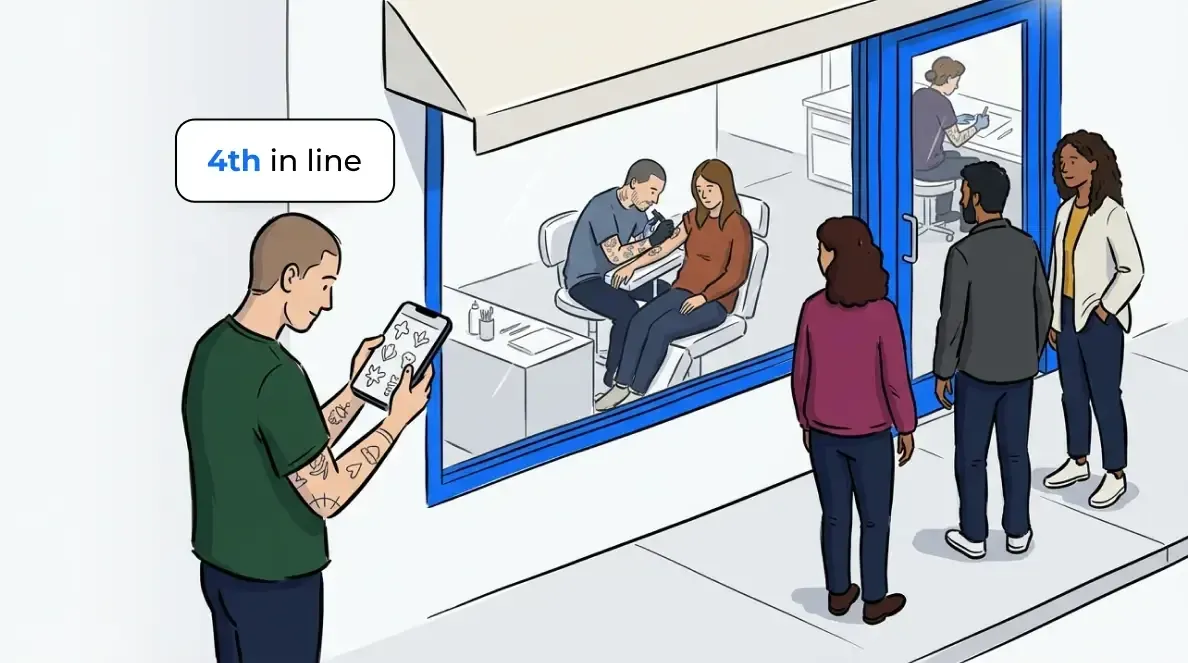
The easiest way to run a tattoo flash day is to take the line out of the shop. Clients join from their phone, browse your flash while they wait and come back when their artist is ready.
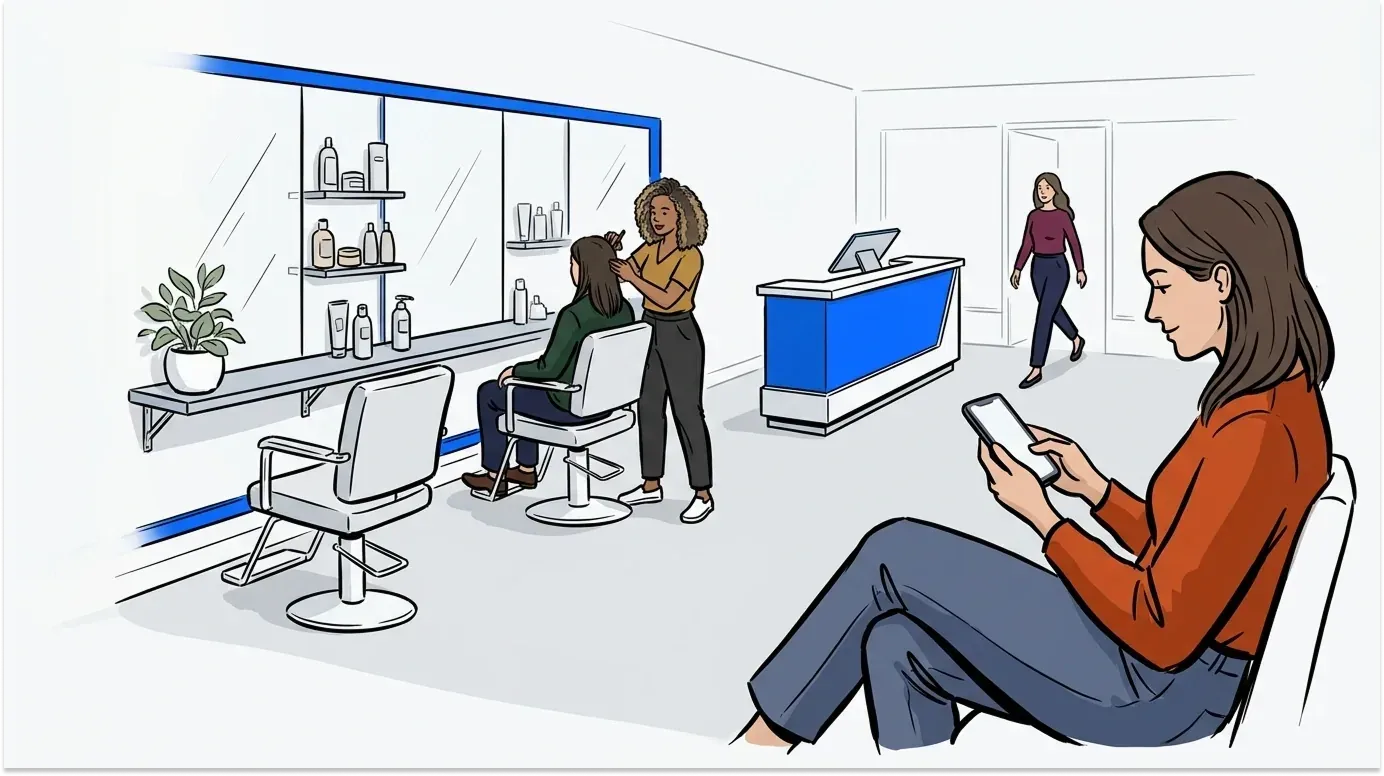
That matters because flash days are great for business and hard on a small room. Studios are tight on space and held to strict hygiene standards, so a packed lobby works against the clean, calm setup the work depends on. And when half the line is still deciding on a design, every client takes longer at the chair than they need to.
A bigger lobby won’t fix that. Moving the line, and the flash sheet, onto your clients’ phones will.
How to run a tattoo flash day without a packed shop
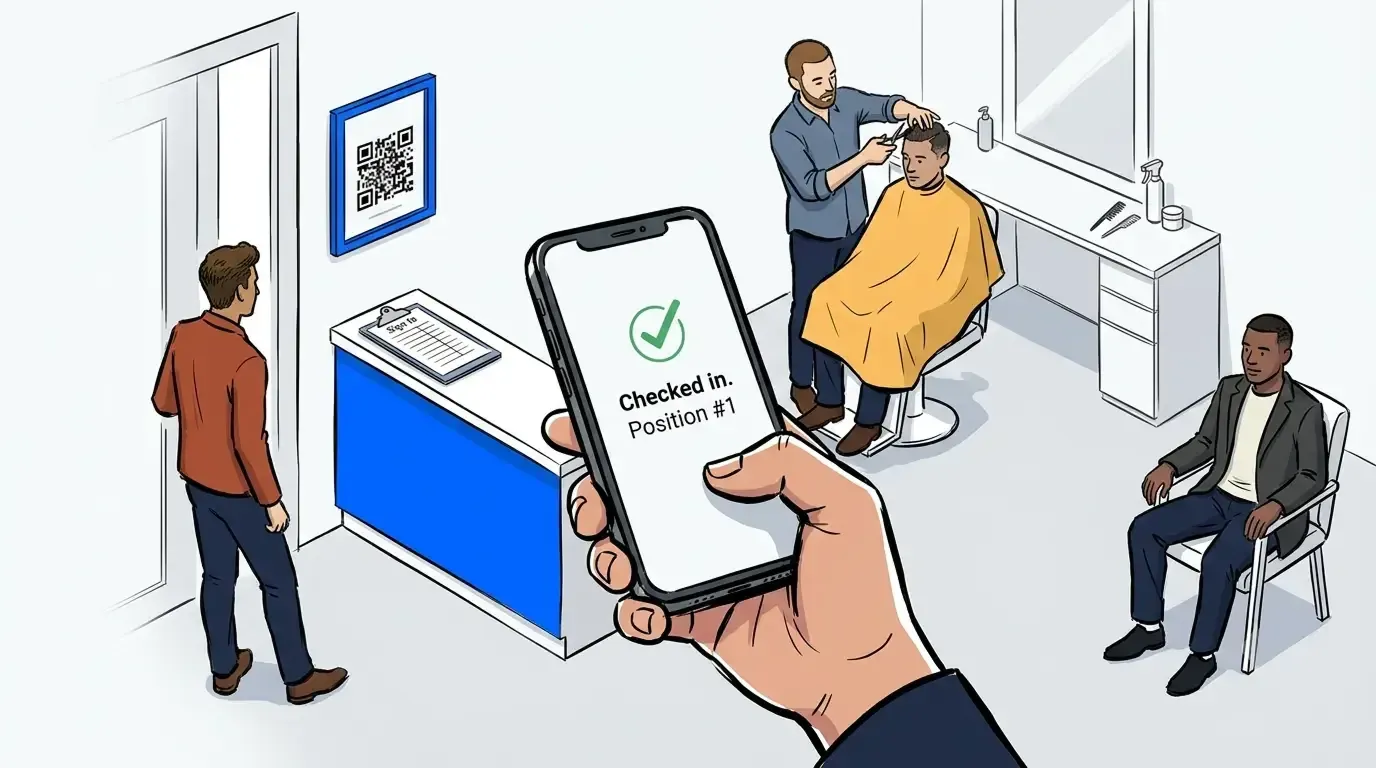
A tattoo flash day runs smoothly when clients join a digital line instead of a physical one. They check in from a QR code at the door, wait anywhere, browse your flash on their phone and get a text when their artist is ready. The shop stays clear, and every client reaches the chair knowing what they want.
Here’s the setup, step by step:
- Post your flash before the day. Put the flash sheet and your lookbook in your virtual waiting room, so clients can browse the moment they join.
- Put a QR code at the door. Clients scan it and check in with their name and phone number. There’s no app to download.
- Give each artist their own line. Clients pick their artist when they join, or join one shared flash line if any artist can take them.
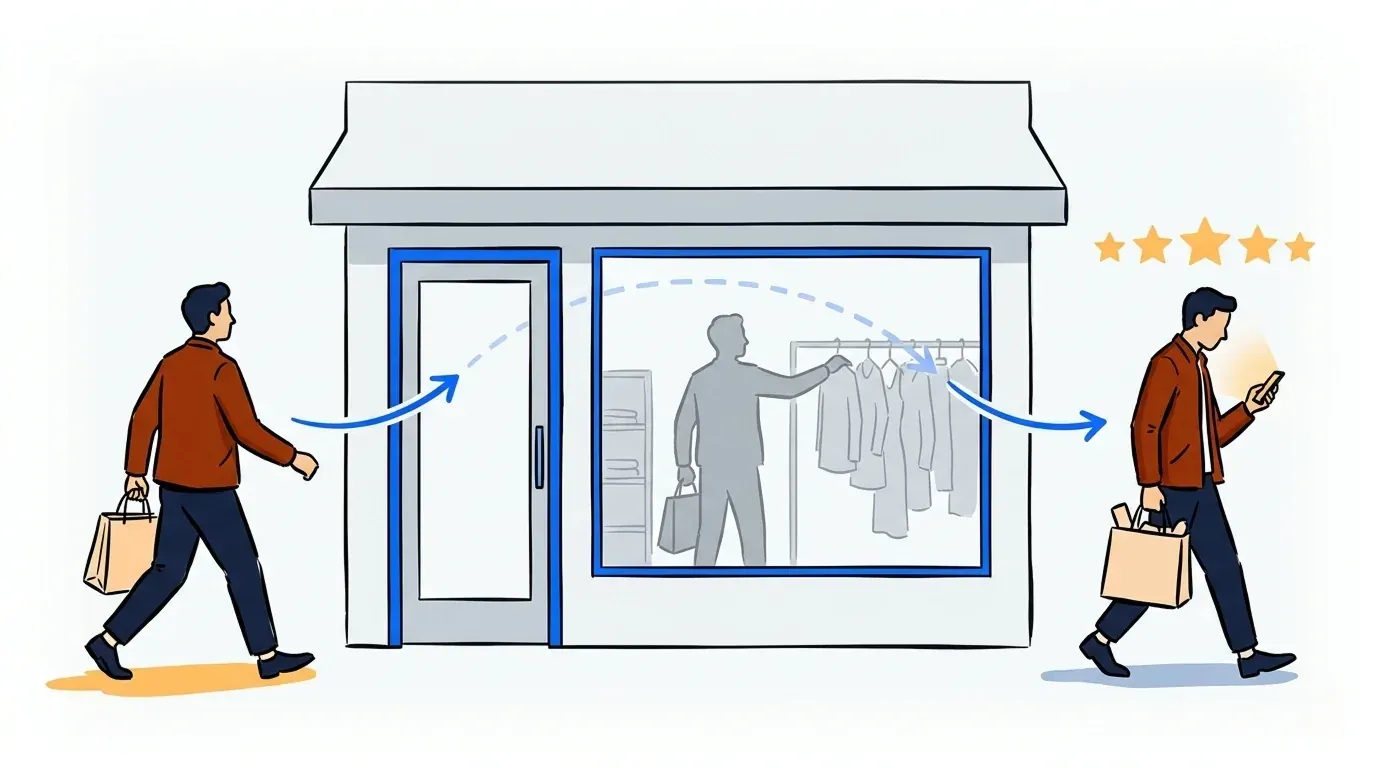
- Let people leave. Once they’re in line, clients can grab lunch, walk the block or sit in the car.
- Text them when they’re close. Clients get a text when their artist is almost ready. They can reply to confirm they’re on the way or cancel their spot.
- Keep a tablet at the desk for everyone else. Some people won’t scan a QR code. We’ve written about turning an iPad into a check-in kiosk.
- Check the numbers after. See how many people joined, how many you tattooed and when the line peaked, so the next flash day is staffed right.

Let clients pick their flash while they wait
This is where a flash day gets faster without anyone rushing. With NextMe, the text a client gets opens your virtual waiting room, a page with your branding that shows their place in line. You decide what else goes on it, and on a flash day that’s your flash.
Post the sheet, your artists’ lookbooks, sizes and placement notes. Clients scroll the designs on their phone while they wait, compare options with a friend and pick one. They reach the chair ready to go, instead of flipping through a binder at the station while the artist waits.
It also clears the crowd off your flash wall. In a small studio, that’s the spot where people bunch up beside the stations. When the flash lives on everyone’s phone, nobody needs to stand in front of it.

You can use the same space for the details clients always ask about: your deposit policy, aftercare tips or merch you sell at the counter. Each answered question is one less interruption for an artist mid-line.
Why tattoo waits work differently than a salon or barbershop
The same tool that runs a salon waitlist or a barbershop waitlist does a different job in a tattoo shop. In a barbershop, it saves minutes. In a tattoo shop, it manages hours.
You can’t rush good work, so the point isn’t a shorter wait. It’s getting clients off the couch, sending them to the right artist and making a long wait feel certain. A client who knows they’re third in line for a specific artist will happily grab lunch. A client staring at a full room with no information starts wondering if they should leave.
Tattoo waits are also tied to one artist. A client isn’t waiting for the next open chair. They’re waiting for their artist, so a line per artist matches how a shop actually works.
Keep booked appointments and walk-ins in one view
Most shops run a mix: booked sessions on the calendar and walk-ins filling the gaps. On a flash day, that mix gets messy fast if the two live in different places.
NextMe puts scheduled clients and walk-ins in one line per artist, and its bookings feature means you take appointments in the same system. When an artist wraps a session, they see exactly who’s next, whether that client booked in January or walked in an hour ago. Bigger studios can give a piercer or a henna artist their own line too, while the front desk sees the whole floor.

Cut no-shows and protect the chair
A no-show hurts a tattoo shop more than most businesses. The missed slot isn’t 20 minutes, it’s half a day, plus the hours an artist already spent on a custom design.
NextMe texts a confirmation when a client books and reminders as the date gets closer. The texts are two-way, so a client can reply to confirm or cancel. That turns a silent empty chair into an early heads-up, with time to fill the slot from your walk-in list. You can put your deposit and cancellation policy right in the message too.

Run your next flash day from their phones
A tattoo flash day will always be busy. It doesn’t have to be crowded. Move the line onto clients’ phones, put your flash in front of them while they wait and text them when it’s their turn. Your artists keep working, your clients show up ready and the studio stays calm.
See how NextMe works for tattoo, piercing and other walk-in studios, or try it free on your next flash day.