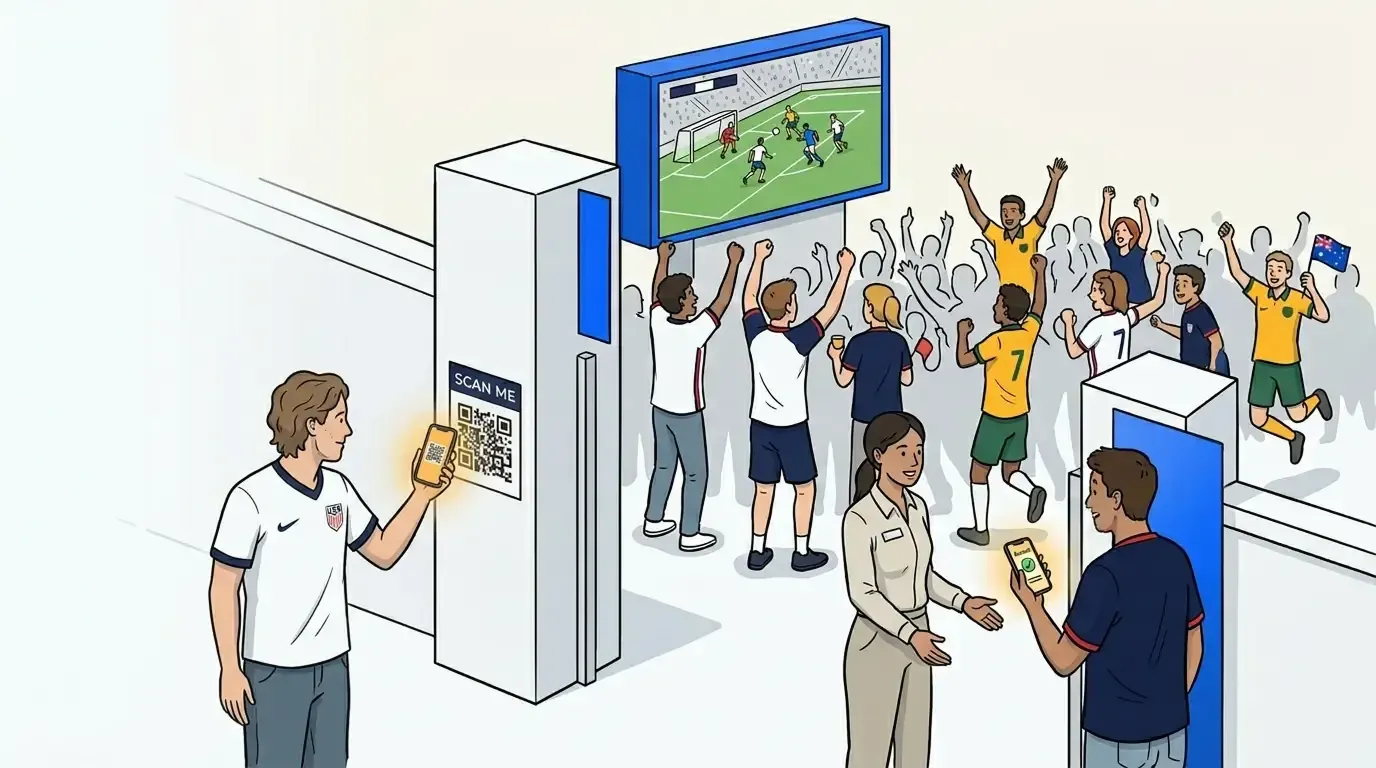
The 2026 World Cup runs from June 11 through July 19, and a large share of the viewing audience won’t be watching from home. According to Numerator’s 2026 World Cup consumer survey, more than half of intended viewers plan to watch at least some matches in a social setting, with 27% heading to a bar, restaurant, or public space.
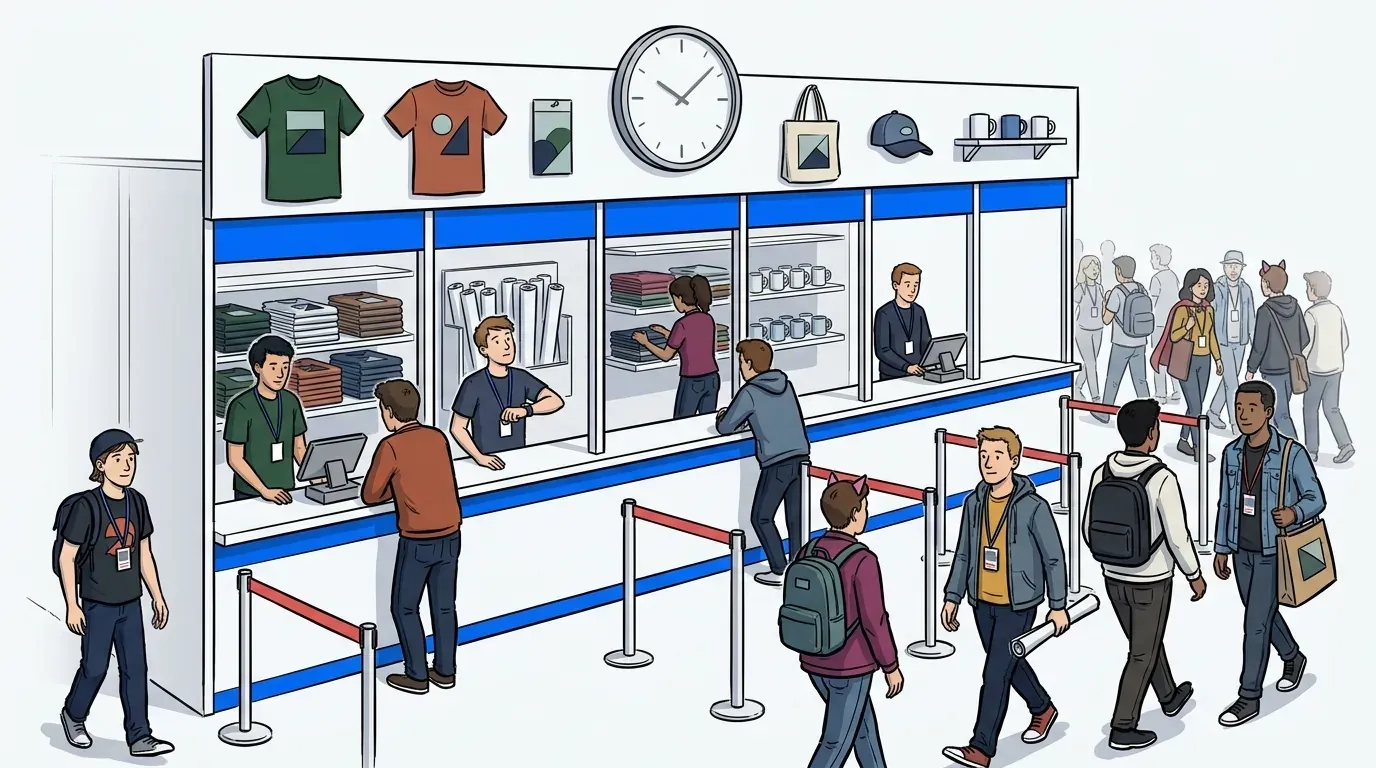
That’s a rate 5x higher than the Super Bowl, which means a ton of people will be showing up at venues and activations that weren’t built for match-day crowds. Whether you’re running a branded fan zone at a public screening, managing a pop up event queue management setup for a merch drop, or hosting a packed bar watch party, line management becomes your biggest operational variable before the first whistle blows.
This post covers how event operators and brand teams are handling crowd flow at pop-up and watch party events without dedicated infrastructure or a large staffing budget.
What makes pop-up events harder to manage than permanent venues
Permanent venues have built-in systems. A restaurant has a host stand and a clear entry process. A pop-up has none of that. There’s no queue lane, no signage, no staff member stationed at the door, and no second chance if a crowd situation spirals before halftime.
The operational gap for pop-up events and watch parties is what we call the zero-infrastructure problem: there’s no built-in mechanism for controlling crowd flow, communicating wait times, or organizing who gets in when. Rope barriers create the appearance of order without providing any of the benefits. When guests have no idea how long the wait is or whether they’ll get in at all, they leave.
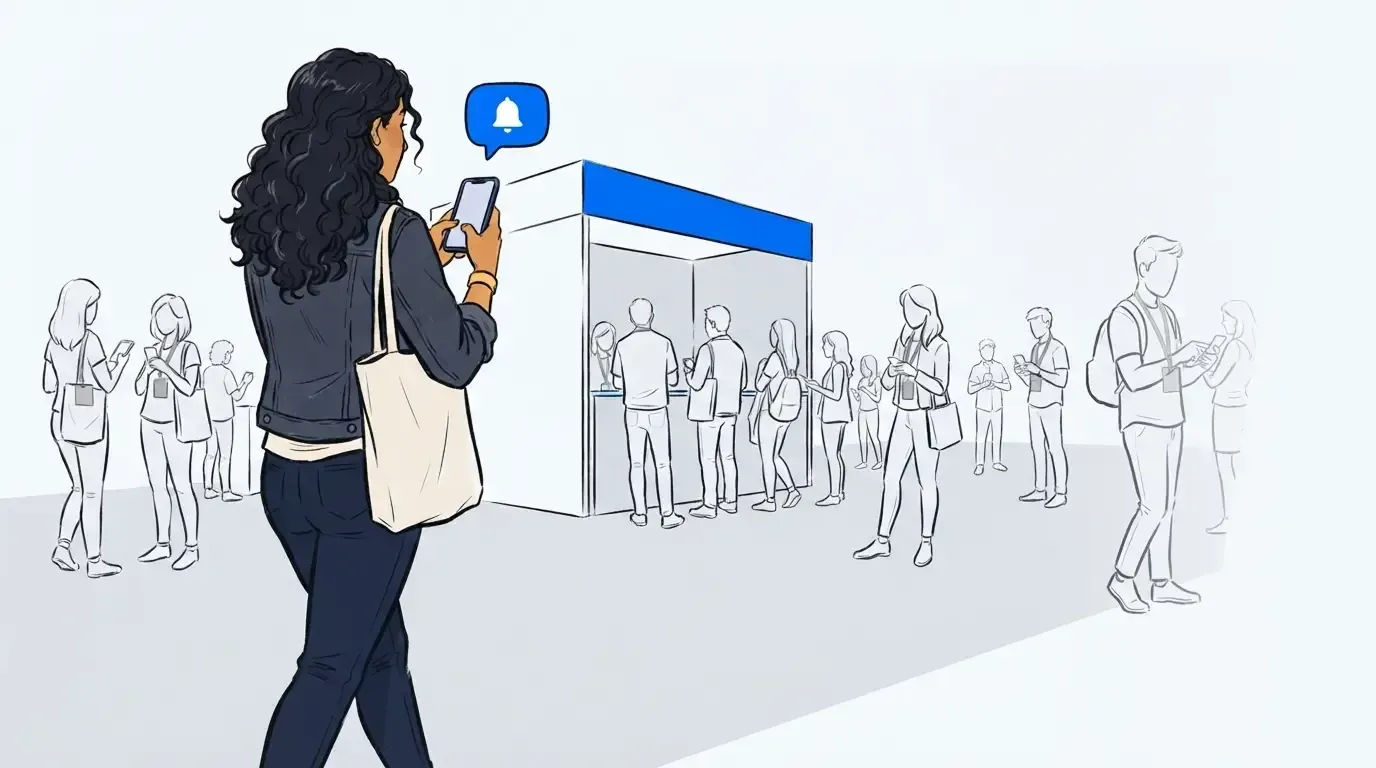
QR-based virtual queue management was built for exactly this environment. Rather than eliminating the physical line entirely, NextMe shortens it - guests check in digitally, stay nearby, and return when it’s closer to their turn. This keeps some physical presence near the entry point, which improves throughput and creates the visible demand that makes an activation feel alive. It requires no hardware, no dedicated staff, and no advance setup beyond a printed QR code sign. Guests scan to join, receive live SMS updates on their position, and can walk around or grab a drink while they wait. For a deeper look at why virtual queuing works across event formats, see The Complete Guide to Event Queue Management.
How pop up event queue management works
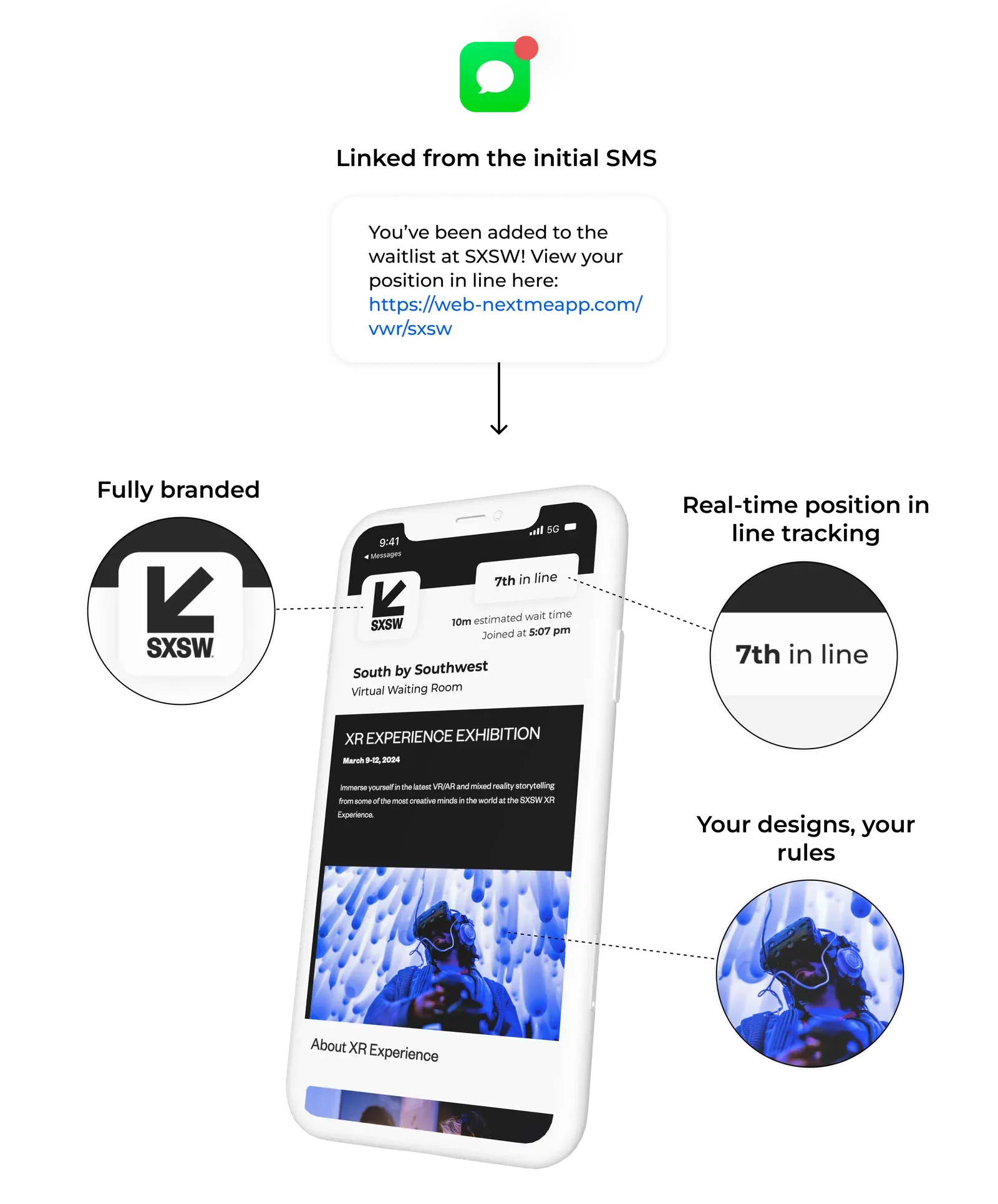
A virtual queue shortens dreaded long lines by pairing it with a digital one. Guests join by scanning a QR code, entering their name and phone number, and receiving a text confirmation with their position. NextMe tracks their spot and sends an SMS when it’s their turn to enter, claim a merch item, or access an activation zone.
For a watch party or pop-up, this changes the crowd dynamic immediately. Instead of a tense, packed line, you have guests who are spread out, informed, and relaxed - some close enough to make their way over quickly when called, which keeps the entry moving at a natural pace.
The virtual waiting room between joining the queue and being called forward is also where brand content lives. If you’re running a sponsor activation or branded fan zone, you can display sponsor content, run a poll, or push a product offer to every guest in the queue via the virtual waiting room. The queue becomes an impression opportunity rather than dead time. For brand teams using this as a lead capture tool, see How to Use a Brand Activation Waitlist to Drive Engagement at Live Events.
How to set up a virtual queue for a pop-up in under an hour
One of the advantages of a QR-based virtual queue is that the setup time is minimal. There’s no hardware to install, no integration to configure, and no staff training that takes more than a few minutes.
Here’s how to get up and running before doors open:
- Create your queue in the NextMe dashboard. Add a display name (for example, “VIP Fan Zone Entry” or “Merch Drop Queue”) and set an estimated wait time.
- Generate the QR code. NextMe produces a scannable code that guests use to join from their phone.
- Print or display the QR code at the entry point. A printed A4 sign at the front of the crowd is sufficient. Multiple signs help for large or wide venues.
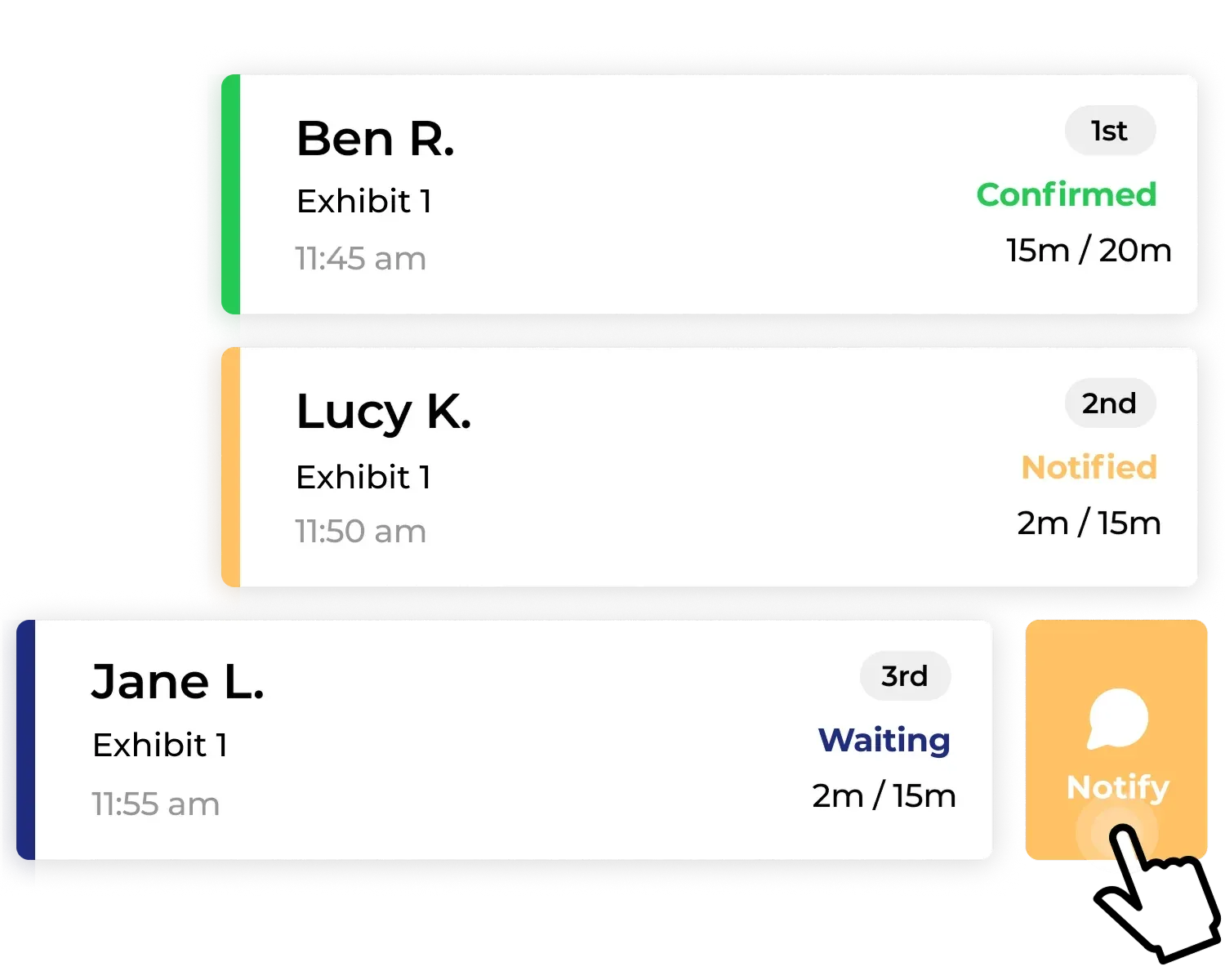
- Brief your staff on the most important action: when the space is ready for the next guest, hit notify. NextMe sends the SMS automatically.
- Monitor the queue from any device. The operator dashboard shows who’s waiting, how long they’ve been in the queue, and who’s been notified.
For an activation that also needs lead capture and VWR content setup, allow an extra 20-30 minutes to configure registration fields and upload sponsor content. See How to Set Up a Brand Activation Virtual Waiting Room That Captures Leads for the full configuration walkthrough.
If you want additional assurance that everything runs smoothly on the day, NextMe offers optional event support packages. These cover pre-event setup review, live onsite or remote support during the activation, and a post-event debrief. They are designed for teams who want a dedicated point of contact rather than relying on documentation and self-serve troubleshooting when there are 200+ people outside the door.
Managing the queue on the day
Once the event is live, queue management comes down to one action: calling the next guest when you’re ready for them. NextMe handles the rest.
From the operator dashboard, your staff can see the full queue, add notes to individual guests (for example, “group of 4” or “VIP”), and send a notification to the next person in line with a single tap. Guests receive a text telling them it’s their turn, and they have a set window to arrive before the slot moves on.
For watch parties with multiple entry waves, such as opening group, halftime group, and second-half entry, you can run parallel queues or manage a single queue with different call patterns. The system handles any format without significant reconfiguration.
For teams running NextMe for the first time at a large activation, event support packages are available to provide a dedicated contact through the full event window.
World Cup 2026 and summer activation timing
The 2026 World Cup creates a concentrated window of high-attendance gatherings across the US through mid-July. Bar watch parties, branded fan zones, outdoor screenings, and pop-up activations are running in the same cities at the same time, which means guest expectations for organized, well-run events are higher than in a typical summer.
A QR-based virtual queue is the simplest way to stand out on crowd management alone - and for teams that want extra confidence going in, event support packages are available to ensure the setup is right before the first guest arrives - and with 5x more out-of-home viewing than the Super Bowl, the venues and activations that manage that experience well will be the ones people remember.
Conclusion
Pop-up events and World Cup watch parties run on energy, and nothing kills that energy faster than a crowd that feels out of control. A virtual queue built around a QR code and SMS notifications shortens the physical line, keeps guests informed, and gives operators the tools to manage crowd flow without a large staff budget or dedicated infrastructure. And if your team wants backup on the day, event support packages are there for it.
For summer activations of any size, setup takes under an hour and the difference in guest experience is immediate. See how NextMe handles event and pop-up queue management or explore the full platform.