A product drop is not a normal event day. Demand arrives inside a single hour, it dwarfs your footprint, and you get one attempt at it. Everything else at an activation can be corrected mid-day. The drop cannot.
Product launch queue management is usually the last item on the run of show and the first thing that breaks. Most teams arrive with a plan that amounts to a QR code taped to the booth. That works right up until 800 people try to scan the same sign at the same moment.
Then the line stops moving, security starts asking questions, and the brand takes the hit in public. The failure modes are predictable, though. Below are the five mistakes we see most often on high-demand drops, and what to do instead.
What product launch queue management means at a drop
Product launch queue management is the practice of controlling how fans join, wait for, and get called into a limited product release. It pairs a capped physical line with a virtual queue that fans join from their phones, so demand beyond your footprint waits somewhere else instead of piling up at the booth. Done early, it keeps the activation open, fair, and legible to staff and security alike. Done late, it stops being queue management and becomes crowd control.
The five mistakes below map to the five decisions that matter most:
- Running the drop with no virtual queue at all
- Going live without a dry run
- Relying on one QR code, posted the morning of
- Telling fans to come back at open
- Leaving caps, join limits, and geofencing switched off
Mistake 1: running the drop with no virtual queue
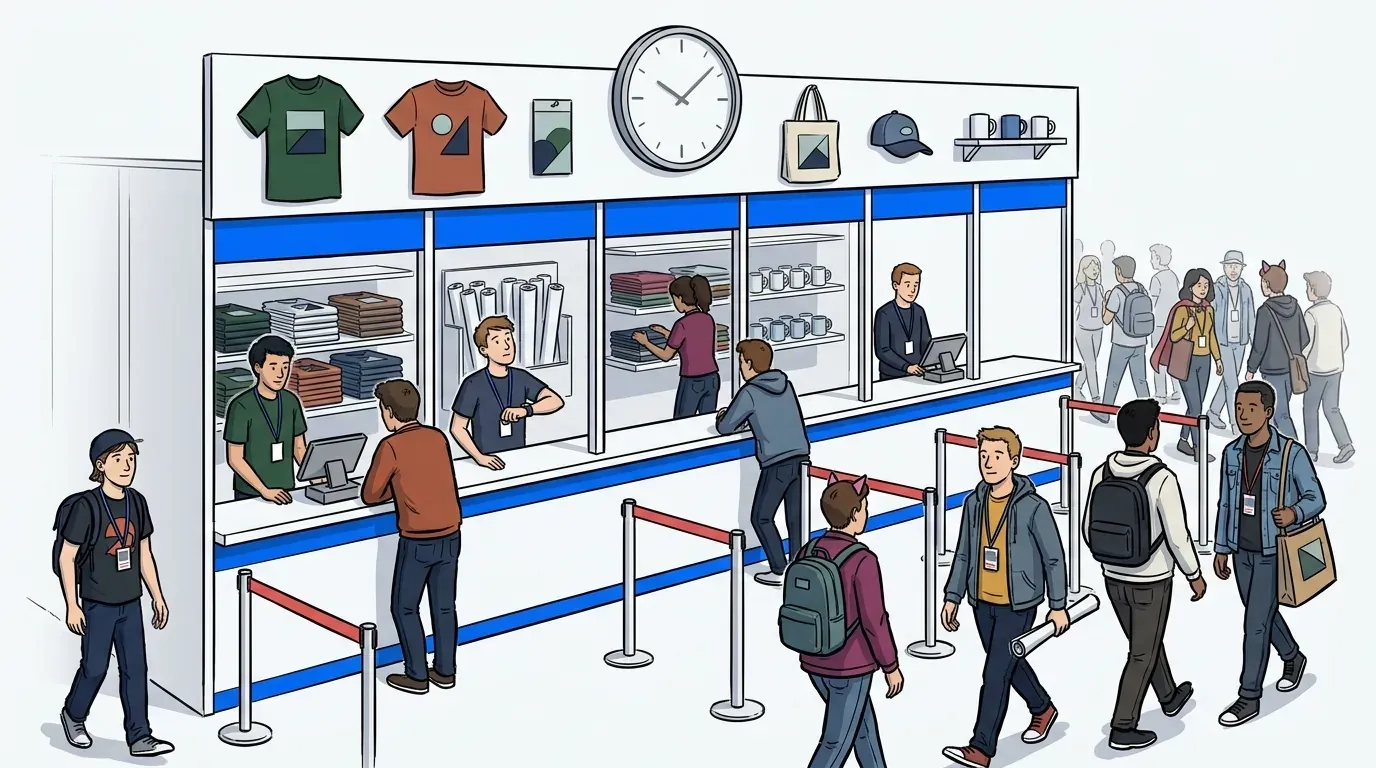
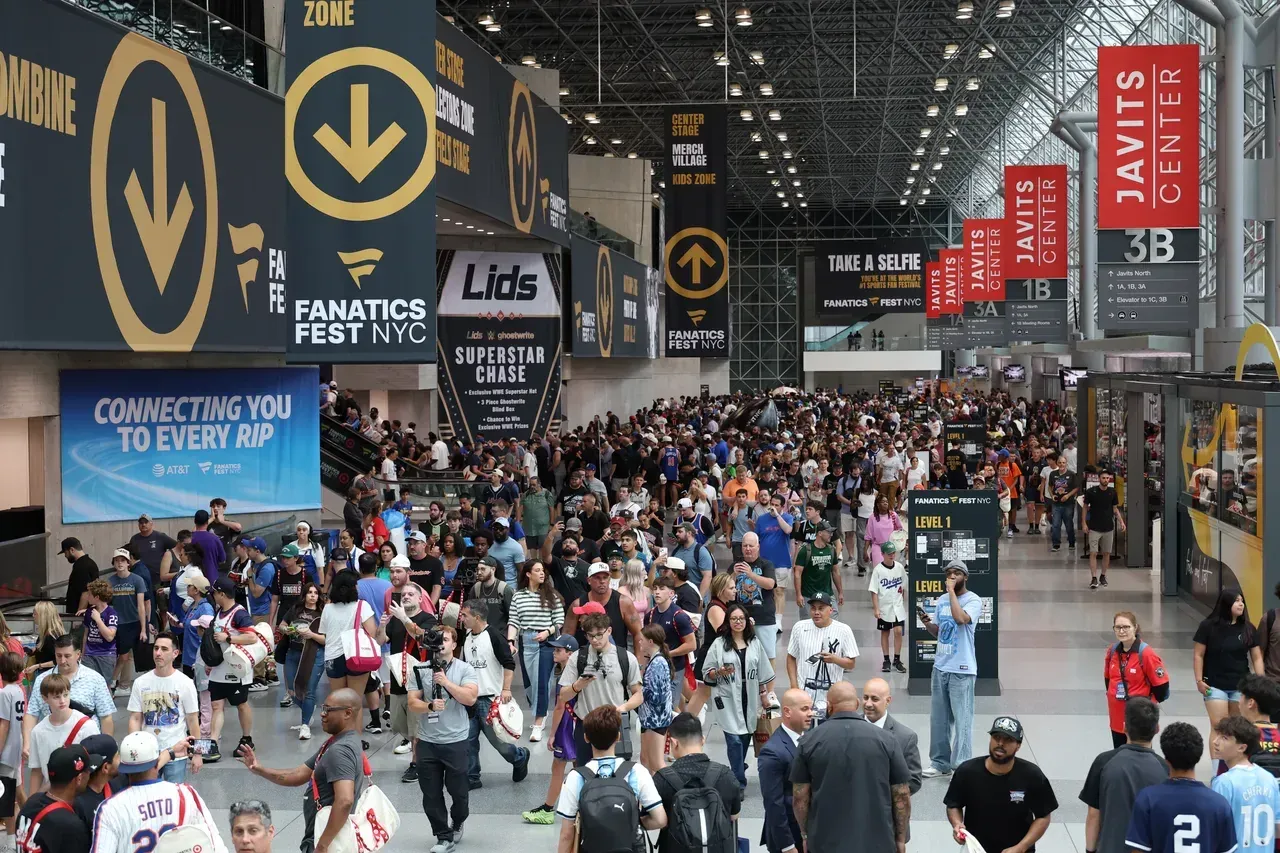
Without a virtual queue you have one lever, and it’s the physical line. Your capacity becomes whatever the sidewalk, concourse, or booth footprint allows. You cannot change it once fans arrive.
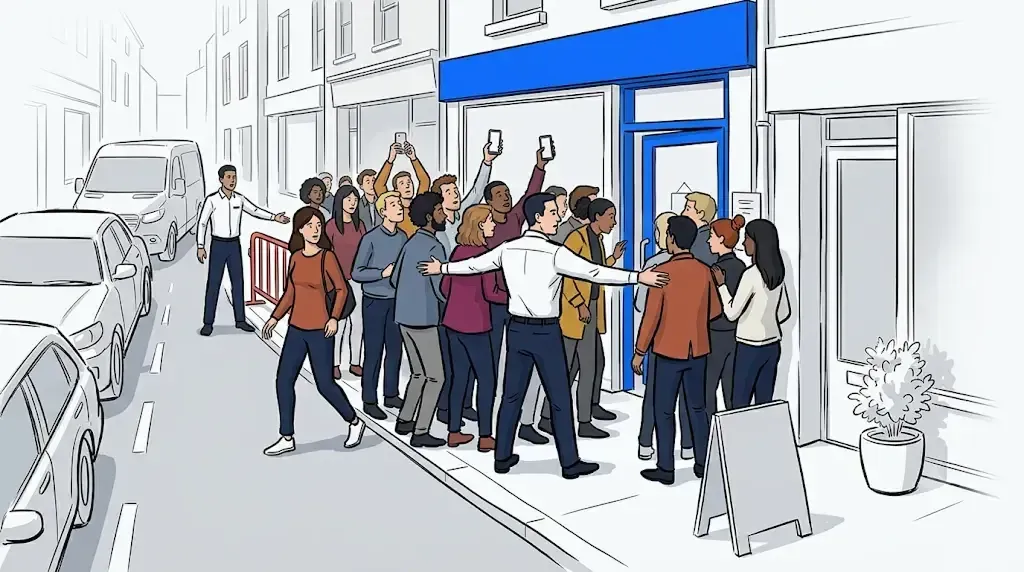
A drop generates demand in a shape no physical line handles well. Hundreds of people show up inside the same ten minutes. The line grows into a neighboring exhibitor, blocks an aisle, or drifts toward a fire lane. At that point the decision stops being yours. Venue security or the city makes it, and the usual answer is to shut the activation down.
The ANSI ES1.9 crowd management standard draws a useful distinction here. Crowd management is the ongoing work of guiding people safely. Crowd control is what happens after that work fails. A virtual queue is the overflow valve that keeps you on the management side of that line.
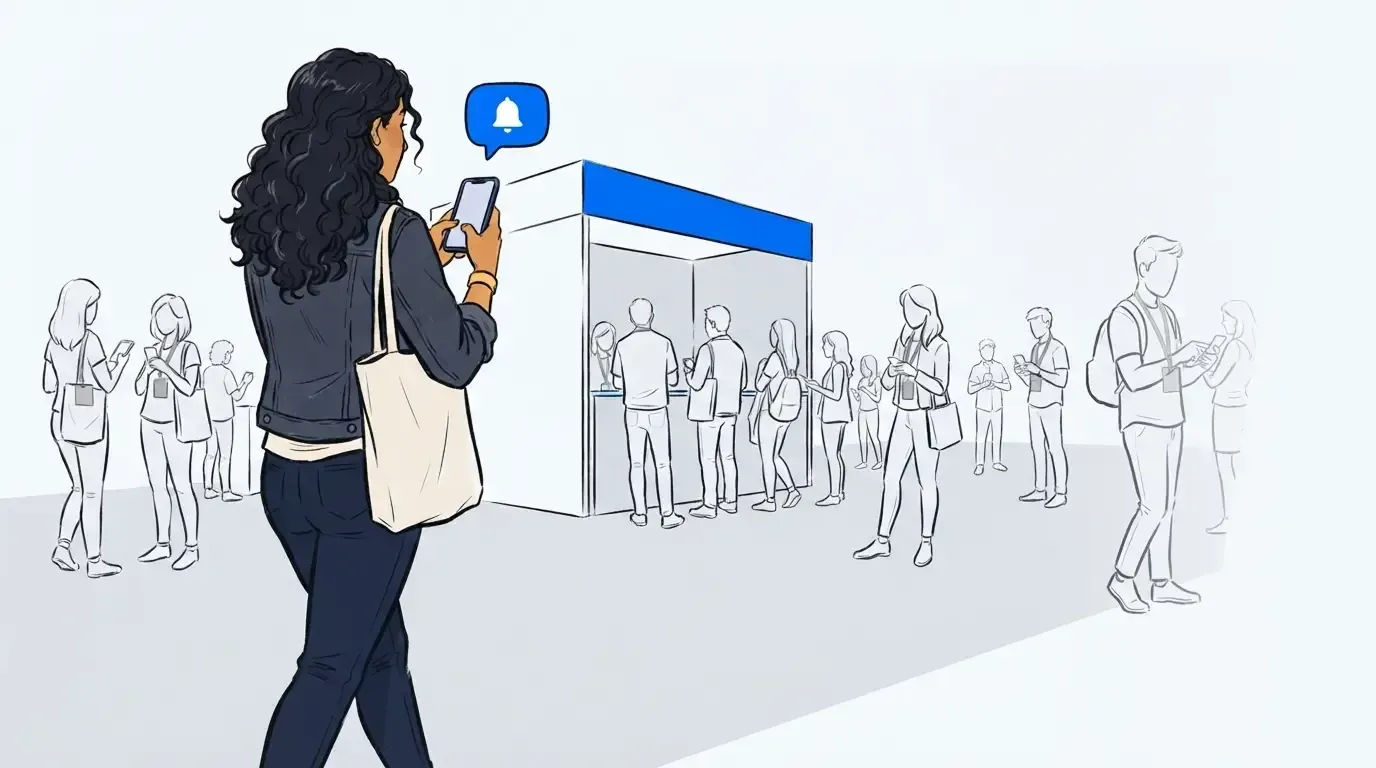
NextMe runs a hybrid model, not a virtual-only one. You set how many fans wait in person, and everyone past that cap waits by phone with a position and a callback. The visible line stays, because a visible line signals demand. It just stops growing past the point where it becomes someone else’s problem. Our post on balancing physical and virtual crowd flow covers that tradeoff in full.
Mistake 2: going live without a dry run
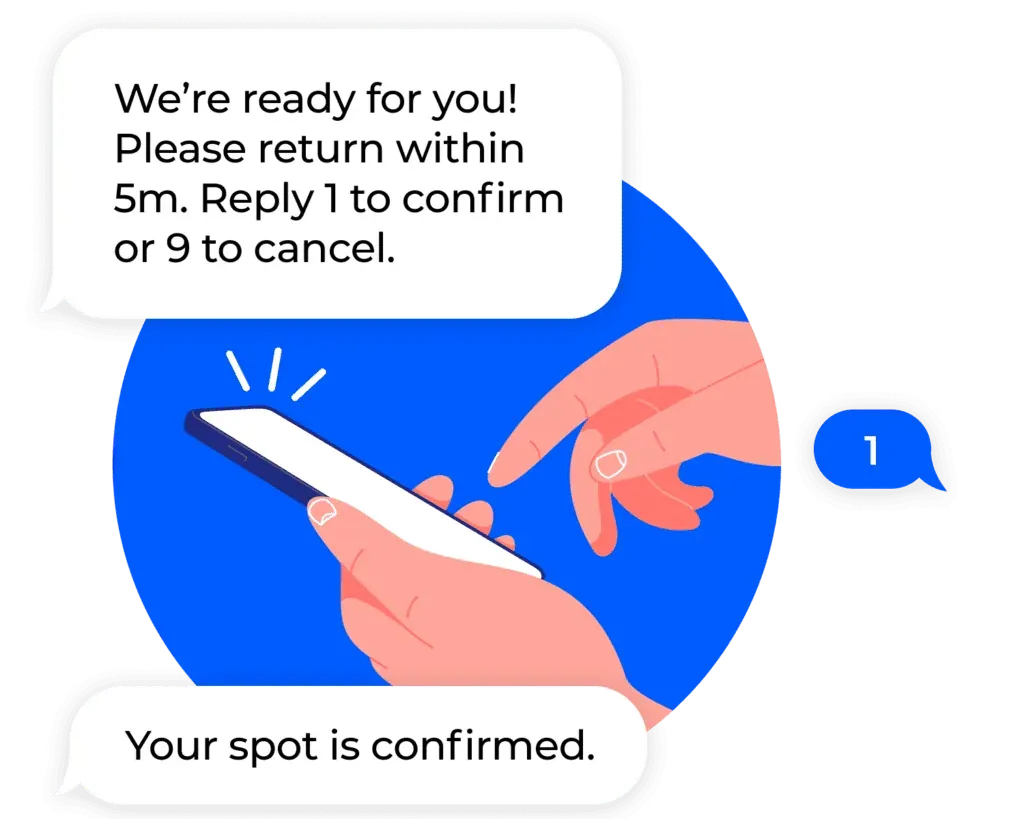
A drop is not the moment to learn your own workflow. If nobody has run the join form, the notification copy, and the callback rhythm before launch day, the team learns all three while a crowd builds in front of them.
NextMe offers a virtual dry run training to every event customer, and we recommend it for any high-demand drop. Use it to answer the questions that only surface under volume. Who holds the dashboard? How many fans do we call at once? What does the text say when someone is next? What happens when a fan misses the callback?
Run it with the staff actually working the activation, not just the person who set up the account. One rehearsal turns the launch hour into something the team has already done before.
The Hello Kitty Cafe Chicago grand opening shows what that preparation buys. The team managed 4,500+ guests with a 79.8% net retention rate and never got shut down. That came from a queue plan built before the doors opened, not from a fix applied after the crowd formed. The same logic drives event capacity management as a venue safety net.
Mistake 3: relying on one QR code, posted the morning of
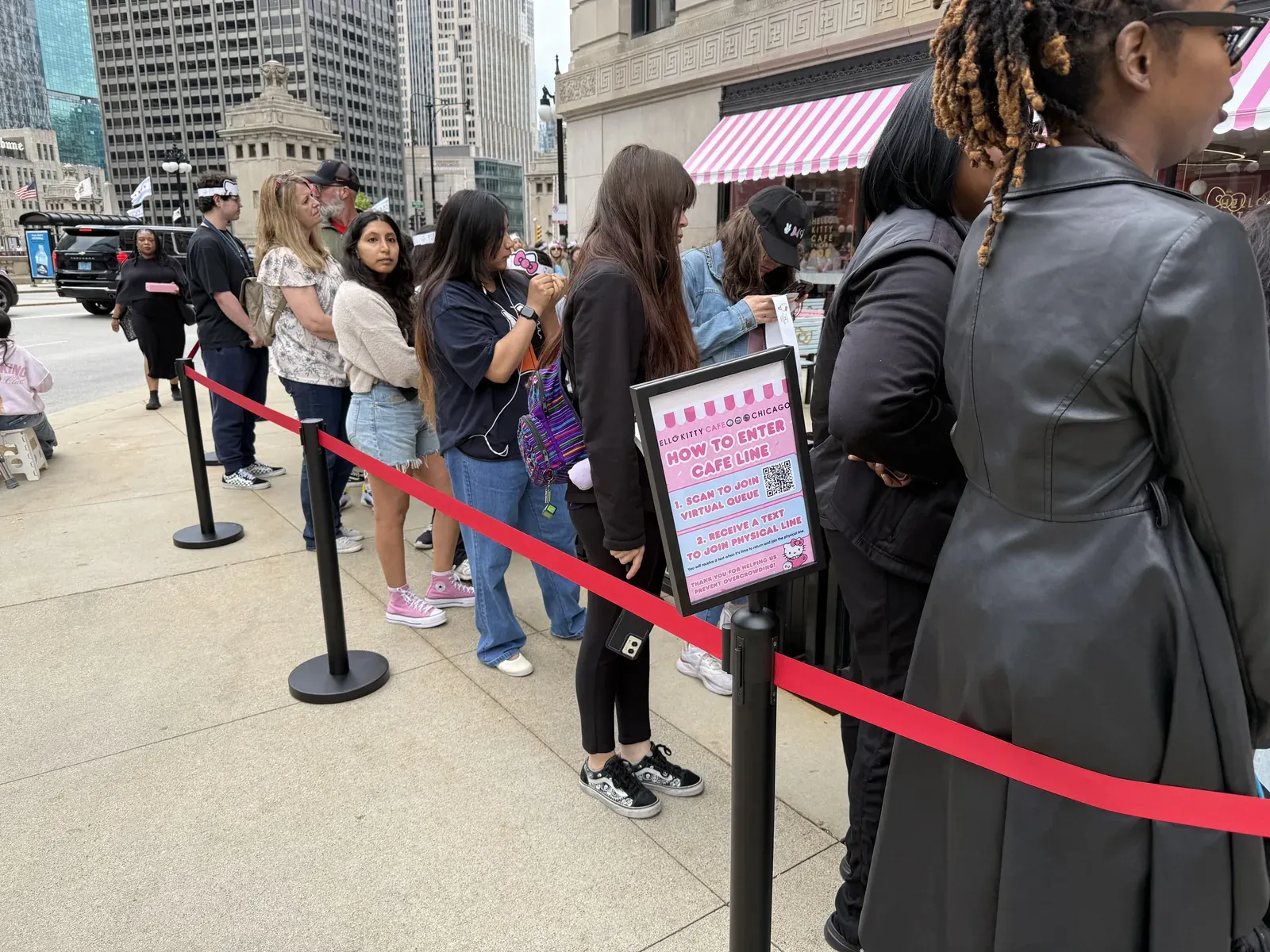
One QR sign creates the exact crowd you are trying to prevent. Everyone clusters at the single point where the code lives, phones go up, and the fans who already scanned cannot get back out. The sign becomes the bottleneck.
Print several and spread them out. Put them at the approach, along the barricade, at the far end of the concourse, and on lanyard cards in the hands of staff. The goal is a fan who scans and keeps walking.
Then post the link before launch day. Put the code on your socials, in the event listing, and in any fan newsletter you send. With NextMe you can leave the self check-in form disabled until the moment you want it live, so early access costs you nothing. Fans bookmark the link, and they learn they do not have to stand at the activation to join.
Skip this and everyone shows up at the booth at launch time, because the booth is the only place they know the code exists. That is the mob scene you were planning to avoid. The same principle applies to any temporary footprint, as our guide to pop-up event queue management covers.
Mistake 4: telling fans to come back at open
Staff scripts decide where the crowd stands. If a brand ambassador says “we open at 11, come back then,” you have just scheduled a mob for 11.
Train the team on a different line. Something closer to: “Our virtual queue opens at 11. Scan this code now or grab the link from our socials, then join at 11 from somewhere nearby with good signal.” That last detail matters most. The booth is the worst place to join, because every phone in the area competes for the same congested network.
You also need people whose entire job is the crowd itself. Someone has to break up clusters, answer the same question forty times, stop stray lines from forming, and keep fans scanning and moving. Without a vocal presence, fans mill around and invent their own line. Our guide to managing fan lines at conventions goes deeper on that dynamic.
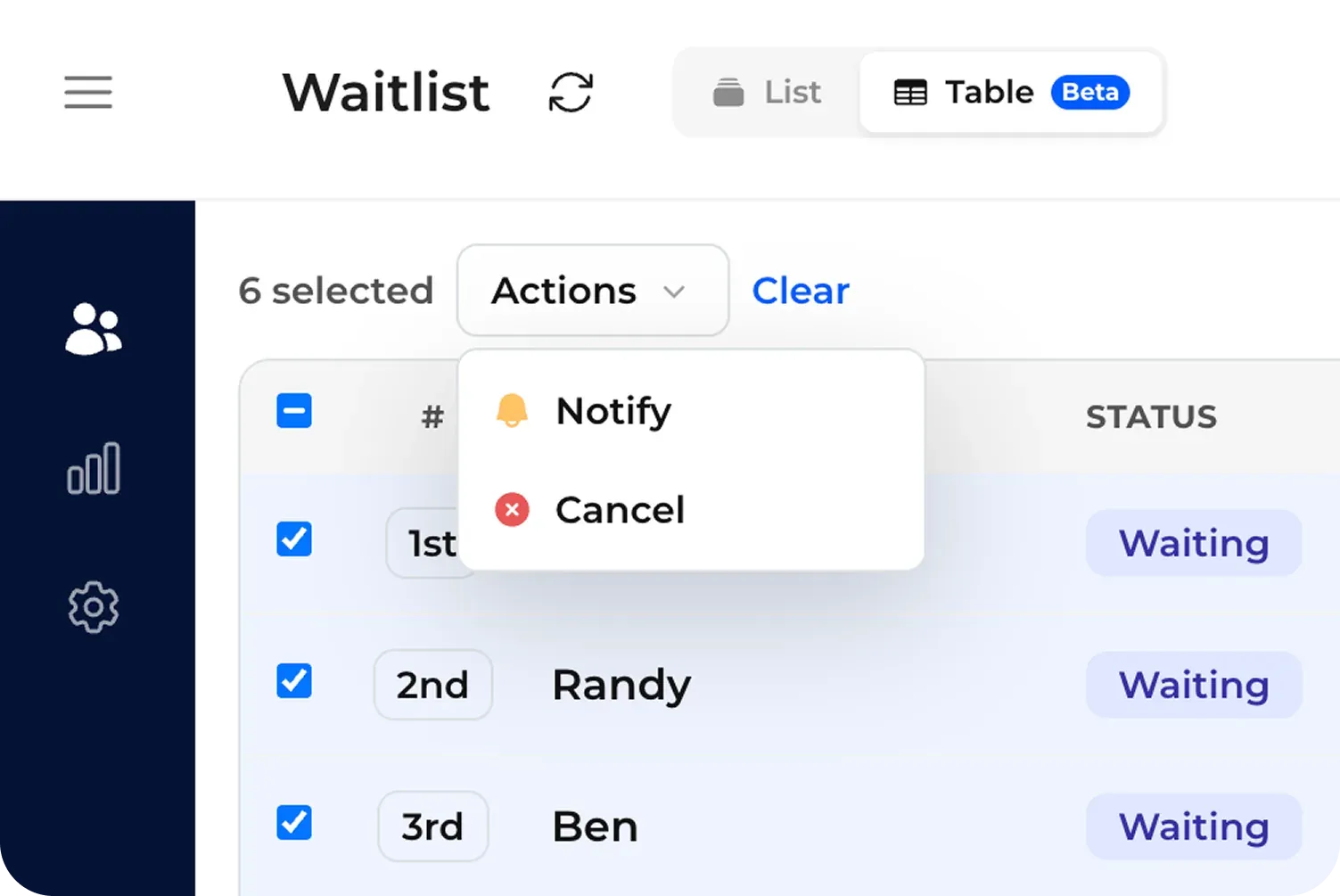
From the dashboard, staff notify waiting fans in bulk when it is time to return. The callback rhythm stays in your team’s hands rather than the crowd’s.
Mistake 5: leaving caps, join limits, and geofencing switched off
NextMe blocks spam entries with built-in bot protection, and for a drop we recommend layering a few settings on top. QR codes get screenshotted and shared online within minutes. The queue you designed for the people in front of you can fill with people who are nowhere near it.
Three controls do most of the work:
- Queue caps. Set a limit slightly above the number of fans you expect to serve that day. A waitlist running far past your capacity only manufactures disappointment.
- Limit repeat joins. Turn it on so one guest or phone number joins once. It protects fairness, and fans treat fairness as a brand issue rather than a logistics one.
- Geofence. Use it only if you have real reason to worry about spam entries or no-shows, and keep the radius generous. Two and a half miles from the activation is a reasonable starting point, since phone location services fail often enough to lock out legitimate fans.
One more setting deserves a decision: turning off position in line. On a capped drop, a visible number invites fans to calculate their odds and get anxious about fairness. Many teams find the wait goes better when the virtual waiting room carries content tailored around expectation setting instead of a precise position. Your analytics after the event will show which choice suited your crowd.
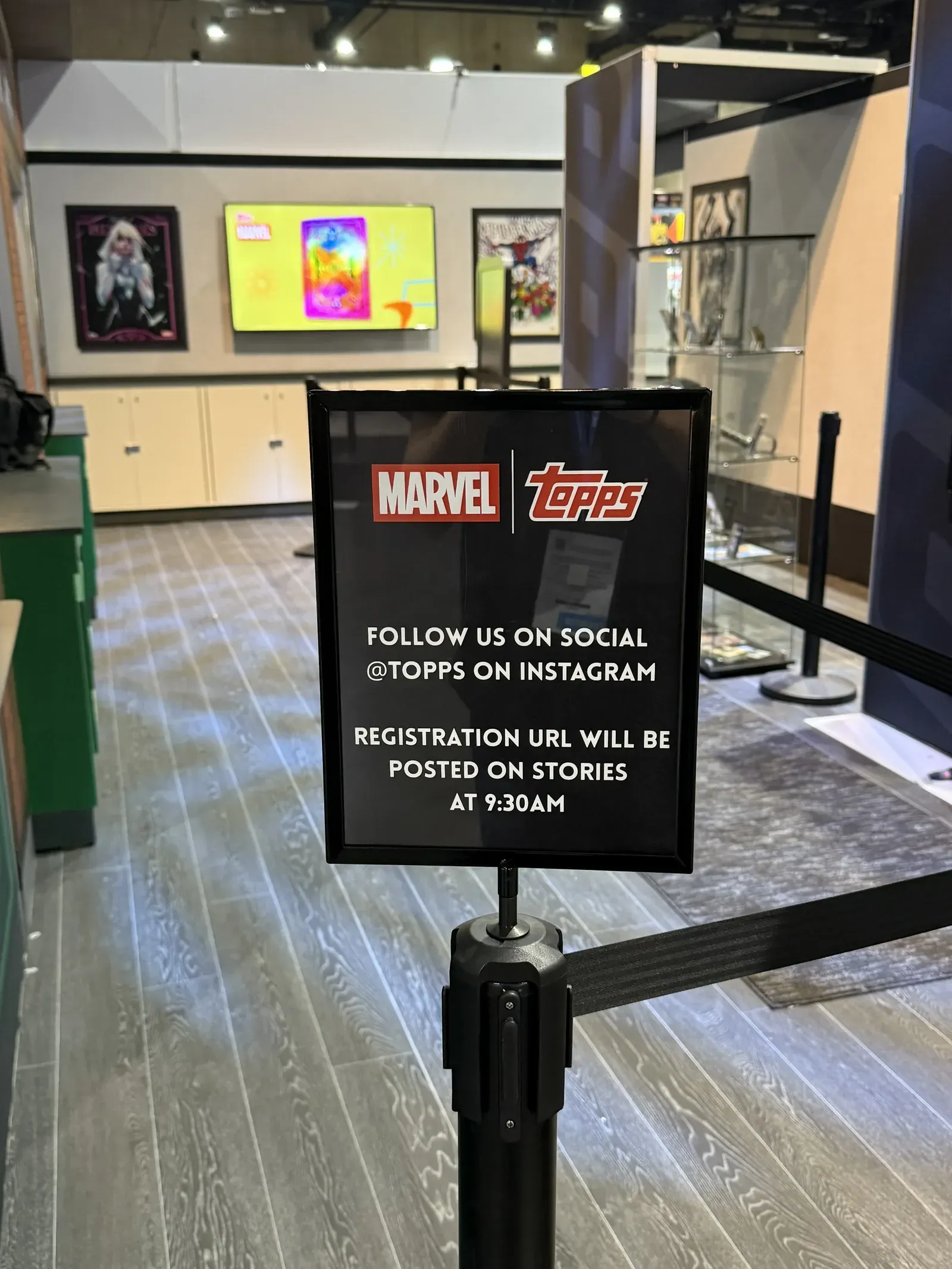
Topps and KPOPMERCH both ran limited drops on this model, controlling who joined and calling fans back in waves rather than letting the line decide the pace.
Plan the queue before you announce the drop
A product drop packs a full day of demand into one hour and gives you no second attempt at it. The five mistakes above share a single root cause: the queue gets handled as a launch-day task rather than part of the plan. Each one is cheap to fix a week out and impossible to fix at 11:01.
Decide your cap, print your signs, post your link early, script your staff, and rehearse the whole thing once. If you have a drop on the calendar and want help thinking through queue management for events, take a look at how NextMe handles high-demand activations.