Saturday afternoon, and the sign-in sheet on your front counter is already a mess. Three names are crossed out. One is illegible. A client who has waited twenty minutes just asked, again, how much longer it will be. Your front desk is doing math in their head instead of greeting the next walk-in.
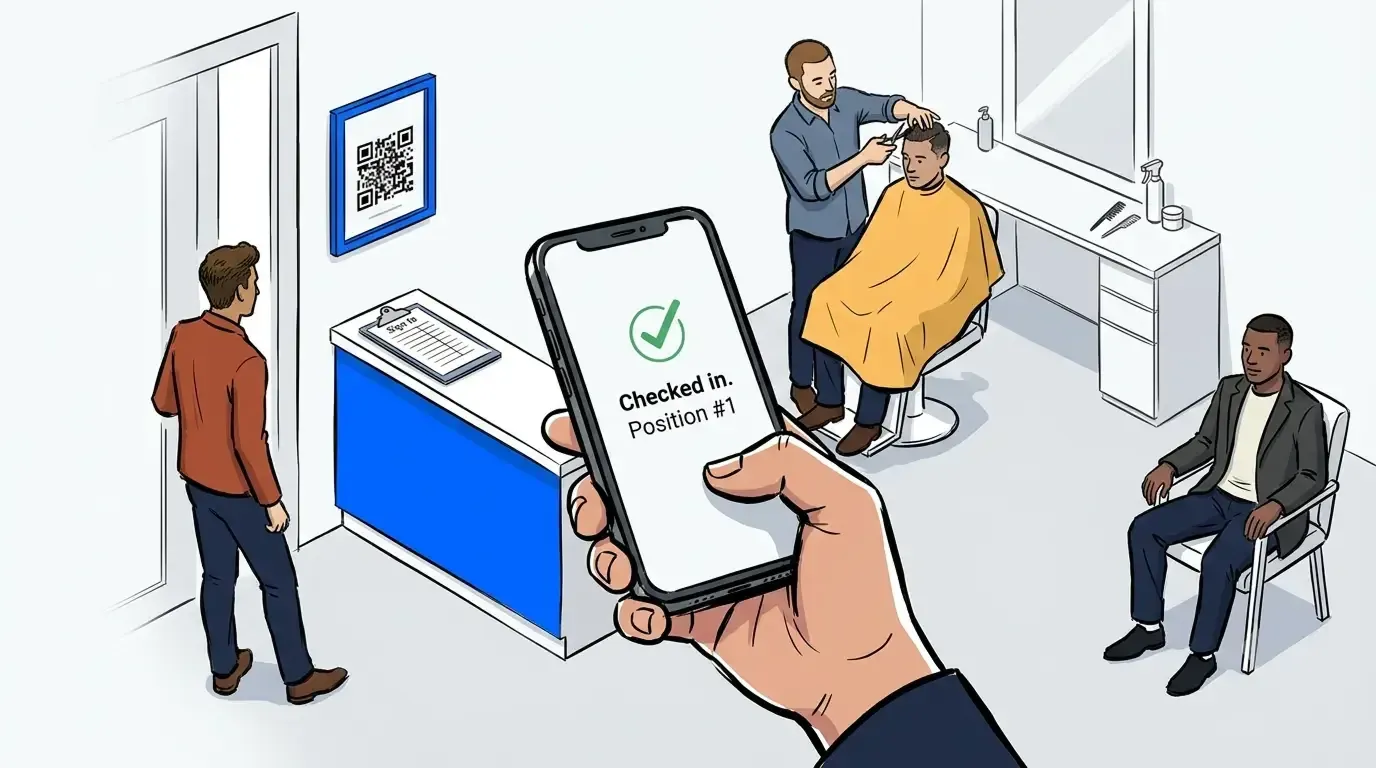
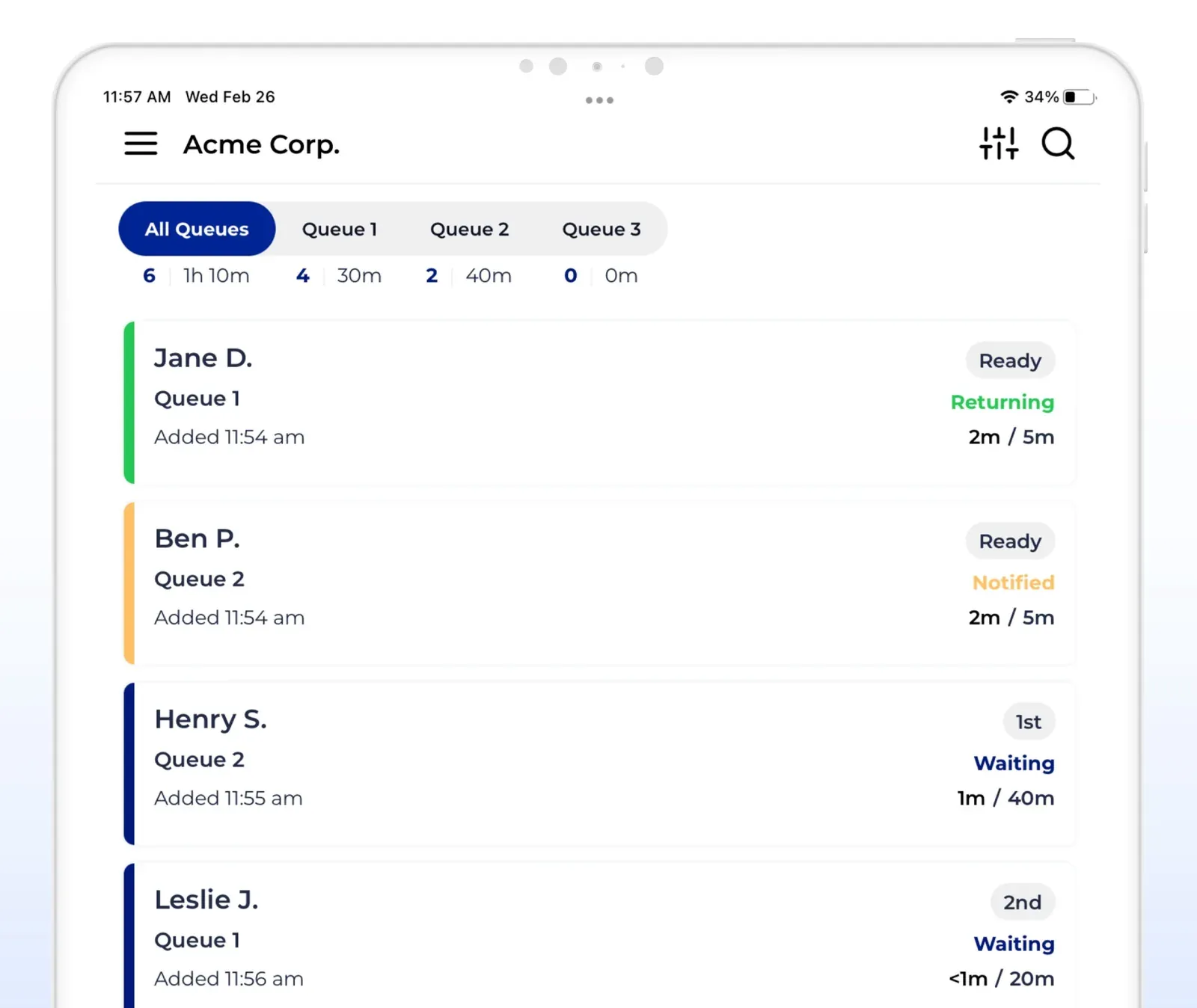
This is the moment a barbershop waitlist app earns its keep. Instead of a clipboard only the front desk can read, clients join a digital line from a QR code at the door. They watch their position update in real time. They get a text when their chair is ready. No app download. No new hardware. No more guessing who came in first.
This post covers what a barbershop waitlist app actually does. It covers why the paper sign-in sheet breaks down once a shop gets busy, and what to look for if you are ready to replace it.
What is a barbershop waitlist app?
A barbershop waitlist app is a digital tool that replaces the paper sign-in sheet at the front desk. Walk-in clients check in from a QR code or tablet. They see their place in line and get a text message when it is their turn. Nobody has to stand in the shop just to hold a spot. Barbers keep working. The front desk keeps greeting new clients. Nobody has to decipher handwriting to know who is next.
It’s not a scheduling tool, and it doesn’t have to replace your appointment book. It solves a narrower problem: the moment a client walks in with no reservation and needs to know where they stand.
Why the sign-in sheet breaks down on a busy Saturday
A clipboard works fine at ten in the morning. It falls apart by two in the afternoon. Five names are on it. Two clients have stepped out. A sixth just walked in asking who is ahead of them. Nobody at the desk has a clean answer, because the answer lives on paper only one person can read.
The frustration this creates is measurable. Zenoti surveyed more than 1,500 beauty and wellness consumers in 2023. Half of barbershop clients named waiting as their single biggest frustration. Roughly one in four were frustrated specifically by the check-in process itself. That second number is the sign-in sheet’s fault. Clients are having a bad experience before a barber has even touched their hair.
How a digital waitlist keeps walk-in clients from wandering off
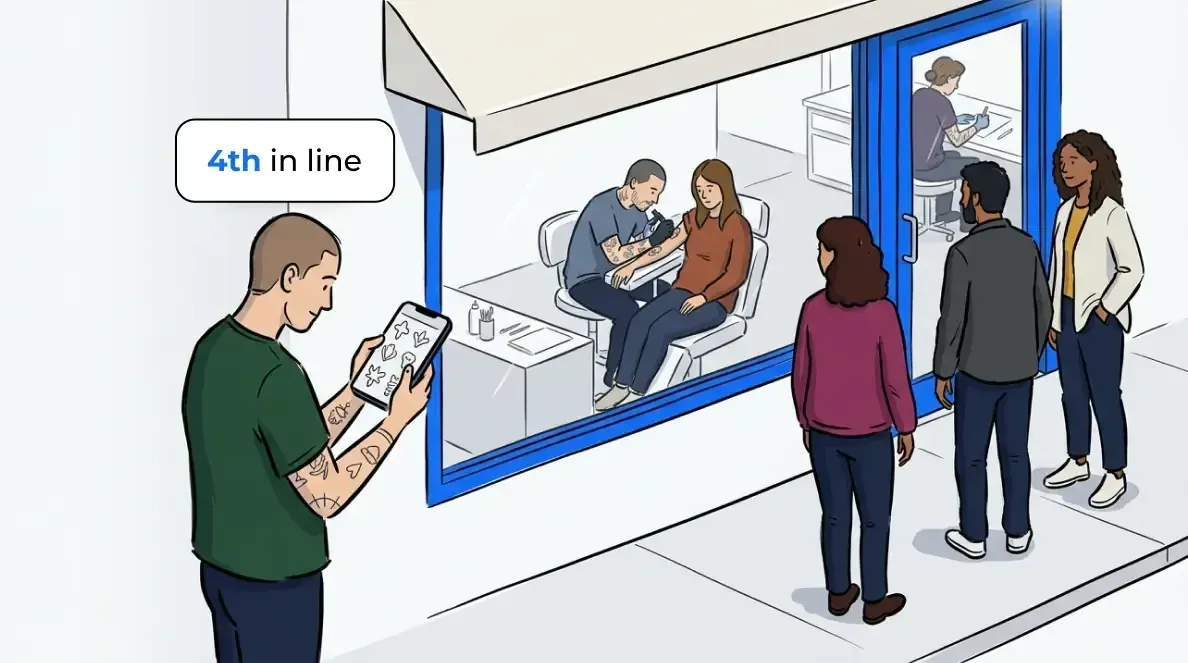
The fix is not making the line move faster. It’s making the line visible. When a client can check in with a quick QR scan, they see exactly where they stand. The wait becomes tolerable, even when it is not short.
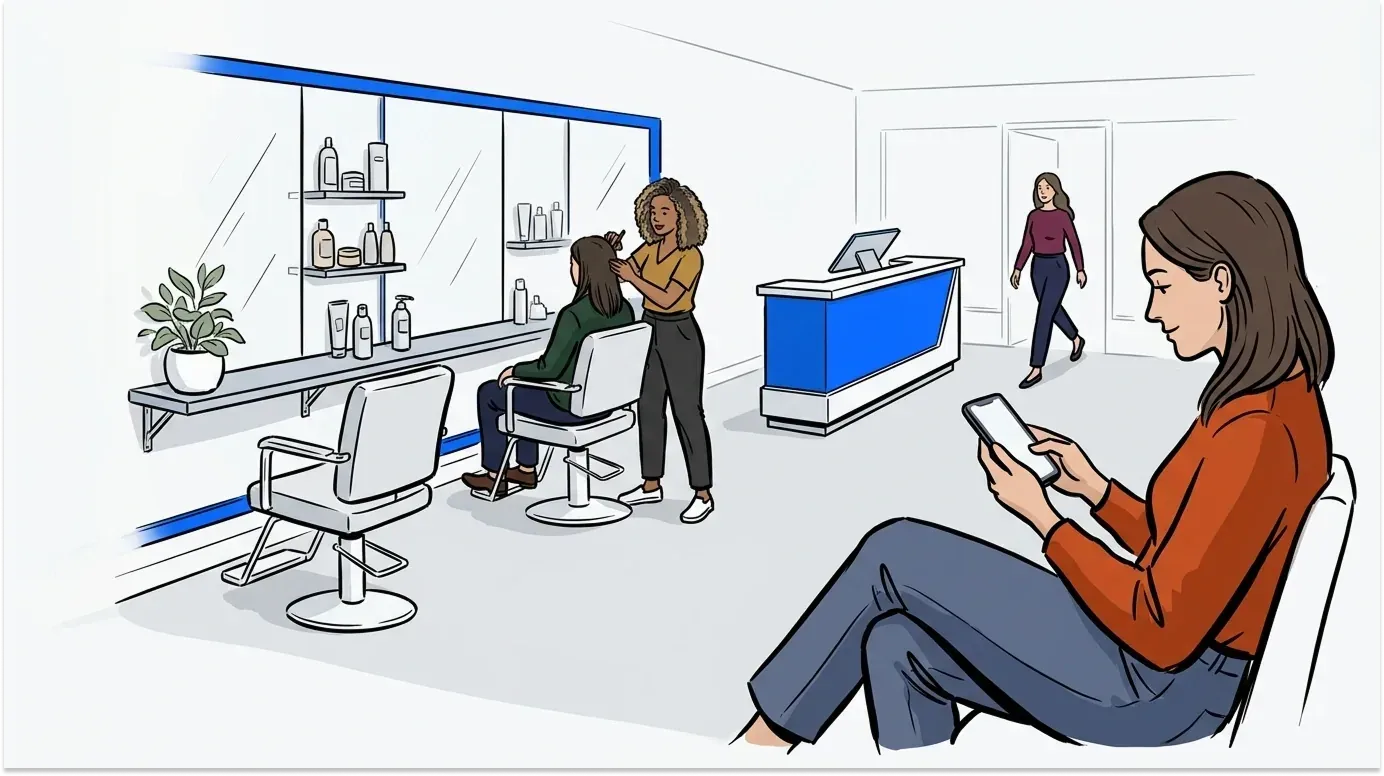
From there, two-way texting does the rest. A client gets a heads-up as their turn approaches. They reply 1 to confirm they are still around, or 9 to cancel if they need to step out. That means they do not have to sit in the shop staring at the door. They can wait in the car. They can grab coffee next door. They can walk the block, the same way a modern virtual waiting room works in any walk-in business.
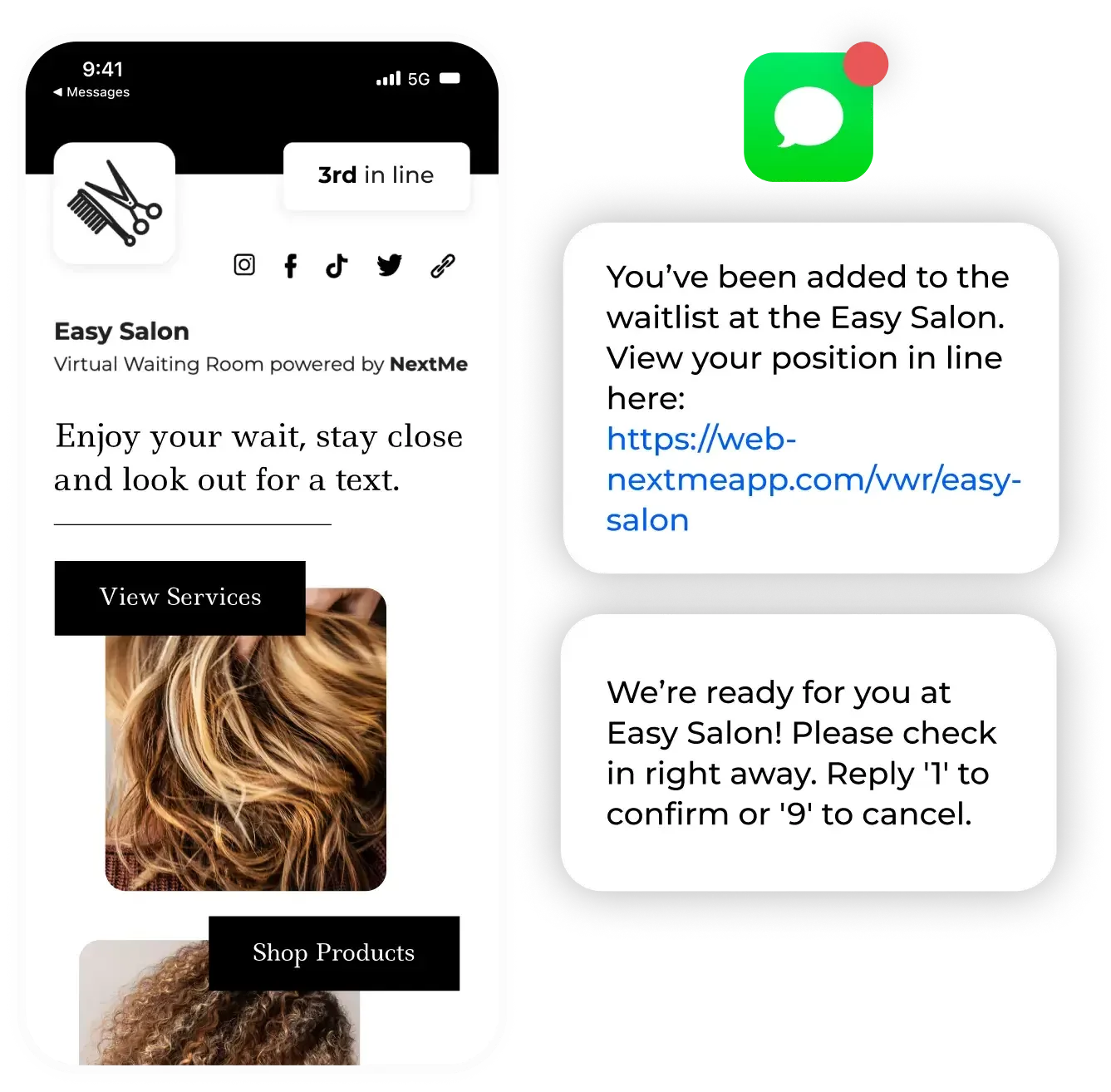
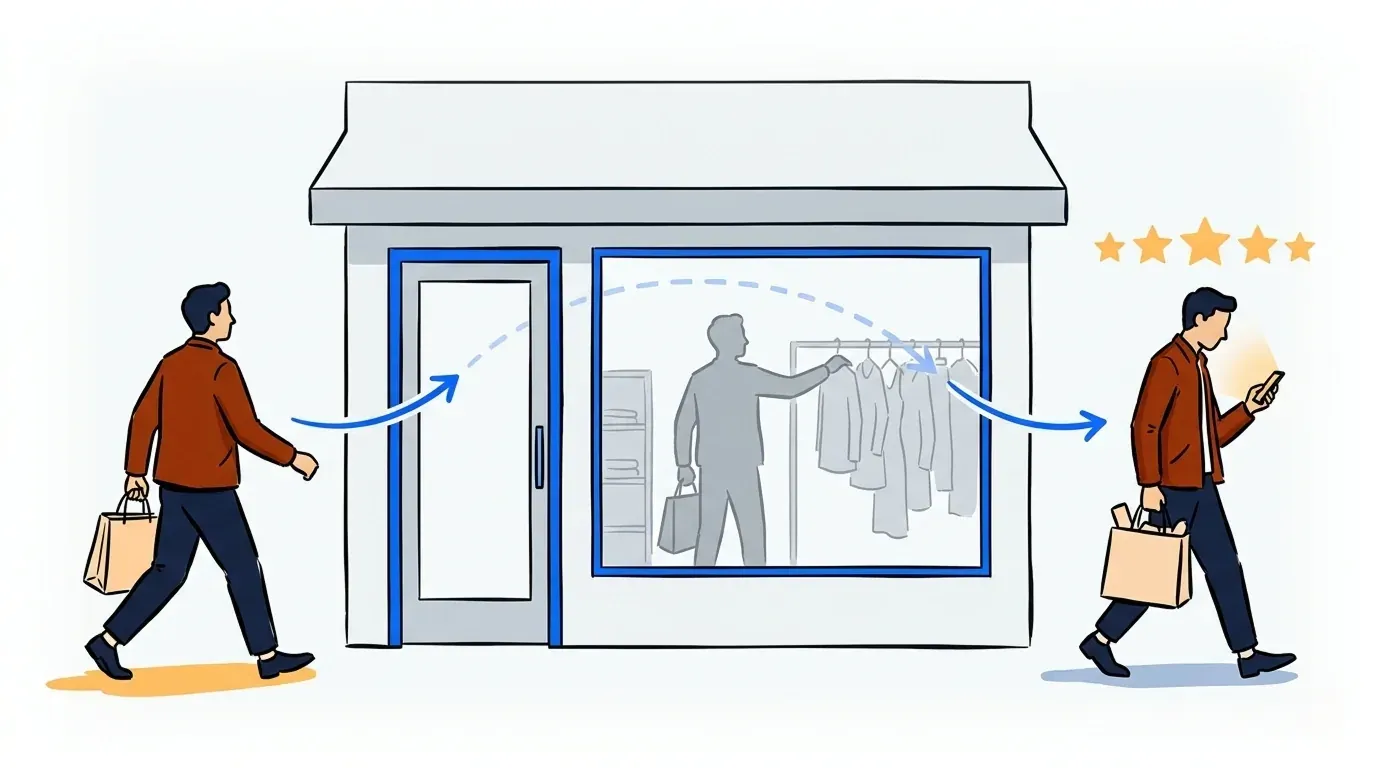
That freedom matters more than it looks. Clients who cannot see their position leave. So do clients who feel trapped in a chair by the window. NextMe’s own research on retail walkouts shows the same pattern. A wait people can see and step away from costs a business far fewer walkouts than one they cannot.
What to look for in a barbershop waitlist app
Not every digital queue fits a barbershop’s pace. Check these before you pick one:
- No app download required for clients. Anyone asked to install something before joining a line will skip it.
- Self check-in by QR code or tablet, so clients add themselves without waiting on the front desk.
- Two-way SMS, not just one-way alerts, so clients confirm or cancel without a phone call.
- A staff dashboard showing the whole line at a glance, not just the next name.
- Compatibility with whatever you already use for scheduled appointments.
Where this fits next to your appointment book
Most barbershops already run some kind of scheduling tool for booked clients, often Square Appointments. That’s fine. A waitlist app is not there to replace it. It handles the walk-in side of the business, the part a scheduling tool was never built for. It covers the client who shows up with no reservation and needs to know where they stand right now.
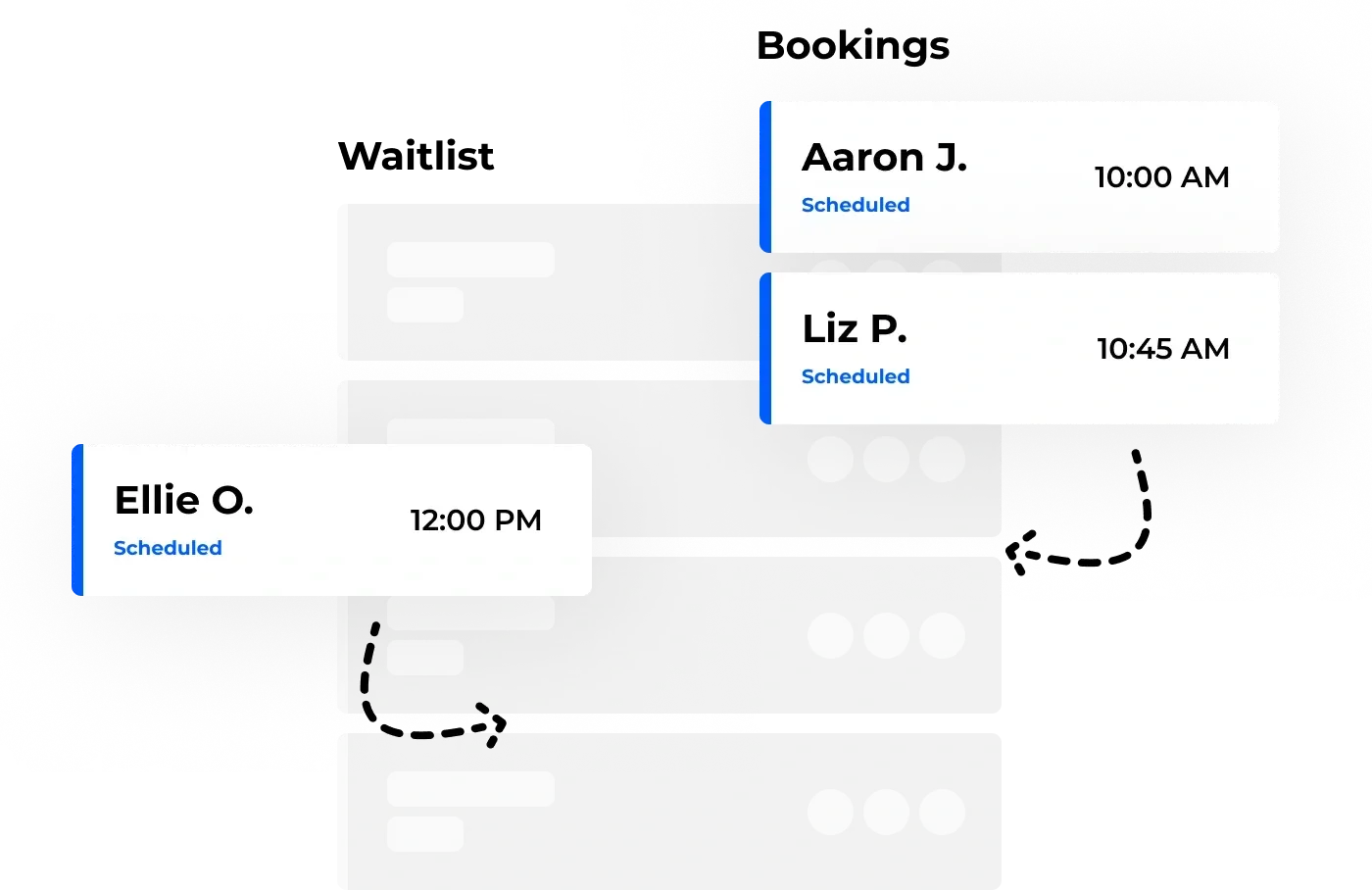
If your shop juggles both scheduled appointments and a steady stream of walk-ins, you are managing two different problems. Our guide on how salons and barbershops use queue management to serve more clients goes deeper on coordinating both.
Ready to retire the sign-in sheet?
A barbershop waitlist app will not make a Saturday rush shorter. It will make the rush visible, and visibility is what keeps walk-in clients from giving up and leaving. Clients see their place in line. Staff see the whole shop at a glance. Nobody has to guess who came in first.
The same walk-in visibility problem shows up across queue management for barbershops and salons more broadly, not just one Saturday. If your shop is ready to move past paper, see how NextMe works in retail settings.