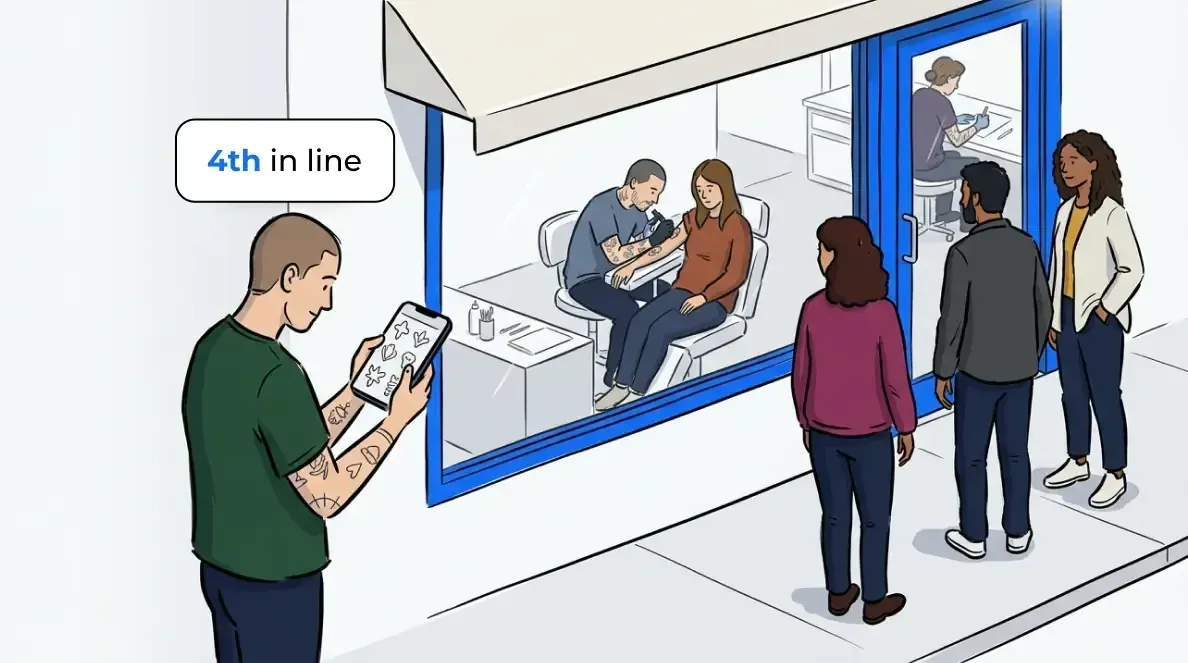
Your salon gets busy in waves. A rush hits after lunch, three walk-ins arrive at once, and the front desk scrambles to write names on a clipboard while the phone rings. The paper sign-in sheet worked when foot traffic was light. On a busy Saturday, it turns into a bottleneck. Clients hover near the door, nobody knows who is next, and a few leave before anyone can help them.
A salon waitlist app fixes that. It moves the sign-in off paper and onto a screen. Clients add themselves to the list, wait wherever they want, and get a text when a chair opens up. Your front desk sees the whole queue at a glance instead of squinting at a smudged sheet.
This post covers what a salon waitlist app changes day to day, why the paper sheet quietly costs you clients, and how to set one up without disrupting how your team already works.
What a salon waitlist app does
A salon waitlist app is a digital sign-in and queue tool that replaces the paper sheet at your front desk. Clients join the list from a tablet or their own phone, see their place in line, and get a text when their stylist is ready. Your staff run the whole queue from one screen.
That shift does more than tidy up the desk. It gives every client a clear answer to the only question they care about: how long until it’s my turn. It also gives you a live view of demand, so you can staff the floor around your real busy periods. You can manage the entire waitlist from a phone, a tablet, or the front desk computer.
Why the paper sign-in sheet holds your salon back
The problem with a paper sheet is not the paper. It is that a paper sheet forces clients to wait in person to keep their spot. That single constraint caps how many walk-ins your salon can hold. Once the lobby feels full, the next person peeks in and keeps walking.
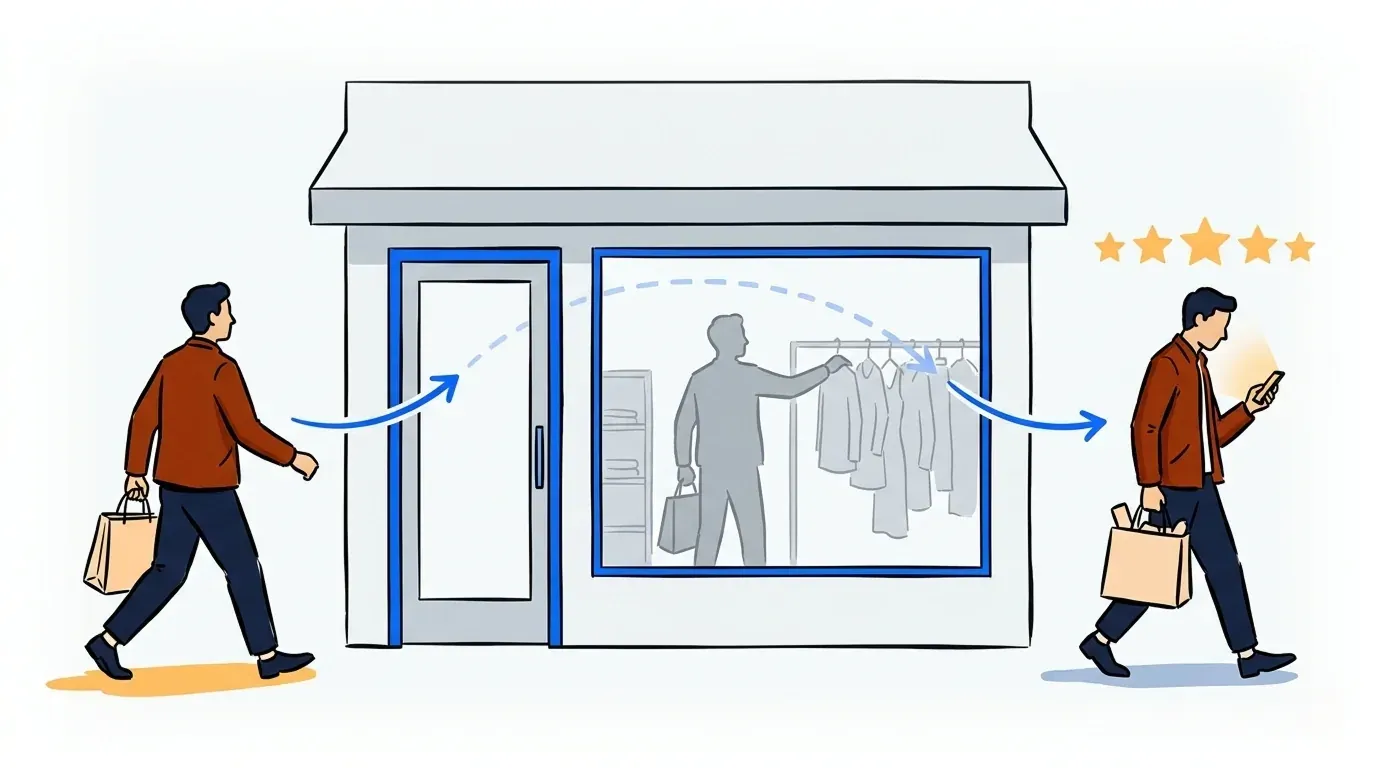
A waitlist app removes that cap. Clients can leave, run an errand, and come back when you text them. You hold the walk-in you would have lost. On a busy day, that is the difference between turning people away and booking them into an open chair. The same logic already plays out in other appointment-and-walk-in businesses, as in this look at how a barbershop waitlist app replaces the sign-in sheet.
Paper also loses data. You never learn which days spike, how long people really wait, or how many walked out. A digital list captures all of it quietly in the background.
Let clients wait anywhere instead of your lobby
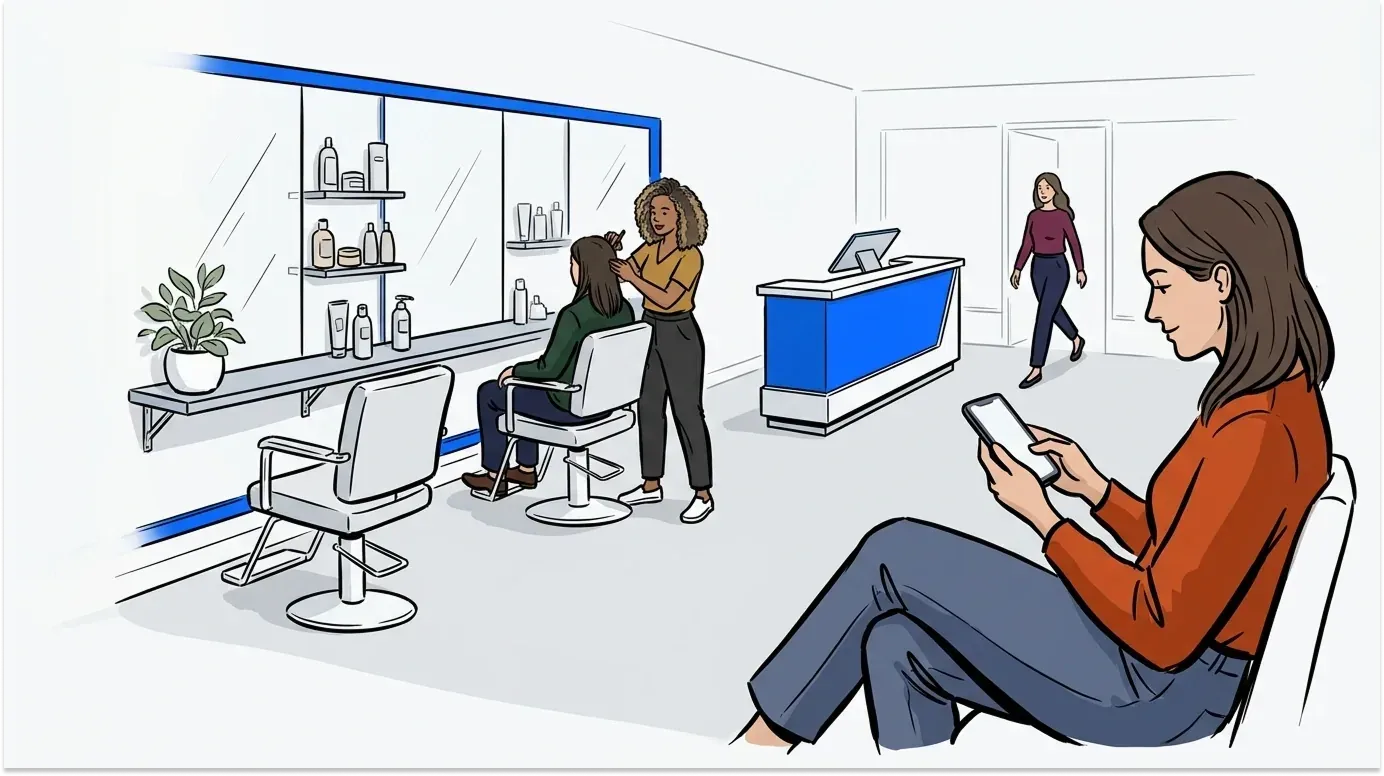
Most clients do not want to sit in a crowded waiting area. They want to grab a coffee, browse the shops next door, or wait in their car. A virtual waiting room lets them do exactly that. They see their spot in line on their phone and get a heads-up as their turn approaches.
The notification is the key piece. NextMe sends an automatic text when a chair opens, and your front desk can send a message manually at any time. Clients reply to confirm they are on the way or to cancel, so you are never holding a chair for someone who already left.
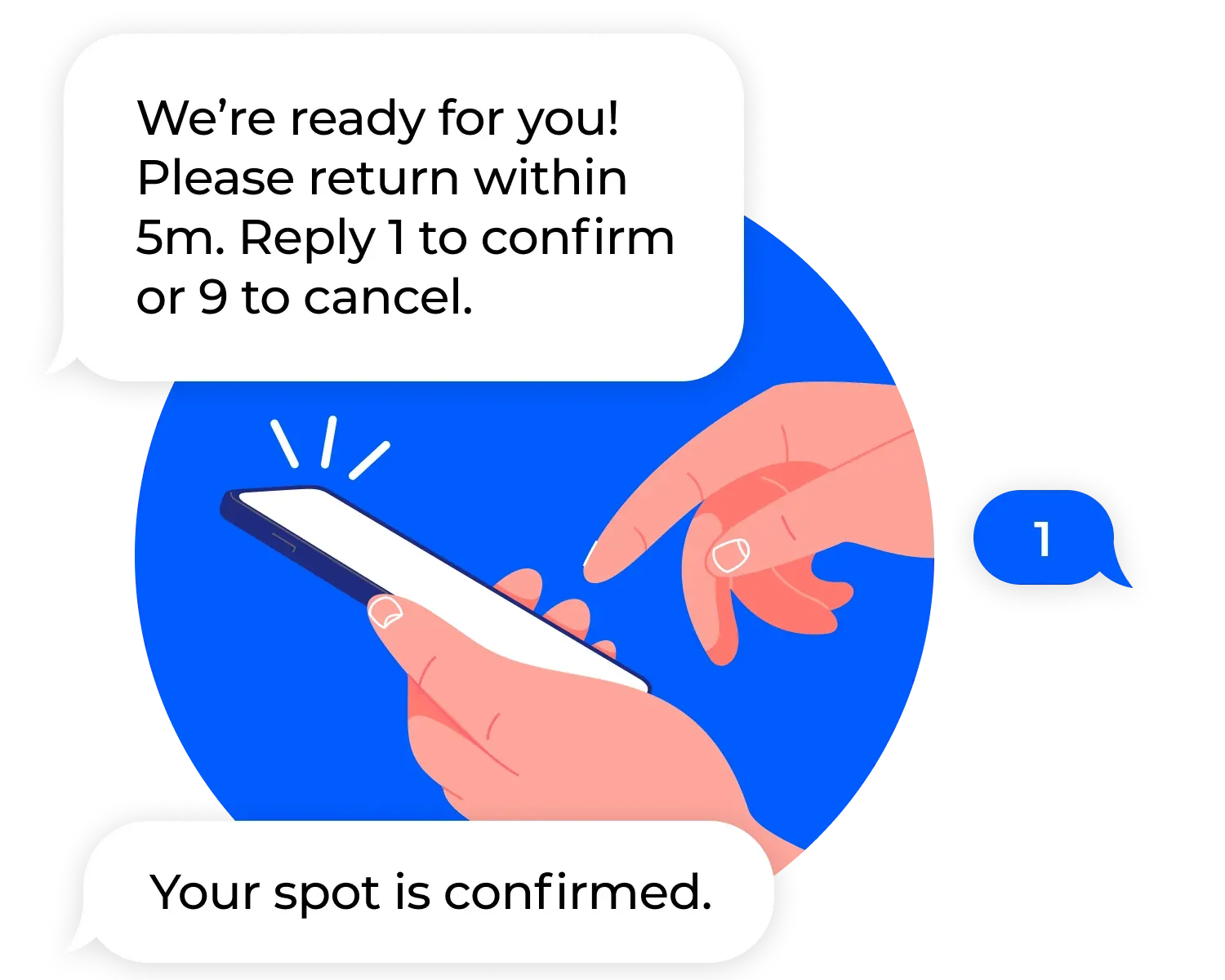
This keeps your lobby calm and your chairs full. Nobody is standing around, and no stylist is idle waiting for a client who wandered off.
Replace the clipboard with self check-in
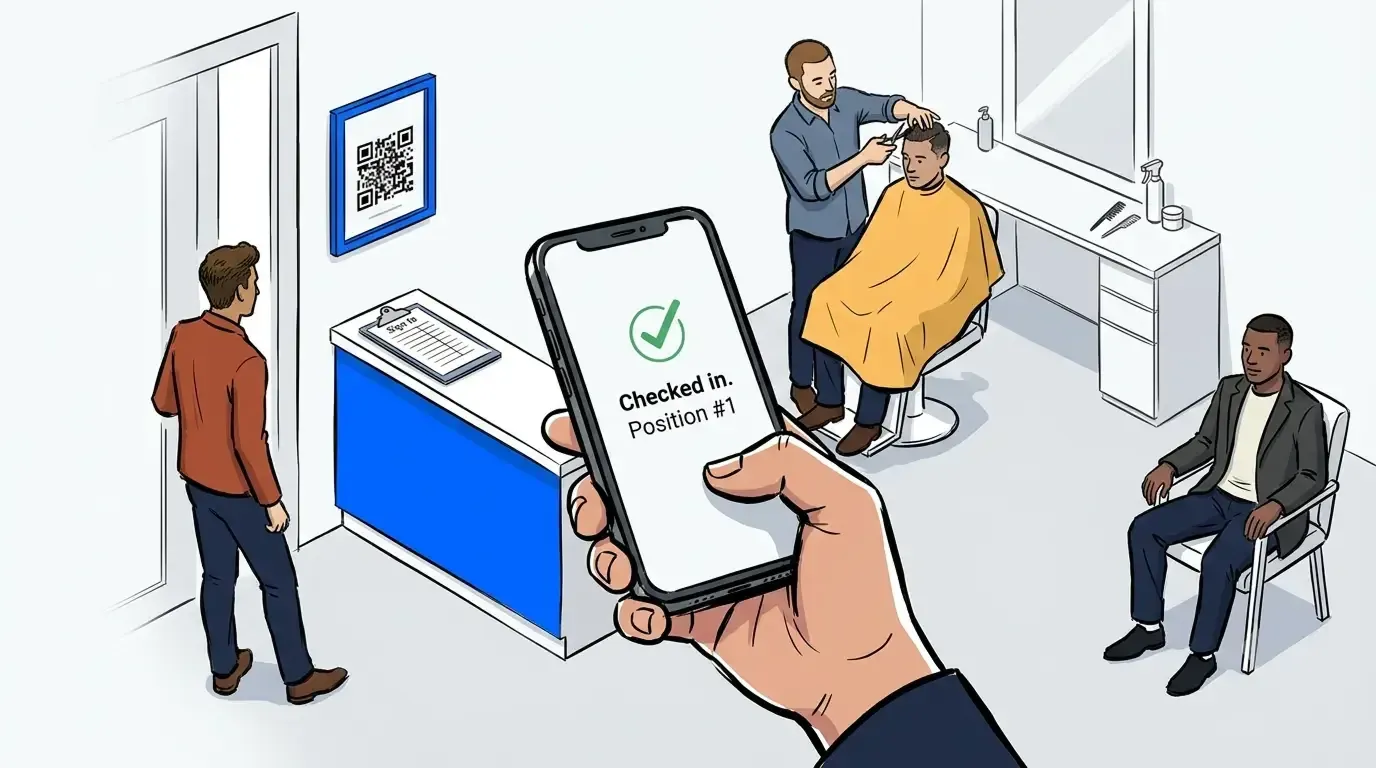
Instead of a receptionist writing names down, clients handle their own arrival. Set up a tablet at the front desk with self check-in, and clients add themselves to the list in a few taps. During a rush, they can also join from a QR code at the door or a link on your website before they arrive.
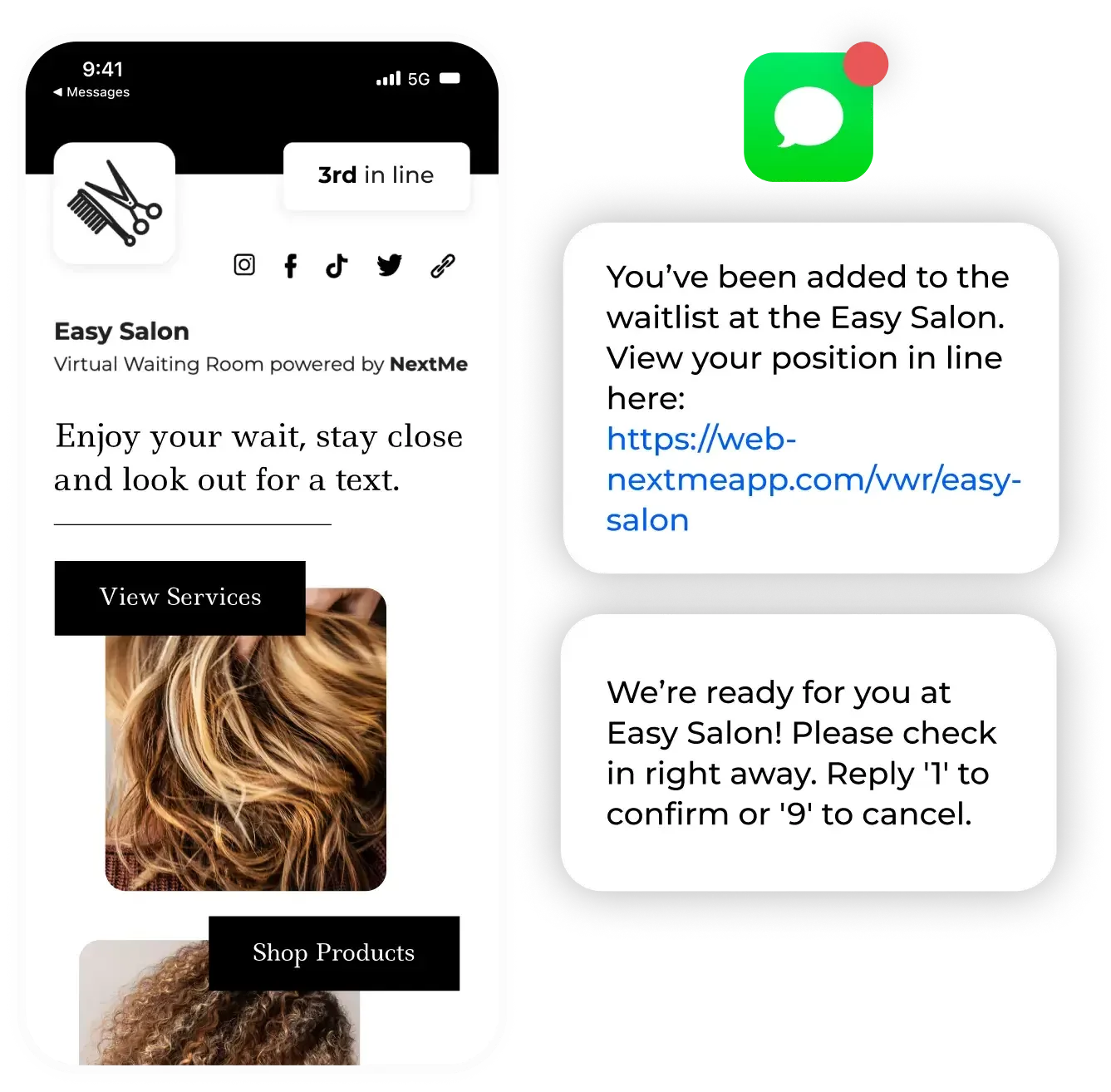
This frees your front desk to focus on clients who need real help, not on transcribing a list. It also runs on the devices you already have. There is no special hardware to buy, and most teams are comfortable with it within a shift.
Handle walk-ins and appointments in one place
Salons rarely run on walk-ins alone. You have booked clients and a standby line at the same time, and the two need to fit together. NextMe bookings lets you see scheduled appointments and walk-ins on one screen, so a late walk-in never bumps a client who booked ahead.
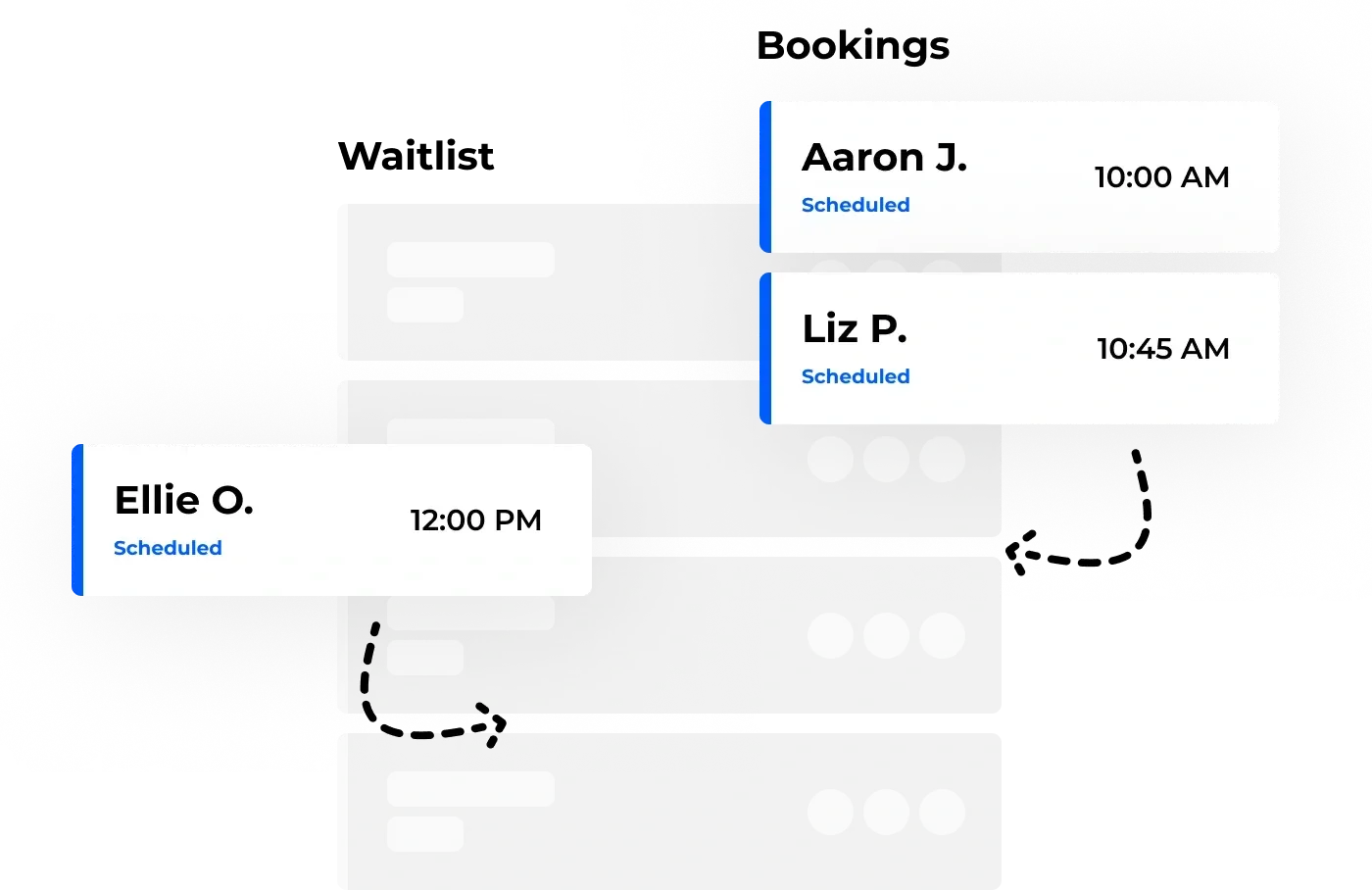
If you already schedule booked clients in a tool like Square Appointments, a waitlist app sits alongside it. Square keeps your appointment calendar, and the waitlist handles the walk-in overflow that a calendar was never built for. The two complement each other rather than compete.
Trade the clipboard for a system that scales
A paper sign-in sheet is fine until the moment you get busy, which is exactly when you can least afford a bottleneck. A salon waitlist app clears the lobby, holds the walk-ins you would otherwise lose, and shows you the demand data the clipboard was throwing away.
If you are ready to retire the clipboard, see how waitlist software for salons and spas works and try it on your next busy day.