Your gate team has the entry line under control. Then the keynote lets out, 400 people head for the same three exhibit hall aisles, and complaints start arriving from four places at once.
Learning how to reduce event wait times across an entire footprint starts with a change in scope. Most ops teams manage waits one line at a time. The gate gets a plan, the headline activation gets a plan, and everything in between runs on staff instinct. That holds until the day gets busy.
This post covers how to map your wait points before doors open and where the minutes actually accumulate. It also covers how to move overflow without flattening the energy of a visible line, and how to give staff a live view of every queue at once.
How to reduce event wait times across your whole footprint
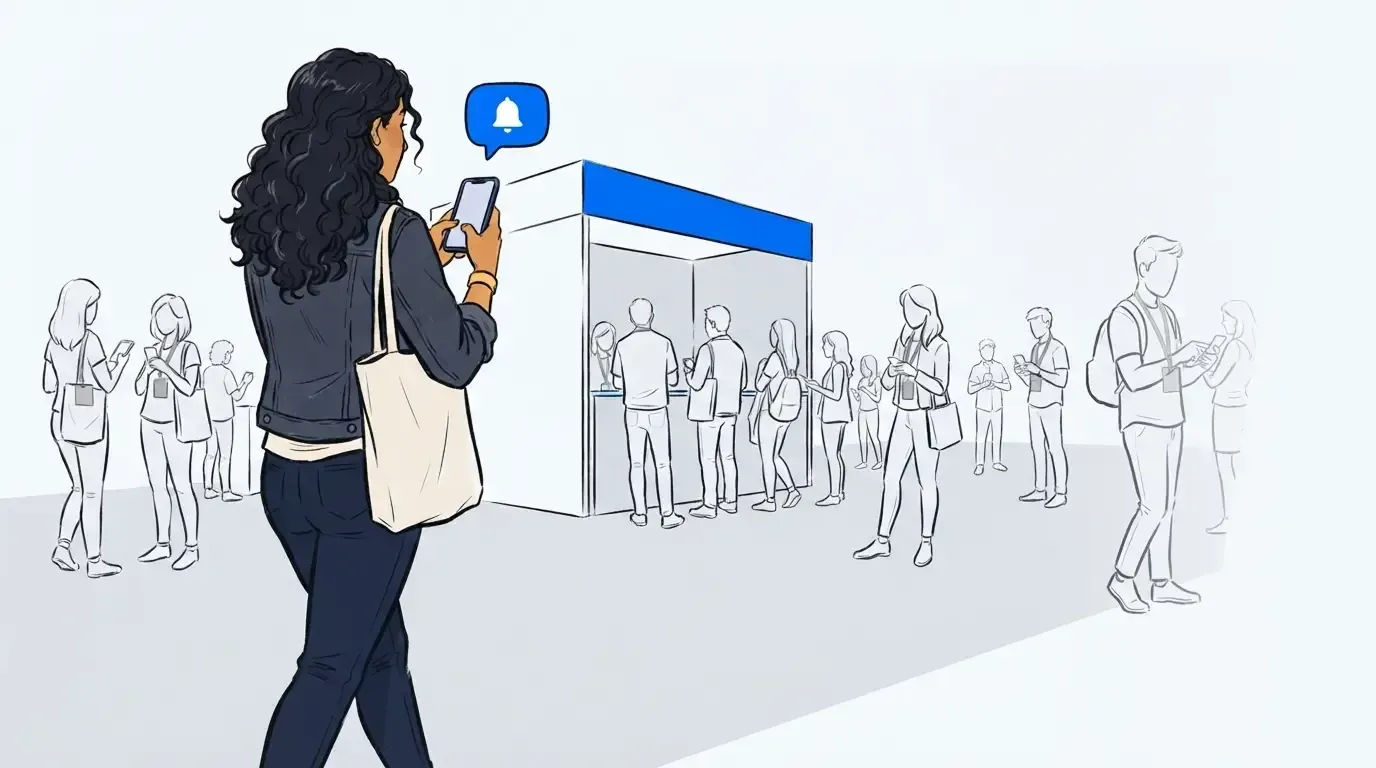
To reduce event wait times across a whole venue, map every point where guests stop and wait, then run each of those queues on the same system rather than leaving every team to solve its own line. Guests join by phone or kiosk, get a position number and an estimated wait by text, and roam the venue until a message calls them back. Organizers see every queue in one view, including the ones exhibitors run at their own activations, and can shift people before a bottleneck sets in.
Five steps make that work on show day.
- Map every wait point on your floor plan, not just the front gate.
- Give each one a self check-in method: a QR code, a tablet kiosk, or a staff-assisted tap.
- Decide how many guests wait in person at each point.
- Send everyone past that cap into a virtual queue with a live position and wait estimate.
- Roll every queue up into one dashboard, including the ones your exhibitors run, and move staff toward whichever slows down.
None of this requires more headcount. It requires knowing where your waits live before the day starts.
Where the minutes actually pile up
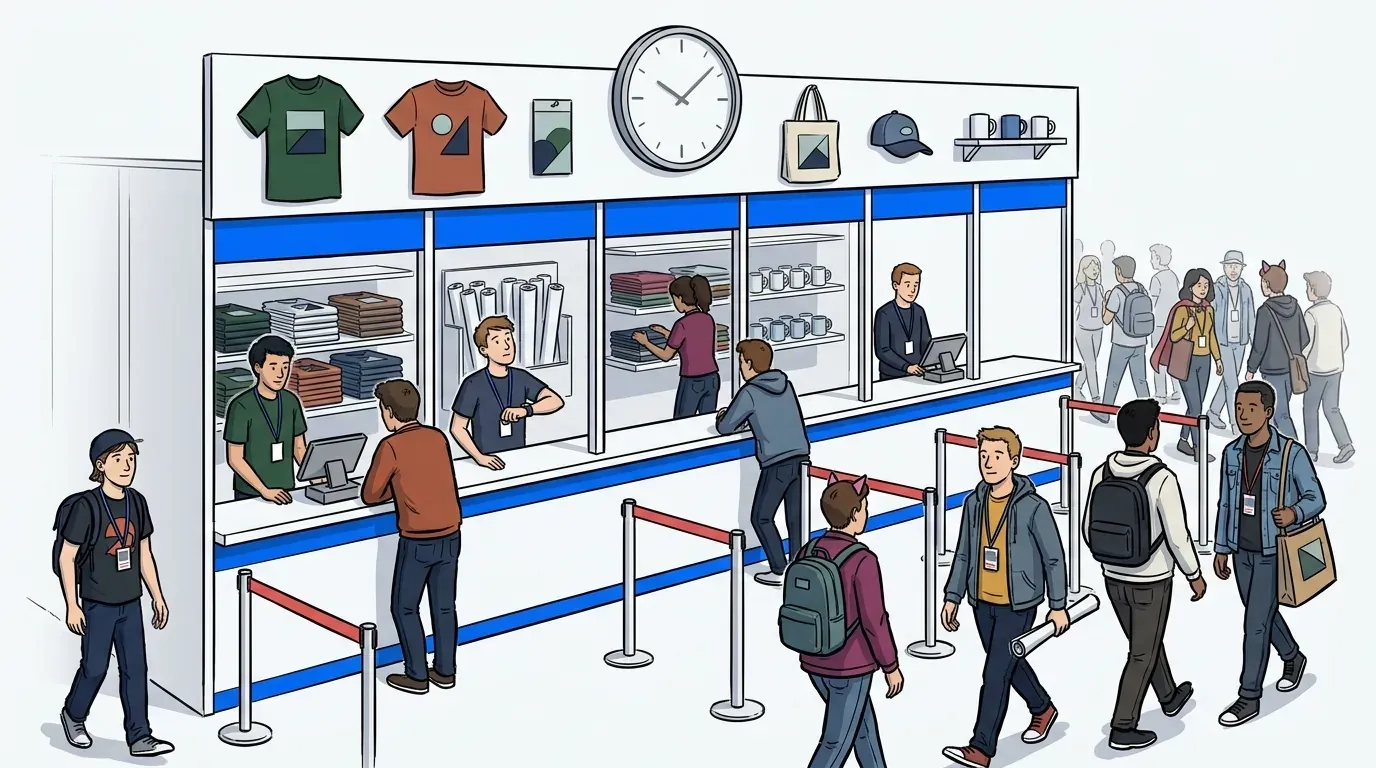
The front gate gets the planning attention because it is visible and it comes first. The interior collects the minutes. A guest waits eight minutes at registration, twelve at a session door, twenty at a sponsor activation, and nine for coffee. That is almost an hour in line. Not one of those queues looked like a problem to the team running it.
Track the total minutes a single attendee spends waiting across the day. That number, not the length of your worst line, decides whether people call the event well run. The same logic applies outdoors, where attendee flow across a large open site breaks at the zone boundaries rather than at the gate.
Freeman’s Q4 2024 Trends Report found that 44% of attendees name technology that makes an event easier to navigate as a top driver of a positive experience. Navigation and waiting are the same problem from the guest side. Both come down to whether the guest knows what happens next.
That explains why lines spiral. Guests rarely walk because a wait runs long. They walk because nobody told them how long.
Cap the line, then move the overflow
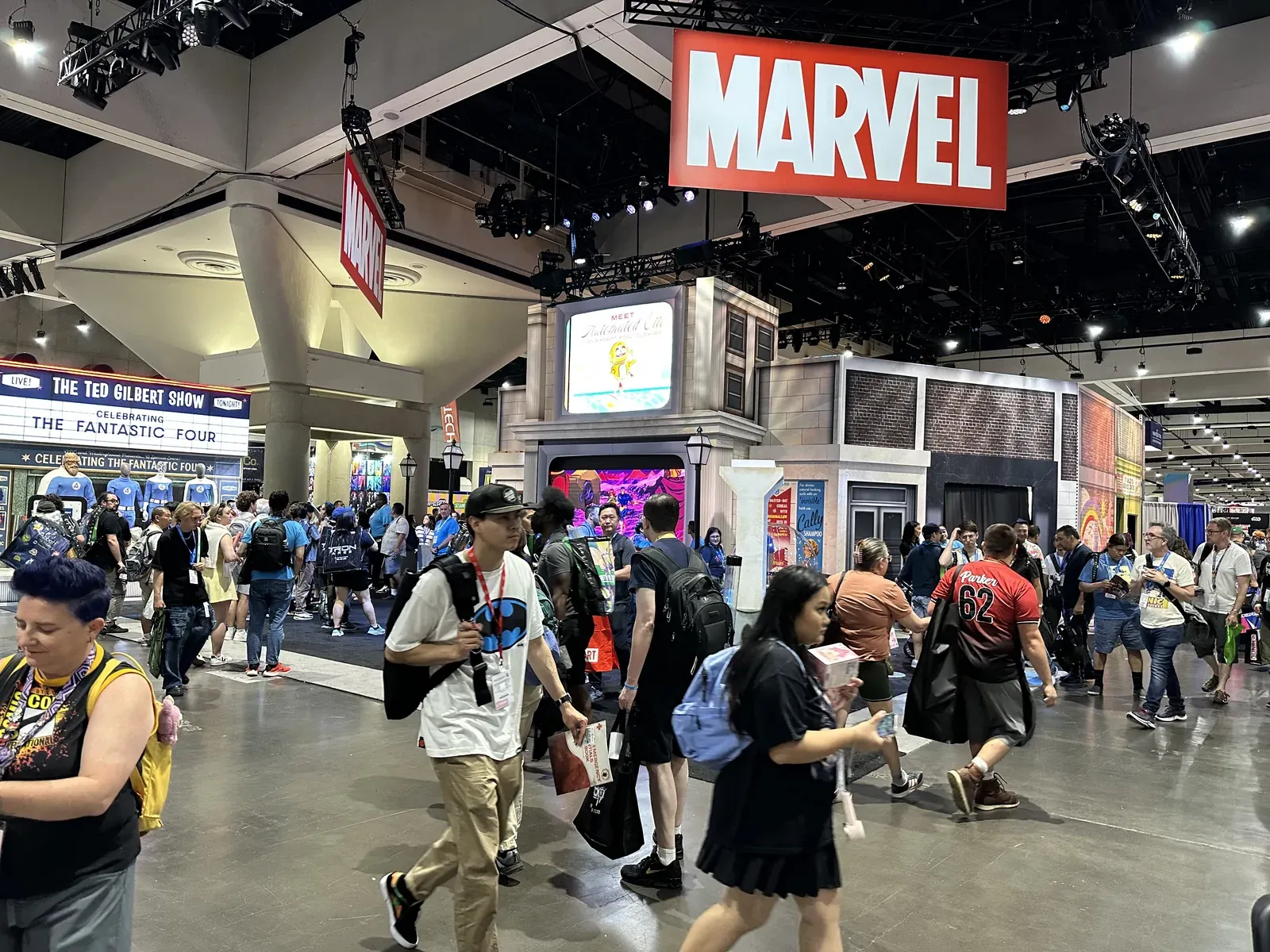
A visible line is not a failure. At a fan convention or a product drop, it is the clearest demand signal on the floor, and erasing it costs you something real. Aim for a line that stays legible and safe, not a line that disappears.
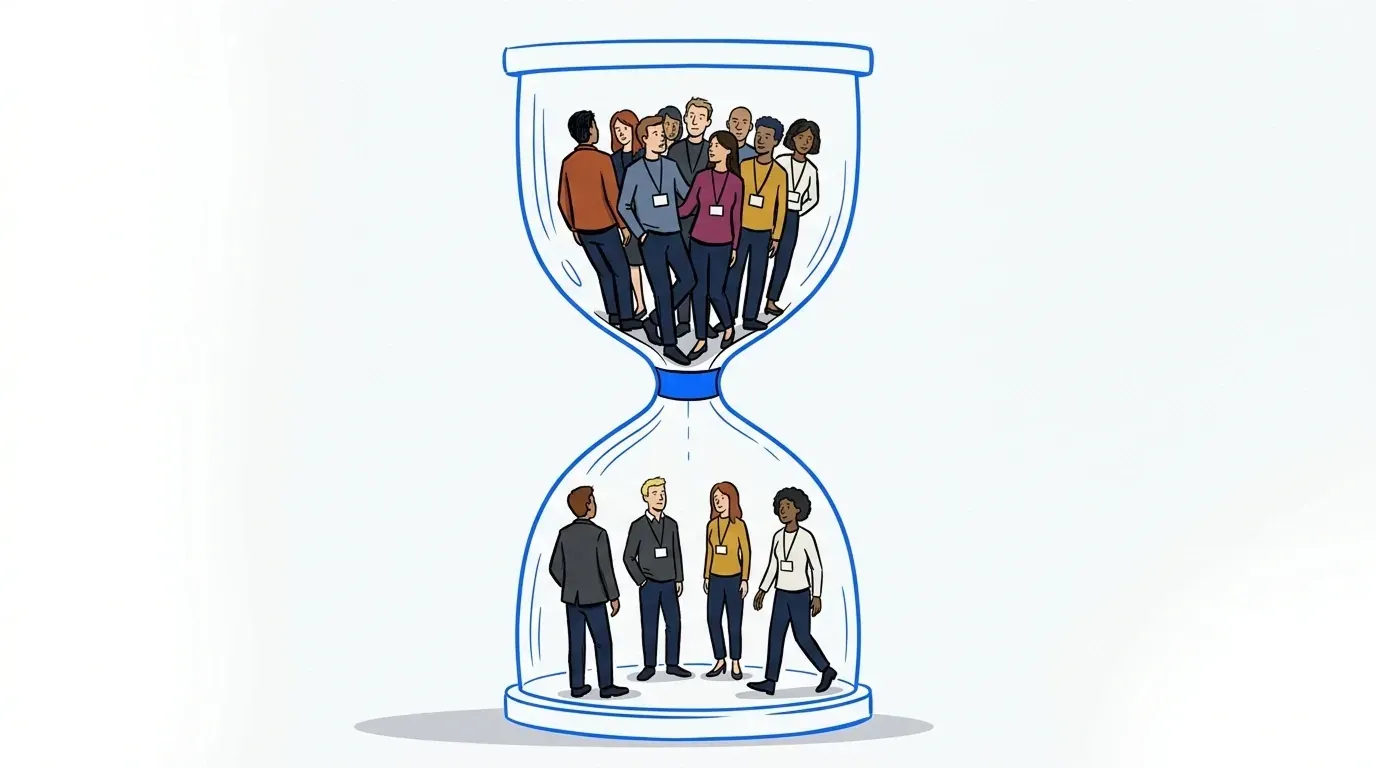
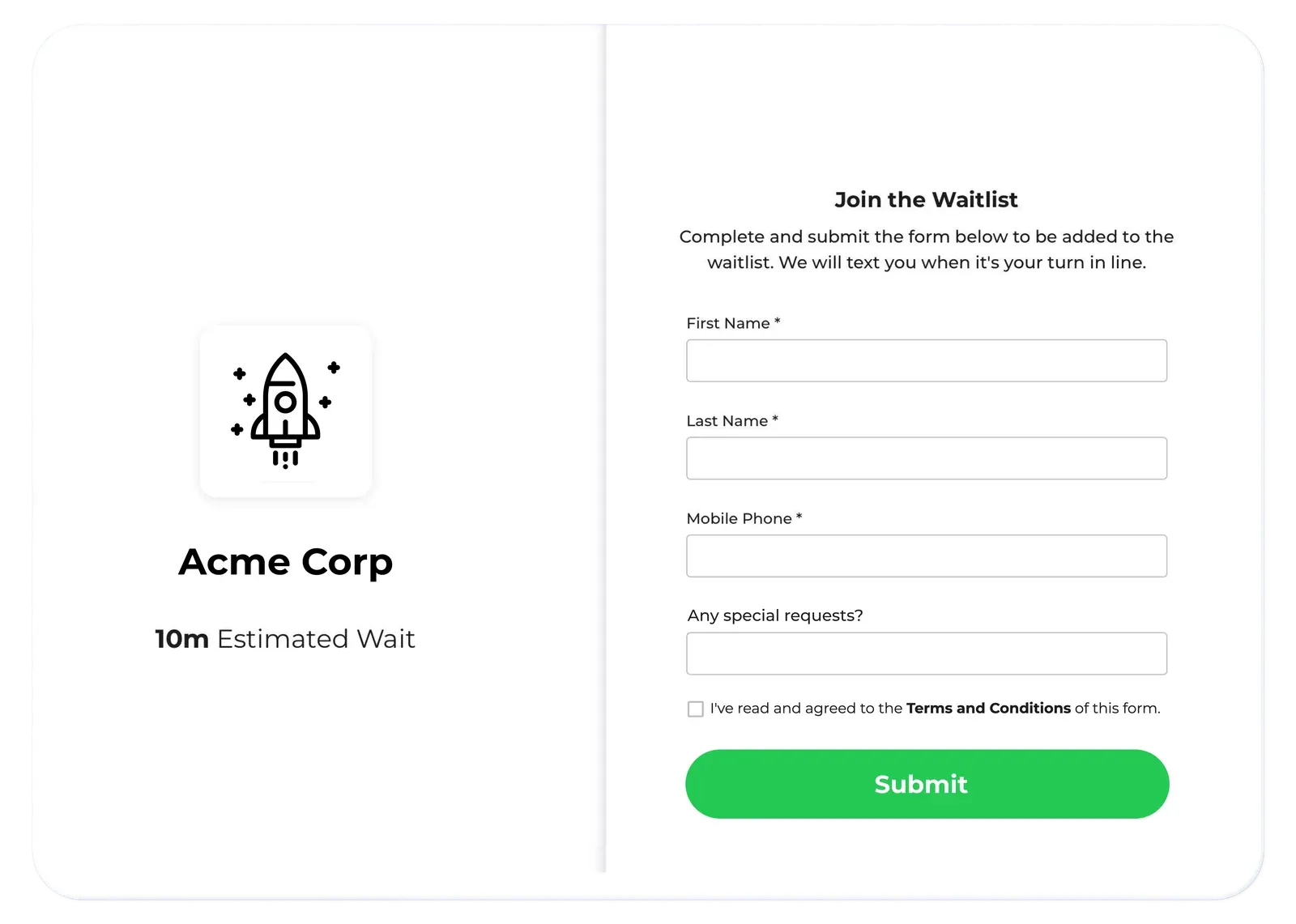
A hybrid queue gives you that dial. You set how many guests wait in person at each activation. Everyone past that cap joins the virtual waiting room by text and keeps their spot until their turn. The physical line stays photogenic. The overflow stops blocking the aisle.
NCompass International ran this model at Adult Swim Festival and cut physical wait times by up to three hours, while guests engaged with branded content during the wait. For more on where to set that split, see balancing physical and virtual crowd flow.
Give staff one live view of every queue
Most floor decisions come down to radio traffic and guesswork. One team says their line is fine. Another says theirs is not. Nobody has numbers until the debrief.
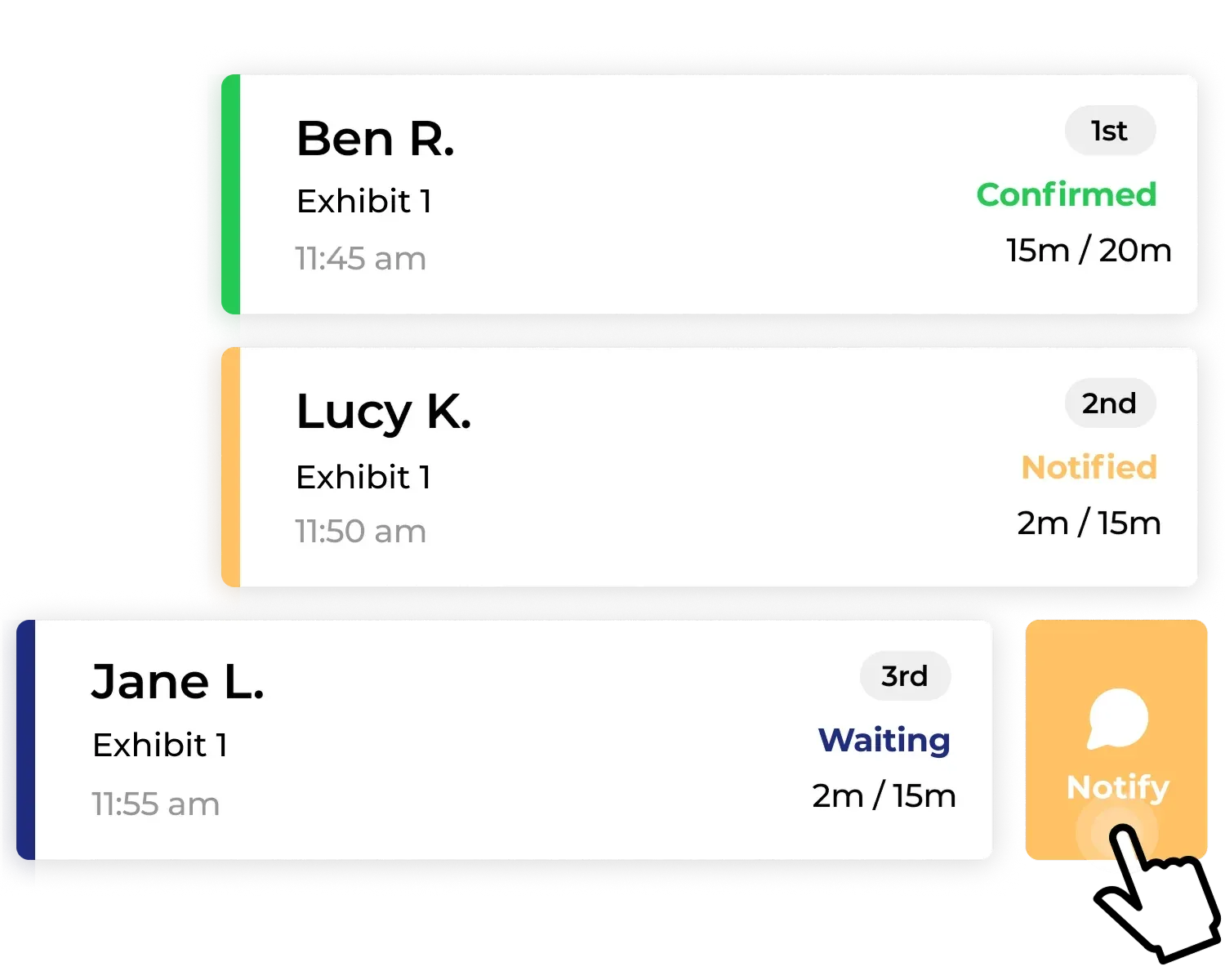
A shared dashboard replaces that. Every queue point reports its length and current wait in the same place, so a supervisor can pull two staff off a quiet activation and send them to the one backing up. Bulk notifications let one person message up to 100 waiting guests at once when a session start slips.
At Nutanix’s Next Conference, NextMe handled check-in for a 50-laptop hands-on lab and the team booked 35% more one-to-one product demos.
Once occupancy and queue length live in one view, capacity stops being a guess. That is the same data an event capacity management software plan depends on.
Give every activation its own dial
The strongest version of this is not one central team running every line. It is every activation owner holding their own control.
Offer, recommend, or require the same queue system across the floor and each exhibitor gets a dial. They cap their line, open the overflow, and pause intake when the booth backs up. No radio call, no waiting on you. The team that draws a surprise crowd at 2pm fixes it in the moment. That is usually the team that never planned for a queue at all.
You get two things back. Guests join a line the same way at every booth, so the experience holds up across the floor. You also end the day with one dataset instead of a dozen, which is what makes floor-wide occupancy and a real post-event report possible.
HudsonGray and SYFY standardized their appointment waitlist at Comic Con San Diego for that reason. Complaints dropped for attendees and staff alike, and the fan wait time data they collected shaped the next activation.
Make the wait itself worth something
Cutting the wait to zero is not the goal, and at a busy event it is not on offer. Some waiting will happen. The real question is what the guest does with it.
A branded virtual waiting room fills that window with content the guest chose to open: a countdown, a poll, a product carousel, a sponsor first-look clip. Guests check their position again and again, which makes it one of the few captive attention windows at any event.
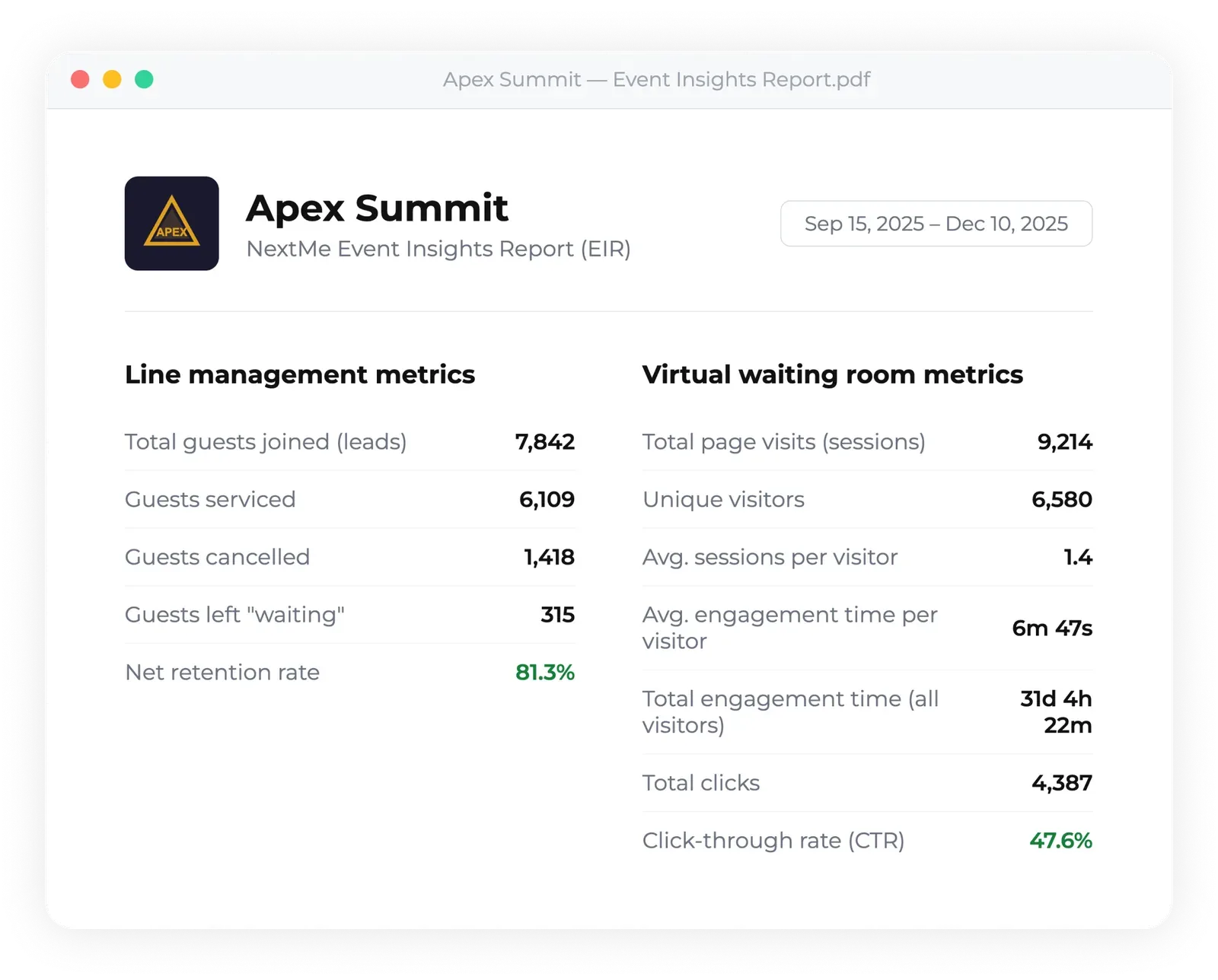
It also leaves a record. Analytics turn queue joins, guests served, and content interactions into a post-event report you can hand a sponsor or use to plan next year’s floor. Wait time stops being an anecdote and becomes a number you can act on.
Start with the map, not the longest line
Wait times at a large event are rarely one bad queue. They are the sum of a dozen small ones nobody measured. Map every point where guests stop, give each one a check-in method, cap the physical line, and move the rest to their phones. The crew you already have can then handle a much busier day.
If you are working out where to start, the NextMe guide to queue management for events walks through how organizers run entry, sessions, and activations from one system.