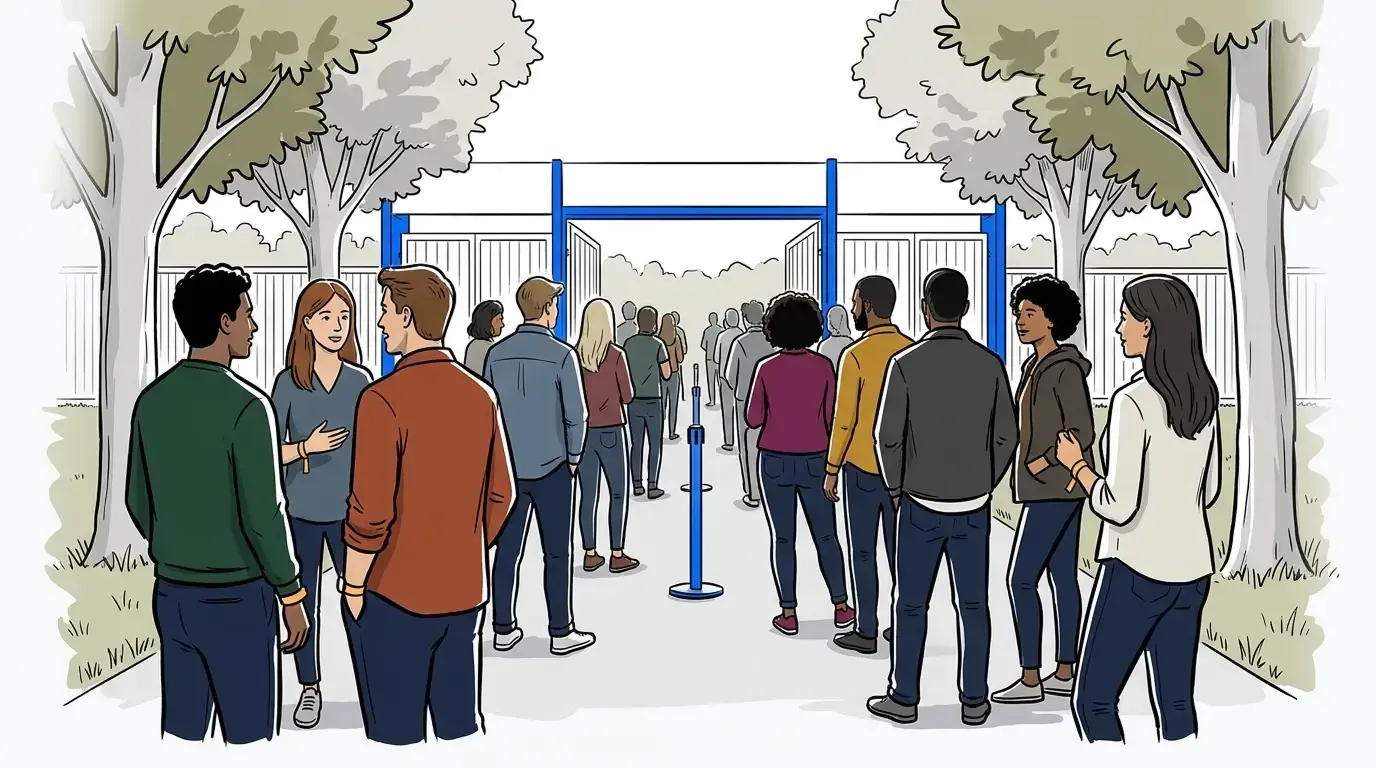
Outdoor events are harder to manage than any indoor venue. There are no fixed walls to route traffic, no controlled corridors, and no single entry checkpoint that tells you how many people are already inside. Add multiple activation zones, variable terrain, and thousands of guests arriving across a wide window, and you have the most demanding operating environment in the events business.
The instinct when crowds back up is to add staff. More people at the entrance, more barriers to channel flow, more team members waving guests toward open areas. But bottlenecks at outdoor events are rarely a staffing problem. They are an information problem. Guests cannot see how long a queue is, cannot estimate their wait, and cannot decide whether to join or move on. That uncertainty is what creates congestion. According to Freeman’s Q4 2024 Trends Report, 44% of event attendees cite technology that makes events easier to navigate as a top element of a positive event experience. Self check-in and virtual queuing are the tools that deliver exactly that.
This guide covers how event producers manage attendee flow at large outdoor events, from pre-event zone planning through real-time queue management on the day. For a broader framework on how crowd flow operates as an operational discipline, see the event crowd flow management guide.
Why attendee flow breaks down at outdoor events
Attendee flow management at outdoor events is the process of moving guests through the event site, from arrival to service points to departure, without creating unsafe crowd concentrations or visible queues that deter participation. It fails in one of three ways: entry bottlenecks where guests arrive faster than staff can process them, cross-zone congestion where paths between activations narrow or intersect, and unmanaged activation queues where popular experiences generate visible crowds that push other guests away.
At indoor venues, walls and corridors create natural flow channels. At outdoor events, those structures do not exist by default. They must be designed before the event opens. Event teams that try to manage flow reactively, deploying staff when a queue forms or blocking off overcrowded areas, are always working a step behind the crowd.
The events that handle this well share one thing in common: they build the information layer before anyone arrives.
Step 1: Map your flow zones before the event opens
The first step in outdoor attendee flow management has nothing to do with software. It’s a site map. Before the event opens, identify every entry point, every activation location, every F&B or merch station, and every natural congestion point such as stage exits or sponsor areas. Trace the likely paths a guest will take between them.
From that map, assign a rough capacity expectation to each zone. You do not need exact numbers. You need to know which areas will reach capacity first and what the spillover routes are. That tells you where to position self check-in points, where to concentrate staff, and how to route guests when one zone backs up.
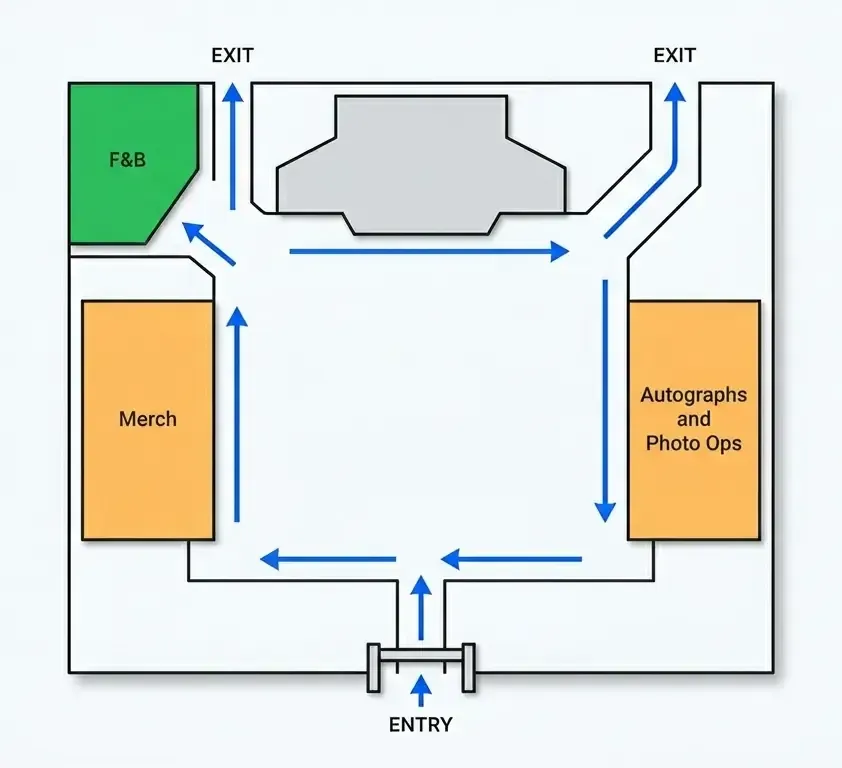
This is also where your queue management software setup aligns to your site. Each activation that will generate a queue needs a corresponding digital queue configured before opening day. Last-minute setup made when guests are already at the door tends to create the exact bottlenecks you are trying to prevent.
Step 2: Set up self check-in at entry points
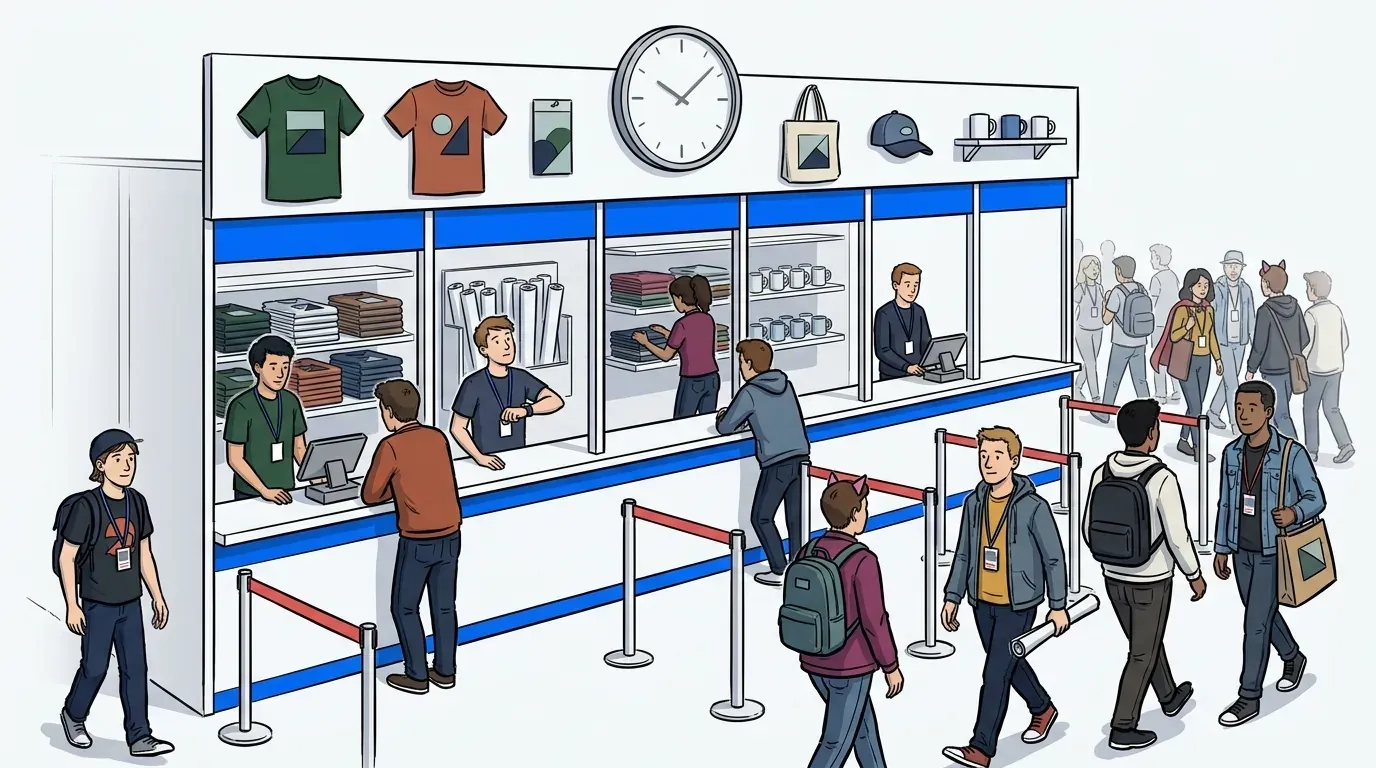
Staffed check-in tables create the most common bottleneck at large outdoor events. Self check-in replaces the staffed table with a QR code that guests scan to join the queue from their phone. No clipboard, no handoff, and no line at the check-in desk itself. Staff time shifts from processing arrivals to managing the event floor.
Whether to activate QR check-in from the moment doors open or to let the space fill freely first depends on the event. For activations where crowd energy at the start matters, open entry runs better before switching to controlled inflow once the venue approaches capacity. For tightly managed activations where queue data is needed from the first guest, QR check-in from door-one gives operators a complete picture across the full event window. For a closer look at how QR check-in handles capacity control, see how QR code check-in works for events.
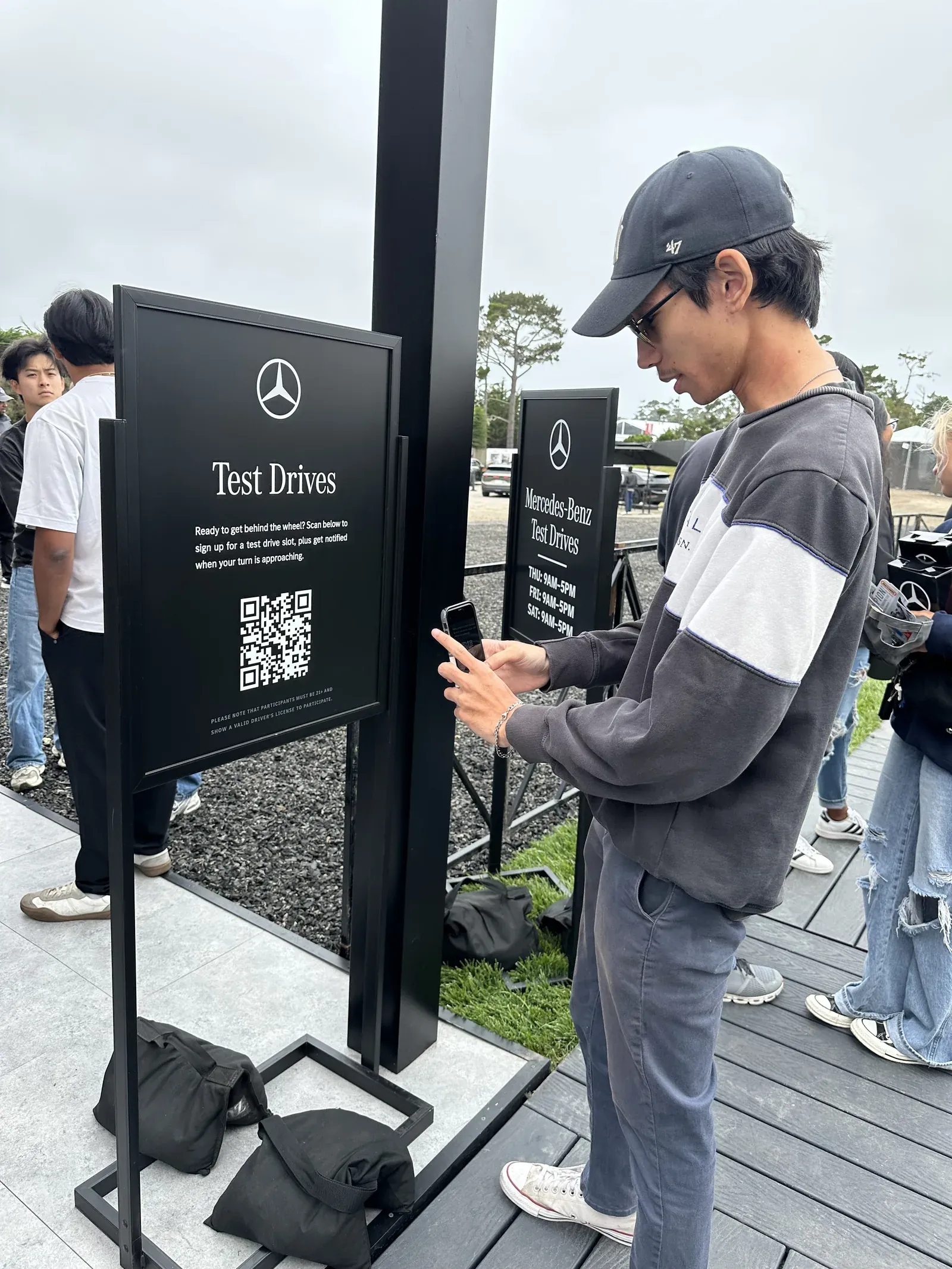
Either way, the configuration should be decided before the event opens. The right timing varies by event type, venue layout, and expected arrival patterns.
Step 3: Run a virtual queue for high-demand activations
At any outdoor event with multiple activations, some will draw longer waits than others. A visible physical queue in front of a popular activation deters guests who see the crowd and keep walking. It also concentrates people in one spot and creates density that is hard to manage on the fly.
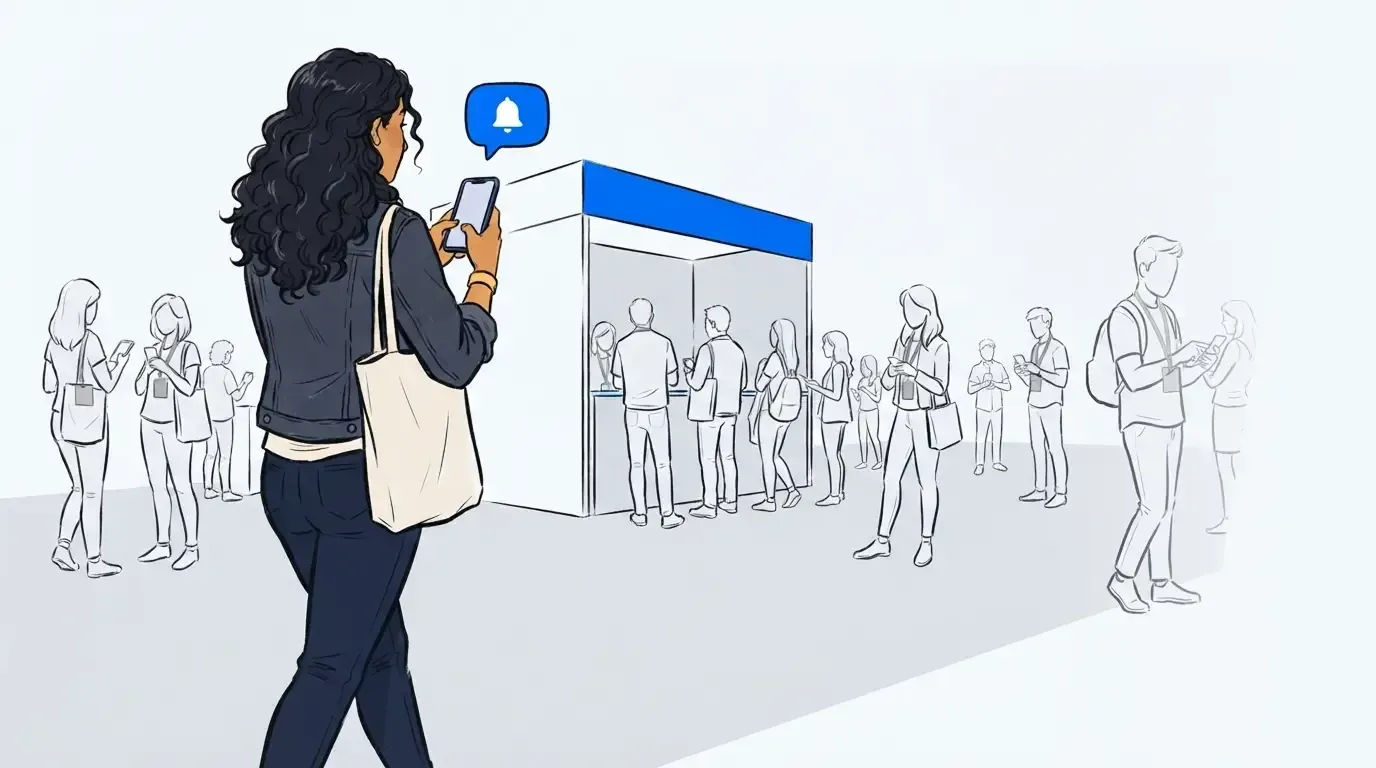
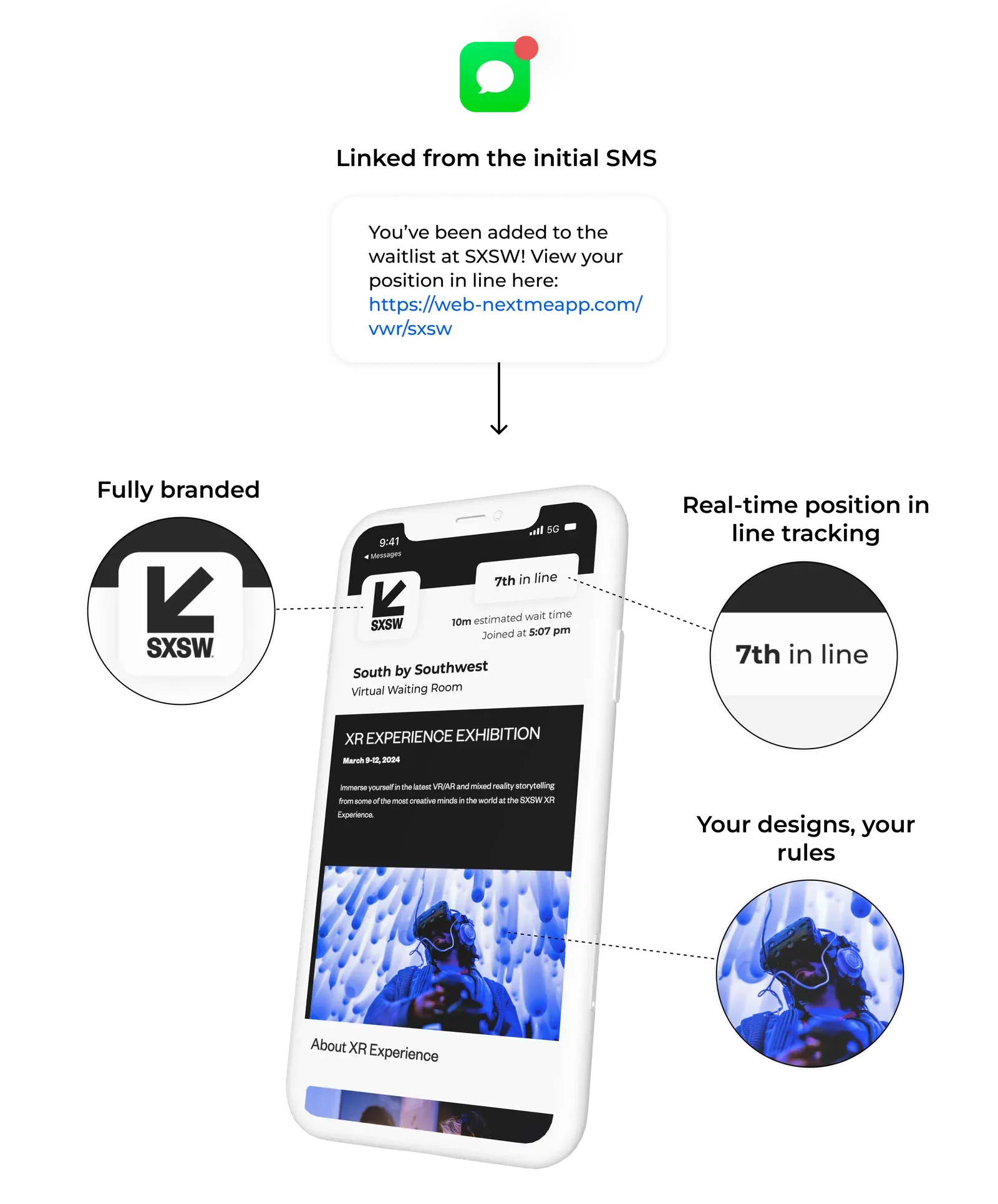
A virtual waiting room removes the visible line. Guests join via QR code, receive a position number via SMS, and wait anywhere on the site. When their turn is approaching, they get a text and return to the activation. The queue exists digitally. The physical space stays clear.
At NCompass International’s Adult Swim Festival activation, this approach reduced wait times by up to three hours and cut perceived wait time by 50 percent. Guests were moving through the broader event, spending at other activations, and returning when called. The virtual waiting room screen also carried sponsor content and branded messaging while guests waited, turning idle time into engagement time.
Step 4: Give your team real-time visibility
A queue setup only works if your team can see what is happening across the full event site at any moment. When one activation backs up while another runs light, staff need to know in real time.
The NextMe analytics dashboard gives operators a live view of every active queue: current depth, average wait, guests served, and time per service slot. Staff can call back guests, pause intake at a zone, or push notifications from any device. The result is proactive crowd management rather than reactive floor walking.
This is the same model that drives efficient trade show booth management: every activation zone behaves like a booth, and real-time queue data lets staff balance flow across the floor before visible problems develop.
Step 5: Plan your peak exit window
Exit management is the step most outdoor events neglect. When a headline act ends or the event closes, thousands of guests move toward the same exits at once. There is rarely a digital queue involved, but the flow management challenge is the same.
A few practices help. Stagger closing announcements by zone so guests from different areas of the site do not converge simultaneously. Use SMS to communicate exit routes and approximate wait times from different departure points. If your event includes final activation slots near closing, run a last-call notification so guests can claim remaining spots without crowding the entrance.
These steps will not eliminate the post-event surge. They distribute it across more time and more space, which is what outdoor attendee flow management is actually trying to accomplish.
Keep your outdoor event moving
Managing attendee flow at a large outdoor event comes down to one principle: give guests and staff the information they need to act well in the moment. Guests who know their position and expected wait are less likely to abandon a queue or crowd a zone. Staff who can see queue depth across all activations can reallocate attention before a problem develops.
NextMe’s virtual queue and self check-in setup works on any device, requires no on-site hardware installation, and can be configured across your full event site before doors open. Learn more about how NextMe supports event operations at any scale.