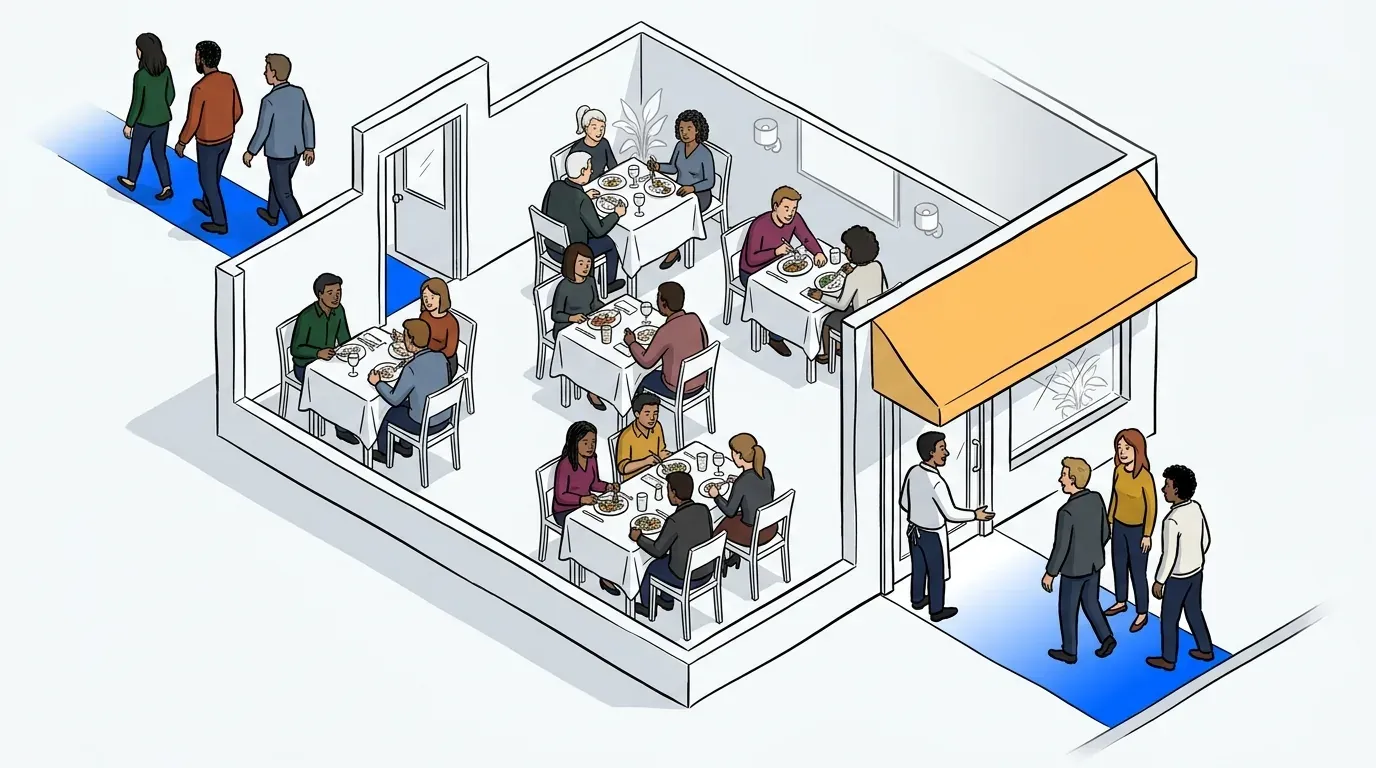
Picking a waitlist tool used to be a question of whether you wanted to replace your pagers. That decision is settled. The harder question in 2026 is which pricing model you’re signing up for, because the best waitlist app for restaurants is rarely the one with the longest feature list. It’s the one whose cost doesn’t climb every time you have a good night.
Three models compete for your host stand right now. Standalone tools charge a flat monthly fee. Reservation networks charge a base fee plus a cut of every seated guest. POS platforms bundle a waitlist into a package you’re already paying for. They look similar on a feature grid and behave very differently once you’re busy.
This guide covers what a waitlist app has to do well, how the main options actually price in 2026, and where NextMe fits. We built NextMe for the walk-in problem specifically, so we have a view on this, and we’ll be straight about the two places a competitor is the better call.
What the best waitlist app for restaurants actually does
The best waitlist app for restaurants lets guests join by text, QR code, or at the host stand with no download, sends automatic SMS updates so nobody has to hover by the door, handles walk-ins and bookings in one queue, and reports on wait times and walkouts afterward. NextMe does all four at a flat rate, and adds a branded virtual waiting room that most competitors don’t offer at all. The differences that matter sit in what the guest holds, not what the host holds.
That last point is worth sitting with. Every tool on the market looks fine on a slow Tuesday. The gaps only show up at 7pm on a Friday, and they show up on the guest’s phone rather than on your tablet.
How the options compare in 2026
Published pricing, verified this month. Figures change, so check before you sign.
| Tool | Model | Published cost | Best fit |
|---|---|---|---|
| NextMe | Flat rate, standalone | Flat monthly, no cover fees, no POS contract | Walk-in volume, from one room to a multi-unit group |
| TablesReady | Flat rate, standalone | Free tier, then $39 or $79 a month billed annually | Small to mid restaurants wanting table management |
| Waitlist Me | Flat rate, standalone | $34.99 to $99.99 a month | Lightweight waitlisting on a budget |
| Toast Tables | POS bundle | $50 a month, $199 for unlimited reservations | Restaurants already on Toast POS |
| OpenTable | Network, per cover | $149 to $499 a month plus $1 to $1.50 per network cover | Reservation-driven dining that needs discovery |
| Resy | Network, flat rate | From $249 a month, no cover fees | Upscale rooms where the Amex audience pays off |
Two of these six charge you more as you get busier. OpenTable’s per-cover fee means a restaurant seating 500 network covers a month pays its subscription plus several hundred dollars on top, rising with every good quarter. Toast’s bundle doesn’t charge per cover, but it ties your waitlist to a platform contract, and leaving means moving your POS too. NextMe charges neither. Your bill is the same on your best Friday as your worst Tuesday, which is the point: the tool that manages your busiest nights shouldn’t tax them.
If you’re weighing two standalone tools specifically, our NextMe vs TablesReady comparison goes deeper on where each one wins.
Looking past restaurant tools, or at more than six options? We compared the best waitlist apps across every kind of business.
The bundled versus best-in-class decision
Defaulting to whatever your POS provider sells is the most common way restaurants end up with a waitlist they don’t like. Toast Tables, Square’s waitlist, and OpenTable’s front-of-house tools are real products. They’re also add-ons built to keep you inside a platform, not purpose-built queue systems.
The cost isn’t really the monthly fee. It’s leverage. When your waitlist, your payments, and your marketing all sit with one vendor, changing any one of them means changing all of them. Bundled modules tend to be good enough rather than best at anything, and good enough is exactly what you notice on your busiest night.
Toast also carries a quieter constraint worth knowing about. PCI rules mean the Toast Tables host app can’t run on standard Toast POS terminals, so you buy and maintain a separate tablet just to run the waitlist. We covered the full trade-off in our Toast Tables alternative breakdown.
None of this makes bundling wrong. If you’re deep in one ecosystem and your waitlist needs are simple, the convenience is real. But convenience is the only thing a bundle wins on, and it’s the thing you’ll care about least at 7pm on a Friday. NextMe runs alongside whatever POS you already have, requires no proprietary hardware, and works on any device your team already owns. If you change your POS in two years, your guest data and waitlist history come with you.
Notifications are what stop the walkout
Text notifications are the single feature that changes walkout numbers, because they change where the guest can stand. A guest who can browse the block, sit in the car, or grab a drink next door stops watching your door and stops doing the mental math on whether to leave.
Look for three things specifically. Automatic messages when a guest joins, when the estimate shifts, and when the table is ready. Two-way replies, so a guest confirms or cancels and your list cleans itself. And templates you can write in your own voice rather than a generic system message.
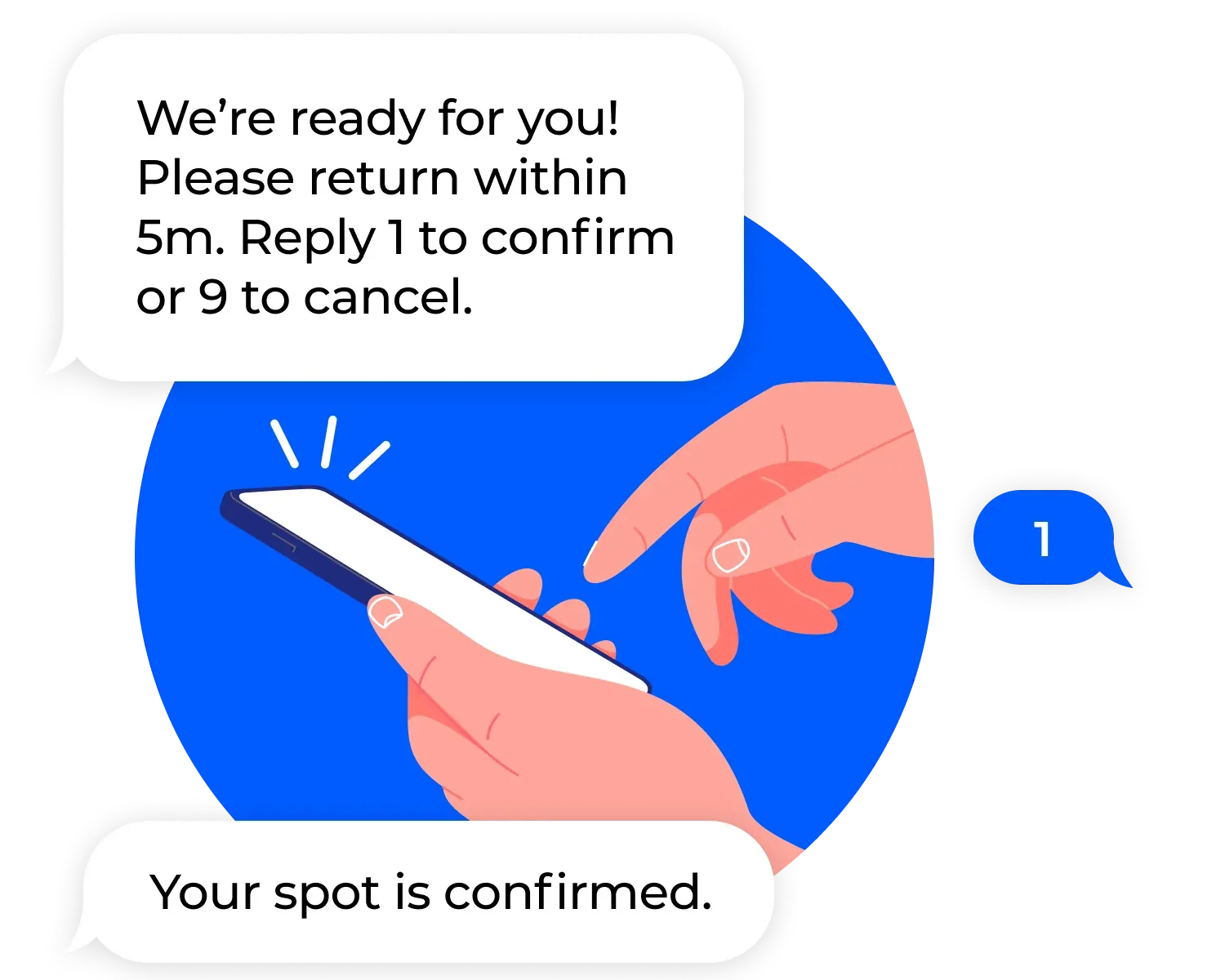
NextMe does all three, including two-way replies where a guest texts 1 to confirm or 9 to cancel, so your list cleans itself instead of filling with people who already left. Since July 2026 guests can also choose WhatsApp instead of SMS on the join form, which matters more than it sounds in markets where texting isn’t the default. Southport Grocery, a Chicago brunch room, saw an 18% improvement in online reviews after switching to NextMe, largely because the wait stopped being the thing people wrote about. They also retired their pagers and saved over $2,000. Read the Southport Grocery case study.
For the wider picture on running a room without reservations, see how to run a walk-in restaurant that never feels chaotic.
Self check-in and the virtual waiting room
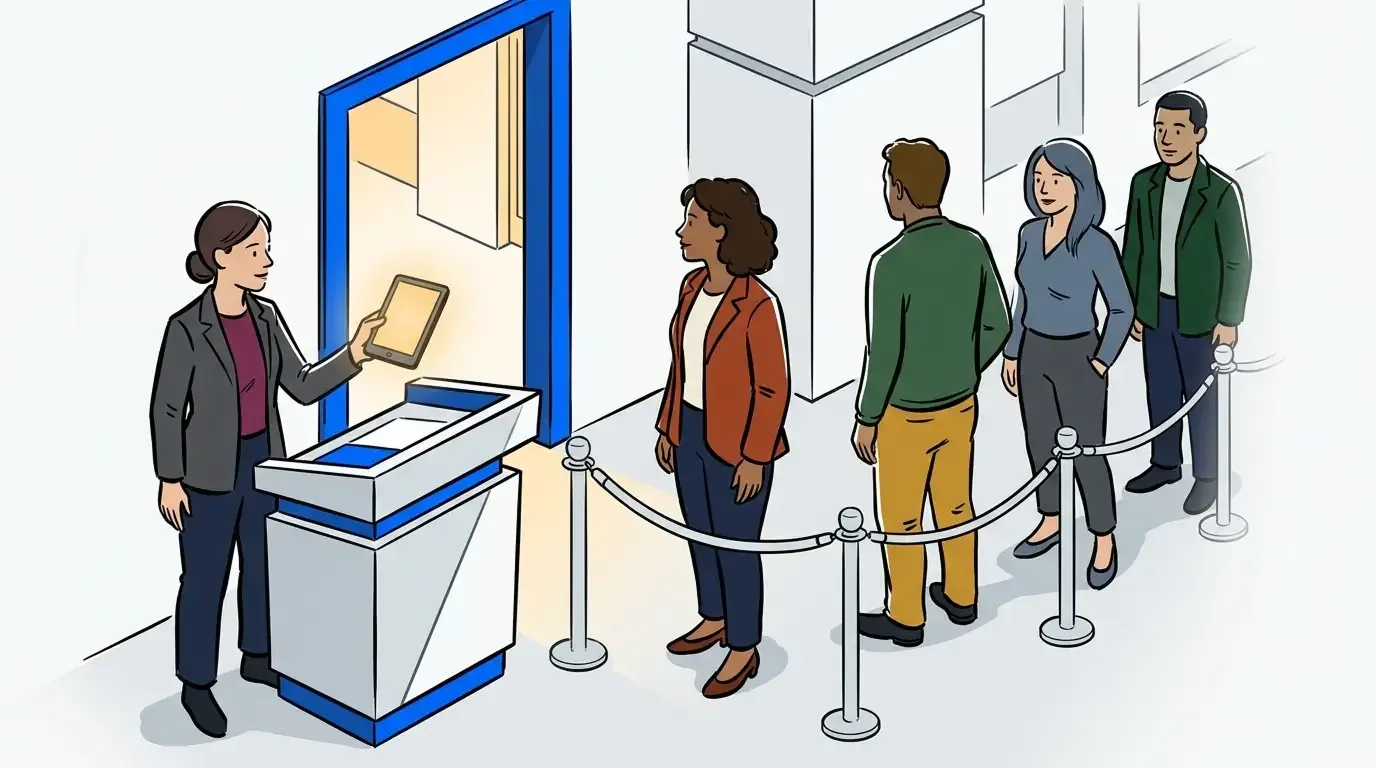
Self check-in lets guests add themselves from a QR code at the door or a link you text them. It takes pressure off the host stand at exactly the moment the host stand is drowning, and guests increasingly expect it rather than queuing twice.
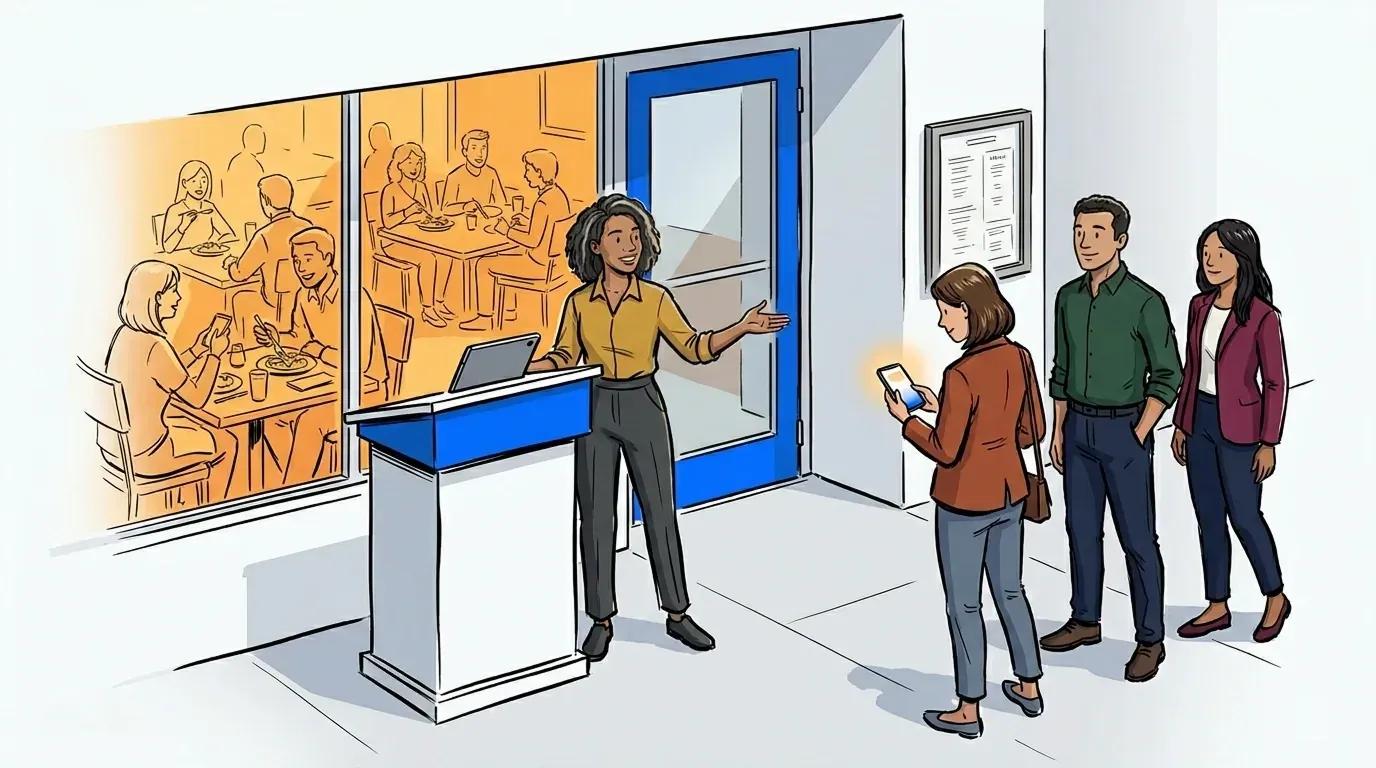
The virtual waiting room is the part most tools don’t have, and it’s the clearest reason to pick NextMe over a competitor that otherwise looks similar. Instead of standing near the door counting tables, the guest opens a branded page that shows their position, their estimate, and whatever you choose to put there: the menu, tonight’s special, a loyalty signup. A waitlist tool that only sends a status text treats the wait as something to survive. NextMe treats it as 20 minutes of your guest’s attention that you already own.
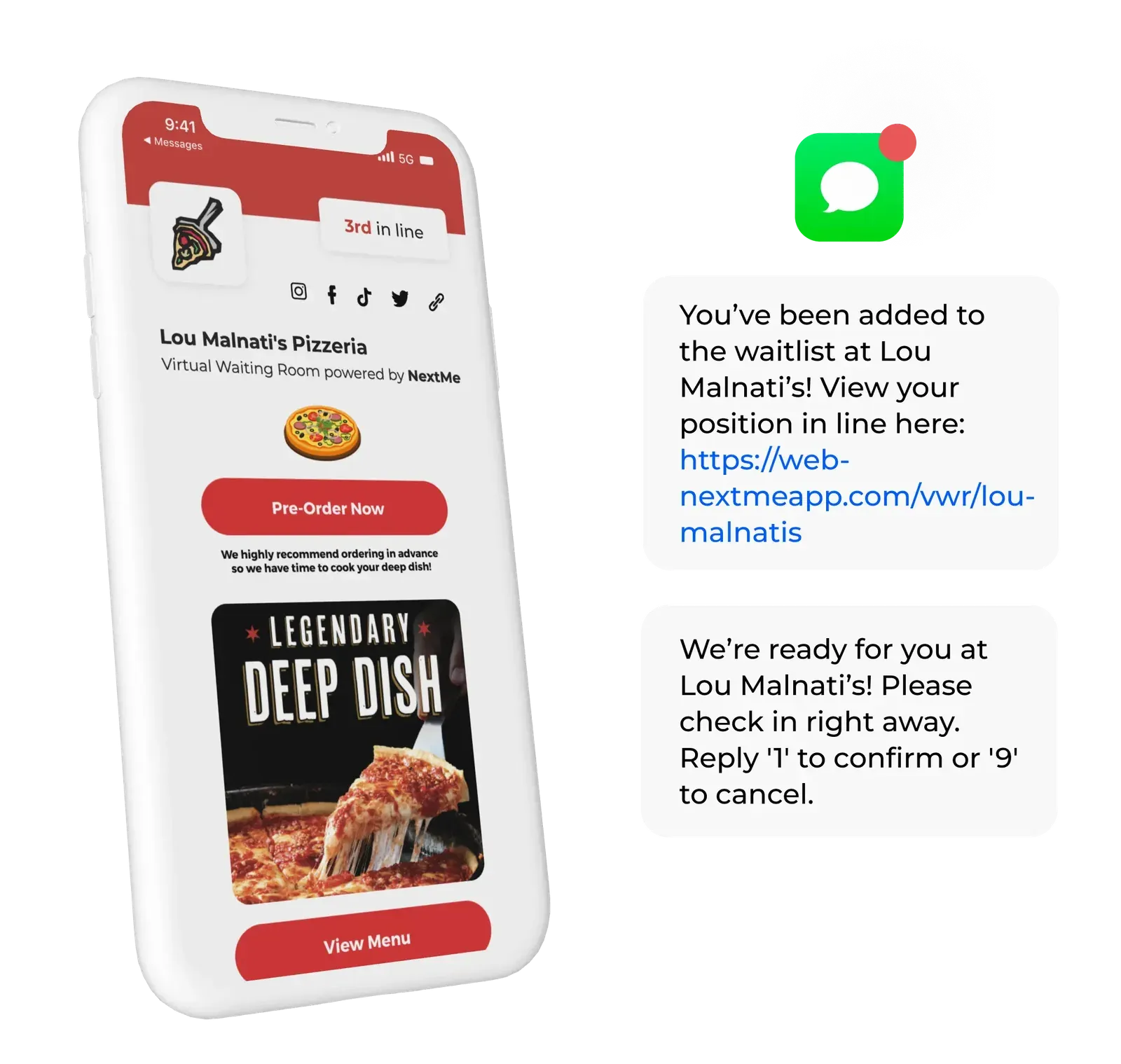
Lou Malnati’s runs it across 15 locations, retired their pagers for a saving of over $10,000, and extended peak hours by 30 to 60 minutes. The Lou Malnati’s case study has the detail.
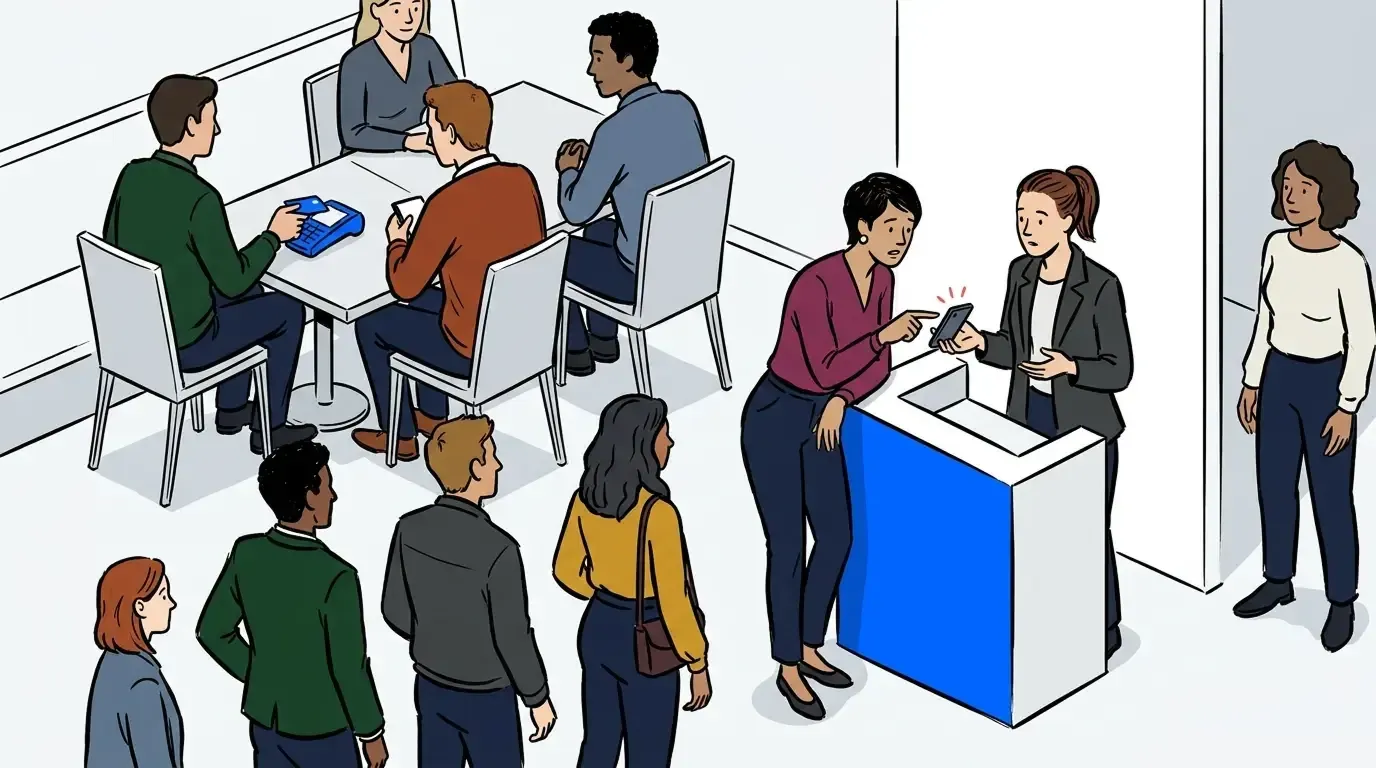
Walk-ins and bookings belong in the same place too. Bookings sit in one queue with your walk-ins, so nobody reconciles two lists during a rush.
What changes when you run more than one location
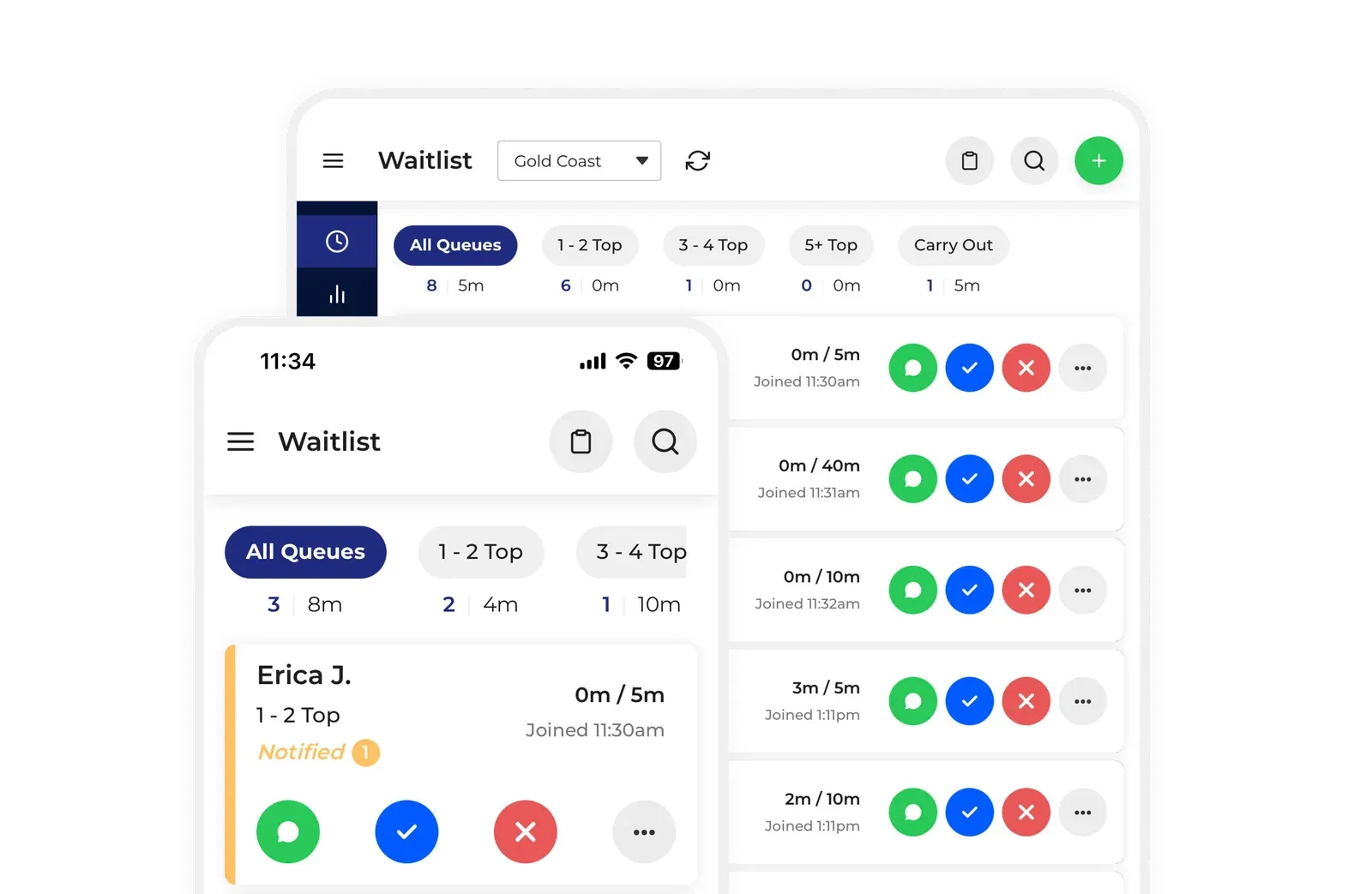
Multi-unit groups need three things single sites don’t. Reporting that compares locations without anyone exporting spreadsheets. Settings each room can adjust independently, since a suburban diner and a downtown location don’t run the same way. And permissions that give a general manager what they need without handing over admin access.
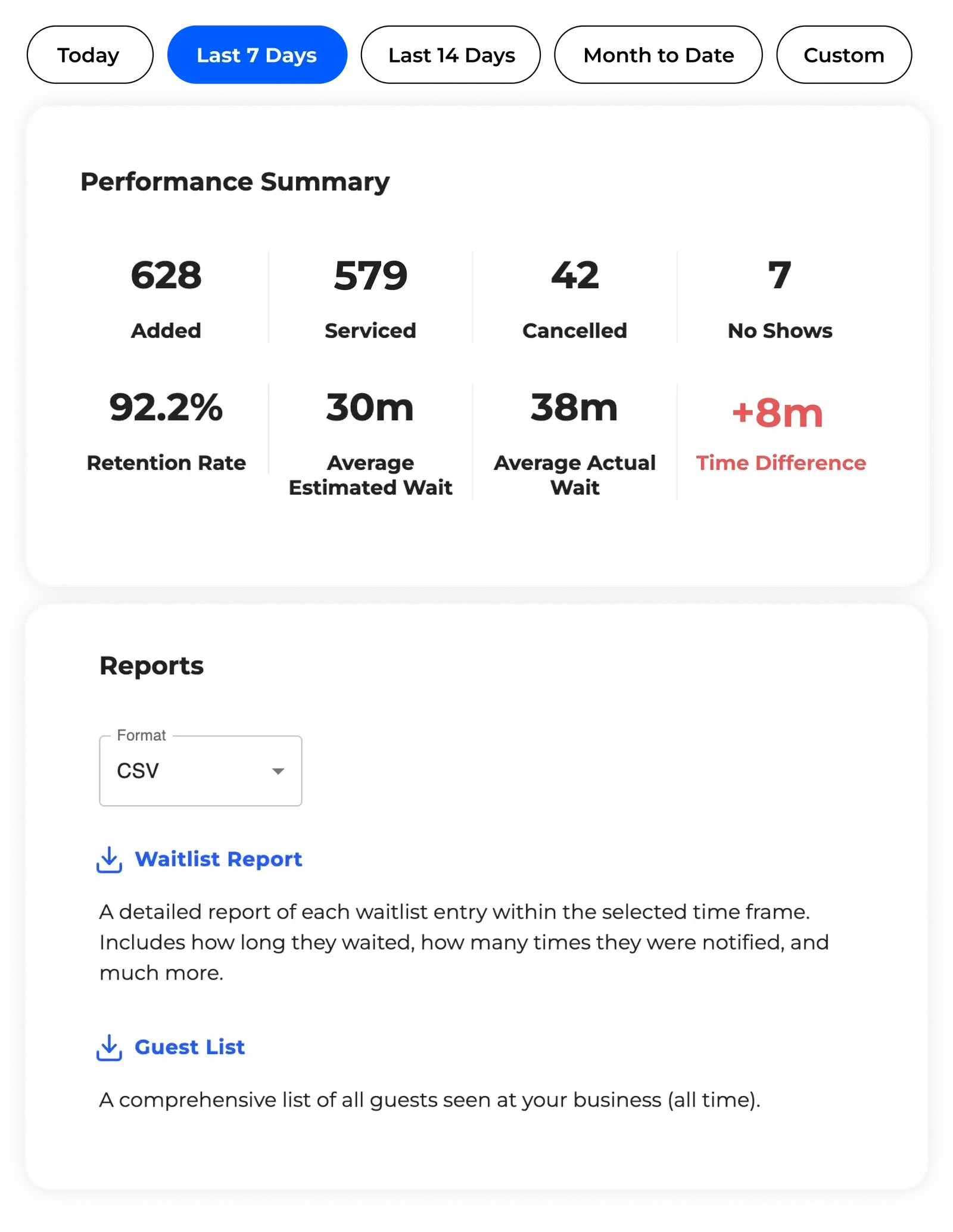
NextMe handles all three. Each location sets its own hours, messaging, and queue rules, while analytics roll up across the business so you can compare sites without exporting anything. Guests can move between queues automatically where that helps. This is also where per-cover pricing hurts most, because the fee multiplies across every site at once. And it’s worth saying directly, since we sometimes get read as a single-site tool: Lou Malnati’s runs NextMe across 15 locations, so a growing group is not the ceiling. See the Black Bear Diner case study for how a chain standardizes without flattening each room’s local feel.
Where a competitor is the better call
Two honest exceptions. If a meaningful share of your covers come from diners discovering you on OpenTable, that network is a genuine asset and no standalone waitlist tool replicates it. Keep it, and run a waitlist alongside it for your walk-ins. And if you run a complex full-service floor with multiple sections and server rotations, TablesReady’s table management is stronger than ours, and that’s worth weighing if table assignment is the job you actually need done.
If OpenTable specifically is the decision you’re weighing, our OpenTable alternative comparison goes through it in detail, including which plans actually include a walk-in waitlist.
Outside those two cases, a standalone flat-rate tool built for walk-in flow is the better buy, and that’s the category NextMe excels in.
The right app makes every shift smoother
Strip away the feature grids and the decision comes down to two questions. Does the cost stay flat when you’re busy, and does the guest get something useful on their phone while they wait? Flat-rate standalone tools answer yes to both. Per-cover networks buy you discovery and charge for it forever. POS bundles buy you convenience and charge for it in flexibility.
One last thing worth saying plainly. A queue problem can’t be fixed in the moment. You can pull a server from another section or open a second register, but nobody stands up a waitlist system while 40 people are crowding the entrance. Whatever you have in place when the doors open on Friday is what you’re running. With 42% of operators reporting their restaurant wasn’t profitable in 2025, according to the National Restaurant Association, the cost of losing a table you already earned is not a small thing.
If your restaurant runs on walk-in volume, take a closer look at NextMe’s waitlist management for restaurants.