Most tattoo shops run on a patchwork. Bookings come in through Instagram DMs, deposits through a payment app, consent forms on a clipboard and walk-ins on a sign-in sheet by the door. At some point the patchwork takes more time than the tattooing, and you start looking at tattoo shop management software.
The search turns up plenty of all-in-one promises. Some of those tools are excellent at booking and deposits. Very few think about what happens when the door opens on a flash day and 30 people walk in at once.
So before you pick one, split your shop into the jobs software actually does. Then decide which ones need covering, and by what.
What is tattoo shop management software?
Tattoo shop management software is the set of tools that runs the business side of a studio: booking and deposits, consent forms, client records, payments and the walk-in line. Some products try to do all of it. Most shops end up with one main system plus a tool or two for the jobs it handles poorly.
The right mix depends on how your shop books. A custom-only studio with a two-month waitlist lives in the calendar. A street shop that takes walk-ins all day lives at the front door. Most shops sit somewhere in between, and the software should match where your money comes from.
The six jobs your shop software has to do
Every shop does the same six jobs, whether the tool is an app or a clipboard. Here they are, with what good looks like and where NextMe fits.
| Job | What good looks like | Where NextMe fits |
|---|---|---|
| Booking and deposits | Clients book online and pay a deposit to hold the slot | Your team adds bookings, and NextMe texts confirmations and reminders. Deposits stay in your payment tool |
| Consent forms and waivers | Clients sign on their own phone before they sit down | NextMe connects to your waiver software, so clients sign first and then join the line |
| Client records | You see past visits when a client comes back | NextMe recognizes returning clients by phone number and shows their past visits |
| Payments and payouts | Card payments, tips and artist commission splits | Not NextMe. Use your POS or payment tool |
| Artist schedules | Each artist’s bookings and availability in one place | Each artist gets their own line on the waitlist |
| Walk-ins and the wait | Clients join from their phone, wait anywhere and get a text when their artist is ready | This is what NextMe does |
Deposits and consent cause the most pain, because both protect the chair. A deposit means a no-show costs the client something. A signed consent form, with ID checked, protects you before the needle touches skin.
Client records matter more than they look. Pew Research Center found that 22% of American adults have more than one tattoo. A good share of your clients come back, and they notice when you remember them.

Let clients browse your flash while they wait
The wait is the part of the visit most shop software ignores. A booking tool cares about the slot. It has nothing to say about the hour a walk-in spends on your couch.
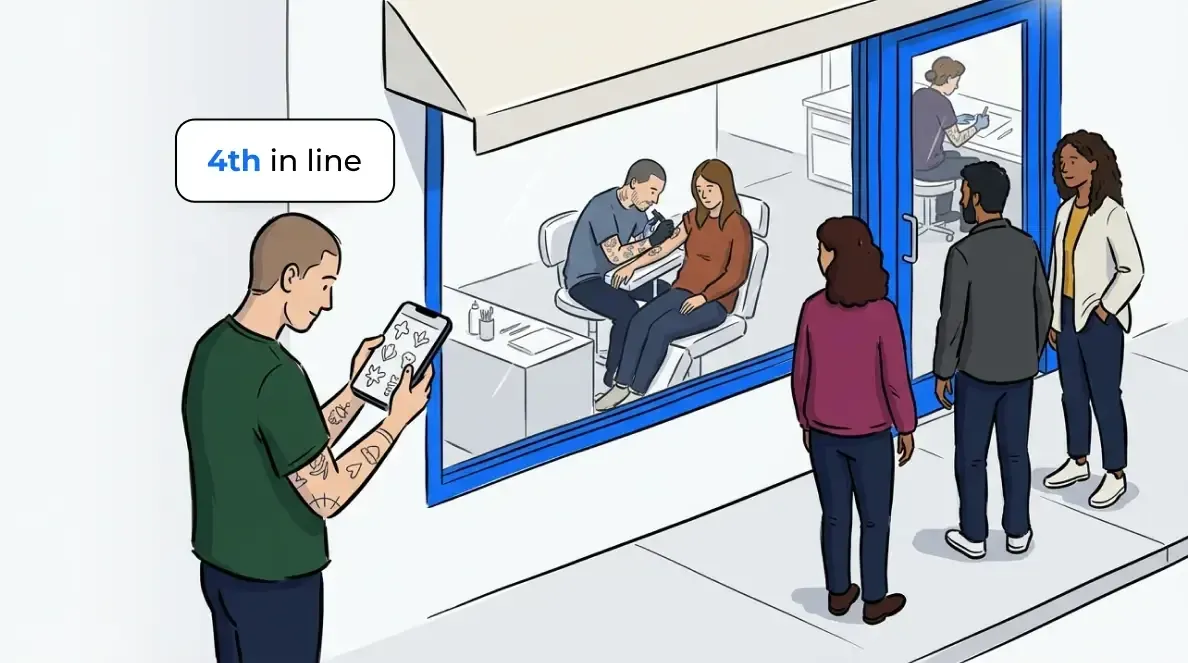
With NextMe, the text a client gets when they join opens your virtual waiting room. It shows their place in line, and you choose what else goes on it. In a tattoo shop, that’s your flash. Post your flash sheets, each artist’s portfolio, sizes and placement notes.
Clients scroll the designs from the car, the coffee shop or the bench outside. They compare options with a friend and pick one before their name comes up. They reach the chair ready, instead of flipping through a binder while the artist waits.

That speeds up every walk-in, not just flash days. It also clears the crowd off your flash wall, which in a small studio is where people bunch up beside the stations. Use the same page for your deposit policy, aftercare tips or the merch you sell at the counter.
We’ve written about running a whole flash day this way.
All-in-one or a few tools that each do one job well?
An all-in-one platform has real advantages. You get one login, one bill and every client’s history in one place. If most of your work is booked custom pieces, that’s often the right call.
The catch is that most all-in-one tools are built around the calendar. A walk-in isn’t on the calendar. So on the days your shop is busiest, the software has the least to offer. Staff end up back on a sign-in sheet, calling names across a packed lobby.
Here’s a simple way to decide. If walk-ins and flash days drive your revenue, pick the tool for the line first. Then keep the payment tool you already use and add booking around it. If your shop is booked out months ahead, start with booking and deposits. Add a line tool later, when flash days start filling the lobby.
Questions to ask before you choose tattoo shop management software
A demo always looks smooth on a quiet screen. These questions show how a tool holds up on a real Saturday:
- How do clients book, and can they pay a deposit when they do?
- Can clients sign consent on their phone before they reach the desk?
- What happens when 30 people walk in for a flash day?
- Does each artist get their own line, or does everyone share one list?
- Can clients reply to a text to confirm or cancel?
- What do clients see while they wait?
- Can you export your client data if you ever leave?
- Does it run on the phones and tablets you already own?
No single tool answers all eight perfectly. Rank them by what costs your shop the most today, and judge each tool on those first.
Where NextMe fits in a tattoo shop
NextMe isn’t a full shop management platform. It doesn’t take payments, deposits or artist payouts, and clients can’t book themselves online. It runs the front door and the wait, and it works next to the tools you already use.
Clients check in from a QR code at the door, your website or a tablet at the desk. There’s no app to download. Add a date of birth field with a minimum age, so nobody underage joins the line. Turn on waivers, and clients sign your consent form first and then join.
Each artist can hold their own line, so a client waiting for a specific artist sees exactly where they stand. Bigger studios can add a line for piercing too, while the front desk sees the whole floor.

Booked clients slot in between walk-ins with bookings. NextMe texts a confirmation when you book them and a reminder before the session. Clients reply 1 to confirm or 9 to cancel, which gives you time to fill the chair from your walk-in list.

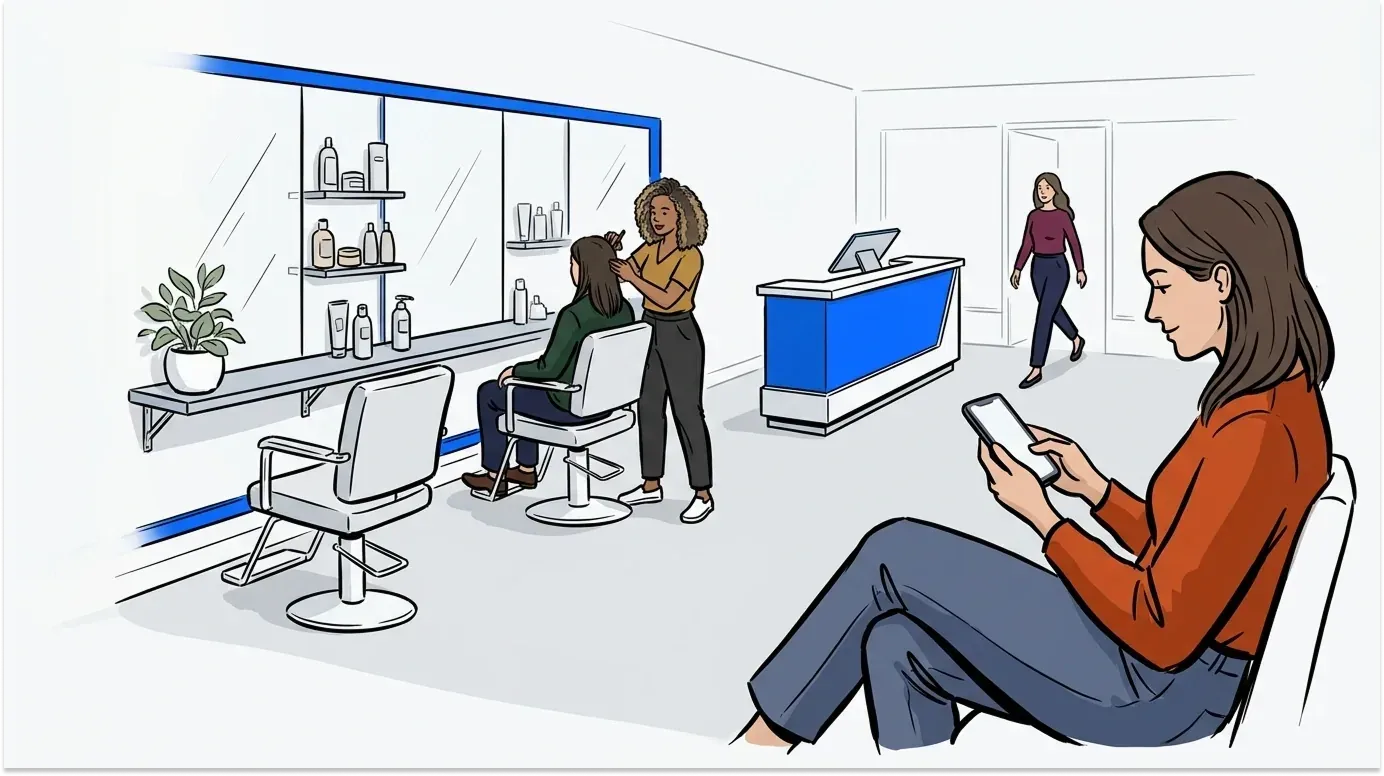
The same setup runs a salon waitlist or a barbershop waitlist. In a tattoo shop the waits are longer, so letting clients leave and come back matters even more.
Pick the tools that match how your shop books
The best tattoo shop management software is the mix that covers your six jobs without gaps. Keep the payment tool you trust. Choose booking and deposits that fit your custom work. Then make sure the walk-in line, and the hour clients spend in it, isn’t the job nobody owns.
See how NextMe works for tattoo, piercing and other walk-in studios, or try it free on your next walk-in day.