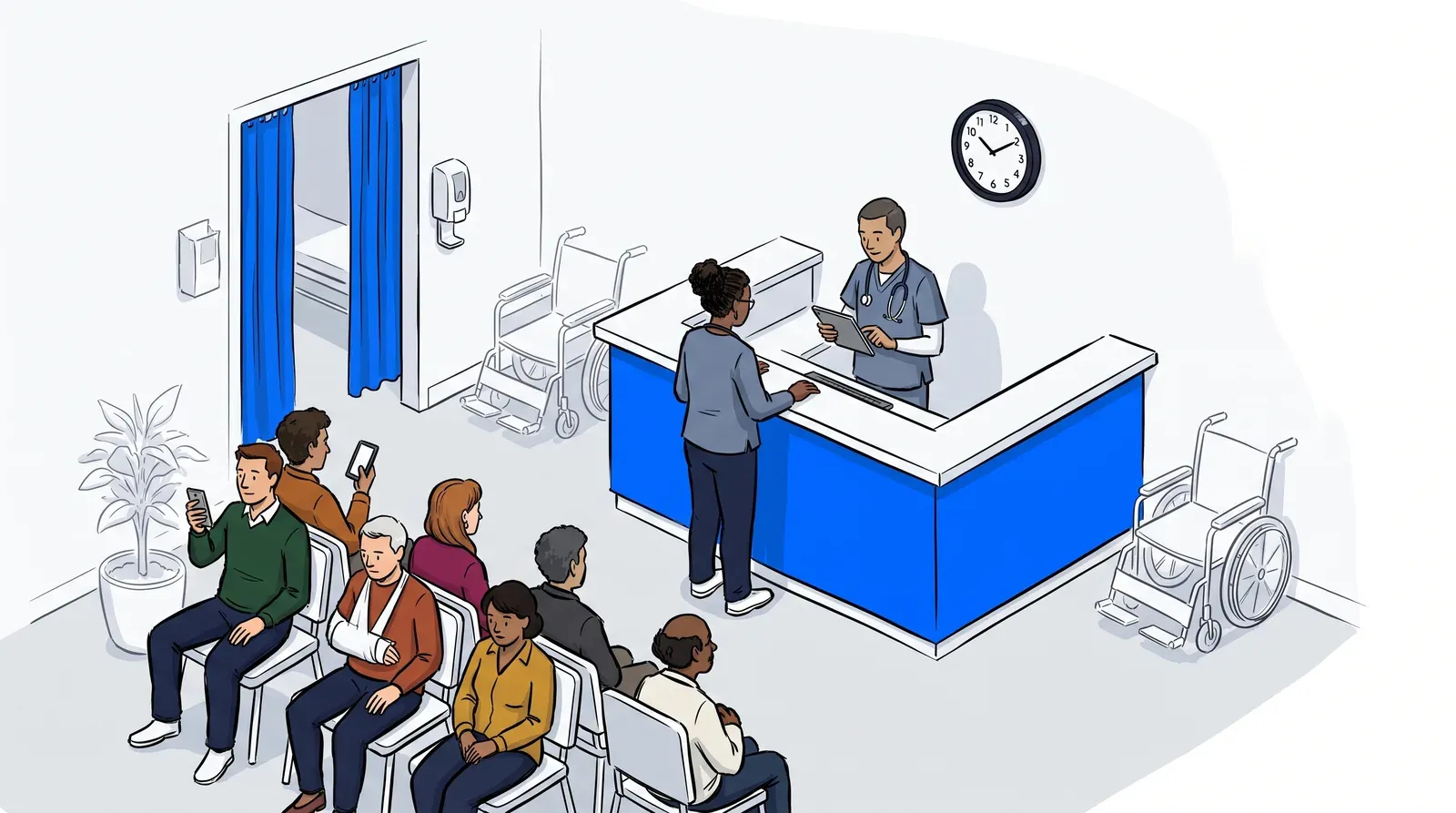
Walk-in clinics operate on a paradox. Patients show up because they want to be seen quickly, but the moment they step through the door and see a crowded waiting room, trust in that promise starts to erode. Some leave before they even check in. Others sit down, wait, and grow frustrated with every minute that passes without an update.
The problem isn’t always the volume of patients. It’s the absence of information and structure. When patients don’t know how long the wait will be or where they stand in line, the experience feels chaotic, even when it isn’t. According to MGMA, nearly a quarter of medical practice leaders reported their wait times worsened in 2024, even as the majority were actively working to improve them. The gap between operational intent and patient experience is often a matter of visibility and communication, not capacity.
A walk-in clinic waitlist app changes that dynamic by giving patients visibility and giving staff a system they can actually manage. This guide covers what to look for when evaluating one, which features matter most, and how to identify the right tool for your practice size and workflow.
What does a walk-in clinic waitlist app actually do?
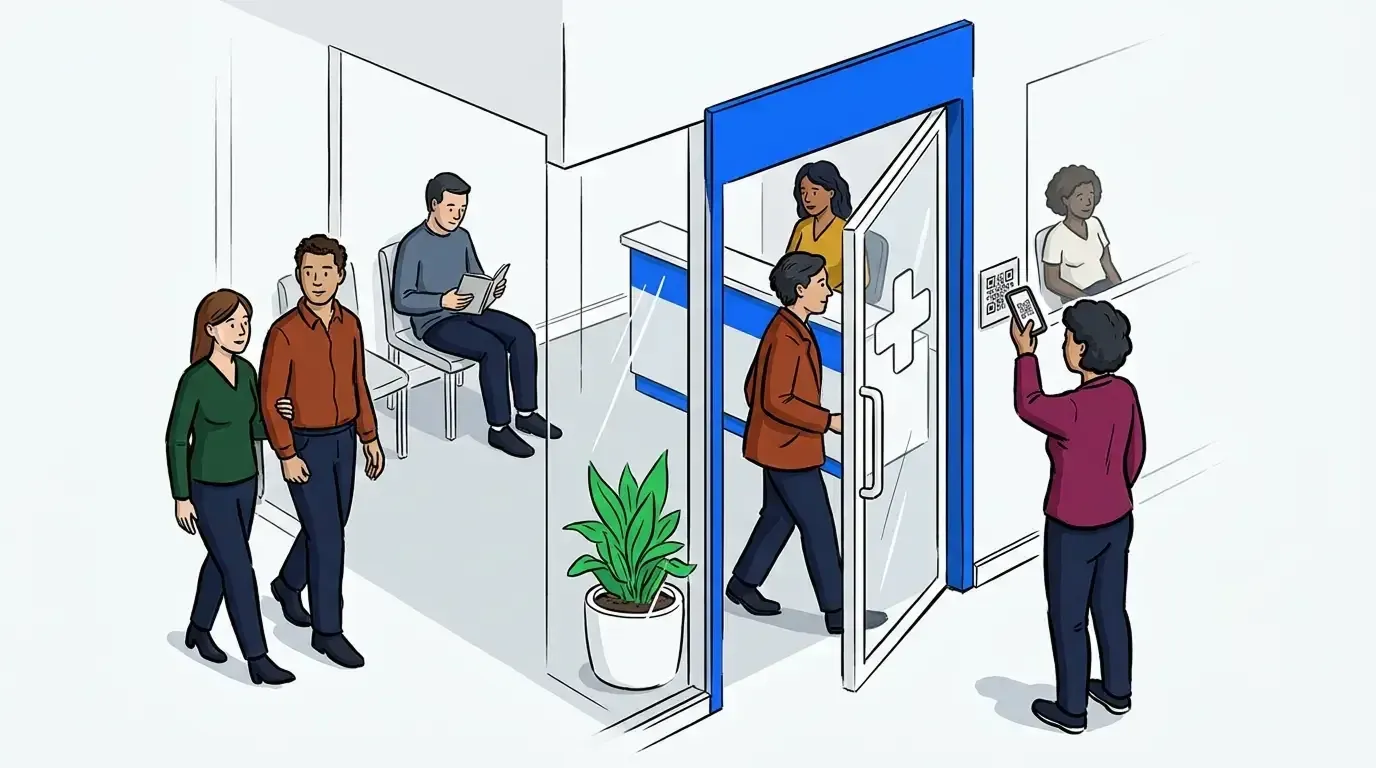
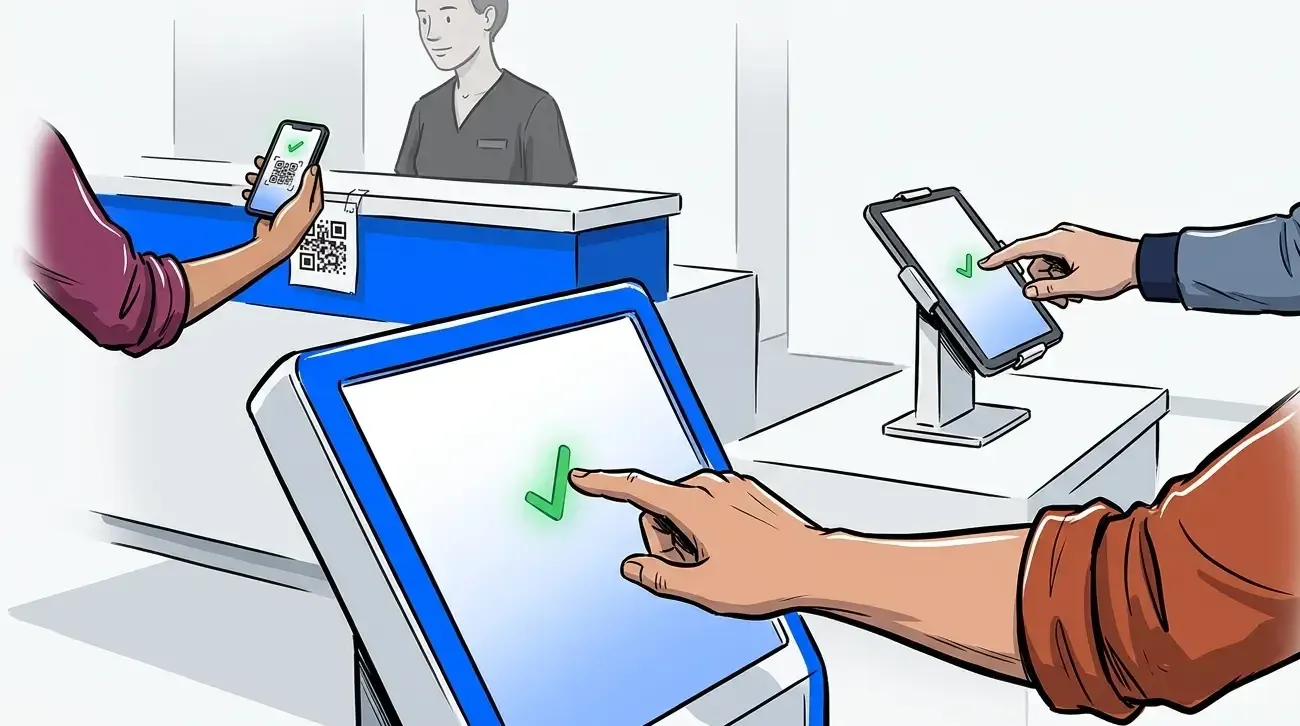
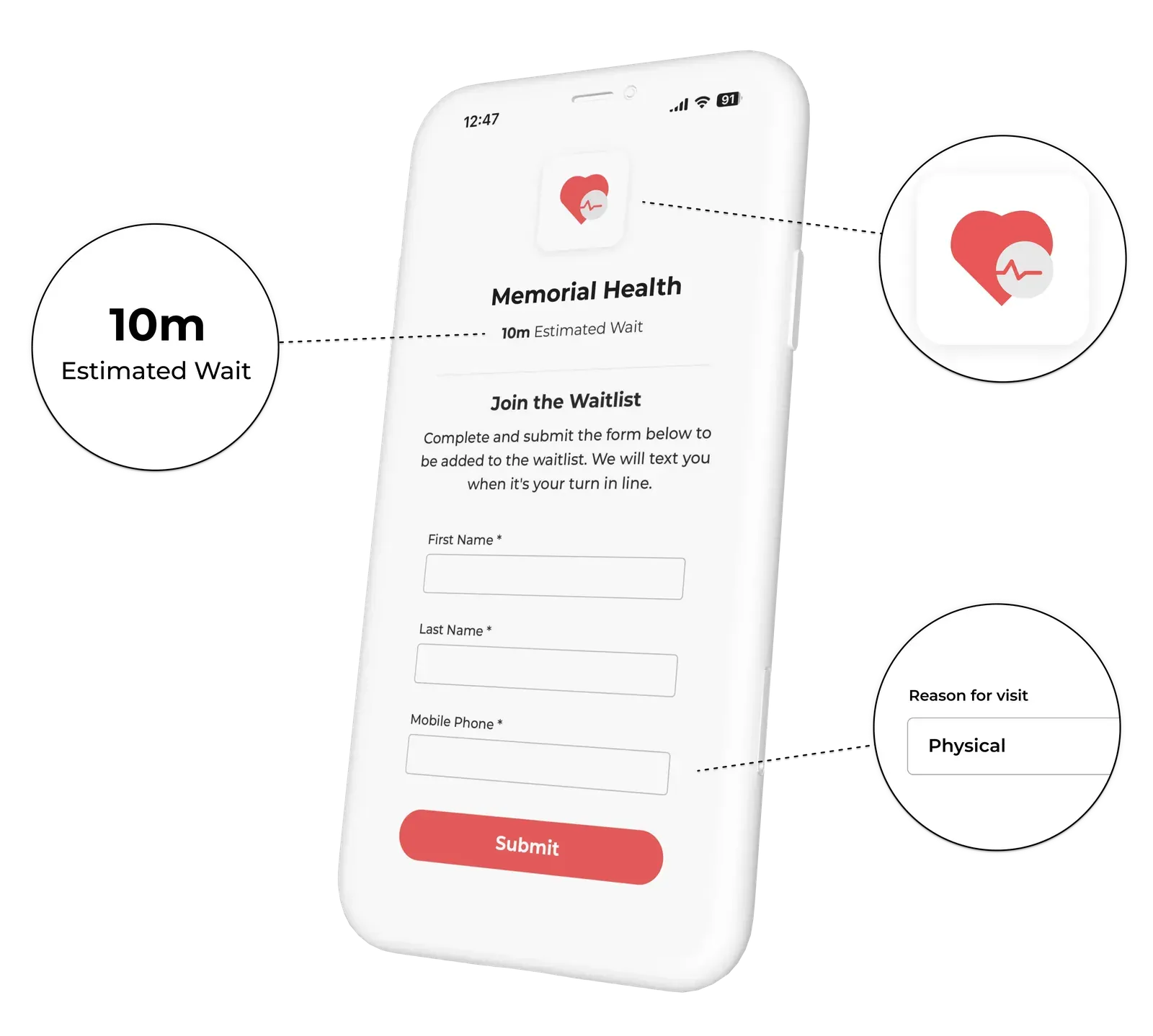
A walk-in clinic waitlist app replaces the physical sign-in sheet and informal queue with a structured digital flow. Patients check in on arrival, either at a kiosk, via QR code, or through a staff-assisted intake, and join a digital waitlist. From that point, the system tracks their position, sends automatic SMS updates when their turn is approaching, and alerts them when a provider is ready.
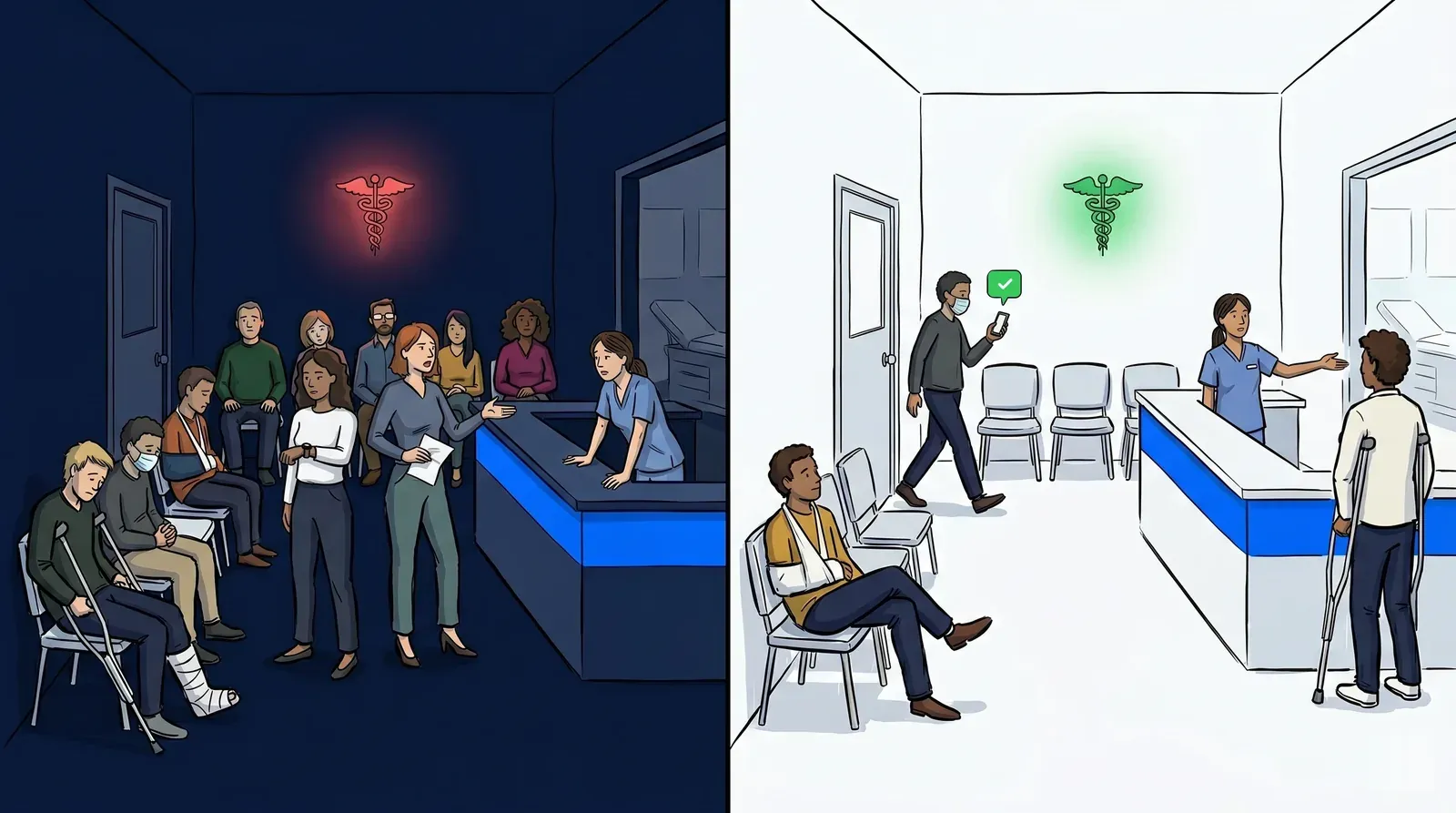
The result is a waiting experience that patients can manage from anywhere, including their car, the parking lot, or a nearby coffee shop. Staff gain a real-time view of the queue and can prioritize cases, add notes, and send notifications without leaving the service area.
For the operator, the key outcomes are fewer walk-outs, better throughput visibility, and a meaningful reduction in front-desk interruptions from patients asking how long the wait will be.
A buying guide for walk-in clinic waitlist software
If you’re reading this, you’re already ahead of the curve. Most walk-in clinics still rely on a paper sign-in sheet and an informal queue - and that gap between patient expectation and operational reality is exactly where walk-outs and frustration happen. Deciding to invest in a digital waitlist is an important first step that many clinics overlook. The harder question is which platform is actually worth your time to implement - and which ones will cost you more than they save.
Some solutions in this space, like WaitWell and Qminder, are built for large health systems and high-volume enterprise environments. They’re capable platforms, but that depth comes with tradeoffs most walk-in clinics don’t need:
- Onboarding timelines that stretch weeks or months
- Pricing structures that can shift after you’re already locked in. Waitwhile, for example, removed SMS credits from all plans in 2025, moving to a pay-as-you-go model that adds cost to the SMS feature walk-in clinics rely on most.
- Support models geared toward enterprise ticket volumes, not the walk-in clinic that needs an answer by this afternoon.
- No virtual waiting room, which means no way to make the wait productive - whether that’s completing registration, accessing wellness resources, or reviewing important clinic information before they’re called back.
A right-sized tool gets your clinic running in a single session, gives you direct access to support that actually knows your operation, and includes a virtual waiting room that keeps patients engaged and makes their wait time count. NextMe is built for exactly this workflow - and proven to scale as your operation grows.
For a deeper look at how virtual waiting rooms specifically improve the patient experience in urgent care settings, see How a Virtual Waiting Room Transforms Urgent Care Patient Flow.
The features that matter most
Not every waitlist feature is equally relevant to a walk-in clinic. Here are the ones that consistently make the biggest difference in day-to-day operations.
SMS text notifications. The single most impactful feature for reducing walk-outs is the ability to send patients an automatic text when their turn is approaching. This removes the need for patients to stay in the waiting room. They can wait in their car or run a nearby errand, which reduces crowding and improves the overall experience.
Self check-in. A tablet-based or QR-code check-in option reduces front-desk workload at peak hours. Patients enter their name, phone number, and reason for visit directly, and the system adds them to the queue automatically. Staff can focus on intake and triage rather than managing arrivals.
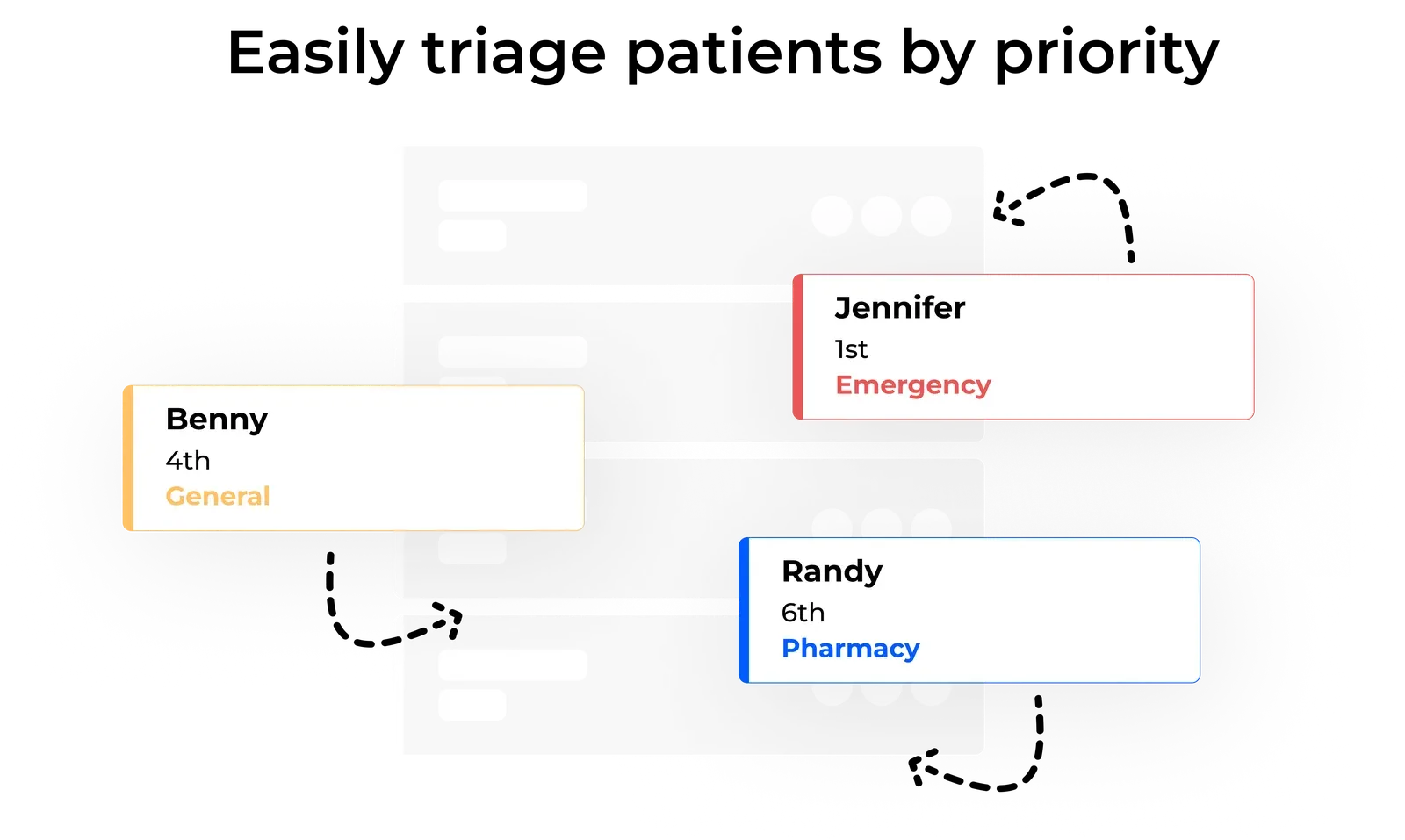
Triage and priority flagging. Walk-in clinics regularly need to manage a mix of routine cases and urgent presentations. A waitlist system that allows staff to flag a patient as urgent, reorder the queue, and add clinical notes without disrupting the front-end patient view is a meaningful operational tool.
Appointment and walk-in queue management. Many walk-in clinics also accept scheduled appointments alongside same-day walk-ins. A system that manages both flows in one view, without creating a secondary system or switching between tools, keeps operations clean and prevents one queue from starving the other.
Virtual waiting room. A virtual waiting room keeps patients engaged from the moment they check in until they’re called back. Rather than sitting idle, patients can complete registration forms, access wellness resources, or review clinic information - making the wait feel shorter and arriving at the exam room better prepared. It’s a meaningful upgrade to the patient experience that most enterprise platforms don’t offer.
HIPAA-aware design. Waitlist systems handle patient names and contact information. Look for software designed with healthcare privacy in mind: secure data handling, minimal data retention, and no third-party advertising integrations that could create compliance exposure.
How to evaluate options against your workflow
Before committing to a platform, run through these questions with your front desk and clinical team.
How do patients currently check in? If you’re using a paper sheet, the transition to tablet self check-in is straightforward. If you have a more complex intake form, look for a tool that allows custom intake fields.
What does your peak hour look like? A clinic that sees 30 patients a day has different throughput needs than one seeing 120. Make sure the tool you’re evaluating has case studies or user reviews from clinics with similar volumes.
How much staff training time do you have? Some platforms require dedicated onboarding sessions and technical configuration. Others are operational within an hour. If you’re a lean team, time to value matters as much as feature depth.
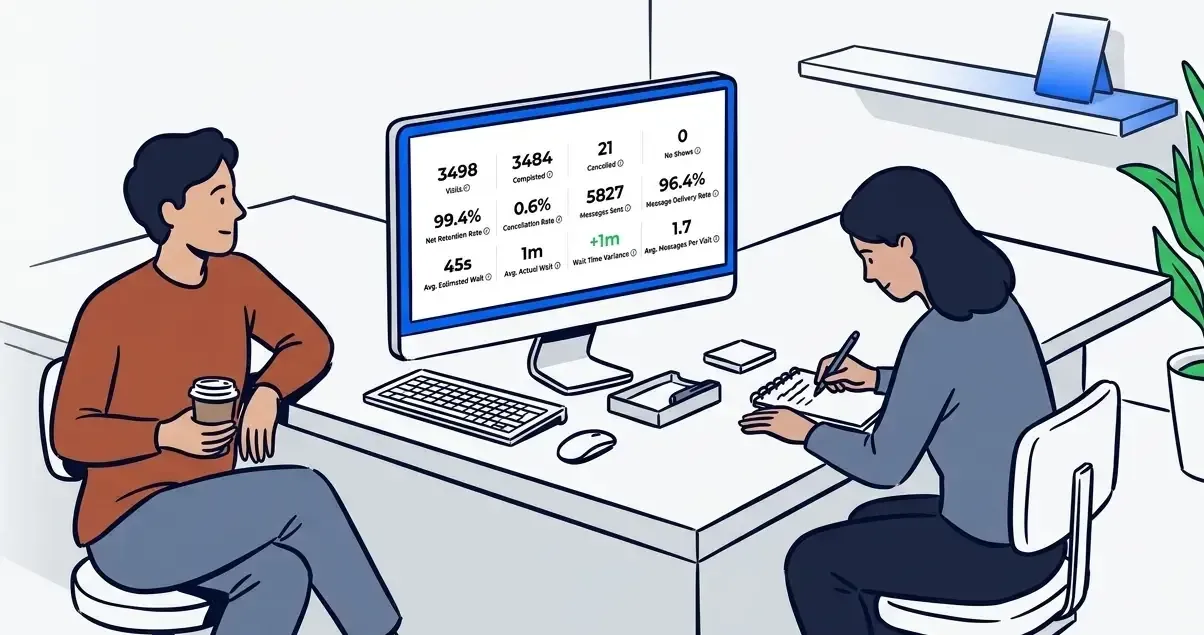
Do you need reporting? Walk-in volume, average wait time, and walk-out rates are useful data points for staffing decisions. If you want visibility into trends over time, look for a platform that offers analytics, not just a live queue view.
The “right-sized” principle for walk-in clinic software
There’s a pattern in how walk-in clinic operators end up selecting the wrong software: they evaluate on feature count rather than fit. An enterprise platform with deep integrations and custom workflows looks impressive in a demo. It also takes three months to implement and requires a vendor relationship to change anything.
The right-sized principle is simple: choose the tool that covers your core workflow well, trains in minutes, and doesn’t require ongoing technical support to operate. For most walk-in clinics, that means SMS notifications, self check-in, a clean queue view, and solid support responsiveness.
Complexity you don’t need becomes friction you have to manage.
Choosing the right fit for your clinic
The best walk-in clinic waitlist app isn’t the one with the longest feature list. It’s the one your front desk team uses correctly on day one, your patients understand without instruction, and your clinic manager doesn’t have to think about after setup.
For most walk-in clinics, the priority is clear: SMS notifications that keep patients informed, self check-in that reduces front-desk load, and a queue view that gives staff real-time visibility without complexity. Those three capabilities close the gap between a chaotic waiting room and a clinic patients trust.
NextMe’s waitlist app for healthcare is built for exactly this workflow. No enterprise overhead. No long onboarding. Just a clean, effective system that works the way your clinic already does.