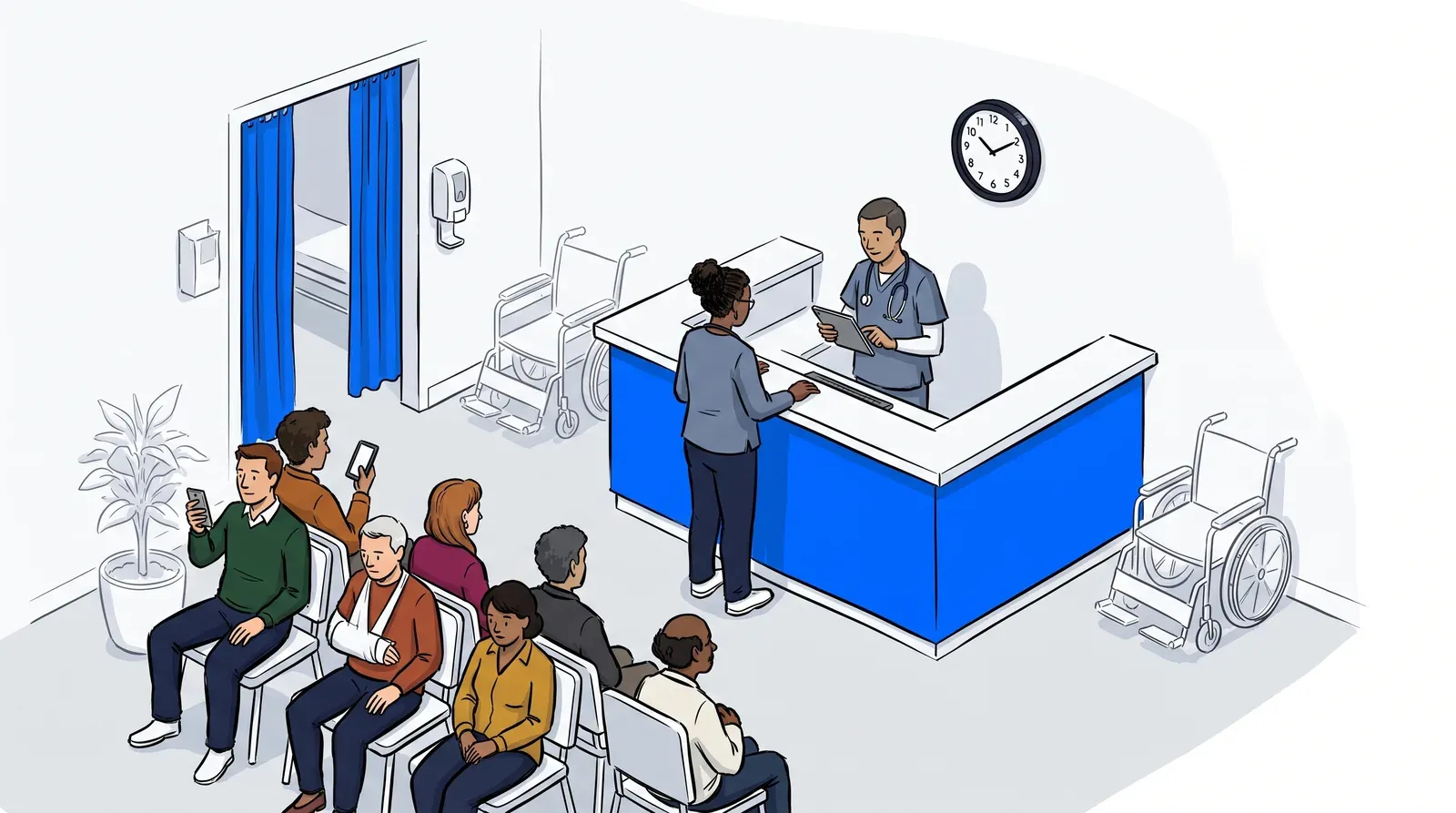
Every clinic eventually reaches a point where a paper sign-in sheet or a single staffed window cannot keep up with patient volume, and the search usually lands on the same question: does a patient check-in kiosk make sense here, or is a tablet the smarter buy?
Both options move patients into your digital queue without a staff member re-typing information by hand. But they solve that job differently, and picking wrong can mean an expensive terminal that never gets used or a tablet that cannot keep pace once your lobby fills. This guide compares kiosks, tablets, and QR code check-in on cost, space, and workflow fit, so the setup matches how your clinic actually runs.
What is a patient check-in kiosk (and how is it different from a tablet)?
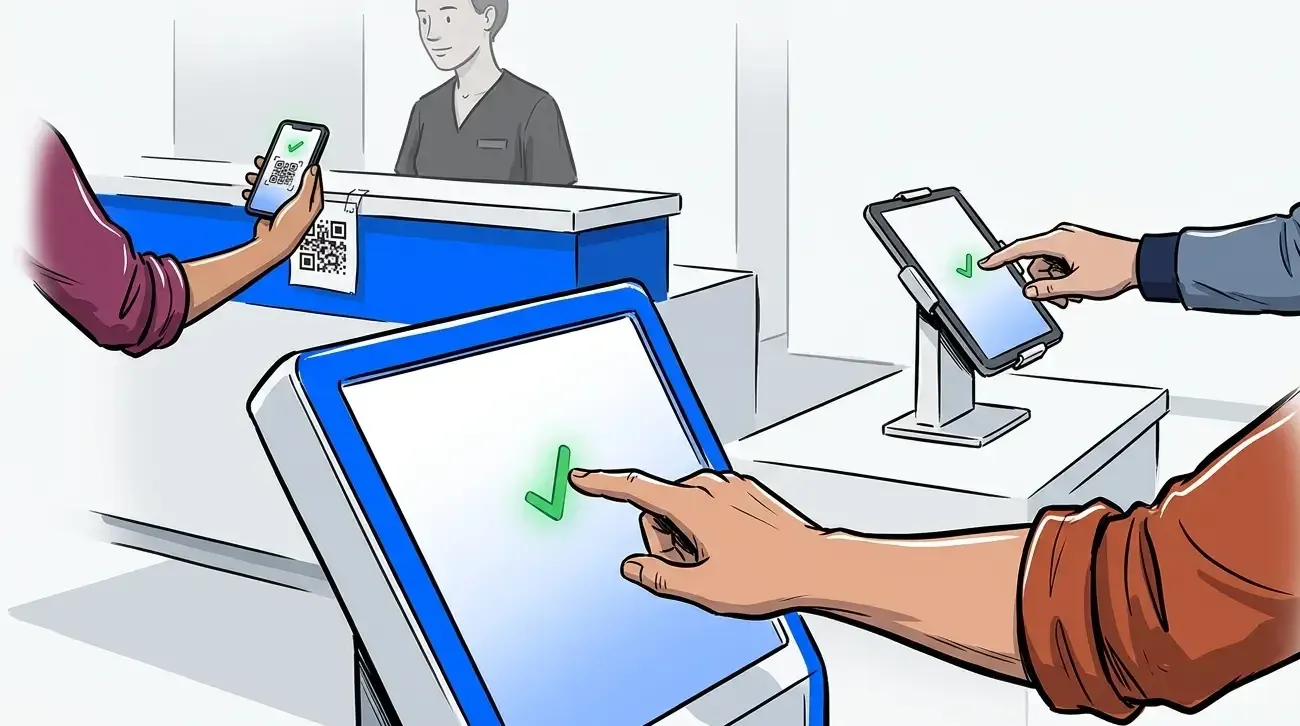
A patient check-in kiosk is a dedicated, often freestanding or wall-mounted terminal built for one job: letting patients check in without staff help. A check-in tablet does the same job on a smaller, more mobile device, usually set on a stand or handed directly to a patient. The real difference is not the screen. It is footprint and flexibility: a kiosk anchors a fixed spot in your lobby, while a tablet can move between the front desk, an exam room, or a satellite intake station.
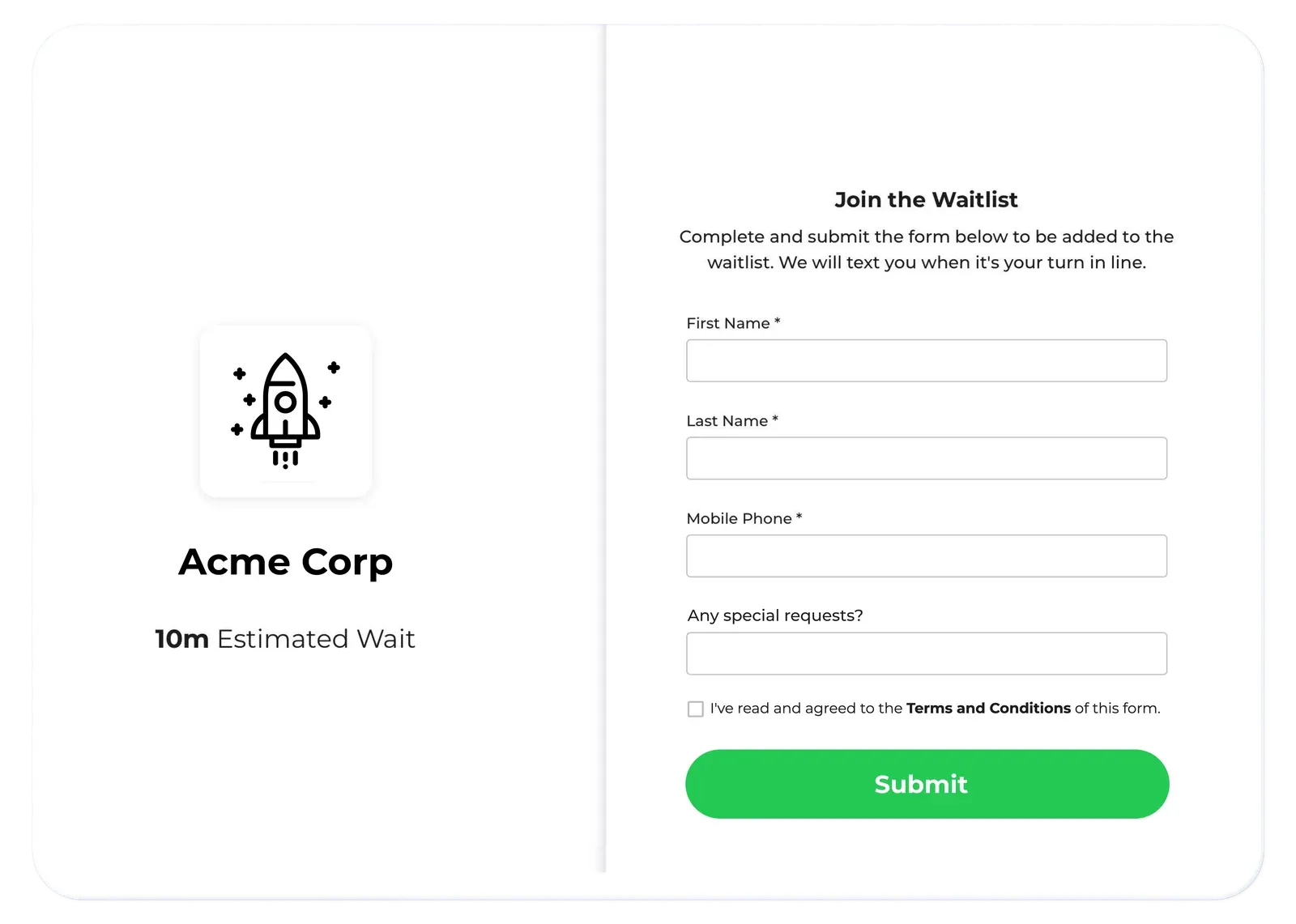
Neither format requires an app download. Patients complete self check-in by tapping through a short intake flow, and the entry gets pushed straight into the digital queue your front desk is already watching. From there, wait time estimates, staff notifications, and priority routing all work the same, whether the device that captured the check-in was bolted to the wall or handed across the counter. Both formats can also be set up with healthcare privacy in mind, since the intake fields you collect and how they move matter more than which device captures them.
The decision that actually matters is what happens around the device: how much lobby space you have, how many patients arrive at once, and whether intake needs to travel to the patient rather than the other way around.
Kiosk vs tablet vs QR code: cost, footprint, and throughput at a glance
Here is how the three formats stack up on the factors that actually drive the decision.
| Factor | Kiosk | Tablet | QR code (patient’s phone) |
|---|---|---|---|
| Upfront cost | Higher, dedicated hardware and mounting | Lower, standard tablet plus a stand | Lowest, no device to buy |
| Footprint | Fixed spot in the lobby or entryway | Portable, moves between desk, exam room, or satellite station | None, runs on the patient’s own phone |
| Best for | Steady, high walk-in volume | Lower or variable volume, multi-purpose space | Budget-conscious practices, pop-up or satellite sites |
| Setup time | Longer, may need mounting or wiring | Minutes, plug in and configure | Minutes, just a printed or displayed code |
| Walk-in vs appointment mix | Handles high-volume walk-in surges well | Flexible for a mixed walk-in and appointment flow | Works well but needs a device fallback for patients without a smartphone |
A quick gut check: if patients arrive in bursts through one clear entry point, a kiosk earns its keep fast. If your space is small, your volume is unpredictable, or the device needs to do double duty at a second station, a tablet keeps you flexible without a big upfront commitment.
When a kiosk is the better fit
A kiosk is the stronger call for clinics with real walk-in volume and a lobby that funnels most patients through one clear point of entry. Urgent care and high-volume family practice are the classic cases. Patients arrive continuously through the day, and a fixed terminal near the door keeps the line from ever forming at the front desk.
Durability favors a kiosk in high-traffic settings, too. A wall-mounted or freestanding unit holds up to steady daily use better than a tablet that gets picked up, set down, and occasionally dropped. MGMA has documented this tradeoff directly: a high-volume practice fighting a 10-minute front-desk line found that tablets created their own headaches, staff had to track, charge, and hand them out, while a hardwired kiosk removed that problem and cut the risk of patient damage since no one was holding it.
Mid City Pediatrics, a pediatric practice that struggled with a crowded morning rush, saw the same principle play out with its self check-in rollout. Giving patients a clear, unattended way to check in the moment they arrive kept the front desk from becoming the bottleneck.
When a tablet is the better fit
A tablet wins on flexibility. Smaller clinics, specialty practices with lower daily volume, and multi-location operators who want one standard setup across sites tend to land here. Because a tablet is not bolted down, it can shift from the front desk to a satellite intake table during a busy stretch, or move between locations if you are piloting digital check-in before committing to kiosks everywhere.
Cost is the other driver. A tablet on a simple stand costs a fraction of a dedicated kiosk unit, which matters for practices testing digital intake for the first time or working with a tighter facilities budget. For a closer look at tablet-based setup specifically, from hardware choices to intake field configuration, see NextMe’s guide to electronic check-in for doctors offices.
What about QR code check-in?
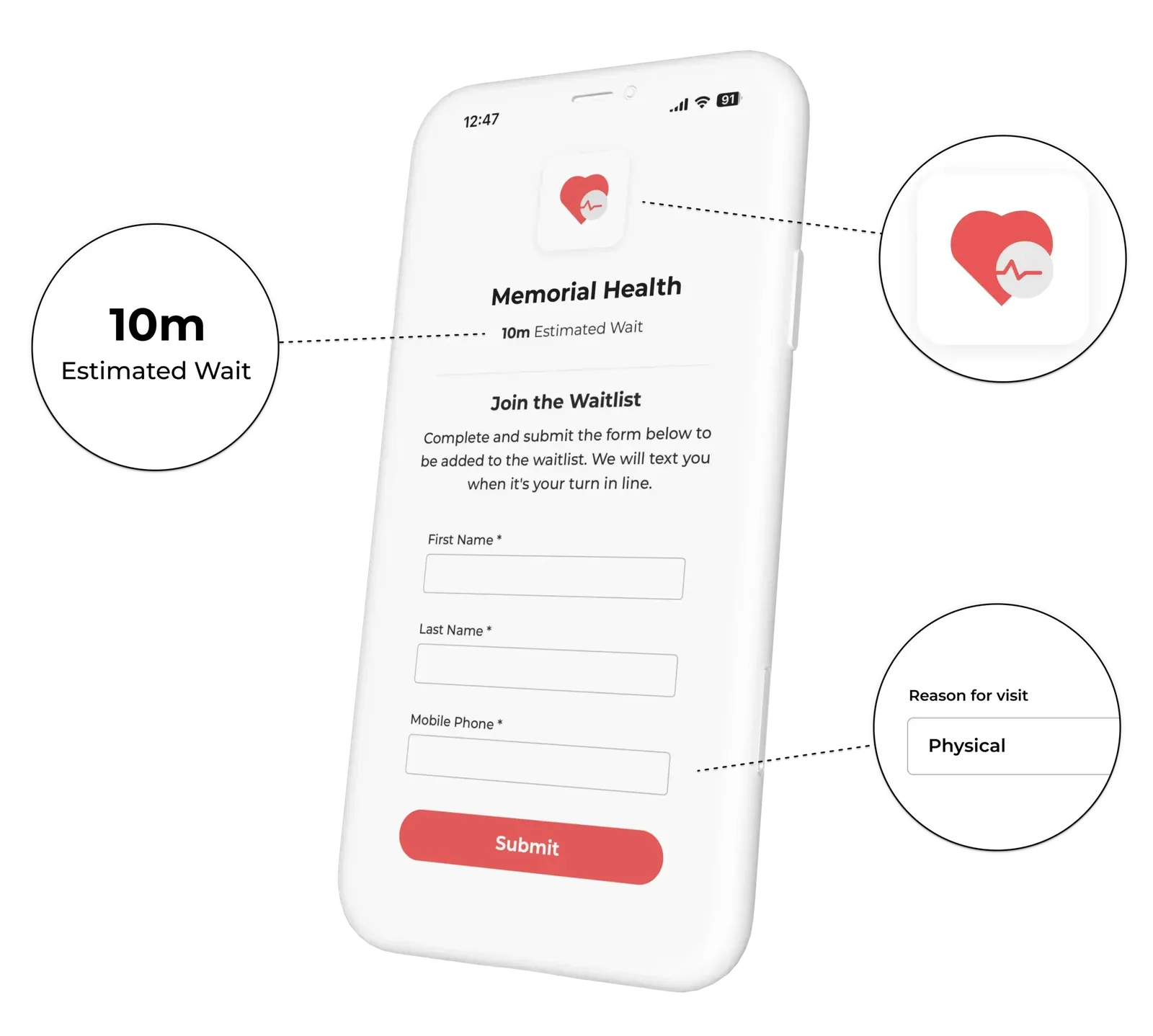
A third path skips hardware ownership altogether. Patients scan a QR code with their own phone and check in without a kiosk or tablet on site. It is the lowest cost and fastest to set up, which makes it useful for practices testing digital check-in on a small budget, or for satellite and pop-up locations with no room for a dedicated station.
The tradeoff is coverage. A small share of patients, often older patients or those without a smartphone, still need a fallback. Most practices find the real decision is not kiosk versus tablet versus QR in isolation. It is which mix fits their patient population, since QR code check-in can run alongside a kiosk or tablet as a backup rather than replacing it outright.
How either choice connects to your patient queue
The device is only the entry point. What matters more is what happens the moment a patient checks in: does that action immediately update a live queue the front desk can see, and does the patient get a text update instead of watching the door? Front-desk digitization only pays off when the check-in step feeds a working queue rather than a static log.
Kiosk, tablet, or QR code, the check-in should hand off directly into a virtual waiting room that lets patients wait wherever is more comfortable and gives staff real-time visibility into who has arrived and who is next. That connection is what separates a genuine patient flow system from a hardware upgrade that just moves the same paper process onto a screen. Practices comparing full platforms, not just hardware, should also weigh the criteria in NextMe’s healthcare waitlist software buyer’s guide, which covers intake, queue visibility, and communication side by side.
For clinics evaluating this as part of a broader healthcare queue management strategy, the hardware choice is one piece of a larger patient flow decision, not the whole project.

Conclusion
The kiosk-versus-tablet-versus-QR decision comes down to volume, space, and how committed you are to one fixed intake point. High-volume walk-in clinics with a clear front door usually get more from a kiosk. Smaller or multi-location practices, and anyone piloting digital check-in for the first time, usually get more from a tablet or QR code. Either way, the device matters less than what it connects to: a live queue that keeps your front desk and your patients on the same page.
See how NextMe supports self check-in on kiosks, tablets, or QR codes, all connected to one patient queue.