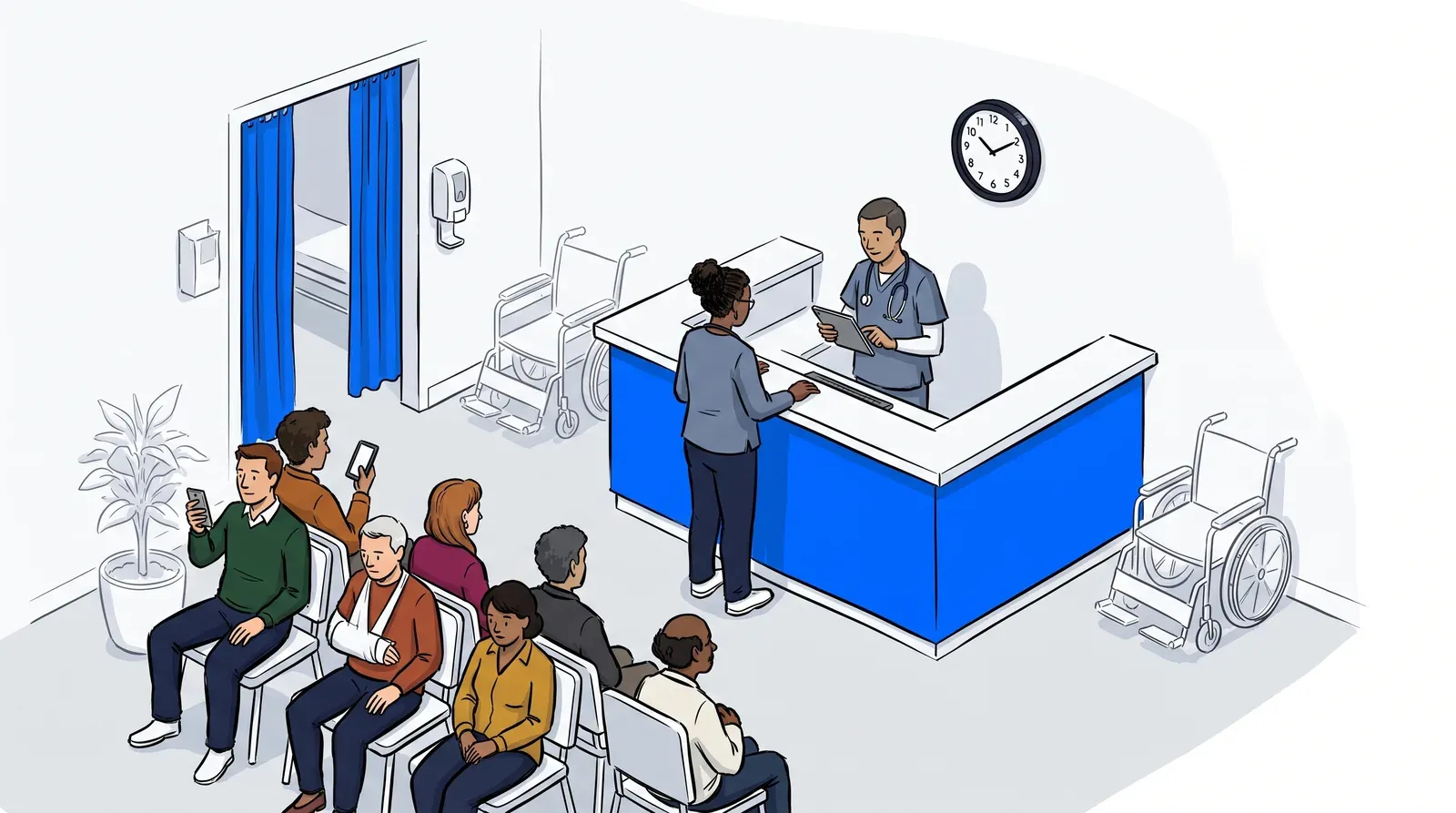
A crowded clinic lobby sends a message before a single patient reaches the front desk. Sick patients sit close together. Parents juggle restless kids. Staff field the same question all day: how much longer? Self check-in can move that whole scene off the clipboard and onto the patient’s phone.
That is the promise of contactless patient check-in. A patient scans a code when they arrive, confirms who they are, and waits wherever they feel comfortable. The idea is simple. Setting it up well takes more thought than buying a tablet and hoping for the best.
This guide covers what contactless check-in actually requires, what patients experience at the door, and the one thing that decides whether it clears your lobby or just moves the clipboard onto a screen.
What is contactless patient check-in?
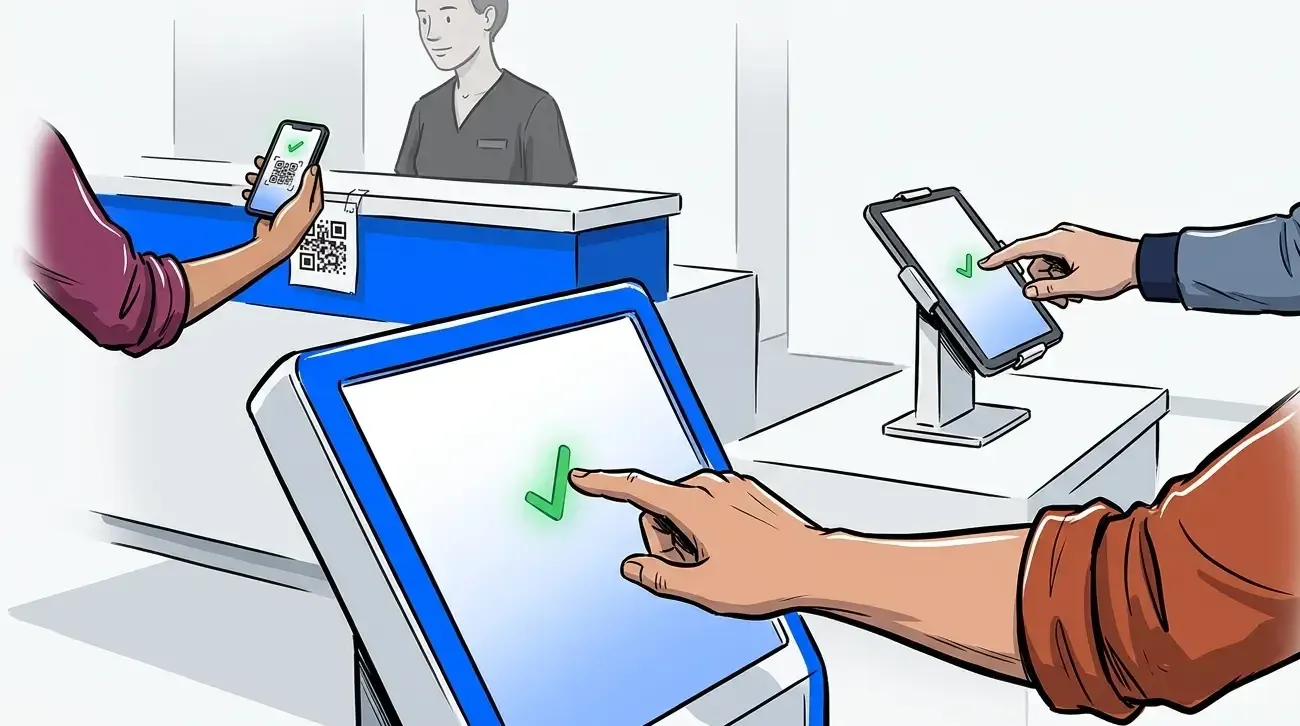
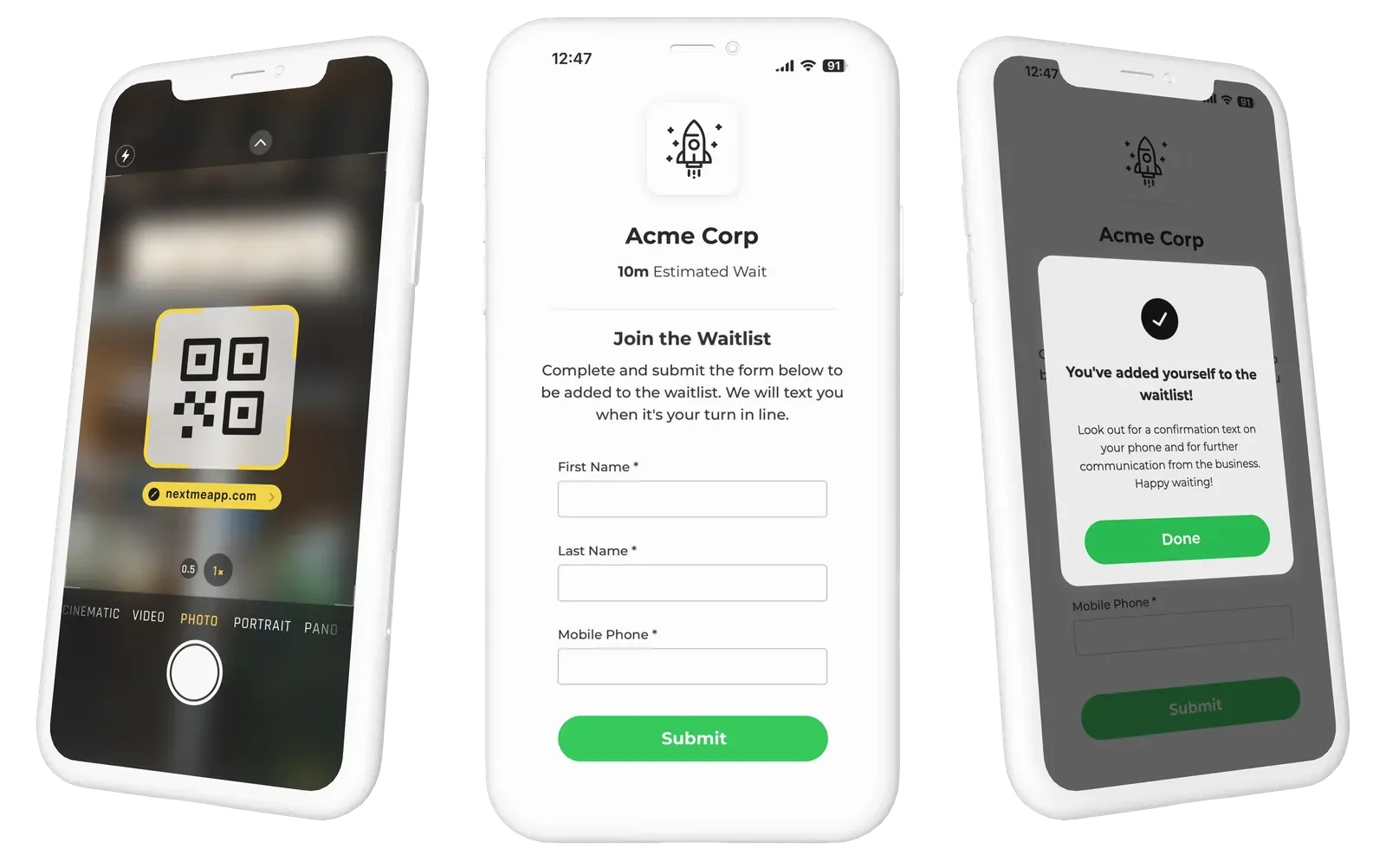
Contactless patient check-in is a process where patients arrive, scan a QR code with their own phone, and confirm their details without touching shared hardware or paper. It adds them to the clinic’s live queue automatically. Staff see who has arrived, and patients wait somewhere comfortable until a text tells them to come in.
No app download. No kiosk to wipe down between patients. The patient uses the device already in their pocket, and the clinic keeps a clear, real-time view of the lobby.
What contactless patient check-in actually requires
Setting this up is less about hardware and more about connecting a few pieces. Here is what a working setup needs.
- A QR code or short link at the entrance. Patients scan it on arrival with their phone camera. Nothing to install.
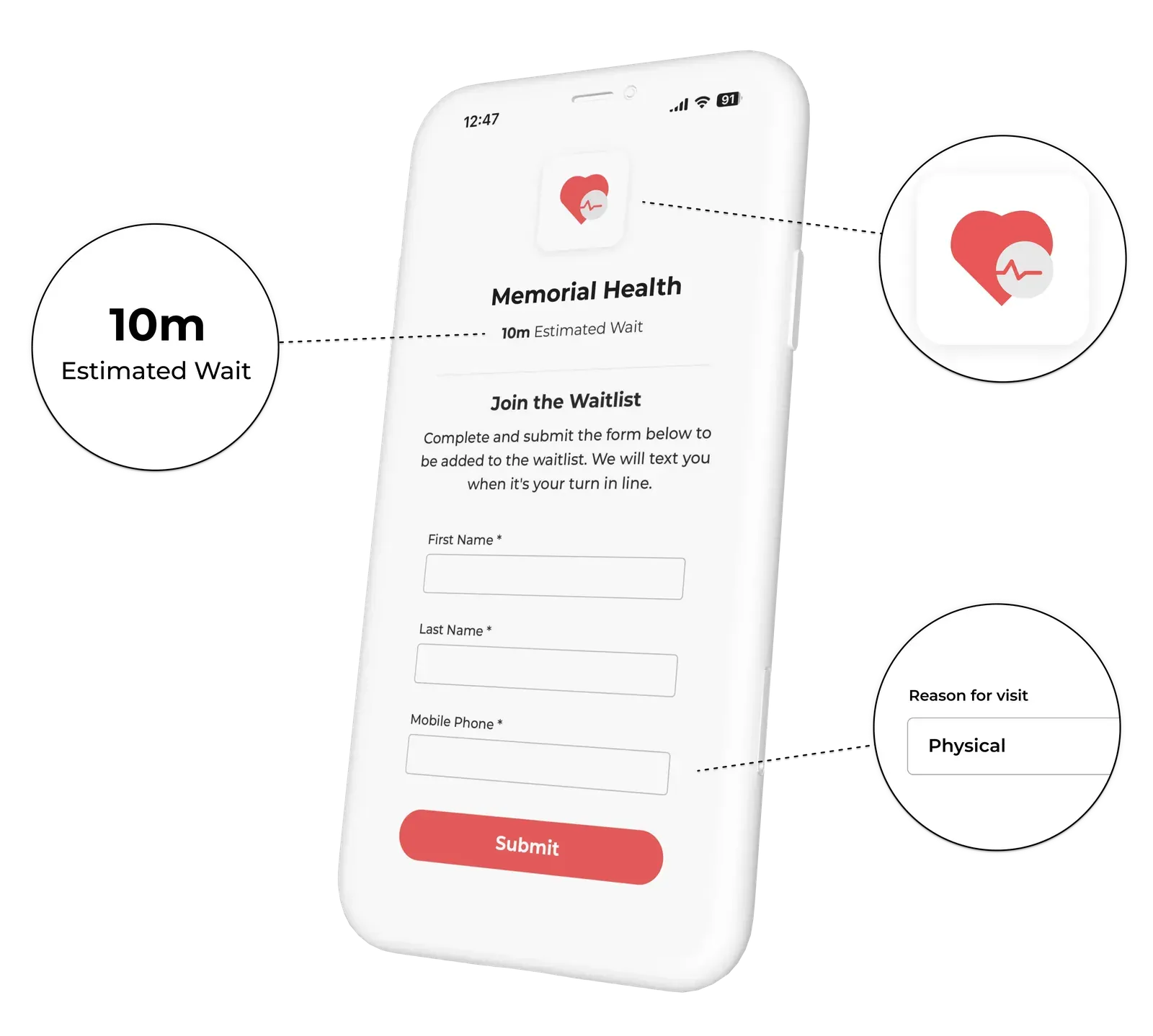
- A short check-in form. Ask only what you need: name, reason for visit, walk-in or appointment. Short forms get finished.
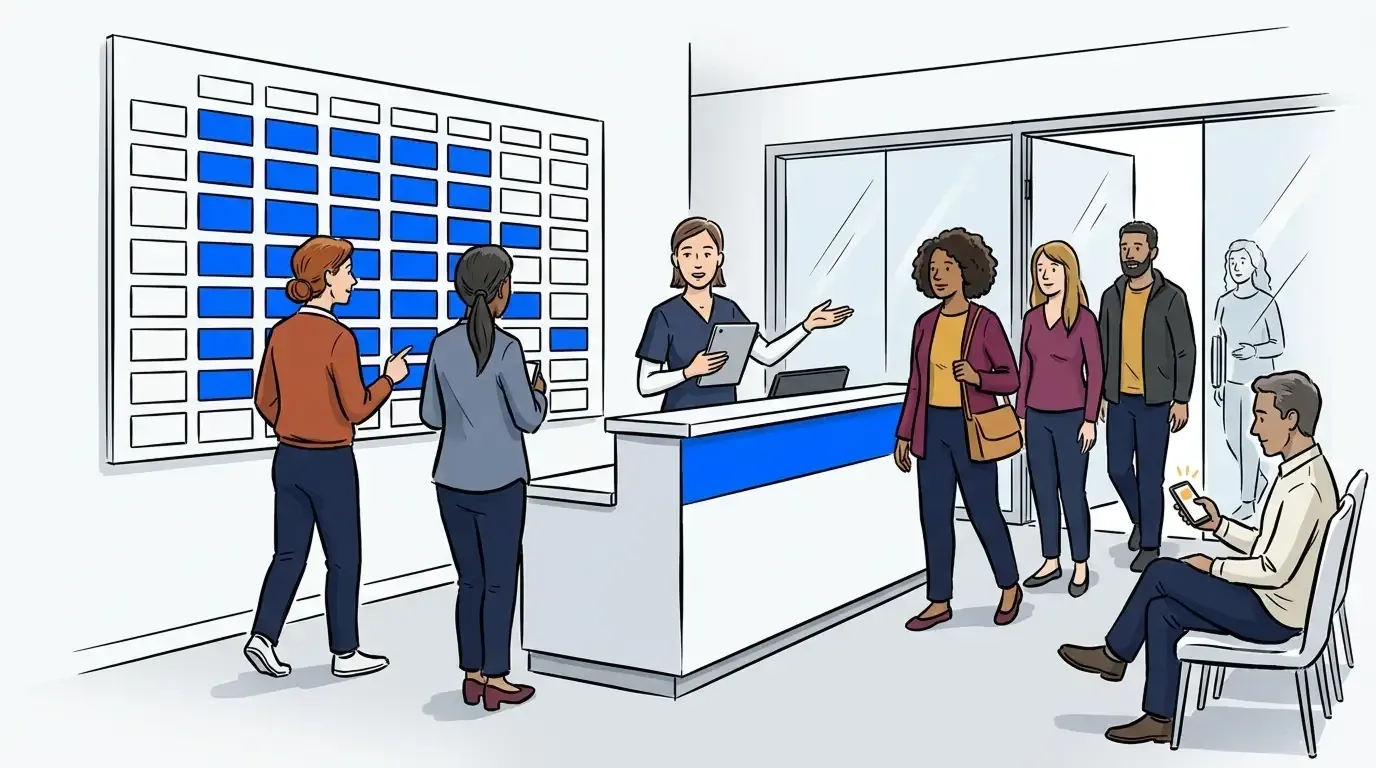
- A live queue your front desk can see. Every check-in lands on one screen, in arrival order, so staff always know who is waiting.
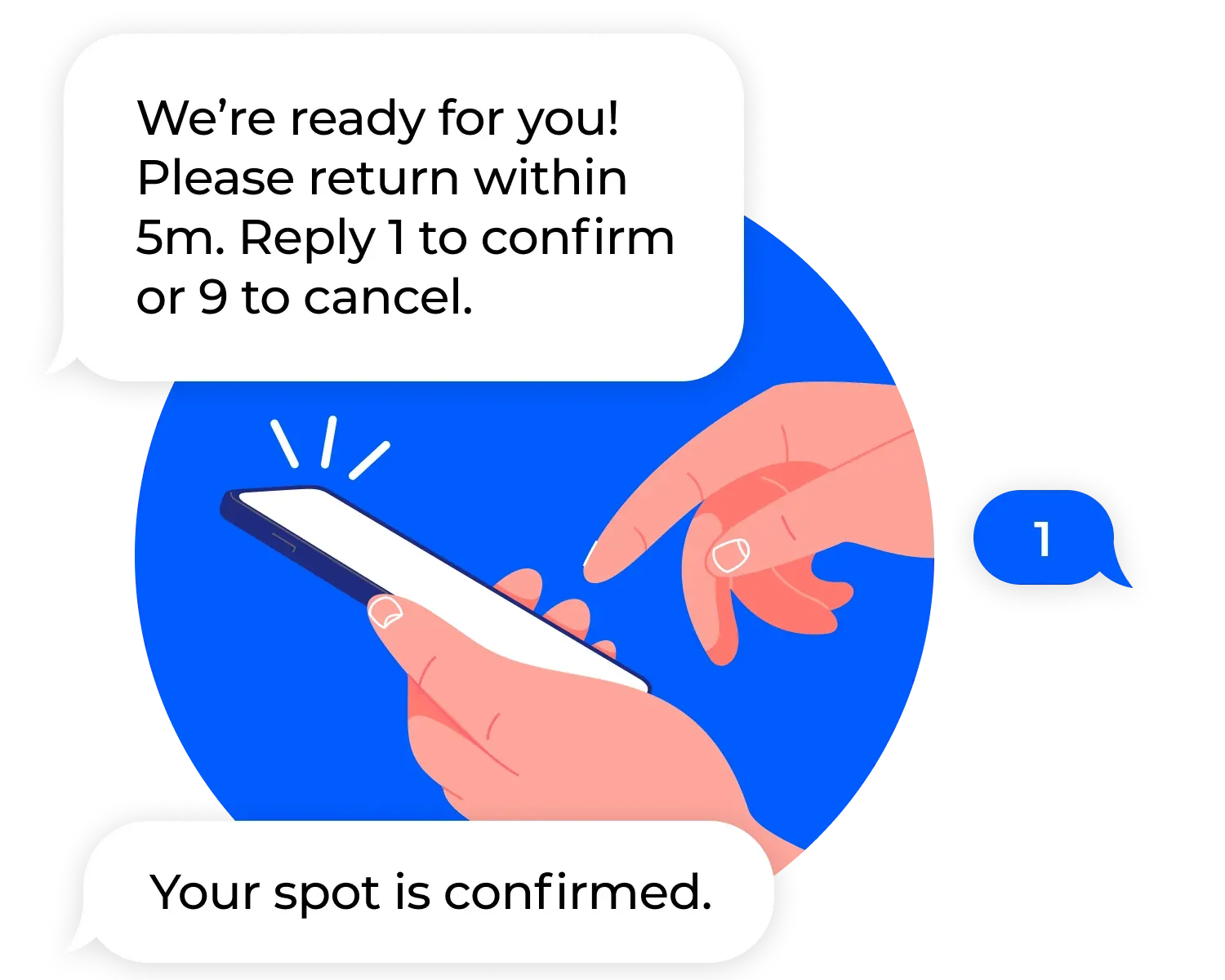
- Two-way text messaging. The system texts patients their status and calls them in when a room is ready. Patients reply 1 to confirm, 9 to cancel.
- A place for patients to wait. The car, the sidewalk, or a quieter corner all work once the queue does the tracking.
Most clinics already have the pieces for steps one through three in NextMe. The real work is deciding what to ask on the form and who watches the queue.
Why the check-in method matters less than the queue behind it
Here is the part most buyers miss. The check-in method is not what clears your lobby. The queue behind it is.
A QR code that drops a patient into a static list changes nothing. Patients still crowd the same seats, still ask how much longer, and staff still guess. Contactless check-in only reduces crowding when it feeds a live queue that staff can act on and that keeps patients informed while they wait.
This is where a virtual waiting room does the real work. Patients check in, then wait in the car or outside while their place holds. The lobby thins out. The MGMA has reported that long waits push patients away, citing survey data where nearly a third of patients left before being seen because of the wait. A calmer lobby is not a nice-to-have. It protects the visit.
Mid City Pediatrics saw this firsthand. After moving patient flow off the front desk and into a live queue, the clinic eased crowding in its waiting room and kept families moving. The Mid City Pediatrics story has the full picture.
What patients experience at the door
For the patient, contactless check-in feels less like a process and more like the clinic already knows they are here.
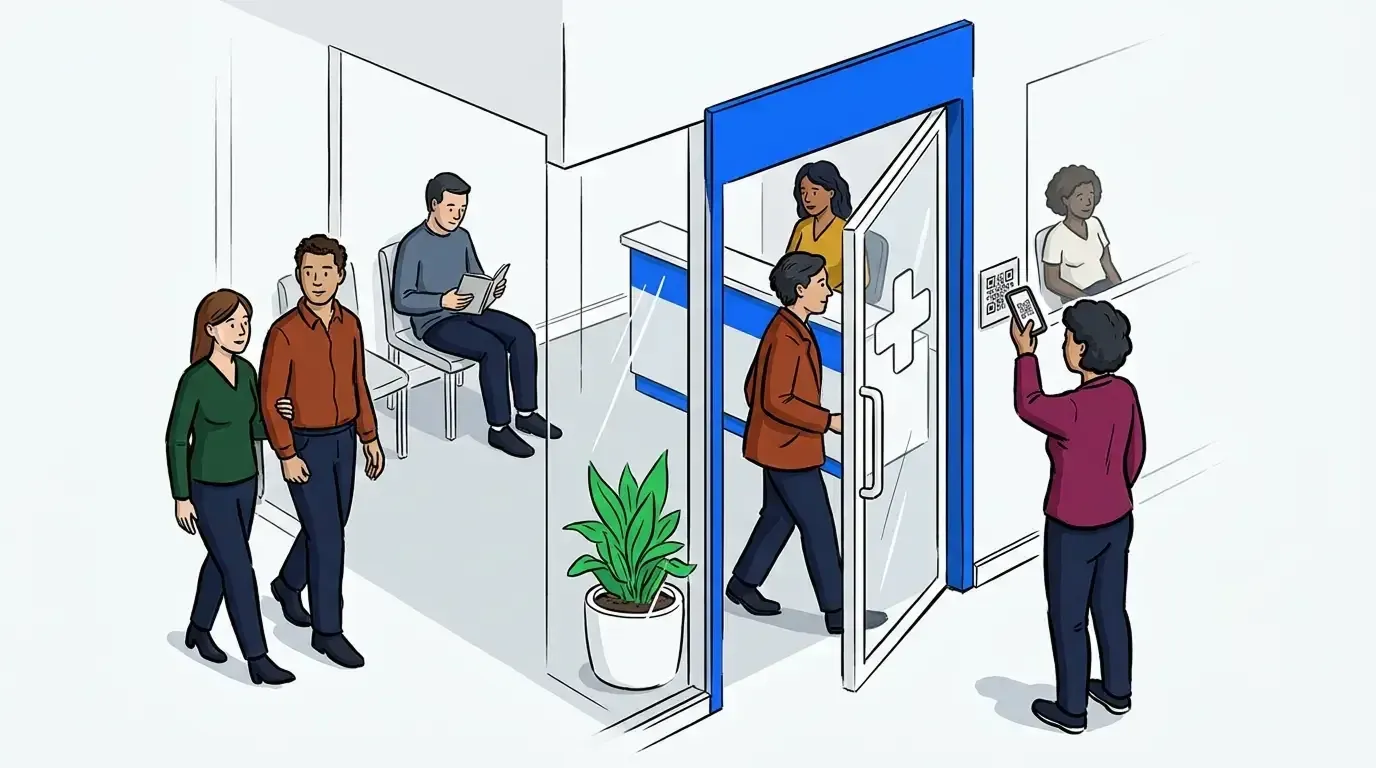
They park, scan the code, and answer a few short questions. A text confirms they are checked in and sets expectations for the wait. They can step away, grab a coffee, or stay in the car with a child who does not do well in waiting rooms. When a room opens, another text calls them in. If plans change, they reply 9 to cancel, and the queue updates on its own.
For older patients or anyone who prefers the front desk, staff can still check them in the usual way. Contactless is an option, not a requirement. Both paths land in the same queue.
Setting it up without disrupting your front desk
You do not need to rebuild your front office to add contactless check-in. Start small.
Print one QR code and place it at the entrance. Build a short check-in form with the questions you actually use. Give the front desk a single screen for the live queue. Run it alongside your current process for a week, then let patients choose. Most will pick their phone once they see the option.
NextMe runs on any device, needs no special hardware, and trains in minutes. The system is designed with patient privacy in mind, so you control what the form collects and who sees it. If you are weighing hardware for a busier setup, our guide on patient check-in kiosks versus tablets covers when a dedicated device earns its place.
Bringing it together
Contactless patient check-in is not complicated to launch. A QR code, a short form, and a live queue cover most of it. The difference between a calmer lobby and the same old crowd comes down to whether the check-in feeds a queue your team can act on.
If you are ready to move patient flow off the clipboard, see how queue management built for healthcare clinics fits your front desk. Your lobby, and your patients, will feel the difference on day one.