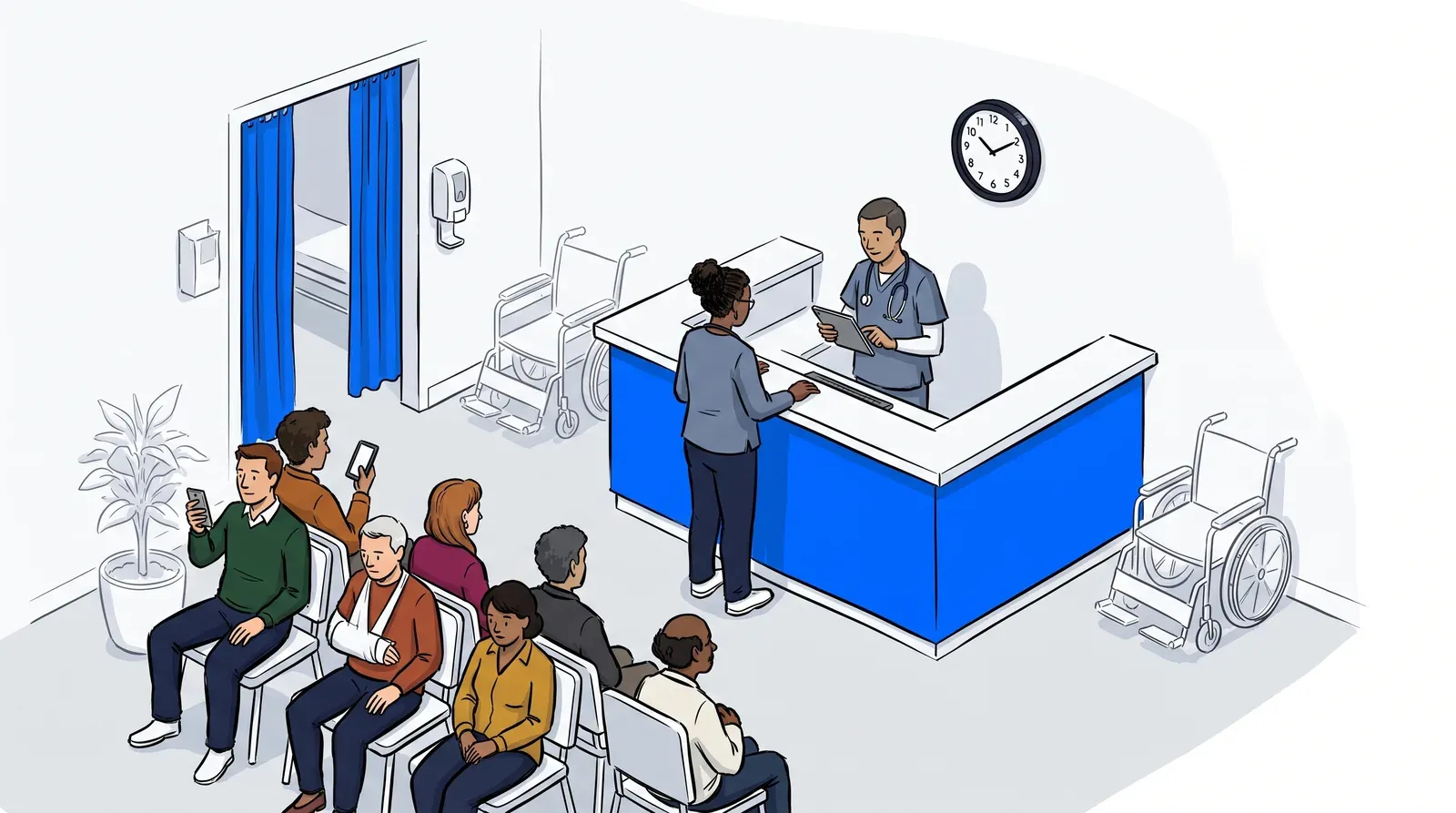
Your waiting room fills up faster than your schedule. Patients arrive early, walk-ins stack up alongside appointments, and your front desk is fielding the same three questions on repeat: how long is the wait, who’s next, and can I just leave and come back? The real problem isn’t the number of patients. It’s that neither your staff nor your patients have a clear picture of what’s happening.
Healthcare waitlist software solves that. It replaces the clipboard, the whiteboard, and the verbal estimate with a system that tracks who is waiting, why, and for how long - and keeps patients informed so your front desk can focus on intake instead of crowd management.
Press Ganey’s Patient Experience 2025 report, drawing on data from 10.5 million patient encounters, found that experience improvements in outpatient settings are being driven primarily by stronger access and communication at the point of care. Those are exactly the two things a waitlist system addresses at the front desk. This guide covers what healthcare waitlist software actually does, the features that matter for clinic operators, how leading options compare, and the questions worth asking before you commit to a platform.
What healthcare waitlist software actually does
Healthcare waitlist software gives clinic operators a real-time view of patient demand and gives patients a way to join the queue, receive updates, and confirm or cancel without calling the front desk. At its core, it replaces reactive queue management (where staff respond to whatever happens next) with a system that makes the queue visible and manageable from the moment a patient arrives.
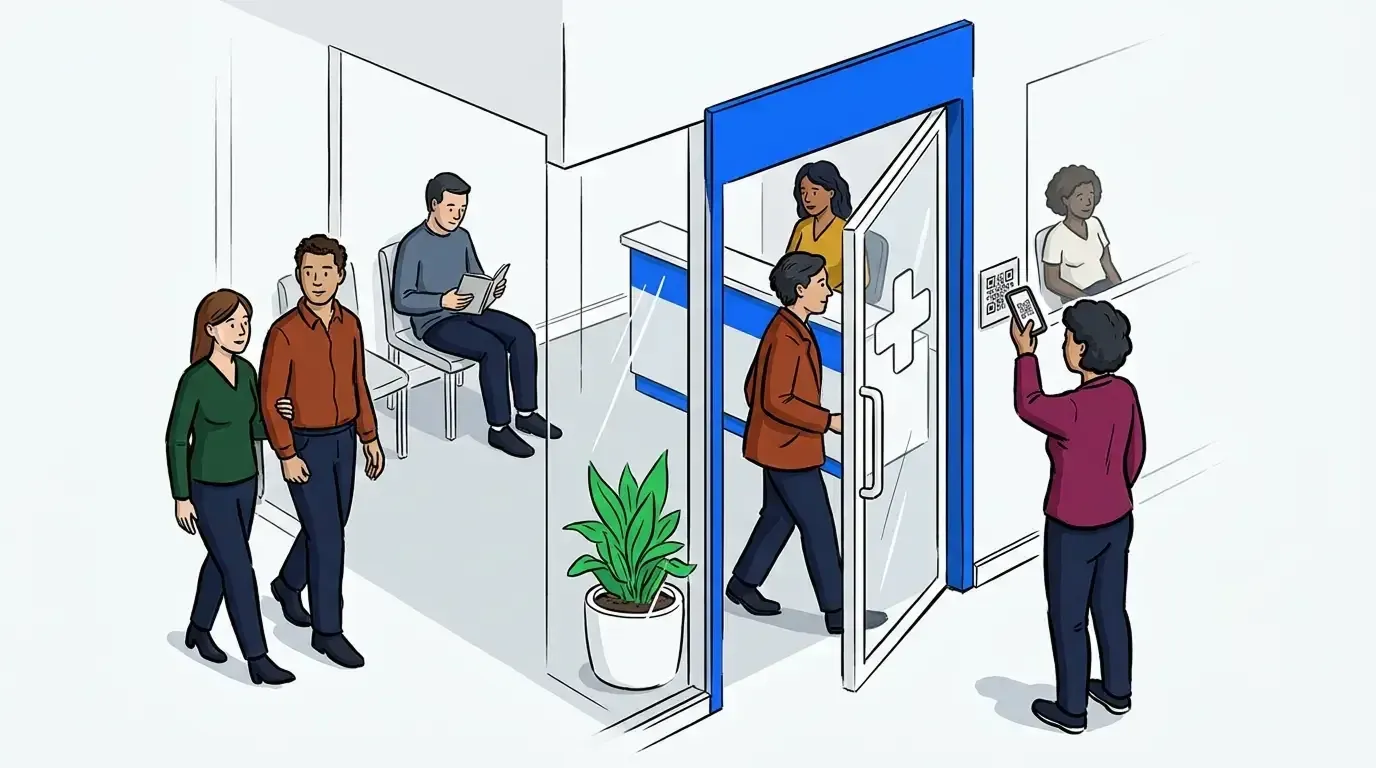
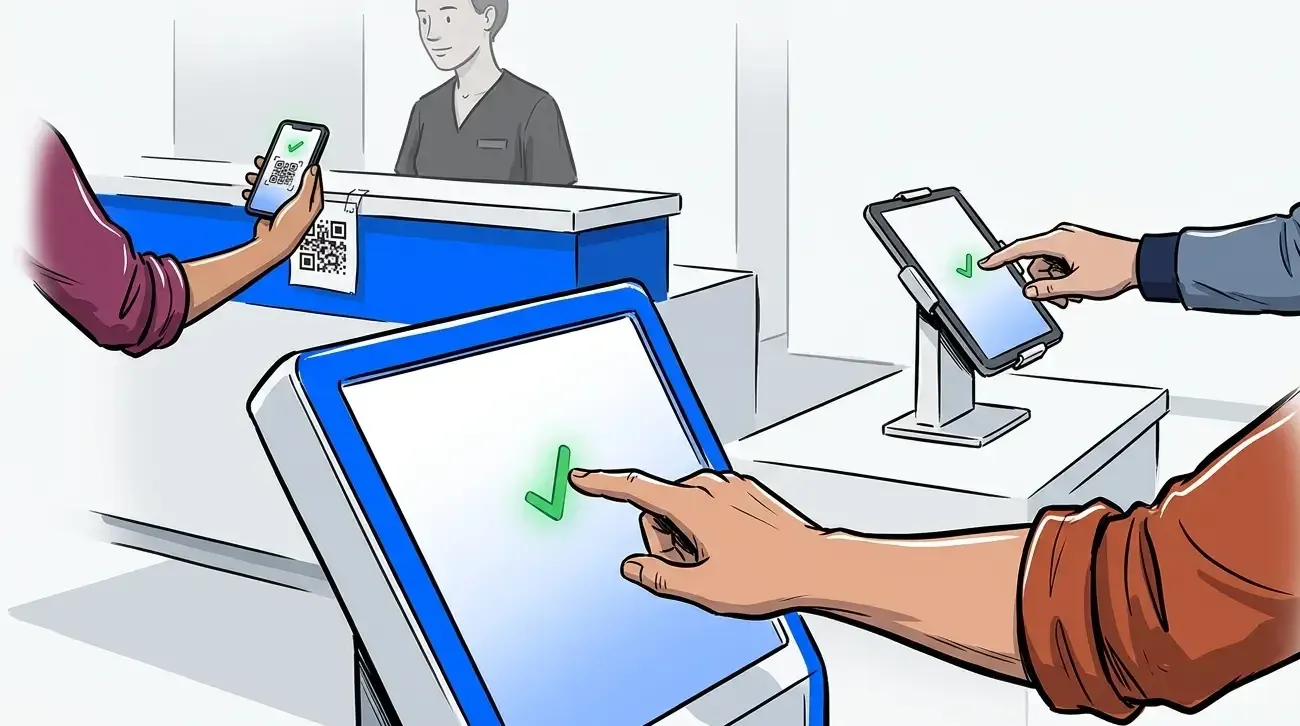
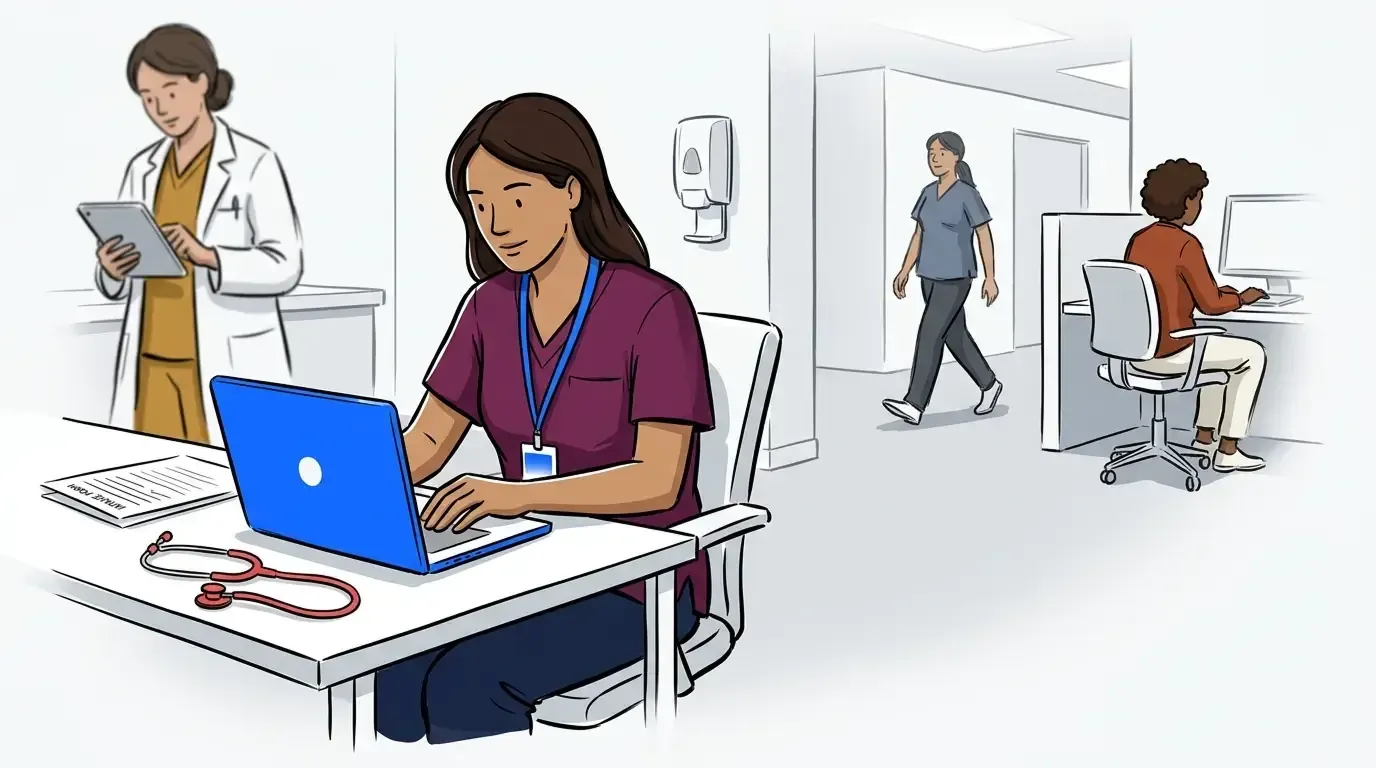
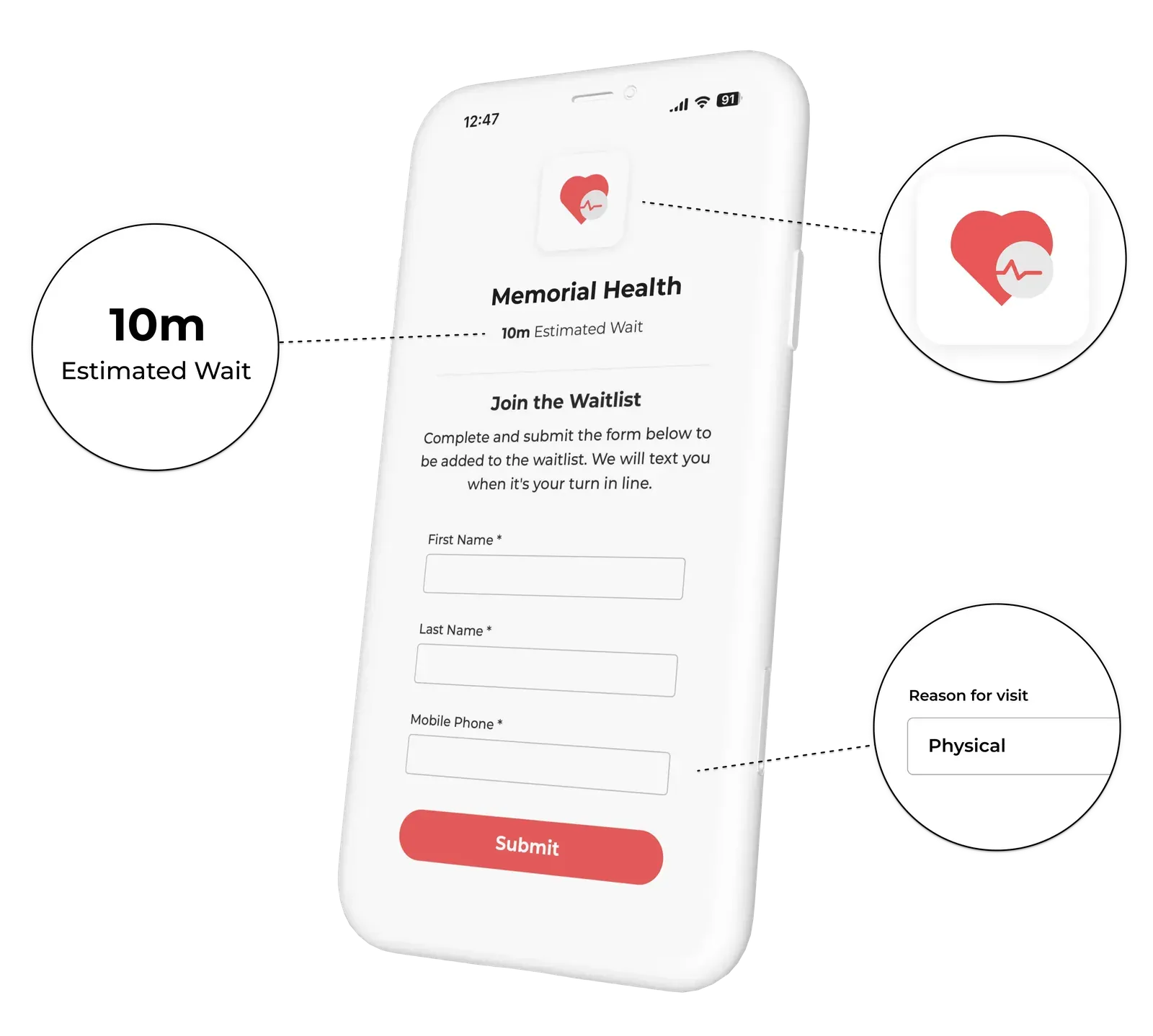
Most platforms cover three operational layers. First, patient intake: patients join the waitlist by checking in at a kiosk, scanning a QR code, or being added manually by staff. Second, queue visibility: staff see everyone waiting, their reason for visiting, and approximate wait time from a central dashboard. Third, patient communication: the system sends automated SMS updates so patients know their position in line and can wait outside, in their car, or anywhere nearby instead of in a crowded lobby.
The downstream effect is a calmer waiting area, fewer interruptions for front desk staff, and a patient experience that feels organized rather than chaotic. Clinics that have addressed their crowded waiting rooms, like those covered in our guide to solving the crowded waiting room problem, typically find that the operational change is as significant as the patient-facing one.
Key features to evaluate
Most clinic administrators approach software evaluation by counting features. A better frame is to ask whether the software reduces the number of decisions your staff has to make per patient. The best healthcare waitlist platforms make the queue self-managing as much as possible: patients check in, get updates, and confirm their arrival without requiring staff intervention at every step.
With that lens in mind, here are the features that matter most in a healthcare context.
Self check-in options
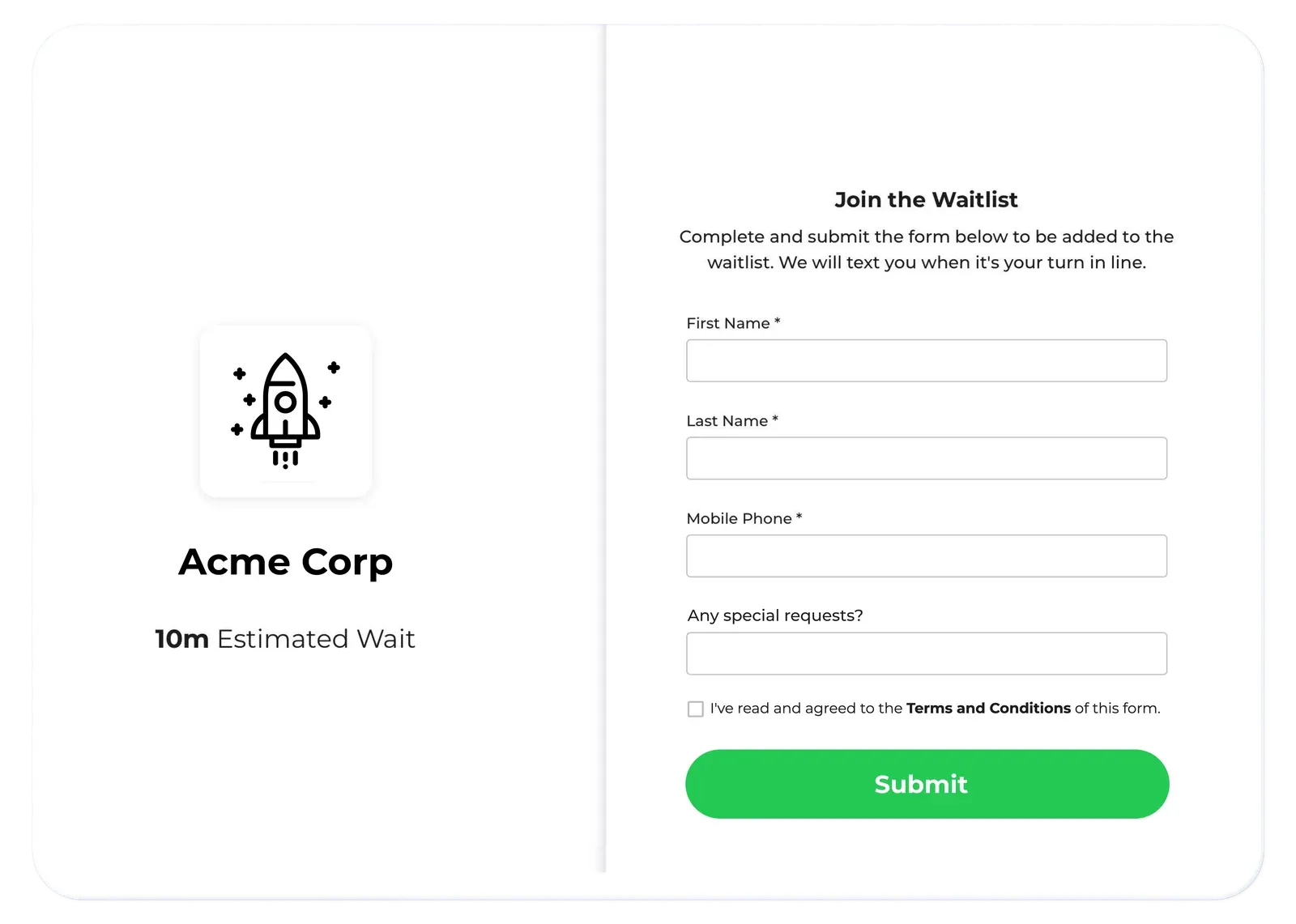
Patients should be able to check in without speaking to a staff member. Look for platforms that support tablet kiosk check-in, QR code scanning at the entrance, and mobile web check-in via SMS link. The more options available, the more patients can self-serve, reducing front desk bottlenecks during peak hours.
SMS-based patient communication
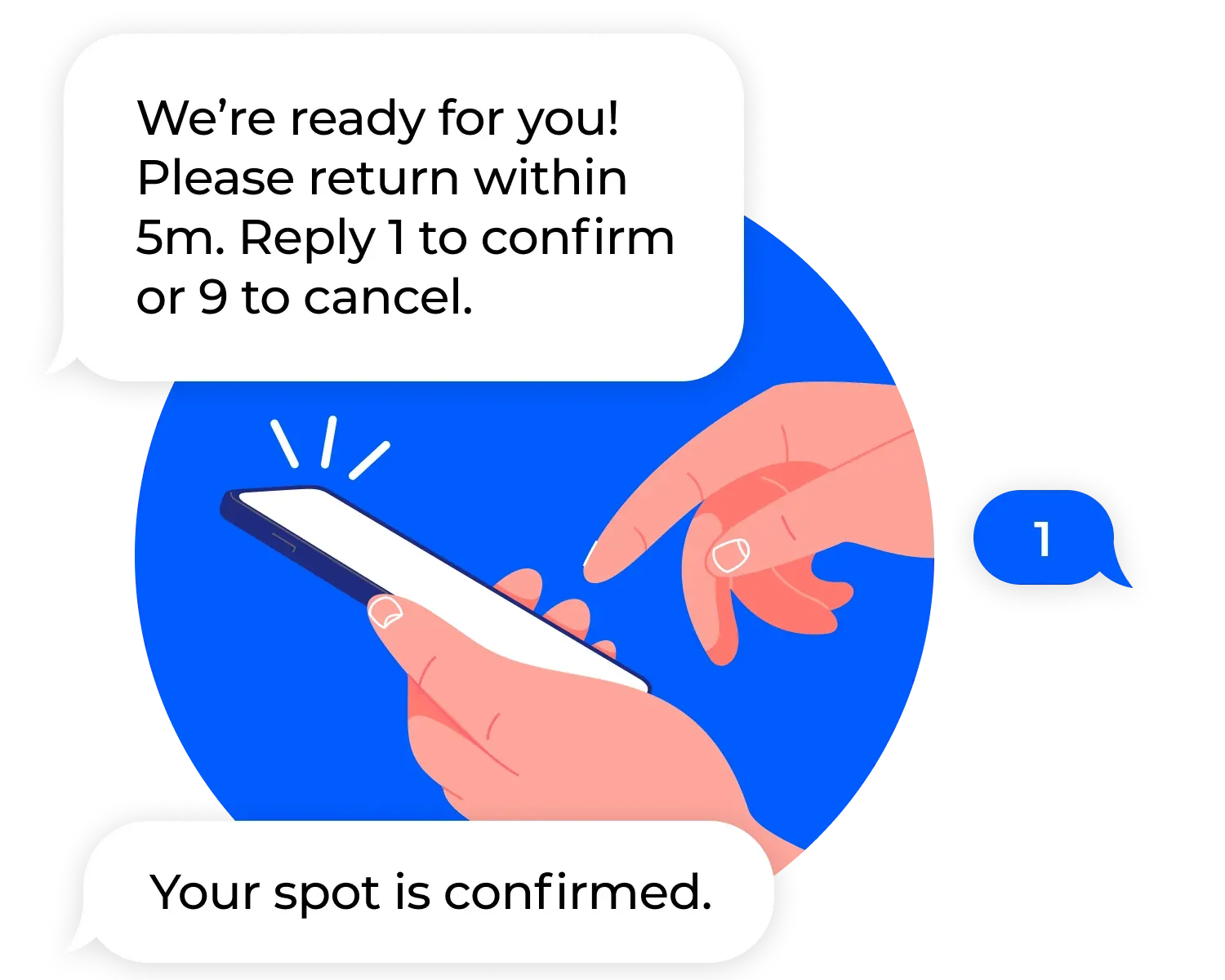
Automated SMS notifications are the most effective way to keep patients informed without requiring staff to make calls or answer repeated questions at the desk. Patients receive a confirmation when they join the queue, position updates as the line moves, and a callback notification when it’s their turn. Two-way messaging (where patients can reply to confirm or cancel) reduces no-shows without any staff effort. Look for platforms where reply options are clearly defined (for example, reply 1 to confirm, 9 to cancel) rather than open-ended text responses that require manual handling.
Priority and triage queue management
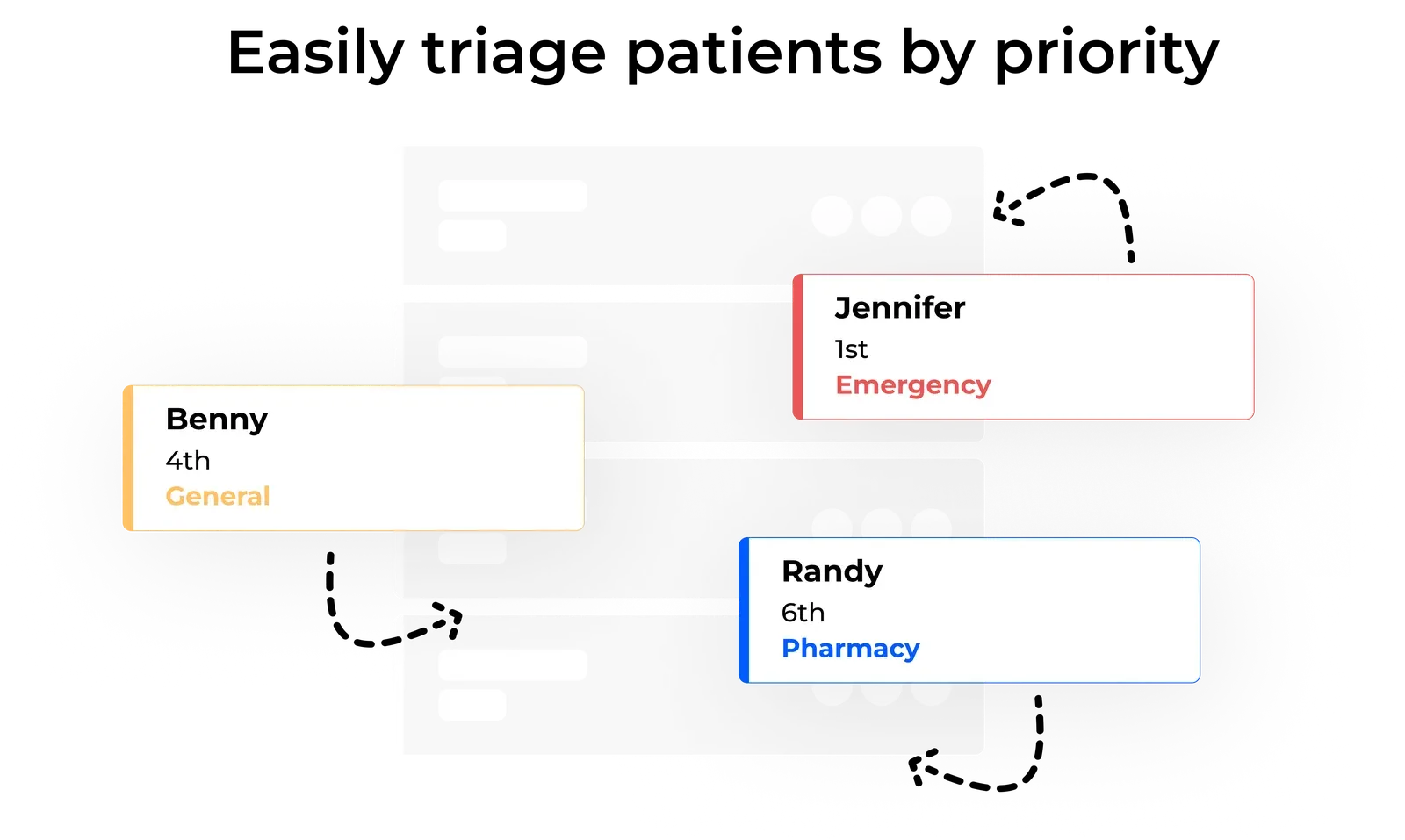
Not every patient in a clinical queue should wait in arrival order. Urgent care clinics, walk-in practices, and multi-specialty clinics all need the ability to flag urgent cases, reorder the queue, and route patients to the right provider or service without losing visibility across the whole list. Triage fields at check-in, where patients describe their reason for visiting, give staff the context they need to make those decisions quickly.
Virtual waiting room
A virtual waiting room lets patients wait anywhere (outside, in their car, at a nearby coffee shop) while staying in the queue via SMS. For healthcare, this is particularly valuable for reducing lobby crowding, managing infection control risk, and improving the experience for patients with limited mobility or heightened anxiety in clinical settings. Platforms that include a patient-facing virtual waiting room page give patients visibility into their position in line, which reduces uncertainty and inbound calls to the front desk.
For a detailed look at how this plays out in an urgent care setting, see our guide on how a virtual waiting room transforms urgent care patient flow.
Privacy considerations
Healthcare operators need to understand how a waitlist platform handles patient data. Key questions: what data is collected at check-in, how long it is retained, whether it is shared with third parties, and what the vendor’s security practices are. Platforms designed with healthcare privacy in mind will have clear answers to these questions and will not require patients to create an account or submit unnecessary personal information to join a queue.
How leading healthcare waitlist platforms compare
Several platforms target the healthcare waitlist category. Here is how the main options differ in practice.
| Platform | Best for | Strengths | Limitations |
|---|---|---|---|
| NextMe | Walk-in clinics, urgent care, multi-service practices | Two-way SMS, self check-in, virtual waiting room, triage fields, fast setup | Limited EHR integration capabilities |
| WaitWell | High-volume government and healthcare settings | Strong queue routing, reporting depth | Higher cost, longer onboarding, poor support |
| Qminder | Multi-location enterprise healthcare | Deep analytics, enterprise integrations | Pricing opacity, complexity for smaller teams |
| Waitlist Me | Small practices evaluating a basic waitlist tool | Low cost entry point | Limited features, outdated interface, minimal healthcare-specific tooling |
The pattern across the competitive set is clear: enterprise platforms offer more depth but more complexity and cost. For most independent practices and small clinic groups, the relevant question is not which platform has the most features - it’s which platform your front desk team will actually use on a busy Tuesday morning. Platforms with intuitive operator dashboards and minimal training requirements consistently outperform more feature-rich options in daily adoption.
If you are evaluating options specifically for a walk-in clinic, our detailed breakdown of the best waitlist app for walk-in clinics covers the feature comparison in that sub-vertical in more depth.
Questions to ask before you buy
Before committing to a healthcare waitlist platform, these are the questions worth raising with any vendor.
- How does patient data flow through your system? What is collected, where it is stored, and how long it is retained. If the vendor cannot answer clearly, that is a signal.
- What does setup actually take? Ask for a realistic timeline from signup to live use. Platforms that require multi-week implementation cycles may not be appropriate for a practice that wants to be running in a week.
- Does the pricing change as patient volume grows? Some platforms charge per SMS notification or per patient served. Understand the full cost at your average daily patient volume before signing.
- What does the patient experience look like on a slow day vs. a busy one? Ask the vendor to walk you through how a patient joins the queue, waits, and gets called back. The experience should be clear at low volume and hold up under pressure.
- What does your support model look like? For a clinical setting, you need to know that help is available if the system has an issue during patient hours — not just via a ticketing system with a 48-hour response window.
The right tool changes how your clinic operates
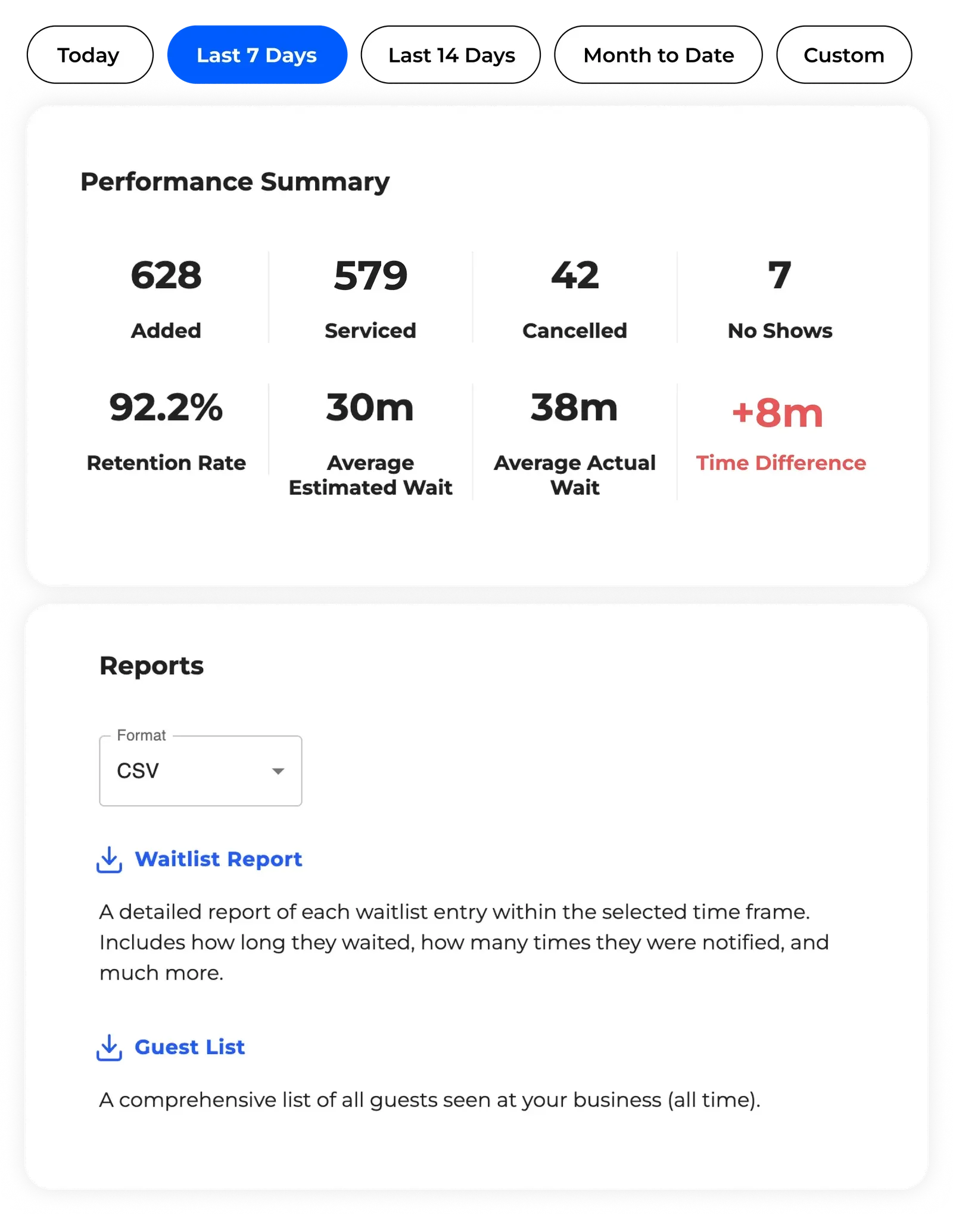
The clinics that get the most value from healthcare waitlist software are not necessarily the busiest ones. They are the ones where front desk staff were spending a disproportionate amount of time managing patient expectations rather than managing patient intake. When the queue is visible, automated, and self-managing, that time goes back to clinical work.
Mid City Pediatrics improved patient flow and reduced crowded waiting rooms after implementing NextMe - a change that affected both the patient experience and the daily workload of their front desk team. You can read more in the Mid City Pediatrics case study.
If you are evaluating healthcare waitlist software for your practice, explore how NextMe works for healthcare operators or try it free to see how it fits your workflow.