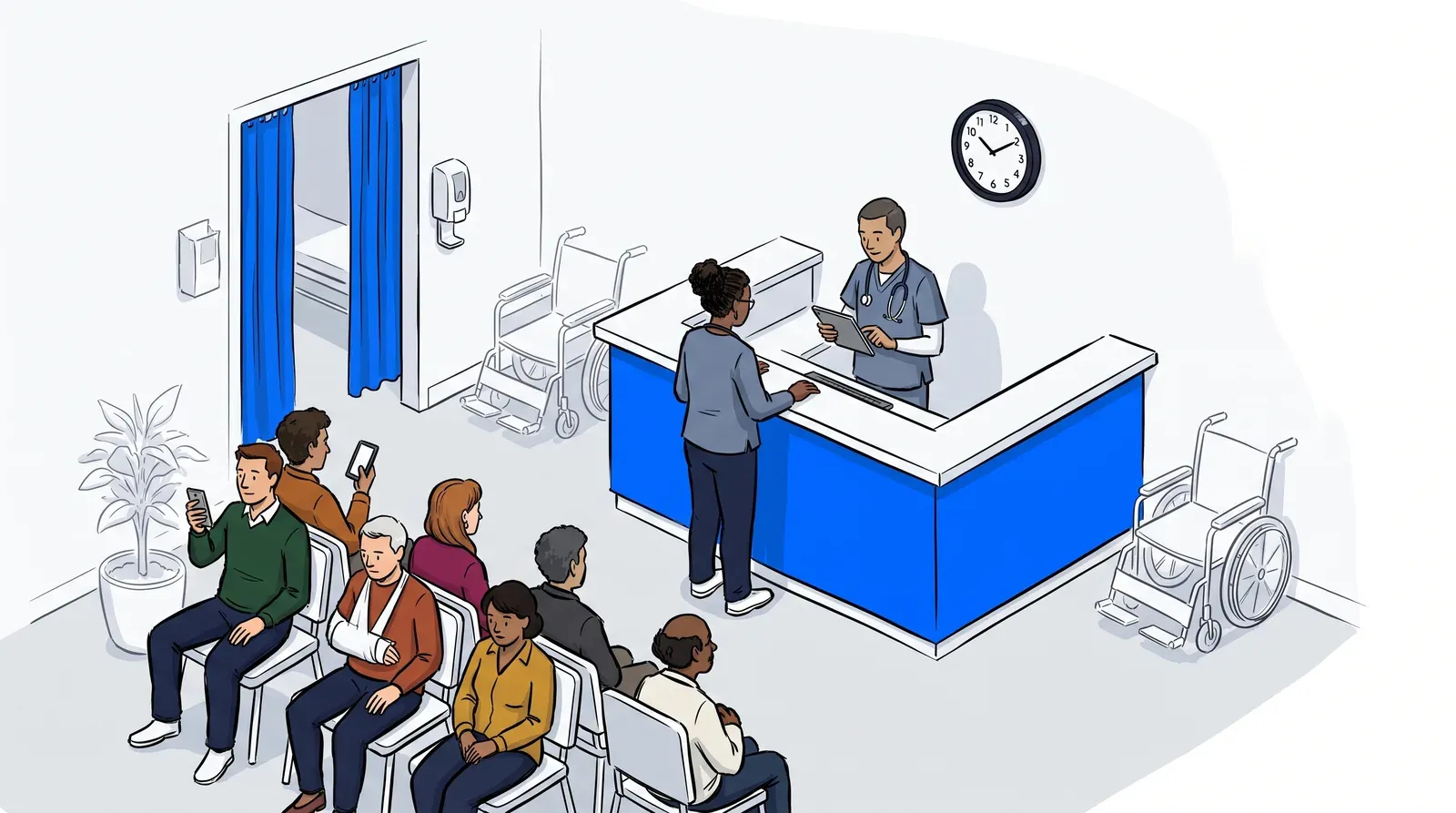
Your appointment book is full, your providers are running on schedule, and your patient scheduling software is doing its job. Then a walk-in arrives. Then three more. A parent shows up with a sick child and no appointment, hoping to be seen today. None of them are in the schedule, and the front desk is suddenly managing a lobby from memory.
This is the gap most clinics hit. Patient scheduling software is built to book future appointments. It was never designed to manage the walk-in and same-day patients who show up without one. Those are two different jobs. Expecting one tool to do both is where the front desk starts to fall behind.
This post breaks down what patient scheduling software actually does, what a patient queue system does instead, and how the two work together to keep both your booked and your walk-in patients moving.
What patient scheduling software does, and what it doesn’t
Patient scheduling software books, reschedules, and tracks future appointments. It runs the calendar: who is coming in, when, and with which provider. What it does not do is manage the patients who arrive without an appointment. Walk-ins, same-day requests, and early arrivals all sit outside the schedule. A patient queue system handles that live, in-the-moment flow instead.
Think of it as two clocks. Scheduling software runs on the calendar clock, days and weeks out. A queue system runs on the room clock, the next fifteen minutes. Both matter. Neither one covers for the other.
The gap: walk-ins and same-day demand
Appointment lead times keep stretching. According to MGMA, citing a 2025 AMN Healthcare survey across 15 metro areas, the average wait for a new-patient appointment reached 31 days, up 19 percent since 2022. When the next opening is weeks out, patients stop waiting. They walk in, they push for a same-day slot, or they leave for urgent care.
Your scheduling software has no view of these patients until someone keys them in by hand. The lobby fills, the front desk fields questions about who is next, and the crowding becomes a clinical problem as much as an experience one. This is exactly the gap a patient queue system closes. For the full picture on lobby overcrowding, see our guide on solving the crowded waiting room problem.
What a patient queue system does
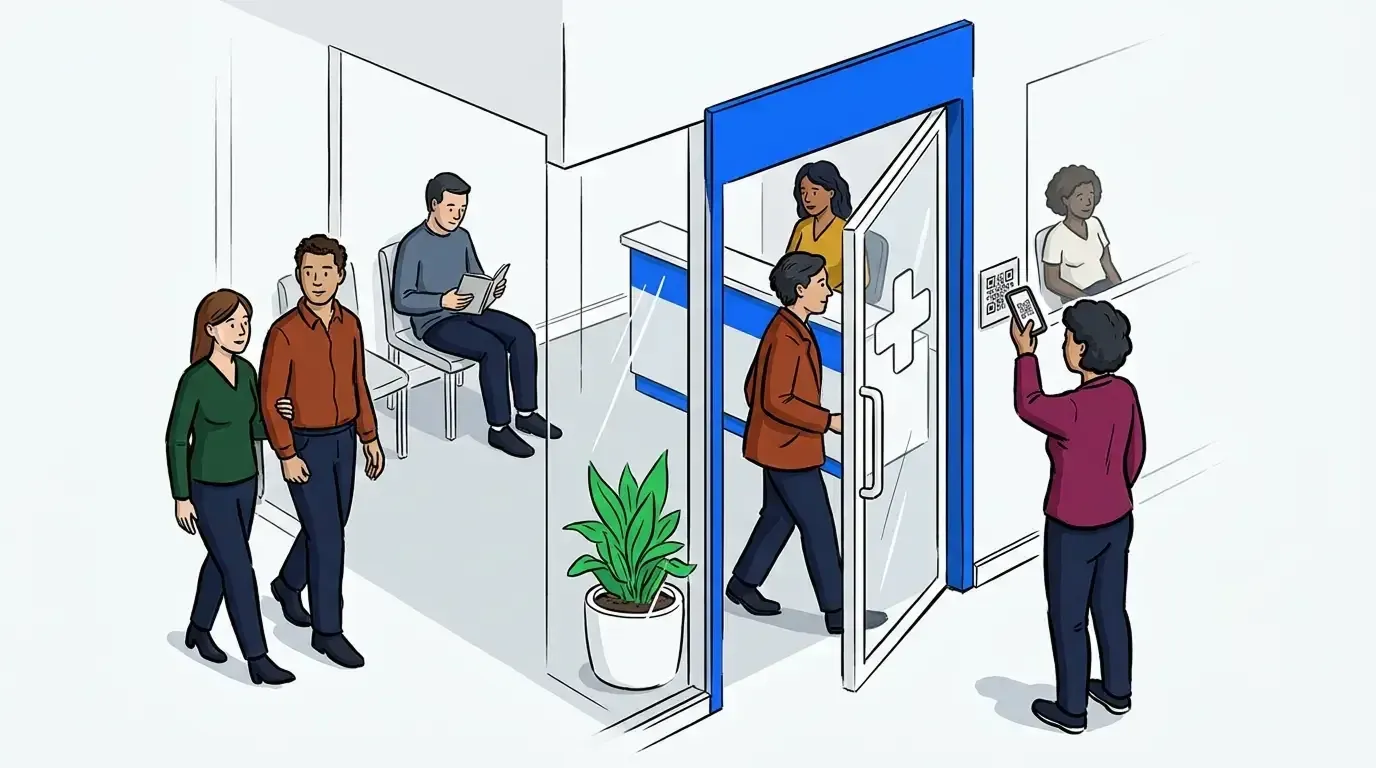
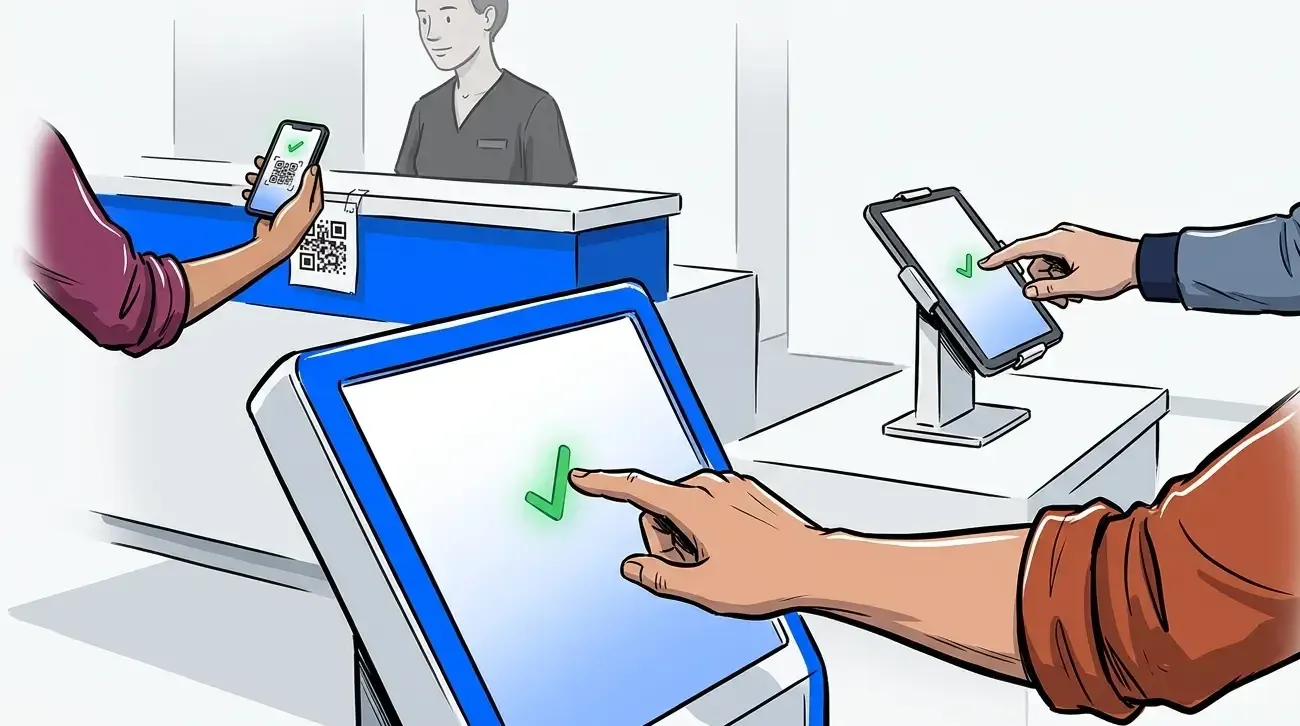
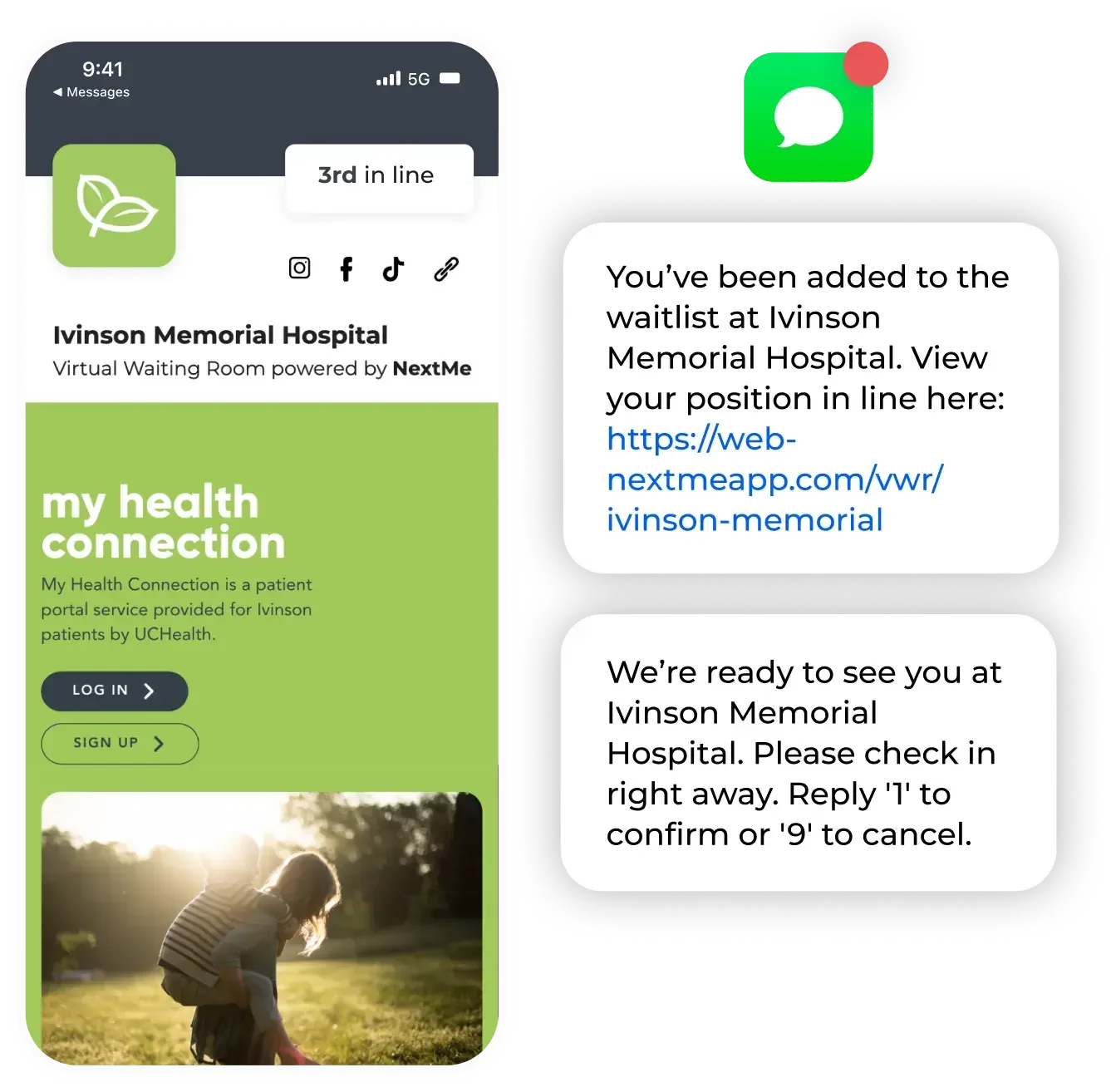
A patient queue system manages arrivals in real time. Patients join the queue through self check-in on a lobby tablet or from their own phone. The front desk sees one live list instead of a paper sign-in sheet. Staff call patients back with a tap, and the system texts each patient their place in line and a heads-up when it is nearly their turn.
Because it works on the room clock, a queue system also sorts by urgency. A sick child can move ahead of a routine follow-up without a staff member reshuffling anything by hand. This is the layer that turns a crowded lobby into an ordered flow. It pairs naturally with electronic check-in for doctors offices, which feeds arrivals straight into the queue.
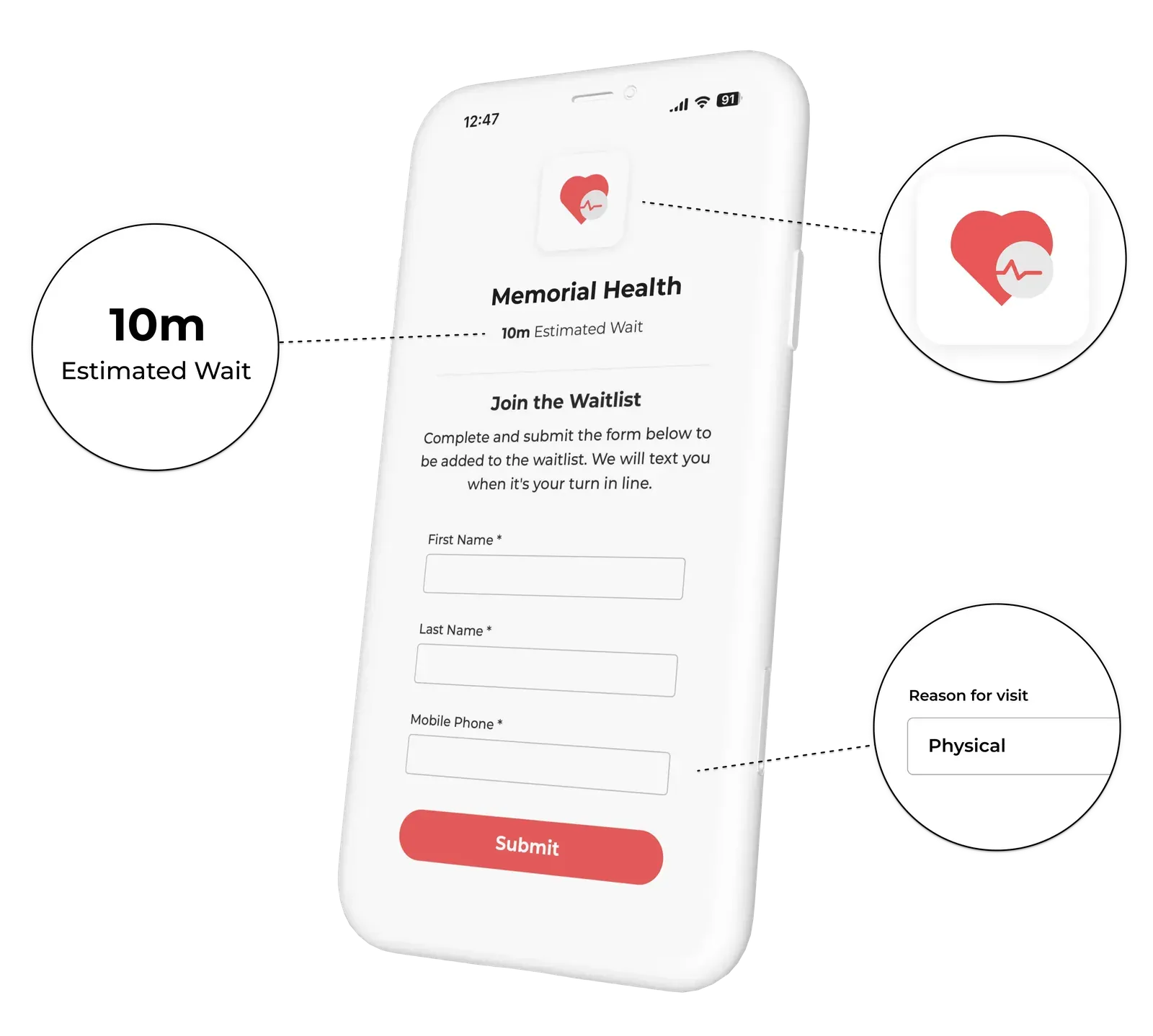
How patient scheduling software and a patient queue system work together
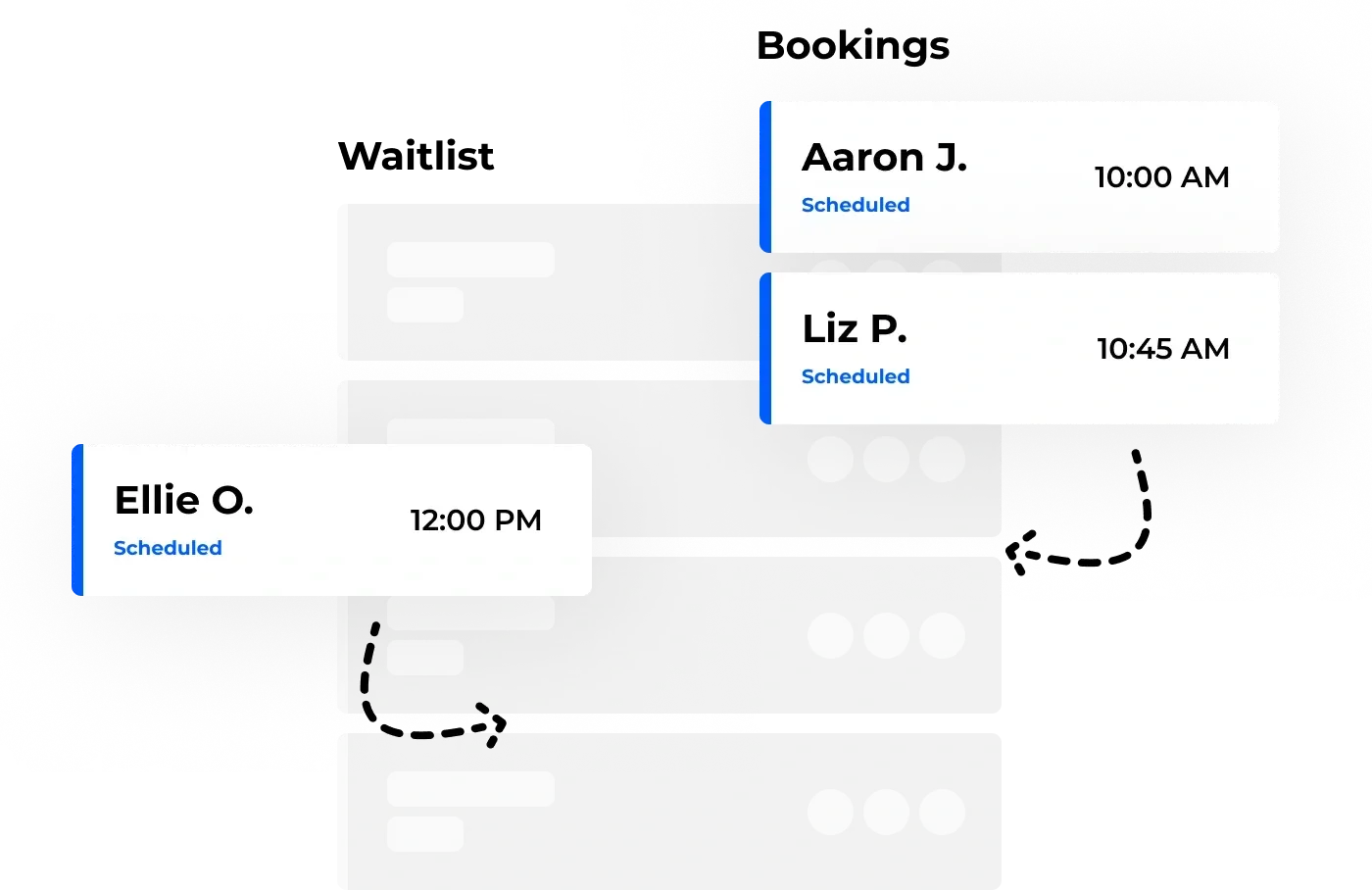
Here is where NextMe gives you a choice. Most appointment software offers no walk-in solution at all, which leaves the front desk managing arrivals by hand. NextMe covers that gap either way you set it up. Keep the scheduling tool you use today and run NextMe alongside it for walk-in and same-day flow, or use NextMe’s own lightweight bookings so appointments and walk-ins live in one place.
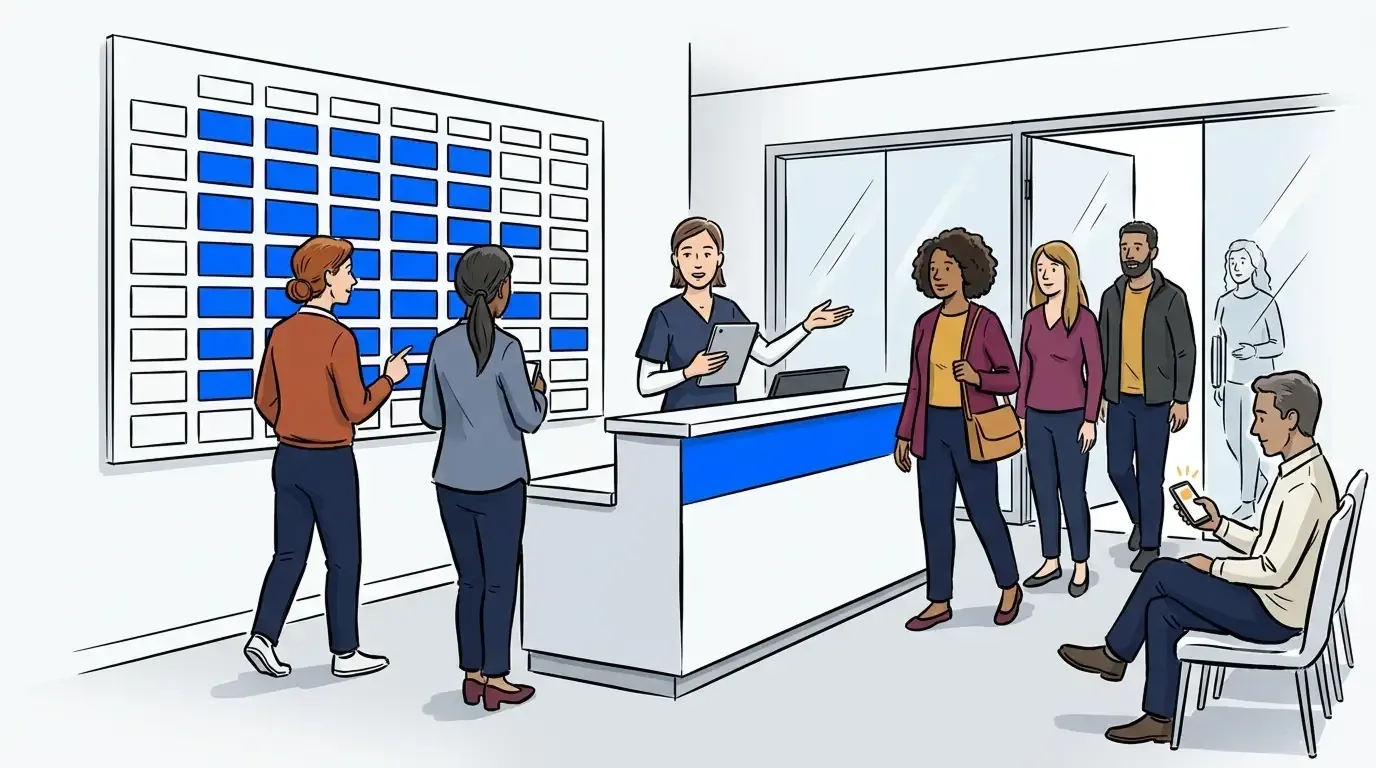
With NextMe bookings, appointments and walk-ins sit together in one clean interface, so the front desk works from a single live list. NextMe’s waitlist management keeps that walk-in and same-day flow moving in real time. Booked patients get a confirmation email when they reserve their time. Walk-in and same-day patients get SMS updates as the line moves, and can reply 1 to confirm or 9 to cancel. One screen, both types of patient, no double entry.
What walk-in clinics actually need
Here is the honest read: most clinics do not have a scheduling problem. They have a walk-in problem their scheduler was never built to solve. Buying more scheduling software will not fix a full lobby. Adding the missing layer will.
For same-day and walk-in flow, a clinic needs a short, specific set of tools:
- Self check-in on a tablet or phone, so arrivals do not queue at the desk
- A live queue the whole front desk can see at once
- Priority sorting, so urgent cases move ahead automatically
- SMS updates that let patients wait in the car or nearby
- Intake designed with healthcare privacy in mind, not a clipboard in a crowded room
Mid City Pediatrics put this layer in place alongside its existing scheduling and saw a calmer lobby with better patient flow, detailed in the Mid City Pediatrics case study. For a wider view of the buying criteria, our healthcare waitlist software buyer’s guide walks through what to evaluate.
Bringing it together
Patient scheduling software runs your calendar. A patient queue system runs your day. Scheduling books the future, the queue handles the room in front of you, and together they cover every patient who walks through the door, appointment or not.
If walk-ins and same-day demand are outgrowing your front desk, that is the layer to add. See how NextMe supports queue management for healthcare and keeps both booked and walk-in patients moving.