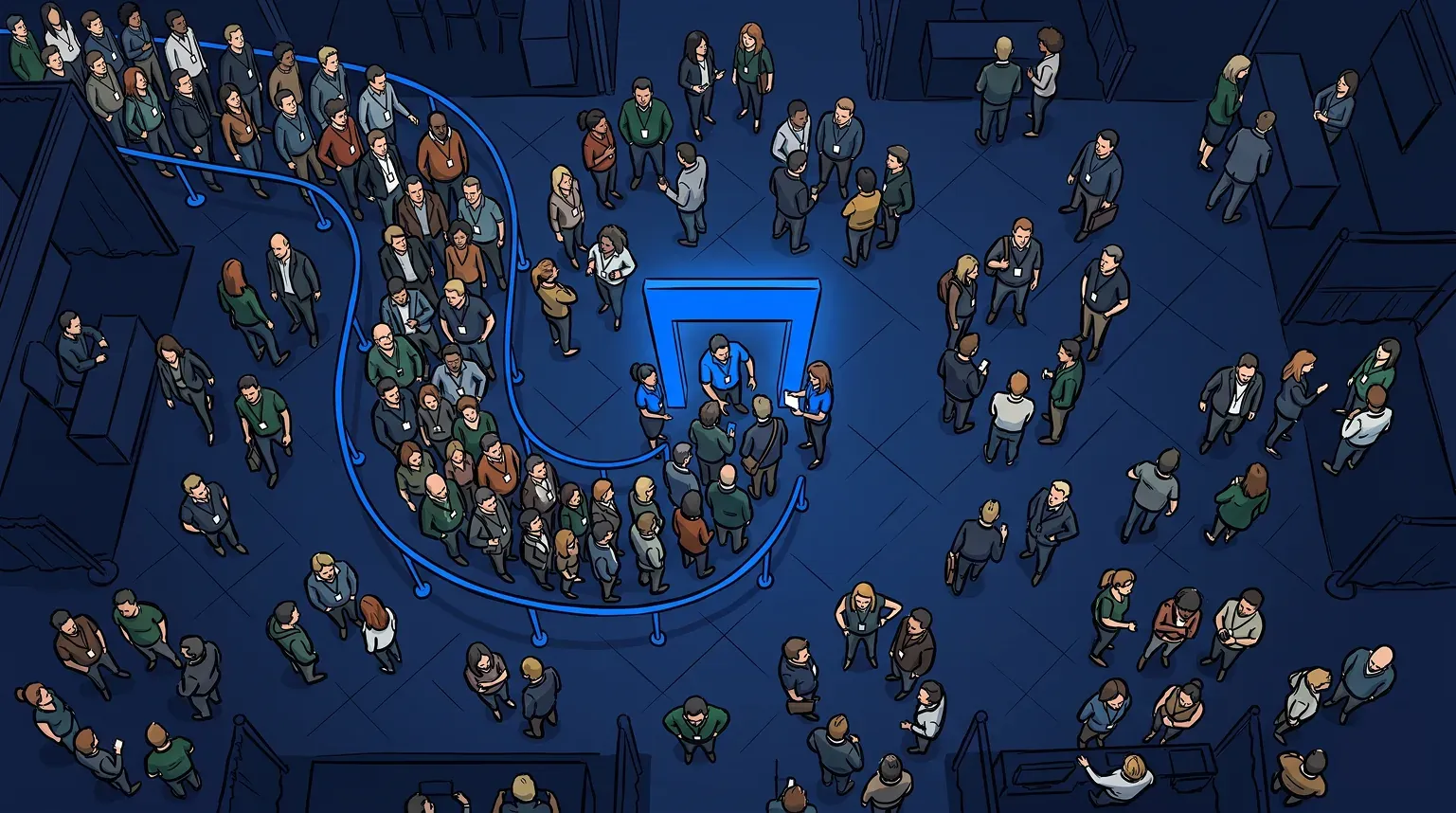
Every event operator knows the moment. The activation opens and demand spikes faster than planned. Within 20 minutes, a busy line has become a wall of people. Some guests give up and walk away. Others stay, but spend the wait asking staff whether the line is even moving.
The wait itself is rarely the problem. Uncertainty is. Guests who don’t know where they stand stop exploring and start guarding their spot. Good event queue management fixes that: guests know their place, staff control the pace, and the line stays a sign of demand instead of a hazard.
What is event queue management?
Event queue management is how you control the line for an activation, session or experience at a live event. It covers how guests join, how they learn where they stand, and how staff call them forward. The goal isn’t to make the line disappear. It’s to keep the line predictable, fair and under your control.
Most events now run a hybrid queue. A short physical line stays at the activation so there’s always energy at the front. Everyone beyond that waits virtually, wherever they like, and comes back when called. The operator decides where the physical line ends and the virtual one begins.
Why queues get out of hand at events
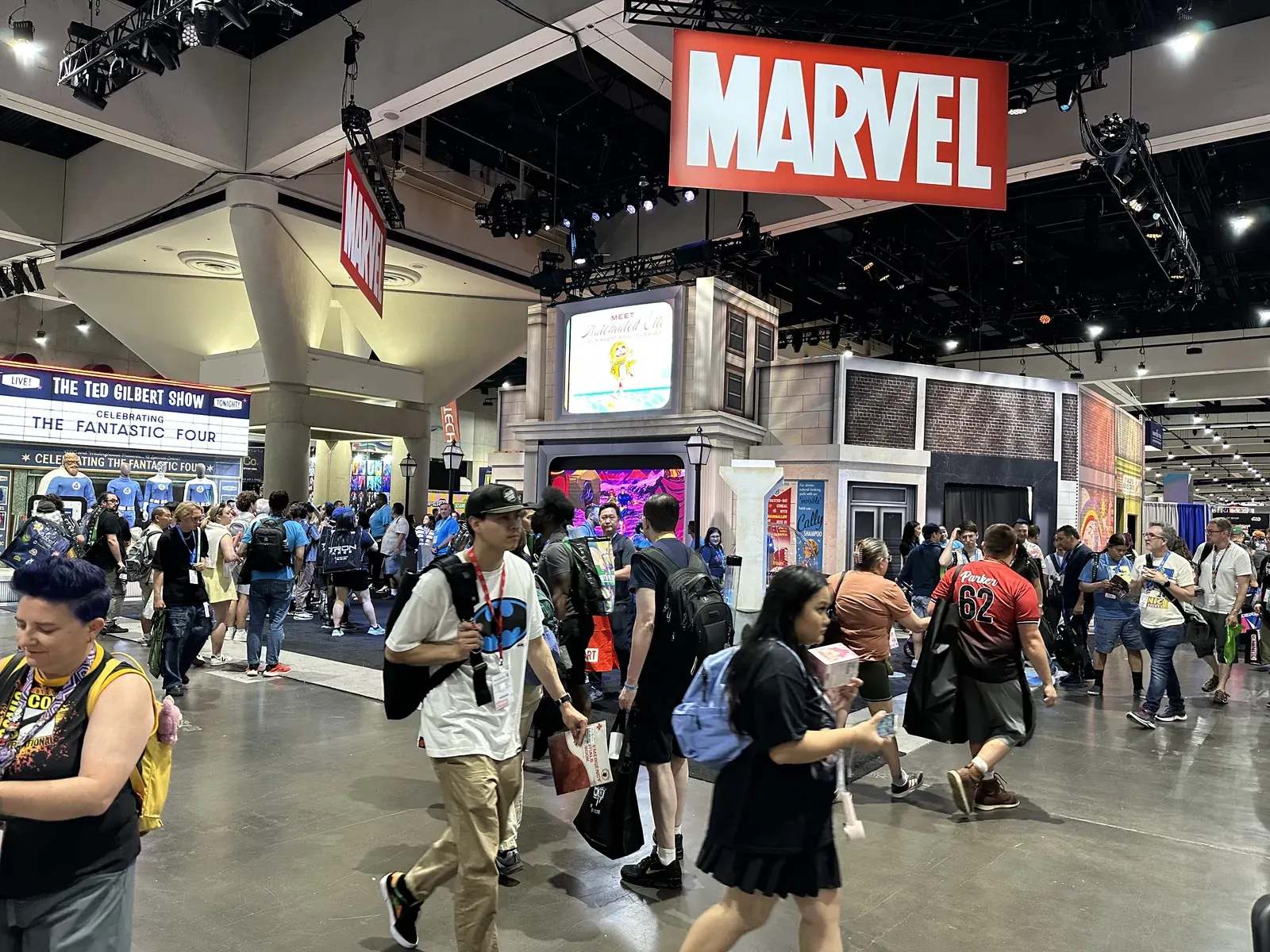
Lines at events grow for a predictable reason. Guests can’t see what’s ahead, so they don’t dare leave. Every guest in the physical line takes up floor space. Every guest who can’t see progress asks a staff member. Staff end up answering questions instead of running the experience.
That’s a lost opportunity on both sides. Attendees come to see what’s new: 87% of attendees say discovering new products is the most important element of attending an event, according to Freeman’s research reported by Event Marketer. A guest stuck in a line for an hour isn’t discovering anything. The other exhibitors on the floor never see them.
How to reduce queues at events
Reducing a queue at an event rarely means serving guests faster. It means taking the waiting out of the physical line. Here’s how operators do it.
- Cap the physical line. Decide how many people your space can safely hold at the activation, and send everyone beyond that to a virtual queue.
- Show guests where they stand. A text with a link to their place in line and an estimated wait answers the question they’d otherwise ask staff.
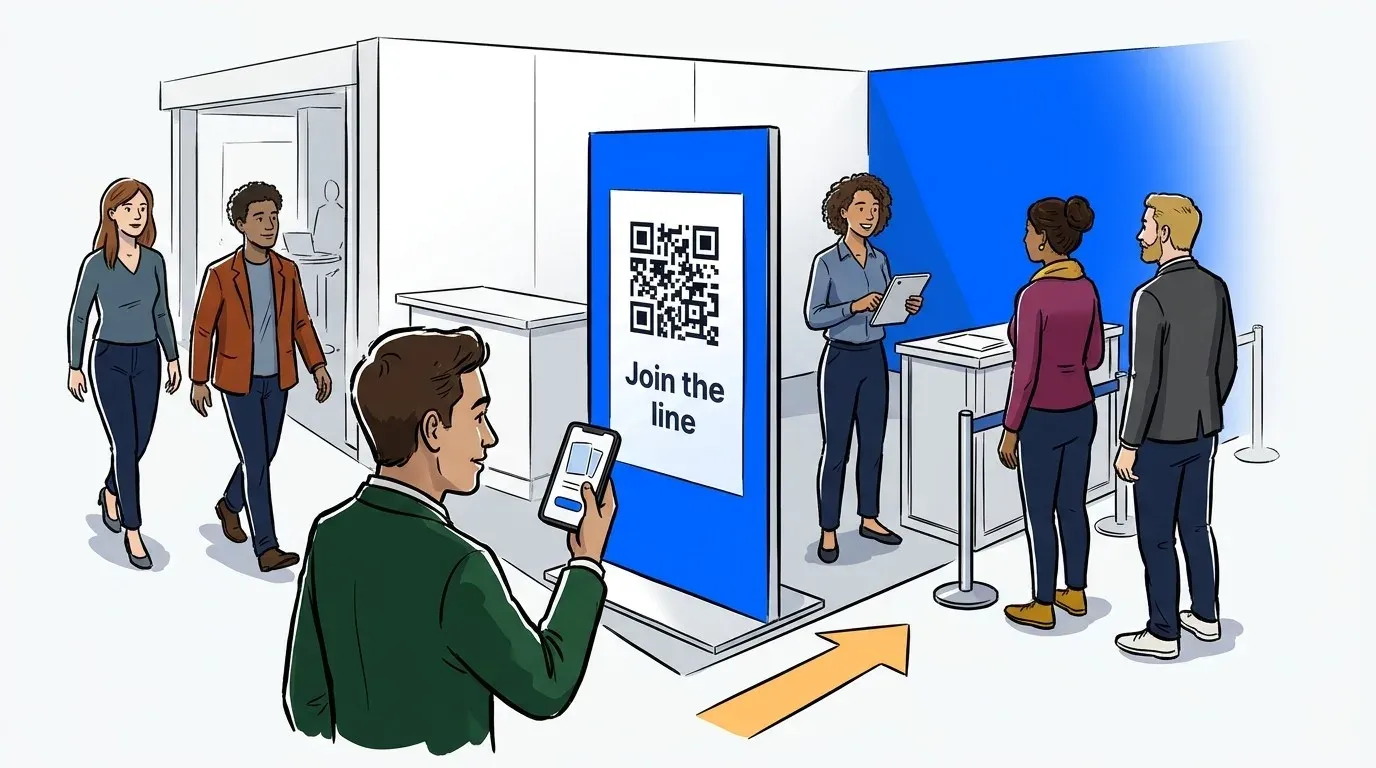
- Put the join QR code where people approach. Signs at the approach and along the walkways let guests join before they reach the crowd at the front.
- Call guests back in small waves. Bring back only as many guests as the front of the line can hold, so the activation stays busy without filling up again.
- Pause intake when you’re full for the day. Closing the queue early is kinder than letting guests wait for slots that won’t come.
- Use each day’s data for the next. Wait times and volume by hour show when to add staff and when to open early.
Guests also need to understand how the queue works before they trust it. We’ve written about explaining your virtual queue to guests, and about who does what on a busy activation.

How a hybrid virtual queue works
Guests scan a QR code or open a self check-in link and fill out a short form. There’s no app to download. They get a text with a link to a virtual waiting room that shows their place in line and estimated wait. Then they’re free to explore the event until they’re called.
Staff see the whole queue on one screen: who’s waiting, who’s on deck and who has left. A busy activation can run more than one queue, such as general entry and a VIP line, on the same waitlist. When it’s a guest’s turn, staff notify them with one tap, or notify several guests at once. Every guest who joins is a contact you can export after the event.
The virtual waiting room is also space you control. You can show sponsor content, product carousels or a quiz while guests wait, which turns idle time into engagement.

What it looks like in practice
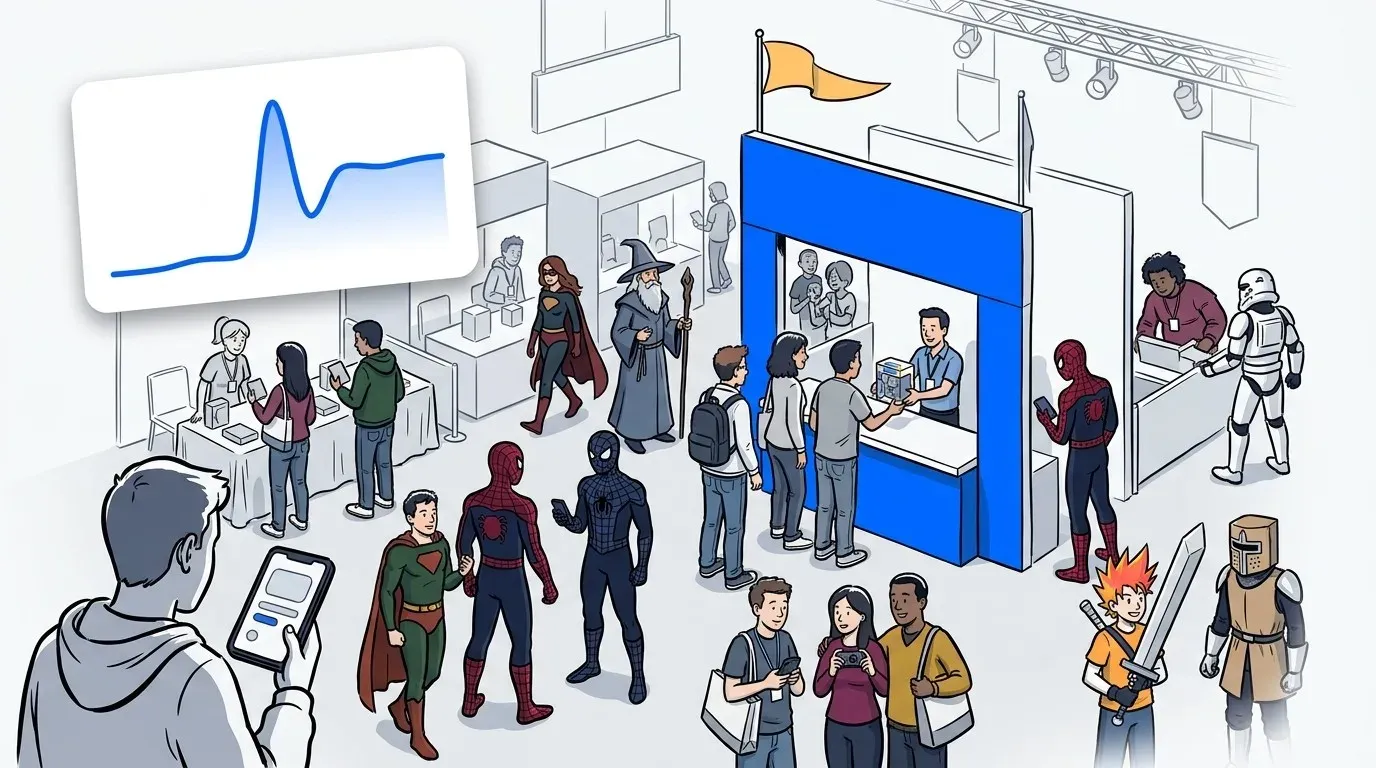
At New York Comic Con 2026, the first day’s crowds at Aphmau’s Mini Mart put the booth at risk of being shut down. NextMe set up a hybrid physical and virtual queue overnight. Over the next three days, nearly 4,000 people joined the line and the booth served over 2,100. Its on-deck area held about 20 people at a time. Here’s how CatFace kept the booth open.
F1 Arcade ran the same model for its racing simulators at the Miami Grand Prix 2026. Across three days, 398 guests joined the waitlist and F1 Arcade served 225. Fans spent the wait exploring the fan zone instead of standing in line. The full F1 Arcade story is here.
We’ve also written about running a virtual queue at NYCC volume, when thousands of fans join in a few hours.
Calling guests back without refilling the crowd
The return is where many virtual queues go wrong. Call too many guests at once and the crowd you cleared reappears at the front. Call too few and the activation sits idle.
The fix is to match each wave to what the front of the line can hold. If your on-deck area fits 20 people, call back roughly that many, then call the next wave as space opens. Guests get a text when it’s their turn, so they return on time instead of hovering nearby.
This is also where a hybrid queue earns its name. The short physical line absorbs small timing gaps, so the experience never runs empty while the next wave walks back.

What to look for in event queue management software
Most queue tools were built for restaurants or service counters. Live events ask more of them. These are the questions worth asking any vendor.
Does it run a hybrid line? You should be able to keep a physical line and a virtual queue together, and move the split during the day.
Can guests join without an app? A QR code and a phone browser are all a guest should need.
Can it run several queues at once? General entry, VIP and timed sessions often need their own lines.
Can staff call guests back in waves? Notifying guests one at a time doesn’t scale on a busy floor.
Can every exhibitor run it? On a large floor, no central team can manage every line. When organizers give every exhibitor the same tool, each booth controls its own queue and the organizer gets one dataset for the whole event.
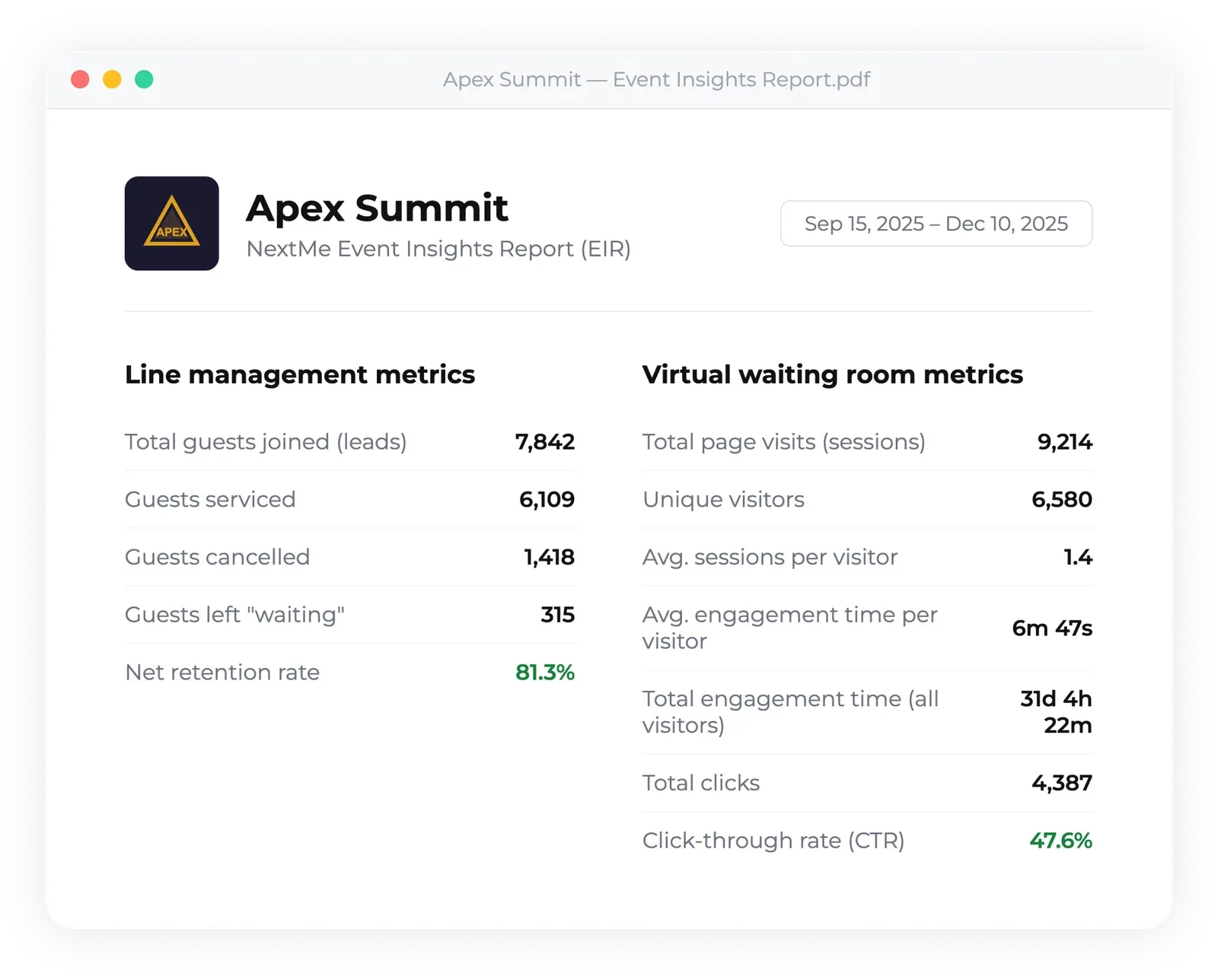
What data comes back? Look for wait times, volume by hour, engagement in the virtual waiting room, and a guest list you can export.
NextMe is event queue management software built for exactly this, from a single sponsor booth to a convention floor. If you’re new to the topic, we also put together a plain-English guide to event queue management.
Conclusion
You can’t stop a great activation from drawing a crowd, and you shouldn’t want to. Event queue management keeps that crowd under control: a short physical line for energy, a virtual queue for everyone else, and a text that brings each guest back on time.
Start with one activation, cap the line, and watch what guests do with the time you give back to them. See how NextMe works for events.