Every business with a line eventually asks the same question: what’s the best queue management system for what we actually need? The search rarely feels simple. Vendor homepages promise the same handful of features. Pricing pages hide real costs behind a “contact sales” button. It’s hard to tell which capabilities actually reduce walk-outs versus which ones just look good in a demo.
This guide breaks down what a queue management system actually does and the specific criteria worth checking before you sign anything. It also covers how businesses running multiple locations or high public-facing traffic put that criteria into practice. By the end, you’ll have a clear way to evaluate any vendor, including NextMe, on the things that actually affect guest experience and staff workload.
What a queue management system does
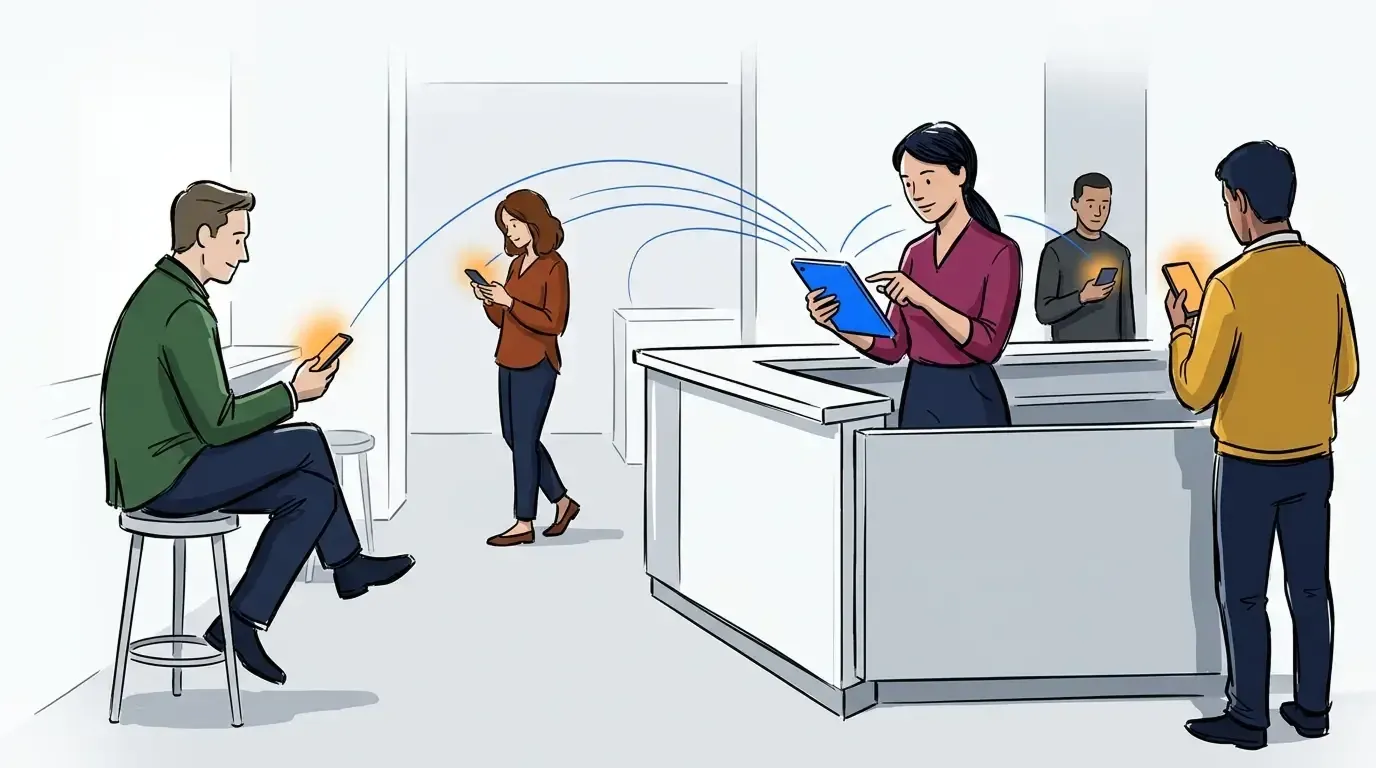
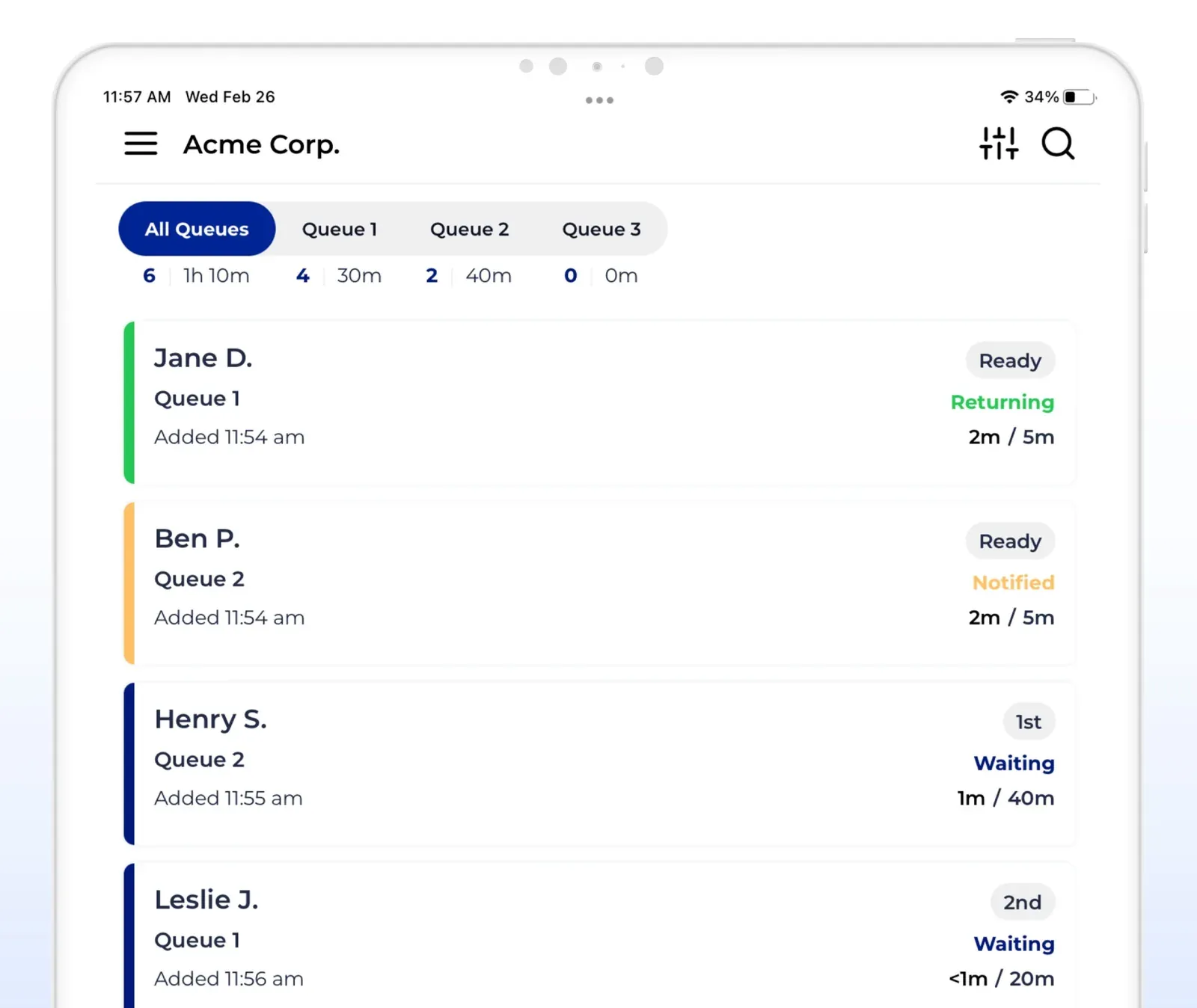
A queue management system replaces a physical line or paper sign-in sheet with a digital one. Guests join remotely, track their position from a phone, and get a notification when it’s their turn. The best queue management systems pair that guest-facing visibility with operator tools like SMS updates, self service arrival, and real-time analytics. That combination means staff spend less time policing the line and more time serving the people in it. Some run a single front desk. Others coordinate dozens of locations from one dashboard.
Under the hood, most platforms handle three jobs: joining the line, communicating wait status, and closing out the visit. The real differences between vendors show up in how much further a platform goes: multi-location reporting, appointment blending, or guest engagement. For a deeper look at why this matters across industries, see our breakdown of what queue management actually solves.
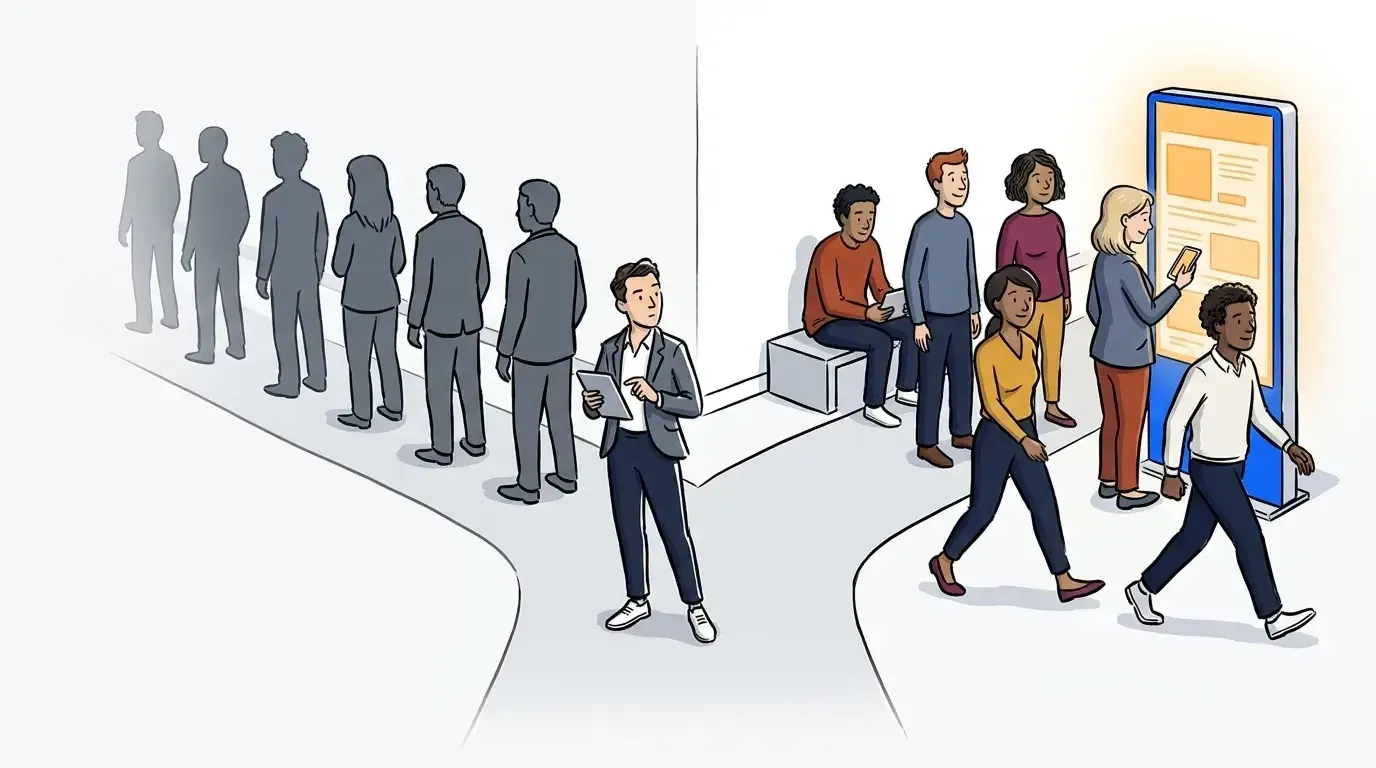
One detail buyers often miss: choosing a queue management system doesn’t mean choosing between a physical line and a virtual one. Most platforms, NextMe included, run a hybrid model. Part of the line stays in person, part moves online, and the business sets the split per location. If a vendor’s marketing implies the physical line disappears entirely, ask directly how walk-ins without a phone are handled before you sign anything.
That flexibility is also what separates a basic waitlist from a full virtual queue software platform. The real difference shows up in what happens during the wait itself. A basic system shows a position counter. A stronger one treats that screen as real estate: space to hold a guest’s attention, reinforce the brand, or even drive a purchase, not just pass the time until their turn.
A quick evaluation checklist
Before you get into demos, run any vendor through this list. It covers the criteria that separate the systems that actually reduce walk-outs from the ones that just move the same problems online.
- Notification channels: SMS at minimum, with WhatsApp or app-based options for international or hard-to-reach guests
- Self service arrival: guests can join and confirm their spot without a staff member typing it in manually
- Wait-time value: does the platform turn the wait into engagement or revenue, or just show a status bar?
- Multi-location support: one dashboard for reporting across locations, not a separate login per site
- Analytics depth: real-time wait times and throughput, not just a daily count
- Custom routing: the ability to route guests by service type, priority, or staff availability
- Pricing transparency: published rates and no per-message SMS surprise on the first invoice
- Human support: a real person to call when something breaks mid-shift
What to look for before you choose a vendor
Guest communication and experience
This is where most vendors look identical on a features page and feel completely different in practice. At minimum, a system needs two-way SMS, using something like a “reply 1 to confirm, 9 to cancel” convention. That way, guests can respond without opening an app. For guests outside the US or where SMS delivery is unreliable, WhatsApp support is becoming a meaningful differentiator.
NextMe covers this out of the box: two-way SMS with the reply 1 to confirm, 9 to cancel convention, plus WhatsApp as a guest-selectable channel. WhatsApp shows up automatically anywhere SMS can’t reliably deliver.
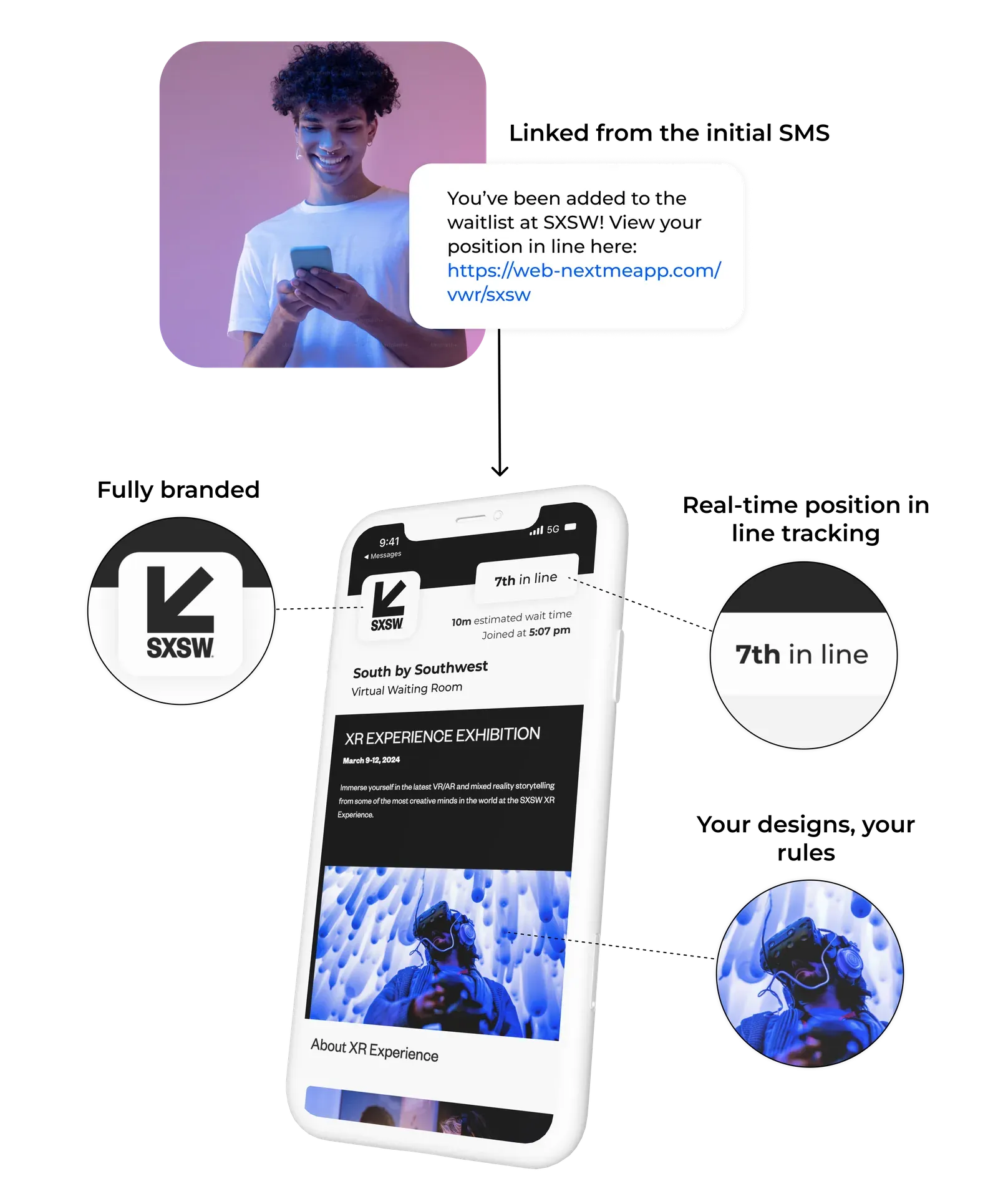
Self check-in matters just as much as notifications. A guest who can check in from a phone or kiosk doesn’t need a staff member’s help to do it. That frees up the front desk for the guests who actually need it. Look for a branded virtual waiting room too. A generic status page is a missed chance to set expectations and keep guests engaged, instead of just watching a spinner. Treat that screen as real estate, not just status. It’s a space where a guest is already paying attention, with nothing else competing for it.
NextMe’s virtual waiting room is built around that idea directly. Instead of a bare position counter, guests see a branded screen that can carry polls, product carousels, or offers. That turns otherwise idle wait time into engagement, or even revenue. Few vendors treat the wait itself as an opportunity rather than just something to get through.
Operator tools and multi-location support
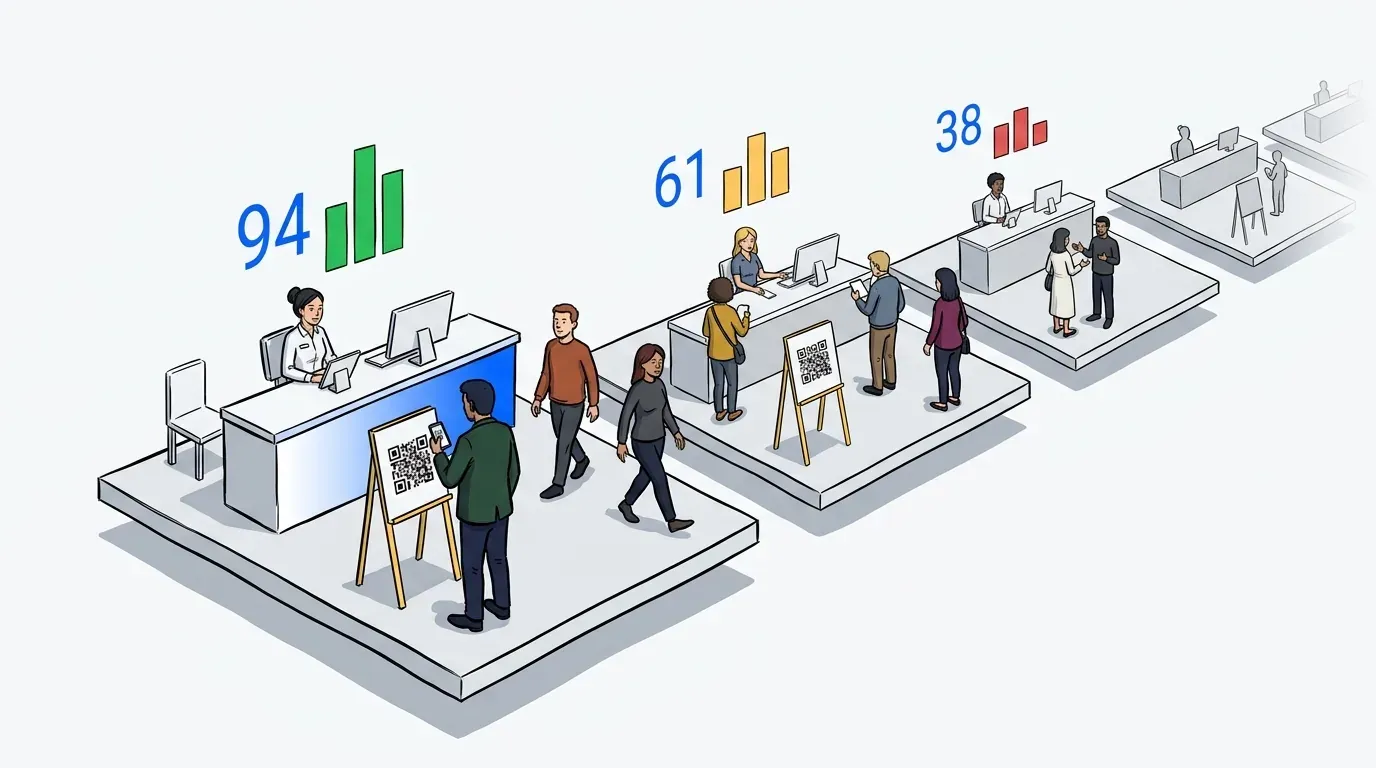
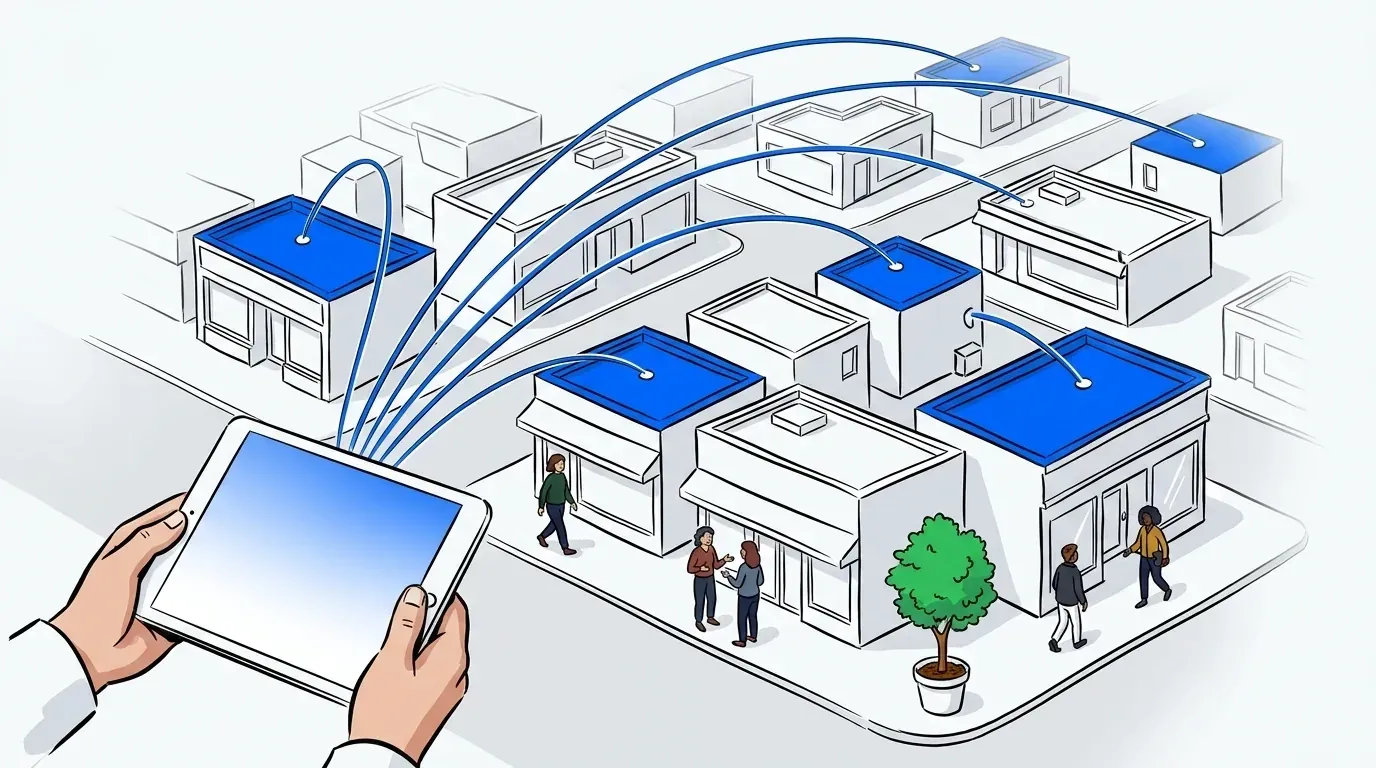
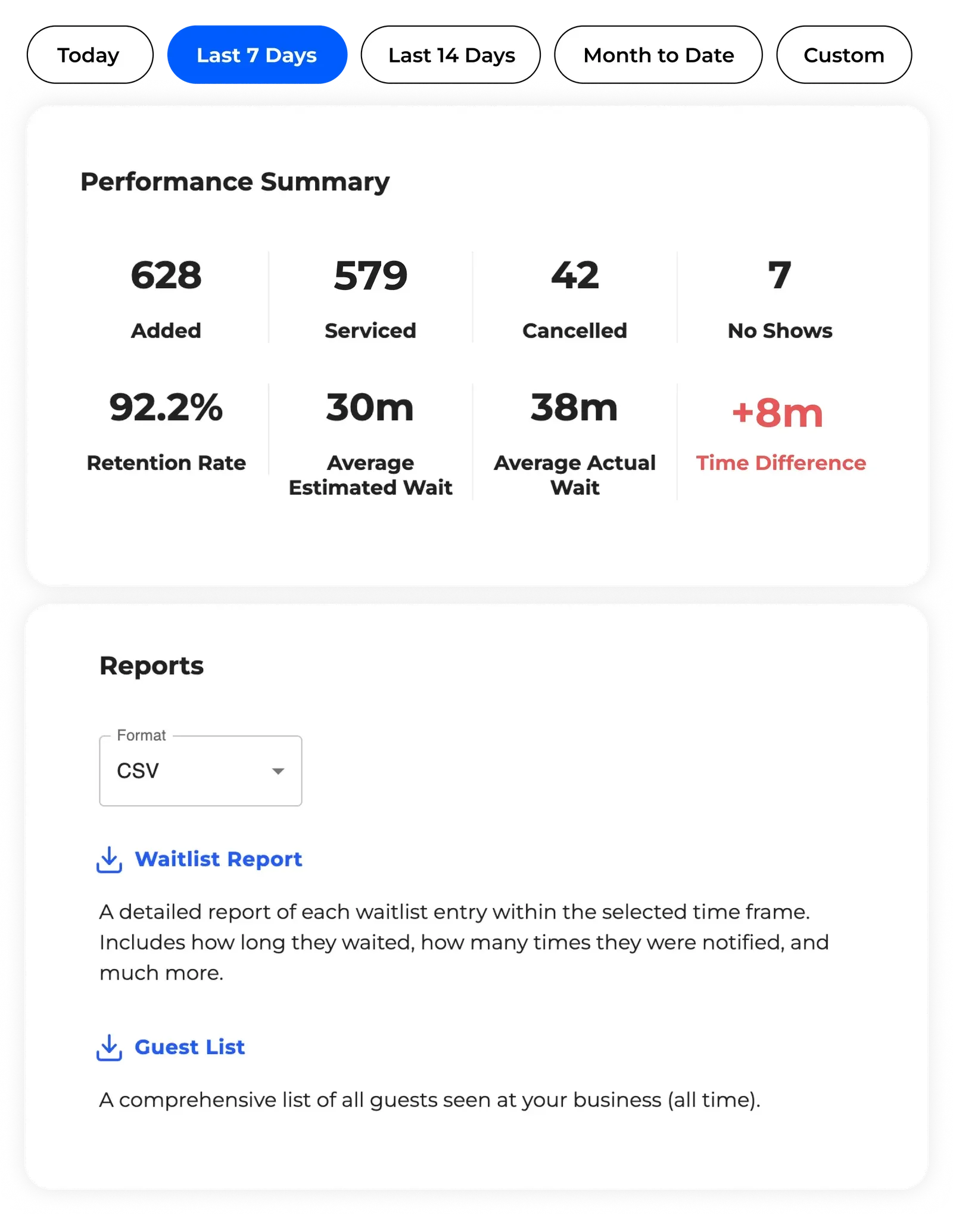
On the operator side, the gap between a basic waitlist and an enterprise-ready platform shows up in three places: reporting, routing, and staff control. A single-location coffee shop needs a simple dashboard. A multi-location retail chain or a statewide agency needs more: business-wide analytics, queue-transfer automation between locations, and custom-field-based routing. That routing keeps urgent cases from sitting behind routine ones.
This is where NextMe leans in. Queue-transfer automation moves guests between locations automatically. Custom-field-based routing sends priority cases to the front without a staff member sorting manually. A single dashboard covers reporting across every location, whether that’s two storefronts or a statewide rollout.
Don’t assume enterprise depth requires enterprise complexity. The best systems let a single-location business start simple and add multi-location controls later without switching platforms.
For a vertical-specific version of this same evaluation process, see our healthcare waitlist software buyer’s guide.
Pricing and support transparency
Some solutions look great on paper. They disappear right when you need them, after the contract is signed and a real question comes up. Two costs catch buyers off guard more than any other: per-message SMS fees that only show up on the first invoice, and support that’s fast during the sales process and slow once you’re a customer. Ask directly whether messaging is bundled into the base price and what response time to expect during a busy weekend, not a quiet Tuesday.
NextMe answers both directly. Support means real phone and chat access to an actual person, not a ticket queue. Pricing means no per-message surprise buried in the first invoice.
If you’re specifically comparing NextMe against a named enterprise competitor, we’ve done that side-by-side separately in our comparison of NextMe and WaitWell.
Proof it works across industries
The best queue management system for a single-location business and the best one for an organization running dozens of sites rarely look the same on paper. The underlying platform should still support both without a rebuild.
The South Carolina DMV needed to stand up a contactless, statewide queue quickly and keep intake moving safely. Running NextMe’s virtual waitlist and check-in across its branches, SCDMV increased guest throughput by up to 25% while clearing crowded lobbies entirely.
LEGO needed a different kind of scale. The challenge was keeping demand moving across a five-city Formula 1 tour with XD Agency, where some stops drew roughly 1,000 walk-up families a day. NextMe’s hybrid queue managed more than 4,000 guests across the tour, and the branded virtual waiting room did more than hold a place in line. Guests spent an average of 4 minutes 29 seconds inside it, engagement most experiences never come close to capturing. It’s real proof that a well-built waiting room earns attention instead of just tracking it.
For a broader read on real user ratings across the category, G2’s Queue Management Software listings are a useful sanity check before you commit to a shortlist.
Choosing the system that fits your business
The best queue management system isn’t the one with the longest feature list. It’s the one that matches your actual guest volume, location count, and communication needs today. It should also leave room to add multi-location controls or deeper routing later, without switching platforms.
Start by running any vendor through the checklist above, and pressure test pricing and support claims before you sign, not after. If you want to see how a hybrid, multi-location queue management system works in practice, explore NextMe’s waitlist management platform.