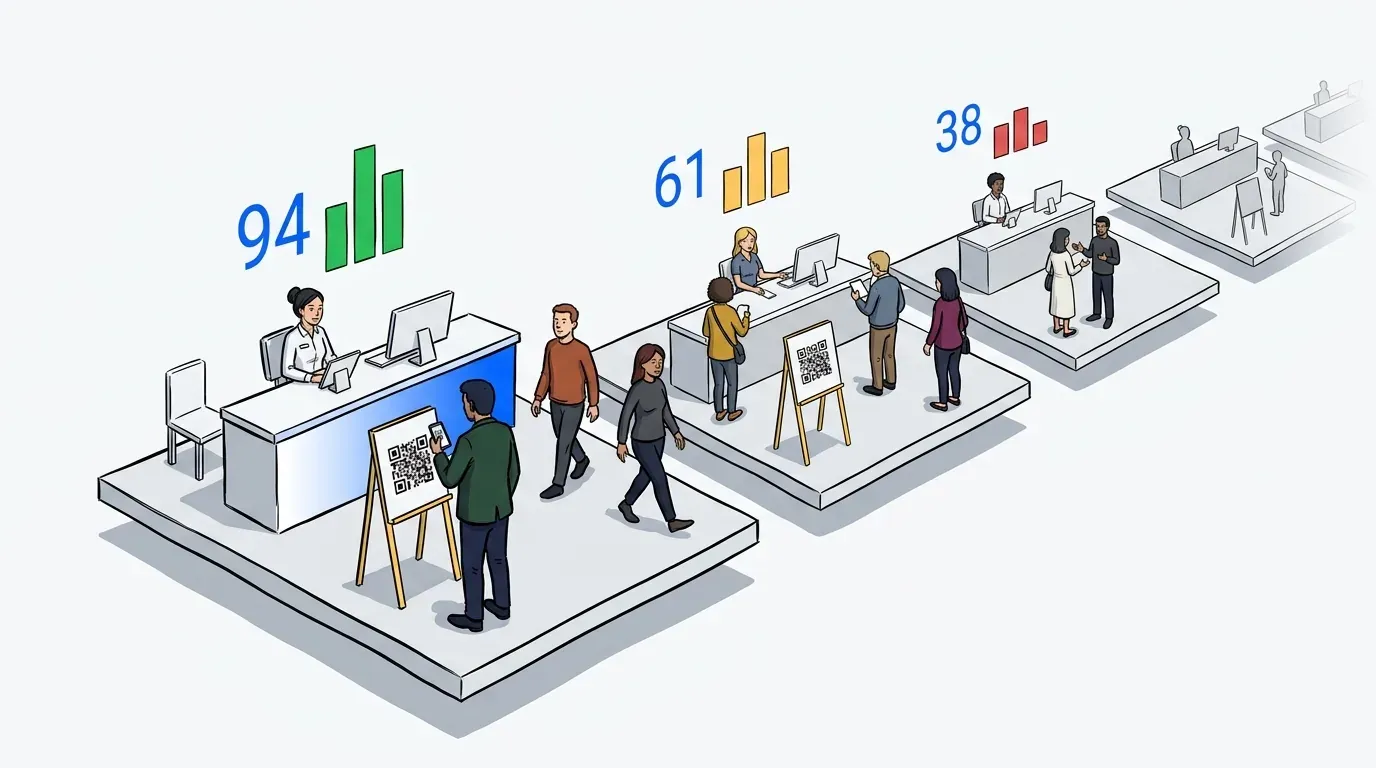
You’ve seen it happen. A customer walks in, scans the room, sees a disorganized crowd with no clear process, and leaves before anyone can help them. That walkout is not just lost revenue for today; it’s a negative review waiting to be written.
A queue management system solves this problem before it starts. It gives customers a clear process from the moment they arrive: join the line, get a notification, know exactly when they will be served. That certainty changes everything. MIT professor Richard Larson, who has studied queue psychology for more than three decades, put it plainly: “Often the psychology of queuing is more important than the statistics of the wait itself.” Businesses that understand this stop trying to eliminate wait times and start managing how waiting feels instead.
This post explains what a queue management system is, how it works across different types of businesses, and what to look for when choosing one.
What is a queue management system?
A queue management system is software that organizes customer flow at a business, replacing physical lines with digital queues. Customers join a waitlist on arrival, receive SMS updates on their wait status, and are notified when it is their turn. Staff manage the queue from a dashboard, controlling flow and reducing bottlenecks without adding headcount.
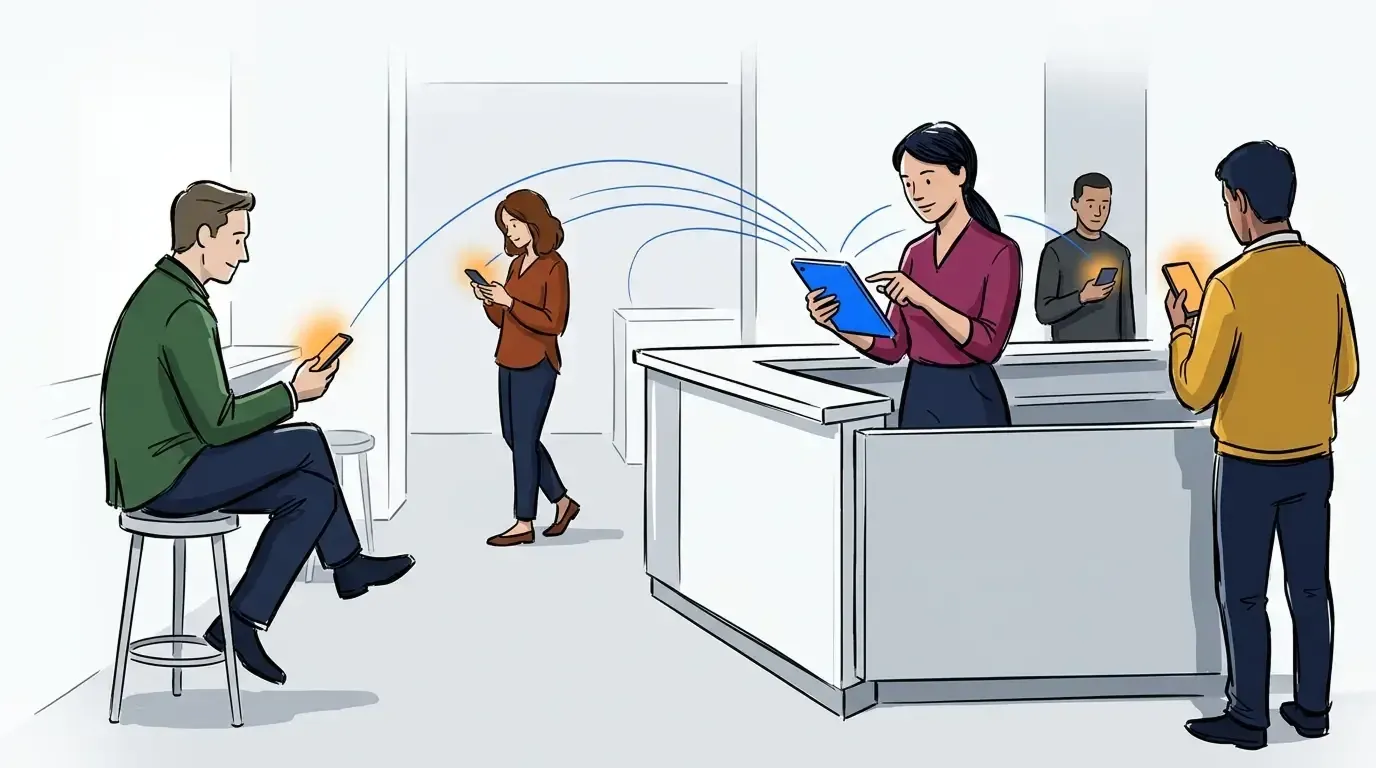
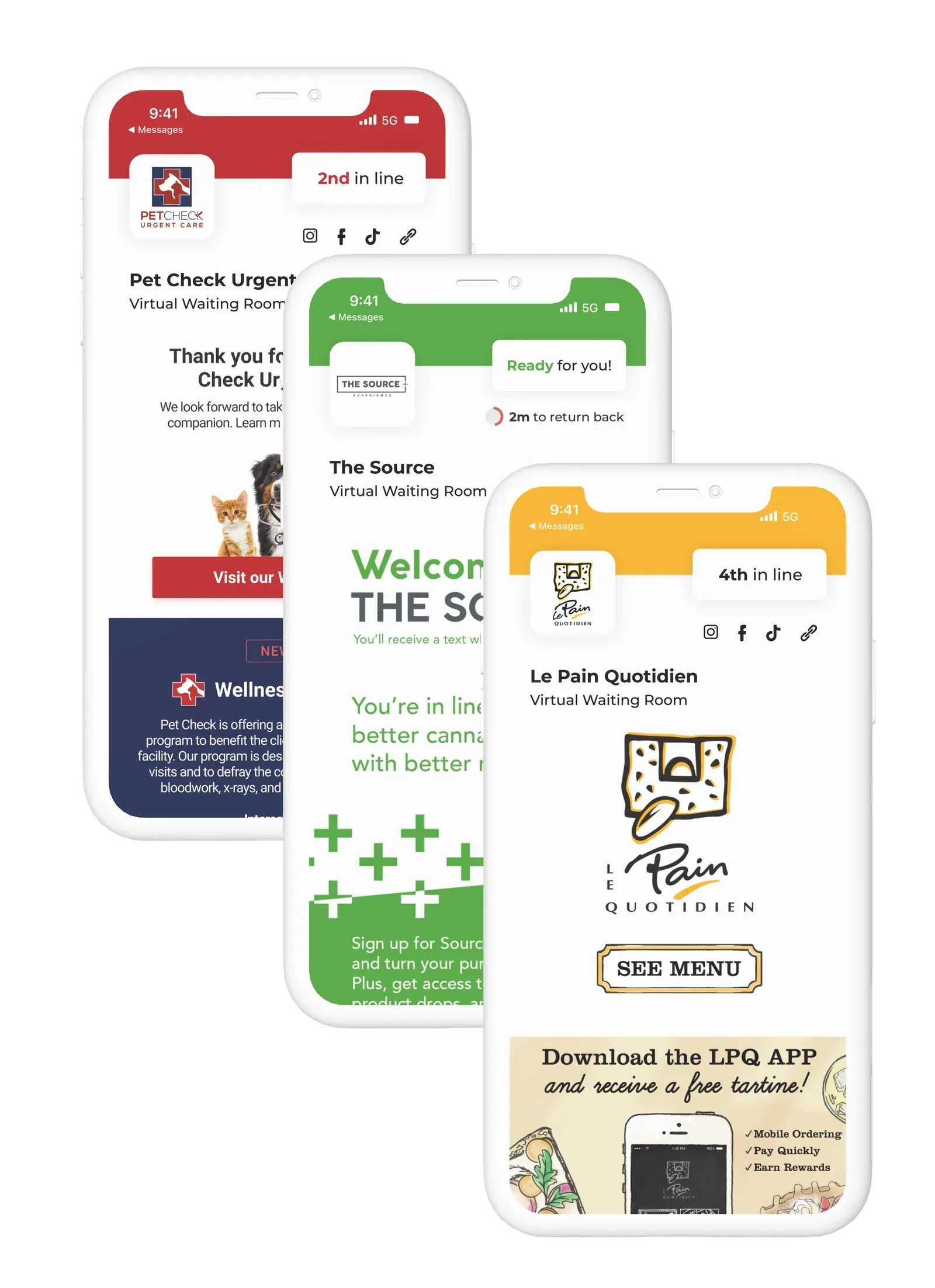
The best modern systems include a virtual waiting room, where guests can wait anywhere, such as their car, a nearby seat, or outside the venue, rather than standing in a physical line. This removes the visual pressure of a crowded space and gives customers a better experience while freeing up floor space for the business.
Why wait time is not really the problem
Businesses often assume that the solution to queue problems is speed: serve customers faster, reduce wait times, and satisfaction goes up. That is partly true, but it misses the bigger driver.
The real problem is uncertainty. A customer who waits 20 minutes while staring at a disorganized crowd feels worse than a customer who waits 25 minutes but knows they are third in line and will be called by name when it is their turn. It’s not the length of the wait that damages the experience, it’s not knowing when it will be over.
A queue management system addresses uncertainty directly. Customers always know where they are in the queue, receive a text as their turn approaches, and never need to hover anxiously near the door. When they feel in control of their time, they leave with a better impression of your business, regardless of whether the actual wait was shorter.
The stakes are real. A Forrester Consulting survey found that nearly one-third of shoppers will quit a long line and search for a better experience elsewhere, and 11% will abandon a purchase entirely rather than wait it out. That is direct revenue walking out the door, with no recovery opportunity.
How a queue management system works in practice
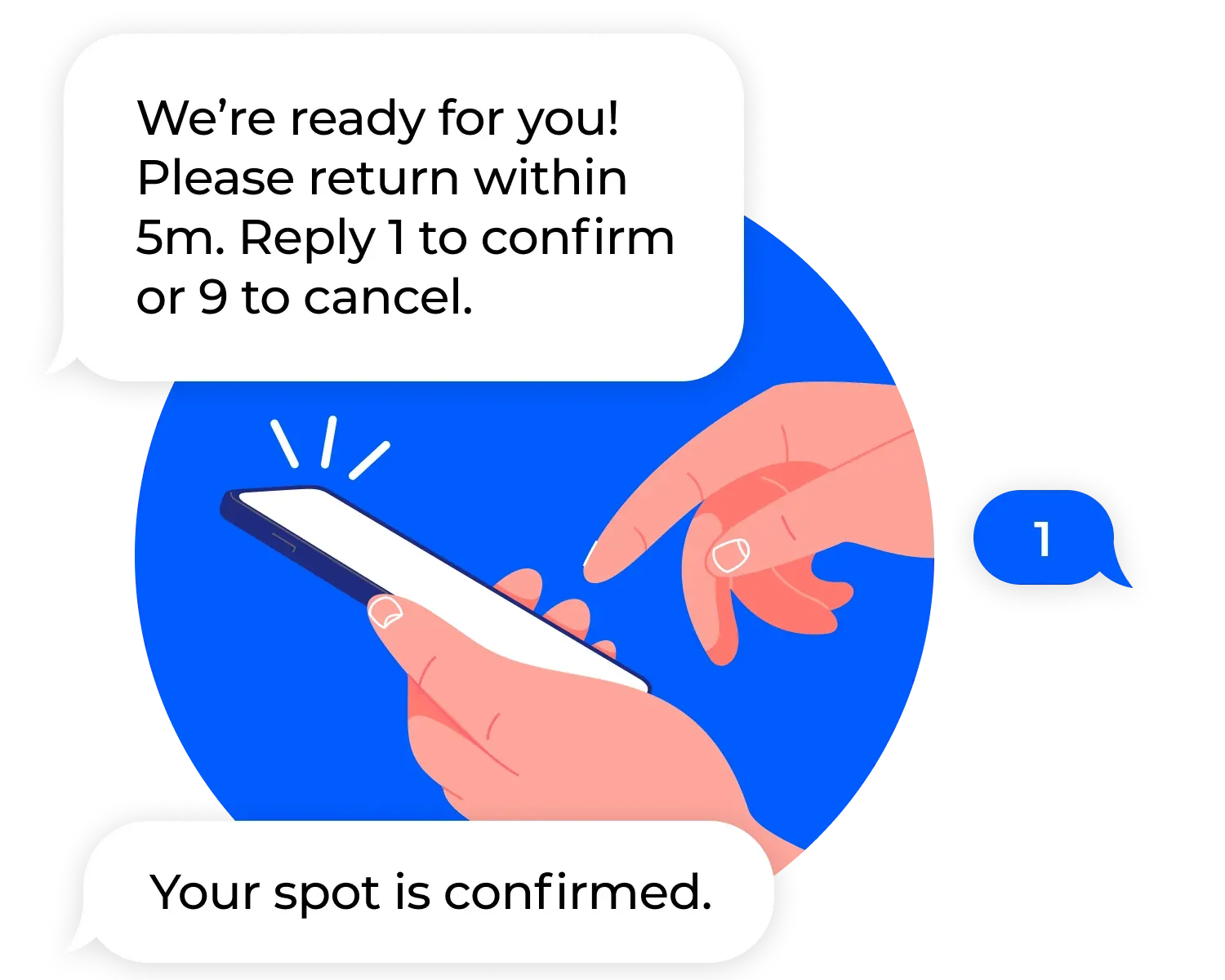
The core flow is straightforward. A customer arrives and joins the queue, either through a self-check-in kiosk, a QR code scan, or a staff-added entry. They receive an SMS confirmation with their queue position and an estimated wait time. As the queue moves, they receive updates. When it is their turn, they receive a notification and return to the service point.
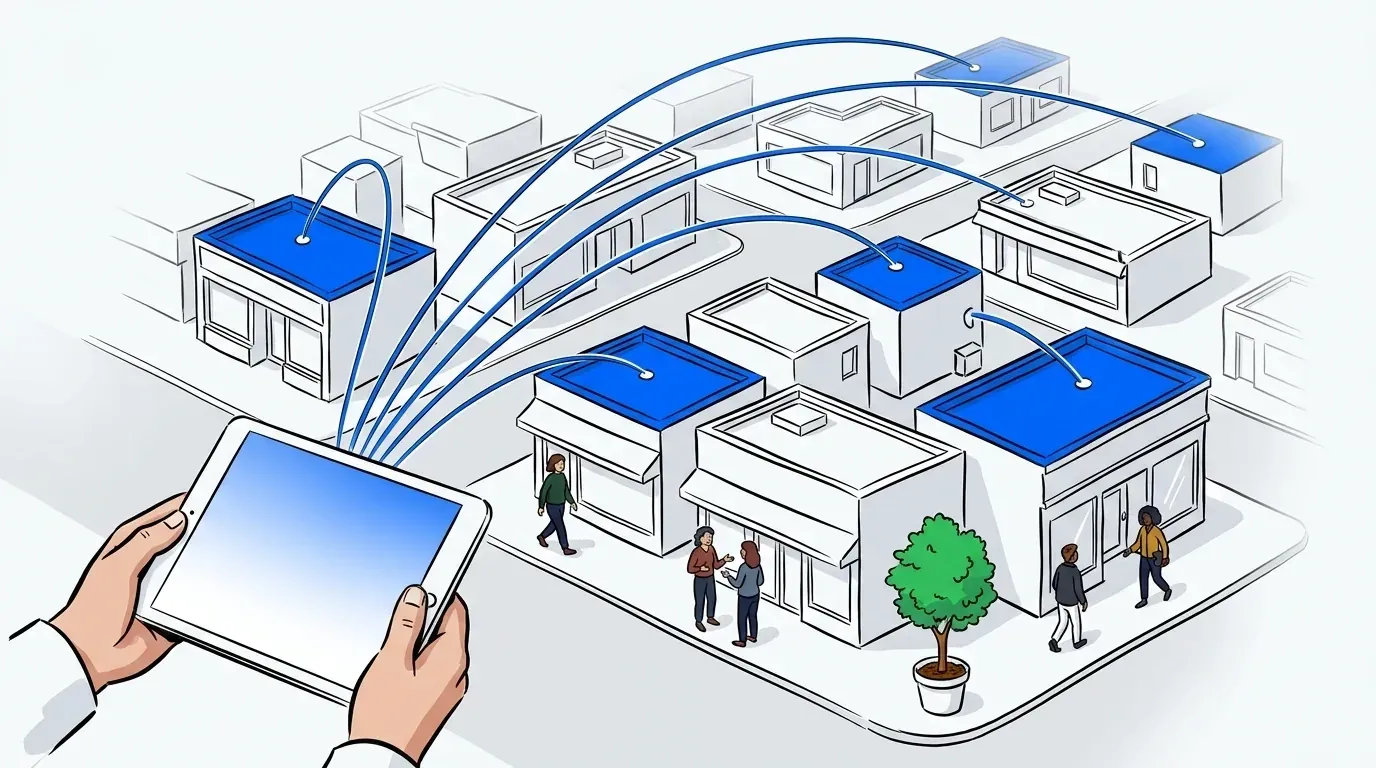
From the staff side, a dashboard shows the full queue in real time. Staff can add customers, adjust wait times, flag priority cases, and notify individual guests with a single tap. Operators can see patterns over time: which hours generate the longest queues, which days require more staffing, and where bottlenecks are forming.
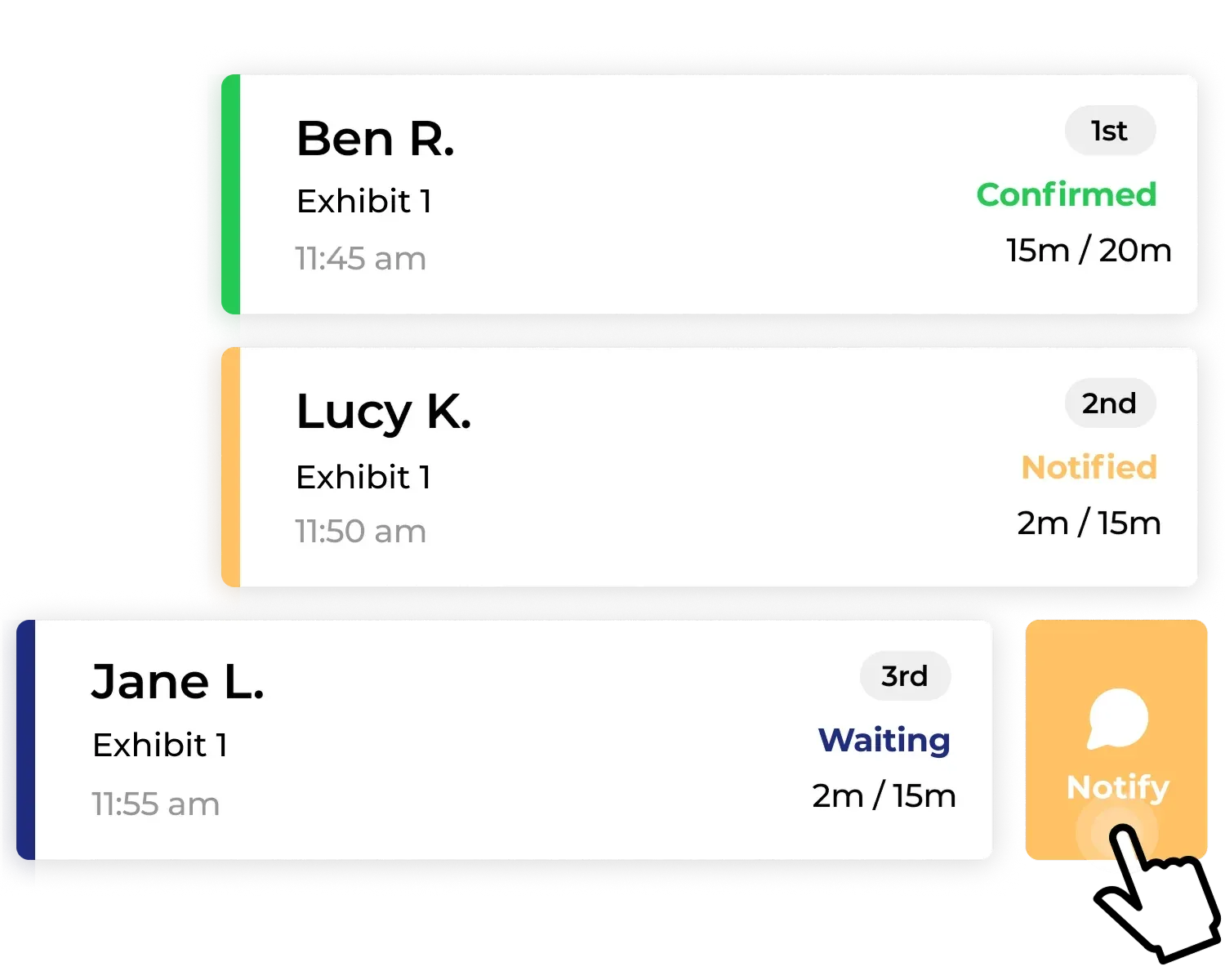
That combination of guest-facing transparency and operator-facing control is what separates a queue management system from a simple sign-in sheet or a paper waitlist.
How different types of businesses use queue management
One of the things that stands out about queue management is how broadly the core problem applies. NextMe has been used to manage egg shortage lines at farms, coordinate vaccine distribution, run food pantry intake, handle high-volume product drops, and serve tattoo parlors and dispensaries, alongside the restaurants, clinics, vet practices, and events it was built for. Wherever demand exceeds capacity and customers need to wait, the same dynamics are at play.
Events and conferences
Event organizers use queue management to control crowd flow at high-attendance activations, brand booths, and session entry points. Virtual queuing lets attendees join a line from across the venue, explore other areas while they wait, and return when called. For large-scale events like Comic-Con or trade shows, this is the difference between an orderly activation and a crowd safety issue. See how it works in The Complete Guide to Event Queue Management.
Restaurants
Walk-in restaurants use digital waitlists to replace the pager and clipboard system, reducing hardware costs, eliminating front-door crowding, and improving the guest experience from arrival. SMS-based queue updates also reduce no-shows, because guests who have confirmed their spot are more likely to follow through. How Restaurants Can Reduce No-Shows With a Digital Waitlist covers this in detail.
Healthcare and urgent care clinics
Walk-in clinics use queue management to reduce crowded waiting rooms, improve patient flow, and give patients visibility into wait times without requiring them to sit in a shared space. The Best Waitlist App for Walk-In Clinics covers what to look for in healthcare-specific tools.
Veterinary clinics
Vet clinics use virtual waiting rooms to let pets and their owners wait in their car, reducing stress for anxious animals, eliminating exposure risk in crowded lobbies, and giving staff more control over intake flow. The queue management system handles triage flagging so urgent cases can be surfaced without disrupting the general queue. More on this in How a Veterinary Waitlist App Reduces No-Shows and Wait Stress.
Retail and service counters
Retail businesses from tailoring shops to device repair counters use queue management to reduce visible crowding, prevent walkouts during peak hours, and give customers the freedom to browse while they wait. How Retail Stores Are Using Queue Management to Cut Walkouts explores how this plays out in time-based service retail.
Cannabis dispensaries
Dispensaries operate under compliance requirements that make crowd management at the entrance critical. A queue management system helps enforce capacity limits, capture required compliance data at check-in, and move customers through a structured intake flow. How a Virtual Waiting Room Keeps Your Dispensary Compliant and Efficient covers the compliance angle in depth.
What to look for in a queue management system
Not all queue management tools are built the same way. Here is what matters most when evaluating one.
Guest communication and experience
SMS-based guest communication. Email notifications are easy to miss. SMS reaches guests in real time and does not require them to download an app. Any system you consider should rely on SMS as the primary channel for guest updates.
A virtual waiting room. The ability to let guests wait anywhere rather than clustering near the entrance is the feature that most directly improves the guest experience. Look for a system that sends guests to a custom branded page while they wait, where they can see their position and receive updates.
Operator tools and flexibility
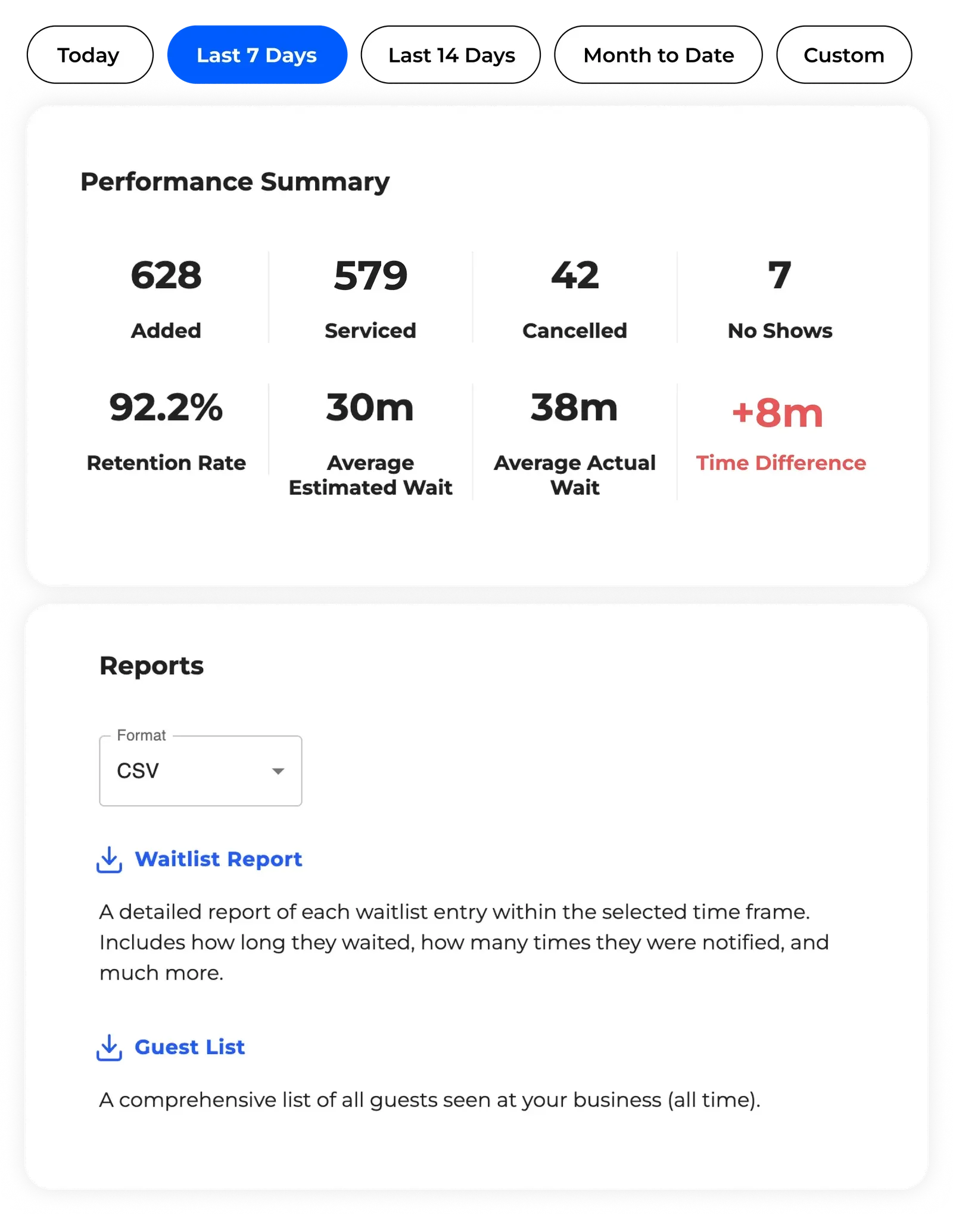
Analytics and reporting. A queue management system that does not surface your own data is a missed opportunity. Look for waitlist analytics that track average wait times, queue volume by hour, and guest throughput over time. This data drives staffing decisions and helps you identify where your operation has room to improve.
Self check-in options. Kiosk or QR-based self check-in reduces the burden on front desk staff during peak periods. Guests can add themselves to the queue without needing a staff member to process each arrival.
Flexibility across use cases. The best queue management systems are not built for one scenario. Look for a platform that handles walk-ins, appointments, and high-volume peak periods without requiring separate tools for each.
Pricing and support
Transparent, predictable pricing. Some tools look affordable upfront but get expensive fast - as your volume grows, you get pushed into higher tiers with little clarity on what you are actually paying for. Look for flat-rate plans with clear message limits so you always know what you are paying, regardless of how busy you get.
Watch out for restaurant-first and enterprise-only tools. Most queue management software falls into one of two traps. The first is built primarily for restaurants and struggles to adapt to anything outside a dining room. The second is enterprise software in disguise: heavy implementation requirements, long contracts, limited human support, and a pricing model that tends to creep upward once you are locked in. The right system is flexible enough to work across different business types and contexts, and backed by a team you can actually reach when something goes wrong. NextMe is built on exactly that premise - used everywhere from food pantries to fandom events, without the corporate overhead.
Conclusion
A queue management system does not just organize lines. It changes how customers experience your business from the moment they walk in, and it gives your team the tools to manage demand without adding headcount.
Professor Larson’s insight has held up for nearly four decades: the psychology matters more than the statistics. Customers who feel informed and fairly treated will wait longer, complain less, and come back more often. A queue management system is the most direct tool a business has for delivering that - and the best ones do it without locking you into a contract or leaving you without support when you need it most.
If you are ready to replace the clipboard and the chaos, book a demo and see how NextMe works for businesses like yours.