If you’re choosing the tech for a live activation, a festival booth, or a multi-day conference - it often comes down to NextMe vs ScanQueue. Both promise QR check-in, no app, no hardware, and guests who can wait anywhere. On the surface they look alike. For a live event, they are not.
Start with what does not separate them. “No app and no hardware” is now standard, and every serious virtual queue does it. The real test for an event is not how people check in. It is what happens during the wait, and whether the tool holds up when thousands of guests move across a dozen activations. If you are weighing a ScanQueue alternative, that is where to look.
It is worth noting that some comparison pages, including ScanQueue’s own, describe NextMe with claims that are out of date or inaccurate. This guide gives you the real comparison, fair and factual, so you can weigh both tools against how your event actually runs.
Is NextMe a good ScanQueue alternative for events?
NextMe is a strong ScanQueue alternative for events. Both run QR-based virtual queues with no app and no hardware. NextMe is built for live events at scale. It adds a branded virtual waiting room that turns wait time into engagement, a track record with brands like LEGO, Adult Swim, and Comic Con activations, and hands-on event support. ScanQueue is a good fit for teams that want a free starting tier and WhatsApp-first messaging for international audiences.
NextMe vs ScanQueue at a glance
Both tools clear the basics. Here is how they line up on the things that decide an event.
| Capability | NextMe | ScanQueue |
|---|---|---|
| QR check-in, no app or hardware | Yes | Yes |
| Branded waiting experience | Full engagement and sponsor surface | Branded status and position page |
| Multi-zone and conference-wide queues | Yes, plus aggregate floor occupancy | Yes |
| SMS and WhatsApp notifications | Yes, SMS default with WhatsApp optional | Yes, WhatsApp-first with SMS fallback |
| Named large-scale event track record | LEGO, Adult Swim, F1 Arcade, Comic Con | Testimonials and category claims |
| Direct Cvent integration | Yes | Not listed |
| Hands-on event-day support | White-glove onboarding and support packages | Self-serve |
Where ScanQueue is a genuinely strong choice
Give ScanQueue its due. It gets a few things right that matter to real event teams.
The free starting tier is generous, with unlimited queue entries, so it is easy to trial for a small or first-time activation. Setup is fast and fully self-serve, with no onboarding calls to book. Notifications are WhatsApp-first with an SMS fallback, which is a real advantage for international or non-US events where WhatsApp is the channel people already use. It also covers the events basics well, with multi-zone queues and quick agency white-labeling for roadshows.
If that profile matches your event, ScanQueue is worth a trial. The rest of this comparison is about where an event outgrows it.
For events, the wait is where you win or lose the room
Start with what a queue tool is actually for at an event. The wait is an information problem, not a capacity problem. People do not hate lines. They hate not knowing how long the line is or whether it is moving. Fix the uncertainty and the same wait feels completely different.
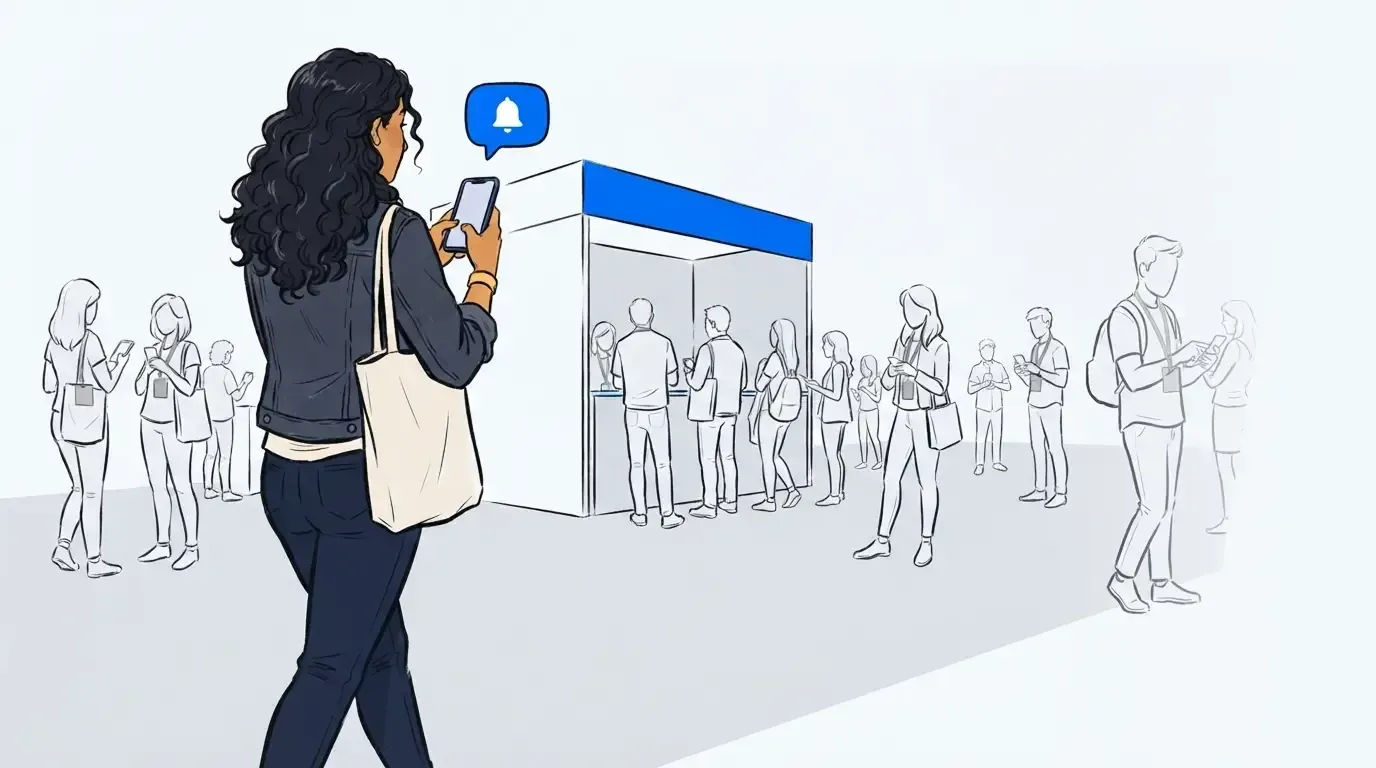
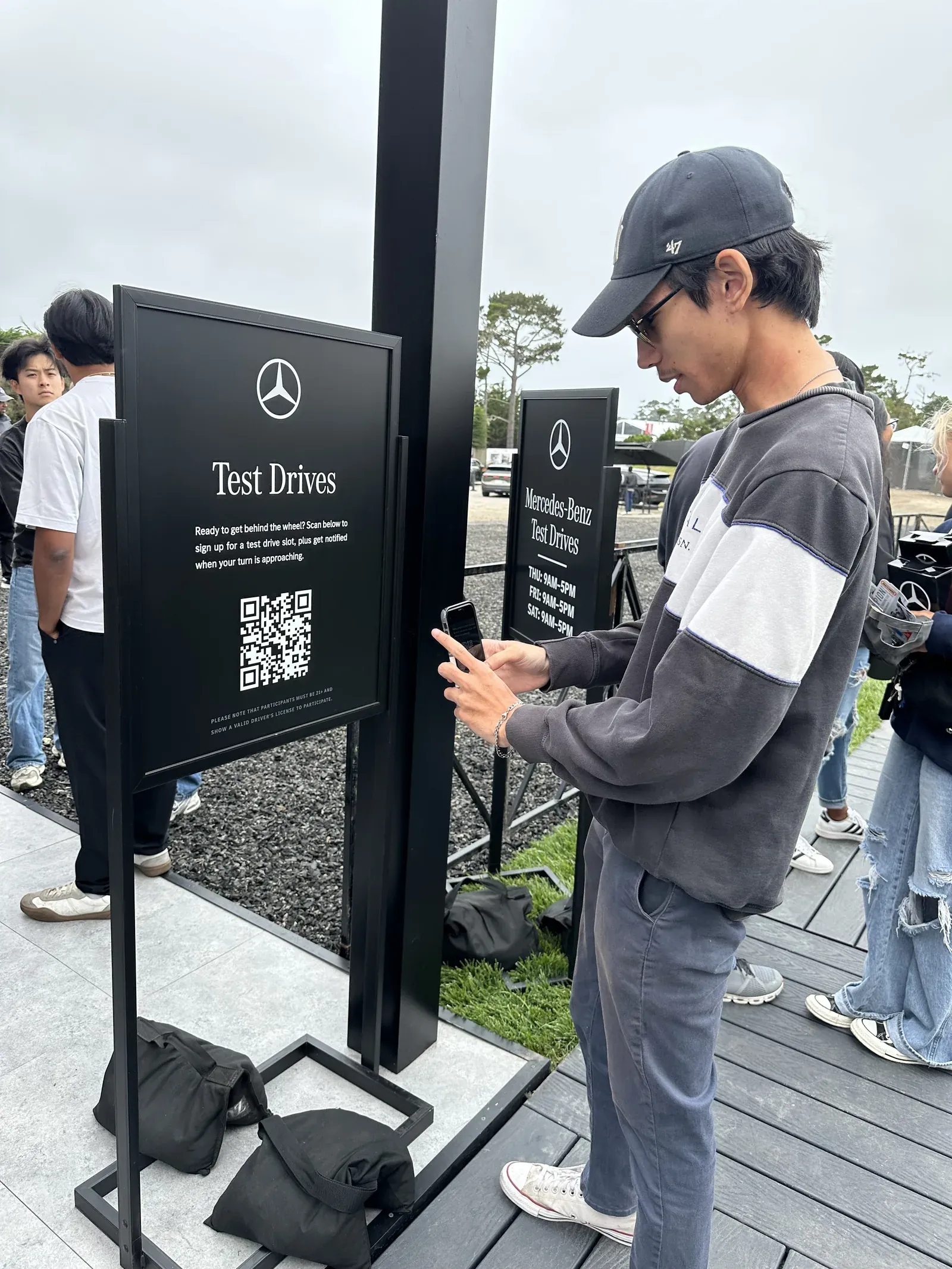
The goal is not to eliminate the line either. A visible, managed line signals demand, and operators know it. The job is to control the line and make the wait feel worth it. Guests scan a QR code to check in and hold their place from their phones, which is the easy part.
Here is the part most tools skip. A QR code answers “where do I stand.” It does not answer “what do I do for the next 40 minutes.” For an event, that gap is the whole game, and it is the lens NextMe is built around.
Where NextMe pulls ahead for events
A Virtual Waiting Room that does more than track a position
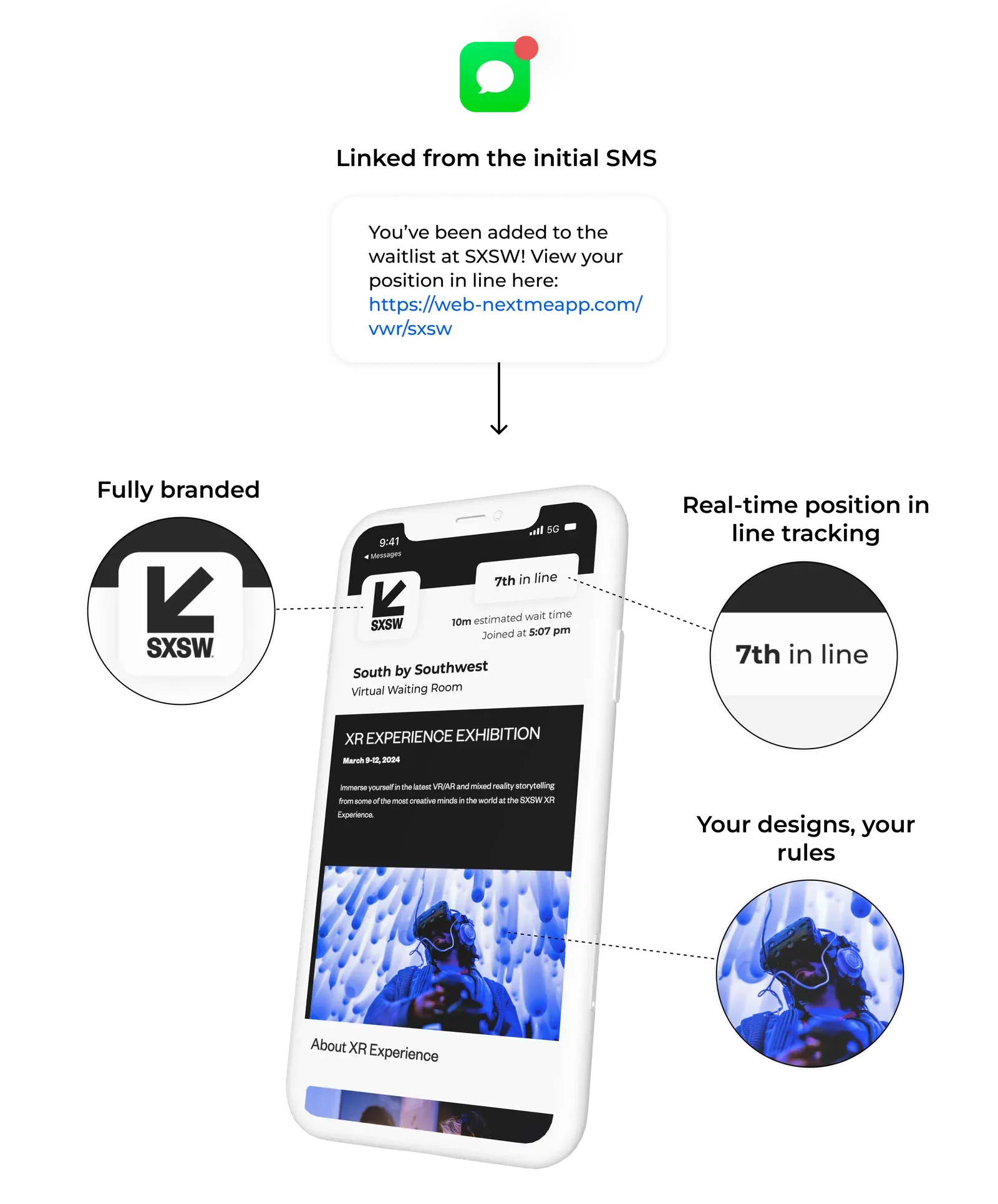
ScanQueue’s guest page is a branded status page. It shows position and sends updates, then it stops. NextMe’s virtual waiting room is an engagement and sponsor surface. You can run product carousels, polls, quizzes, games, sponsor content, and data capture while guests wait.
That difference shows up in the numbers. At an Evereden activation, guests took a branded skincare quiz in the waiting room, learned about products, and earned discount codes. Around 37% engaged with it. Idle wait time became a brand moment, and the sponsor got tracked results to point to. A status page cannot do that.
Built for multi-activation and conference-wide events
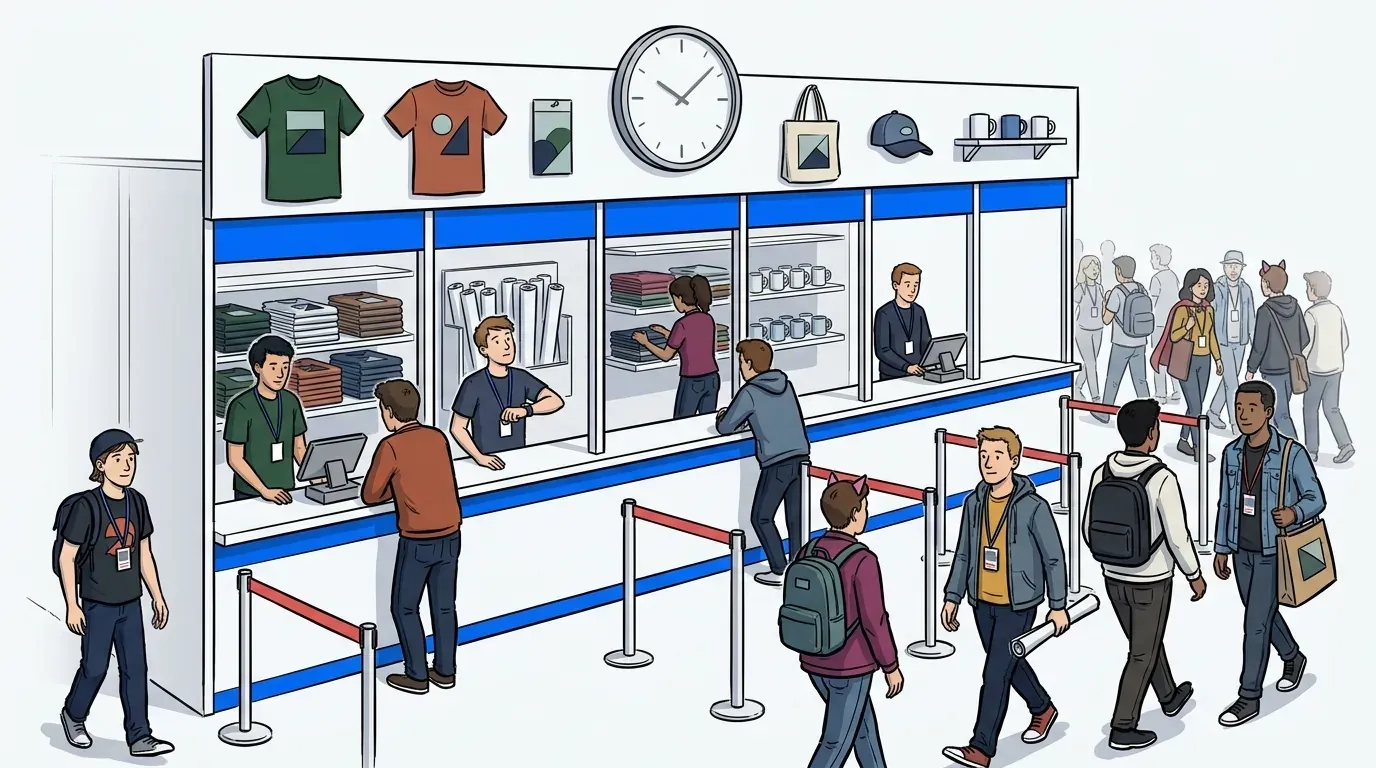
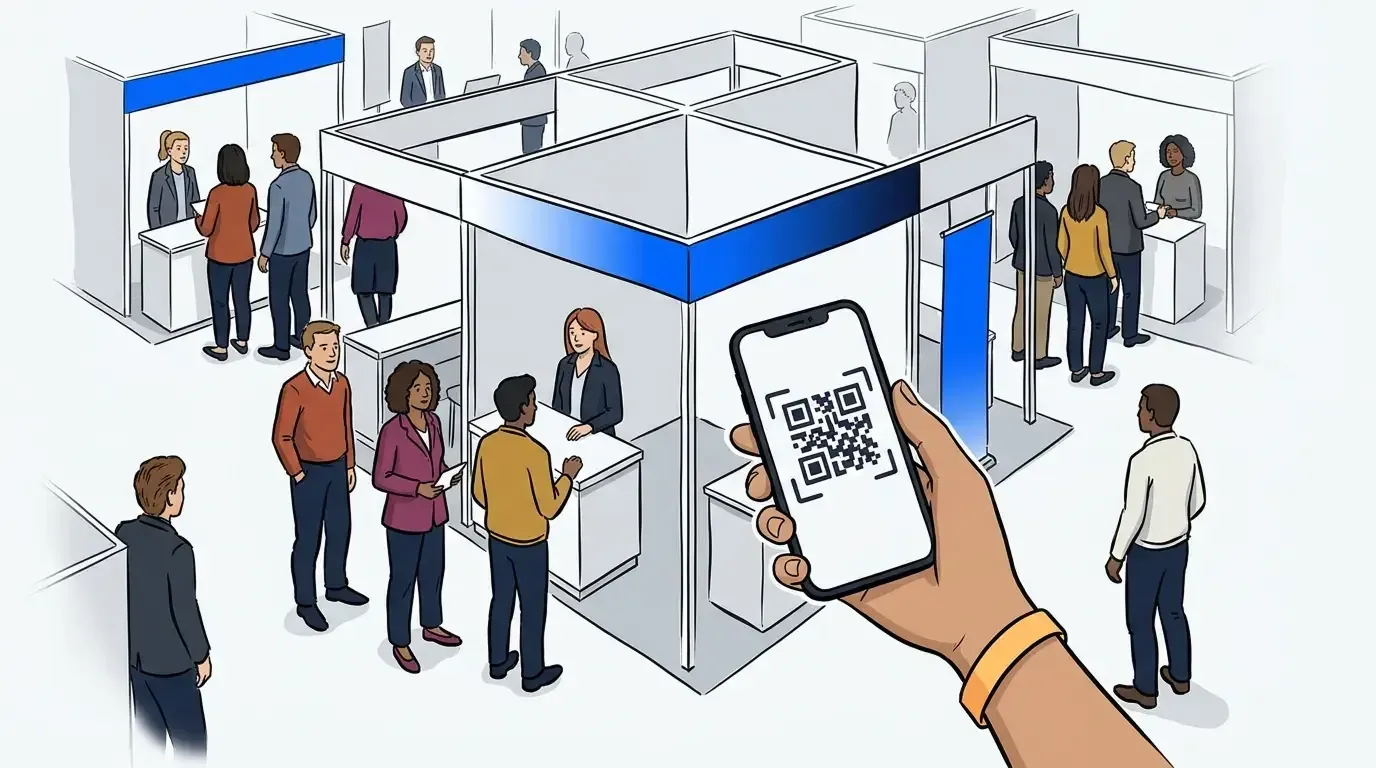
Large events are rarely one line. You have a main stage, several booths, a VIP lane, and timed sessions. NextMe lets you run a separate queue for each and manage them all from one dashboard. You can configure it conference-wide and see aggregate occupancy across the whole floor. That is what organizers need for crowd flow and safety, not just a single booth’s queue.
A direct Cvent integration
NextMe now integrates directly with Cvent. For conference organizers, that means registration data connects to on-site check-in and virtual queues without exporting lists and stitching tools together by hand. It is a meaningful edge for anyone running a professional conference, and it is not something ScanQueue lists.
Proven at scale with brands you know
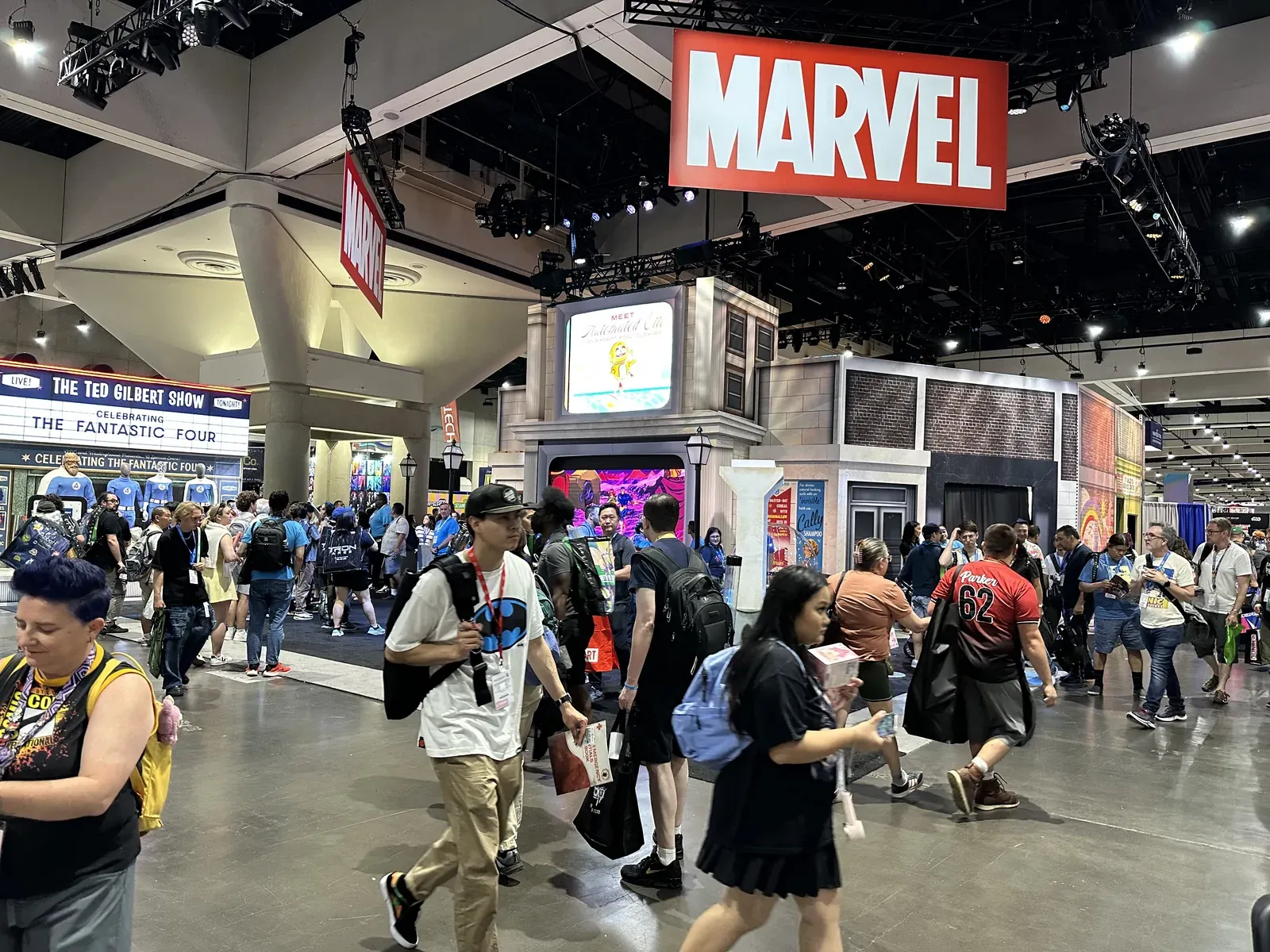
NextMe has powered queues for LEGO’s Formula 1 “Build the Thrill” five-city tour, the Adult Swim Festival, F1 Arcade, and Comic Con activations with brands like Peacock, Marvel, and Funko. It handles events from hundred of guests to tens of thousands, with same-day setup. ScanQueue’s public proof is mostly testimonials and category claims rather than named large-scale events.
Support that shows up on event day
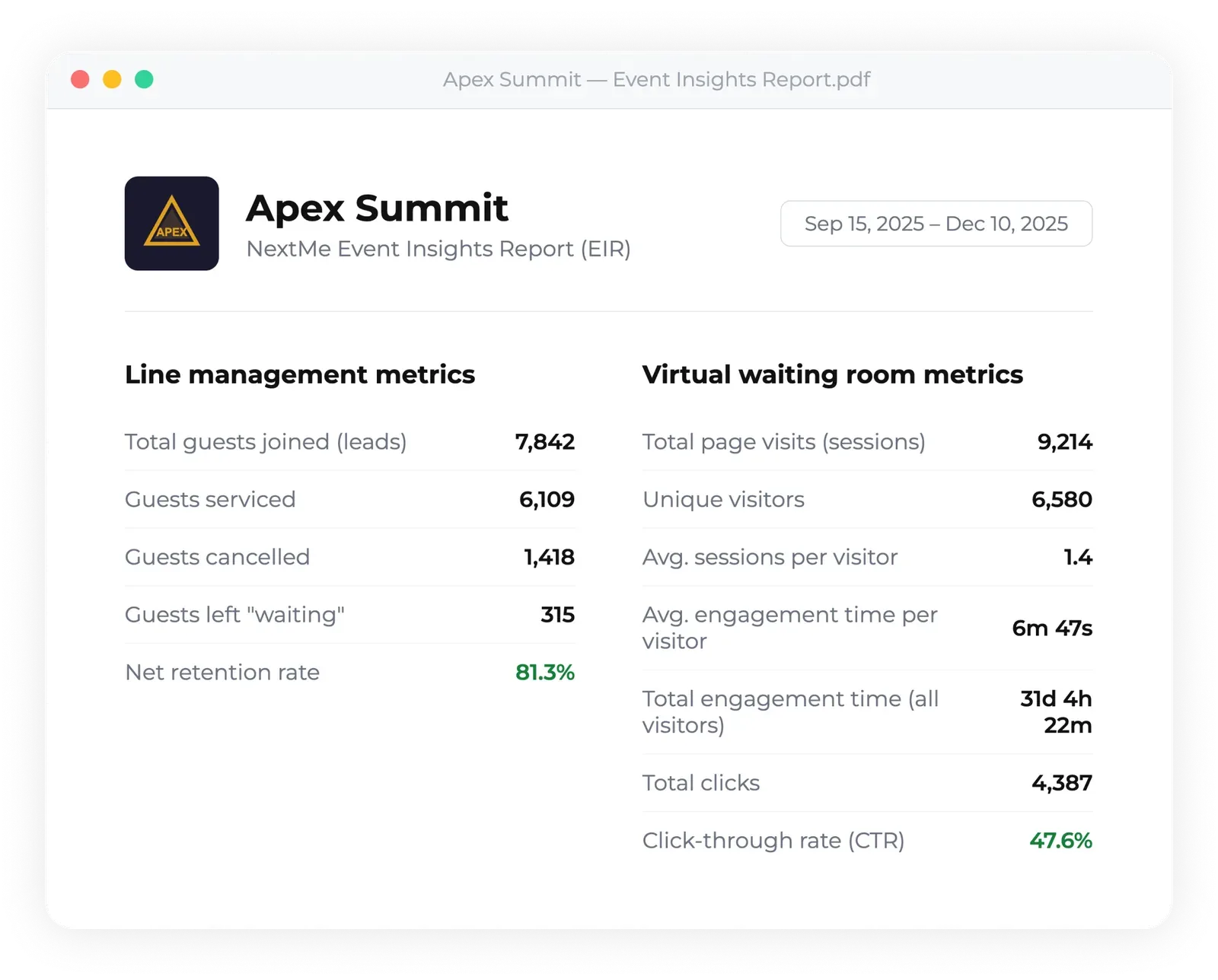
ScanQueue is self-serve by design. That works until 3,000 people are in line and something needs a human. NextMe offers white-glove onboarding and event support packages with guaranteed response times, after-hours coverage, and high-velocity message delivery for peak moments. You also get a post-event report on throughput, wait times, and engagement, so you can prove the activation worked and plan the next one.
SMS and WhatsApp, not either-or
WhatsApp used to be ScanQueue’s clearest edge. Not anymore. As of July 2026, NextMe sends both SMS and WhatsApp. You enable WhatsApp per location, guests choose their channel on the join form, and WhatsApp appears automatically in countries where SMS cannot be delivered. A WhatsApp message costs the same as a text. You get the international reach without giving up SMS as the reliable default for US crowds.
Choosing the right event queue tool
Both tools clear the basics: QR check-in, virtual queues, no hardware. If you want a free entry point and WhatsApp-first messaging for an international audience, ScanQueue is a reasonable place to start. For a live event, though, the wait is a brand moment, not dead time, and that is where the two separate. NextMe turns the wait into engagement, scales across a full conference floor, connects to Cvent, and puts a real support team behind your event day.
If you are weighing your options for an upcoming activation, see how NextMe approaches queue management for events. From there, compare the best virtual waiting room platforms for events and read the complete guide to event queue management.