72% of attendees say waiting in line shapes their event experience more than organizers expect, and at a high-traffic booth, even a 10-minute visibility gap can turn interest into walkaways. If you evaluated virtual waiting room software this week, you probably saw the same problem over and over: plenty of tools promise queue management, but far fewer fit the messiness of live events.
A good virtual waiting room for events does three jobs at once. It reduces physical crowding, keeps guests informed by text, and gives operators enough control to adjust when real traffic refuses to follow the plan.
That last part matters most. A trade show floor is not a clinic lobby, and a fan activation is not a bank branch. Some platforms are built for structured service environments first, then adapted for events later. Others are stronger when the goal is not just moving people through a line, but turning wait time into a better guest experience.
| Platform | Best For | Virtual Wait Room | SMS Updates | Pricing Transparency | Primary Tradeoff |
|---|---|---|---|---|---|
| QLESS | High-volume service flows in government, education, healthcare, and retail | Yes | Yes | Low, custom quote (Software Advice) | Strong on queue operations, less centered on branded event engagement |
| Qminder | Fast front-desk style deployments | Yes | Yes | Moderate, higher-cost context in reviews (Software Advice) | Easy to launch, less flexible for branded activation design |
| JRNI | Enterprise teams with complex workflows across locations | Yes | Yes | Low, contact sales (JRNI Banks) | Powerful, but can be heavier than event teams need |
| Booxi | Retail-led booking and queuing across store networks | Partial to strong, depending on use case | Yes | More transparent than enterprise tools (Merchant Maverick) | Strong retail fit, weaker event-first positioning |
| Verint | Enterprise service operations tied to workforce planning | Yes, as part of broader stack | Yes | Low, custom pricing (Verint WFM) | Broad orchestration depth, less natural for activation teams |
Key Takeaways:
- QLESS is a strong fit when line reduction and remote check-in matter more than sponsor branding or activation-style guest engagement.
- Qminder works best for teams that need quick deployment, kiosk intake, and clear service dashboards without a long implementation cycle.
- JRNI makes more sense for enterprise buyers with multi-site workflow complexity than for lighter event teams running short-term activations.
- Booxi stands out for retail-led booking and queuing, while Verint fits broader enterprise service orchestration more than event-specific guest flow.
- Virtual waiting room software earns its keep when it cuts visible crowding, improves return rates, and gives staff live queue visibility within minutes, not post-event.
What the best virtual waiting room tools actually do
The best virtual waiting room tools reduce physical crowding, keep guests updated by phone, and help staff control flow in real time. Tools that only “hold a spot” usually break down once traffic spikes, staffing changes, or guests scatter across a venue. For event teams, the difference shows up fast: shorter visible lines, fewer repeated questions, and better throughput.
What buyers should compare first
Most buyers compare features too late. The first check should be whether the platform matches the shape of the event, because a system built for scheduled appointments behaves very differently from one built for walk-up demand.
Picture a product demo at 11:15 a.m. on day one of a conference. A line forms after a keynote lets out. One staffer is scanning badges, one is answering “How long is the wait?” every 30 seconds, and another is trying to decide whether to pause intake because the demo zone is already full. That’s the moment a virtual wait room either works or exposes its limits.
Three questions sort the field quickly:
- Can guests join from the methods the event actually supports, such as QR, kiosk, link, or text?
- Can staff see and adjust queue status live, rather than after the rush?
- Does the system support both line control and guest communication, not just one or the other?
If the answer to any of those is no, the tool may still work in a quieter service setting. It just won’t hold up as well at a booth that gets slammed in 20-minute waves. That’s the real buying filter.
Which virtual waiting room features affect guest experience most
SMS updates, flexible check-in, and accurate visibility affect guest experience more than a long feature list. Guests rarely care how many settings a platform has. They care whether they know their status, whether they’re free to walk away, and whether returning feels organized.
A visible line can create demand. That’s true. A 40-person line wrapping around a booth usually does the opposite. It tells later arrivals the experience isn’t worth the wait, even when interest is high. The best event waitlist software lets organizers decide how much line remains visible and how much moves into the guest’s phone.
What matters most in practice:
- SMS updates that reduce uncertainty
- Join options that fit the floor setup
- Staff controls for pacing arrivals
- Clear estimated waits or return prompts
- Analytics that show where flow broke down
Some teams overvalue appointment logic here. Fair point, appointments can help in controlled environments. At live events, though, rigid scheduling often struggles once traffic arrives in bursts. Flexibility tends to win.
Why virtual waiting room software matters more at high-traffic events
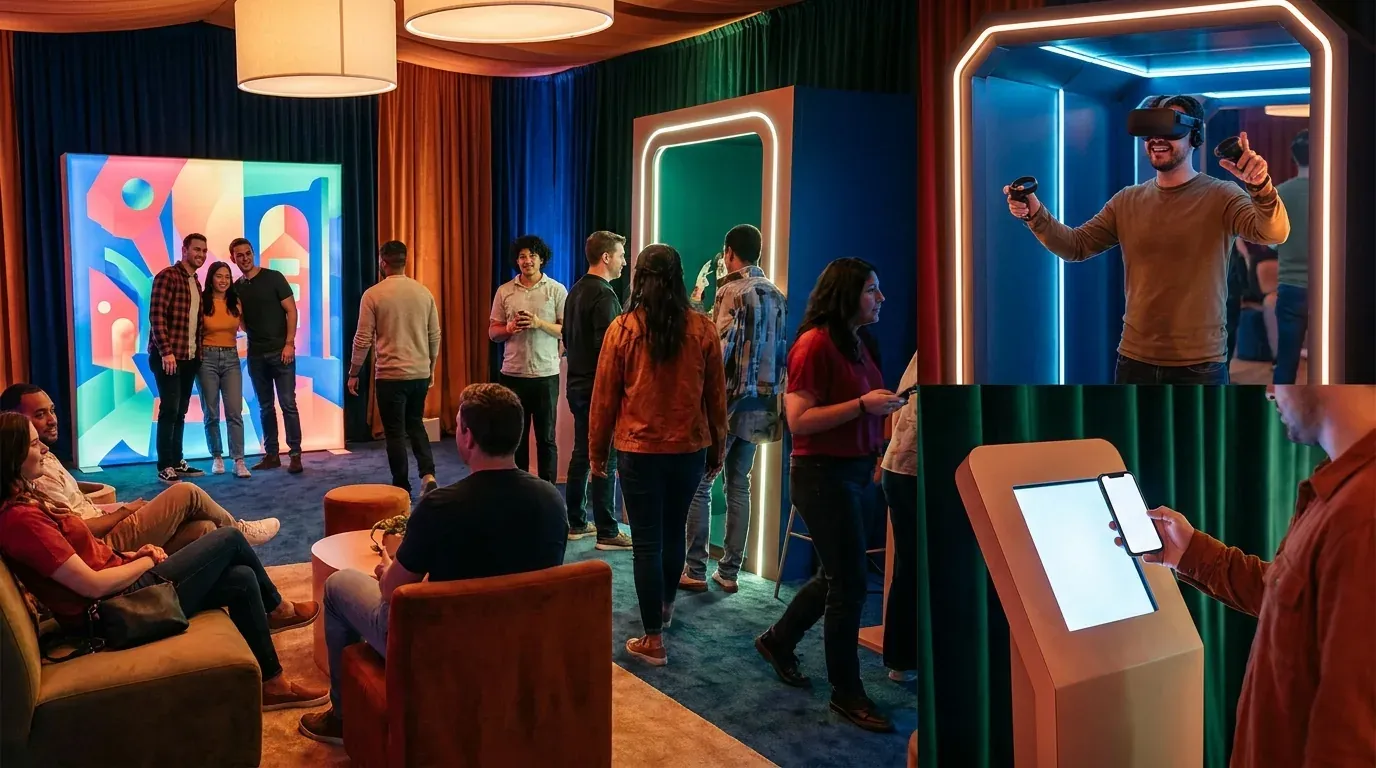
Virtual waiting room software matters more at high-traffic events because crowding compounds fast and small delays become operational problems within minutes. At 50 guests per hour, manual updates are annoying. At 500 joins across a few activation windows, manual updates become the bottleneck. SXSW, CES, and large expo floors all create that kind of pressure (SXSW).
The operational cost of poor queue visibility
Poor queue visibility costs staff time, attendee attention, and floor traffic you may never get back. Once teams lose sight of who is waiting, who has checked in, and who is about to return, every estimate gets softer and every handoff gets slower. Guests feel that drift immediately.
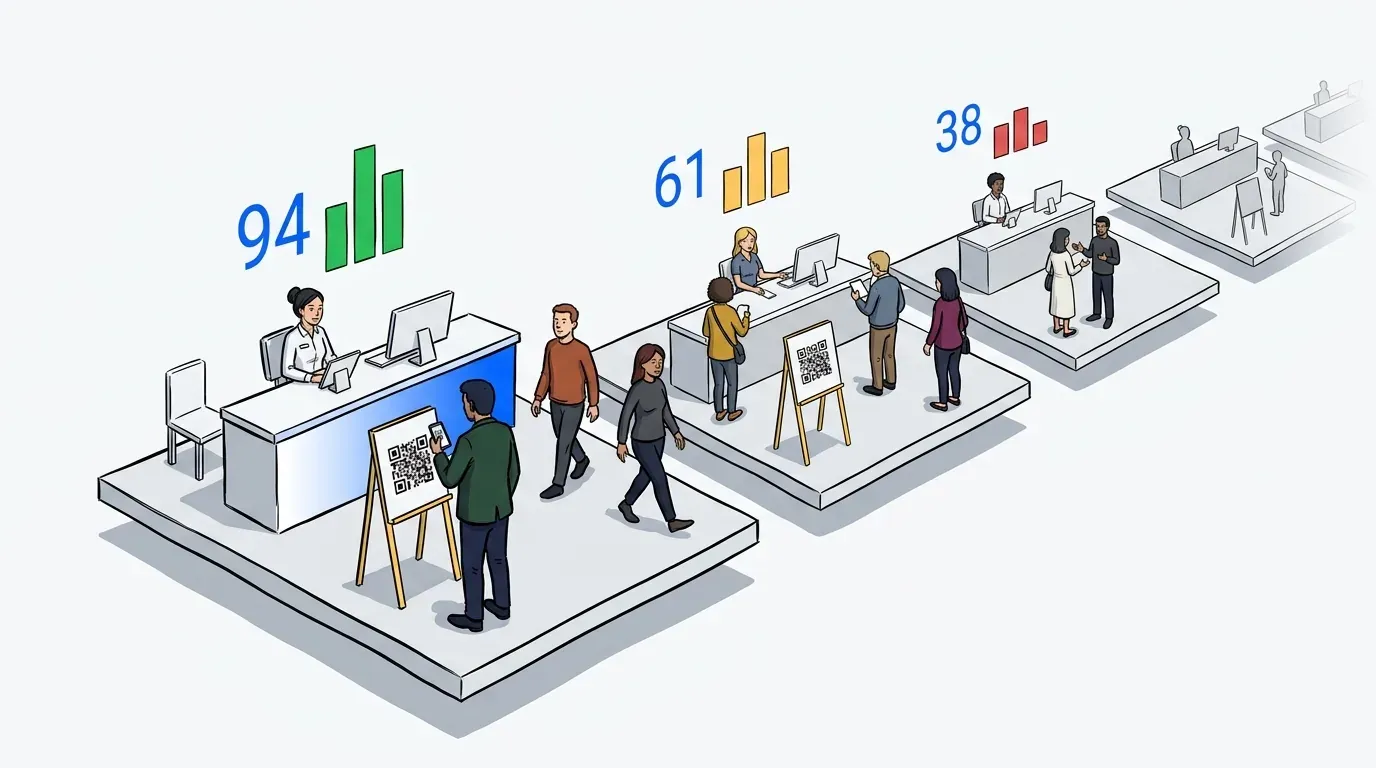
An event lead usually notices the problem in a few signals before the dashboard ever confirms it. Guests start hovering near the booth because they don’t trust the process. Staff begin giving different wait estimates. Return rates dip after the 20-minute mark because nobody knows whether to come back now or later. That pattern is diagnostic. If guests are clustering even though you’ve moved them into a virtual queue, the system isn’t reducing uncertainty well enough.
The hidden cost isn’t only labor. It’s missed engagement. A fan who spends 35 minutes trapped in line isn’t visiting the sponsor lounge, scanning another QR code, or speaking to a sales rep. That tradeoff gets expensive fast at activations where every minute on-site has a media, pipeline, or brand value attached to it.
What to look for in SMS, check-in, and analytics
The right mix is simple: SMS that reaches guests quickly, check-in methods that fit the environment, and analytics that help the team improve the next event. Anything less leaves operators managing the gap by hand.
A useful rule: if staff need more than two separate tools to answer “who is waiting, who is next, and who returned,” the workflow is too fragmented for a busy activation. That threshold matters because event teams don’t have time for system choreography during peak periods.
Buyers should look for:
- SMS updates that confirm entry and signal return timing
- QR, kiosk, or link-based joins, depending on floor traffic
- Live dashboard visibility for staff
- Post-event data on throughput, wait times, and abandonment
- Support for multiple queues when the activation has stations or zones
Honestly, this is where many evaluations go wrong. Teams compare screenshots instead of flow logic. Screens matter less than what happens when 80 people join in eight minutes.
QLESS
QLESS is one of the closest matches for buyers who want mobile-first virtual queue management in high-volume environments. It combines remote check-in, SMS updates, appointment scheduling, and analytics, making it a practical choice for organizations focused on reducing physical lines (Software Advice). Its center of gravity, though, is service operations more than branded event engagement.
QLESS strengths for high-volume service environments
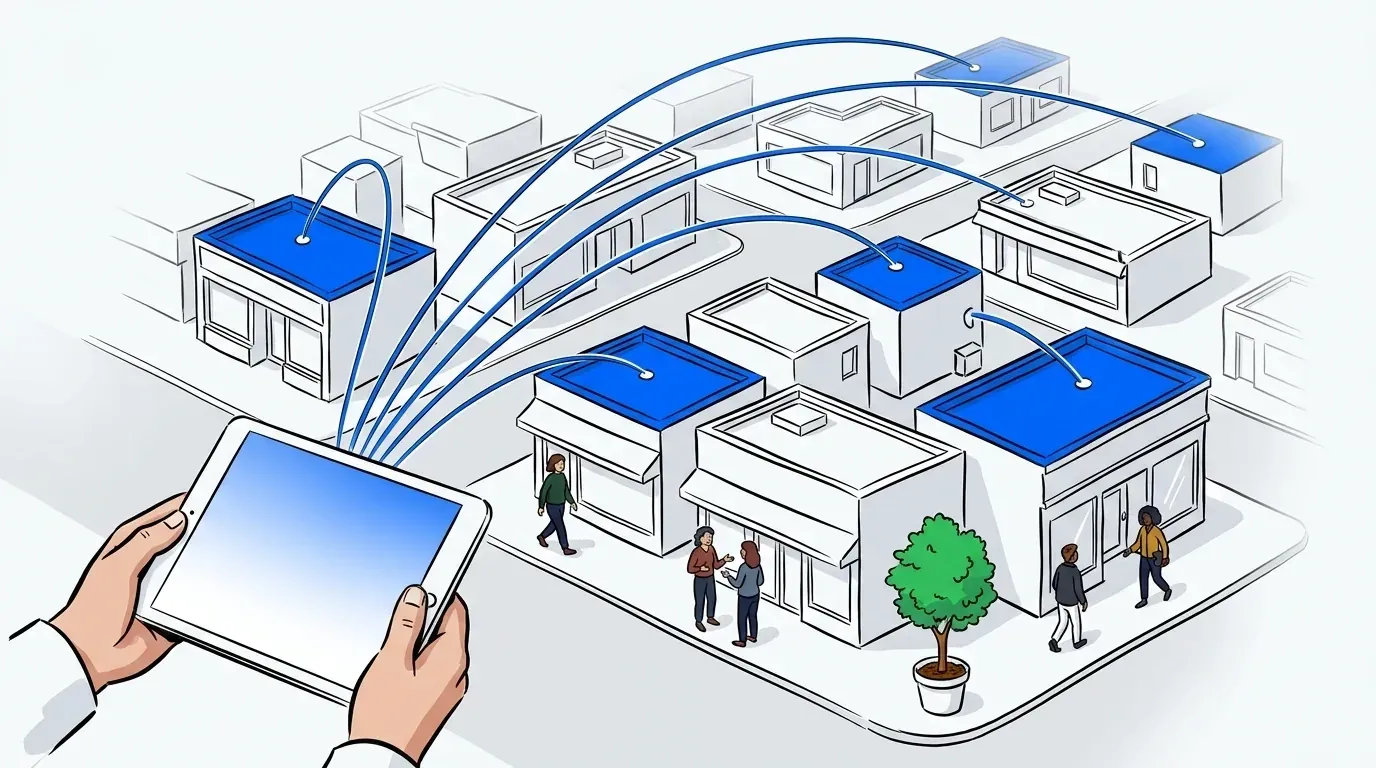
QLESS is strongest when the core problem is line reduction across steady, high-volume service flows. Review listings and product summaries consistently point to mobile queuing, text notifications, and broad deployment across education, government, healthcare, and retail (Capterra).
That matters because those environments share a familiar pattern: guests arrive continuously, need status updates, and benefit from waiting remotely instead of clustering at a desk or entrance. QLESS is built for that. It supports multiple access methods and pairs virtual queuing with appointment capabilities, which gives operations teams room to handle both walk-ins and scheduled traffic (G2 Reviews).
Where it tends to fit best:
- Large service-style attendee flows
- Teams prioritizing operational flexibility
- Buyers who want queue tools plus appointments
- Organizations comfortable with custom sales evaluation
QLESS limitations for branded event activations
QLESS is less naturally positioned for sponsor-driven event activations where the waiting experience itself is part of the brand moment. Its value proposition leans harder toward operational efficiency than toward branded wait-time engagement.
That distinction sounds subtle. It isn’t. A conference help desk and a product launch booth may both need a queue, but they don’t need the same queue experience. One needs order. The other may need order plus content, follow-up prompts, brand continuity, and a smoother handoff back into the activation.
Custom pricing can also slow early qualification, and review feedback points to occasional glitches or cost concerns for some buyers (Software Advice; G2 Reviews). If the event budget needs clarity before procurement starts, that can become a practical hurdle.
How NextMe is Different: NextMe is built for event and activation teams that want the virtual wait room to do more than manage queue order. Verified event use cases show QR and kiosk joins, text updates, staff control during live demand spikes, and Event Insight Reports that tie wait activity back to booth performance.
Qminder
Qminder is a practical option for teams that want fast deployment, kiosk intake, and straightforward queue management. It performs well in front-desk environments where ease of use matters more than heavy workflow customization, and review sources consistently highlight quick setup and accessible operation (Software Advice).
Qminder strengths for fast front-desk deployment
A fast rollout is Qminder’s clearest advantage. In offices, clinics, service counters, and similar environments, that matters because teams often need a system working this week, not after a long implementation project.
Its kiosk model and service dashboards also make sense in places where guests physically arrive at a desk, register, and wait nearby. That operating style translates reasonably well to some event check-in zones, especially controlled environments with a single entry point. Category comparisons also place Qminder firmly in the queue-management group rather than the pure scheduling group (QueueAway; DevOpsSchool).
A simple decision rule helps here: if the event experience behaves like a front desk, one main intake point, one waiting area, one service path, Qminder is worth a close look. If the event has multiple stations, roaming guests, and sponsor-led engagement goals, the fit gets less obvious.
Qminder limitations on customization and event branding
Qminder becomes less compelling when buyers need the waiting experience to feel branded, flexible, and activation-specific. That’s not a knock on the product. It’s a reflection of what it was built to solve first.
At an expo booth, guests may join from a QR on a pillar, wander to another area, return for a demo, then be routed to a secondary station. That’s a different choreography than a front-desk queue. Some advanced capabilities also sit on higher plans or require extra configuration, and pricing context suggests it starts higher than lightweight SMB tools (Software Advice; Capterra).
How NextMe is Different: NextMe fits experiential teams that need guests to join by QR, kiosk, or link, then stay mobile until it’s time to return. It also supports branded virtual waiting room content and post-event reporting, which matters more when the queue is part of the activation, not just a front-desk function.
JRNI
JRNI is an enterprise platform for organizations that need appointments, queues, and event-related workflows across multiple service models. Its public materials emphasize configurability, multi-location use, and customer-facing journey management, which makes it a stronger fit for enterprise standardization than for lightweight event ops (JRNI Golf; JRNI Banks).
JRNI strengths for enterprise workflow complexity
JRNI stands out when the buyer has more than one service motion to manage. Think consultations, product demos, personal shopping, branch appointments, and walk-ins all living under one operational umbrella.
That kind of complexity is real. Large brands don’t always need a single event tool. Sometimes they need a customer engagement system that also covers event-like interactions across many locations. JRNI’s positioning reflects that, and its retail traffic content reinforces the idea of operational visibility during high-demand periods (JRNI Black Friday).
If a buyer has:
- Multiple service types
- Many locations
- Centralized operations requirements
- Internal IT support then JRNI deserves serious consideration.
JRNI limitations for lighter-weight event teams
JRNI can be more system than a short-term activation needs. That is often the tradeoff with enterprise software: the breadth is valid, but so is the overhead.
For event teams running a three-day expo, a roadshow stop, or a fan experience pop-up, the deciding factor is often deployment friction. If setup, approvals, or implementation timelines stretch too far past the event calendar, the tool may be right in theory and wrong in practice. Public pricing is also not transparent, which can slow evaluation for leaner teams (JRNI Resources).
How NextMe is Different: NextMe is more purpose-built for in-person guest flow at live events where speed matters. Verified deployments include high-traffic demos, QR and kiosk entry, text-based status updates, and analytics used after the event to understand throughput, wait tolerance, and staffing decisions.
Booxi
Booxi blends bookings, event management, and queuing with a retail-first perspective. It is a credible option for brands that want appointment-led experiences tied to in-store operations, especially across store networks (Booxi Peak Season).
Booxi strengths for retail-led booking and queuing
Booxi’s strength is context. It knows the retail environment well, and that shows in how it talks about peak season queue pressure, store operations, and appointment-backed service models.
That can be useful for exhibitors or brands whose event experience closely mirrors retail consultation. A beauty brand running one-on-one shade matching at a sponsored lounge may find that model familiar. Third-party coverage also points to clearer pricing context than many enterprise tools, with a starting point around the mid-market range for multi-location retail needs (Merchant Maverick).
It tends to fit buyers who want booking and queuing connected, not separated.
Booxi limitations beyond retail use cases
Booxi looks less tailored to dense event activations outside retail. Reviews and comparisons also point to limits around payments, online booking quality, or broader integrations depending on the use case (The Salon Business; GetApp).
That matters when the event is temporary, high-volume, and built around throughput instead of store operations. A trade show booth with rotating demos, sponsor messaging, and returning guests has a different rhythm than a recurring in-store consultation flow. Same category. Different floor reality.
How NextMe is Different: NextMe is more event-centric when teams need digital queuing for temporary activations, high-volume text updates, and multiple service stations running at once. It also gives organizers branded guest engagement inside the virtual waiting room instead of treating waiting as dead time.
Verint
Verint is the most enterprise-oriented platform in this group, with a broader focus on workforce management, forecasting, automation, and customer engagement. Queue orchestration sits inside that larger stack, which makes it relevant for complex service organizations but less naturally aligned to event-first buying criteria (Verint WFM; Destination CRM).
Verint strengths for enterprise orchestration and forecasting
Verint makes sense when queuing is just one operational layer in a broader service system. Analyst coverage and vendor materials both emphasize automation, workforce planning, and AI-assisted orchestration across customer experience programs (CACube Consulting; Opus Research).
That’s powerful. It’s also a different buying motion. An event marketer usually isn’t trying to optimize intraday staffing across a branch network. A large enterprise operations leader might be. If queue performance needs to tie into forecasting, staffing, and enterprise service automation, Verint is in the conversation.
Verint limitations for event-focused buyers
Event-focused buyers may find Verint too broad for the problem at hand. Custom pricing, heavier implementation expectations, and an enterprise service lens can all be valid, but they can also create distance from what a booth team actually needs on the floor.
There’s also a real tradeoff here. Big orchestration systems can produce more control at scale. They usually ask for more process in return. For a live activation with narrow timing windows, that tradeoff is not always worth it.
How NextMe is Different: NextMe is centered on onsite guest flow for live experiences. It lets guests wait from their phones, return when called, and move through shorter physical lines, while staff use live queue controls and post-event insight reporting to improve the next activation.
How NextMe fits event and activation teams
NextMe fits exhibitors, brand experience managers, experiential agencies, and event organizers that need to reduce long lines without turning the wait into friction. It is especially strong when the queue must support both operations and branded engagement. That combination matters most at activations where guest flow affects sponsor value, lead capture, and booth performance.
How NextMe differs for branded virtual waiting rooms
A line is not always the problem. A long line is.
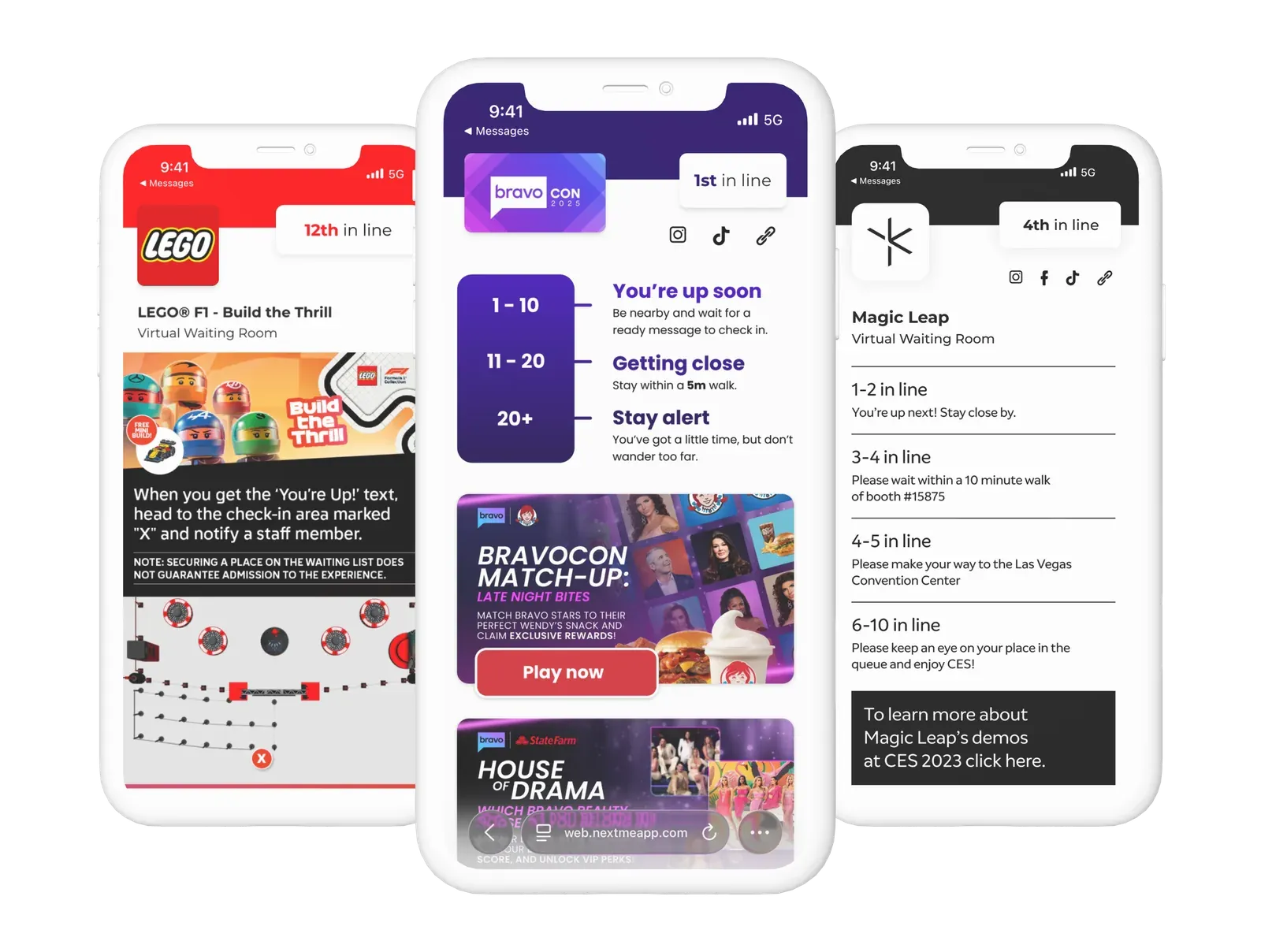
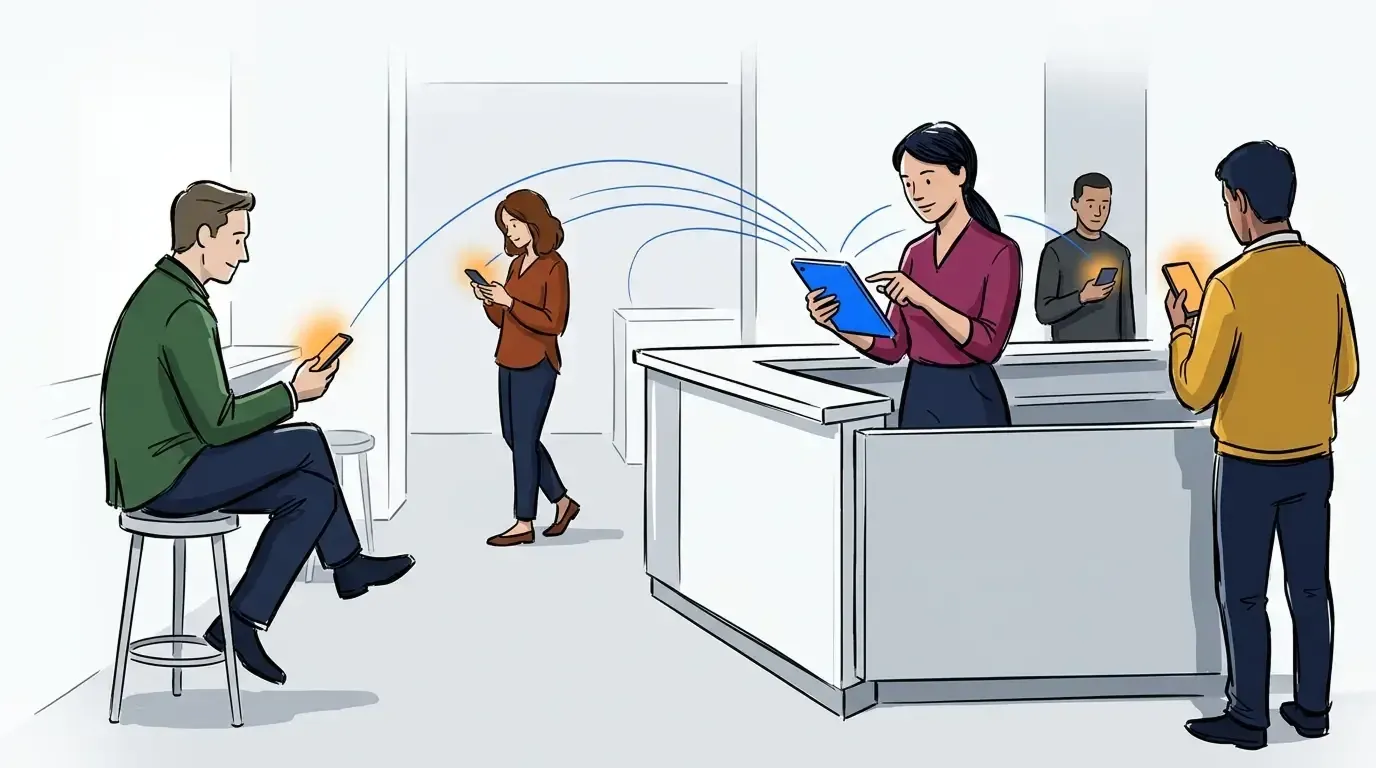
That distinction changes what teams should buy. Some tools are built to eliminate physical lines. NextMe uses a hybrid model instead. Guests join virtually, get text updates, and return to a shorter physical line when space opens. For events, that approach keeps enough visible demand to signal interest without letting the crowd become the deterrent.
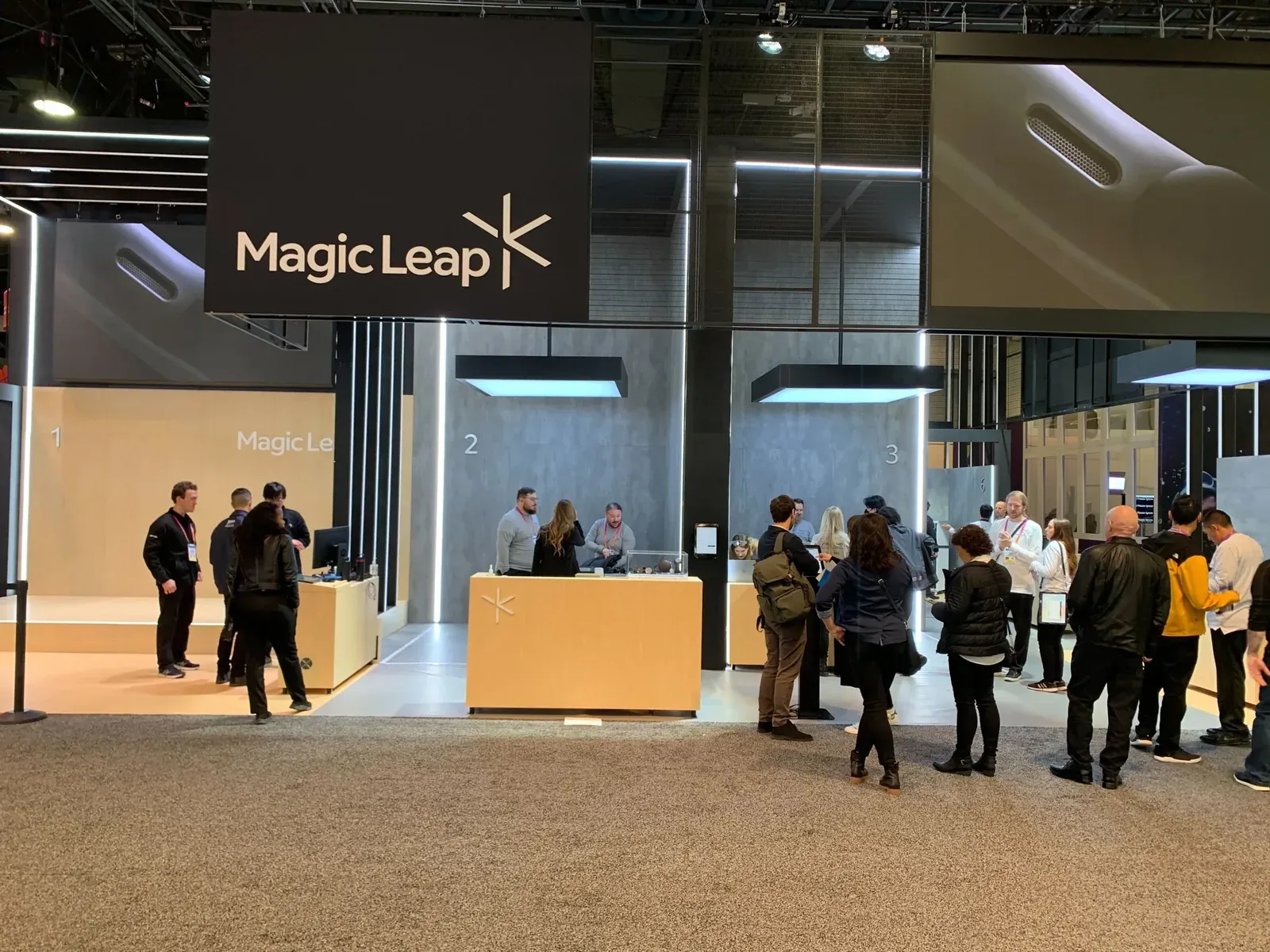
The branded virtual waiting room matters for the same reason. Waiting time can carry sponsor messaging, app prompts, or activation content instead of becoming a blank delay. Verified event deployments support that story with real outcomes: Magic Leap managed about 1,200 demo visitors per day at CES, increased attendee throughput by 20%, and saved attendees about 1 hour and 20 minutes each by freeing them to wait away from the line. Deckel & MoneyPenny’s GE Appliances exhibit increased 1:1 consultation time by 35% and avoided more than $5,000 in pager costs. Biostrap captured 30% more leads to retarget after its conference event. Brand Apart used the virtual waiting room to keep attendees engaged and create added sales opportunities.
The product fit shows up in a few concrete mechanics:
- QR codes, kiosk, or link-based joins
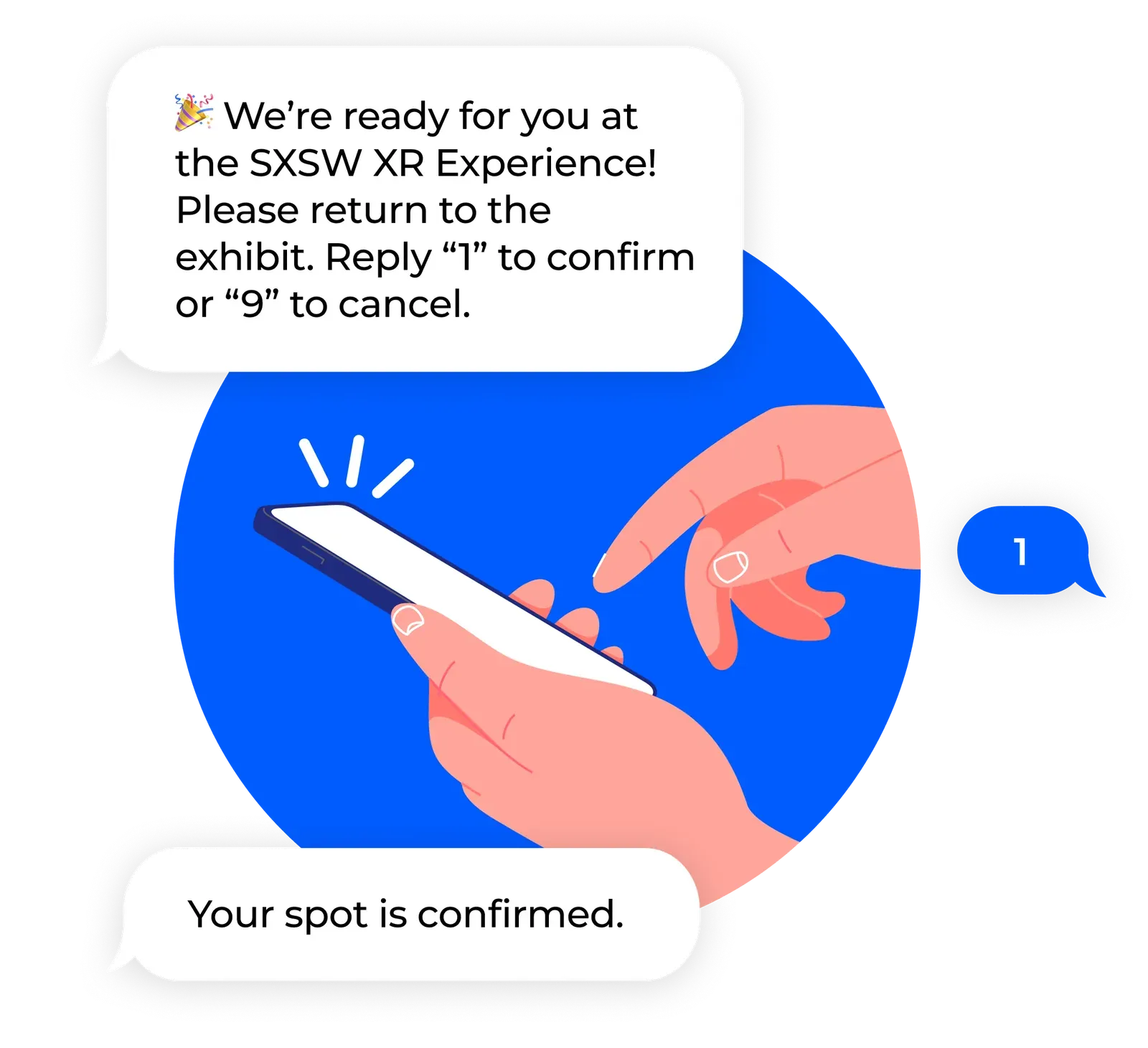
- SMS updates while guests stay mobile
- Multi-queue support for multi-station activations
- Staff dashboard control during live demand spikes
- Event Insight Reports after the event
If you need the waiting experience itself to carry part of the event value, see it in action.
Where NextMe fits best by event use case
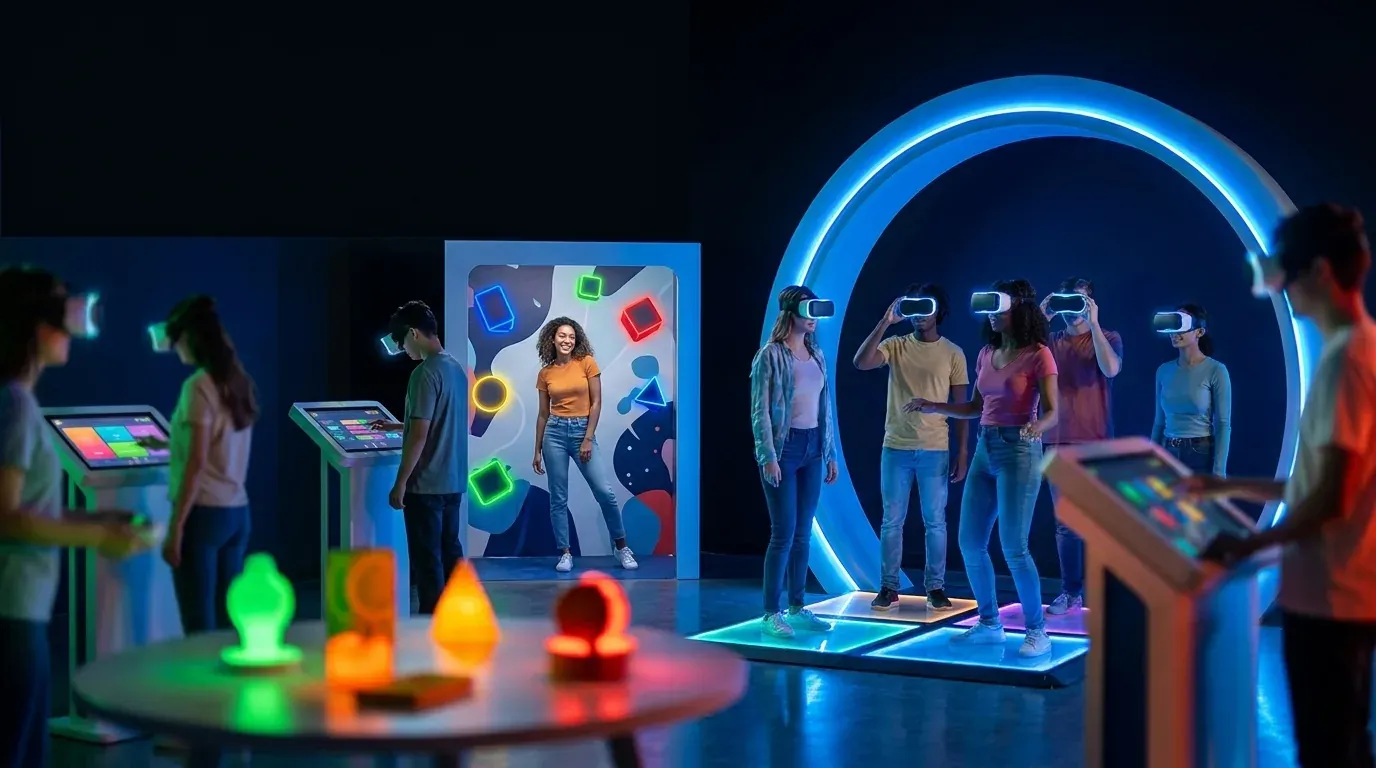
NextMe is best suited to teams running live activations where flow, engagement, and reporting all matter. That includes exhibits with product demos, sponsor-led booths, fan experiences, recruiting activations, and high-traffic conference stations.
A simple fit test helps. If the queue’s only job is to reduce a line, QLESS or Qminder may be enough. If the queue also needs to support brand experience, guest mobility, and post-event insight, NextMe is usually the better match. If the event sits inside a large enterprise service program with deeper workflow standardization needs, JRNI or Verint may fit that mandate better.
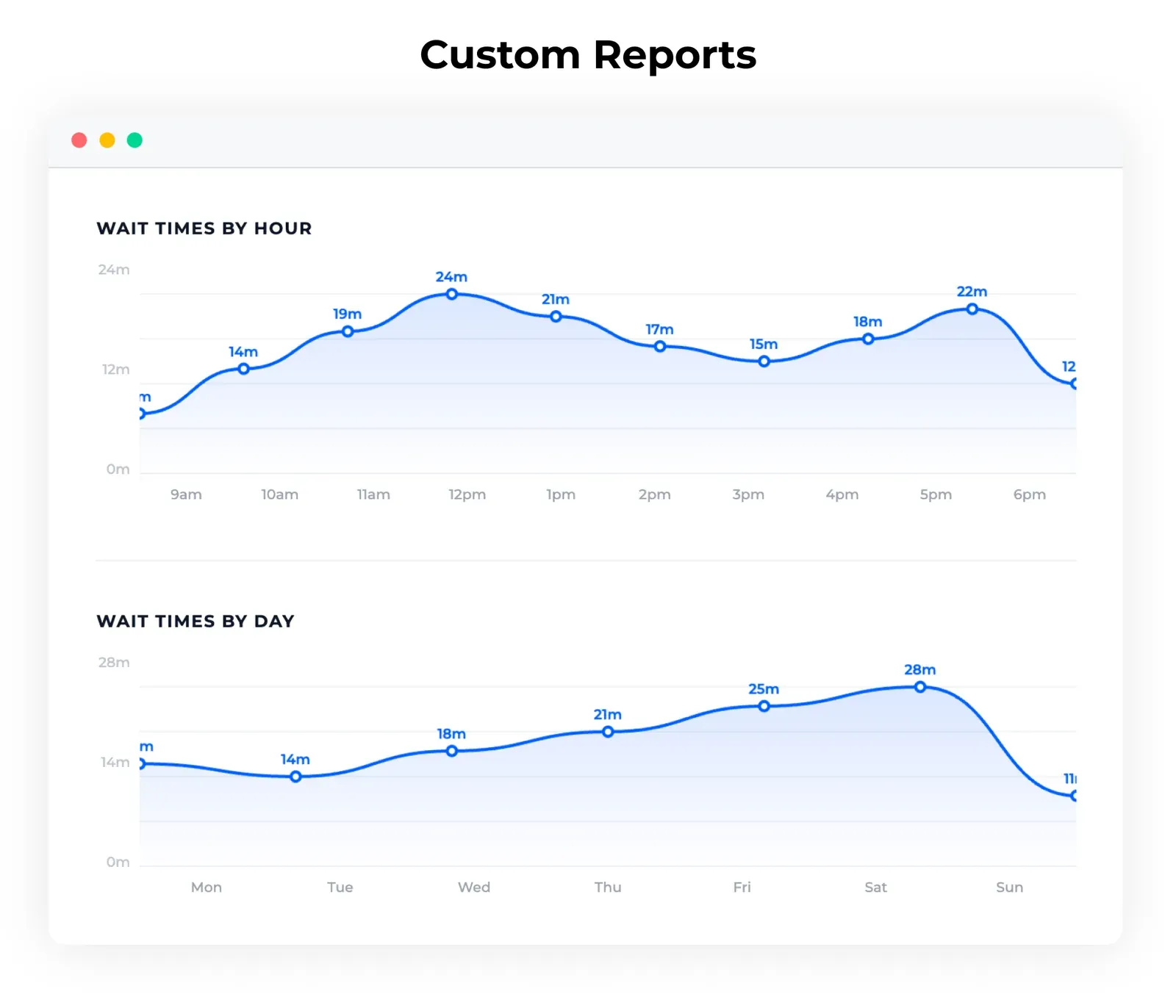
That’s the honest split. Not every buyer needs activation-led queue design. Some do. Those teams tend to notice the difference quickly.
| Platform | Core Use Case | Check-In Options | SMS Notifications | Appointment Support | Analytics | Branding/Engagement | Multi-Location or Multi-Queue Support | Pricing Model | Best-Fit Buyer | Key Limitation |
|---|---|---|---|---|---|---|---|---|---|---|
| QLESS | High-volume virtual queuing | Mobile, web, kiosk, text (Software Advice) | Yes | Yes | Yes | Limited event-first emphasis | Broad queue coverage | Custom quote | Service-style event operations | Less centered on branded activations |
| Qminder | Front-desk queue management | Kiosk and in-location intake (Qminder Blog) | Yes | Yes | Yes | Limited customization for branded events | Multi-location support | Subscription | Ops teams needing quick deployment | Less activation-specific |
| JRNI | Enterprise appointments plus queues | Configurable enterprise workflows (JRNI Golf) | Yes | Yes | Yes | Not focused on wait-time engagement | Strong multi-site support | Contact sales | Large enterprise teams | Heavier deployment |
| Booxi | Retail booking and queuing | Booking and queue tools for store environments (Booxi Peak Season) | Yes | Yes | Yes | Retail-oriented | Multi-store support | Subscription | Retail-led brands and exhibitors | Less tailored to temporary event surges |
| Verint | Enterprise service orchestration | Enterprise workflow-dependent (Verint Buyer Guide) | Yes | Yes | Strong | Limited event branding focus | Enterprise scale | Custom pricing | Enterprise ops leaders | Broader than many event teams need |
| NextMe | Virtual waiting room for live events | QR, kiosk, or link joins | Yes | Flexible time-window bookings | Event Insight Reports | Branded virtual waiting room | Multi-queue event support | Freemium and event-based sales | Exhibitors, agencies, brand experience teams, event organizers | Advanced event plans require sales conversation |
The short version is simple. Choose the tool that matches the job.
QLESS is a solid fit for large service-style flows. Qminder works well when speed to launch matters. JRNI and Verint fit buyers with broader enterprise workflow demands. Booxi makes sense when the event model is closer to retail booking and service.
NextMe fits the teams in the middle of event reality: too much live demand for a basic scheduler, too much brand value at stake for a plain queue tool, and too little patience for guests to stand in one place the whole time. If that sounds like the operating problem on your floor, book a demo to evaluate the fit against your actual activation setup.
Some teams only need line control. Others need line control, guest mobility, and a branded waiting experience that still feels organized when traffic spikes. That’s the real buying decision. If you want to talk through your event format, queue volume, and reporting needs, get in touch.