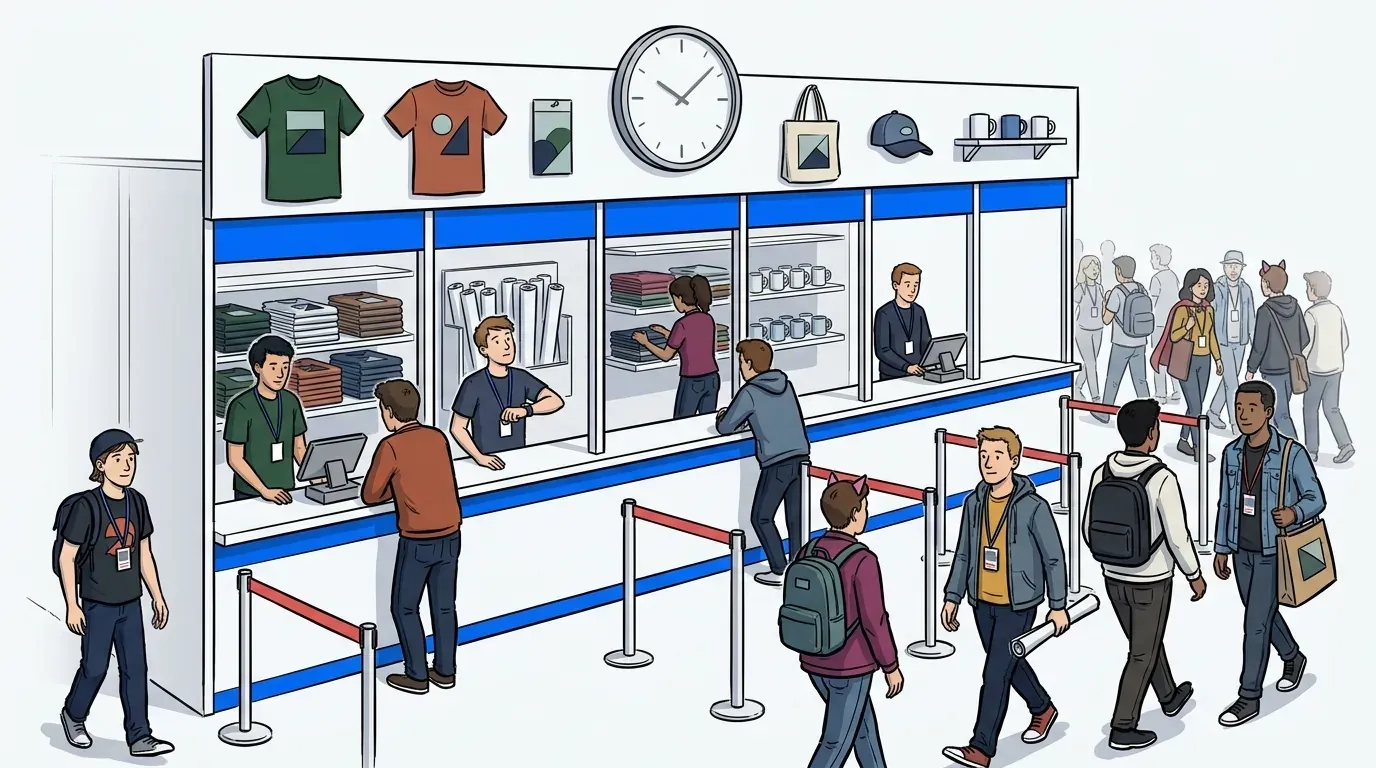
We see this one play out constantly. An event producer books a talent appearance or a demo station, reaches for Calendly or Acuity Scheduling because it’s already on the laptop, and publishes a clean grid of 10-minute slots.
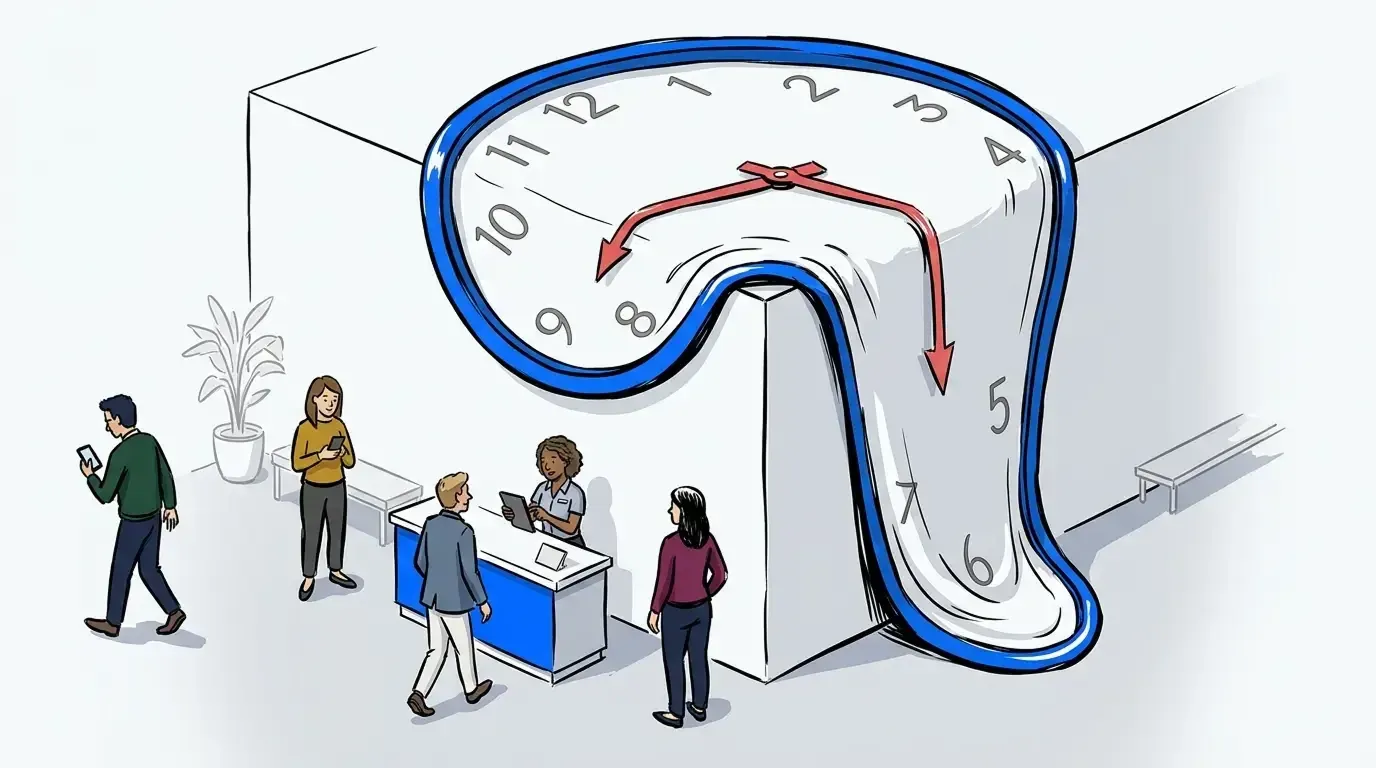
It holds for about an hour. Then the talent runs late. A guest brings a few friends. A session lets out early and 40 people arrive at once for slots that were spoken for days ago. By mid-afternoon the schedule is fiction. Staff apologize instead of moving guests, and a station two rooms over sits empty because nobody knows it’s open.
Event appointment scheduling software isn’t failing there because it’s badly built. It comes from a world of salon chairs and exam rooms, where one provider serves one guest on a clock that mostly holds. Live events break all three of those assumptions. This post covers which ones break first, and what to run in their place.
What event appointment scheduling software actually does
Event appointment scheduling software assigns guests to a fixed time slot at a single service point and reminds them before it arrives. It treats capacity as a calendar: every slot is a container, and once the containers are full, the day is booked. The model works when service duration is predictable and only one thing is happening at a time.
That description covers most tools marketed to event teams. They handle the booking well. They also inherit a set of assumptions from the industries they were built for, and those assumptions are where the trouble starts.
The three big assumptions:
- Service duration is stable.
- Guests arrive when they said they would.
- There’s one place to be.
Those assumptions hold up well enough for a clinic or a salon. On an activation floor, none of them do.
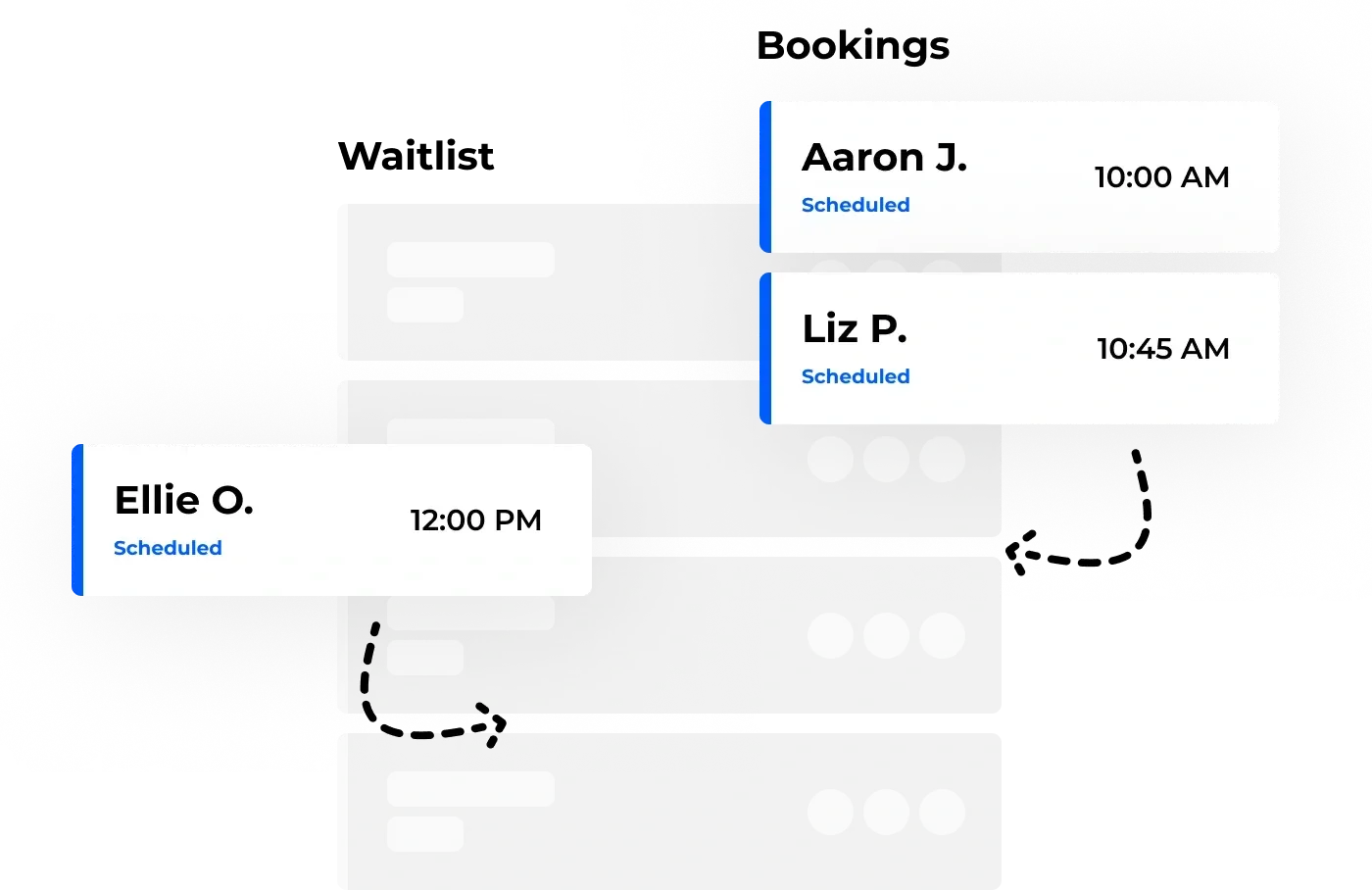
Worth saying plainly: scheduling itself isn’t the problem. NextMe includes appointment booking precisely because plenty of event moments genuinely are scheduled. A panel starts when it starts. A VIP session is sold against a time. The problem is running an event on scheduling alone.
Where the assumptions break on an event floor
Service duration is the first to go. A photo op that averages 90 seconds stretches to 4 minutes when a guest needs help with a costume, and the variance isn’t random. It clusters. The guests who take longest tend to arrive together, because the fans most invested in the experience show up early and stay late.
Arrival timing is the second. Guests don’t pace themselves to a schedule you published. They flood out of a keynote, they follow a social post, they walk past and see something happening. A schedule built in advance can’t absorb a crowd that formed 6 minutes ago.
The third assumption is the one nobody names, and it’s the expensive one. Scheduling software assumes a single service point. Give it several and it will happily maintain several independent calendars, but it has no concept of the floor those calendars sit on. It can’t tell you that one station is backed up while another is idle, and it certainly can’t move anyone between them.
If the rigidity question is what you’re weighing, our earlier breakdown of flexible scheduling for event operations leaders goes deeper on time windows versus fixed slots. This post is about the floor-level problem underneath it.
Running several queues in one footprint
Here’s the pattern most hospitality and activation teams actually face. You’ve got 3 or 4 experiences running at once inside one space. Guests arrive, see whichever one is nearest or loudest, and stack up there. The rest of the footprint sits empty while one corner becomes a crush.
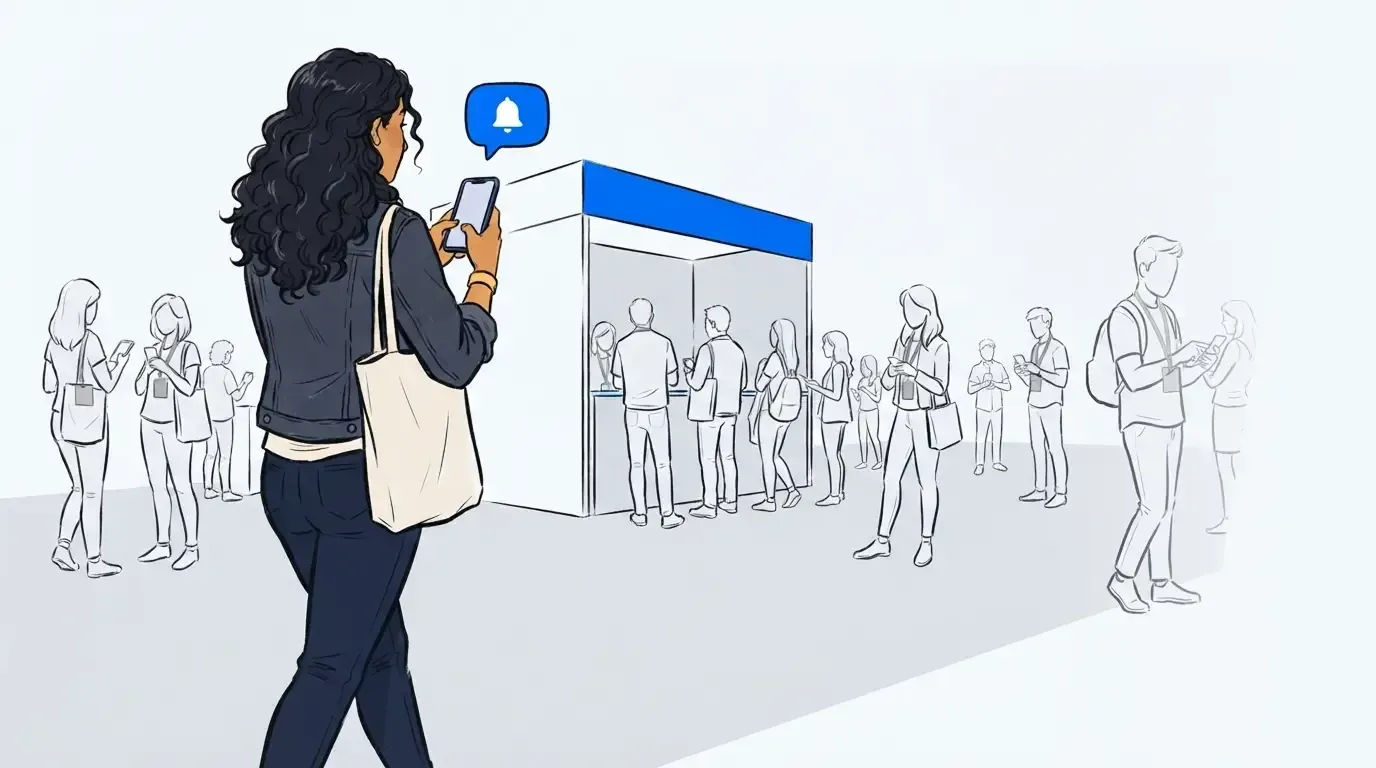
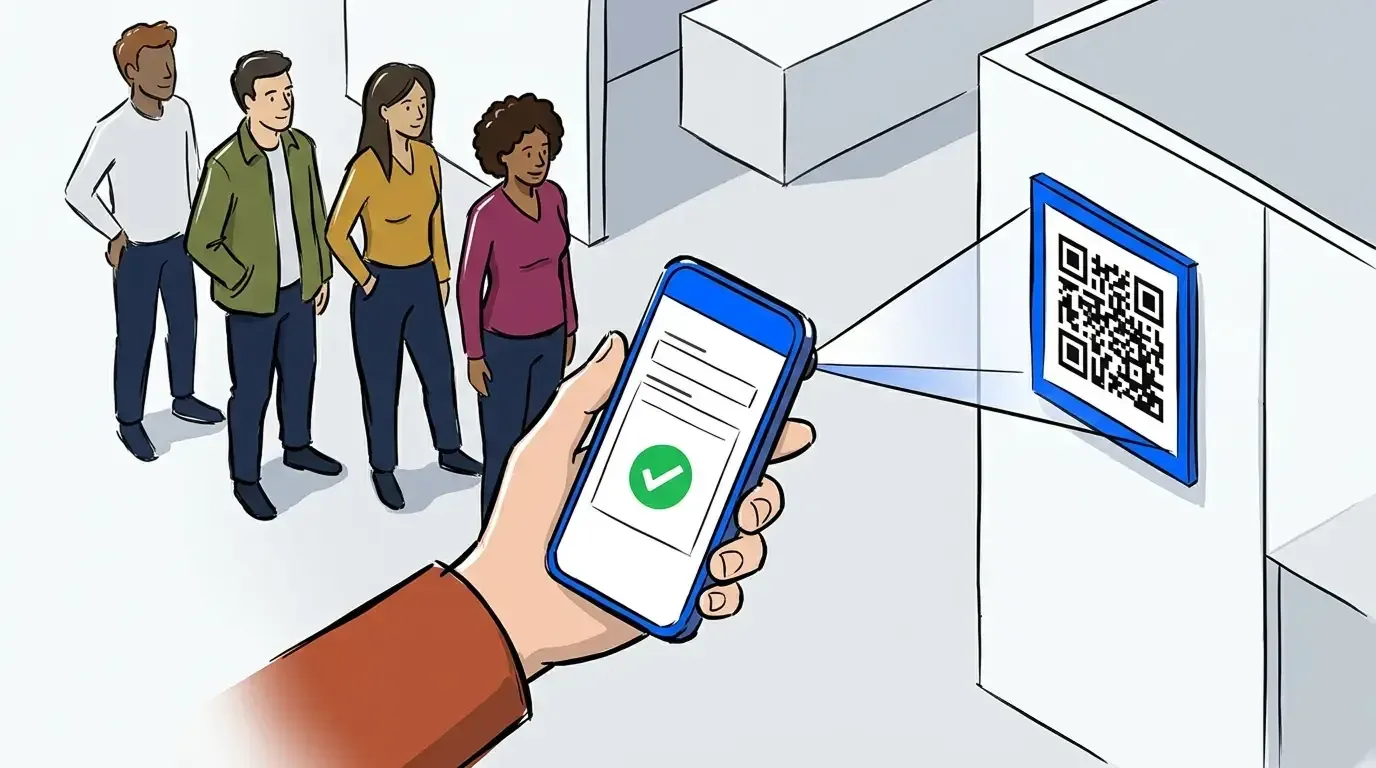
A visible line is useful. It signals that something good is happening, and event teams shouldn’t try to erase it. The goal is controlling how long it gets and where it forms. When guests can check in by scanning a QR code and then hold their place from anywhere in the space, the line stops being the only way to keep your spot.
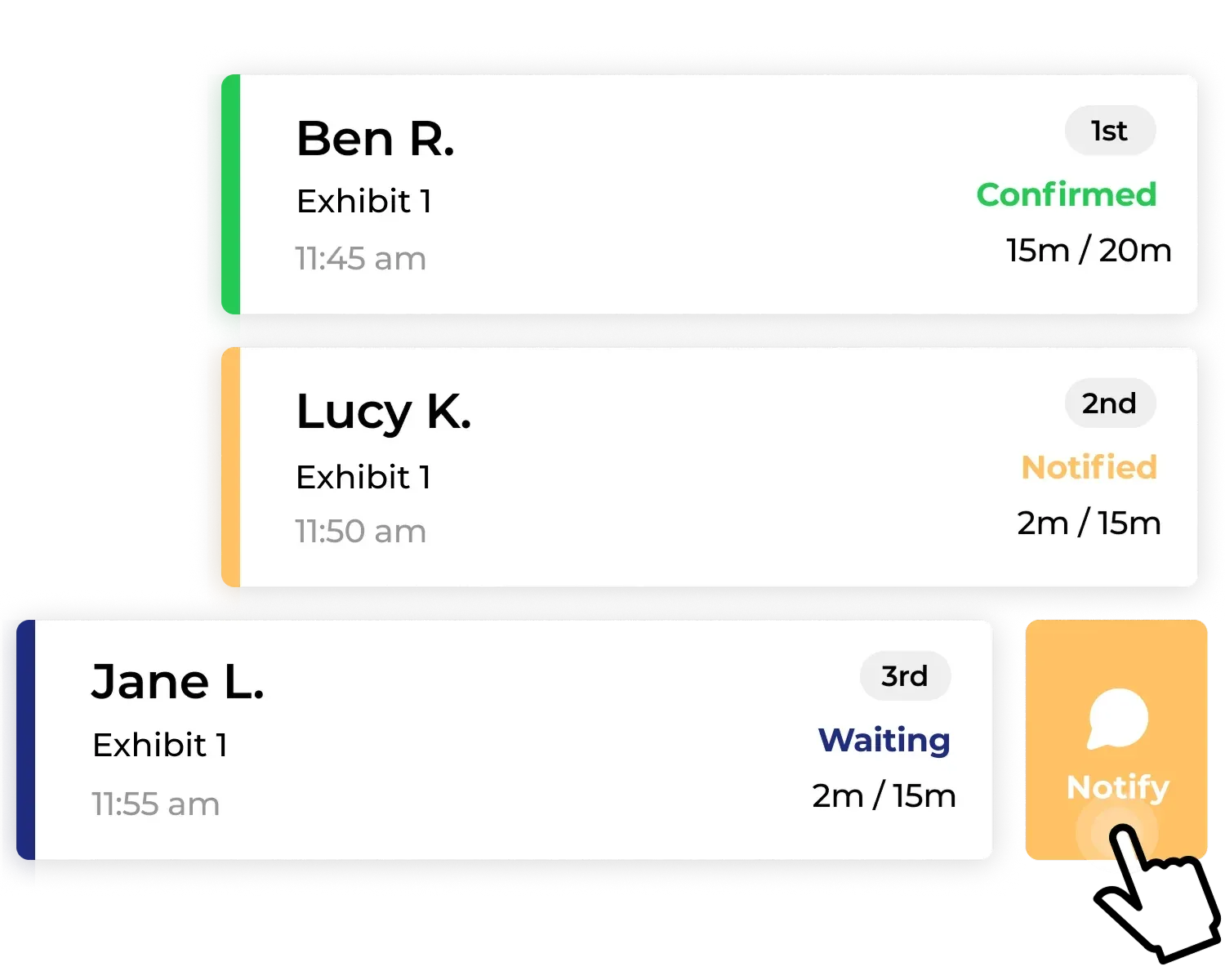
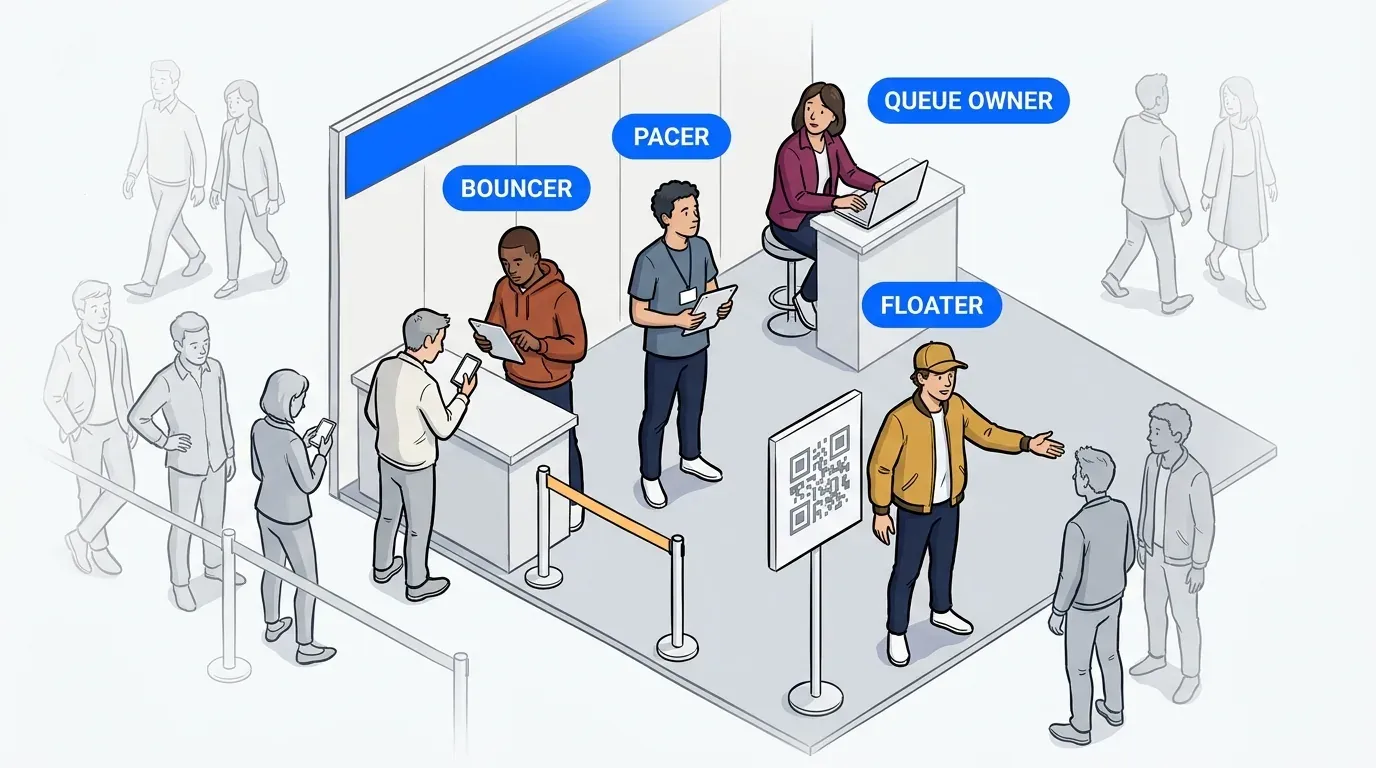
NextMe runs one queue per station, and the picture changes. Each station holds its own dial. Staff at a photo op that’s backing up can pause intake without radioing anyone. Staff at a station that’s moving fast can pull the next 6 guests forward. Guests can hold a place in more than one queue, which spreads demand across the footprint instead of concentrating it.
HudsonGray standardized its appointment waitlist across talent at San Diego Comic Con and saw fewer complaints from attendees and staff, plus wait time data it could use to plan the following year. Managing a first-come line alongside premium access on one system is a related problem, and our guide to VIP event access covers the tiering side of it.
That’s the difference worth naming. A scheduling tool can hold several calendars at once, but it has no view of the floor and no way to move anyone between them. NextMe treats the stations as one system: staff see every queue, guests see where they stand, and the operator can shift load while the event is still running.
What the hybrid setup looks like onsite
Hybrid means part of the line stays physical and part moves virtual, and you set the split. That’s worth stating directly, because teams evaluating virtual queue software for events often assume the physical line disappears entirely. It doesn’t. You cap it.
The flow runs like this:
- Guest scans a QR code at the station or anywhere in the space
- Guest picks which experience they want, or joins more than one
- Guest gets a text confirming their place and a link to track position
- Guest explores the hospitality space while the virtual waiting room shows where they stand
- Staff trigger a text when the station is ready, naming where to go
- Guest returns to a short stand-by line instead of a long one
That sixth step matters more than it looks. The text has to route people to the right place, because in a multi-station footprint “you’re up” isn’t enough information. United Airlines ran virtual queue and appointment management together across a brand activation for exactly this reason.
Why this decision can’t wait until doors open
Most operational problems at an event can be solved reactively. You can pull staff from a quiet station, open a second check-in point, or move a stanchion. Queue infrastructure isn’t like that. You can’t stand one up while 200 people are already waiting.
Whatever you have in place when doors open is what you’re running all day. Setup costs almost nothing in advance and is impossible in the moment, which makes this a timing decision more than a severity one. Nobody chooses to run a bad line. It just never becomes the priority against staffing, layout, vendors, and same-day fires.
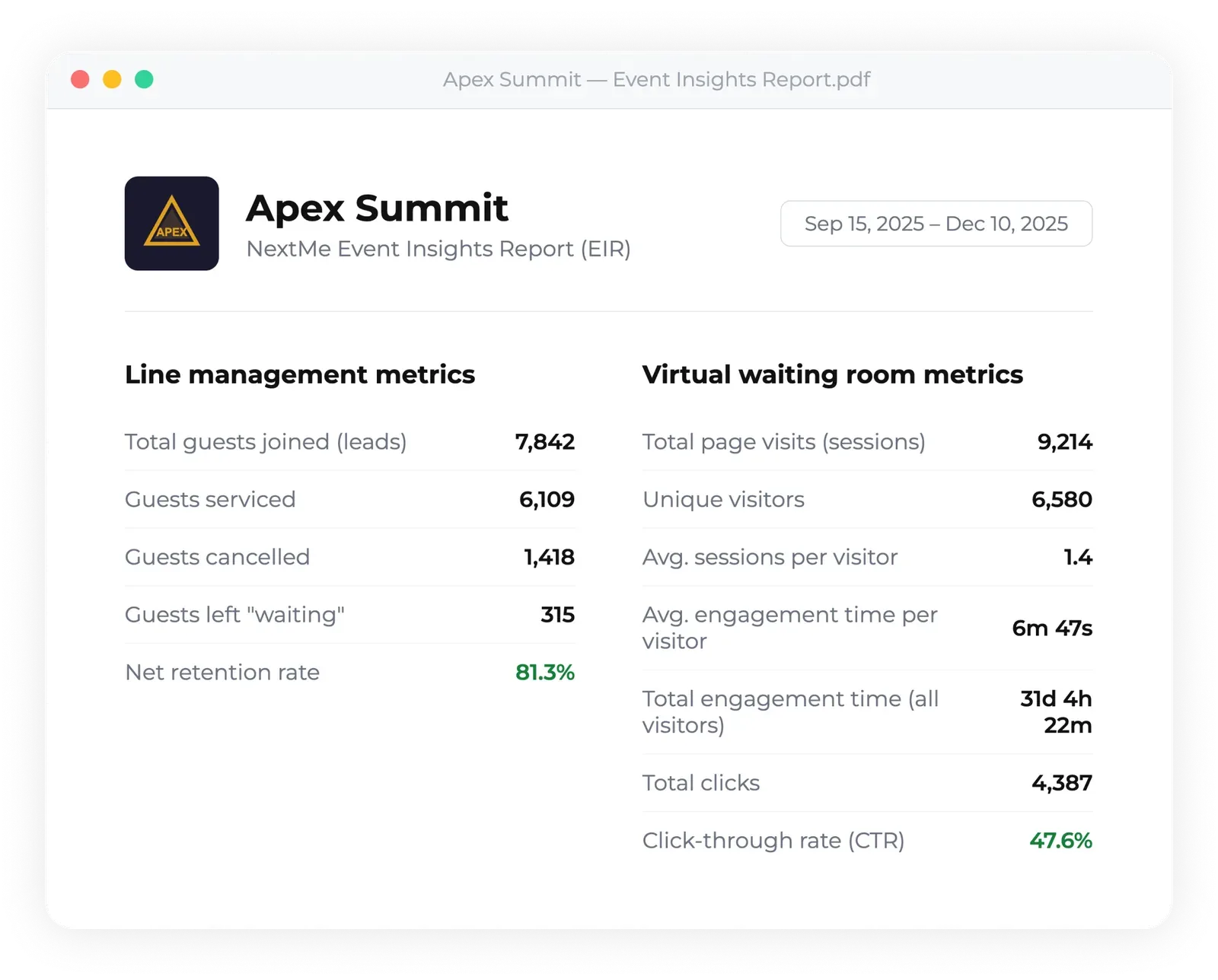
There’s a reporting argument too. Event investment keeps climbing, and Event Marketer’s EventTrack 2026 study of more than 1,000 Fortune 1000 marketers and attendees found experiential moving from tactic to strategic centerpiece. Budgets at that level get asked for numbers. A queue system gives you throughput by station, wait times, and return rates. NextMe reports all of it per station and across the whole footprint, so you can show which experience actually moved people. A published schedule gives you the plan, not what happened.
The takeaway
Appointment scheduling software isn’t wrong. It’s built for a room where one person serves one guest on a clock that holds, and it does that job well. Live events don’t behave like that. They run several experiences at once, on timing that moves, for a crowd that decides in the moment where to stand.
The fix isn’t a looser schedule. It’s a queue per station, a physical line you cap rather than eliminate, and a text that tells each guest exactly where to go and when. Set that up before doors open, because it’s the one thing you can’t add once the crowd arrives. See how NextMe handles queue management for events across every station on your floor.