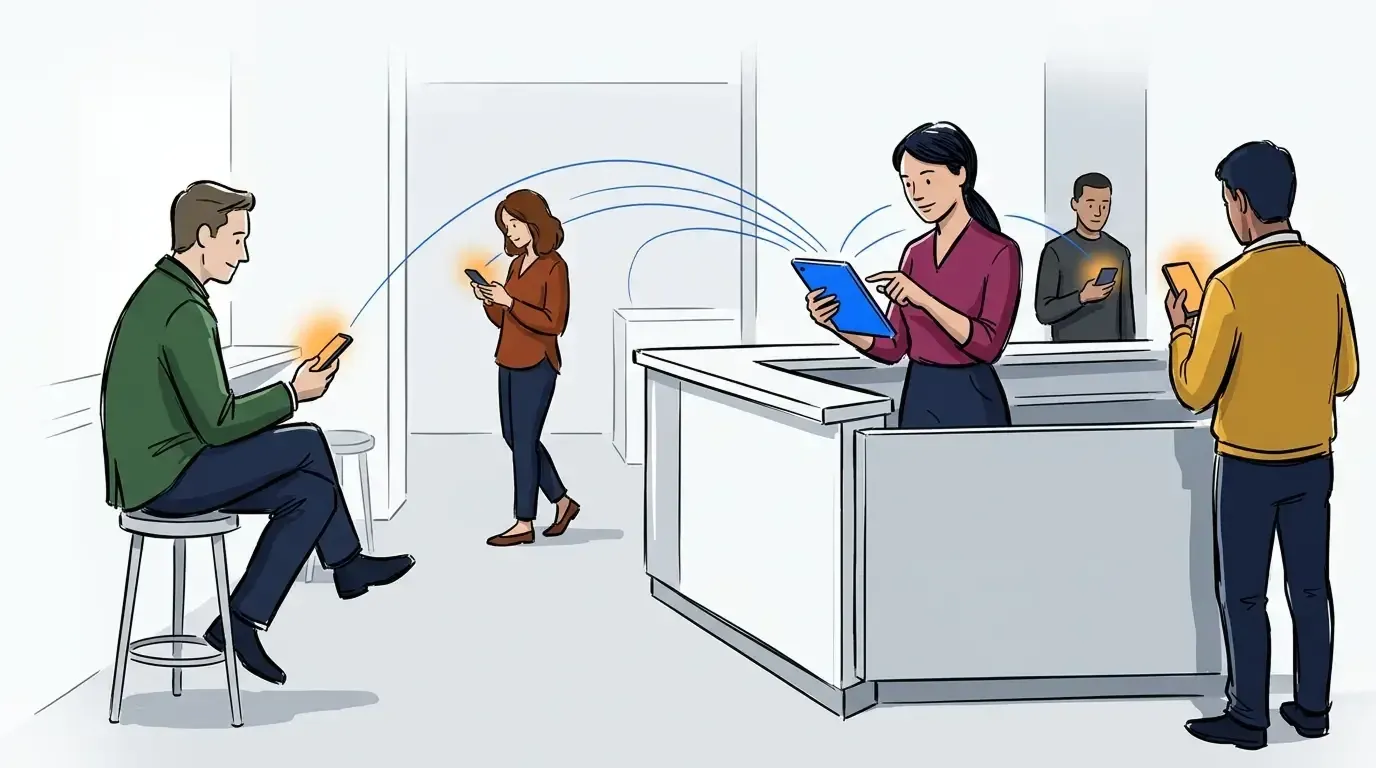
A virtual queue isn’t that complicated when you have one location. A guest scans a code and adds themselves, they get a text when they’re ready, and the list takes care of itself.
Adding more locations raises the bar on five things:
- Small inefficiencies add up. Every extra tap happens a thousand times a day instead of twenty.
- Visibility across sites. Looking at location data side by side shows what’s working at each site and what isn’t.
- Software that keeps up. Your waitlist has to stay current when every location is busy at once.
- Control over who can do what. Each location and each person needs the right level of access.
- Customer support you can trust. When you need help on a Friday night, you’ll need a team that answers.
That’s what enterprise queue management software has to get right. Here’s how NextMe does it.
Small inefficiencies add up
One extra tap is nothing. A thousand of them is a part-time job.
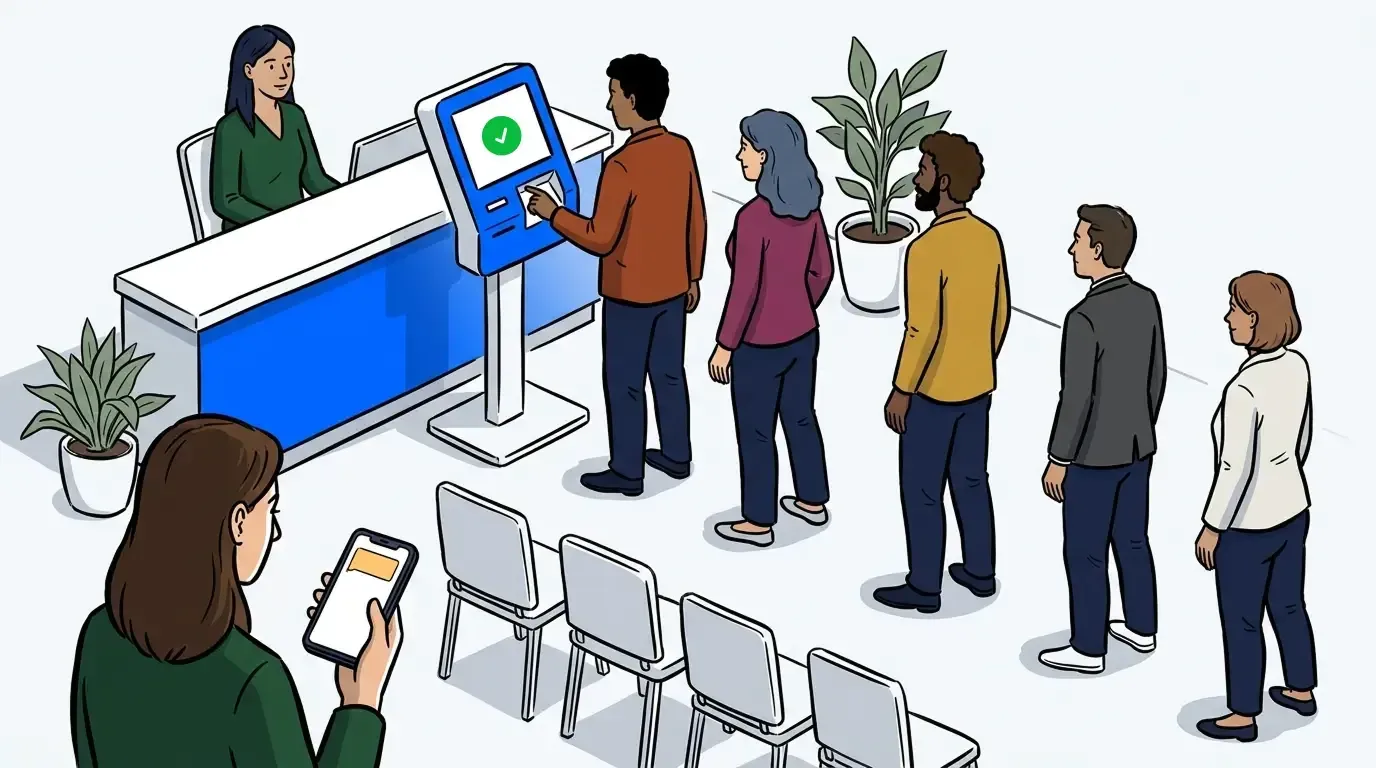
Self check-in is where most of that work disappears. A guest scans a code, answers a few questions, and puts themselves in the right line. Nobody at the counter is typing a name, asking for a phone number, or deciding where the guest belongs. If you run more than one line, a custom field on the form can route guests to the right one based on how they answer, so a clinic splits new patients from returning ones and a service counter splits trade-ins from repairs. Repeat guest recognition prefills a returning guest’s details, so being a regular doesn’t mean filling out the same form again.
When a guest moves between queues, a queue transfer message texts them right away. Without it, a guest watches their position change and assumes they’ve been skipped.
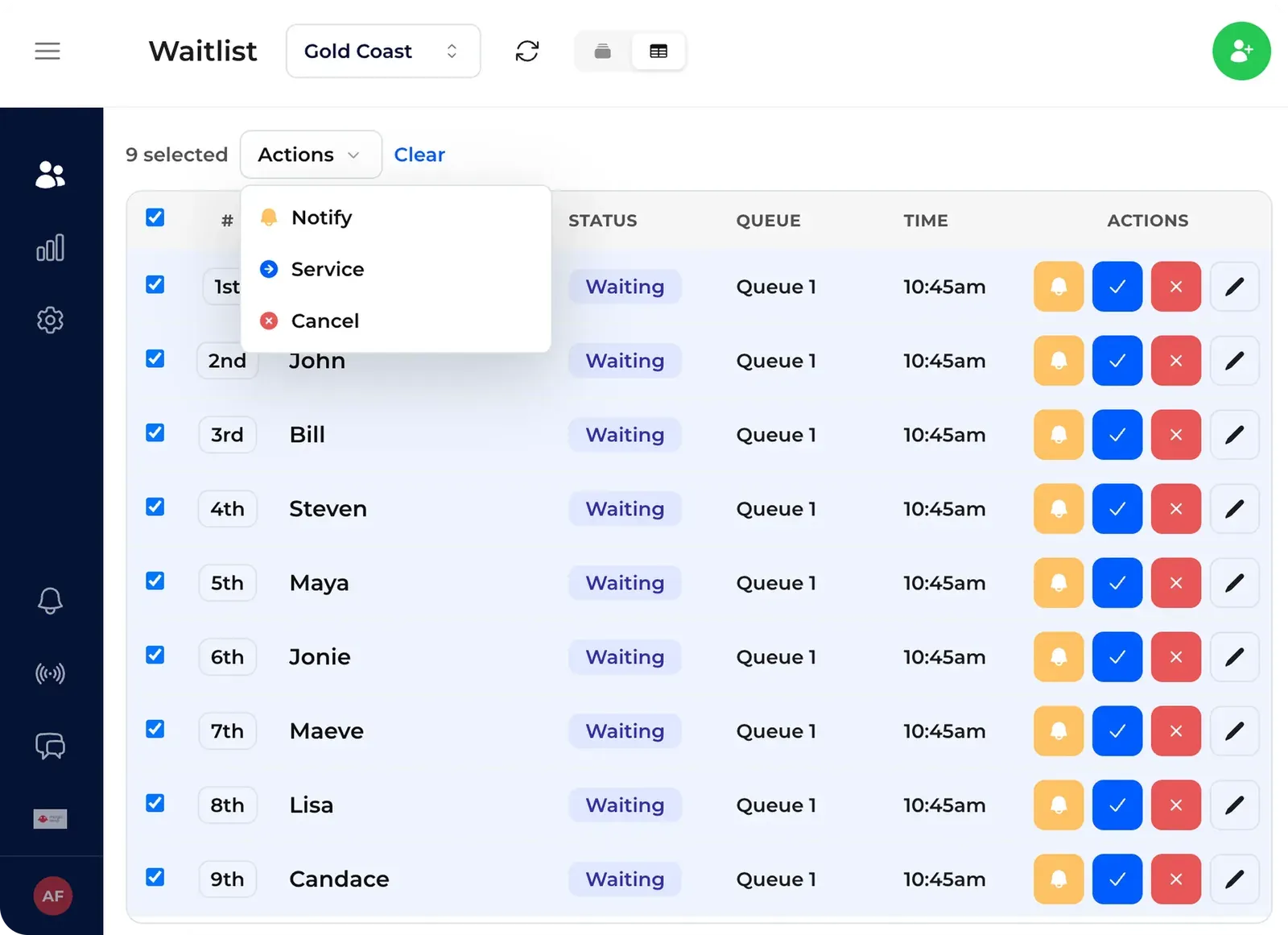
For staff, the table view fits more parties on screen when the list gets long, and bulk actions handle a group of guests in one go instead of one at a time.
Data you can compare across locations
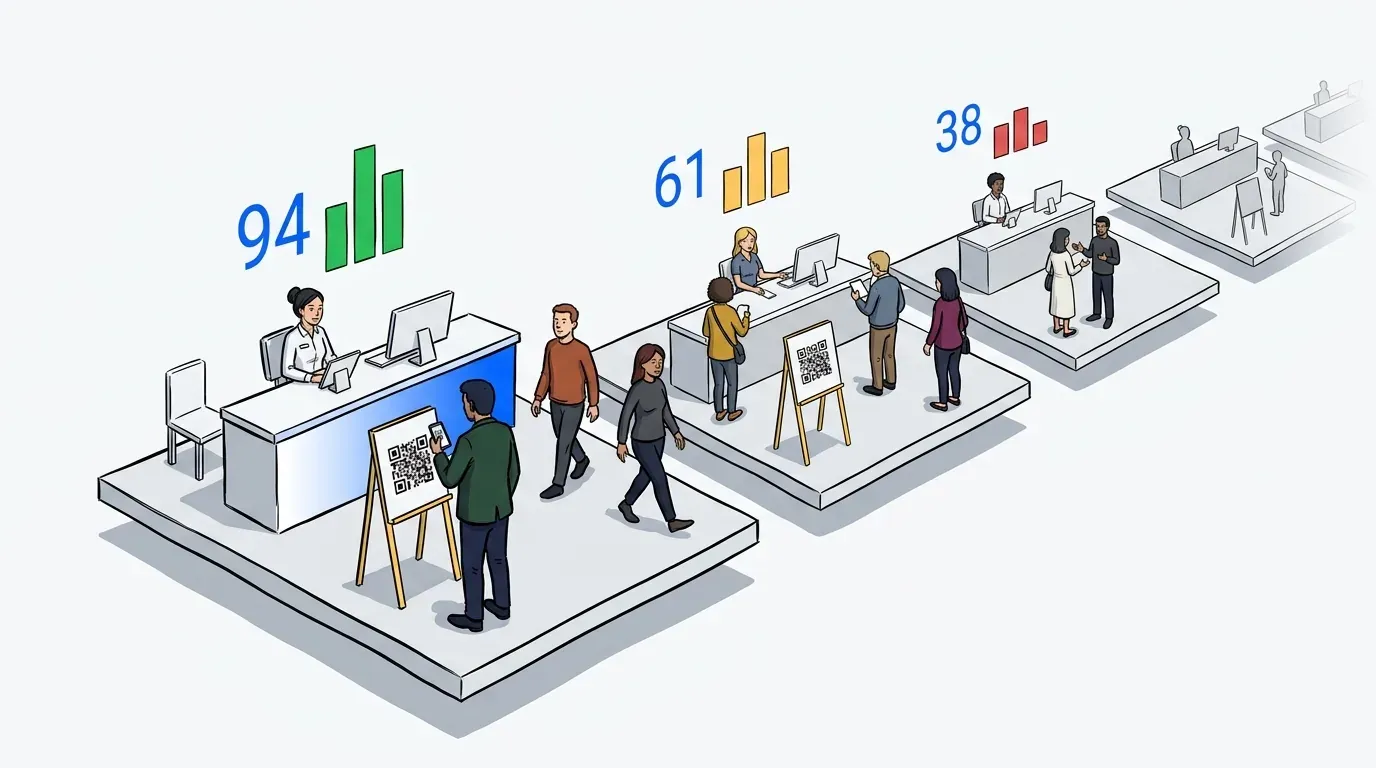
Compare your locations and you learn two things. Which sites need help, and which ones have figured something out worth copying.
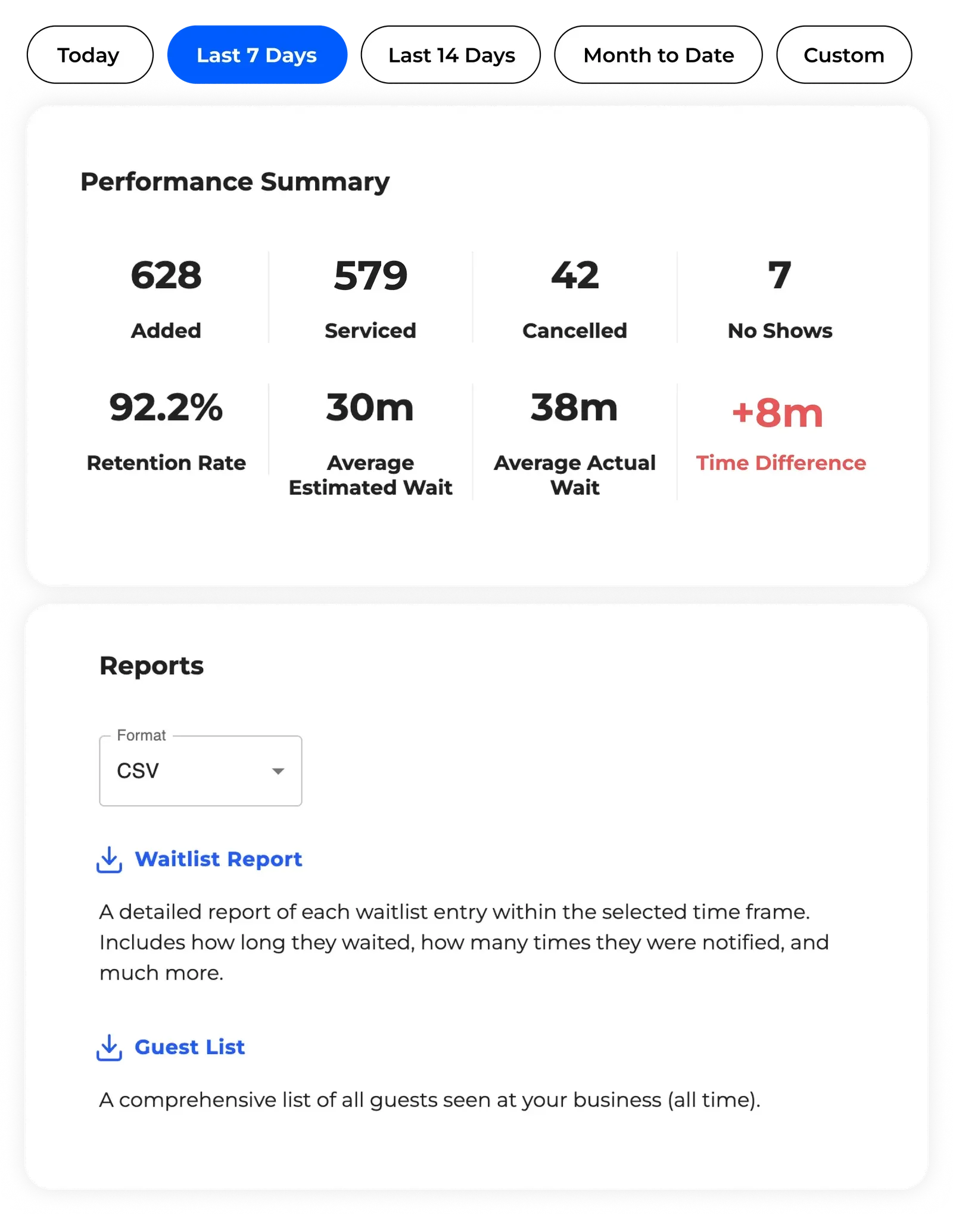
The analytics view puts every location on one screen over the same date range: wait times, how many guests you served, and how many left before being seen. That last number is the one most businesses never see. A guest who joins the line and gives up before anyone reaches them doesn’t complain, doesn’t leave a review, and doesn’t show up in your sales numbers as anything other than a quiet day.
Filter to one site when you want to dig in. Export to CSV or Excel when the numbers need to sit next to revenue, labor hours, or whatever else you already track.
Patterns show up fast once the sites are side by side. One location might need another person on Saturday mornings. Another might be seating guests faster than everyone else, which is worth a conversation with whoever runs it. Either way you’re looking at the same date range and the same numbers, so you’re comparing performance rather than anecdotes.
Software that keeps up with the volume
NextMe was built for peaks, not averages.
At San Diego Comic-Con, Topps ran limited card drops with Marvel. After a chaotic preview day left lines blocking the aisles and SDCC security warning the booth was at risk, they moved the queue to NextMe. The self check-in link went out on Instagram, filled in under a minute, and the form took more than 30,000 visits a day without trouble. The booth stayed open all week. Here’s how that worked.
Hello Kitty Cafe’s Chicago grand opening is the other end of the same problem: not one spike, but sustained volume across a weekend. 4,616 guests moved through the queue, and the system sent 8,951 texts at a 98.5 percent delivery rate. Actual waits came in 11 minutes under the estimate. The full story’s here.
Both run on the same infrastructure your locations use every day. A busy Saturday across 40 sites isn’t new territory.
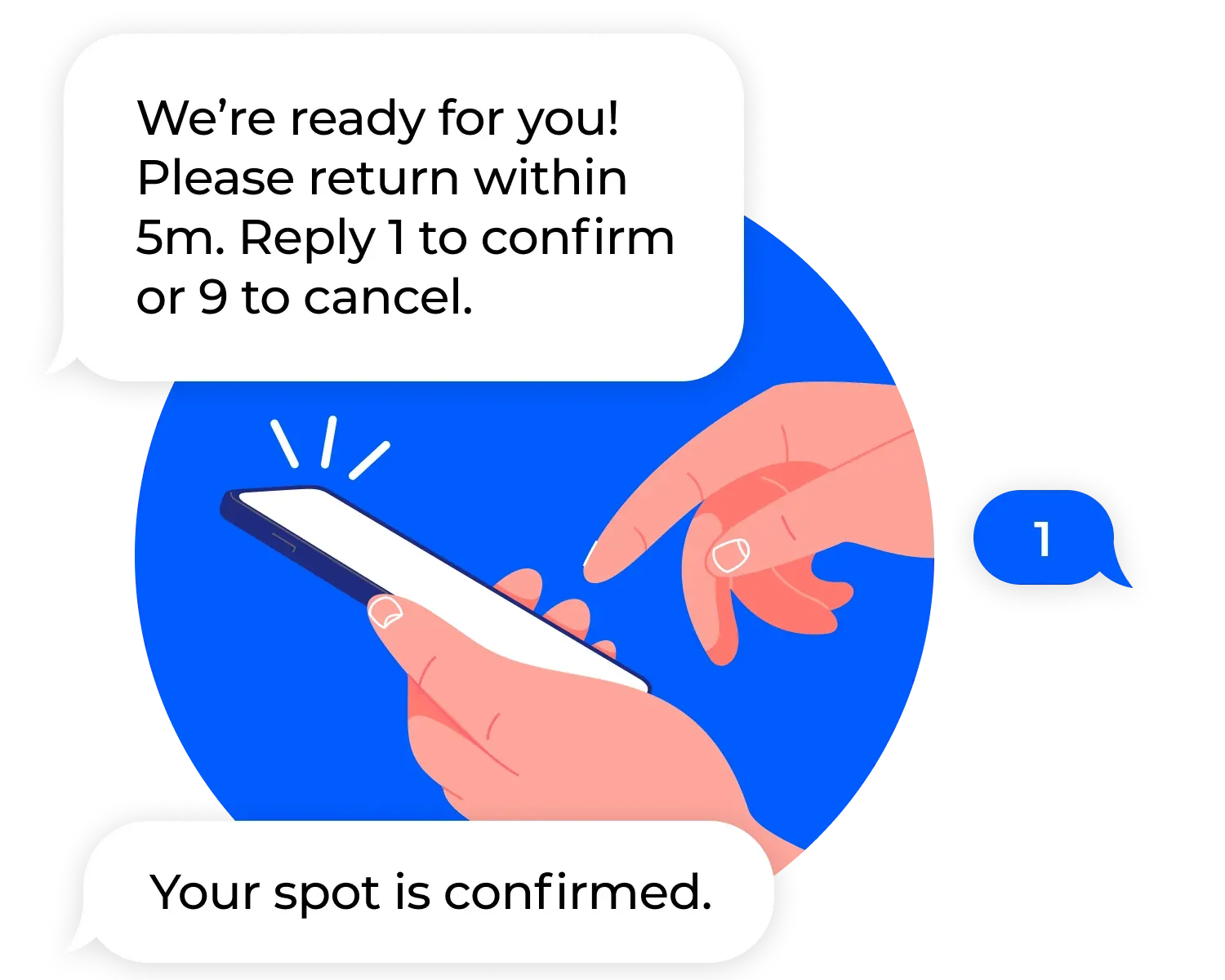
That delivery rate matters more than it looks. NextMe validates deliverability at the carrier level, and guests pick their channel on the join form, with WhatsApp available alongside SMS wherever a location turns it on. A text that quietly fails is worse than no text, because the guest is still out there waiting on it. The queue itself refreshes in real time, so what a host sees on the floor matches what the guest sees on their phone.
Control over who can do what
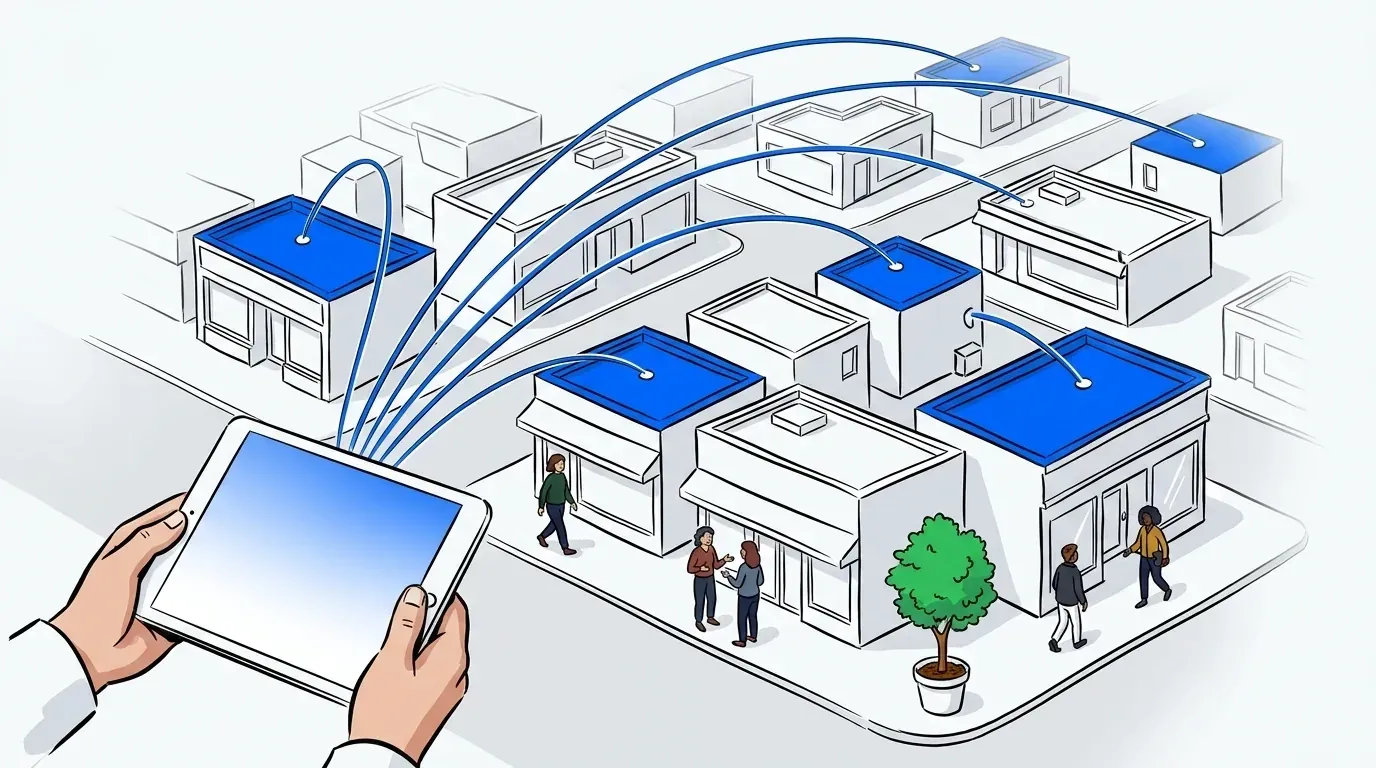
Head office wants every location to feel the same. Each location wants to fix something on a Saturday without asking permission. Both are reasonable.
NextMe splits it with four roles: Owner, Admin, Editor, and User. The useful one is Admin. An Admin can do everything an Owner can do, apart from billing details and account deletion, so a regional manager or an operations lead can run the business day to day without ever touching your payment method. You delegate the work without handing over the keys.
Settings split the same way. What guests see stays central, so your branding, your join form, and the wording of your texts are the same everywhere. What depends on the floor stays local. A manager sets their own hours, capacity, service points, and staffing without filing a request.
The same goes for the settings nobody thinks about until they cause a problem. How long before a guest’s spot expires. Whether bookings show up next to walk-ins. What happens to guest data at that site. A location that closes at 9 shouldn’t inherit a setting from one that closes at midnight.
Black Bear Diner runs this across a chain that’s still opening locations. Dropping their old pager system saved $100,000 outright, customer retention went up 25 percent, and peak hours stretched by 30 to 60 minutes per location. Read the full story. We’ve written more about running one setup across every site.
Customer support you can trust
Plenty of the businesses running on NextMe came from a bigger platform first. When we ask why they moved, the answer usually isn’t a feature.
Enterprise software has a shape to it. You get a tier, a ticket number, and an account manager you meet once during onboarding. Then you need help on a Friday night with a full lobby.
We built NextMe for local businesses and never stopped running it that way. On Capterra, customer service is rated 5.0 out of 5 and ease of use sits at 4.9. You reach us by email, chat, or phone, and you talk to people who know the product.
Reviewers tend to mention the same two things: the team actually helps during setup, and staff learn the product in a shift rather than a training session. That second one matters more the more locations you have, since every opening and every seasonal hire is another round of onboarding.
The bottom line
The useful question for any vendor isn’t how many locations the software supports. It’s how much work it takes off your staff, and what it can tell you about the locations you’re running.
Still building a shortlist? We put together a guide to picking one. Otherwise, take a look at how waitlist management works across locations, or at the virtual waiting room your guests see while they wait.