Appointment scheduling for retail stores like salons and barbershops has come a long way. Most shops have a solid booking system in place. What they’re missing is the other half: a system for walk-in clients who arrive without a booking and need to be managed in real time.
The problem is timing. When your appointment book is full and a walk-in arrives, the answer is almost always “the wait is about 45 minutes” - delivered verbally, with no real system behind it. The client looks around, weighs it up, and sometimes leaves. That’s a missed service, a missed review, and a missed regular.
Most scheduling tools are built for appointments. They do that job well. What they don’t handle is the walk-in stream: capturing it, managing it, and keeping those clients engaged while they wait. This post covers how salons and barbershops can manage both streams without friction, and serve more clients as a result.
Why walk-ins need their own system
Walk-in clients don’t book. That’s the point. They arrive on impulse or convenience, which means no confirmation, no reminder, no pre-captured details. Most shops rely on a whiteboard or a mental list. Neither scales well on a busy Saturday.
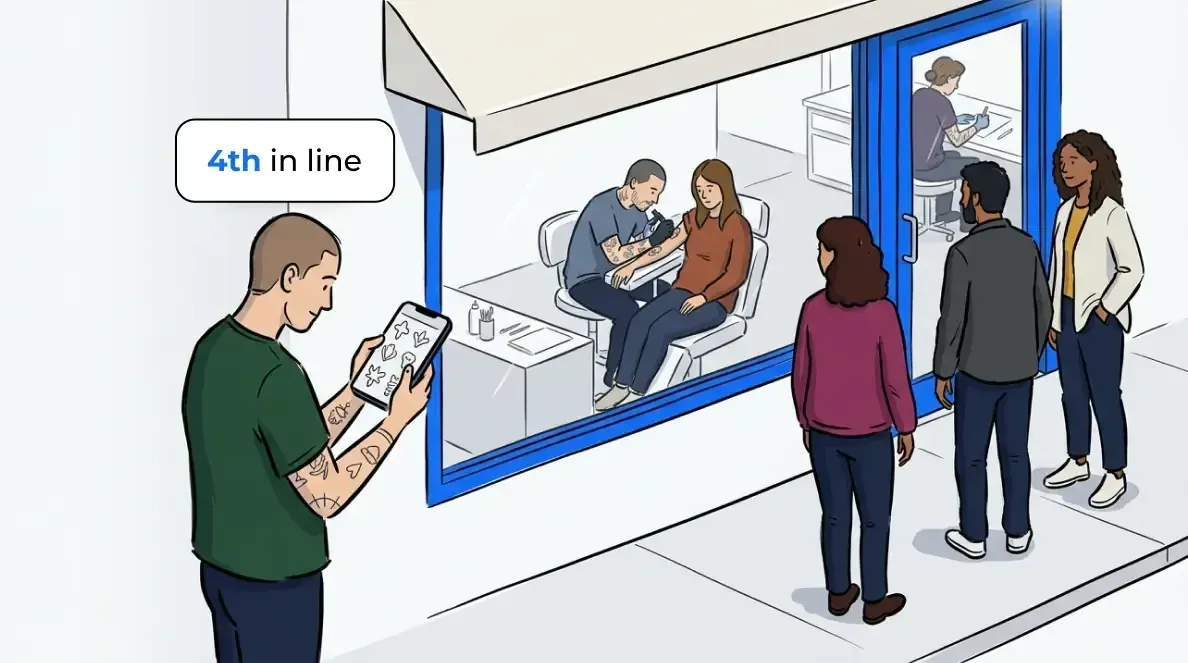
The result is a common pattern: appointment clients get a smooth, predictable experience while walk-ins get verbal estimates and an awkward wait near the door. When that wait feels uncertain or uncomfortable, clients leave. Research from the Journal of Retailing consistently shows that perceived wait time, not actual wait time, drives walkout behavior. A client who knows they’re fourth in line and expects a 20 minute wait will stay. One who’s been told “shouldn’t be too long” will often leave.
A digital walk-in queue solves this. When a client joins, they get an estimated wait, a position in the queue, and an SMS when it’s almost their turn. That transparency is what keeps them in the building (or nearby) rather than heading to the shop down the street.
For more on how queue management reduces walkouts across retail contexts, see How Retail Stores Are Using Queue Management to Cut Walkouts.
How appointments and walk-ins work together
The instinct is to treat appointments and walk-ins as competing for the same chair time. In practice, they work better as two coordinated streams.
Appointment scheduling tools do exactly what they’re designed to do: hold the calendar, send reminders, and give clients a predictable experience. That system works. The gap isn’t in appointment management. It’s in what happens to the walk-in clients arriving alongside the scheduled book.
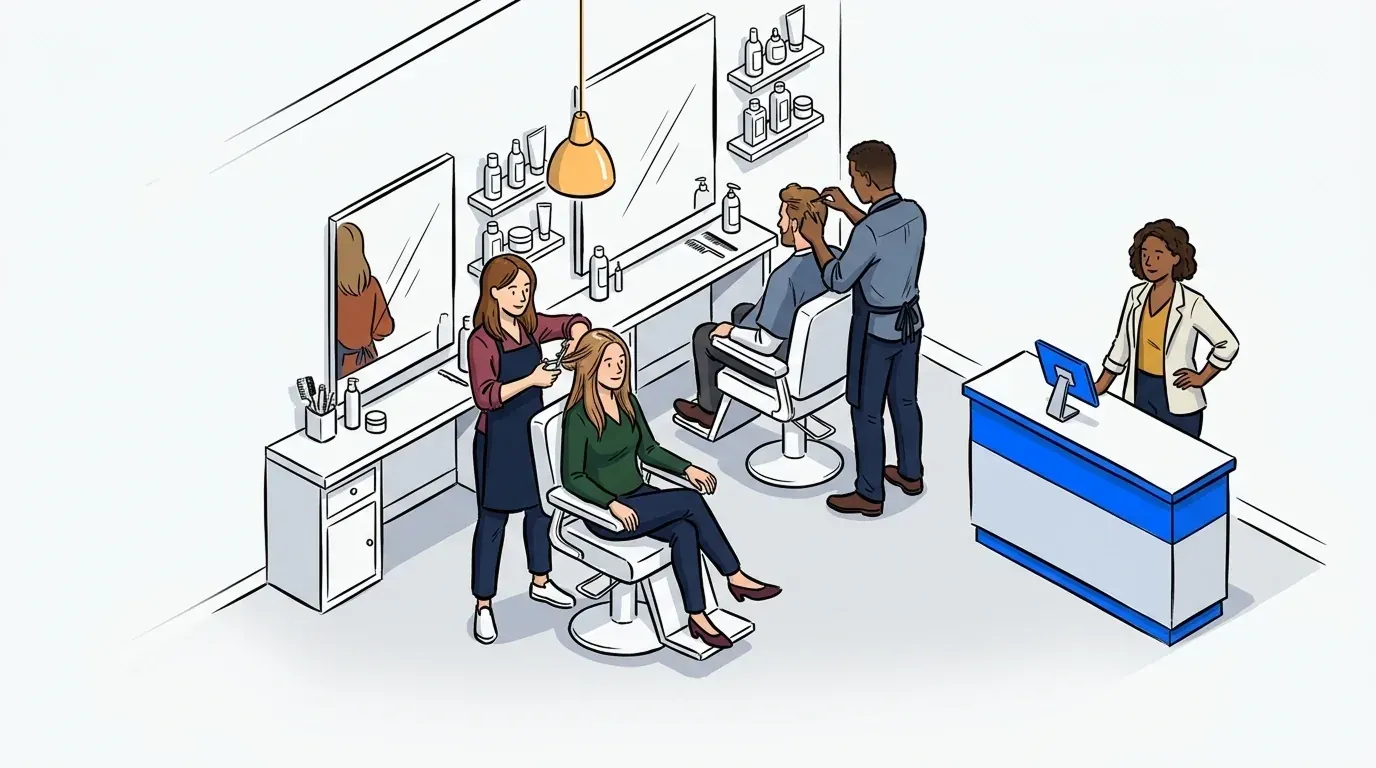
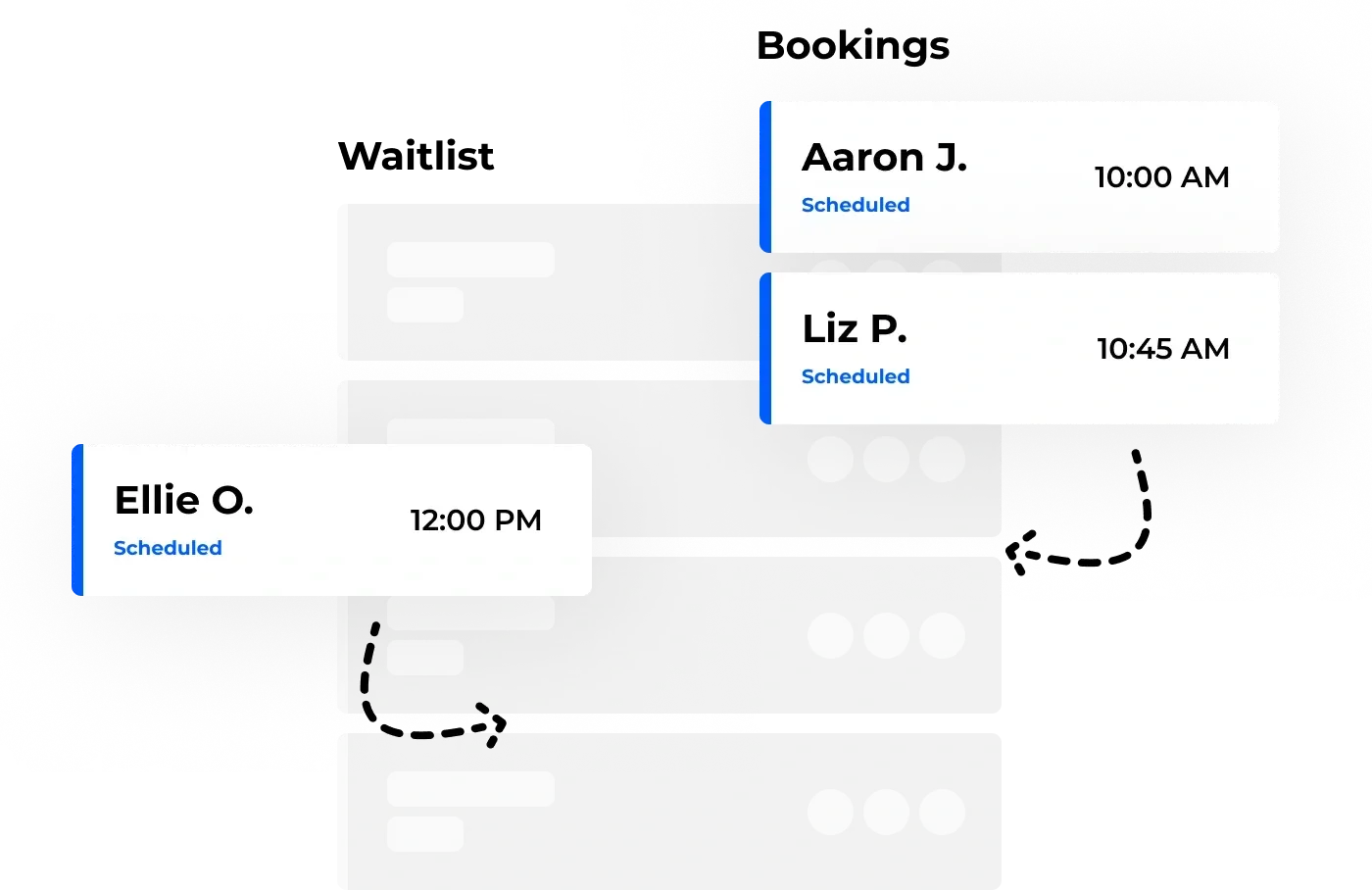
A walk-in queue sits alongside your appointment system without replacing it. Stylists and barbers continue taking their scheduled clients as normal. The queue manager captures walk-ins separately, assigns realistic wait estimates, and notifies clients when a chair opens up. The two streams run in parallel rather than colliding at the front desk.
This is the appointments-plus-walk-ins model: appointment scheduling for retail stores handles the calendar, and a walk-in queue handles everyone else. Each booking type is handled by the right tool, coordinated through the same operator dashboard. For shops with a solid appointment setup, adding a walk-in queue is an incremental change. The impact on daily client volume is immediate.
Use NextMe bookings or bring your own appointment tool
If you don’t have an appointment system yet, NextMe includes a built-in bookings feature that handles scheduled appointments alongside your walk-in queue. Both are managed from the same clean dashboard. No need to run separate tools or reconcile two different systems.
If you already have an appointment tool you’re happy with, keep it. NextMe’s walk-in queue runs independently and doesn’t require replacing your existing setup. Your scheduled clients flow through your current system as normal. Walk-ins join the NextMe queue. Your front-of-house team manages both from one place.
Either way, the walk-in experience improves immediately. Your choice of appointment tool doesn’t change how the queue works.
Managing the walk-in queue in practice
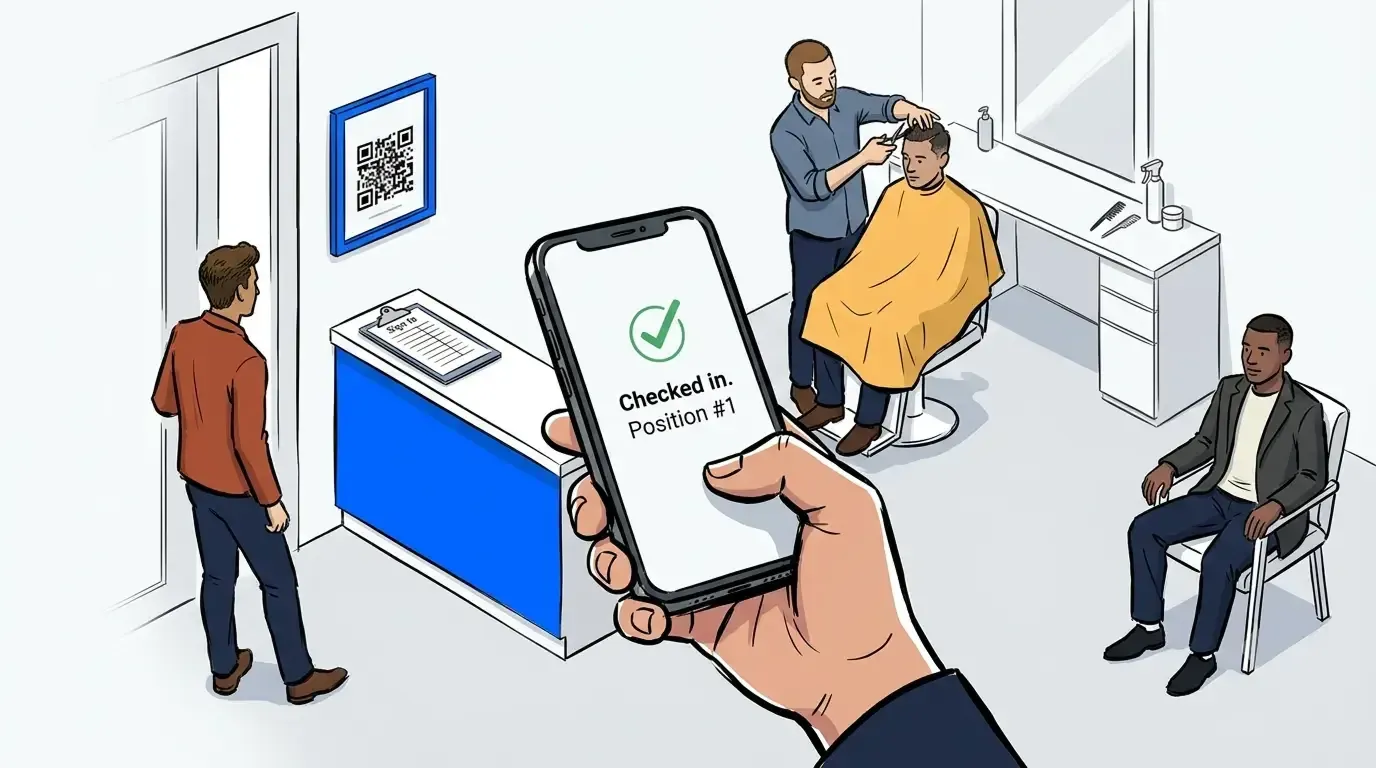
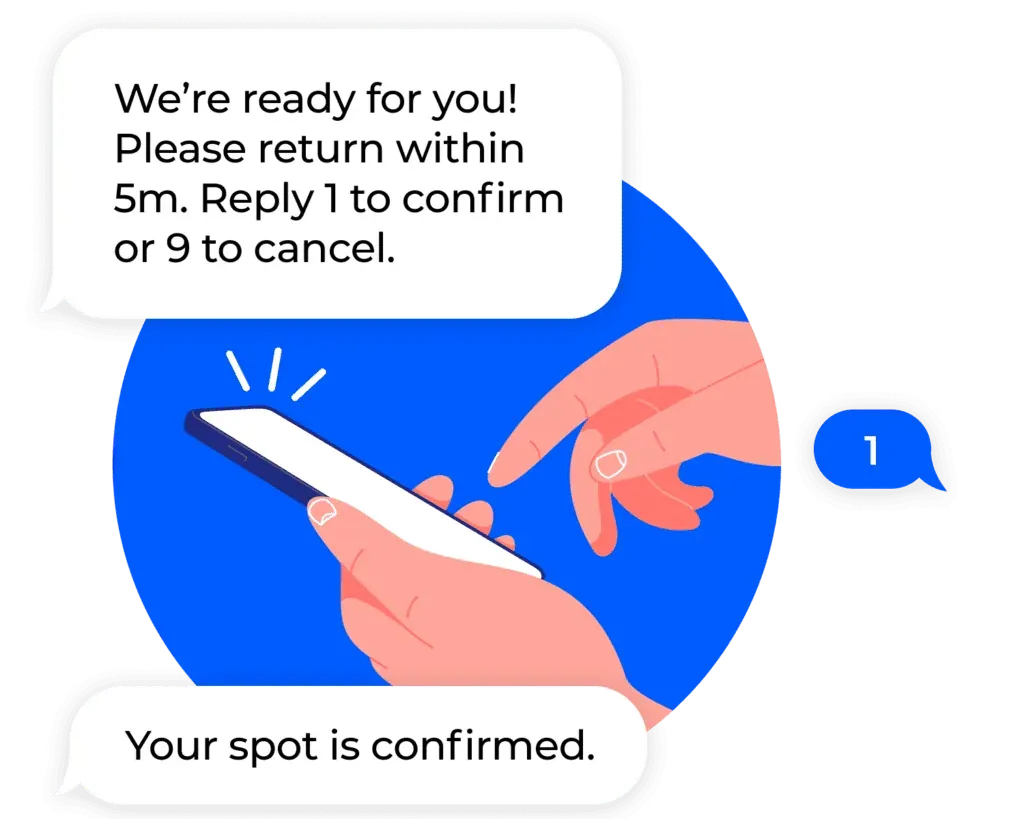
Once a walk-in queue is running, the operator experience is straightforward. A client walks in and gives their name and phone at the front desk or scans a QR code to add themselves. The system captures their details, assigns a queue position, and sends an automated SMS with their estimated wait.
From the operator side, the dashboard shows every active client: their position, how long they’ve been waiting, and what service they’re in for. When a chair opens, the operator notifies the next client with one tap. The client gets an SMS, returns to the chair, and the service starts.
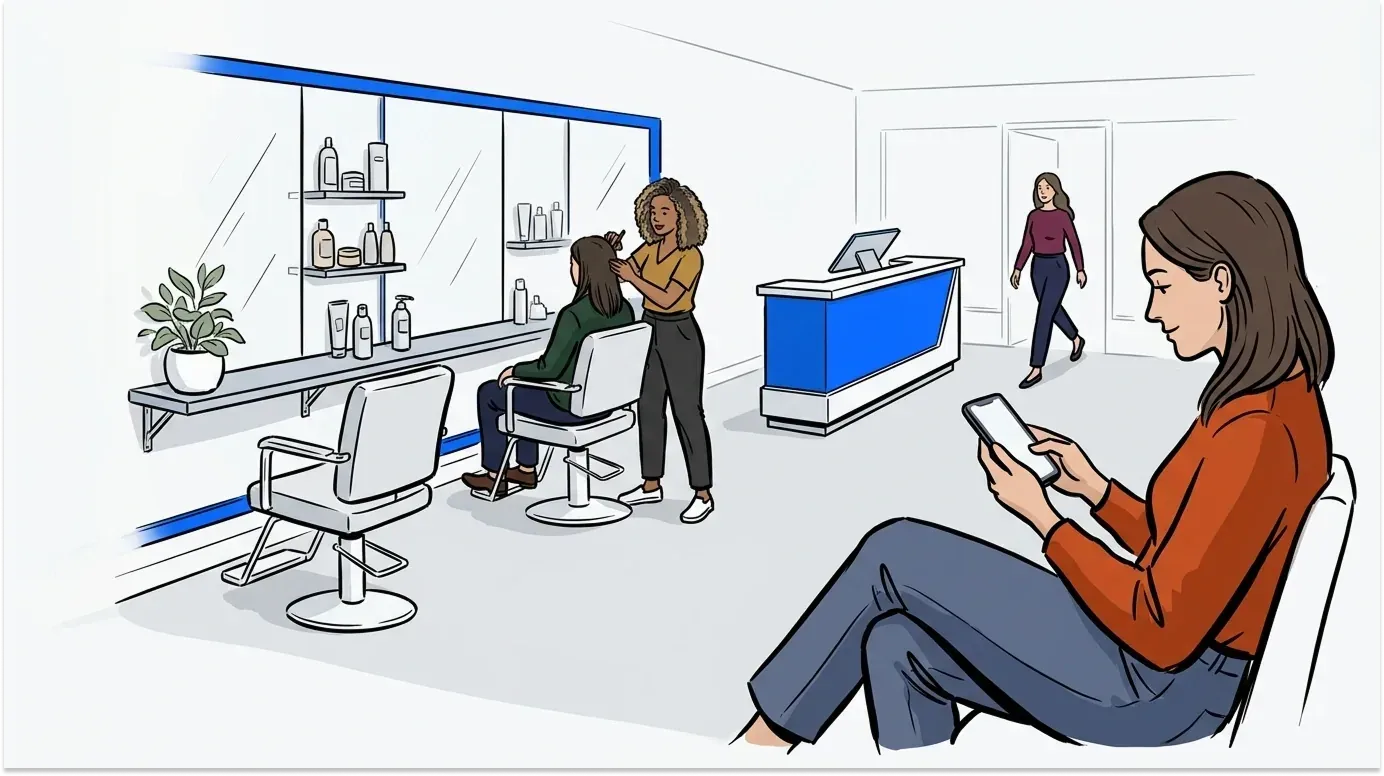
That notification step matters more than it sounds. Clients who are waiting nearby - in their car, at a coffee shop next door, browsing their phone - return quickly when they know exactly when to come back. Walk-ins who would have left after 20 minutes of standing near the door will wait 40 minutes comfortably if the experience feels managed and respectful of their time.
Turning wait time into engagement
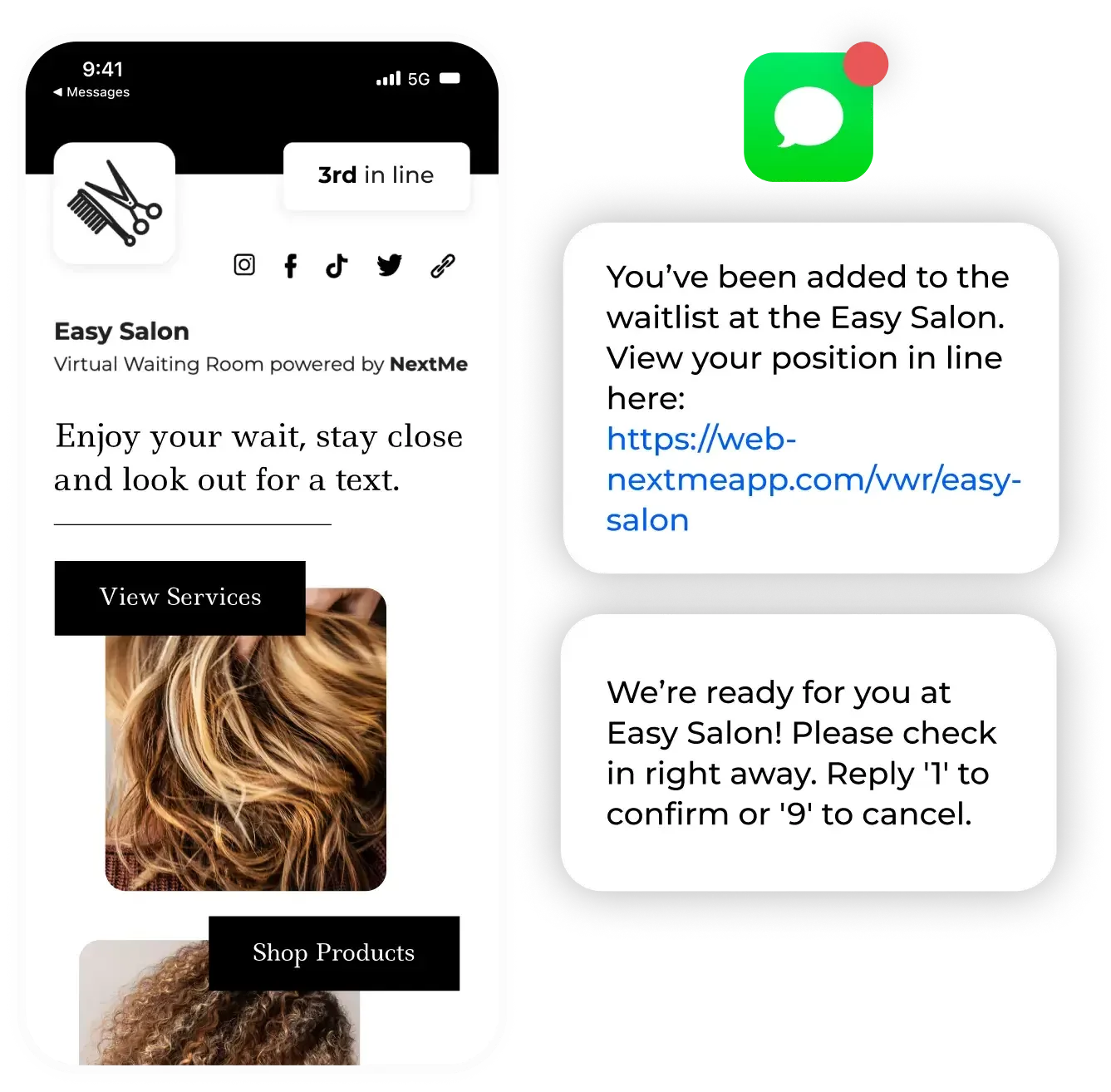
The wait itself is an opportunity most shops don’t use. A virtual waiting room (the screen clients see after joining the queue) can display your services menu, current promotions, product recommendations, or a simple loyalty prompt. Clients willing to wait are more receptive to upsells than almost any other segment of your customer base.
Fenty Beauty used NextMe’s virtual waiting room for exactly this kind of pre-service engagement - surfacing product highlights and promotions to clients while they wait. The same principle applies in a salon context: a client waiting for a cut is a natural audience for a conditioning treatment, a color consultation, or a retail product recommendation.
Even without promotional content, the virtual waiting room communicates professionalism. A client who receives a branded SMS and sees their position update in real time leaves with a better impression. One who waited by the door with no information does not. That difference shows up in reviews.
For more on how queue management keeps service clients calm during peak hours, see How a Retail Queue Management System Keeps Customers Calm During Peak Hours.
How to set up appointment scheduling for your retail store or salon
Setting up a walk-in queue takes minutes with the right tool. Here’s the basic flow:
- Create your service queues in NextMe. Examples include haircut, color, beard trim, etc. You can also use your stylists names as the queues if you prefer.
- Set wait time estimates per service. NextMe uses these to calculate realistic queue positions automatically.
- Place a QR code at the door or front desk. NextMe generates a QR code with your unique check-in form that you can download and print. Clients scan it and join the queue from their own phone.
- Customize your SMS notifications. Clients get an automatic confirmation when they join and a return message when their turn is close.
- Monitor the live queue from the operator dashboard. Adjust estimates and manage the order as the day moves.
The setup process takes roughly 15-20 minutes. Staff training is minimal and the dashboard is designed for front-of-house teams who are managing clients and services simultaneously, not running software.
Conclusion
Walk-in clients are worth keeping. They convert well, they come back, and they don’t require a booking system to manage - they just require a queue. Salons and barbershops that pair appointment scheduling for retail stores with a dedicated walk-in queue serve more clients per day, reduce walkouts, and create a better front-of-house experience.
If your appointment book is solid and your walk-in experience is still a verbal estimate and a chair near the door, that’s the next thing to fix. See how NextMe works for salons and retail service businesses.