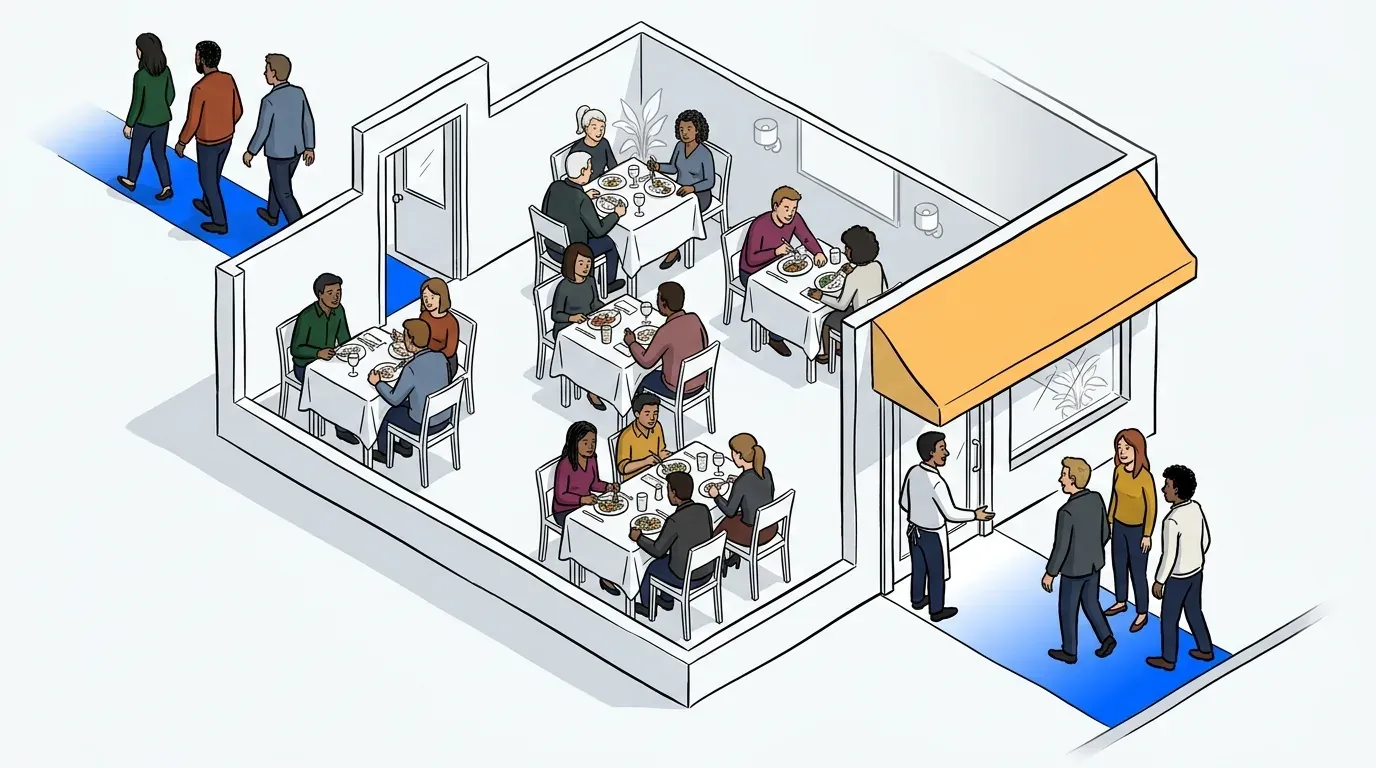
Restaurant owners have a right to be overwhelmed - It’s not easy doing more with less. Faced with a flurry of staffing issues, owners nationwide are experiencing crippling labor shortages and are looking for new solutions. High turnover rates and wage increases have been driving up costs on already thin margins, making it much more challenging to run a successful business.
To reduce the number of headaches the labor shortage is causing, more independent owners and restaurant groups are utilizing virtual waitlist apps with self check-in features to allow guests to easily check in and join the waitlist themselves. It’s a no fuss solution with an extraordinary impact.
Save time and labor costs with self-service waitlist features
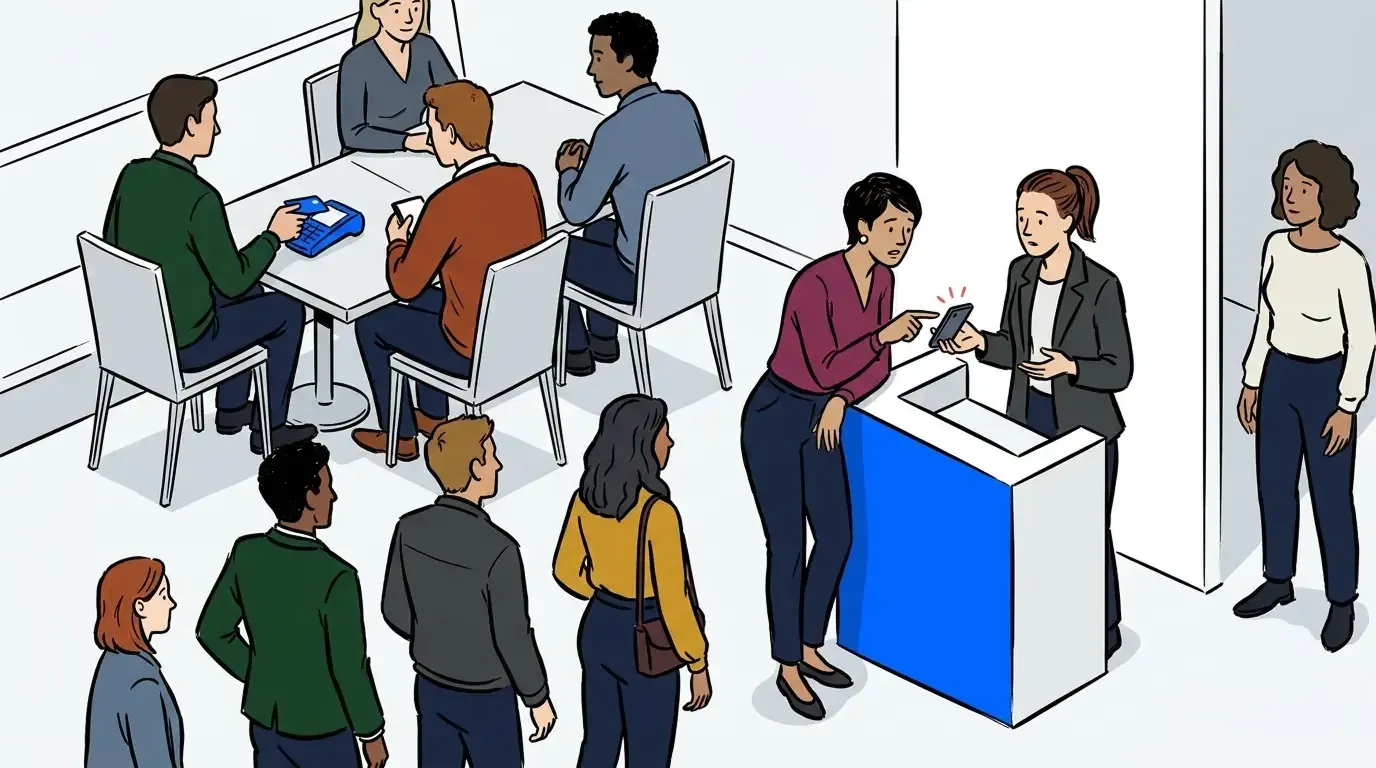
Estimating wait times, adding guests to your waitlist, answering phone calls, and managing swarms of customers during the check in process takes a substantial amount of time. And being understaffed forces employees to jump into new roles, which takes time away from their usual duties. Hosts become servers, managers become line cooks, bartenders become hosts, and the list goes on. In the end, your restaurant isn’t operating at full efficiency, leading to longer wait times and more disarray. NextMe’s waitlist system gives you that time back.
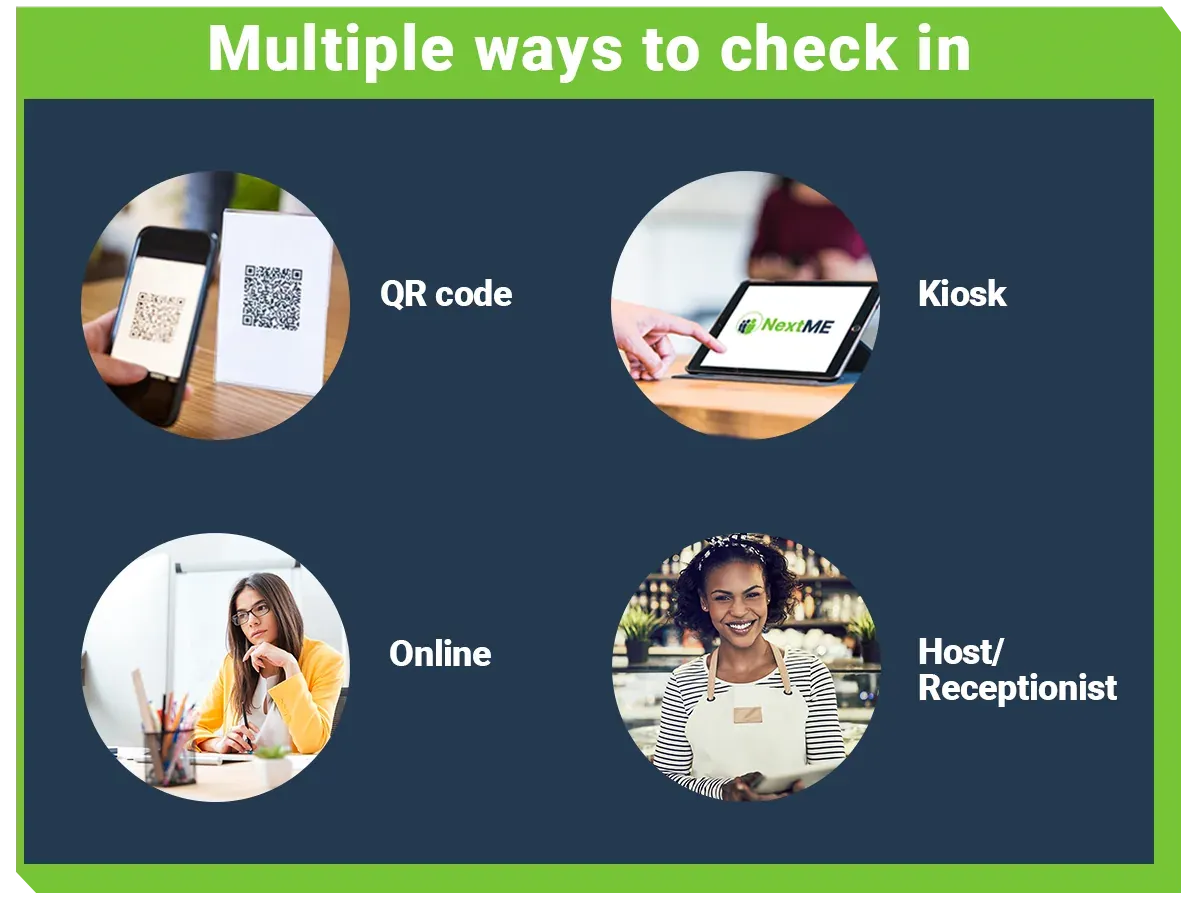
NextMe’s virtual waitlist app provides a new lifeline and foundation of support for your staff. Host unavailable? Not a problem. Display a custom QR code that guests can simply scan on their phone, then fill out their name, number, and party size. Once they do that, they receive your first custom text and are added to the waitlist. All your staff has to do is make sure your seated customers are having a good experience. You can also connect as many devices as you wish to your one account. So if your server needs to be the host, they can easily check the waitlist themselves from their device. Because running a restaurant is a team effort, after all.
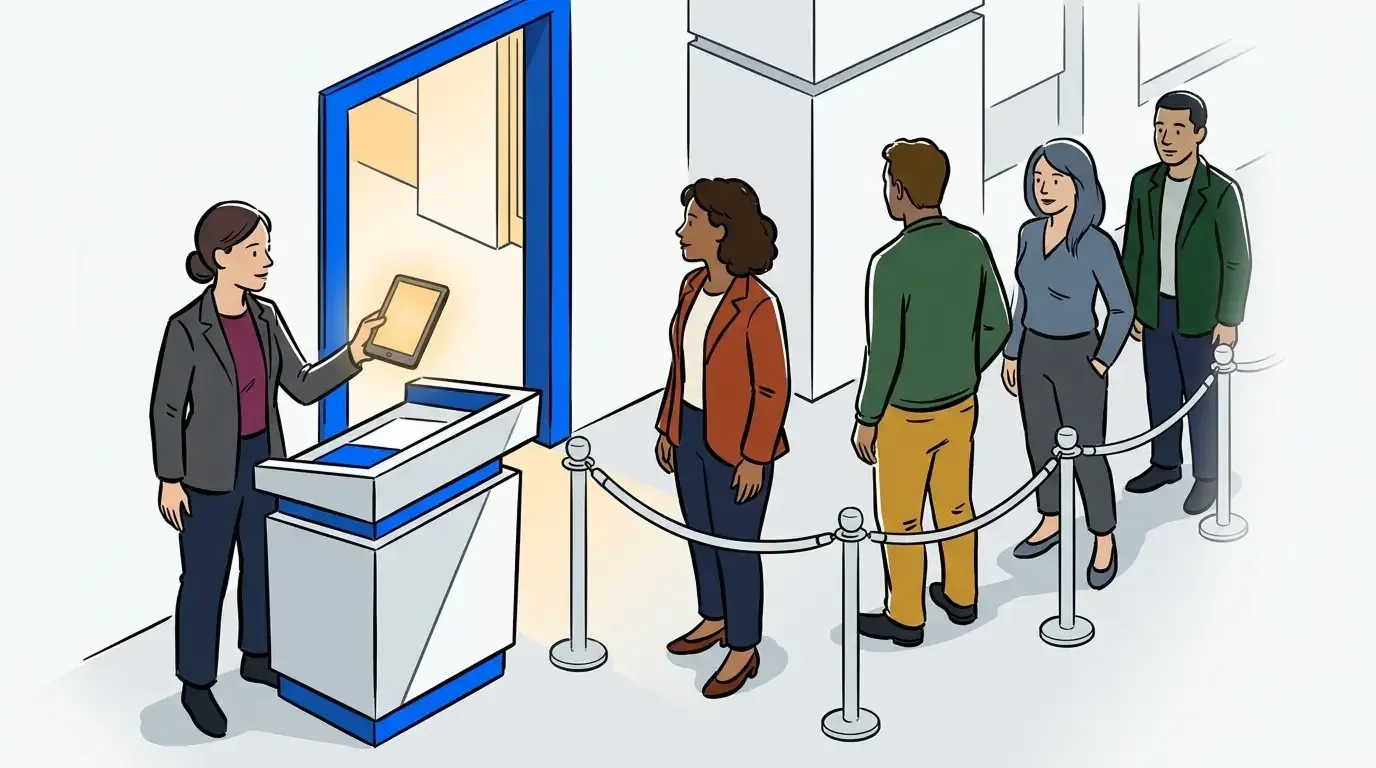
Want a more classic approach? Use NextMe’s kiosk feature and display your custom intake form on an iPad in your entryway. The guest can simply input their information in the same way. Want to use the QR code too? Use both! It doesn’t matter. It’s all about capturing those new customers at your host stand, providing easy options to do so.
Boost reviews with better communication
If only customers knew that long wait times for tables, food, and drinks are inevitable when you’re understaffed. Aside from the check in process, managing waiting customers also takes time away from your workers. And these days, time is short. Ideally, your customer would have more patience regardless but let’s be honest here, that’s rarely the case. With customer complaints about wait times being on the rise, it’s essential to set some updated expectations because it all boils down to convenience and communication. With NextMe’s virtual waiting room, you can do just that.
How it works
After your guest receives the first text, a link is included that will take them to your custom virtual waiting room. There, you can display their position in line, promote deals, menus, and most importantly, manage expectations. NextMe’s virtual waiting room gives you complete control to customize your guest experience and boost your reviews.
NextMe’s waitlist app is dedicated to solutions that matter
It’s becoming more clear that restaurants need to adapt and change how they are operating in order to maintain relevance within today’s changing market. By using self service features and virtual waitlist solutions at their front of house, business owners are experiencing a boost in customer satisfaction while also reducing the amount of labor needed for the check-in process.
NextMe cares about the evolution of these businesses and is dedicated to helping restaurant owners work through this struggling time by offering solutions that make a difference. Want to see how? Book a demo with us today.