You added a guest to your waitlist, sent the text, and never heard back. The message may have failed silently. If that guest was visiting from another country, there’s a good chance their phone never showed your SMS at all. International numbers, carrier filtering, and roaming gaps make text delivery unreliable the moment a guest crosses a border.
WhatsApp waitlist notifications close that gap. They let you reach guests on the messaging app most of the world already opens every day, without changing how your team runs the queue. For US-based businesses, nothing about your setup has to change. SMS stays the default. WhatsApp simply becomes an option for the guests who prefer it.
This post explains what WhatsApp waitlist notifications are, why they matter most for international guests, and what does and does not change operationally when you turn them on.
What are WhatsApp waitlist notifications?
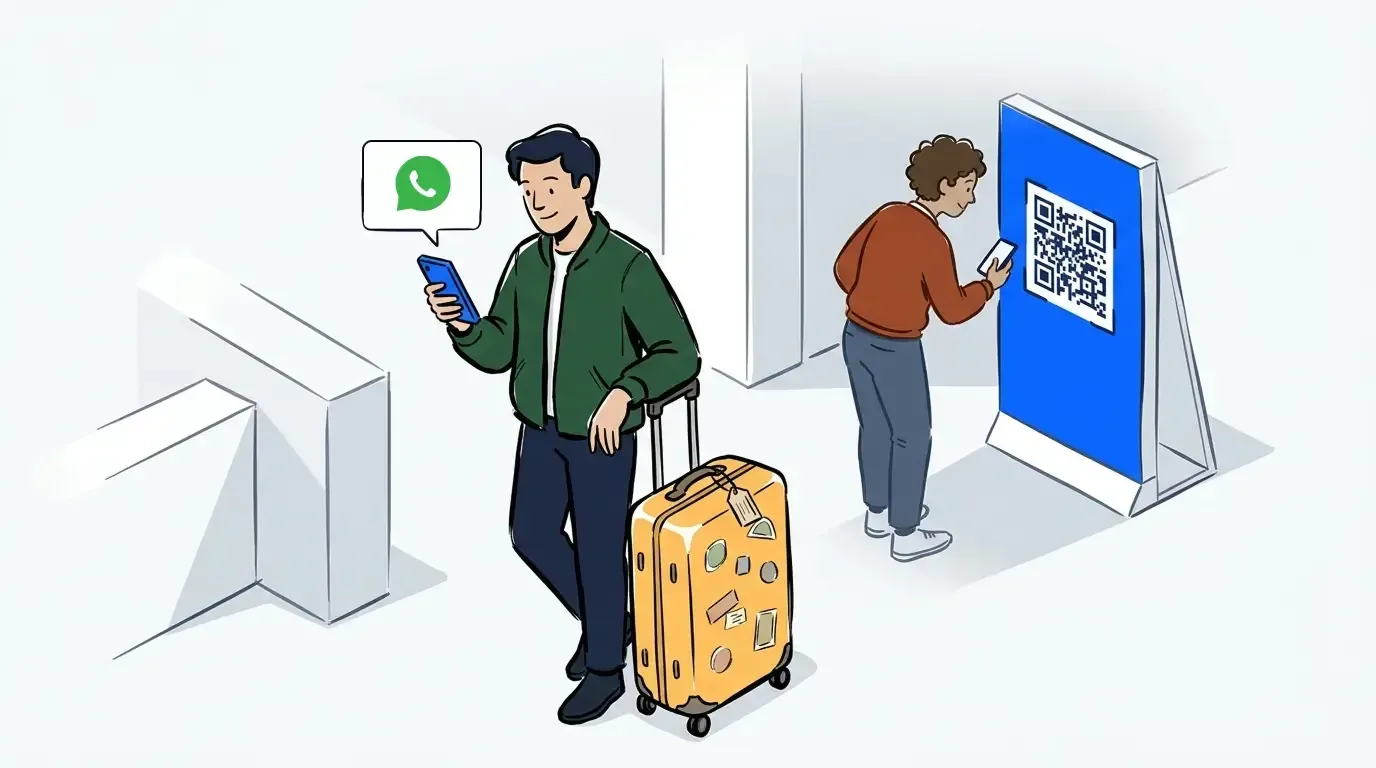
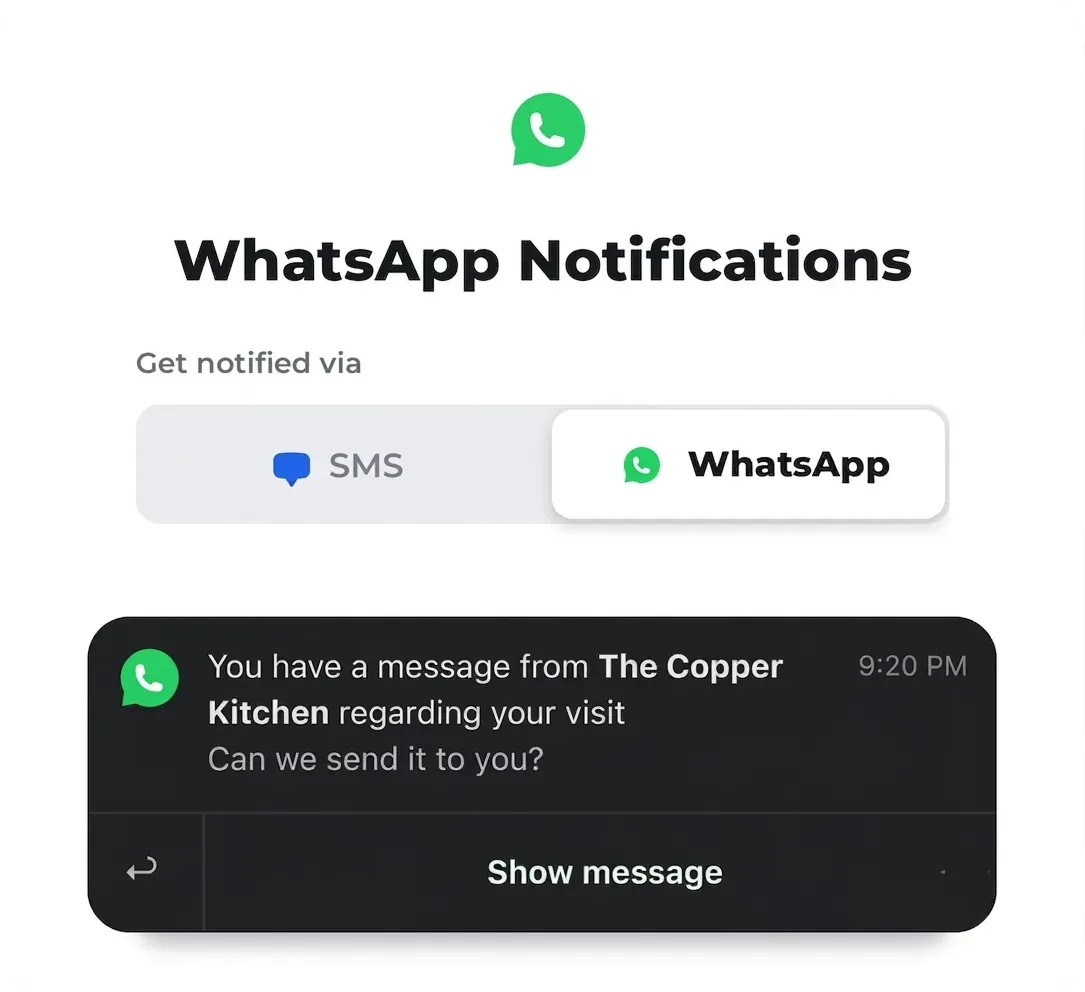
WhatsApp waitlist notifications are queue updates that NextMe sends through WhatsApp instead of SMS. When a guest joins your waitlist, they choose their preferred channel on the join form. If they pick WhatsApp, NextMe delivers their position updates, getting-close alerts, and turn notifications there. SMS stays the default for everyone else.
The choice happens at the point of arrival. A guest who uses self check-in sees the channel option on the same form where they enter their name and number. There is no app to download and no account to create. The first WhatsApp message asks the guest to confirm they want to hear from you, and once they accept, the rest of their updates flow through the same thread.
Why WhatsApp matters for international guests
WhatsApp is available in more than 180 countries and is the most-used messaging app in the majority of them. For a guest visiting from Brazil, India, Mexico, or much of Europe, WhatsApp is simply how they message. An SMS from an unfamiliar US number can get filtered, delayed, or ignored. A WhatsApp message lands in the app they already have open.
The point is that channel choice belongs to the guest, not to you. Their habits and their home country already settled that. When a guest from abroad never replies to a text, the problem usually is not the guest. It’s the channel. Meeting them on the app they already trust fixes far more than resending the same SMS, and for a lot of international guests that app is WhatsApp.
For a US restaurant with mostly local walk-ins, this rarely comes up. For an event, a flagship store, or a clinic that serves travelers and international visitors, it comes up constantly. Those are exactly the guests a text-only setup is most likely to lose. SMS also does not reach every country. NextMe cannot deliver text to some regions, so a text-only setup has no way to message those guests at all. In those cases WhatsApp is not the better option, it’s the only one available.
What changes for US-based businesses
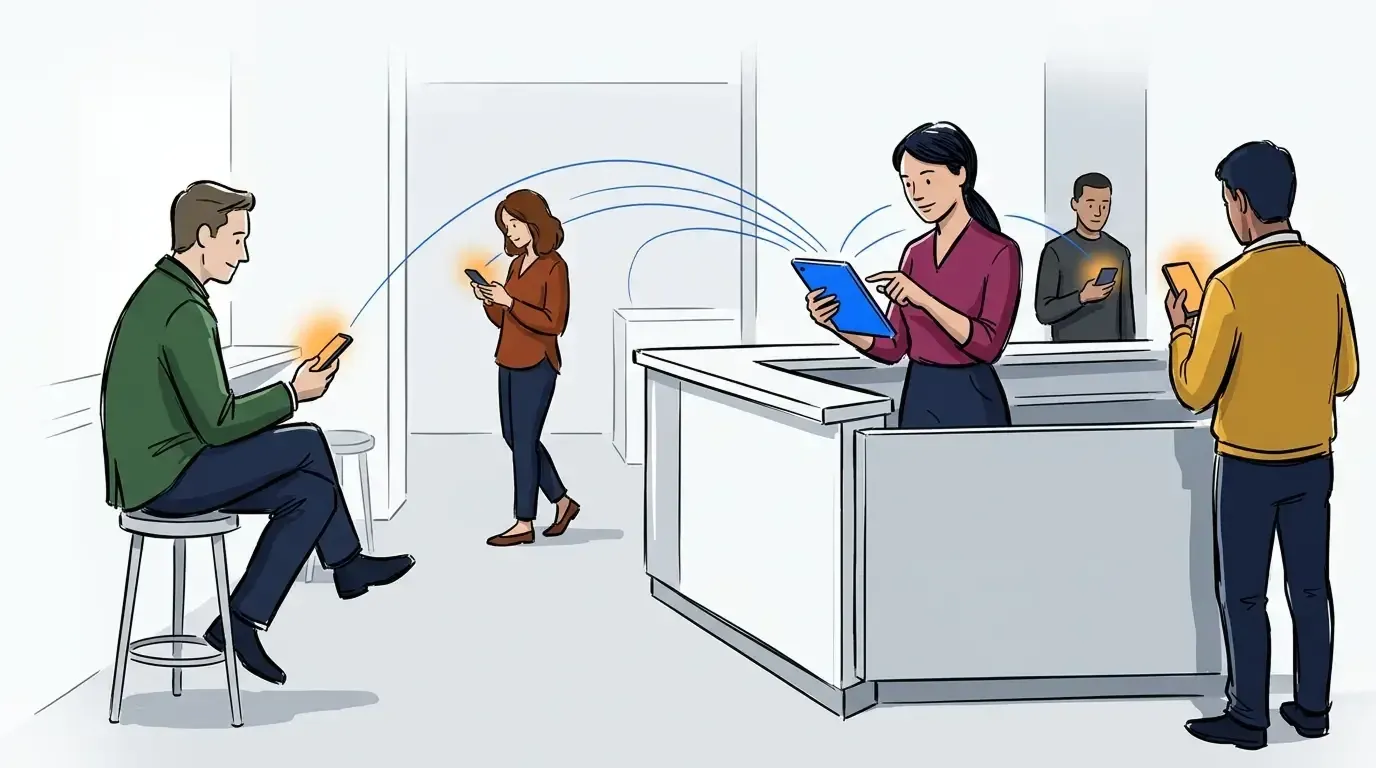
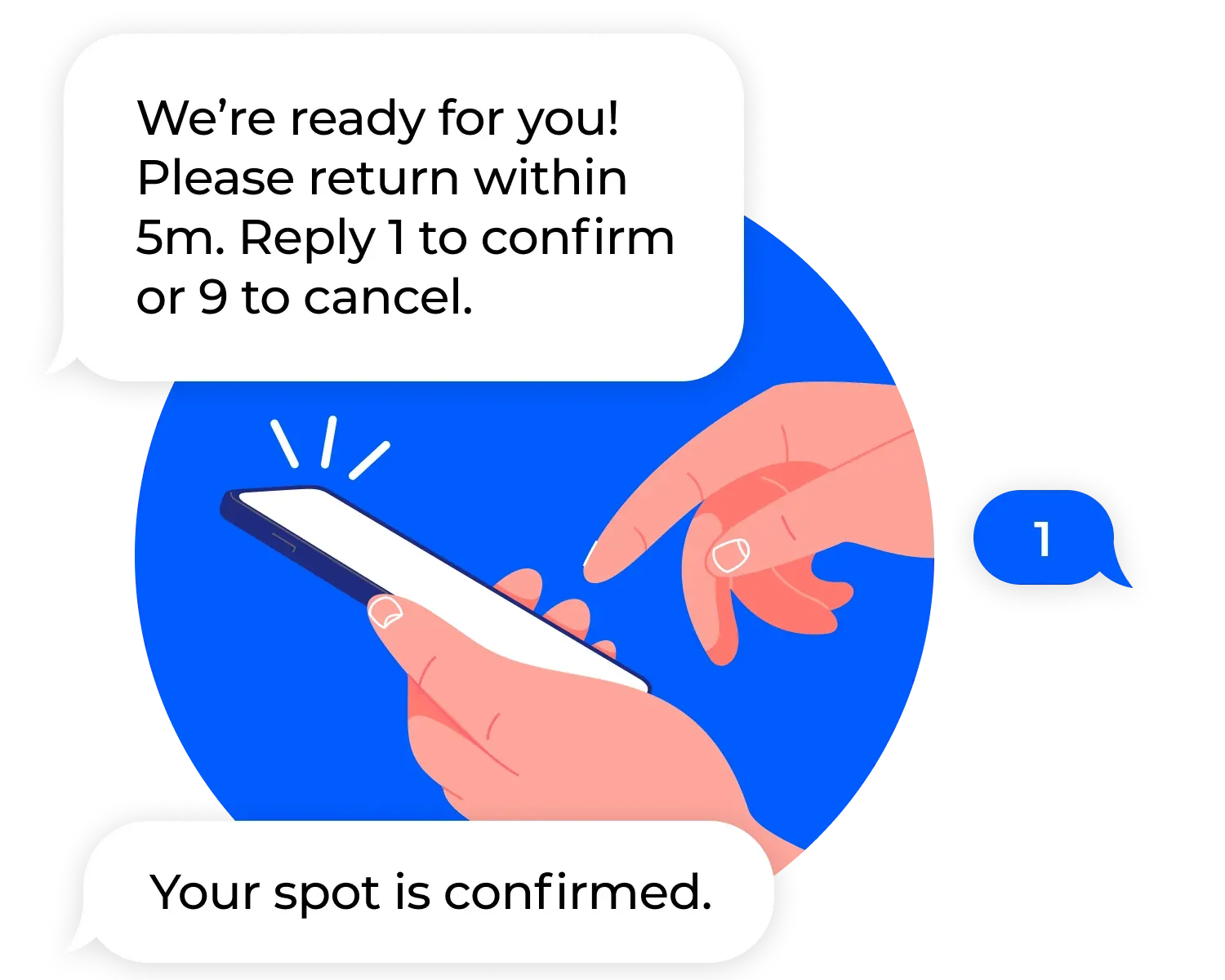
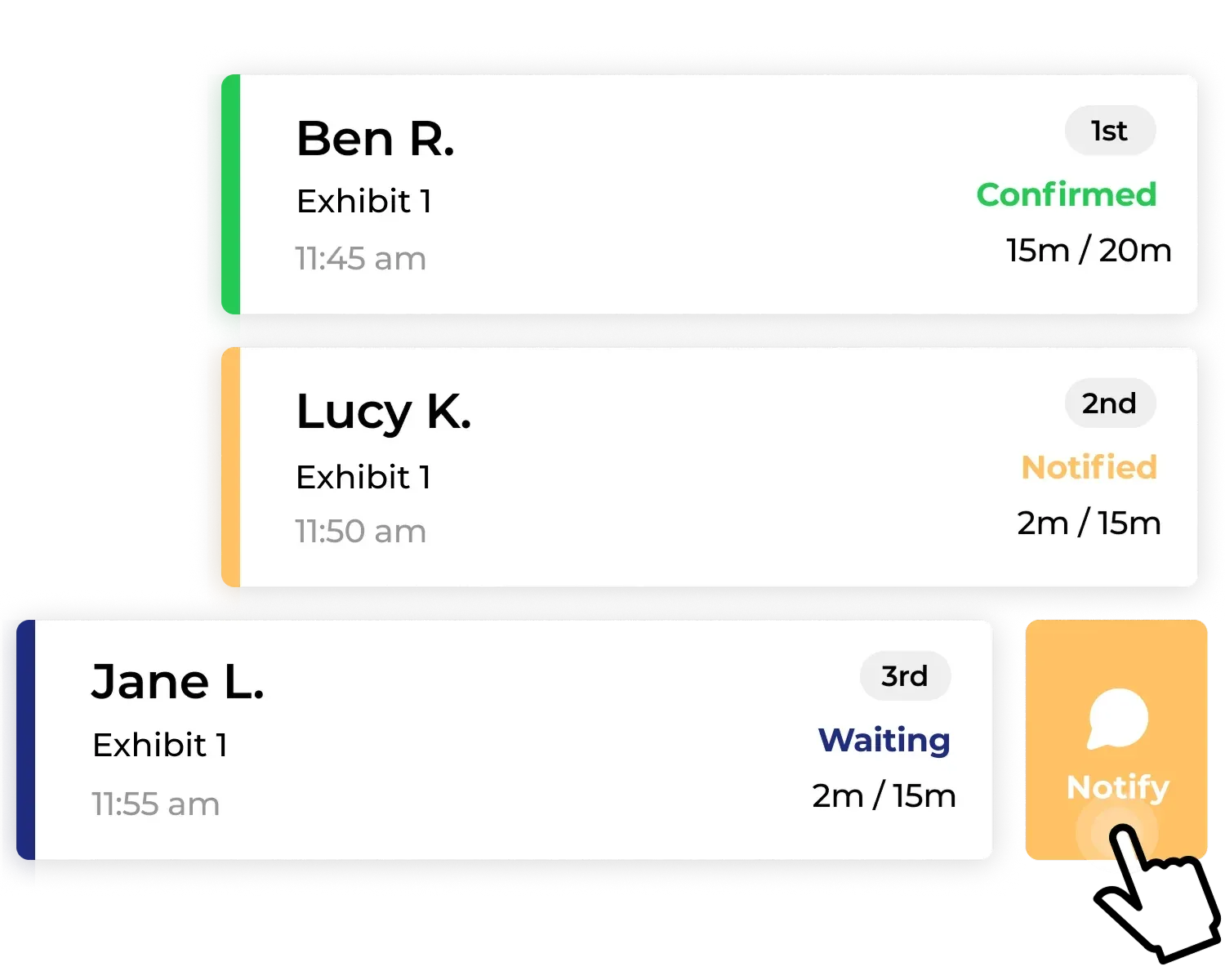
Almost nothing. SMS stays the default channel, so your guests and your team see the same experience they always have. Your operator dashboard is unchanged. The way you call a guest back, mark a no-show, or clear the queue is identical. WhatsApp is added quietly underneath, available only to guests who choose it and confirm the first message.
WhatsApp also applies region-specific restrictions to certain message types, and a small number of countries block the app entirely. Your team does not manage any of that. NextMe handles the routing and sends each guest through the channel that can actually reach them. Notification channels are a core evaluation point in any queue management buyer’s guide, and the practical test is whether adding a channel creates work for your staff. Here, it does not. It slots seamlessly into your existing waitlist management workflow.
How guests choose WhatsApp on the join form
The flow is short. A guest joins your waitlist, sees the available channels, and picks WhatsApp if they want it. NextMe sends a first message asking them to opt in, because WhatsApp requires a guest to accept before a business can message them further. Once the guest confirms, their queue updates arrive in WhatsApp. If they skip the opt-in or choose SMS, they keep getting texts as usual.
Everything the guest sees while they wait still lives in the branded page you control. WhatsApp carries the alert, and a tap opens NextMe’s virtual waiting room with their live position and anything else you want to show them. The channel changes. The experience does not.
The bottom line
WhatsApp waitlist notifications are not a change to how you run your queue. They are a way to reach the guests your current setup is most likely to miss, like the international visitor whose phone quietly drops your text. For US-based businesses, SMS stays the default and your workflow stays the same. You simply hand guests one more channel they already trust.
To see how channel choice fits into the wider guest experience, take a look at NextMe’s virtual waiting room and how it keeps guests informed from the moment they join.