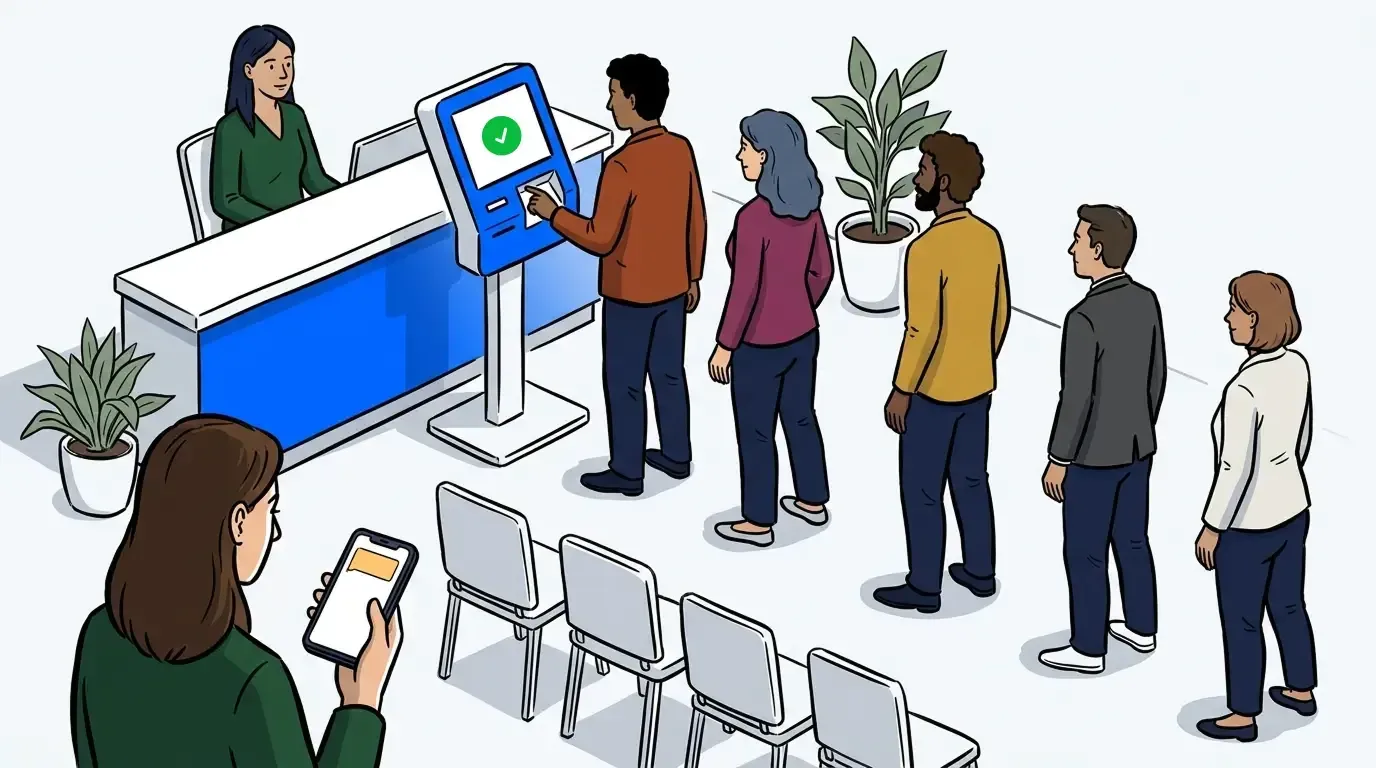
Some moments hit a whole group of guests at once. The kitchen goes down. A provider runs an hour behind. An event line stops moving while everyone waits on the same update. In those moments, texting guests one at a time is the last thing a busy team has time for.
This is where bulk actions in waitlist management earn their keep. Instead of working down the list guest by guest, you act on a group, or the whole list, in a single step. NextMe has grown bulk actions into a full set of moves: notify, service, cancel, restore, complete, and message.
This post covers what bulk actions are, the two families they fall into, and how to reach for the right one without leaving guests confused.
What are bulk actions in waitlist management?
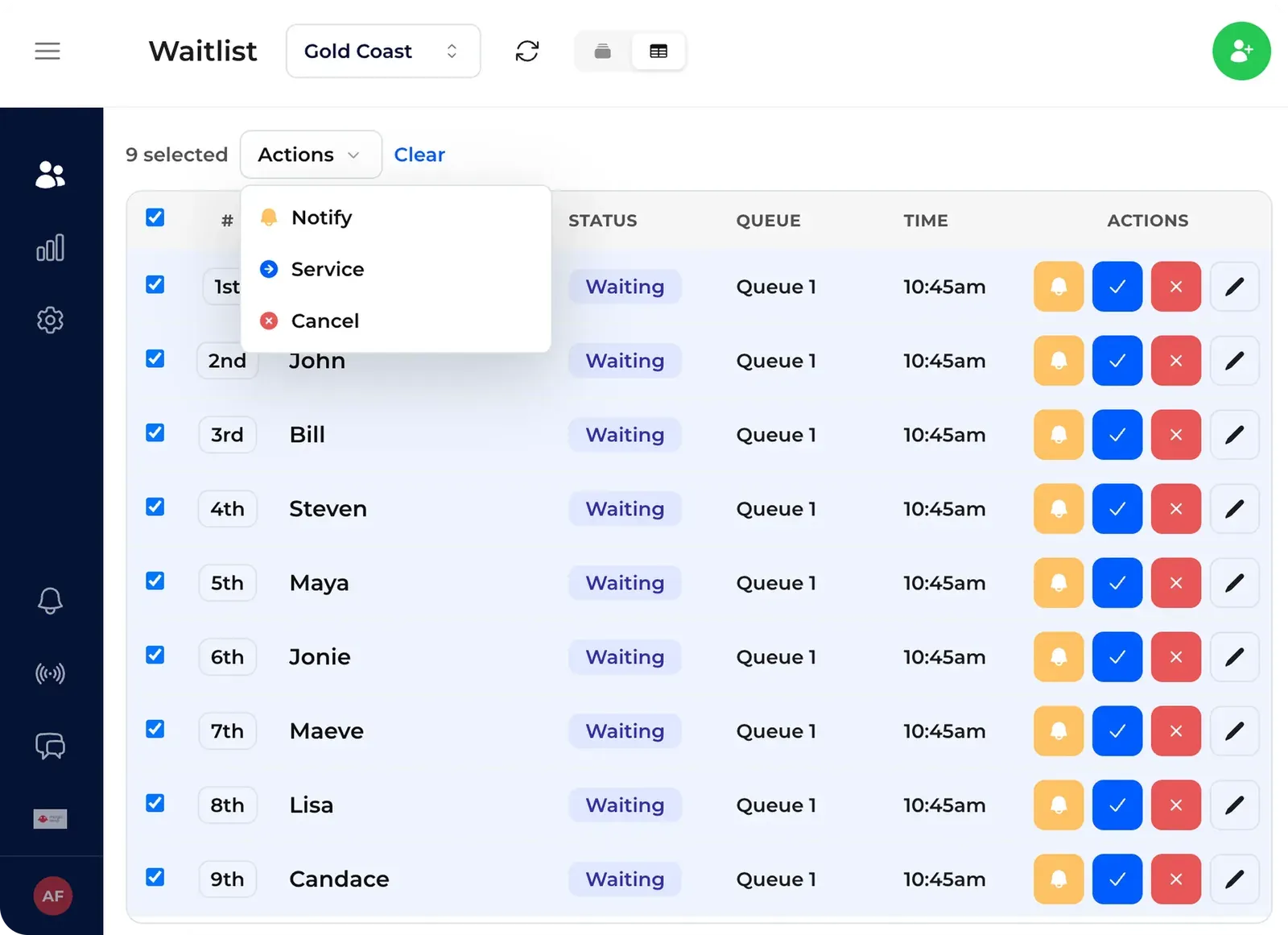
Bulk actions in waitlist management let you act on many guests at once instead of one at a time. From the waitlist table on the web dashboard, you select a group, or the whole list, choose an action, and NextMe applies it in a single move. You can notify, service, cancel, restore, complete, or message a group this way.
The value shows up exactly when things get busy. One-by-one messaging is fine when guests trickle in. It falls apart the moment a whole wave needs the same action at the same time, which is the moment you can least afford to be clicking through a list.
The two kinds of bulk actions
It helps to sort bulk actions into two families. One family works on the live queue, the guests still waiting right now. The other works on your history, the guests who have already come and gone. Knowing which family you need points you straight to the right action.
- Live queue actions work on guests still waiting: notify a wave back, move a group into service at once, or cancel guests off an active list.
- History actions work on guests who have already left: restore them to waiting, or mark a group as completed.
Message is the one action that spans both. You send the same update to a selected group whenever you need to. Select businesses can use bulk messaging today, with more on the way.
Acting on the live queue: notify, service, and cancel
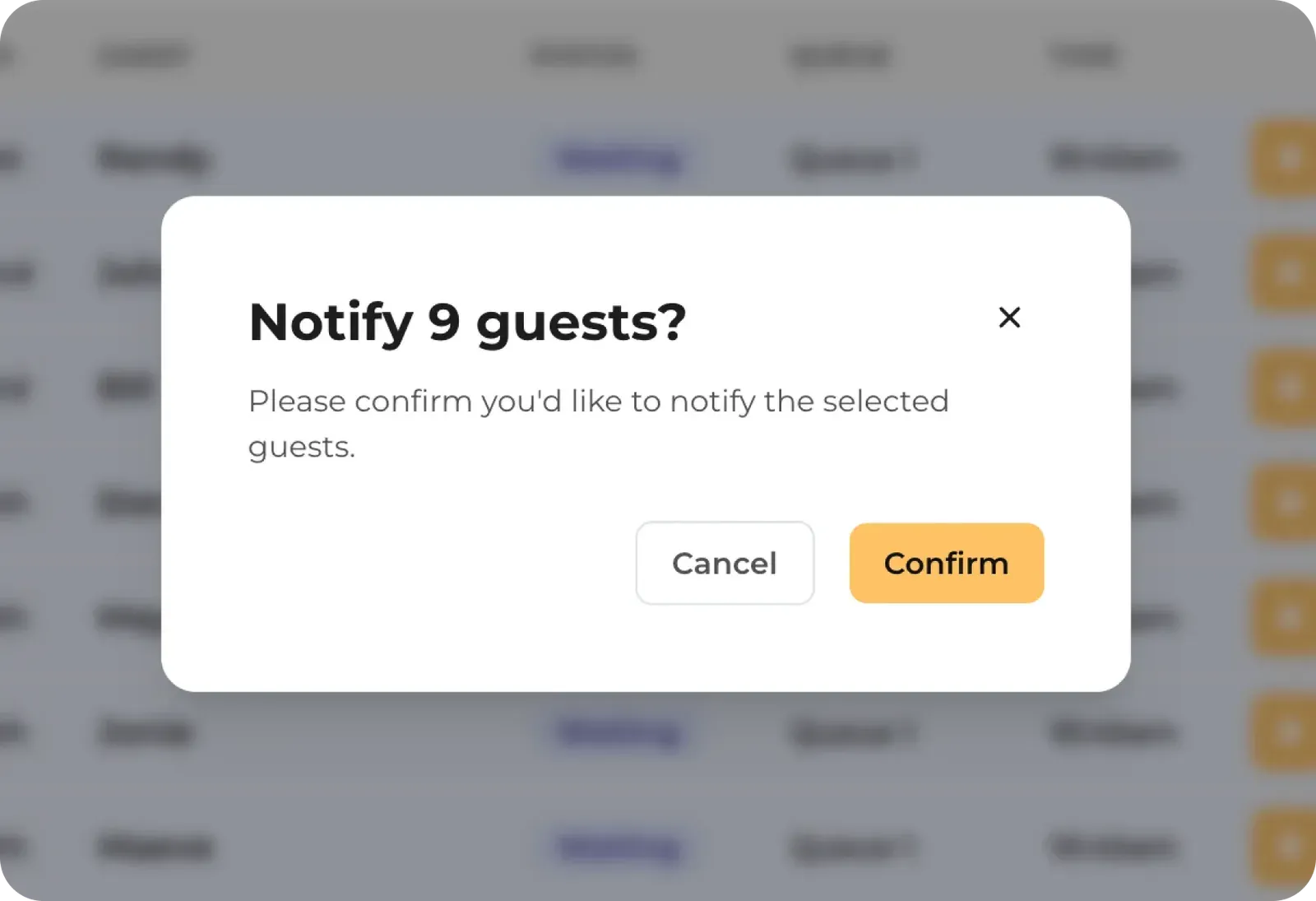
Reach for a live queue action whenever one event changes the wait for a group at once. A wave callback is the everyday case. Notify the next batch of guests due to be seen, so they head back together instead of trickling in.
When that wave arrives, use service to move the whole group into service in one step rather than seating them one by one. And when something ends the queue, like a closure or an early cutoff, a bulk cancel clears the remaining guests cleanly and tells everyone at once. Nobody sits waiting on a list that is no longer live.
These are the same whole-venue moments covered in how to reduce event wait times across your whole venue, where a delay at one point ripples across the floor. A bulk notify is how you get ahead of that ripple before it spreads. It keeps the everyday parts of waitlist management moving even when the pace jumps.
Cleaning up after the rush: restore and complete
The history actions handle the tidy-up. After a busy stretch, your list fills with guests who left, no-showed, or came off the queue by mistake. Restore and complete let you fix that in groups instead of row by row.
Restore sends a selected group of past guests back to waiting. It is the fast undo when a wave cleared too early, or when a guest deserves another shot at the front. Complete marks a group as done, so you close out everyone you served in one move instead of tapping through each entry at the end of the day. You trigger both from the history view, and the list updates to show the new status as soon as each action finishes.
Messaging a group at once
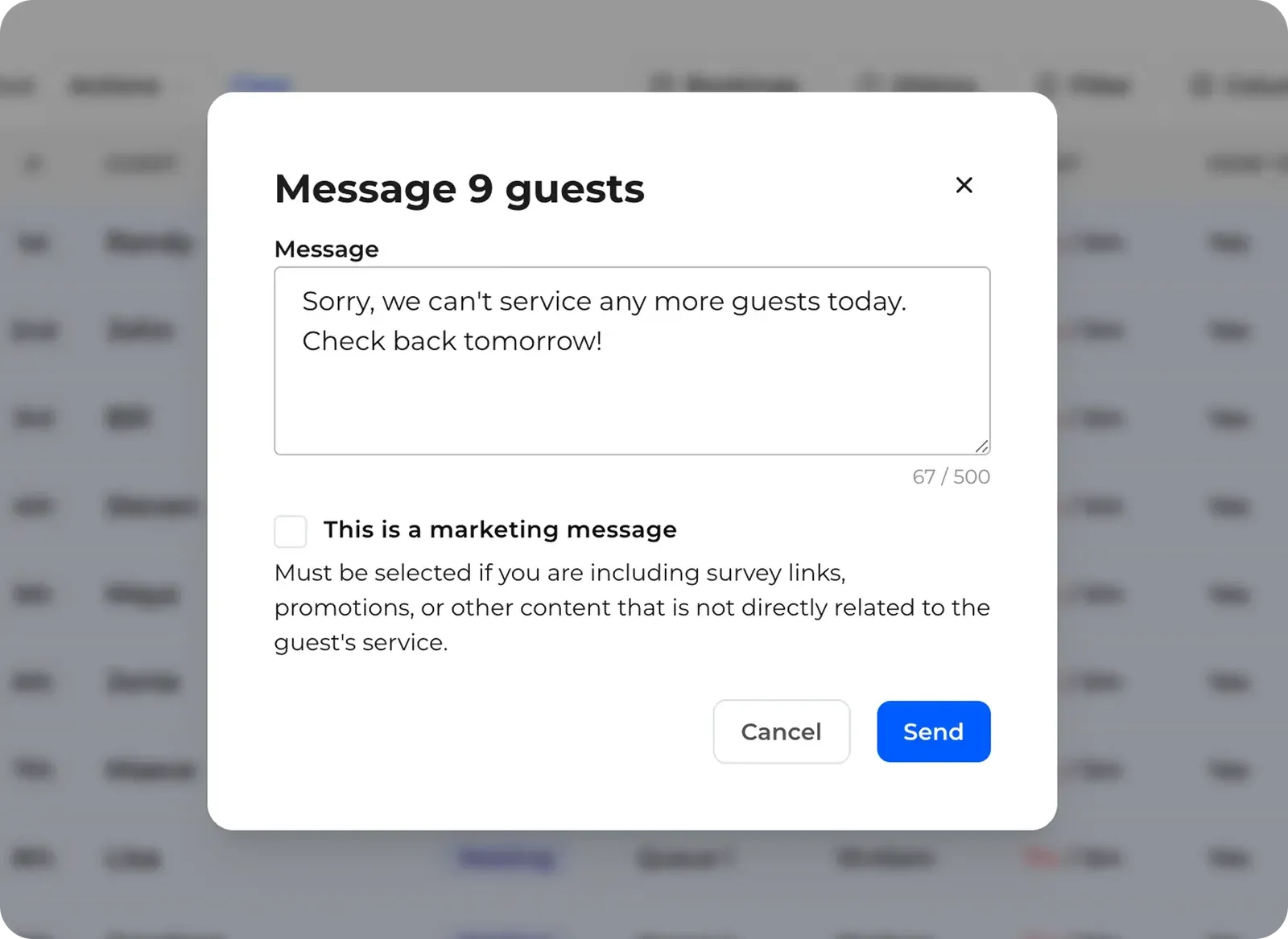
Sometimes the group does not need an action on the queue. It needs a word. A bulk message sends the same update to a selected group of guests at once, on the channel they already use.
A message to a group carries more weight than a single text, so a little care goes a long way. Write it so it makes sense to every guest who receives it, not just the ones at the front. Say what changed, what it means for their wait, and what to do next. Guests reply 1 to confirm or 9 to cancel as usual, so a group message can still invite a response when you need one. Select businesses can send a bulk message today, with more on the way.
Where bulk actions fit, and what is next
Bulk actions are not a feature you touch every shift. They are the tool you are grateful for on the day something breaks or a rush lands all at once. They sit alongside the per-guest callbacks and self check-in that run a normal service, and they take over the moment a whole wave needs to move together.
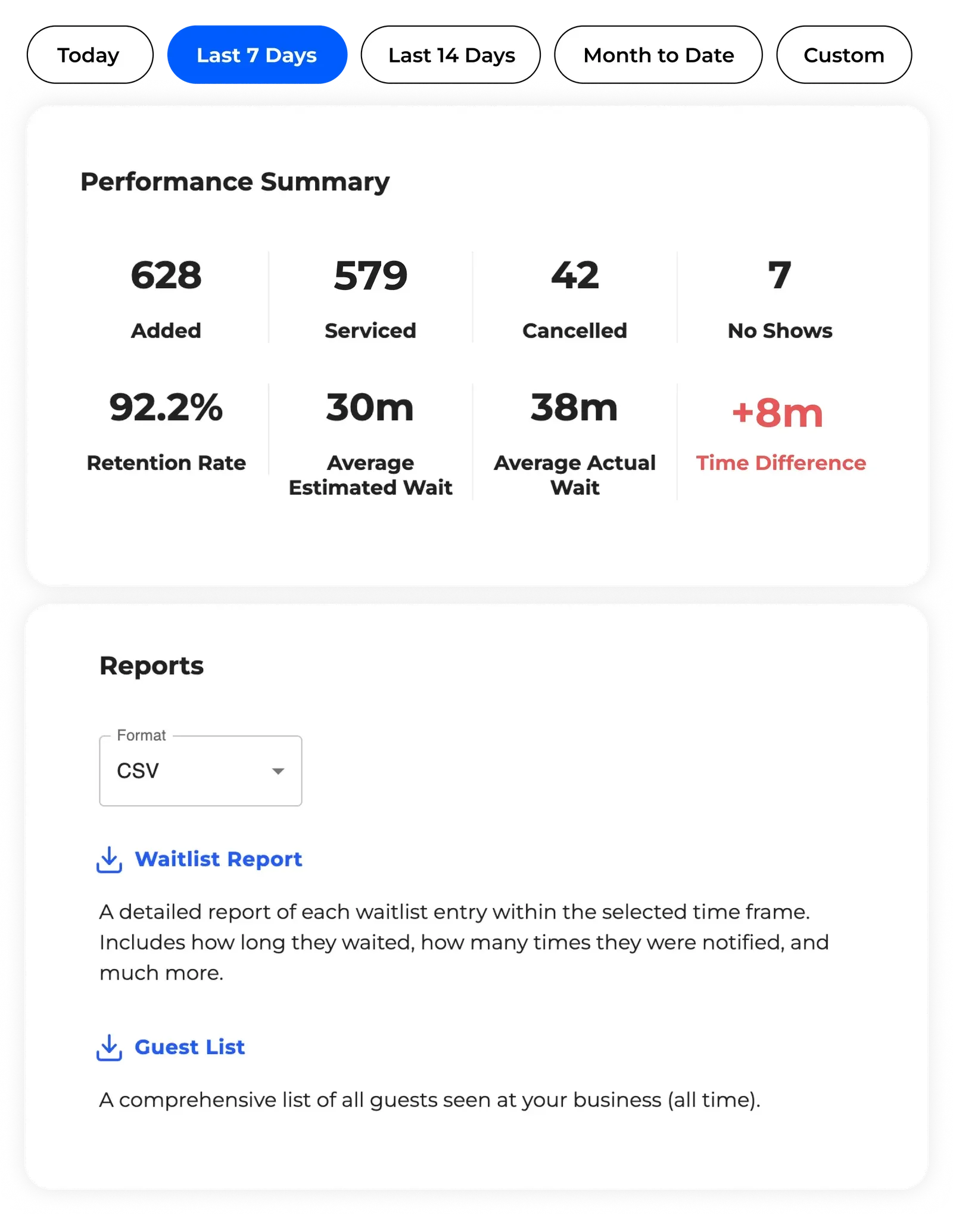
For guests, the wait still happens in the virtual waiting room software, whatever you do behind the scenes. Bulk actions live in the web table view today, with support coming soon to the mobile apps. Once a rush settles, your analytics show what happened to the queue, so you can see whether a delay cost you walkaways or held the line.
The takeaway
Bulk actions in waitlist management exist for the moments that hit a group of guests at once. A wave callback, a delay, a closure, an end-of-day cleanup: these are exactly when acting one guest at a time fails, and exactly when a single bulk move keeps the queue calm and current. Pick the right action, write any message clearly, and a busy moment becomes a handled one.