Guests today may seem a little more impatient than they used to be. And rightfully so - lines are long, businesses are understaffed, and many companies struggle to manage customer check-ins amidst a changing economic landscape.
The good news is that waitlist management software has come a long way. Using a tool like NextMe, you can worry less about the customer intake process and do more with less.
Why your check-in process is critical
First impressions matter for both new and returning visitors. Guests consider the waiting experience as part of their overall impression of your brand. In fact, it’s normally the first touchpoint they have which makes it critically important for every business to consider the guest experience before they even get through the door.
Tips to streamline check-in
Consider the nature of your business
Your ideal check-in process depends on the nature of your business, what you’re selling, and any restrictions at your location. Luckily, NextMe is the most flexible waitlist solution on the market and can be used across many different industries.
Let’s use cannabis dispensaries as an example. The cannabis industry faces an intense regulatory framework. Therefore, the products must be kept safe, and customers need to move in and out as quickly as possible to maximize safety and throughput. With that in mind, a dispensary will likely want to introduce self check-in to prevent physical lines and easily manage who enters the store and when.
A brand event on the other hand, might actually want a physical line to drive demand. In this case, the check-in process should be designed not to eliminate lines entirely, but simply control the size of them.
Keep it simple
Check-in problems often arise because customers are confused by unclear or constantly changing procedures. With that in mind, it’s best to choose a simple system and stick to it.
When in comes to simplicity, NextMe is one of the most flexible and user-friendly waitlist apps on the market. Here are a few reasons why it might be a good choice for your business:
5 powerful features of NextMe’s virtual waiting room & queue management system
Identify repeat customers
NextMe uses innovative technology to pinpoint returning guests, automate reward opportunities, and streamline services for repeat customers.
Reduce the burden on your customers
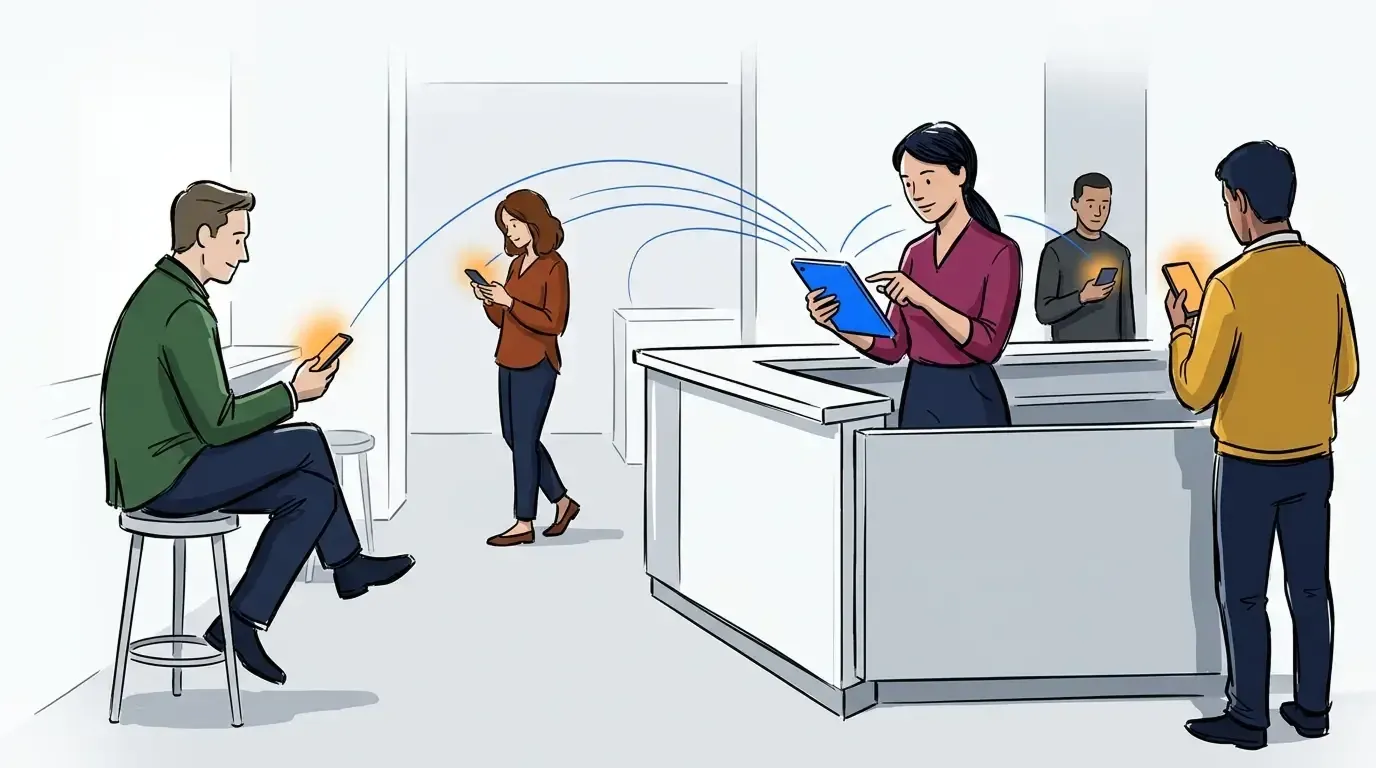
Unlike most waitlist software, customers don’t need to sign up or download any app. All they need is an active phone number to receive SMS texts.
Work across multiple devices
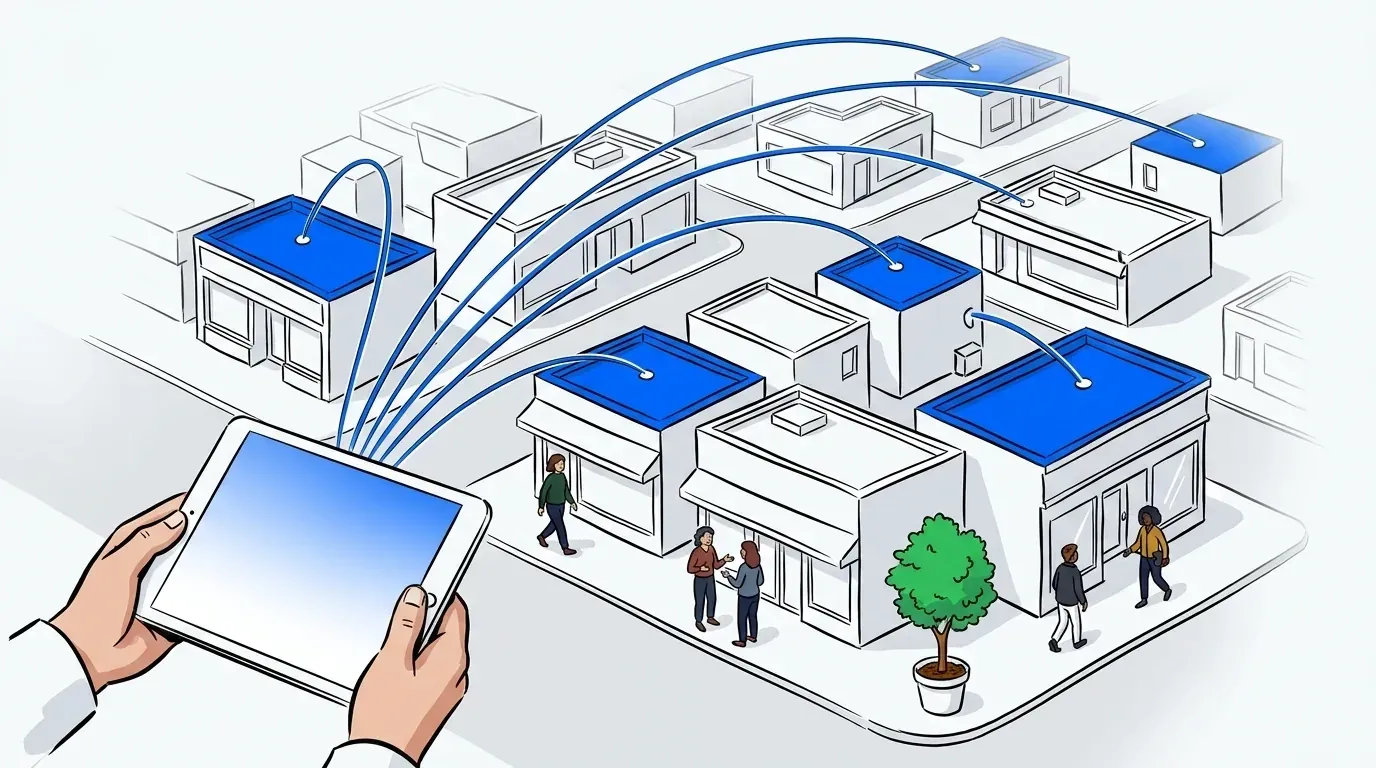
Team members can collaborate to manage the waitlist on any device. NextMe data automatically syncs in real-time.
Empower guests to check-in themselves
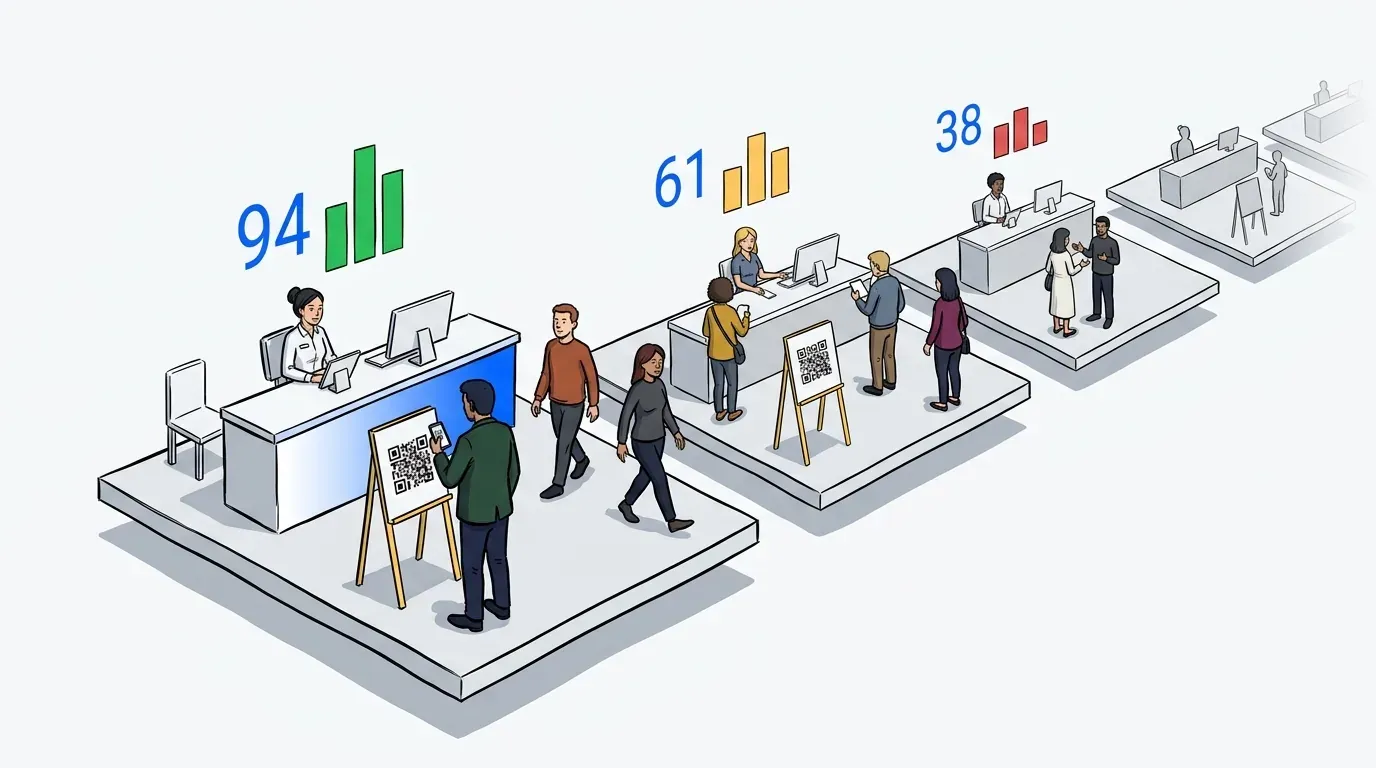
One of the best ways to increase throughput is through self check-in. QR codes and kiosks save time during the waitlist process and allow customers to check-in independently.
Analyze your performance
Leverage NextMe’s analytics dashboard to review your throughput and identify bottlenecks and opportunities to continually improve your customer flow.
How it works
You don’t need to be tech-savvy to use our waitlist app. Customers only need to follow a few simple steps while joining the waitlist and our powerful app takes care of the rest. No stress, no confusion.
Here’s a quick summary of the overall process in a retail setting:
Step 1: Customers join the waitlist by scanning a QR code, using a kiosk, or being manually added by one of your staff.
Step 2: The customer receives an SMS text with a link to your virtual waiting room where they can monitor their position in line. During this time they can browse the product list and engage with any content you’ve set up.
Step 3: Your staff clicks “Notify” to send a ready message to the customer.
Step 4: The customer returns to your store for service.
It’s easy as that! If you’re interested in learning more about how NextMe could benefit your business, read our case studies or book a demo today.