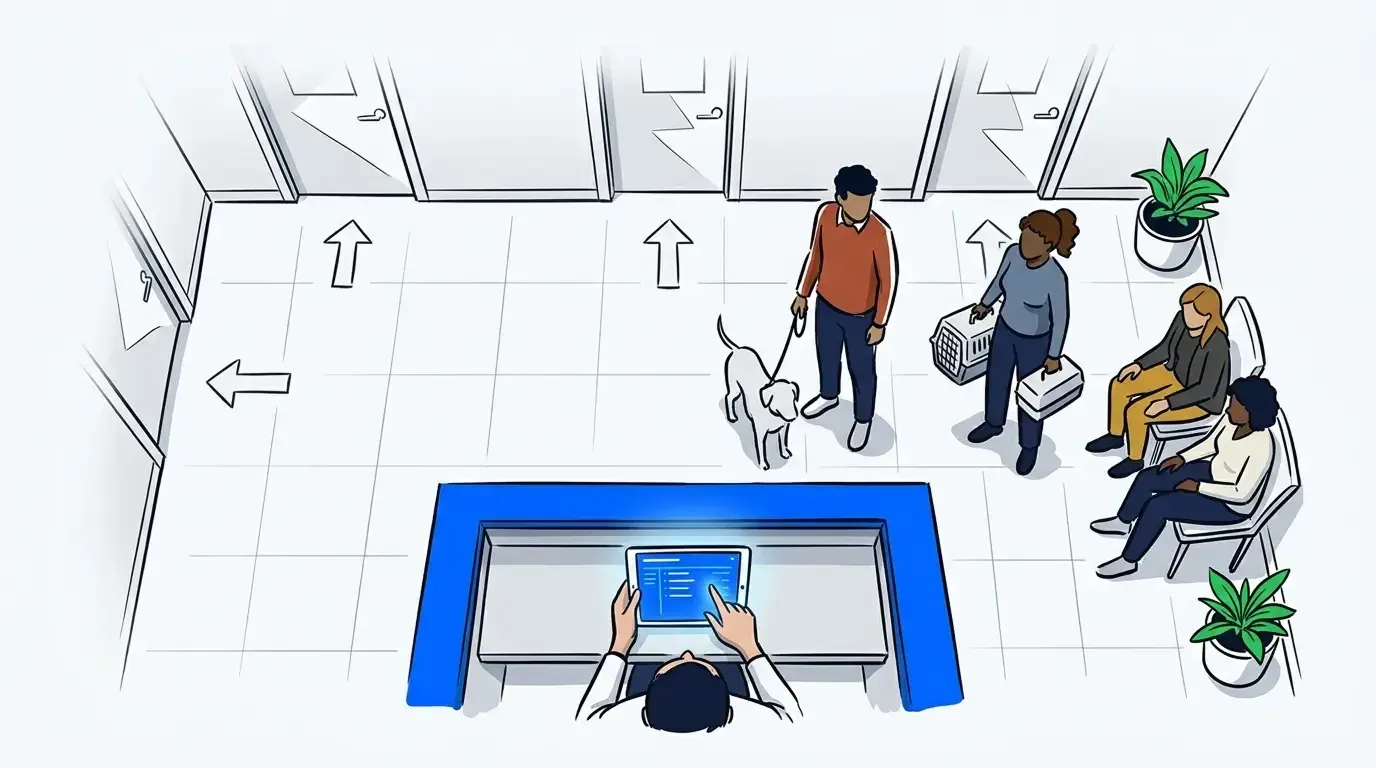
Walk-in visits are one of the hardest parts of running a veterinary clinic. A dog comes in bleeding from the paw. Two cats are booked at 10 AM. Three walk-ins are already waiting. The front desk is fielding phone calls at the same time. And somewhere in the middle of all this, someone’s owner is frustrated because they’ve been sitting in a hot car for 40 minutes with no update.
Most vet clinics manage this with a paper list, a whiteboard, or a basic spreadsheet. It works until it doesn’t. During peak hours or a busy Saturday morning, a manual intake process becomes a bottleneck that slows down the entire clinic and puts the front desk in damage-control mode.
A veterinary clinic queue system replaces that manual process with a structured digital flow. It handles check-in, triage, lobby management, and owner communication from a single interface, so the front desk can focus on patients instead of paperwork. If you’ve been researching how a veterinary waitlist app reduces no-shows, this post goes deeper into how the underlying system actually works.
What is a veterinary clinic queue system?
A veterinary clinic queue system is software that manages patient intake from the moment a client arrives to the moment they’re called in for their appointment. It digitizes the steps a front desk team would otherwise handle manually: logging arrivals, capturing triage information, tracking lobby status, and notifying owners when it’s their turn. The system runs on any tablet, desktop, or mobile browser, with no specialized hardware required.
Think of it as the operational infrastructure behind your front desk. Instead of relying on a team member to keep a mental map of who’s waiting, what their pet needs, and how long they’ve been there, a queue system holds all of that information in a live dashboard. Every team member sees the same queue at the same time.
The 4-Stage Intake Loop: how a queue system works in practice
Most veterinary clinic workflows follow the same basic pattern. A queue system formalizes that pattern into four stages that repeat with every patient visit.
Stage 1: client check-in
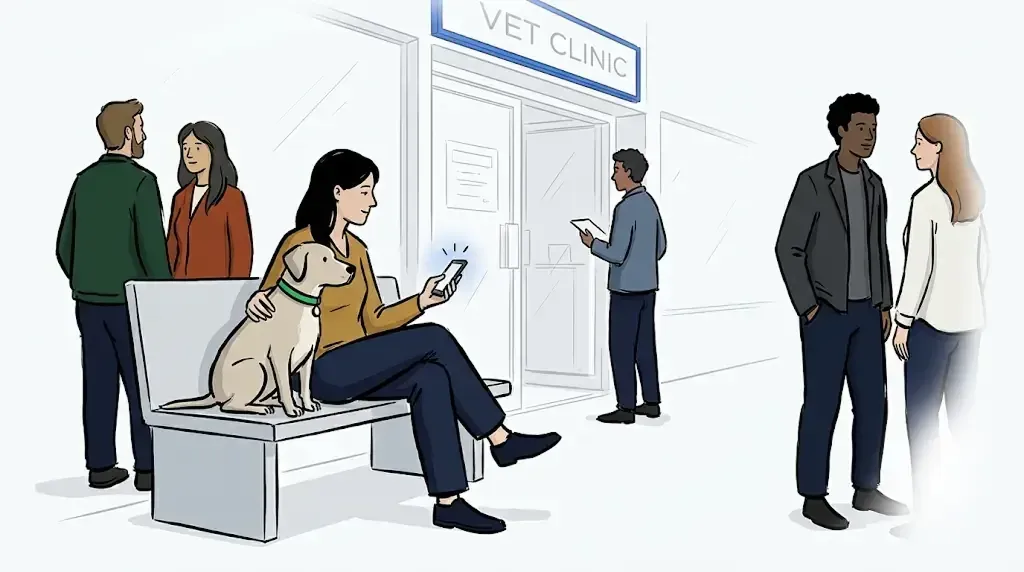
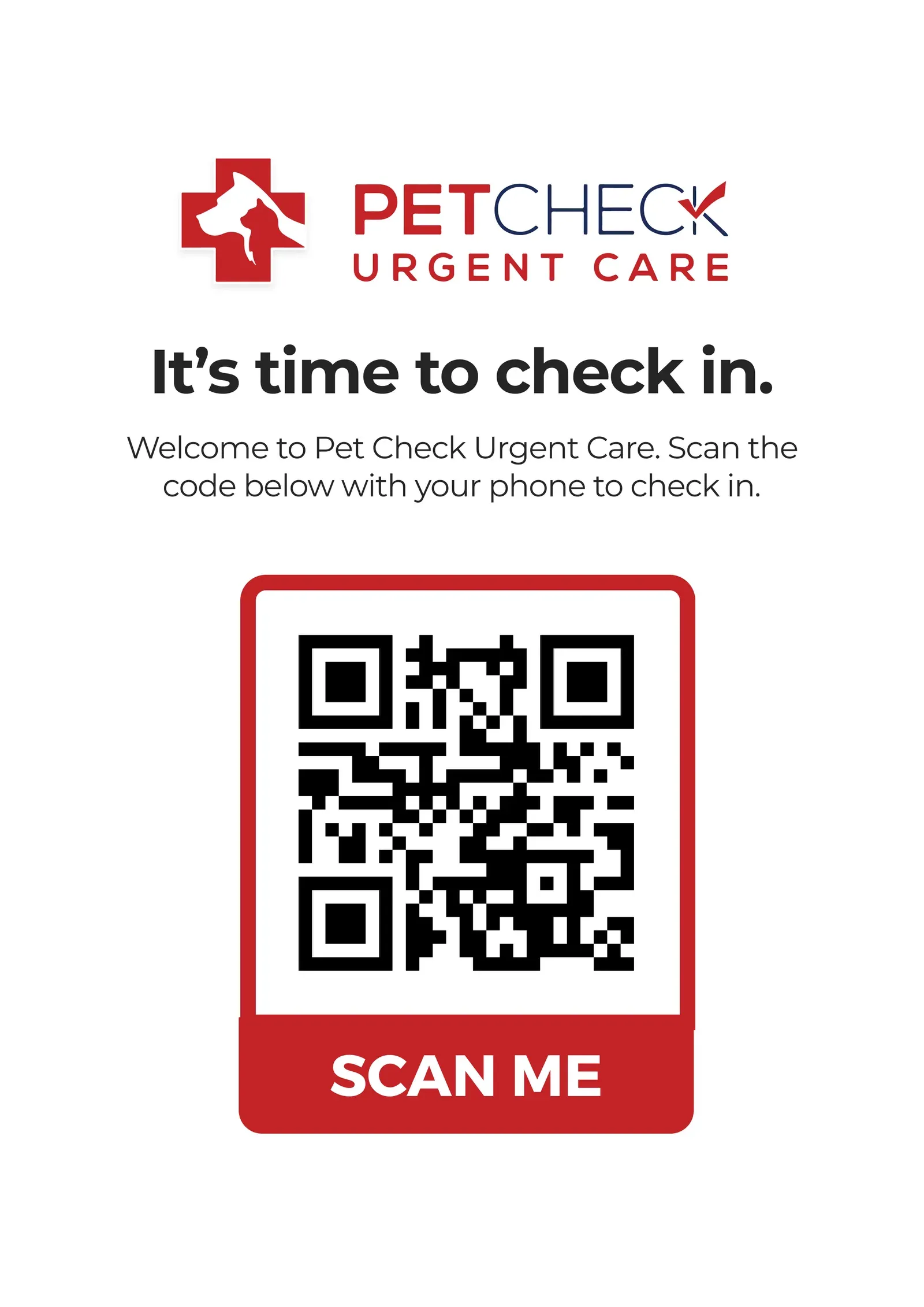
Clients join the queue before they walk through the door. They scan a QR code posted outside the clinic or on your website, enter their name, pet’s name, and the reason for the visit, and they’re added to the live queue instantly. The front desk sees the new entry appear on the dashboard in real time.
This matters for two reasons. First, it eliminates the cluster of people at the front counter at peak arrival times. Second, it captures intake data before the client is in the building, which gives the clinical team a head start on understanding what’s coming through the door.
Stage 2: triage capture
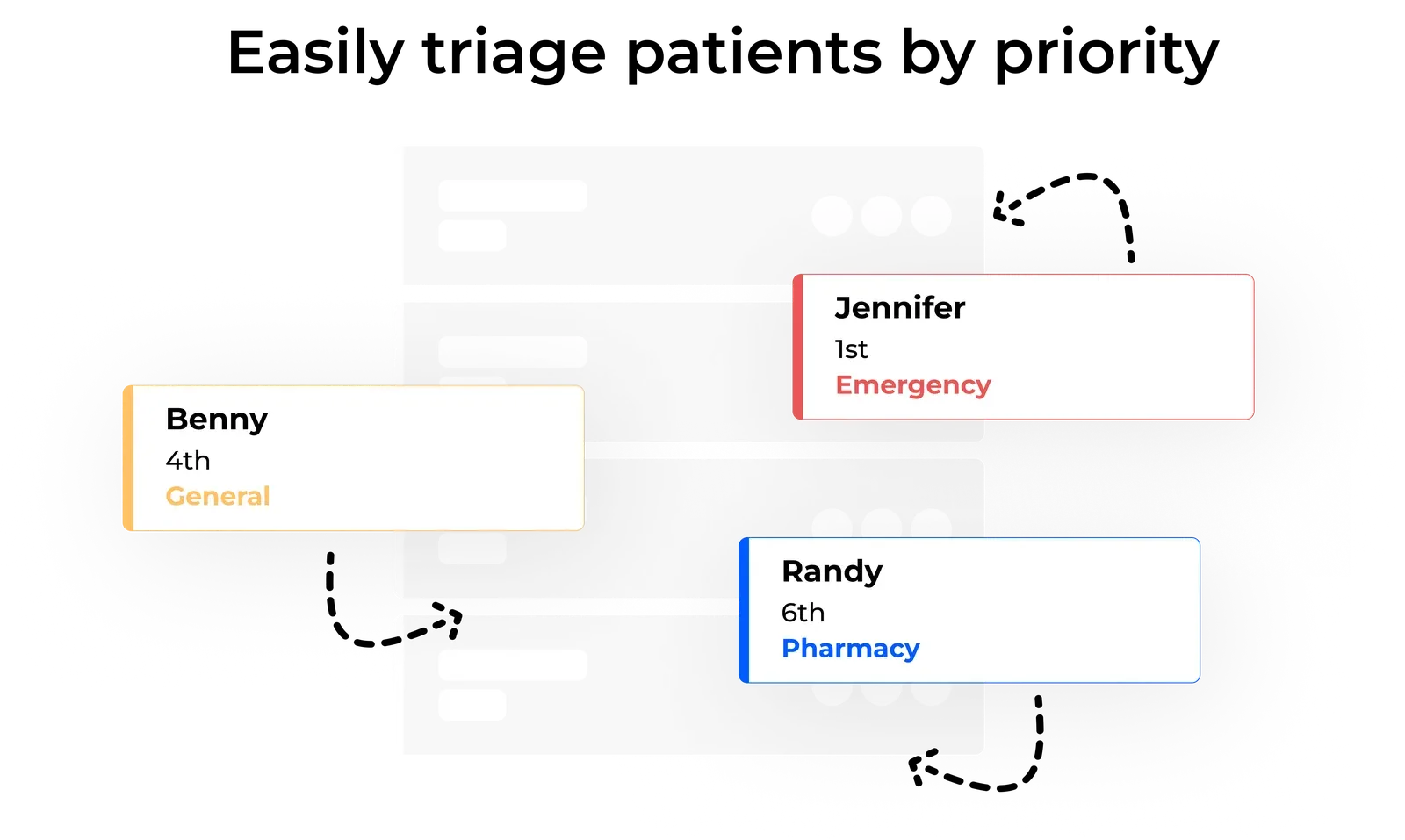
Once a patient is in the queue, staff can add a priority flag directly from the dashboard. Urgent cases, elderly patients, and animals in distress can be moved ahead of routine visits with a single tap. The queue reorders automatically.
This is where a queue system does something a paper list cannot: it makes triage a structured decision rather than a judgment call under pressure. When the intake form asks why the client is visiting, a staff member reviewing the queue can make a triage call without walking to the waiting area or asking the front desk to interrupt a phone call.
Stage 3: owner updates via SMS
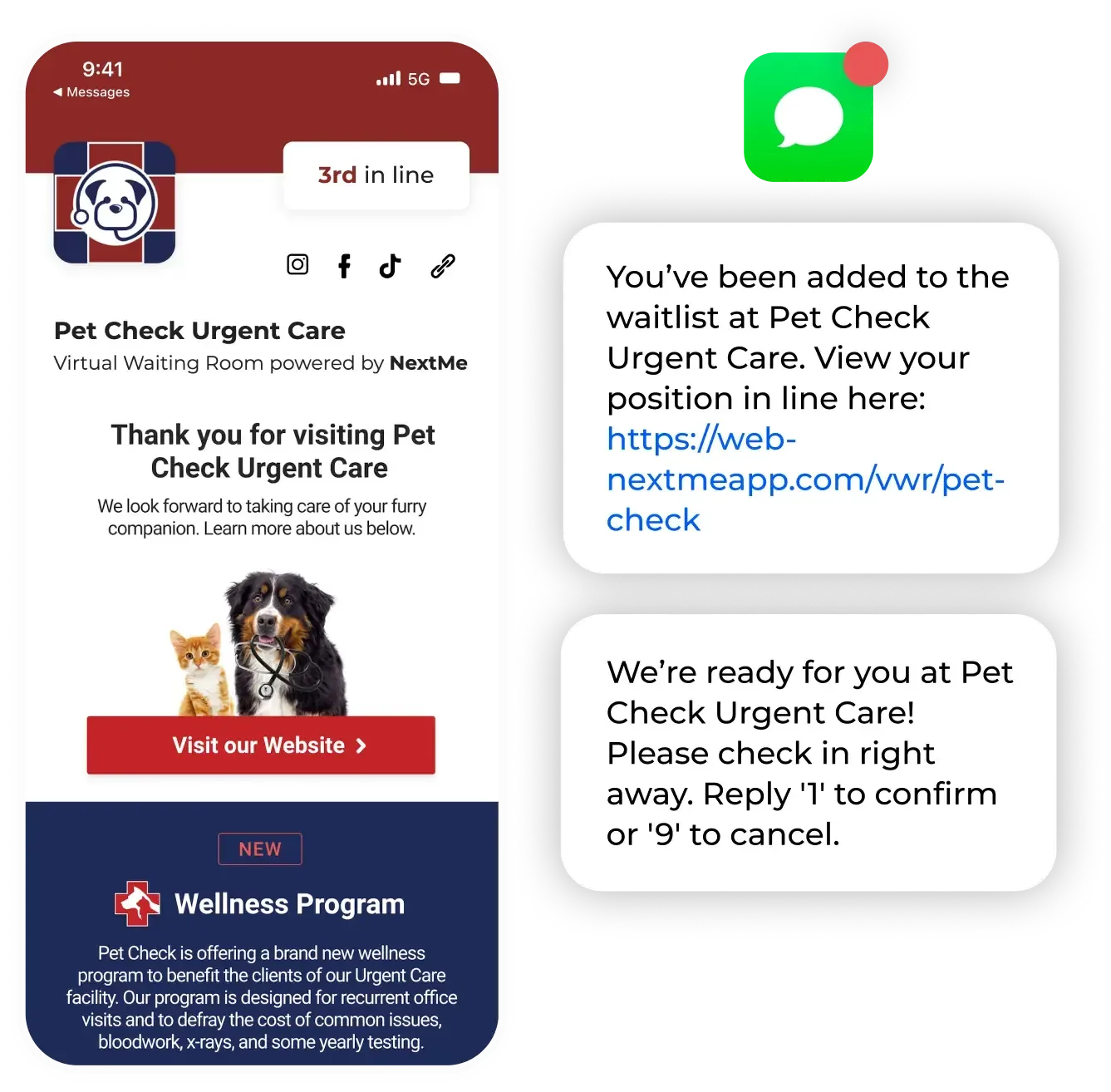
Once a client is checked in, the queue system sends them an SMS confirmation with their position and an estimated wait. As the queue moves, owners receive automatic updates. When it’s their turn, they get a text telling them to come in. No sitting in the lobby, no checking in every five minutes at the front desk, no wondering if they’ve been forgotten.
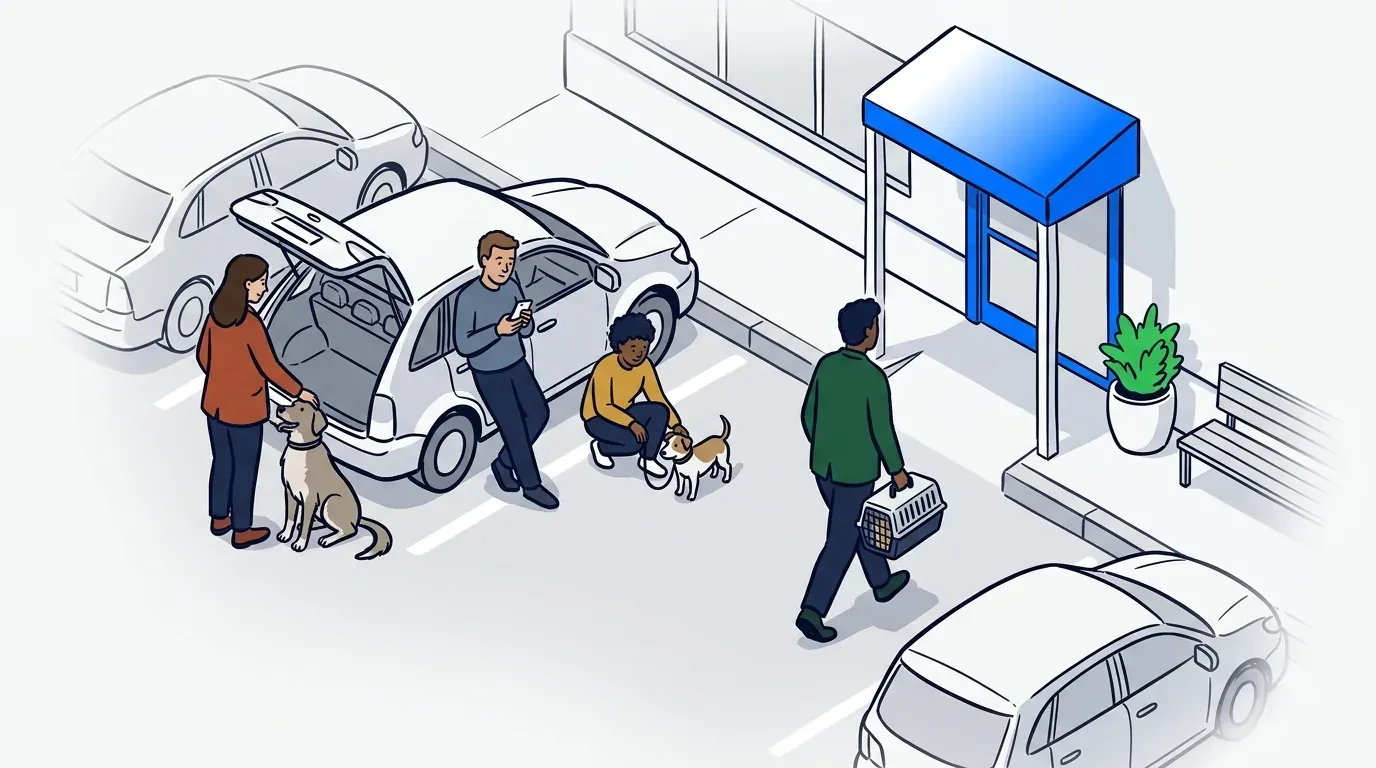
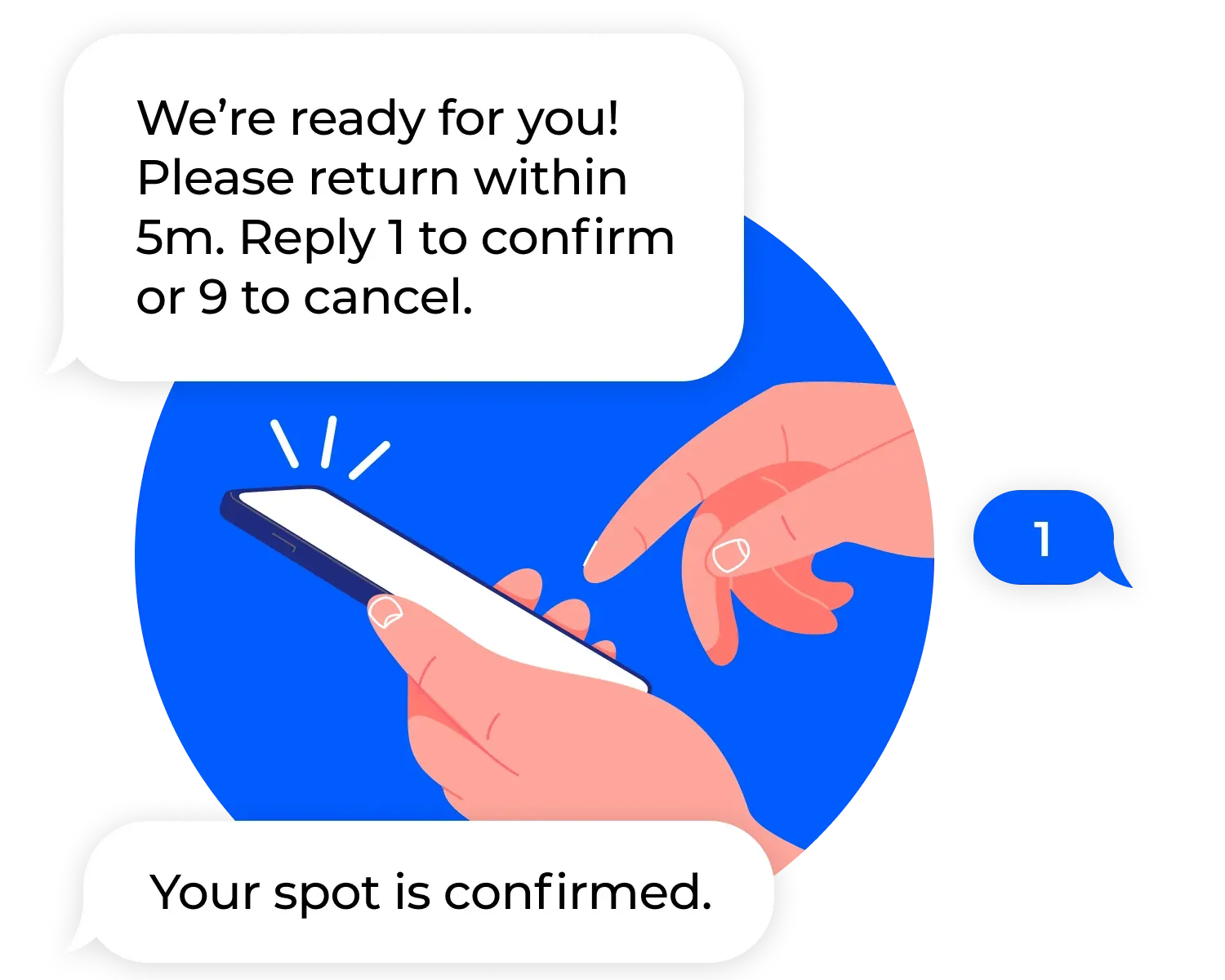
Two-way SMS lets owners confirm or cancel with a simple reply (reply 1 to confirm, 9 to cancel), which helps staff manage no-shows and last-minute changes without a phone call. For clinics running a virtual waiting room where pets wait in the car, this communication layer is what makes the curbside model functional.
Stage 4: call back and close out
When a room opens up, the front desk calls the next patient in from the dashboard. The queue updates in real time, estimated wait times recalculate for everyone else, and the closed case is removed from the active view. The loop resets for the next arrival.
This stage is simple, but it matters because it keeps the queue accurate. A system that isn’t closed out properly starts showing inflated wait times and out-of-order entries, which erodes trust with both staff and clients.
What a queue system replaces at the front desk
Before digital queue systems, the front desk managed patient flow through a combination of a physical sign-in sheet, verbal updates to waiting clients, and the front desk team’s ability to hold the full picture in their heads. That model works in a quiet clinic seeing 15 patients a day. It breaks down quickly at higher volumes.
A queue system replaces four things that create friction in that manual model. The sign-in sheet becomes a live dashboard. Verbal wait time estimates become automated SMS updates. Triage decisions made at the counter become structured priority flags in the system. And the mental load of tracking 10 or 15 open cases across multiple staff members becomes a single shared view.
The front desk doesn’t disappear. What changes is what they spend their attention on. Instead of managing the queue, they’re managing clients. That shift is where most clinics see the biggest improvement in both staff experience and client satisfaction scores.
How it works alongside appointments
Many vet clinics run a hybrid model: scheduled appointments in the morning, walk-ins in the afternoon, or both running in parallel. A queue system handles this by managing walk-in patients separately from booked appointments, giving staff a clear view of both streams without merging them into a single confusing list.
Walk-ins are added to the digital queue at check-in. Scheduled patients check in against their booking. The dashboard shows both, with timestamps and status for each. When a room becomes available, staff can pull from either stream based on urgency and schedule. The bookings feature and the queue work together rather than competing for the same view.
For clinics that have struggled to manage walk-in volume alongside a full appointment book, this is often the clearest operational benefit. The queue system doesn’t ask you to change your model. It gives your existing model the infrastructure to run more reliably.
The arithmetic changes again once a practice runs more than one doctor at a time. A multi-doctor hospital takes in referrals and emergencies alongside the two streams described here, and each arrival type carries its own expectation. Our guide to choosing an animal hospital waitlist app covers how to keep those separate without splitting the queue.
What to expect when setting up a veterinary clinic queue system
Clinic operators often ask about setup time before switching to a digital system. The answer is straightforward: most clinics configure the system and get running in under an hour. There’s no hardware to install. Staff learn the dashboard in a single walkthrough. You can print the QR code check-in and post it in your parking lot or lobby on day one.
The American Animal Hospital Association notes that operational efficiency directly affects patient throughput and staff retention in veterinary practices. A queue system addresses both: it reduces front desk workload during peak hours and removes the communication gaps that lead to client complaints and negative reviews.
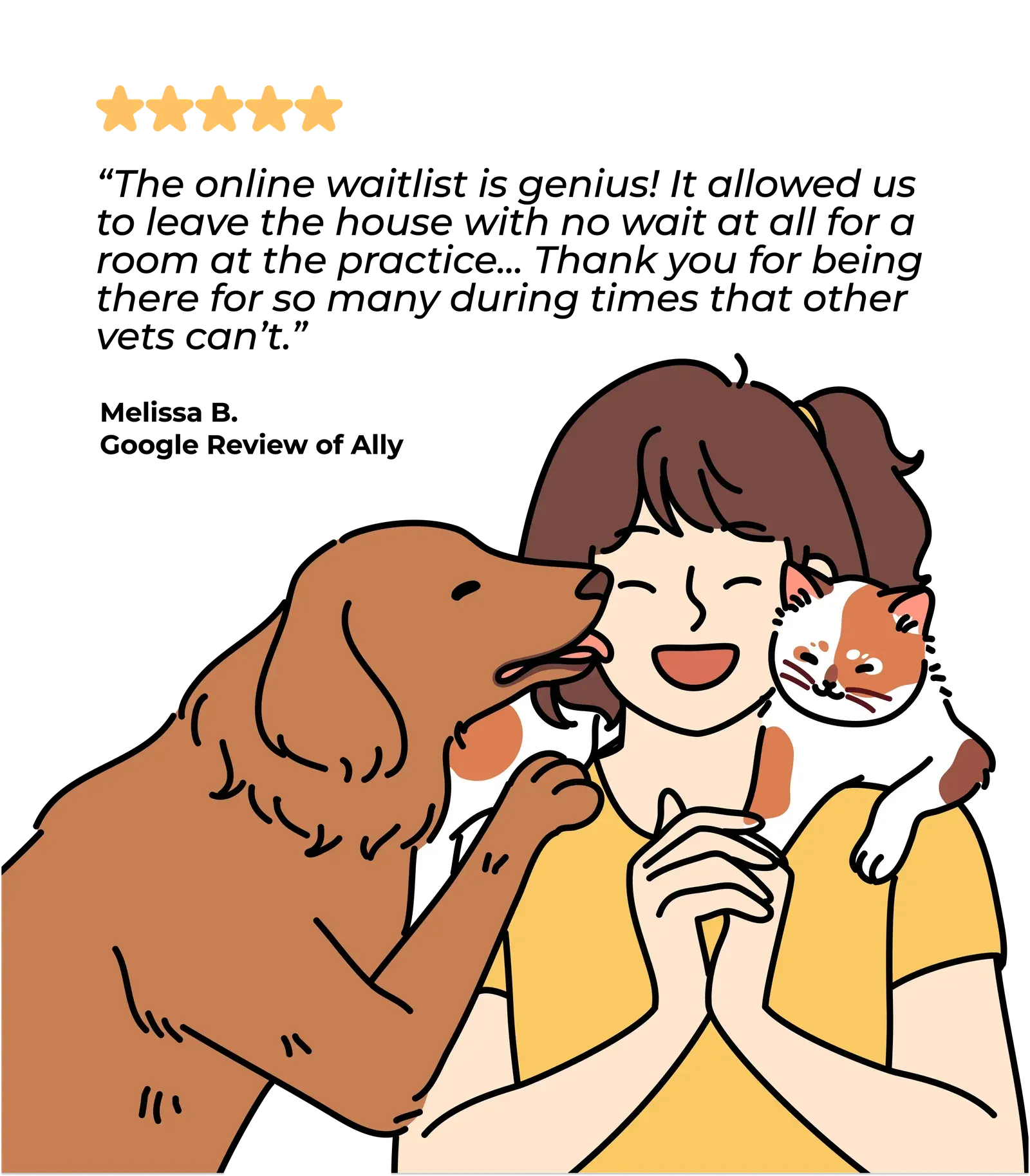
Ally Urgent Veterinary Care implemented NextMe’s queue system and saw a measurable increase in positive online reviews alongside improved triage efficiency for urgent cases. Staff reported that the priority flagging feature changed how they handled busy periods by surfacing urgent cases without requiring a manual review of the full queue. You can read more in the Ally Urgent Veterinary Care case study.
For clinics evaluating their options, the guide to virtual waiting rooms for vet clinics covers the specific features to look for when comparing tools.
Keep your clinic moving, from the parking lot to the exam room
A veterinary clinic queue system doesn’t change how you practice medicine. It changes how the front desk supports the rest of the clinic. When intake runs on a reliable structure, the clinical team makes triage decisions faster, owners get better information in real time, and the front desk spends less time managing logistics and more time on patient care.
NextMe’s veterinary queue management software supports clinics running walk-ins, appointments, or both. See how it works for your practice and read the buyer’s guide if you’re still comparing your options.