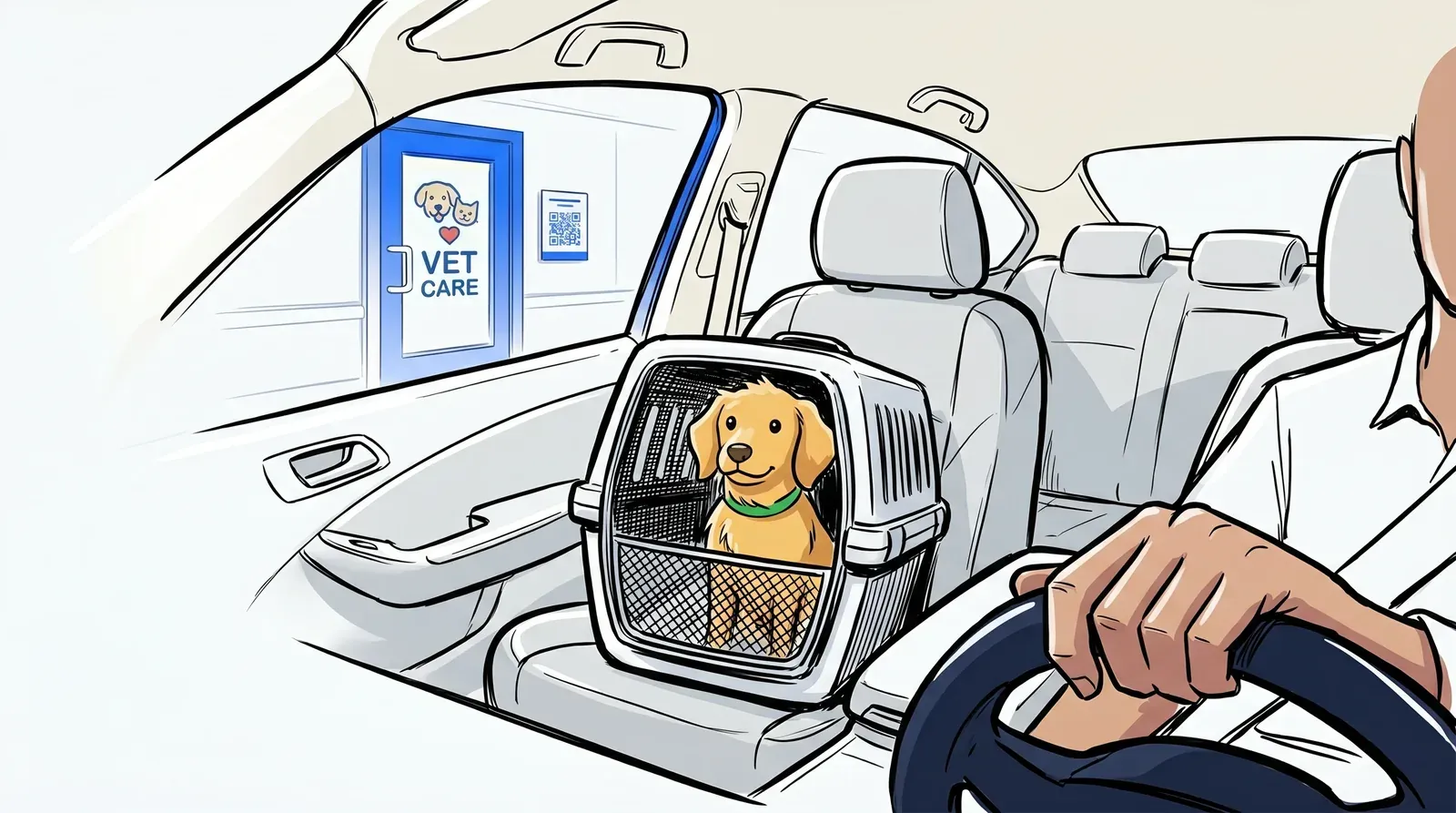
No-shows are one of the most frustrating operational problems in any veterinary practice. A client books or walks in, holds a slot in your schedule, and then simply does not come back when called. Meanwhile, a lobby full of anxious pets - dogs straining at leashes, cats hissing in carriers, stressed owners trying to manage it all - makes the wait worse for everyone. Sometimes pet owners give up before staff even sees them.
These two problems are more connected than they appear. Crowded, stressful waiting rooms are a primary reason clients do not return. A veterinary waitlist app addresses both at the same time.
This post explains how a waitlist app reduces no-shows in vet clinics, why letting pets wait in the car works better for everyone, and what to look for when choosing the right tool for your practice.
What is a veterinary waitlist app?
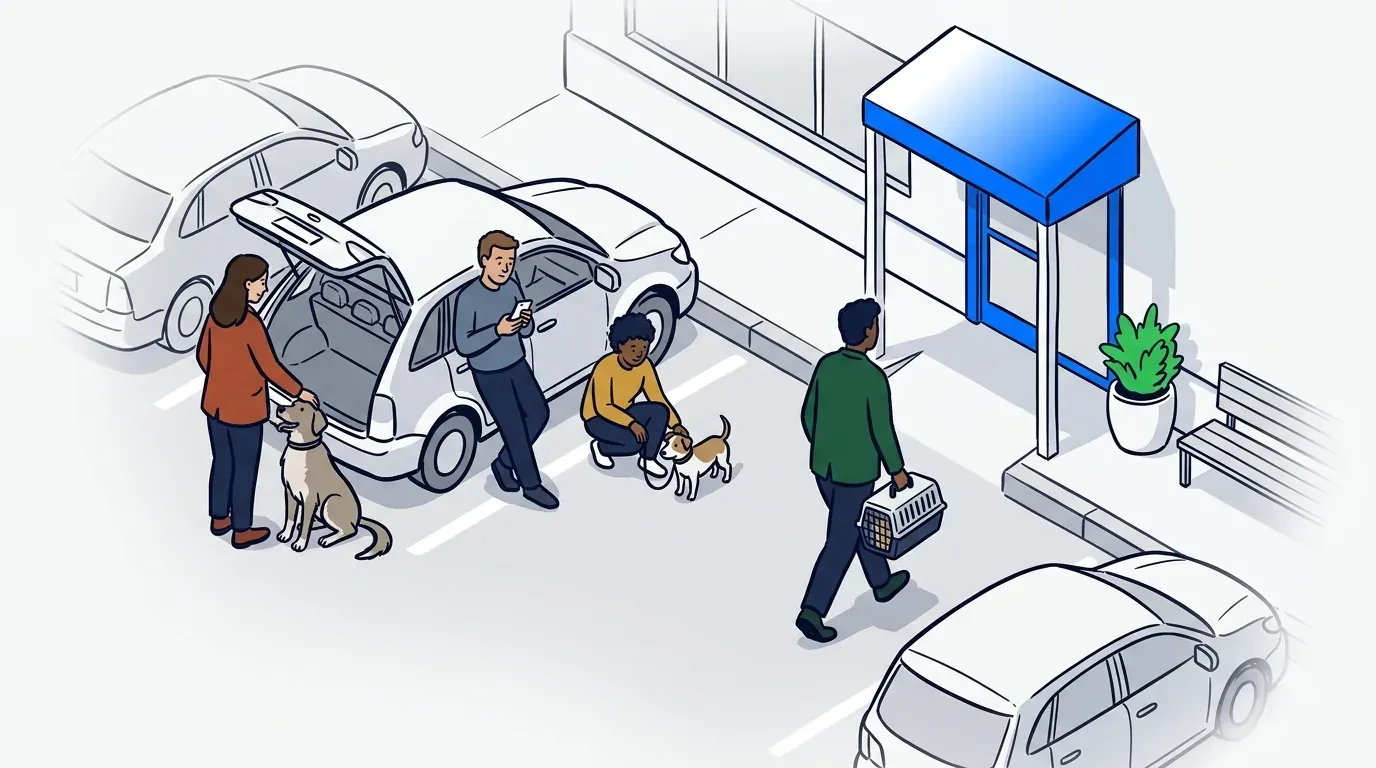
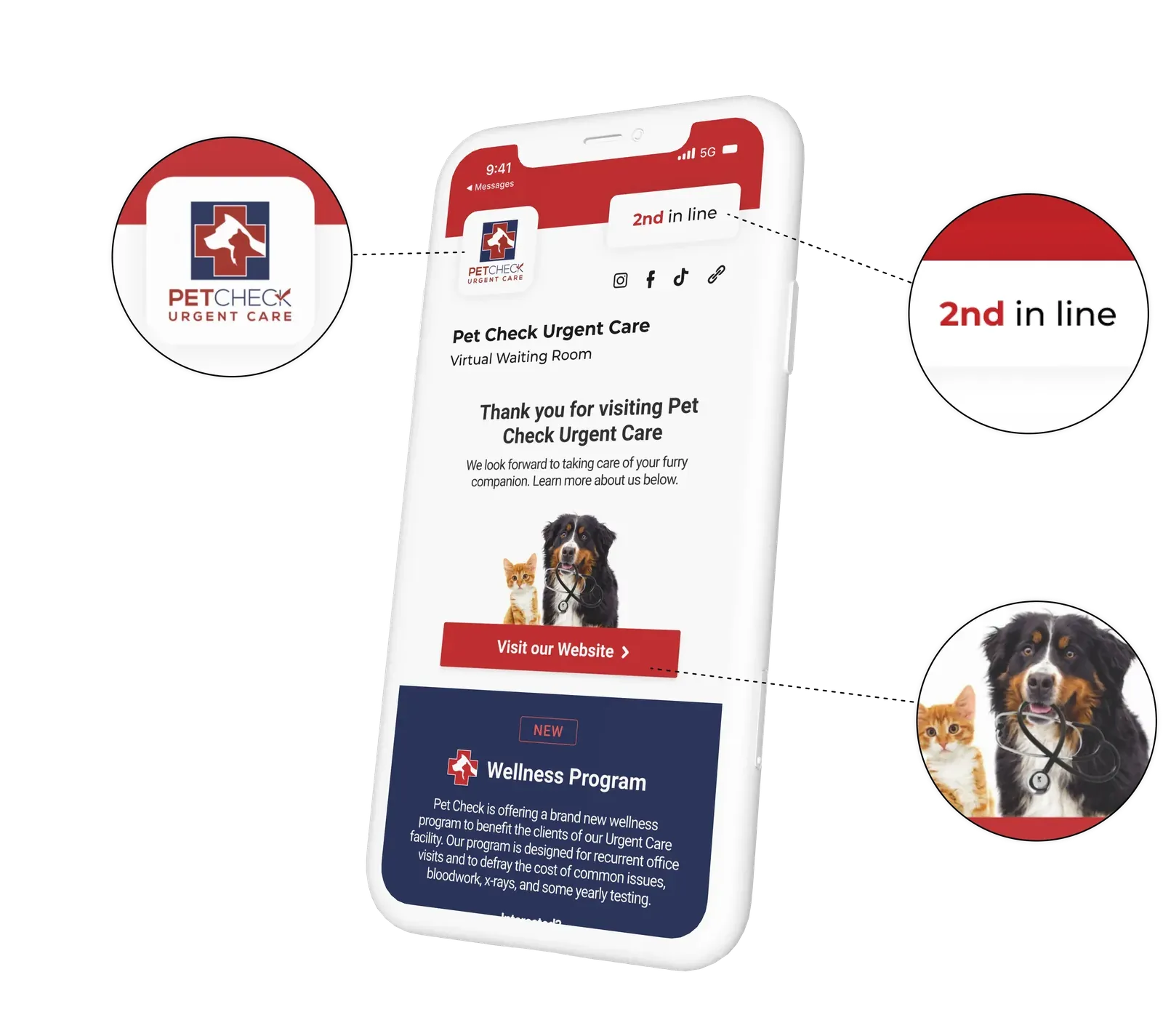
A veterinary waitlist app manages walk-in and scheduled patient flow at a vet clinic. Instead of clients sitting in a physical lobby, they check in on arrival - via a QR code, a front-desk kiosk, or a text link - and receive SMS updates as their turn approaches. They wait in their car, outside, or anywhere nearby, and come in only when the clinic is ready.
The clinic team runs the queue from a dashboard. They see who has checked in, prioritize urgent cases, call clients forward, and adjust flow as the day develops. The system captures every check-in digitally. No paper sign-in sheet. No question about who arrived first.
The waiting room problem in veterinary care
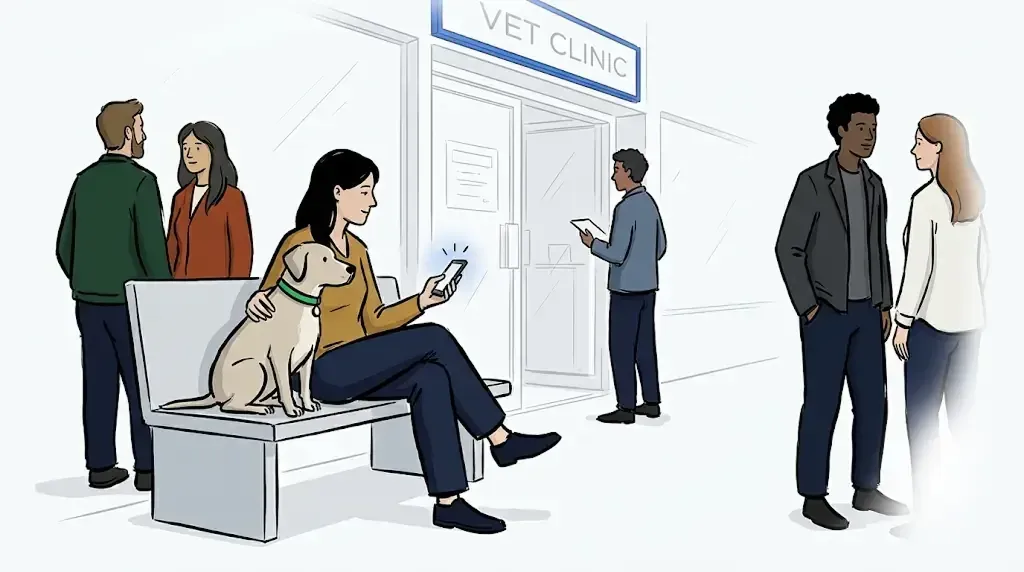
A crowded veterinary lobby creates stress that a busy restaurant or retail store simply does not. Dogs react to other dogs. Cats in carriers become agitated. Healthy pets risk exposure to contagious illness from other animals in the same space. For pets that are already unwell or in pain, a busy waiting room makes everything worse.
The American Veterinary Medical Association (AVMA) identifies stress and negative past experiences as primary barriers that prevent pet owners from seeking essential care. Research from the Bayer Veterinary Care Usage Study highlights that a pet’s anxiety often begins before they even enter the exam room.
A crowded, chaotic lobby does more than just disrupt a single appointment; it acts as a psychological deterrent for the owner. According to the Partners for Healthy Pets initiative, when a client associates the waiting area with sensory overload and high-tension interactions, it creates a lasting negative impression. This experience shapes whether clients feel comfortable returning at all, directly impacting long-term patient health and clinic retention.
For vet clinic operators, this stressful atmosphere translates directly into operational friction. Instead of supporting clinical care, staff must spend their energy de-escalating waiting room dynamics or managing the flow of reactive pets. When clients grow impatient and leave before being seen, it results in lost revenue and missed medical opportunities. Ultimately, a fractured front-end experience leaves a negative impression that can overshadow even the highest quality of clinical care.
The virtual waiting room solves this directly. Clients check in and return to their car. The lobby stays calm. Disease exposure drops. Staff attention shifts back to patient care. NextMe’s waitlist management feature handles exactly this workflow.
For a closer look at how vet clinics put this into practice, see how vet clinics use virtual waitlists to protect pets from disease exposure.
How SMS keeps clients and their pets calm
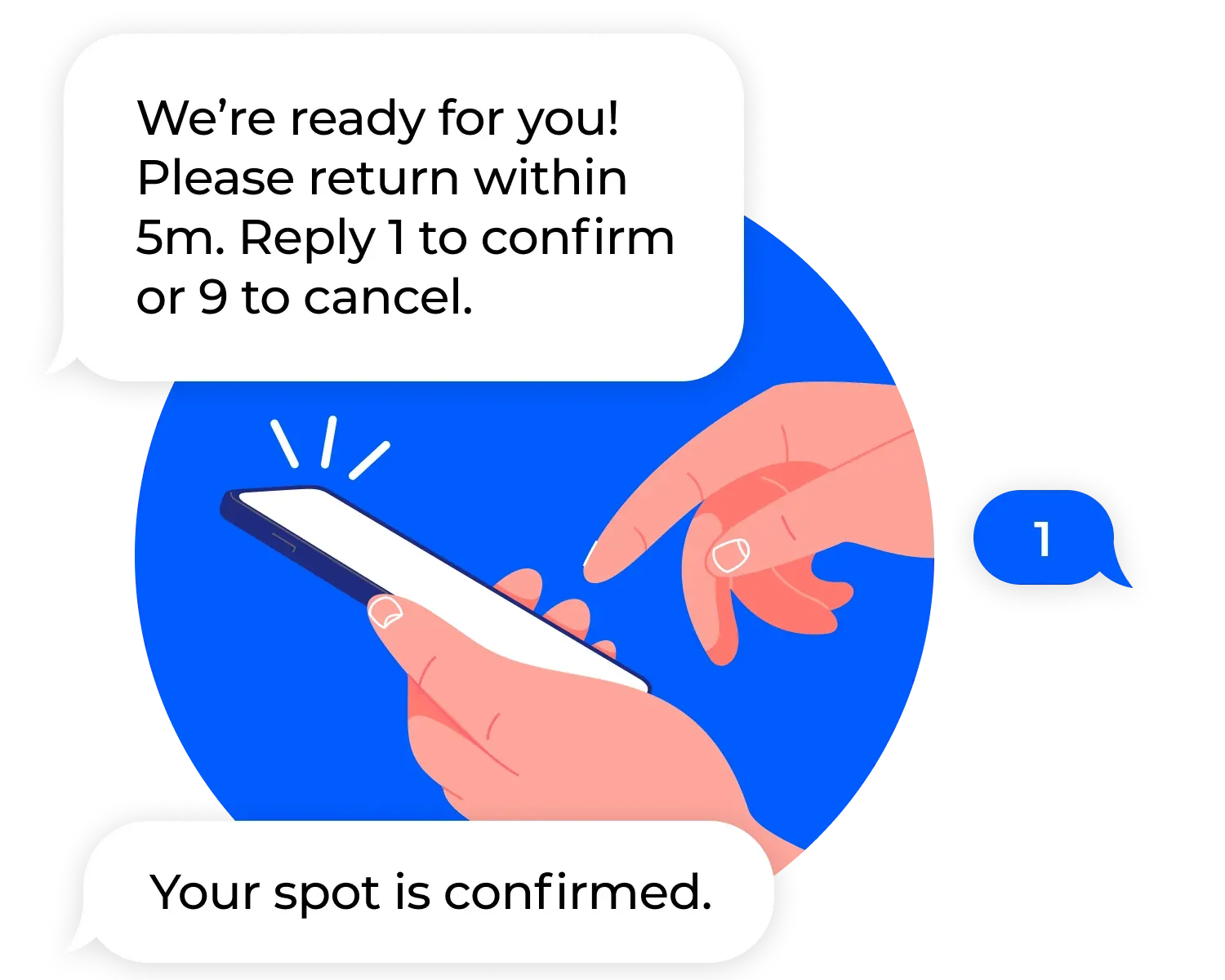
The mechanism that makes the car-as-waiting-room model work is SMS notification. When a client checks in and returns to their vehicle, they receive text updates as their slot approaches. They know the system has them. They know roughly when to come in. They stop watching the door for signs of movement.
This matters more in veterinary settings than in most other service contexts. A pet that is calm in the car often becomes agitated the moment it enters a busy lobby. Keeping clients outside until the exam room is ready lets the clinic control the environment the pet enters. The result is a calmer appointment, a less stressed animal, and an easier examination.
NextMe’s SMS text notifications handle this automatically. The system sends a message when the client joins, a heads-up when their turn is approaching, and a final call-back when the room is ready.
How a veterinary waitlist app reduces no-shows
No-shows in veterinary clinics usually happen not because a client forgot, but because the wait turned unpredictable. A client sitting in a lobby for forty minutes with no updates is far more likely to leave than one who got a text fifteen minutes ago confirming they are third in the queue.
Transparent communication is the most effective no-show reduction tool a vet clinic has. Clients who know their place is secure and know the clinic will contact them - stay. Clients who hear nothing leave.
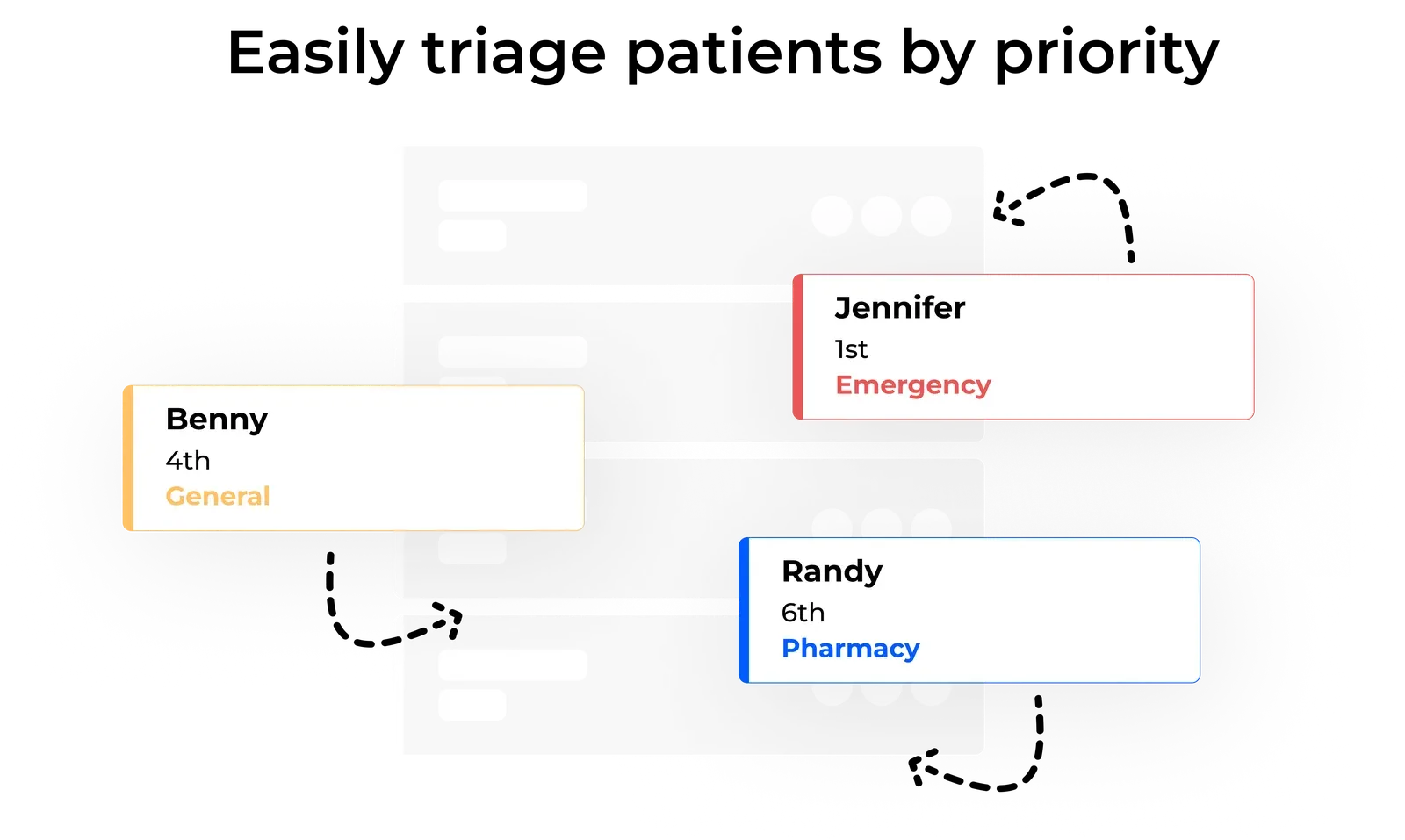
Ally Urgent Veterinary Care implemented NextMe and saw a significant increase in positive online reviews, alongside improved triage efficiency and higher client loyalty. Their team uses NextMe’s priority-ranking feature to move urgent cases to the front of the queue. The most critical patients get seen first without disrupting the rest of the schedule. Read the Ally Urgent Veterinary Care case study for the full detail.
Walk-ins and scheduled appointments in the same system
Most vet clinics manage a mix of scheduled appointments and walk-in cases. Keeping these two flows separate creates real operational friction. A walk-in arriving between two scheduled appointments can throw off the entire morning without a system to slot them in cleanly.
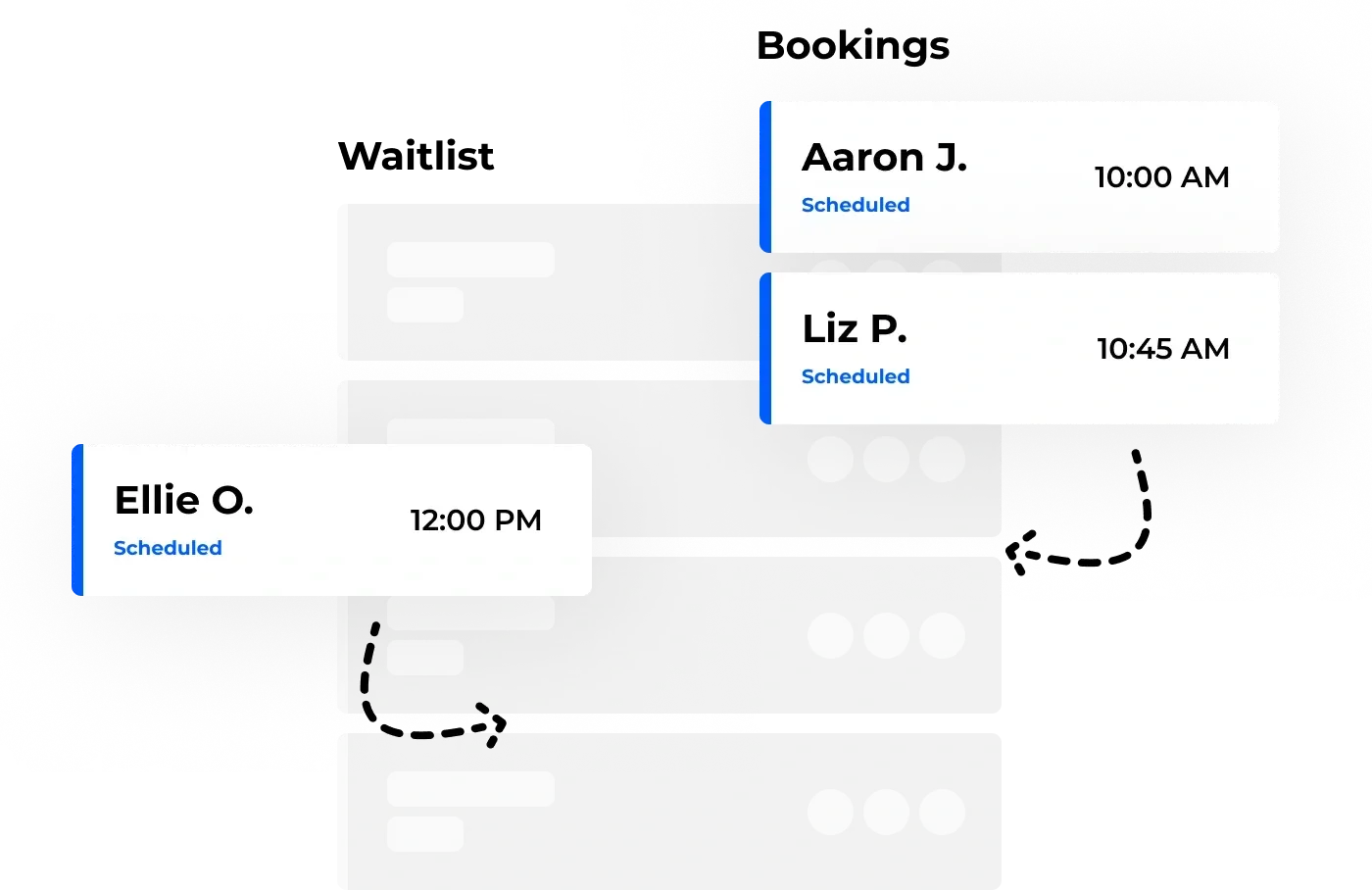
A veterinary waitlist app that handles both in one queue gives the front desk team a clear picture of everything in motion: scheduled patients who have checked in, walk-ins waiting, and the priority ranking for urgent cases. No separate clipboard. No parallel systems to reconcile at the end of the day.
NextMe’s bookings feature lets clinics manage appointment-based visits and walk-in queue flow in the same dashboard, without separate workflows.
How a veterinary waitlist app works in practice
Setting up a waitlist app at a vet clinic is simpler than most practice managers expect. The typical setup follows this sequence:
- Create the queue in NextMe and configure the check-in form fields: name, pet name, reason for visit, and any priority flags your team uses for triage.
- Generate a QR code and post it at the entrance or in your parking lot signage. Clients scan to join from their car before stepping inside.
- Brief your front desk team on the dashboard: who has checked in, queue position, and how to call clients forward or adjust priority.
- When a room is ready, send the SMS call-back with one tap. The client gets a text and walks in to a room that is ready for them.
The first vet clinic to run this flow usually notices the difference within a single shift. The lobby quiets down. Staff spend less time on queue logistics. Clients and their pets arrive calmer.
For a broader look at how clinics replace paper intake with digital systems, see how veterinarians can modernize intake with a virtual waitlist.
Conclusion
A veterinary waitlist app does two things a paper sign-in sheet cannot. It keeps pets calm by letting them wait in the car. And it keeps clients engaged by keeping them informed. Those two outcomes together reduce no-shows, improve the clinical experience, and make each shift easier to manage.
NextMe handles exactly this workflow. If your clinic still runs on a clipboard or a scheduling tool with no walk-in queue management, take a closer look at how NextMe works for veterinary clinics.