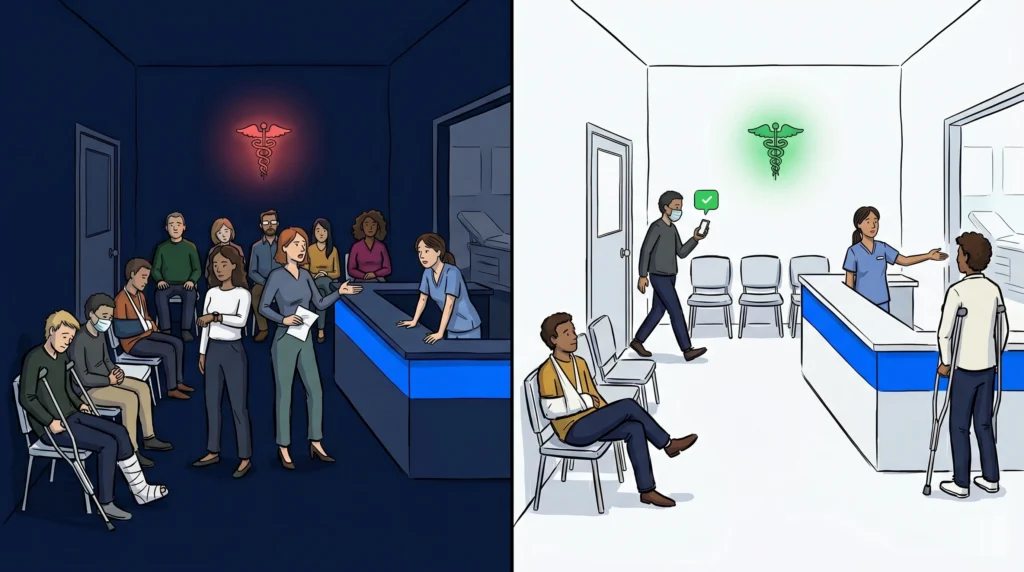
A patient walks into your urgent care clinic, sees a lobby packed with people, and walks right back out. They do not know how long the wait will be. They do not want to sit next to someone who is coughing. So they leave, and they leave frustrated.
This is not an uncommon scenario. Patient walkaways at urgent care clinics are one of the most direct causes of lost revenue and declining satisfaction scores. The problem is not always wait time itself. It is the experience of waiting: confined, uninformed, and uncomfortable.
A virtual waiting room changes that dynamic. Instead of holding patients inside your clinic until they are called, it lets them check in digitally and wait wherever they want, and notifies them by text when it is their turn. This post covers how an urgent care virtual waiting room works, why it reduces walkaways, and what to look for when choosing software.
What is an urgent care virtual waiting room?
An urgent care virtual waiting room is a digital queue system that allows patients to check in on their phone, receive a real-time position update, and wait outside the clinic until they are called for their appointment. Patients are notified via SMS when it is their turn, eliminating the need to sit in a physical waiting area. The clinic manages the queue from a single dashboard.
Why patients leave urgent care waiting rooms
The numbers tell a clear story. Research from Press Ganey consistently shows that wait time management and communication rank among the top drivers of patient satisfaction at urgent care and walk-in clinics. When patients feel uninformed or stuck, they leave.
The core problem is not duration. A 45-minute wait in a comfortable setting with regular updates is tolerable. A 20-minute wait in a crowded lobby with no information feels much longer. Patients who cannot see progress, cannot leave the room, and cannot judge when they will be seen are the ones most likely to give up.
Urgent care clinics that reduce physical crowding and keep patients informed see measurable improvements in both satisfaction scores and patient retention.
How a virtual waiting room works at an urgent care clinic
The flow is straightforward and works without hardware or app downloads.
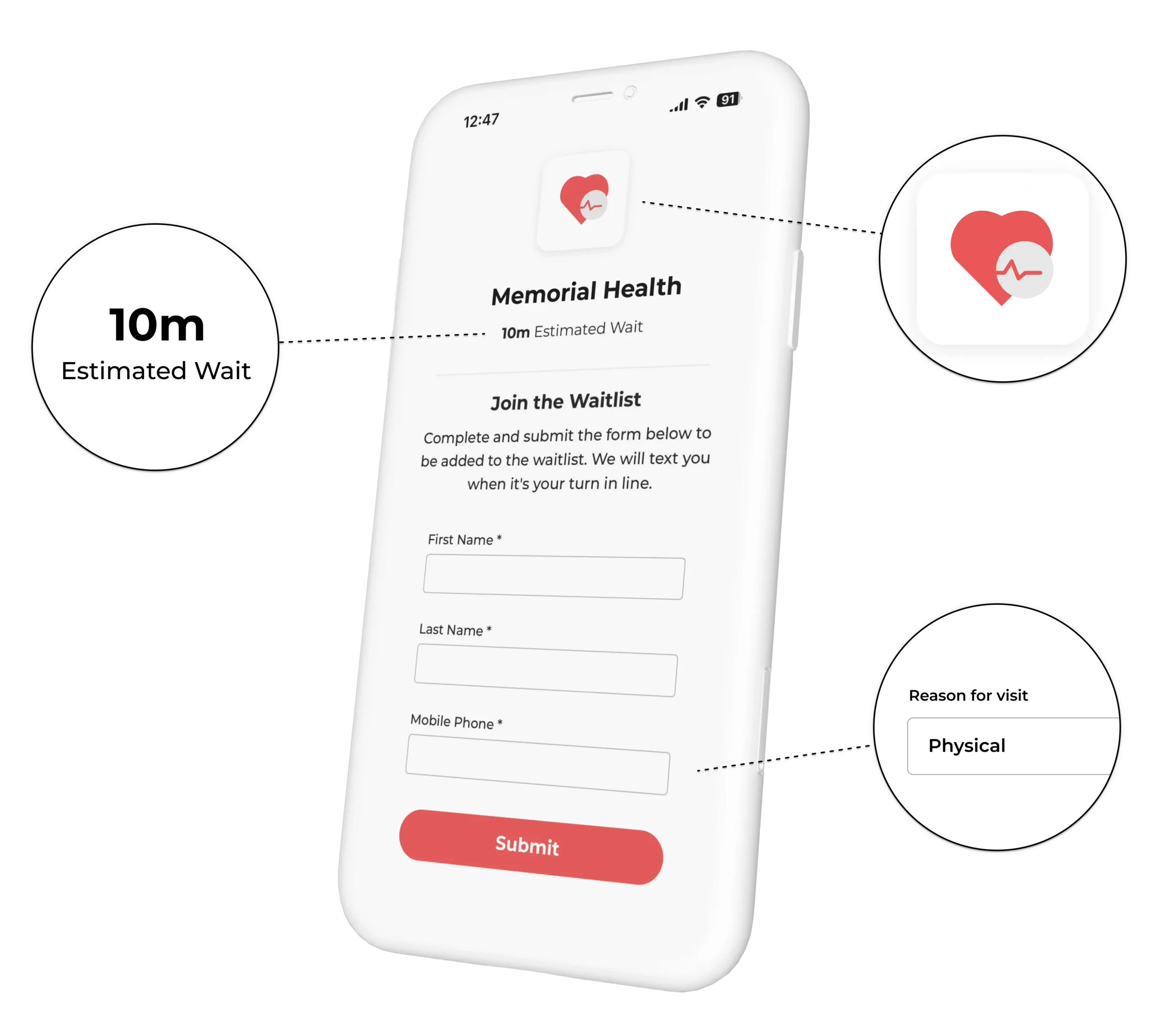
When a patient arrives, they scan a QR code at the front entrance or receive a check-in link via text from the front desk. They enter their name and reason for visit, and they are placed in the queue. They can then wait in their car, a nearby coffee shop, or anywhere they prefer.
The clinic sees every patient on a queue dashboard. Staff can triage by urgency, move patients forward, add notes, and notify patients when they are up next. The patient receives an SMS when it is their turn and returns to the clinic in time for their appointment.
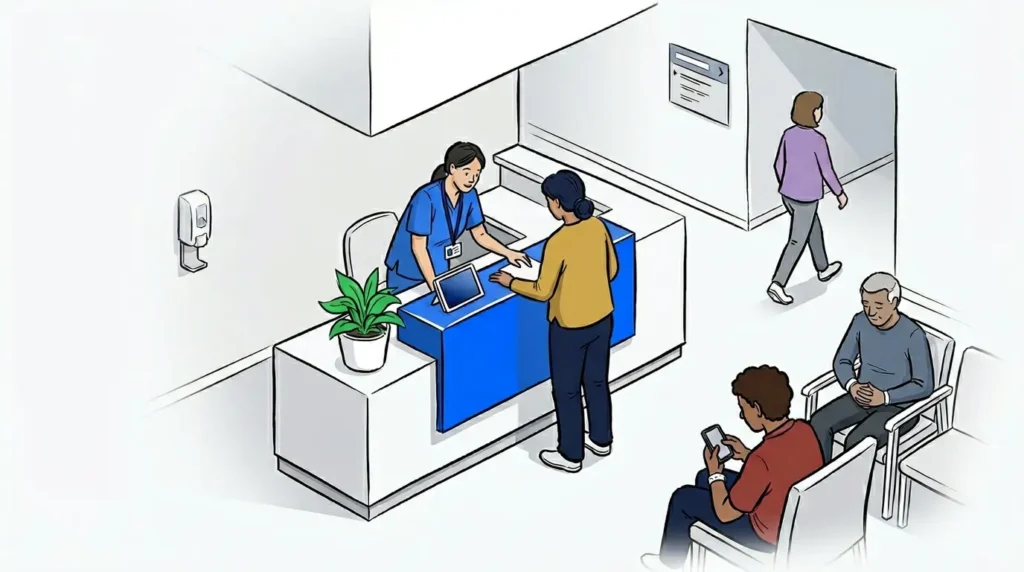
For patients with minor concerns, the ability to wait outside the clinic is a meaningful quality-of-life improvement. For clinics, it is a way to reduce physical crowding, lower the stress level in the waiting area, and improve staff efficiency at the front desk.
This model also supports a principle that operators in adjacent settings have validated: patients who wait in their own environment are more comfortable, less likely to abandon the queue, and more satisfied with the overall experience. Ally Urgent Veterinary Care, an emergency veterinary clinic that adopted this approach, reported that allowing patients and their pets to wait in their cars substantially reduced stress and overcrowding in their waiting area. The underlying dynamic applies directly to urgent care: informed patients who control their environment wait better.
Managing triage alongside a virtual queue
One concern urgent care operators raise is triage. If patients are waiting in their cars, how do you prioritize critical cases?
The answer is that virtual queue management and triage are not in conflict. Staff can still conduct a brief intake assessment when a patient checks in, flag urgent cases in the dashboard, and pull them forward immediately regardless of queue position. The queue handles routine flow. Triage handles exceptions.
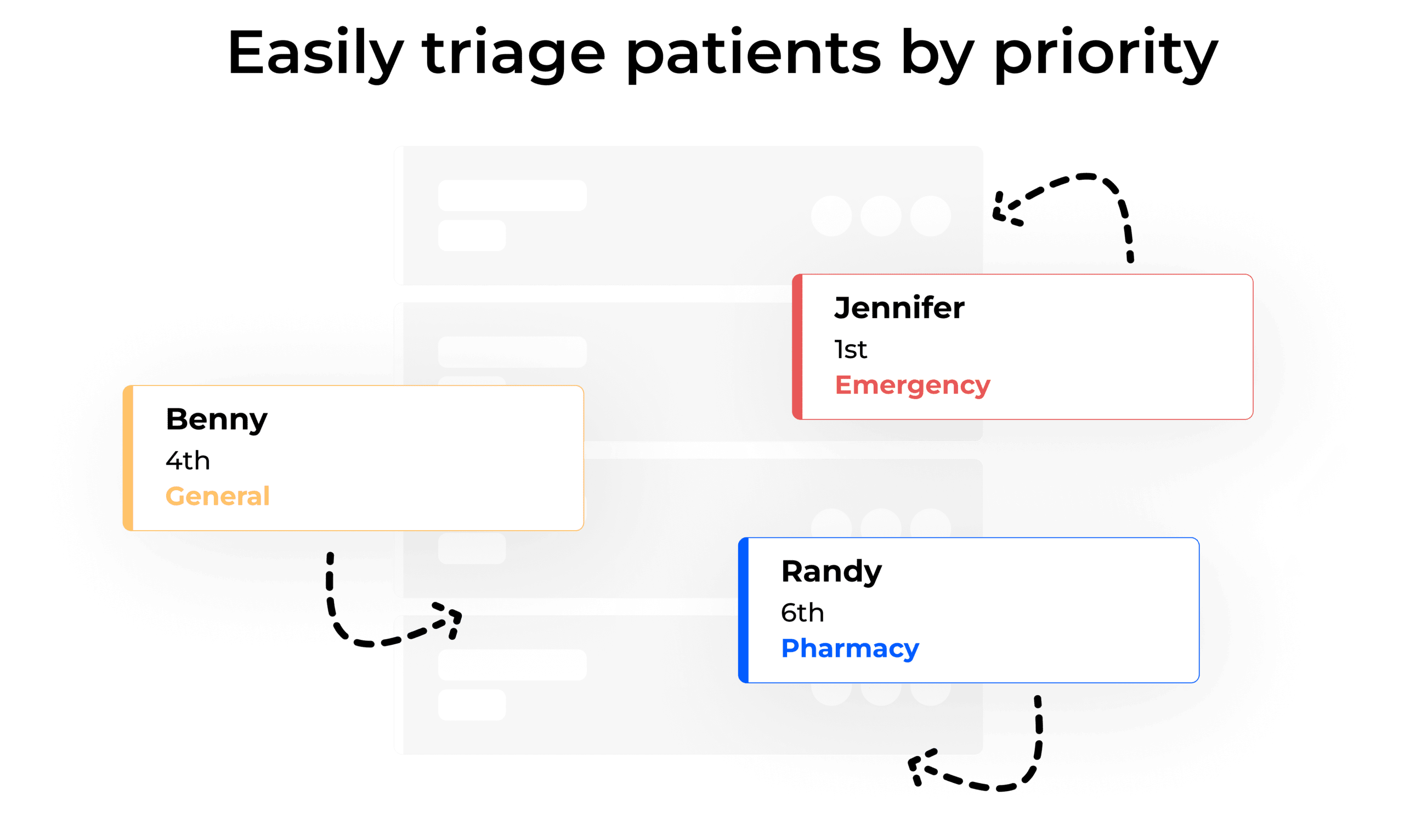
NextMe supports priority-based triage directly in the queue. Operators can label cases, reorder the queue, and send targeted notifications without disrupting the flow for other patients. Waitlist management at the queue level means nothing falls through, and staff are not managing two systems at once.
What to look for in urgent care virtual waiting room software
Not all waitlist software is designed for healthcare settings. Here is what matters for urgent care.
SMS-based notifications are non-negotiable. Patients should not need to download an app. A text message to a mobile number is the most accessible and reliable format, and it works for any patient regardless of age or device.
A virtual waiting room screen visible to waiting patients adds transparency. Displaying position in queue, estimated wait time, and clinic information keeps patients engaged and reduces inbound calls to the front desk asking for updates.
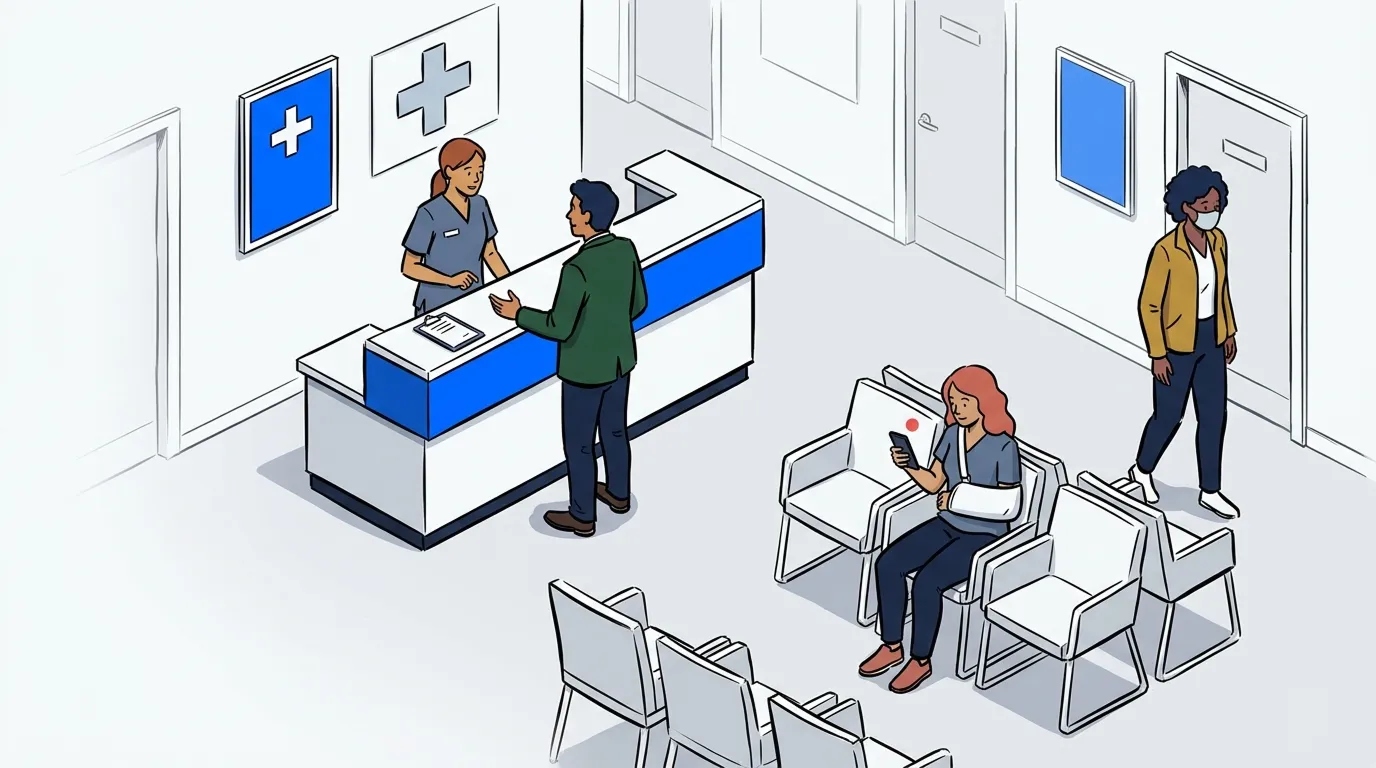
Self check-in reduces front desk workload. A QR code at the door or a link sent by text allows patients to join the queue without staff involvement at arrival. This is especially valuable during peak hours. Self check-in via QR scan is one of the fastest ways to reduce bottlenecks at a busy urgent care entrance.
Finally, the system should be designed with healthcare privacy in mind. Patient names and visit details should be handled carefully, and the platform should support your clinic’s data practices.
Frequently asked questions
Do patients need to download an app to use a virtual waiting room?
No. NextMe notifies patients via standard SMS text message. Patients check in using a QR code or a link sent to their phone, with no app download required. This makes it accessible for all patients regardless of age or device.
How does virtual queue management work alongside triage?
Staff can flag urgent cases in the queue dashboard and reorder patients based on medical priority at any time. The virtual queue handles routine patient flow while triage exceptions are managed manually by clinical staff. The two systems work in parallel.
Can patients wait anywhere or do they need to stay nearby?
Patients can wait in their car, outside, or anywhere within a reasonable distance of the clinic. They receive an SMS notification when it is their turn and return in time for their appointment. Most clinics give patients a short return window when they are notified.
What happens if a patient misses their notification?
NextMe supports follow-up notifications and allows staff to send manual messages directly to a patient from the dashboard. If a patient does not return within the return window, staff can move them to the back of the queue or remove them and follow up as needed.
How long does it take to set up a virtual waiting room for urgent care?
NextMe can typically be configured and running in under a day. There is no hardware required, and the system runs on any device your front desk already uses. Staff training is minimal.
Conclusion
A crowded, uninformed waiting room is one of the most avoidable problems in urgent care. Patients who feel stuck and uninformed leave. Patients who can wait on their own terms, receive clear updates, and return when called stay, and they leave with a better impression of your clinic.
A virtual waiting room for urgent care is not a complex implementation. It is a straightforward shift in how you manage patient flow: from a physical holding area to a flexible, text-based queue that works for your patients and your staff.
If your clinic is dealing with walkaways, peak-hour crowding, or front desk overload at check-in, NextMe’s healthcare queue management is worth a close look.