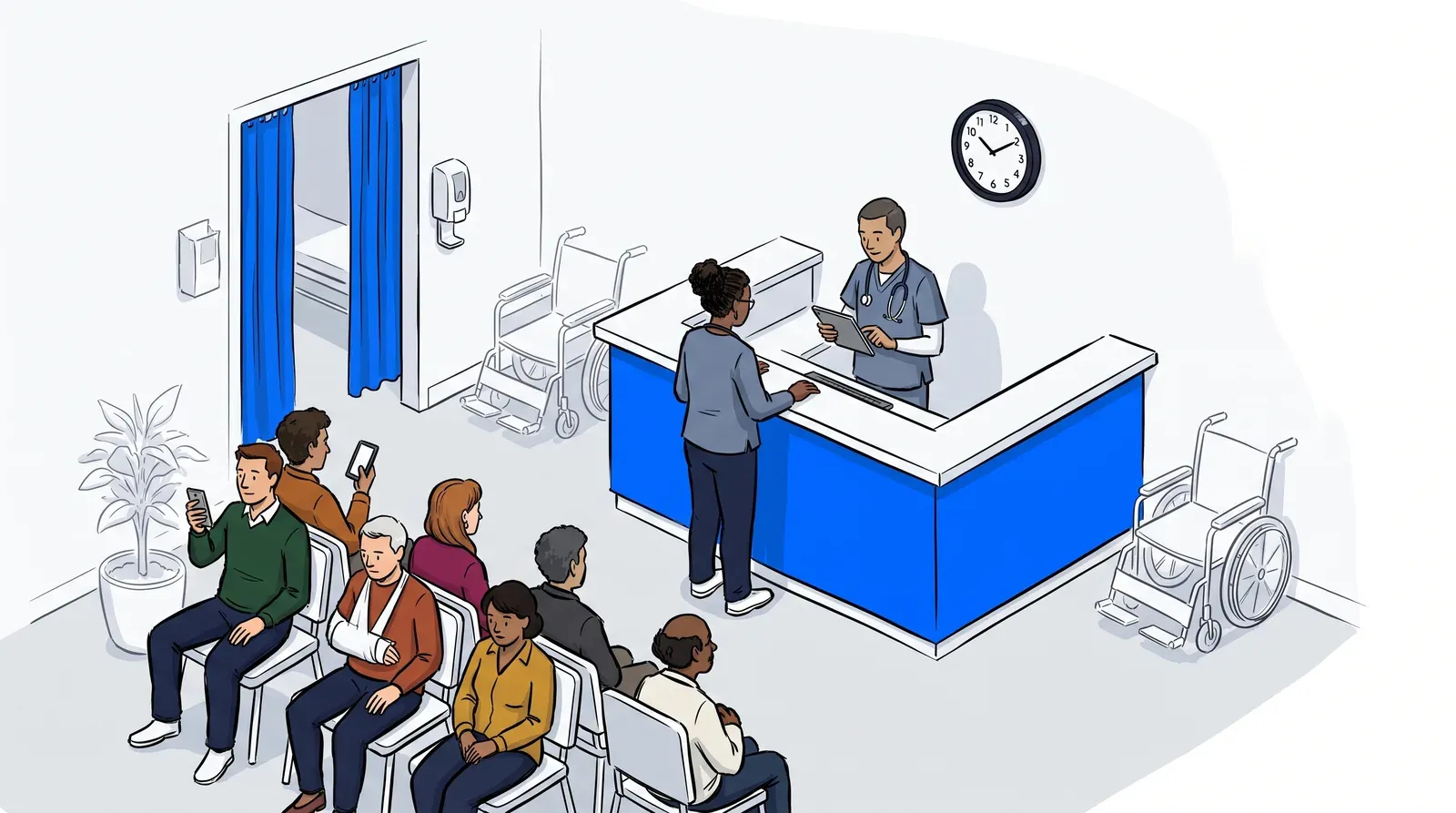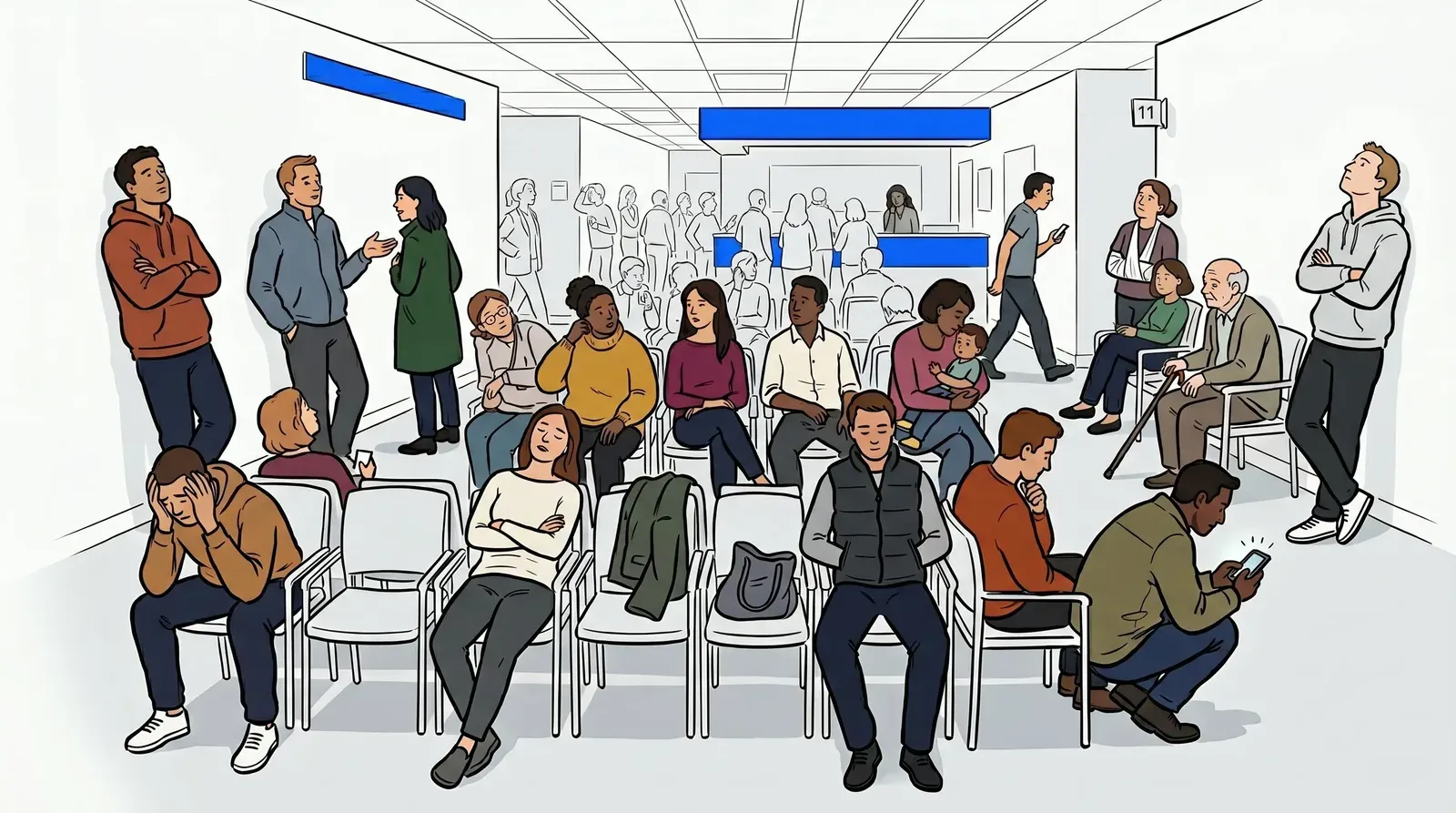
A packed waiting room is a sign of a busy practice. In healthcare, it’s actually a warning sign.
Crowded waiting rooms increase infection exposure for vulnerable patients, raise anxiety in people who are already stressed, and create conditions where HIPAA-sensitive conversations happen in earshot of strangers. Staff spend more time managing the lobby than caring for patients. And when wait times stretch past what patients are willing to tolerate, many of them walk out before being seen.
The good news is that overcrowding is a solvable problem. Most crowded waiting rooms are not a capacity issue. They are an information and flow issue. This guide covers what causes waiting room crowding in healthcare settings, what it costs your practice, and how clinics are using virtual waiting rooms to eliminate the problem entirely.
What causes a crowded waiting room in healthcare
Crowded waiting rooms in healthcare typically come from one of three sources: volume, timing, or information gaps. Understanding which is driving the problem at your clinic determines the right fix.
Volume crowding happens when the number of patients arriving exceeds the physical capacity of the waiting area at a given moment. This is common at urgent care centers during peak hours, at walk-in clinics with no appointment structure, and at practices that block-schedule appointments.
Timing crowding happens when patients arrive early, check in at the front desk, and then simply stay in the waiting room because there is nowhere else to go and no way to know how long they will be waiting. Even a clinic with manageable patient volume can end up with a full lobby if everyone arrives 15 to 20 minutes before their scheduled time.
Information crowding is the most overlooked cause. When patients have no visibility into where they are in the queue, they stay in the waiting room as a defensive move. They cannot go to their car, get coffee, or walk around the building because they have no idea when their name will be called. Uncertainty keeps them physically in the seat.
A virtual waiting room addresses all three causes. For clinics looking at how this works in urgent care specifically, the approach is covered in detail in how a virtual waiting room transforms urgent care patient flow.
What a crowded waiting room actually costs a clinic
The real cost of waiting room overcrowding goes beyond patient dissatisfaction. There are three categories of impact that clinic administrators and practice managers should weigh when evaluating a fix.
Infection risk. A room full of sick patients in close proximity creates transmission risk. This is especially acute for immunocompromised patients, elderly patients, and young children. Any time a symptomatic respiratory illness patient shares an enclosed space with a post-surgical or high-risk patient, there is a clinical liability question.
Patient attrition. Patients who walk out before being seen do not just cost the practice that visit. A December 2024 MGMA Stat poll found that 23% of practice leaders reported wait times at their organizations worsened in 2024, and wait experience is one of the most cited reasons patients do not return. A crowded, uncomfortable waiting room drives negative reviews and accelerates patient churn in ways that are hard to recover from.
Staff workload. When the lobby is full and anxious, front desk staff field the same question on a loop: “How much longer?” Every one of those interactions pulls attention away from intake tasks, phone lines, and the coordination work that keeps the practice running.
Mid City Pediatrics addressed all three of these cost areas by moving to a virtual waiting room model with NextMe. The result was improved patient flow and a measurable reduction in lobby crowding at their pediatric clinic. You can read their full story in the Mid City Pediatrics case study.
How the virtual waiting room removes patients from the physical space
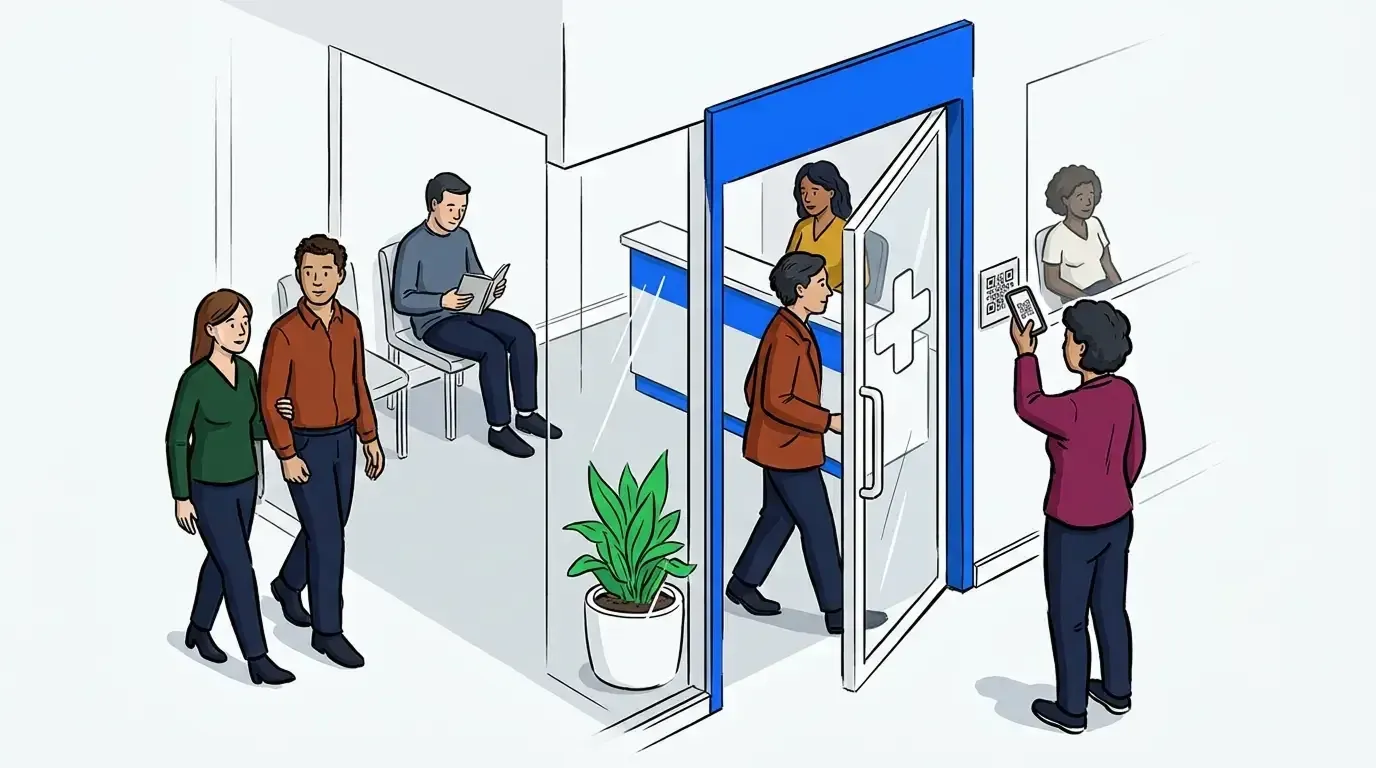
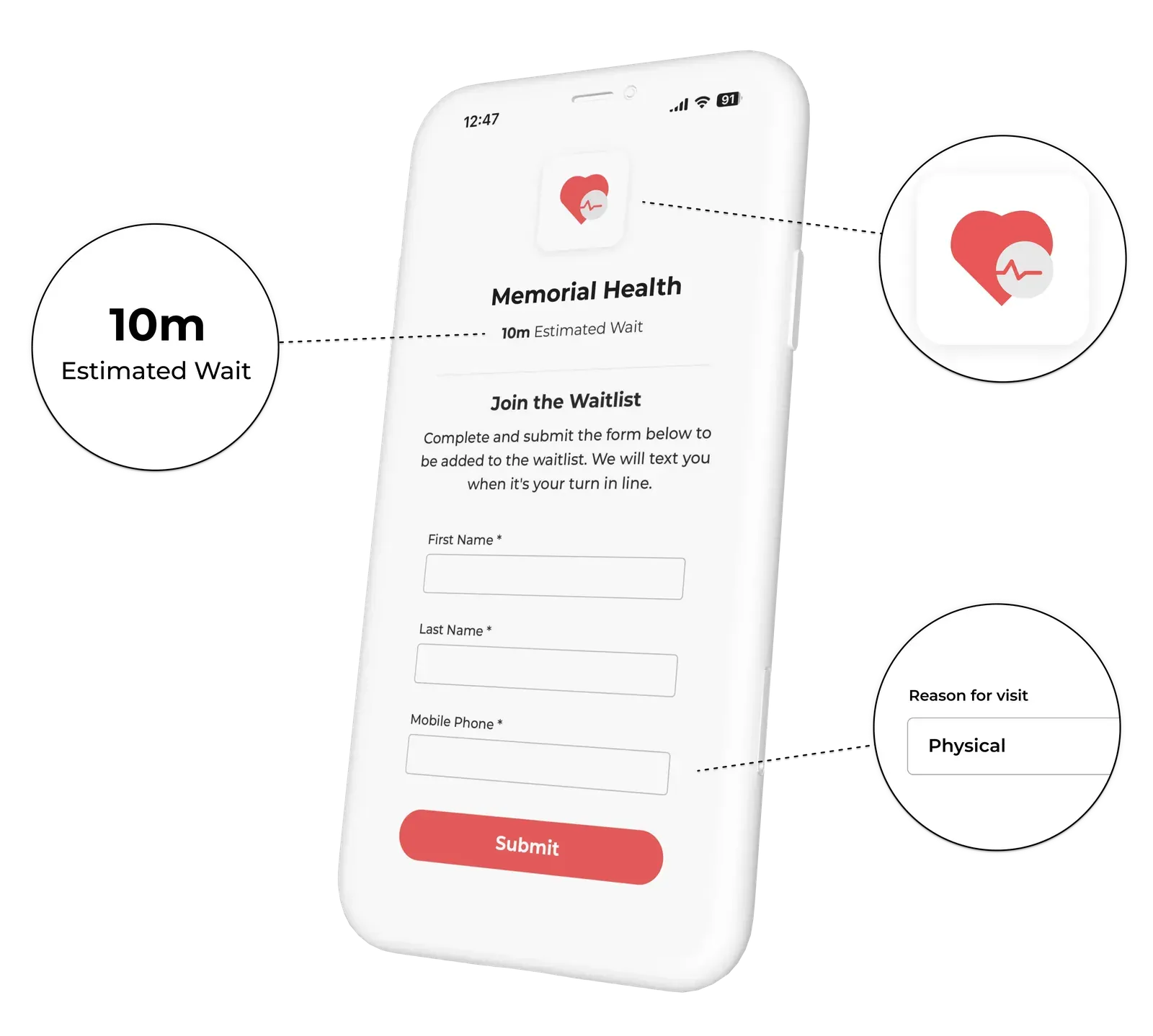
A virtual waiting room works by decoupling the check-in moment from the physical act of waiting. Instead of arriving and sitting in a chair until called, patients check in and then go wherever they are comfortable. Their phone becomes their position in the queue.
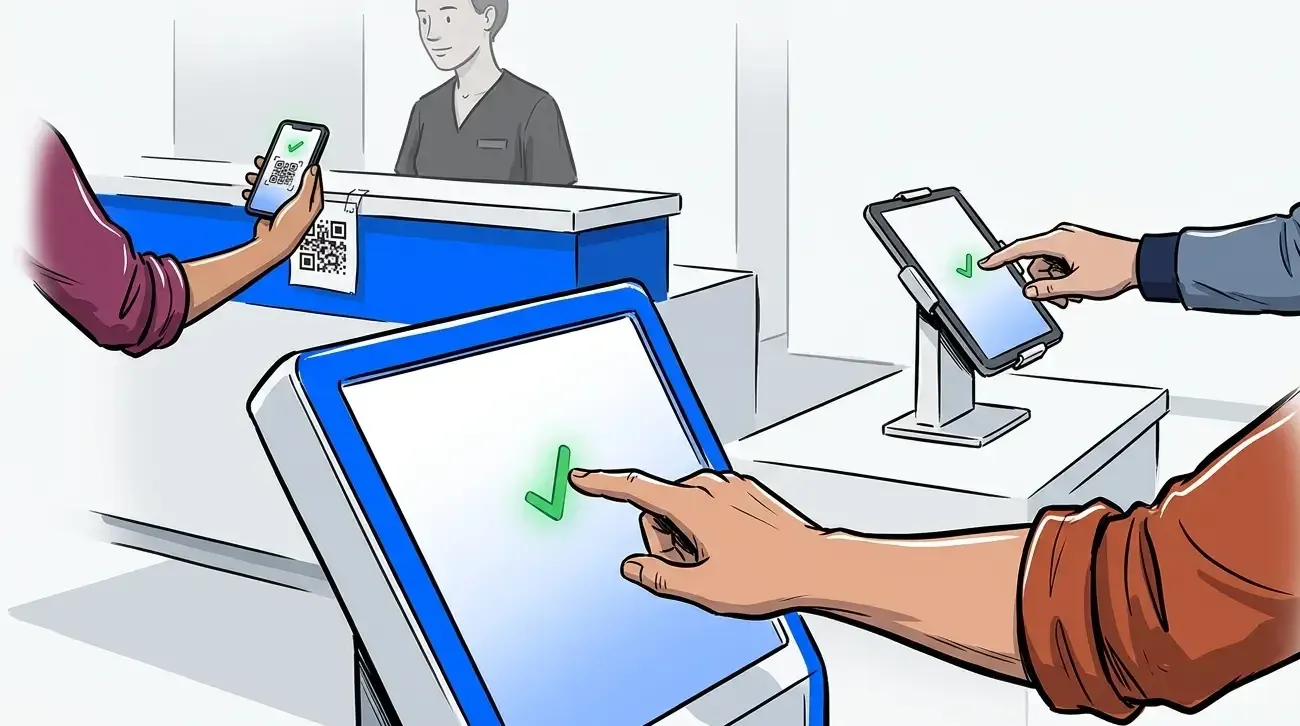
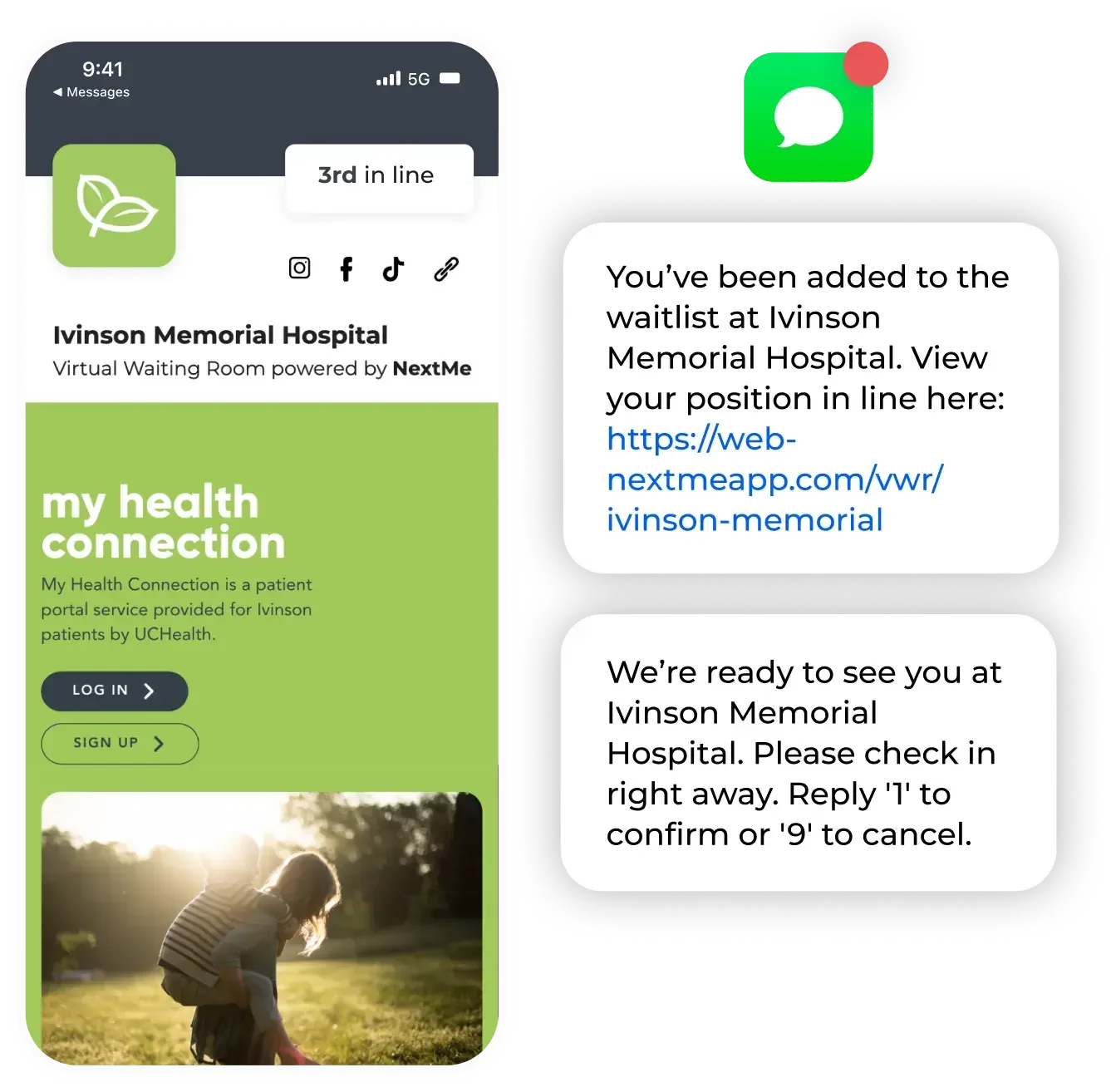
When a patient arrives and checks in, NextMe adds them to the digital queue and sends an SMS confirmation with their place in line. As the queue moves, patients receive a second SMS alert when they are approaching the front. When the provider is ready, the front desk sends a one-tap call-back notification, and the patient returns to the treatment area.
No waiting room required. No uncertainty about when their name will be called.
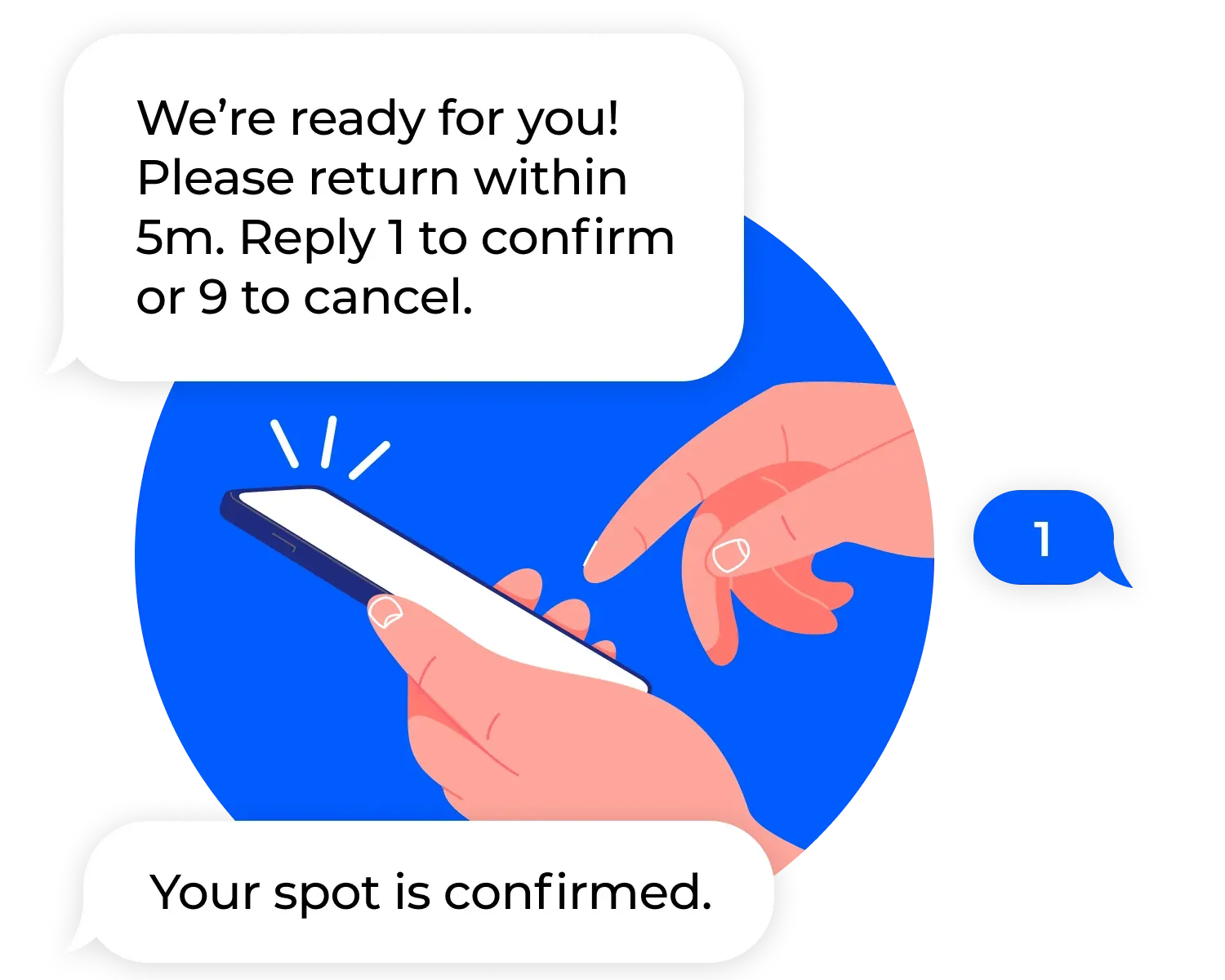
For clinics managing both scheduled appointments and walk-in patients, NextMe’s virtual waiting room handles both streams in a single queue, so front desk staff are never juggling two separate systems.
What staff manage differently with a digital queue
The shift from a physical waiting room to a digital queue changes the front desk workflow in practical ways.
Staff no longer manage a room. They manage a list. The queue dashboard shows every patient, their wait time, and their status at a glance. Reprioritizing an urgent walk-in takes seconds. Notifying a patient that it is their turn requires a single tap.
The “how much longer?” question largely disappears because patients already have the answer on their phone. That alone reduces interruptions significantly during peak hours.
For practices evaluating software options at this stage, the healthcare industry page covers the full feature set and use case fit for different clinic types.
Conclusion: your waiting room problem is a flow problem
A crowded waiting room is not inevitable. In most cases, it reflects a flow problem: patients arriving with no place to go and no information to act on. A virtual waiting room resolves both by giving patients a reason to leave the physical space and a reliable way to know when to return.
Clinics that have made the shift report fewer walk-outs, lower staff interruption rates, and a noticeably calmer check-in environment. For patients who are already stressed about their health, that experience difference is significant.
If you are ready to see how NextMe works for your practice, the best waitlist app for walk-in clinics is a practical starting point for evaluating your options.