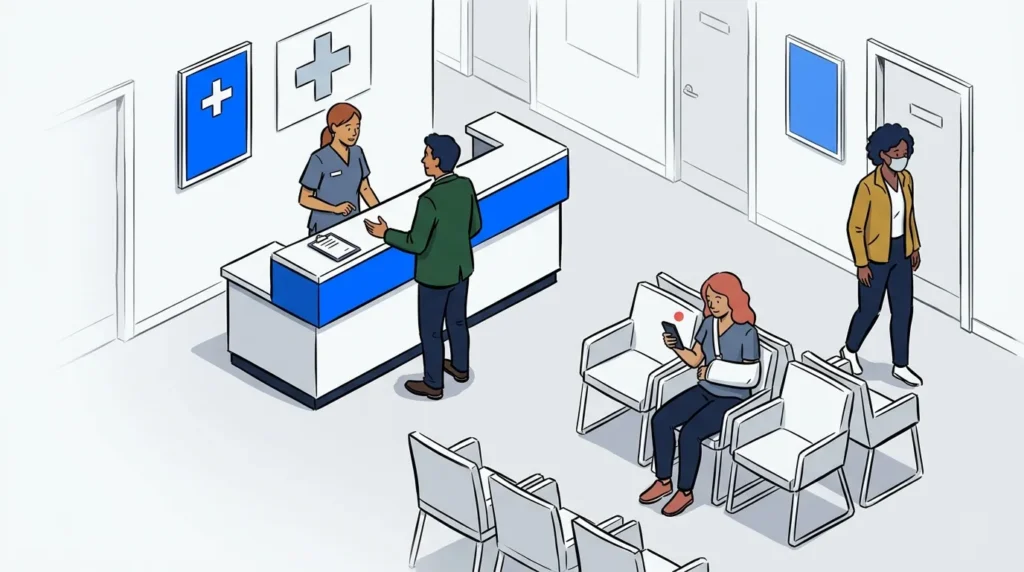
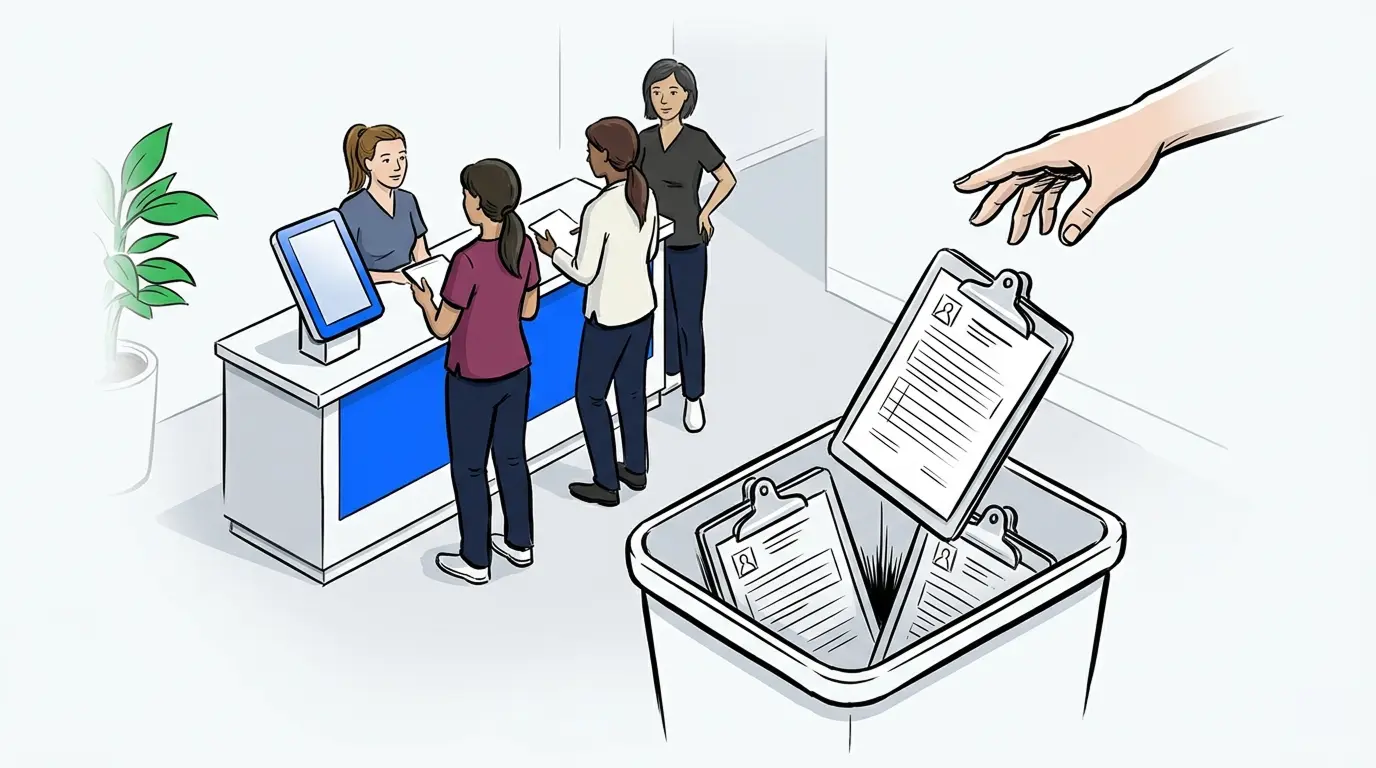
The paper clipboard has been standard issue at the front desk for decades. A patient arrives, fills out a page of health history and insurance information, and hands it back to a receptionist who types the same data into the practice management system by hand.
That delay between data capture and data action costs more than most clinics notice. Staff time, re-entry errors, and slowed queue throughput all trace back to the same problem. Electronic patient self check-in tablets for doctors offices eliminate it at the source.
This guide covers what electronic check-in is, what to look for in a setup for your practice, how it connects to your patient queue, and what to know about privacy and cost before you get started.
What is electronic patient check-in?
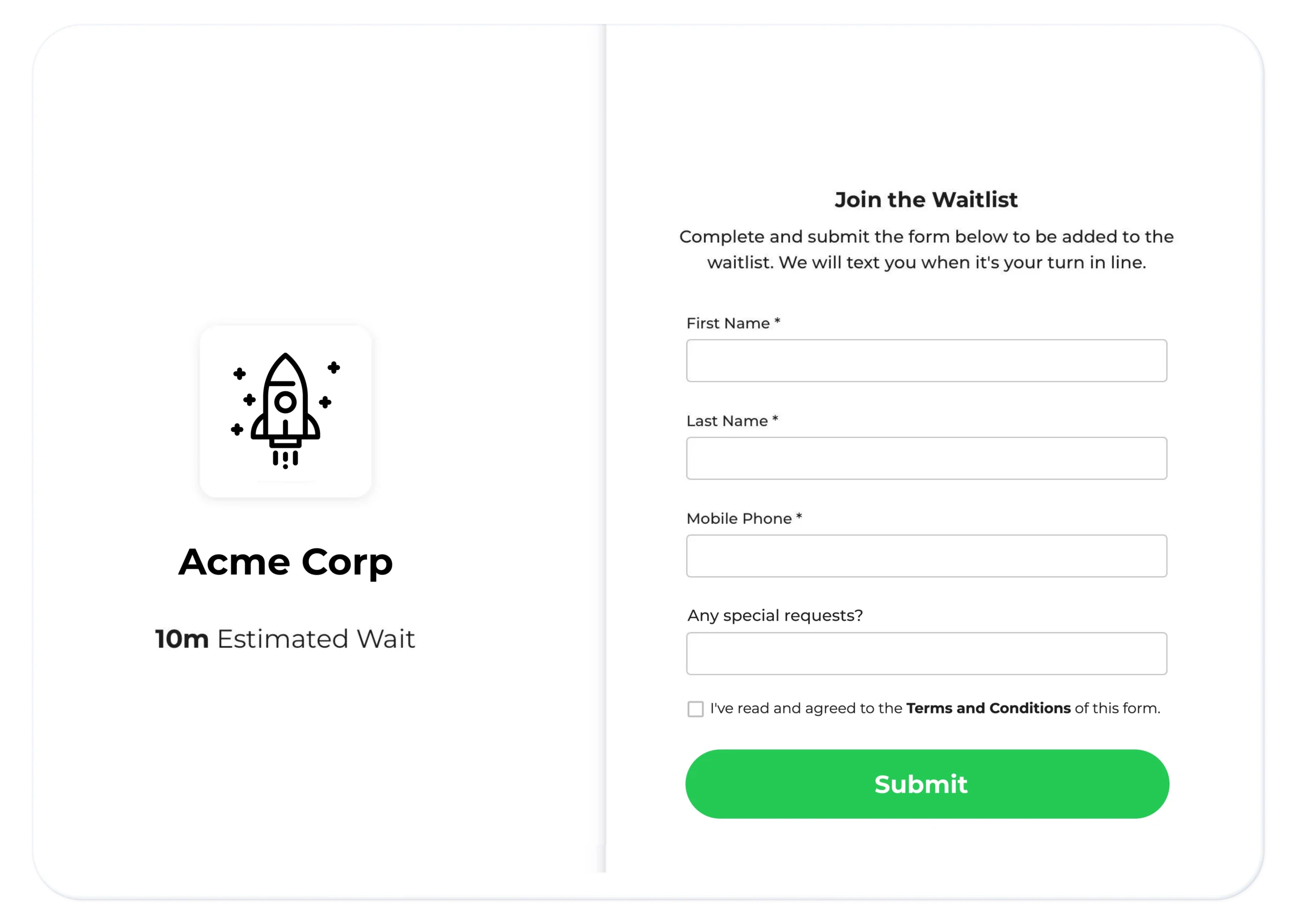
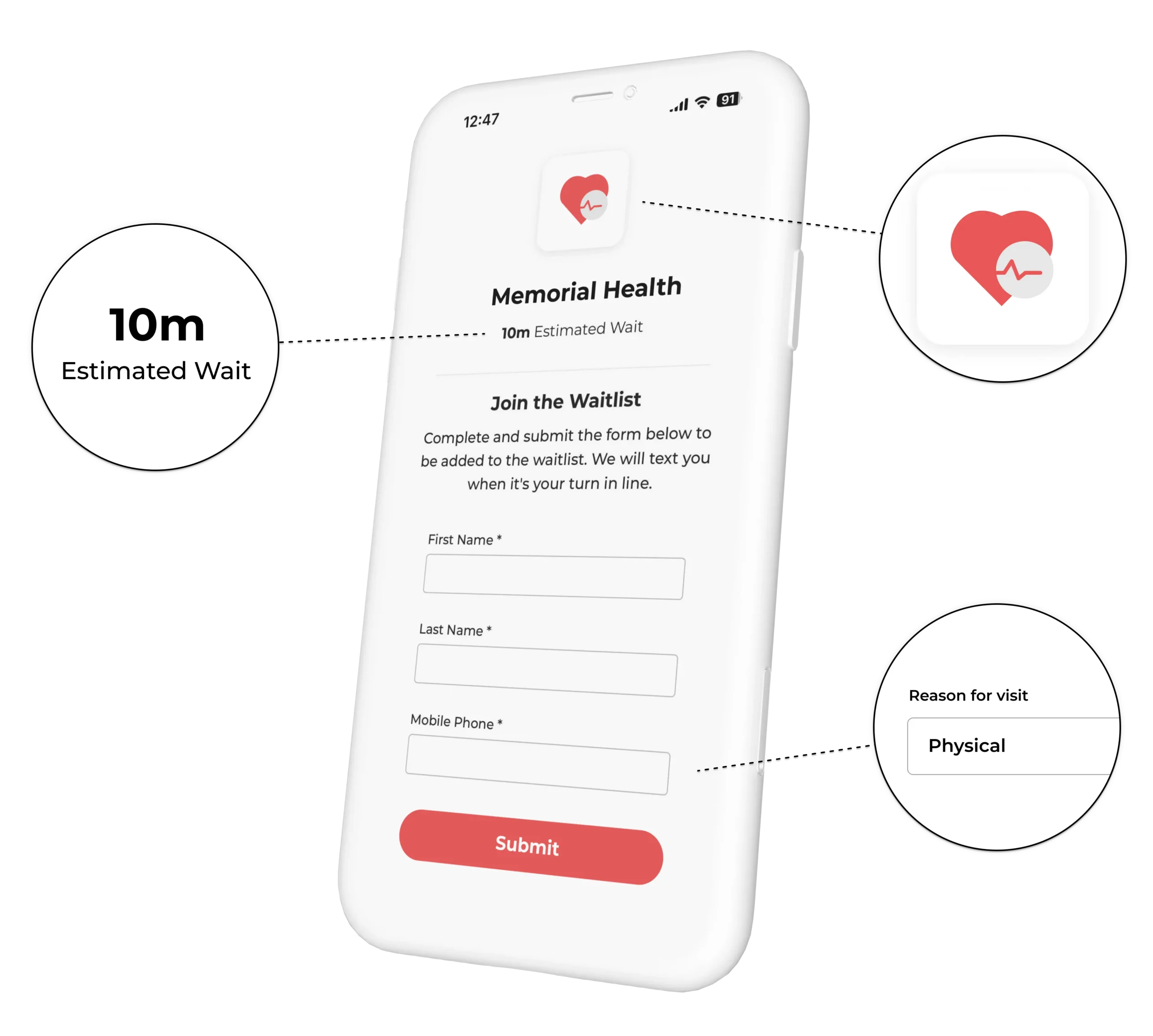
Electronic patient check-in lets patients enter their own arrival and intake information via a tablet kiosk or their own phone when they arrive at your office. That information flows directly into your queue management system in real time, so staff see it without a separate data entry step. The patient checks in and joins the queue in one action.
For clinics that handle both walk-ins and scheduled appointments, electronic check-in manages both. Walk-in patients add themselves to the queue on arrival. Scheduled patients confirm they are here and update any changed details. Staff see the full picture from one dashboard.
What to look for in a check-in tablet setup for your practice
Not every electronic check-in solution is built the same way. Here is what matters most for a doctor’s office or walk-in clinic:
Hardware flexibility
The check-in screen should run on a standard iPad or Android tablet mounted at reception, or as a QR code posted at the entrance so patients scan with their own phones. A good system works on hardware you already own.
Customizable intake fields
Your practice needs specific information at each arrival: reason for visit, insurance provider, date of birth, emergency contact. The system should let you configure exactly what you collect, not lock you into a fixed template.
No app required
Patient-facing check-in should work in a browser. Asking someone to download an app before a first visit creates friction you do not need.
Immediate queue visibility for staff
When a patient finishes their intake, their name and information should appear on the staff dashboard right away. Staff should not switch between two systems to see who is waiting and why.
Walk-in and appointment support
If your clinic handles both, the check-in flow needs to route patients into one unified queue without staff reconciling two separate lists by hand.
How tablet check-in connects to your patient queue
The most important shift electronic check-in enables is not paperless forms. It is what happens immediately after.
When a patient finishes check-in on a tablet, they do not just submit a form. They join a digital patient queue. Their intake information attaches to their queue position. A staff member can see their chief complaint, insurance status, and wait time at a glance from the operator dashboard, all before the first clinical interaction.
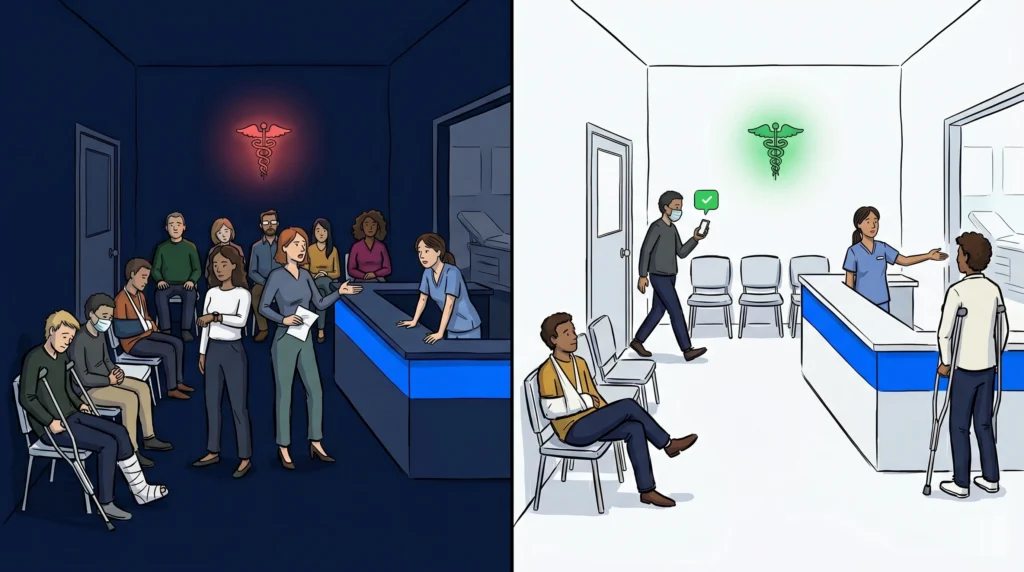
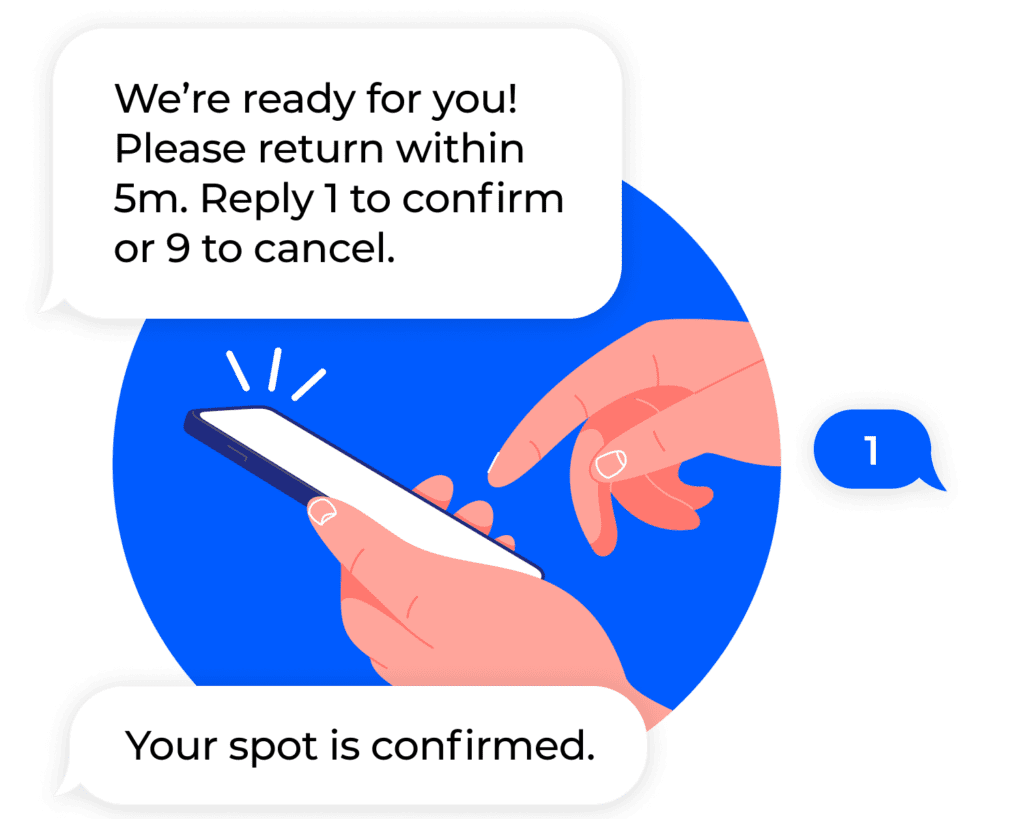
From there, staff can update queue order for urgent cases, route patients to the right provider, and send an SMS notification when the clinic is ready for them. Patients get a text message with their position in line and a prompt to return. They do not need to sit in the waiting room. They can wait in their car, step outside, or come back when called.
This shift from a physical lobby to a managed digital queue is one of the largest gains tablet check-in makes possible. For clinics already dealing with lobby congestion, the crowded waiting room problem in healthcare post covers how practices are managing that change.
Designing digital intake with patient privacy in mind
Switching from paper to digital intake raises a fair question for any practice: what happens to the information patients enter on that tablet?
Paper forms are not inherently more secure. Staff can misread them, file them incorrectly, or leave them on a counter within view of other patients. Digital intake, handled correctly, allows for controls that paper cannot offer: encryption, access permissions, and a documented audit trail.
When evaluating an electronic check-in vendor, ask specifically about:
- Data encryption in transit and at rest
- Staff access controls so only authorized team members see patient intake data
- Whether the platform shares patient data with any third parties
- Whether the system logs data access events for review
NextMe is designed with healthcare privacy in mind. NextMe does not share patient intake data with third parties, and account-level access controls determine which staff can view which records.
Consider adding a consent acknowledgment to the check-in screen as well. A brief prompt before a patient submits their information sets clear expectations and creates a record of consent at the point of arrival.
The cost case for replacing paper at the front desk
The cost of paper intake is not just the paper. It is the staff time spent re-entering information, correcting transcription errors, and retrieving misplaced forms.
A front desk team member re-entering intake data for each patient spends three to four minutes per arrival on a task that adds no clinical value. Across a full team and a full week, that time compounds fast.
Electronic check-in removes the re-entry step entirely. It also cuts transcription errors that can affect intake accuracy and downstream billing. Setup requires a standard tablet and a software account. There is no proprietary hardware to buy and no extended installation timeline.
MGMA research on practice operations consistently identifies front-desk workflow efficiency as a key factor in staff satisfaction and practice capacity. Reducing repetitive data entry is one of the fastest ways to free staff time for clinical work.
Mid City Pediatrics, a pediatric clinic on the NextMe platform, shifted patient intake and queue management to a digital system and saw improved patient flow with less congestion in their physical waiting area. Read the full case study here.
For a complete look at evaluating healthcare waitlist software for your practice, the buyer’s guide covers what to assess across the full patient flow stack.
Frequently asked questions
Do patients need to download an app to use an electronic check-in tablet at a doctor’s office?
No. NextMe’s patient-facing check-in is browser-based. Patients access it by scanning a QR code at reception, tapping through the kiosk screen, or using a link on their own phone. No app download is required.
Can electronic check-in handle both walk-in and scheduled appointment patients at the same time?
Yes. NextMe manages both simultaneously. Walk-in patients join the queue on arrival. Scheduled patients confirm their arrival and are placed in the queue automatically. Staff see both in one unified dashboard.
What if a patient is not comfortable using the tablet?
Staff can check a patient in manually from the operator dashboard in a few seconds. Electronic check-in is the default flow for most patients, but it does not remove the option for staff-assisted arrivals when needed.
What intake information can a clinic collect at electronic check-in?
NextMe lets you build a custom intake form for your practice. Common fields include reason for visit, date of birth, insurance provider, emergency contact, and preferred provider. You collect exactly what your workflow requires.
Does electronic check-in work for practices with multiple locations?
Yes. NextMe supports multi-location deployments. Each location gets its own check-in screen and patient queue, while administrators manage settings and view data across all locations from a single account.
Ready to close the clipboard gap?
Electronic patient check-in tablets for doctors offices do more than remove paper from the front desk. They connect patient arrival directly to your queue, so staff have real-time intake data and patients have a smoother experience from the moment they walk in.
To see how it works in a healthcare setting, visit the NextMe queue management software for healthcare page and explore how clinics are using digital intake and virtual queues together.