Memorial Day weekend just happened. If your host stand felt like controlled chaos and your quoted wait times blew past reality before noon, you’re not alone. Holiday rushes expose every gap in a restaurant’s front-of-house operation, and the next one is already four weeks away.
Father’s Day falls on June 21 this year. It is consistently one of the top five busiest dining days of the year, it hits on a Sunday when staffing is already stretched, and it brings a specific kind of guest: parties of four or more, often with a grandparent in tow, who made no reservation and expect to be seated quickly. The good news is that what broke down this weekend is fixable before June 21. The tool at the center of that fix is a modern waitlist app, and how you use it will define how the rest of your holiday calendar feels.
This post covers what to set up, what to communicate, and why the software running your waitlist matters more than most operators realize.
Why holiday rushes hit differently
A typical busy Saturday and a Father’s Day Sunday are not the same problem. On a typical Saturday, your team knows the rhythm. On Father’s Day, walk-in volume spikes sharply above your usual Sunday numbers, parties are larger, and guests arrive in clusters rather than a steady stream. The result is a front-of-house that goes from zero to overwhelmed in about 45 minutes.
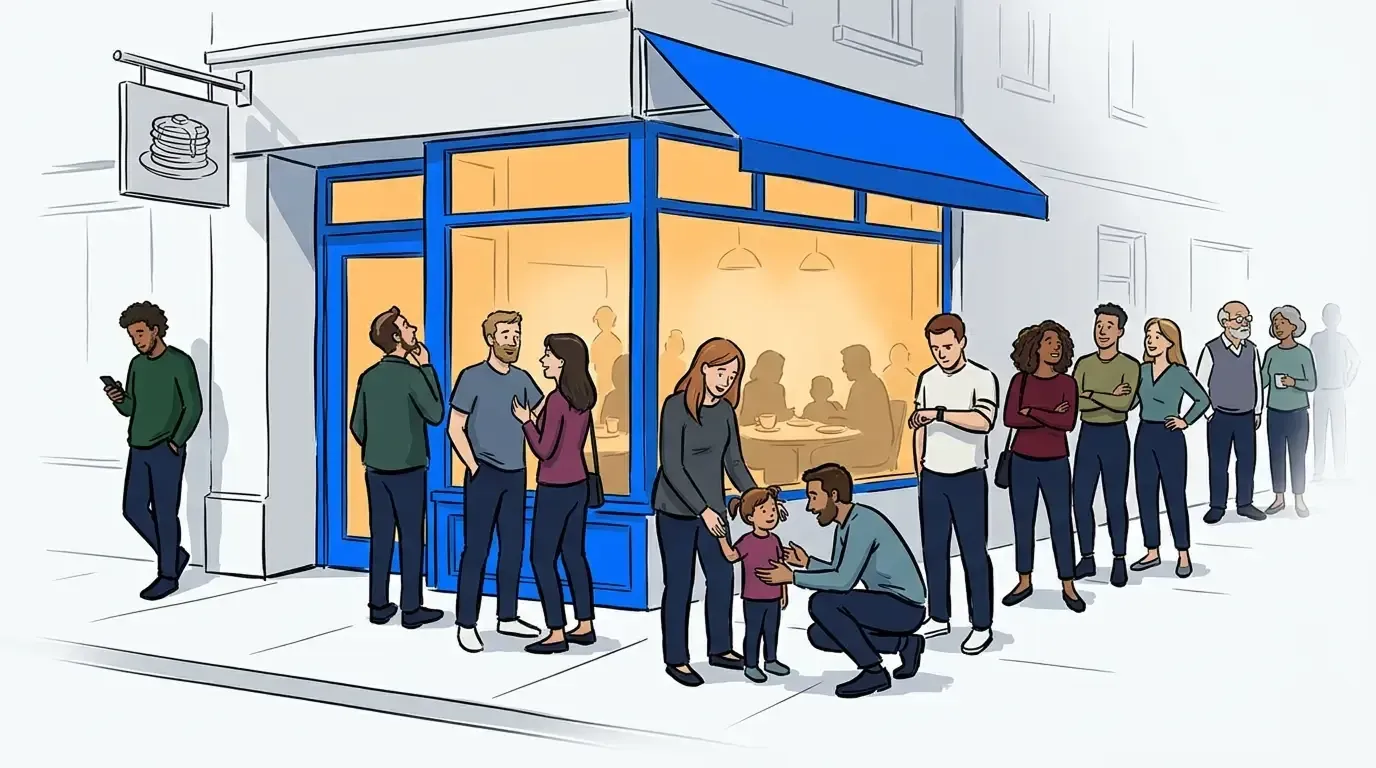
The National Restaurant Association consistently ranks Mother’s Day and Father’s Day among the highest-revenue days of the year for full-service restaurants, with party sizes averaging larger than a normal weekend. Larger parties mean longer turn times. Longer turn times mean your quoted wait blows past reality fast. And when a guest who was told 20 minutes is still standing at the door 35 minutes later, they leave.
The restaurants that handle holiday rushes well are not necessarily better staffed or better located. They manage expectations better, and they use their tools deliberately. Southport Grocery, a beloved Chicago brunch spot, saw an 18% improvement in online reviews after switching to NextMe, with wait time complaints dropping significantly. The operational change was not dramatic. They just stopped making guests stand at the door and started giving them a real system.
The role of restaurant wait times in guest satisfaction
Restaurant wait times are not just an operational metric. They are the first experience a guest has with your hospitality on a high-stakes night. A 30-minute wait that is communicated clearly, tracked accurately, and updated proactively feels entirely different from a 20-minute wait that stretches without explanation.
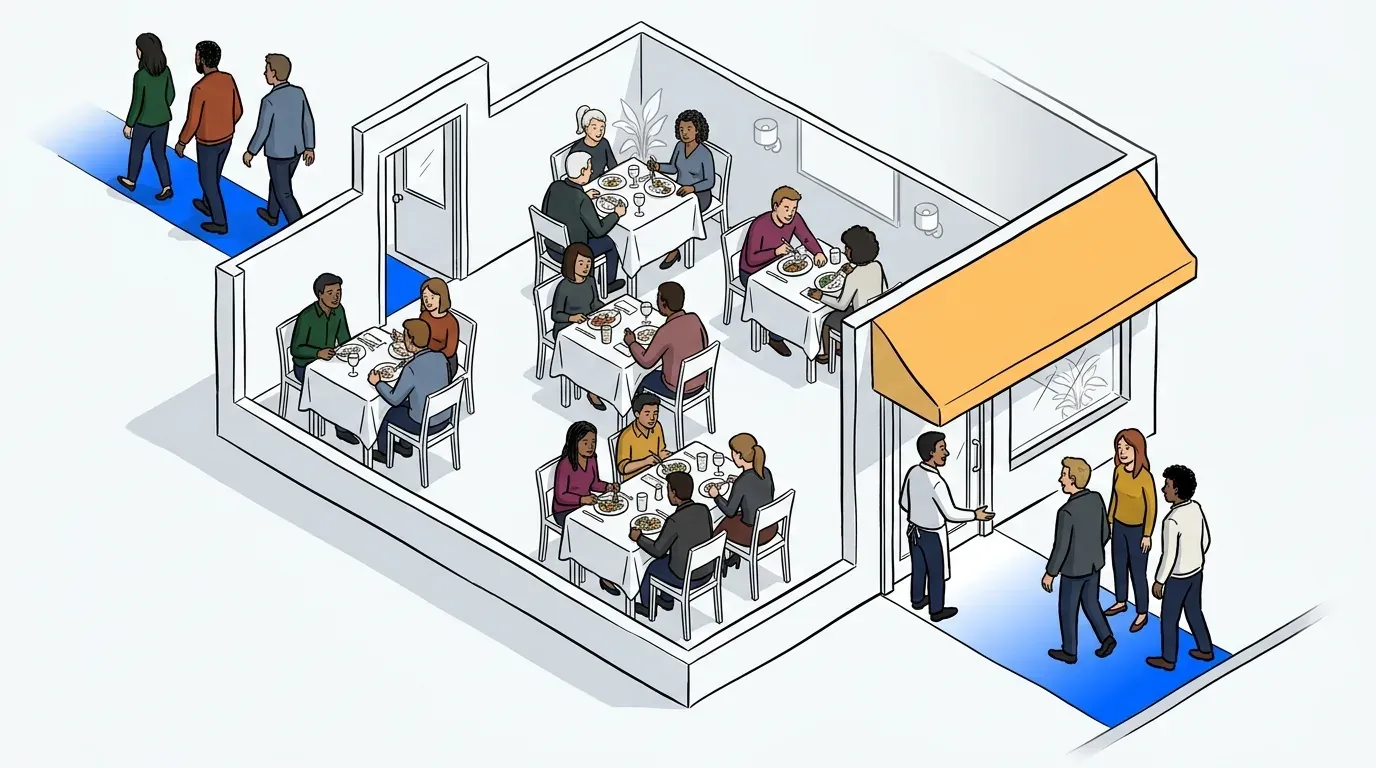
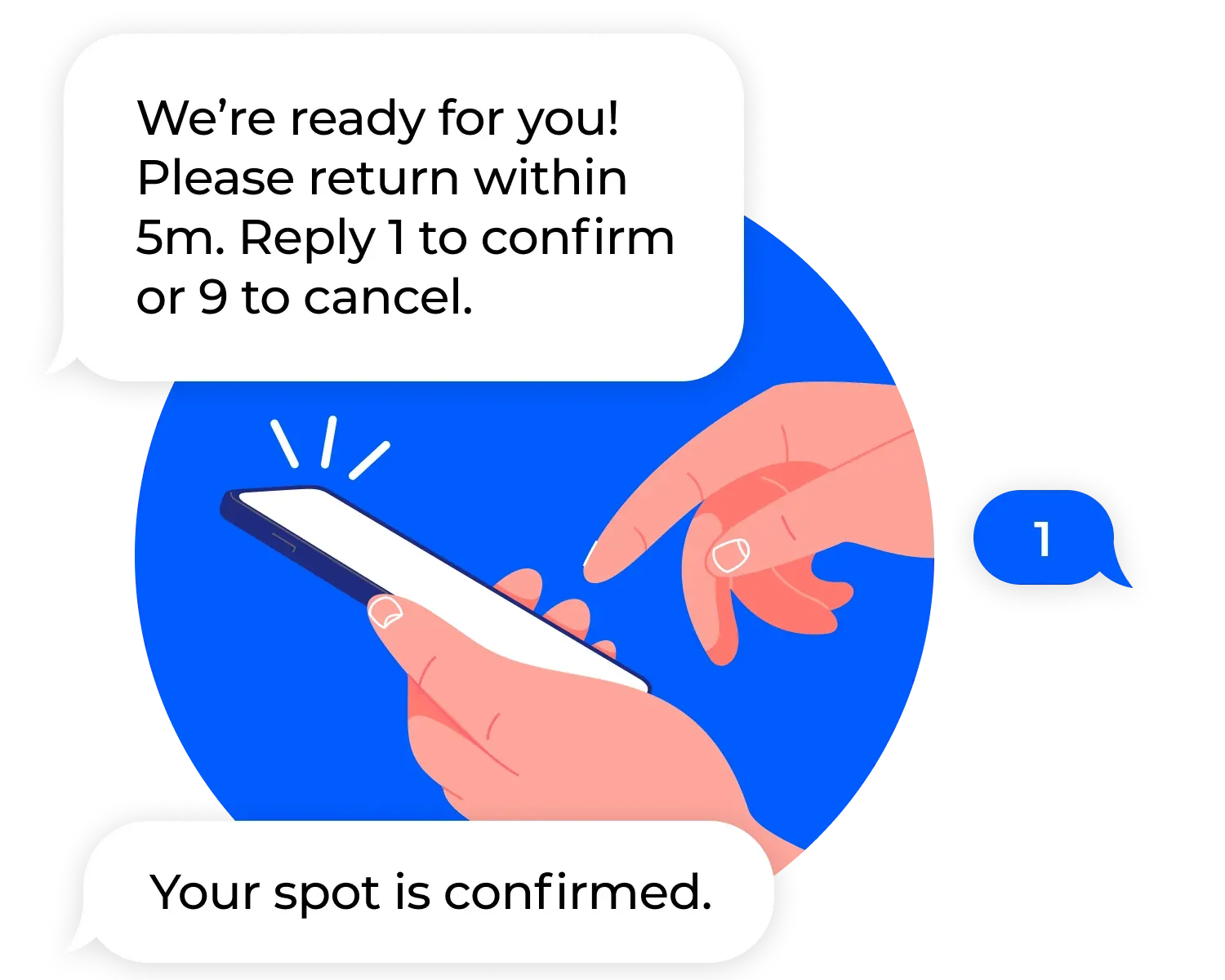
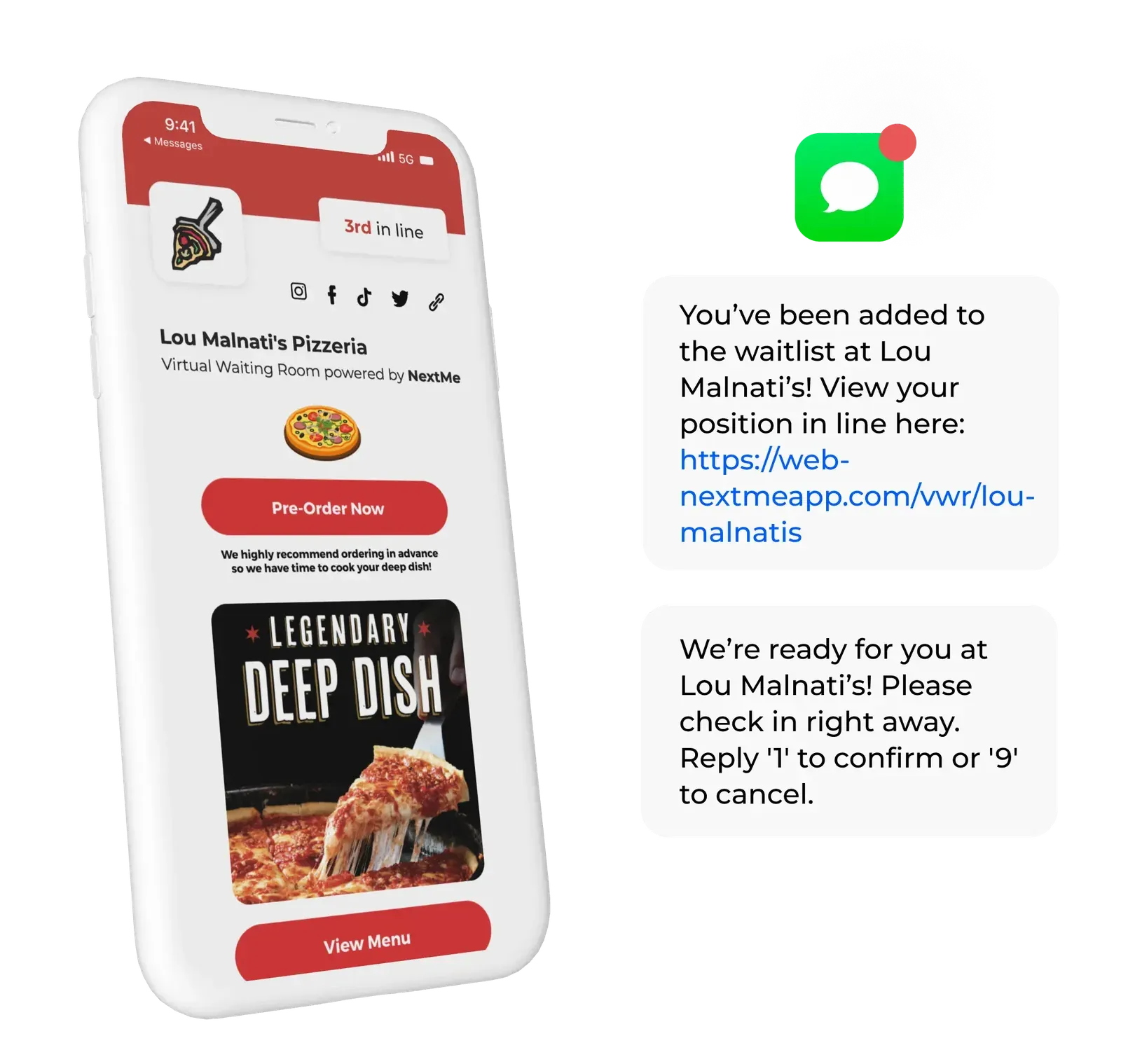
The mechanism that makes this work is SMS. When a guest joins your waitlist, they get a text confirming their spot and their estimated wait. When their table is ready, they get another text to come in. Between those two moments, they are free to wait in their car, explore the neighborhood, or grab a drink nearby. They are not anchored to your door, which means they are not crowding your entryway, not asking your host every five minutes how much longer, and not walking.
This is the core value of a virtual waiting room: it moves the waiting experience off your premises without moving the guest off your waitlist. On a day like Father’s Day, that matters enormously. Your lobby stays clear, your host can manage the floor instead of managing the crowd, and your guests feel like they are being taken care of rather than held in a holding pattern. If reducing no-shows is also a recurring problem, two-way SMS confirmation reminders are one of the most effective tools available for keeping your waitlist accurate on a high-volume day.
How to get your restaurant ready before the rush
You do not need a week of prep for this. The setup below takes a few hours and applies to Father’s Day and every major holiday after it.
- Set your waitlist app as the front-of-house standard. Every walk-in goes on the list. No exceptions for “just two people” or “we’ll be quick.” On a high-volume day, informal exceptions break the system for everyone behind them.
- Update your estimated wait time settings. Your typical Saturday averages are not your Father’s Day averages. Build in a buffer. A guest told 35 minutes and seated in 30 is happy. A guest told 20 minutes and seated in 35 is not.
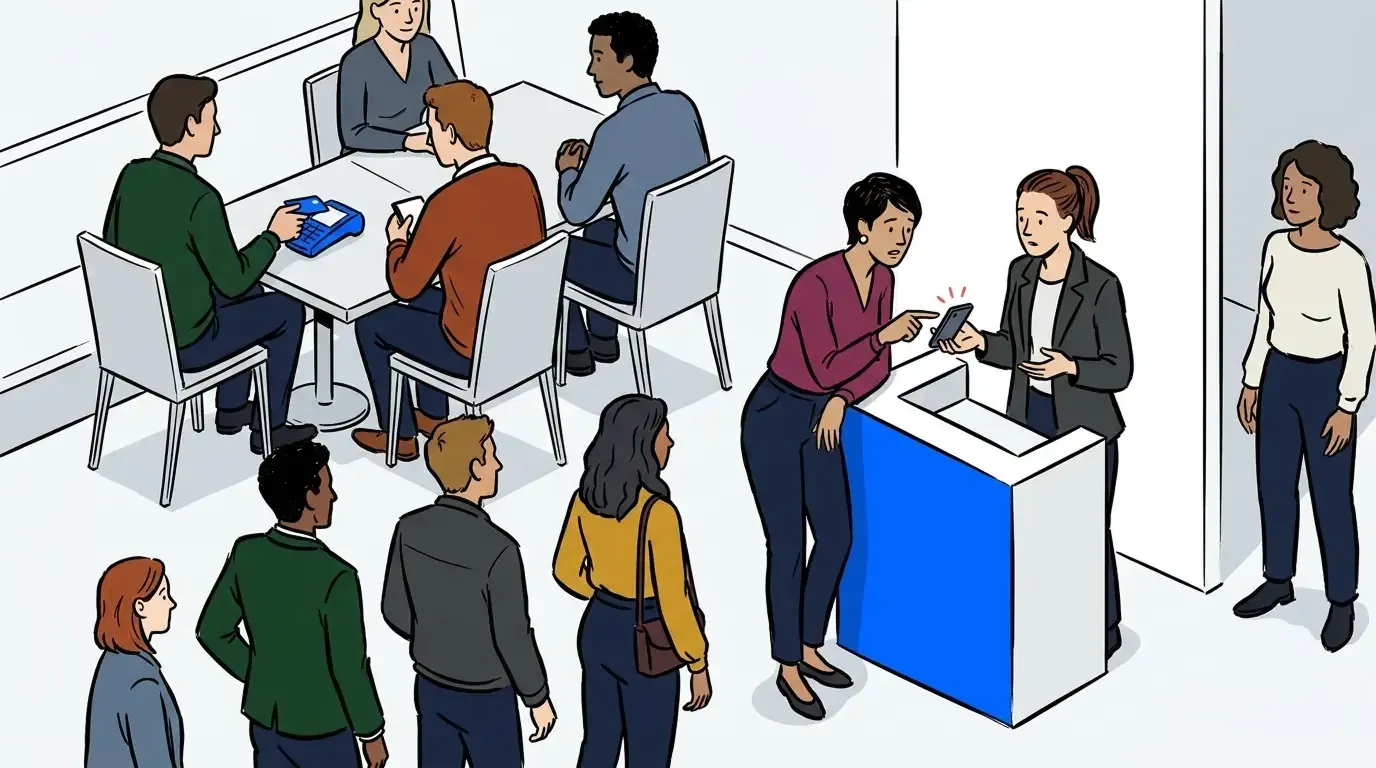
- Brief your host on two-way texting. Guests can reply to confirm they are still waiting or cancel if plans change. A quick staff walkthrough the afternoon before the rush means your host uses the feature confidently instead of ignoring it.
- Turn on your virtual waiting room. Add a message guests see while they wait: your address, parking notes, what to do when they get their “table ready” text. Simple, practical, and it cuts the volume of guests who call to ask where to wait.
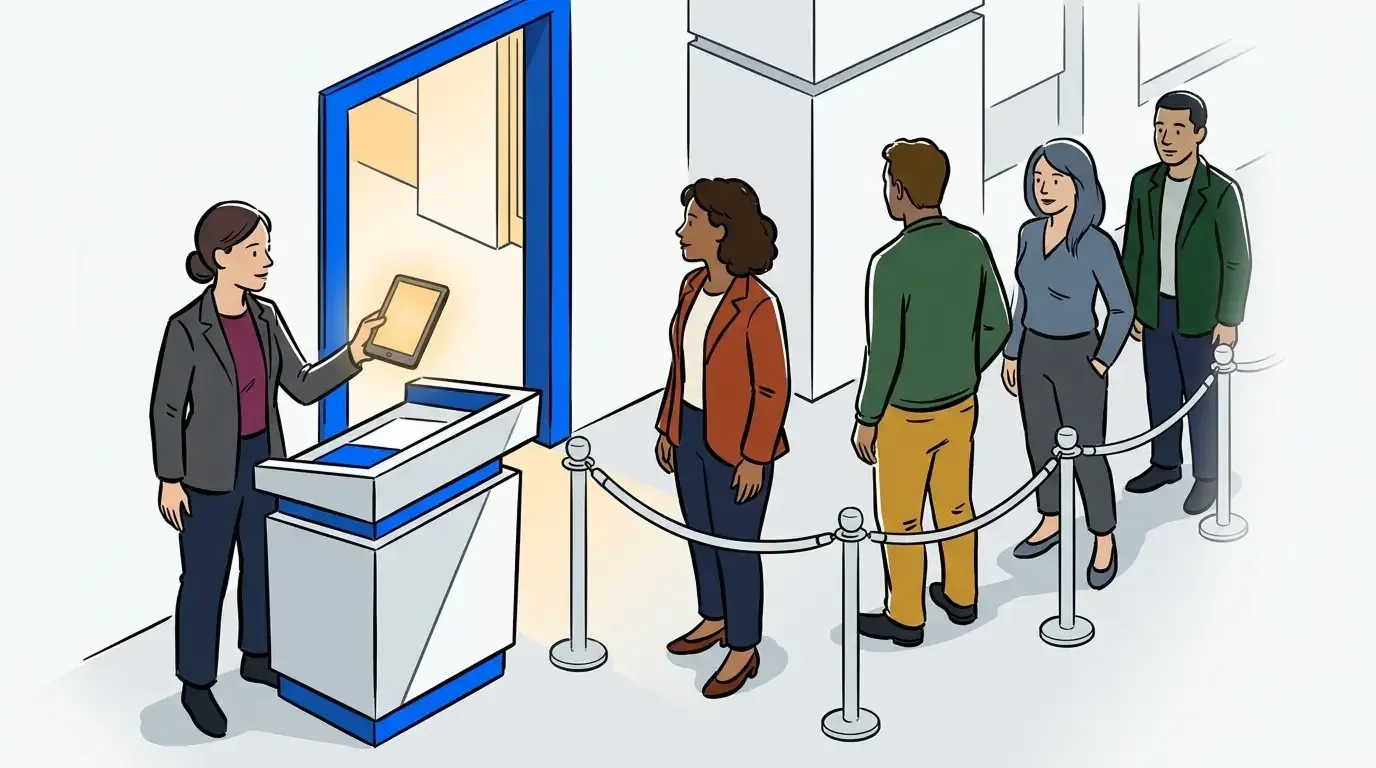
- Set a self check-in point. A tablet at the door or a QR code on your entrance lets guests add themselves to the list without waiting for your host to be free. On a busy holiday, those 15 seconds of friction per party add up fast. A dedicated self check-in point removes it entirely.
Why your POS waitlist is not enough for a day like this
Many restaurants rely on the waitlist feature bundled into their point-of-sale system. It works fine on a slow Tuesday. On Father’s Day, the gaps show up fast.
Bundled waitlist tools are built as secondary features inside a system designed primarily for payments and order management. The guest-facing experience is often minimal: basic SMS at best, no virtual waiting room, limited control over wait time messaging, and no way to adapt the check-in flow for a high-volume day. Your guests get a text that says their table is ready. That is the extent of it.
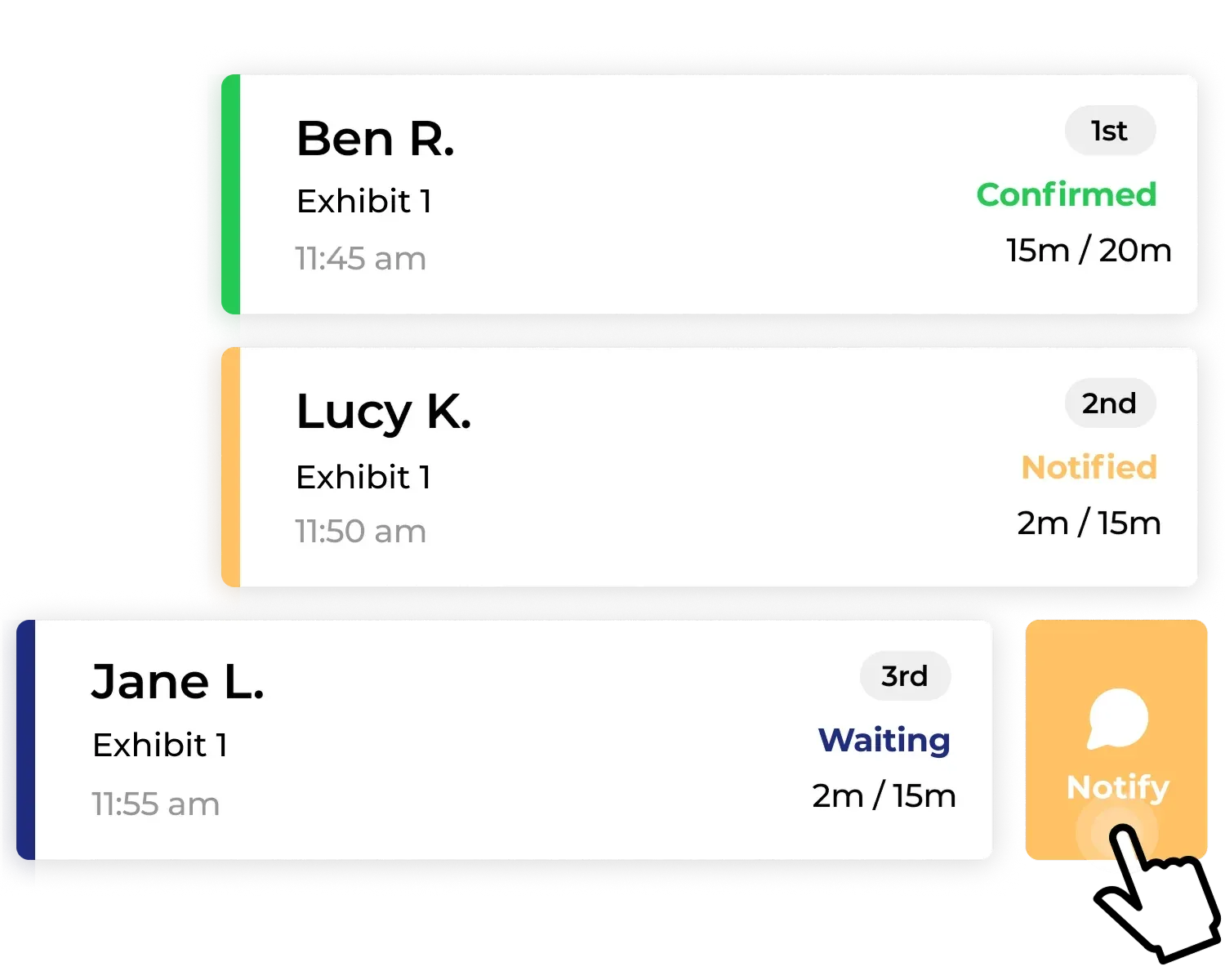
A purpose-built waitlist app is built entirely around the waiting and seating flow. The virtual waiting room is not a feature bolt-on. It is the product. You control what guests see while they wait, how and when they are notified, and how your host manages the queue from their device. Black Bear Diner, a multi-location breakfast chain, turned to NextMe specifically to get consistent guest flow management across locations. When something goes wrong mid-rush, your host has real tools to adapt in real time.
There is also a flexibility argument. When your waitlist is bundled into your POS, it goes wherever your POS goes. A contract renewal, a rate increase, or a platform migration affects your entire front-of-house stack at once. A standalone waitlist app sits outside that dependency entirely. You can make changes to your payment processing without disrupting how your host stand operates. For any operator who has been through a Toast migration, that independence is worth something. If you are currently evaluating your options, our restaurant waitlist app buyer’s guide covers what to look for in detail.
The same playbook works every time
Father’s Day, Valentine’s Day, Thanksgiving weekend, NYE. The holiday rush pattern is the same every time: volume spikes, parties get larger, and restaurants without a real system feel it. The operators who handle these days well are not doing something dramatically different from everyone else. They have the right tools set up, their team is briefed, and their guests know what to expect.
If Memorial Day weekend was harder than it needed to be, the next four weeks are your window to change that. Set up your waitlist properly, train your host on the full feature set, and let Father’s Day be the day the system works. See how NextMe works for restaurants.