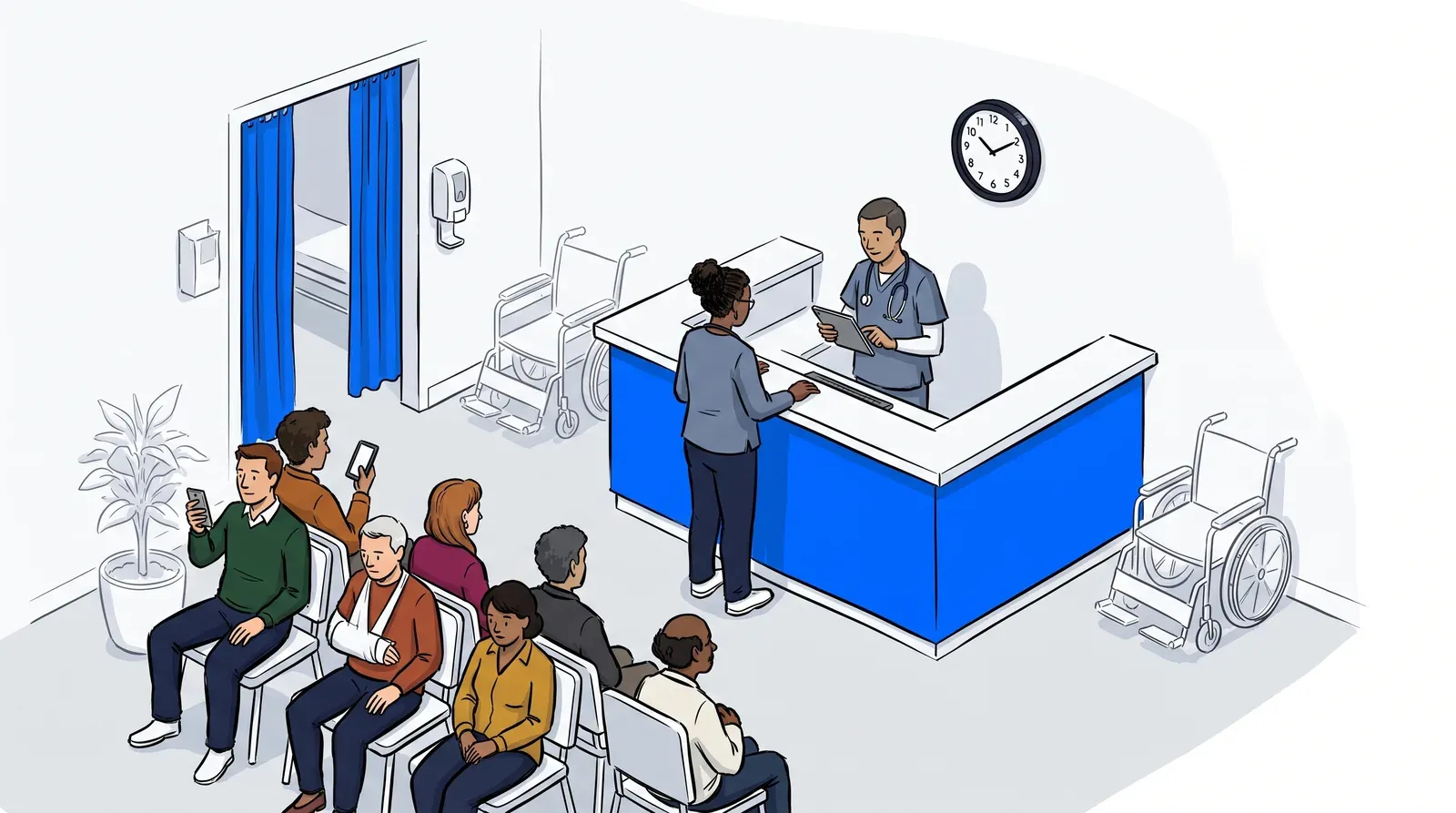
Walk into most urgent care clinics on a busy afternoon and you will find the same scene: chairs packed together, patients unsure how long they will wait, front desk staff fielding the same question every few minutes. The physical waiting room creates a bottleneck that frustrates patients and strains staff, and in healthcare, that frustration has real consequences. Patients leave before being seen, satisfaction scores drop, and reviews reflect the experience.
A virtual waiting room changes that equation. Instead of sitting in a shared space, patients join a digital queue from their car, a nearby coffee shop, or wherever they are comfortable. They get real-time updates and come inside only when it is their turn. The result: a calmer lobby, faster throughput, and a better first impression.
But a virtual waiting room is only as good as the decisions behind it. What do you tell patients when they join? How do you handle patients without a smartphone? What does your staff actually do differently? This guide walks through the practical choices urgent care operators need to make to get their virtual waiting room working well from day one.
What a virtual waiting room actually means for urgent care
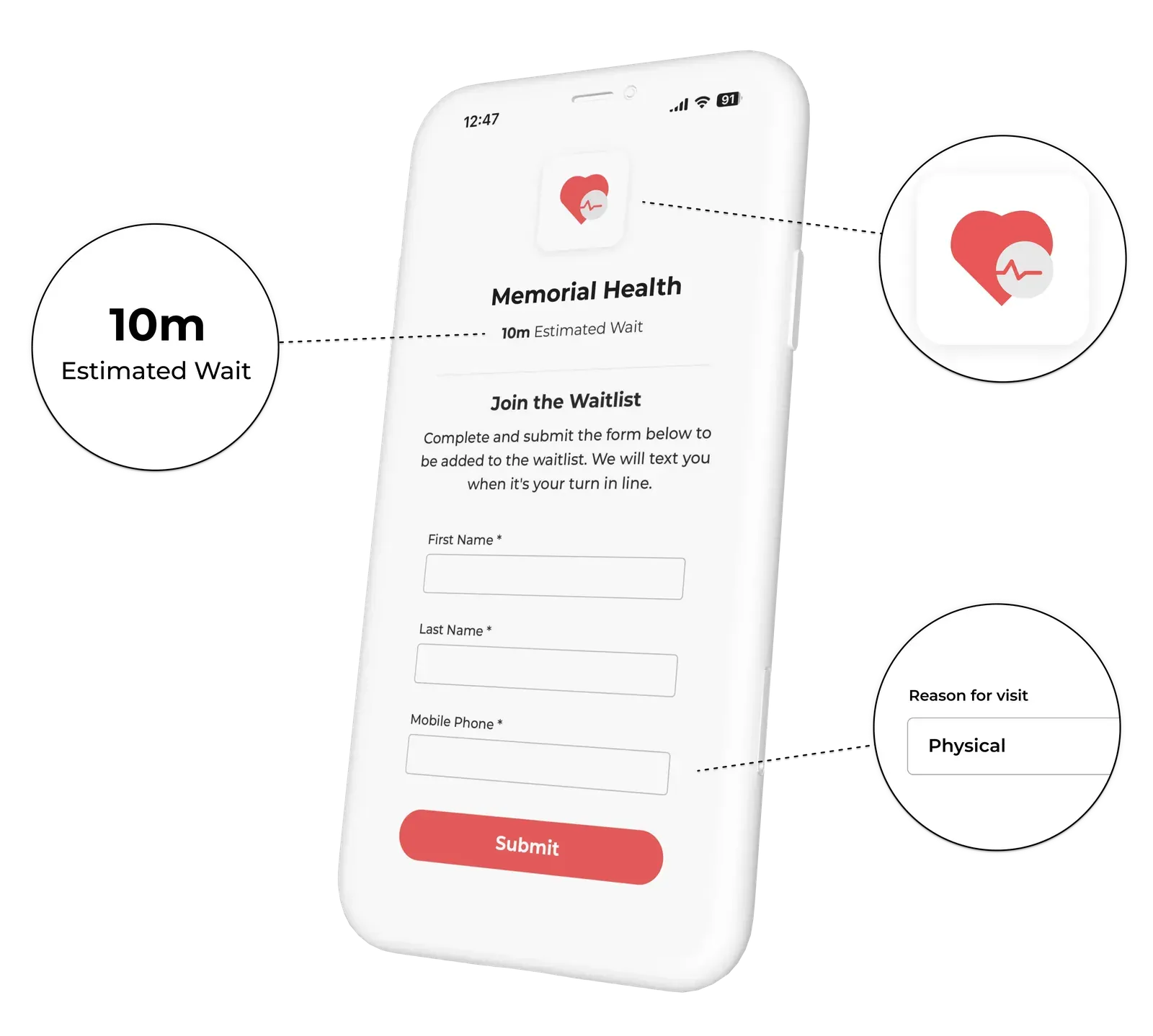
A virtual waiting room lets patients join your queue remotely and wait wherever they choose, receiving SMS updates that tell them where they stand and when to come in. For urgent care, that means the lobby stays manageable, infection risk in shared seating drops, and patients who would have given up and left instead stay engaged with their place in line.
NextMe handles the queue and the communication layer. What the clinic decides is how to configure it: what patients see and hear at each step, how the intake process flows, and how staff interact with the system throughout a shift. Those decisions - the expectations you set, the messages you send, the edge cases you plan for - are what make a virtual waiting room feel polished and professional rather than confusing.
Think of it as the operational setup that sits behind the technology. The tool handles the mechanics. You decide the experience.
For a broader look at how virtual waiting rooms improve urgent care patient flow, see our earlier post on how a virtual waiting room transforms urgent care patient flow.
What to decide before you go live
Getting this right before your first patient joins saves a lot of confusion later. Here are the core decisions to work through:
- Your join message. What does a patient see the moment they enter the queue? This is your first chance to set accurate expectations. Include an honest wait time estimate, a note that they can wait wherever they like, and clear instructions on when to come inside (for example: “Head in when you receive the ‘You’re next’ text”).
- Your status update triggers. Decide when the system sends a message - at join, when the patient gets close to the front of the line, and when they are called. A consistent three-message arc (join confirmation, heads-up, call-back) covers most patient journeys without over-communicating.
- Your ready message. This is the most important message in the sequence. It should be direct and specific: where to enter, which door, what to say at the desk. Patients who are outside or in their car need to know exactly what to do in the next 90 seconds.
- Your edge case plan. Not every patient has a smartphone. Decide now how front desk staff handle walk-ins who need to be added manually. NextMe supports manual queue additions so staff can add a patient directly without the patient needing to self-join.
- Your peak-hour wait time language. On a normal Tuesday the wait might be 20 minutes. On a Saturday afternoon it might be 90. Decide whether you display a live estimate, a range, or a position number - and make sure the language manages expectations rather than setting them in stone.
None of these decisions require a formal document. They require a conversation with your front desk team before launch, and a consistent setup in NextMe that reflects what you agreed.
Patient communication: what to send and when
Most of the frustration in a traditional waiting room comes not from the wait itself, but from the silence. According to MGMA research, digital check-in and automated patient communication improve both satisfaction and practice efficiency. Practices that have adopted them report stronger patient loyalty and less front desk strain.
The fix is straightforward: send a message at join, when the patient is getting close to the front of the line, and at call-back. Every message should do one thing clearly.
The join message sets expectations: “You’re in the queue. Current wait is approximately 30 minutes. Stay wherever you are comfortable and we will text you when you are close.”
The getting close message reduces anxiety: “You are now second in line. We will text you in a few minutes.”
The ready message drives action: “We’re ready for you! Please return to the front desk within 5m”
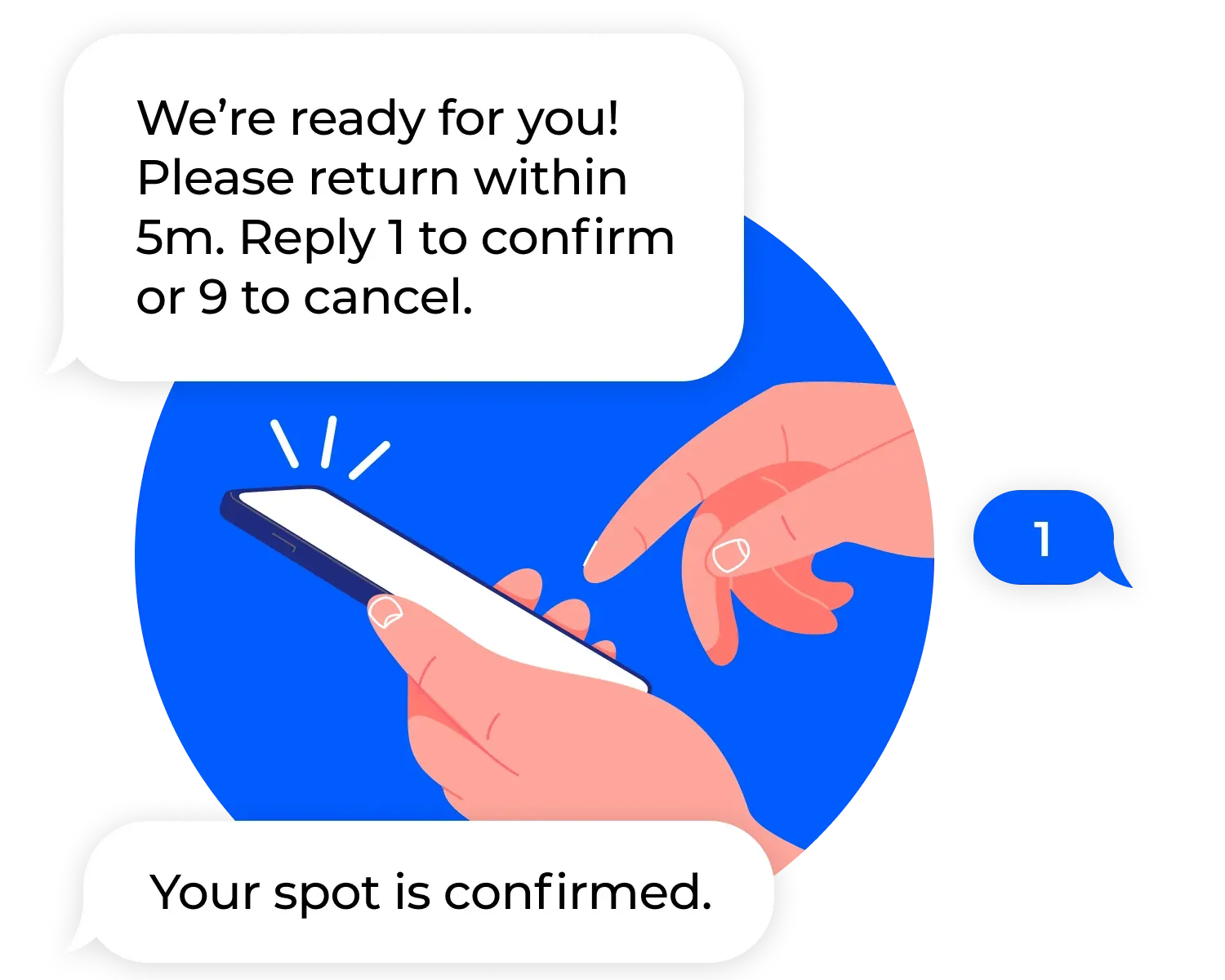
NextMe handles the delivery. Your job is to write those three messages once, in plain language your patients will understand, and keep them consistent across every shift. Short, direct, and free of jargon works better than formal clinical language here. “It’s your turn” lands better than “Your consultation slot is now available.”
Handling patients who do not have a smartphone
This is the most common concern urgent care operators raise before going live, and it is straightforward to solve. A virtual waiting room does not replace your front desk; it gives your front desk a better tool.
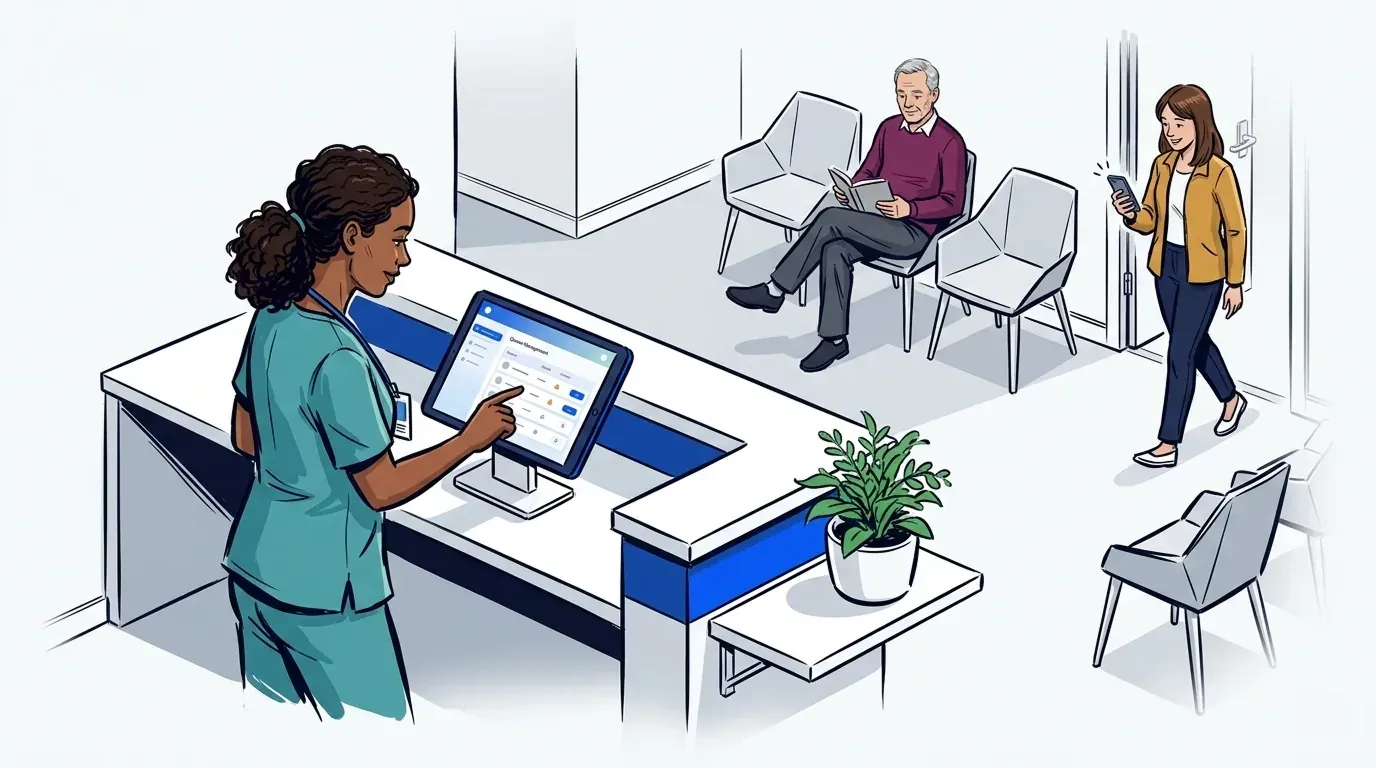
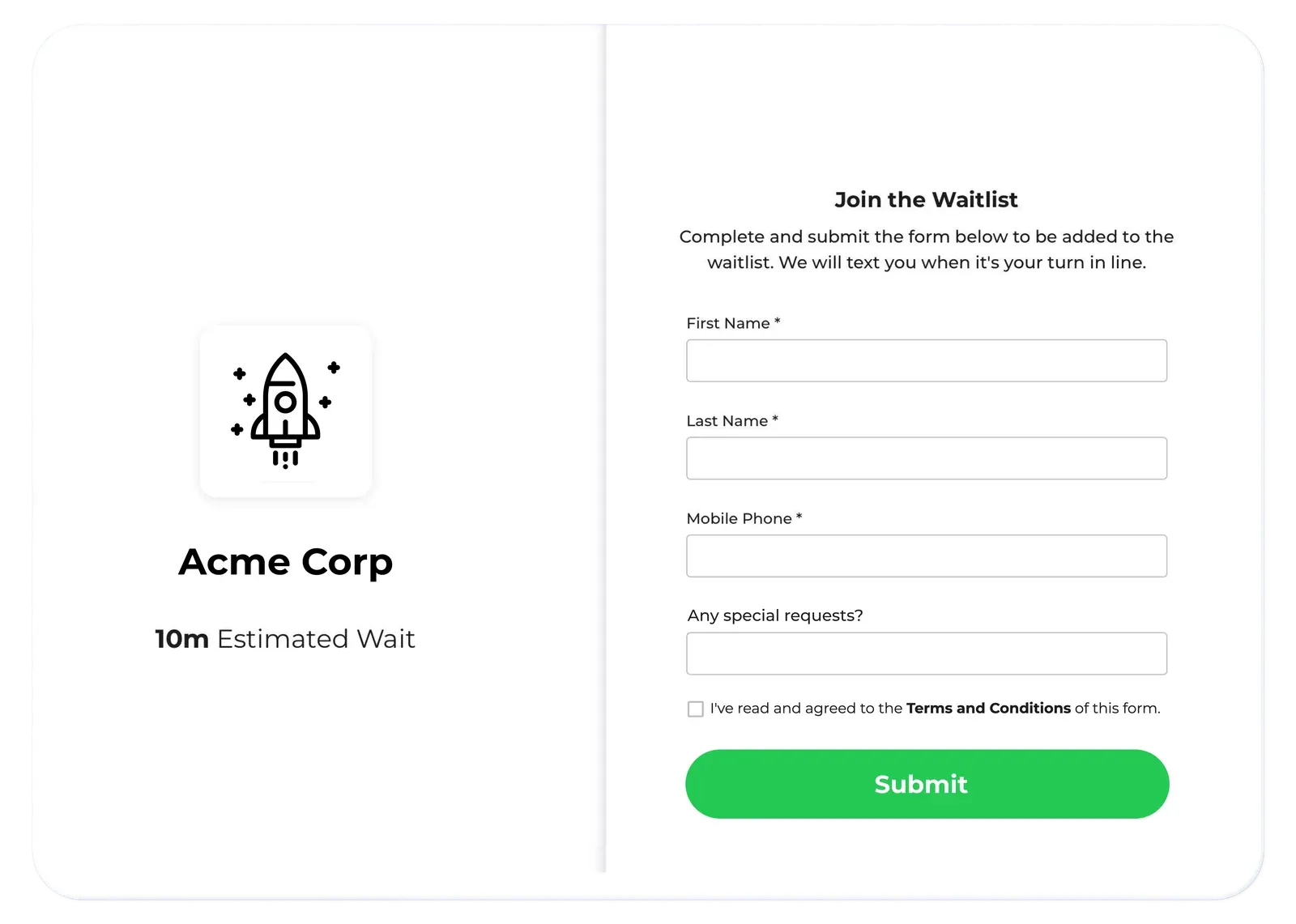
For patients without a smartphone, the front desk staff adds them to the queue manually using the NextMe operator dashboard. The patient gets a paper queue number or a verbal update at the desk while other patients wait remotely. Staff can see the full queue from one screen, so they manage both populations from the same view.
A few things that help:
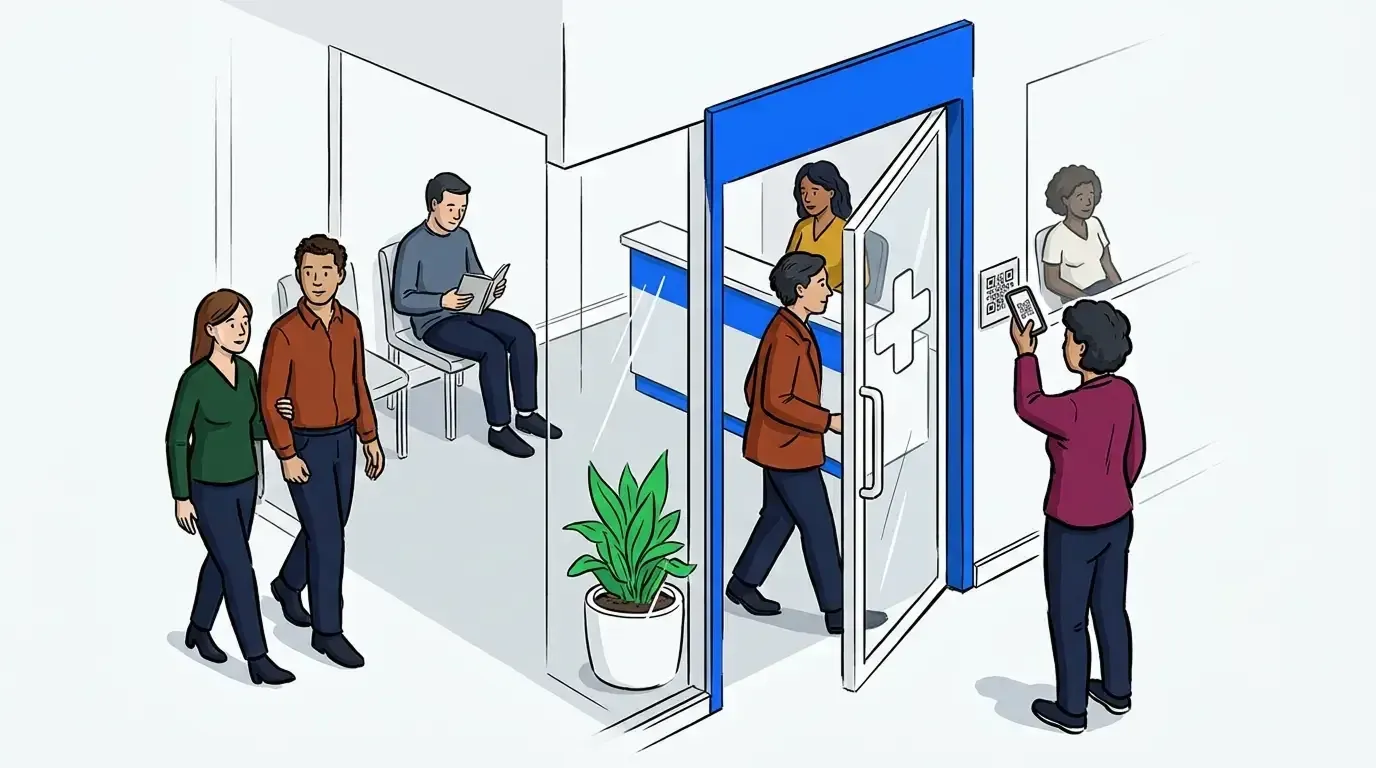
- Put a simple sign at your entrance explaining the two options: join by QR code or ask at the front desk.
- Train front desk staff to default to adding the patient directly rather than explaining the app. Speed matters at the front door.
- Keep your in-person process consistent so patients who cannot use the digital flow do not feel like a secondary category.
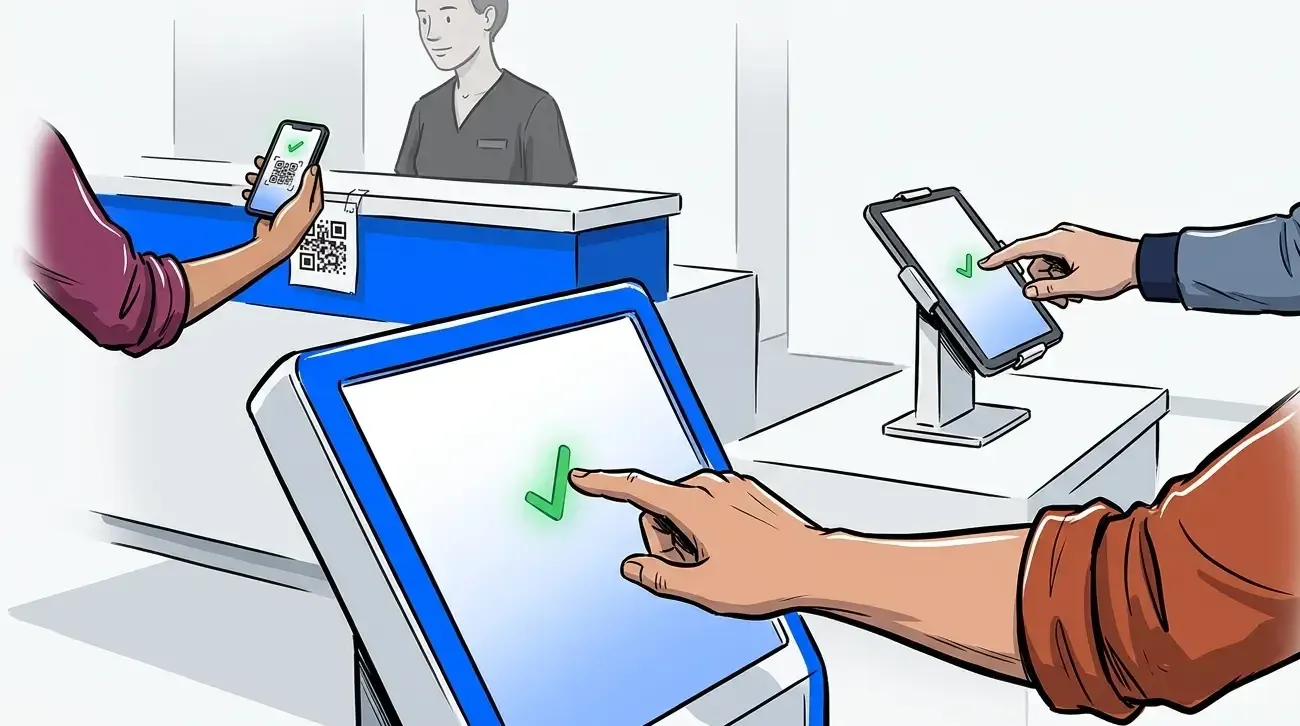
The goal is a single queue everyone is on, regardless of how they joined it. NextMe’s self check-in options support multiple join methods so you are not forcing patients into a single channel.
Staff workflow: what changes and what does not
The front desk role does not disappear with a virtual waiting room. It shifts. Instead of managing a physical room full of waiting patients, staff manage a digital queue and focus their attention on patients who are actively at the desk.
The main operational change is the call-back step. In a traditional setup, a staff member walks out and calls a name. With a virtual waiting room, staff tap to notify in the NextMe dashboard and the patient receives an SMS automatically. That is typically faster and frees the front desk from managing the physical room.
For managing patient flow across the full day, the waitlist analytics dashboard gives staff and clinic managers a view of queue length, average wait times, and throughput - which helps with staffing decisions during peak hours. Our post on hospital queue management covers the data side of patient flow in more depth.
A few workflow notes worth discussing with your team before launch:
- Who is responsible for calling patients back - the front desk, a medical assistant, or both? Decide this before launch and make sure everyone knows.
- What is the protocol if a called patient does not respond and come in within five minutes? Having a clear re-contact step prevents queue backup.
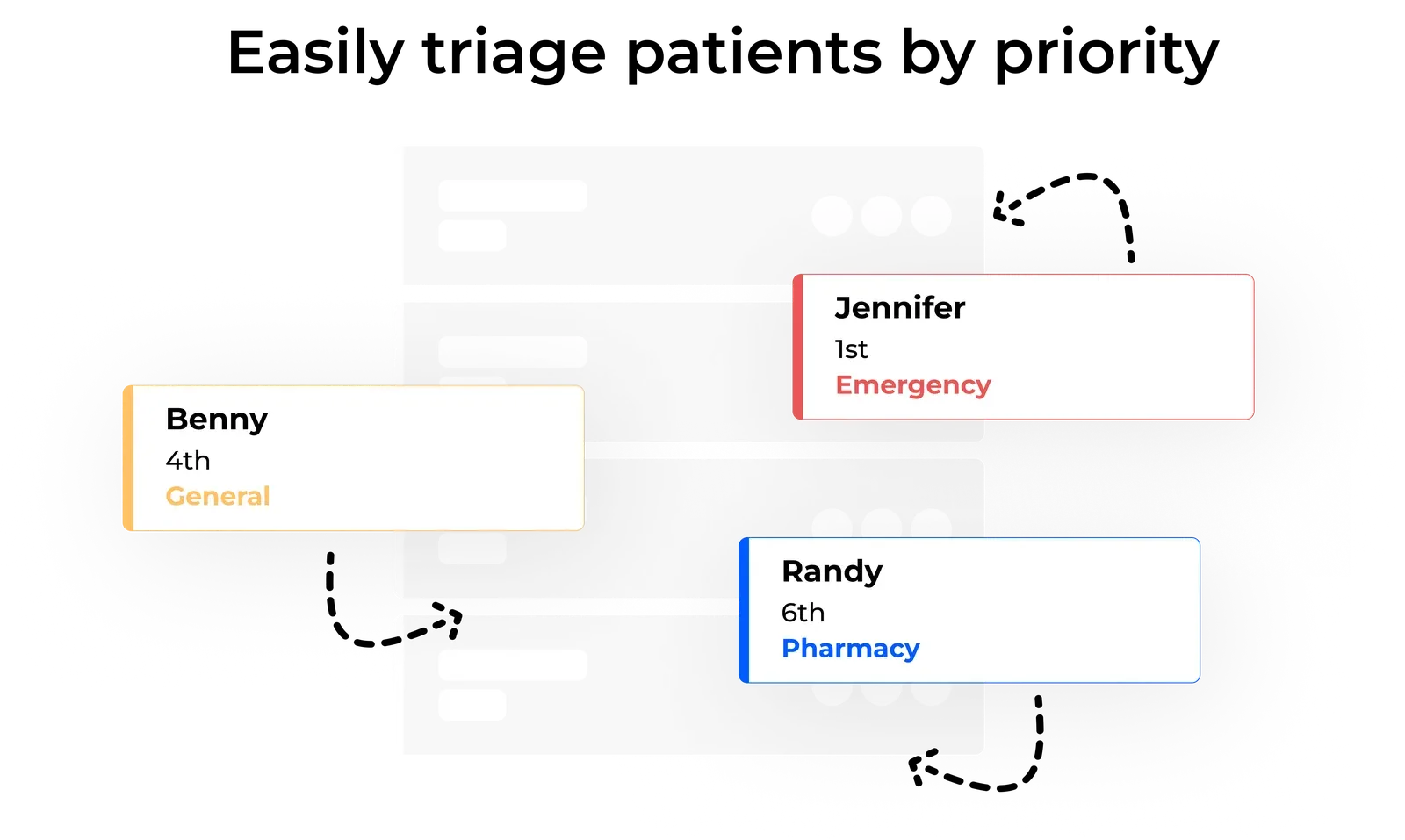
- How does triage interact with the queue? If a walk-in presents as urgent, staff can reprioritize them in the queue without disrupting the rest of the line.
None of this requires a lengthy training session. Most front desk teams are comfortable with the core flow within a shift or two.
Getting your virtual waiting room right from the start
A virtual waiting room does more than move patients out of your lobby. It gives your clinic a structured, consistent way to communicate, manage flow, and reduce the friction that drives patients away before they are seen.
The setup does not need to be complicated. A clear join message, a three-message communication arc, a plan for patients without smartphones, and a staff workflow your team agrees on - those four things cover most of what you need to go live with confidence.
NextMe gives urgent care clinics the tools to configure all of it without a lengthy onboarding process. If you are ready to reduce your crowded waiting room and improve the experience for patients and staff, see how NextMe works for healthcare.