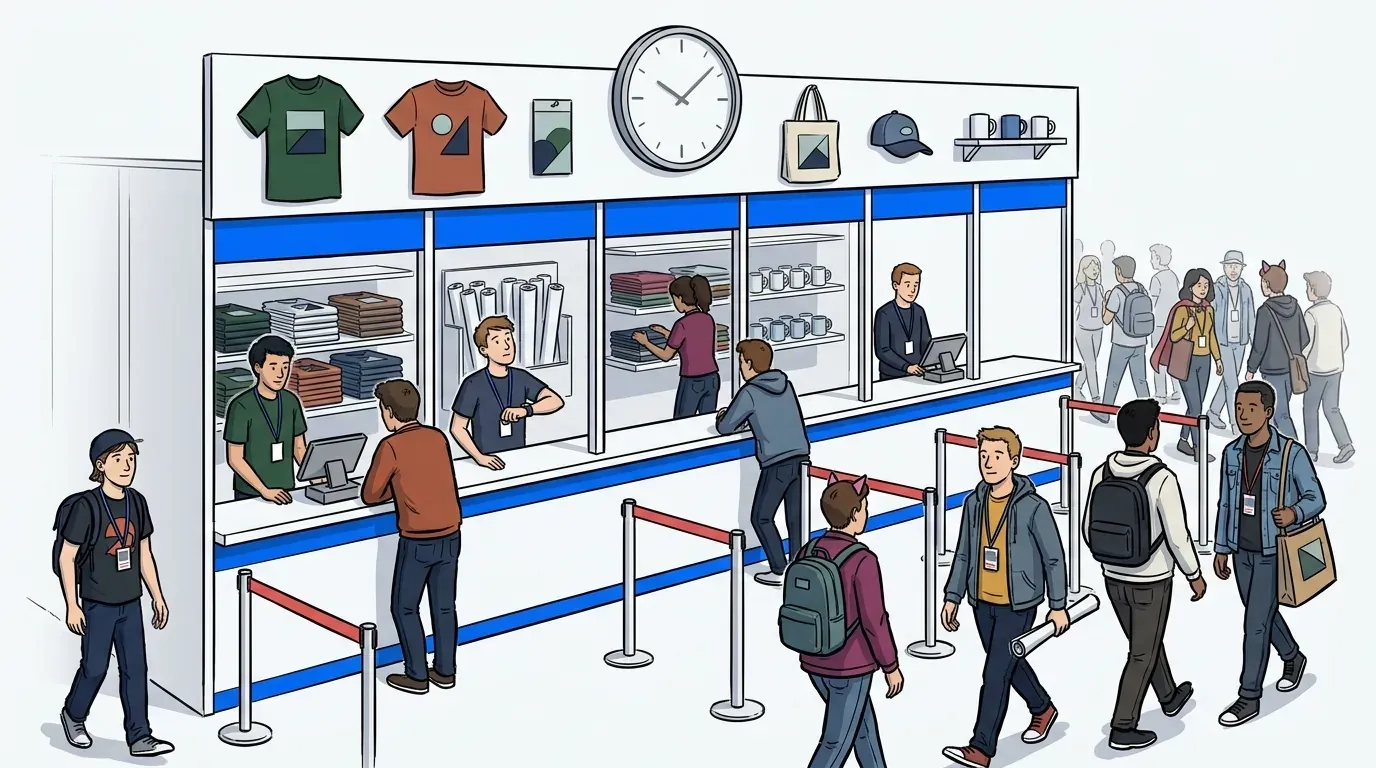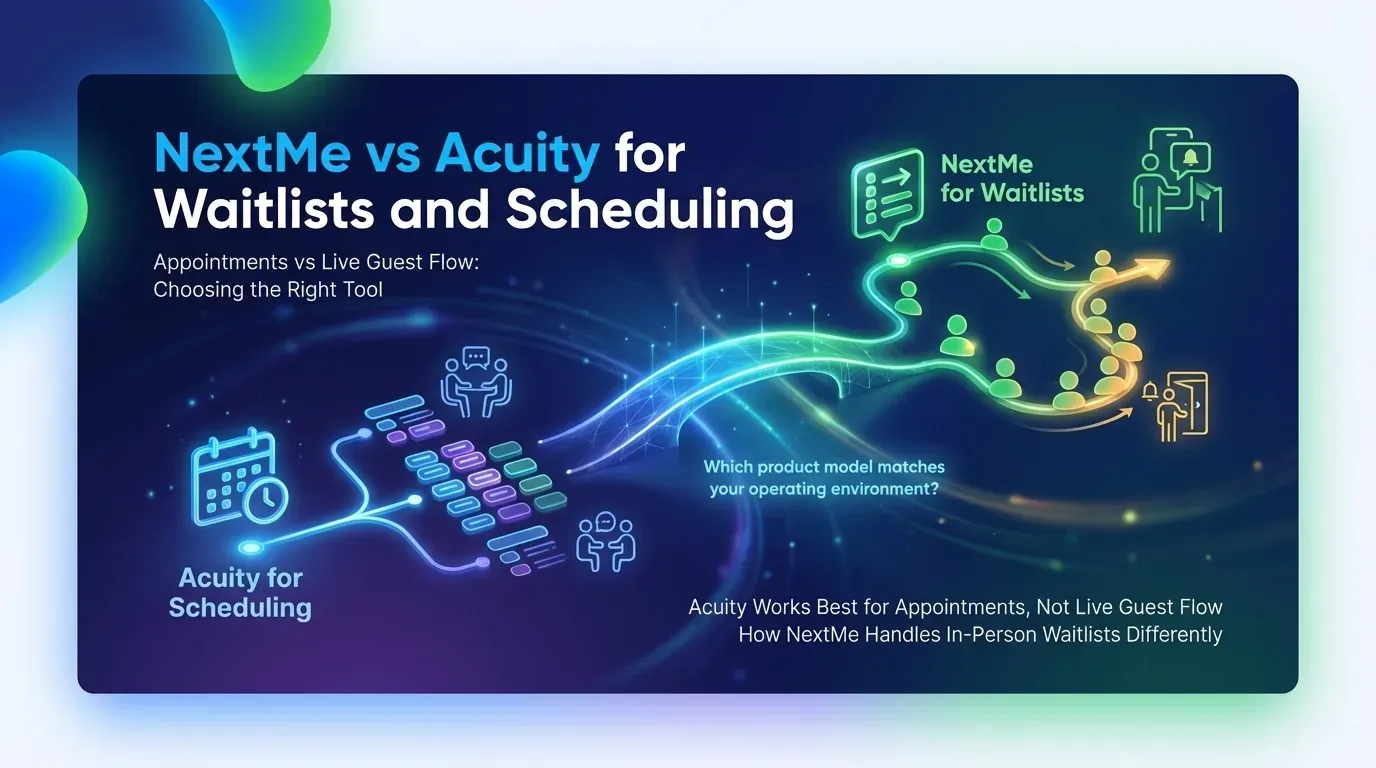
A two-hour line at your event doesn’t mean you need better appointment software. It usually means you’re solving on-site guest flow with the wrong operating model.
Acuity is built for scheduled bookings, calendar control, and intake forms. That makes it useful for appointment-led businesses, but it changes shape quickly when you try to force walk-ins, event traffic, or high-volume in-person queues into fixed time slots.
NextMe is built for live guest flow, virtual queues, and on-site waitlist management. That makes it a strong fit for events, activations, and high-volume in-person experiences where demand shifts by the minute and guests need the freedom to wait on their own terms.
Key Takeaways:
- Acuity is a stronger fit when the guest journey starts with a reserved slot, not a live on-site line.
- Event waitlist software matters when volume shifts by the minute and staff need to move people through without crowding the space.
- Appointment scheduling vs waitlist management is a workflow decision first, not just a feature comparison.
- Teams running activations, demos, or fan experiences usually need virtual queue management, SMS updates, and self check-in more than calendar logic.
| Decision factor | Acuity | NextMe |
|---|---|---|
| Primary use case | Pre-booked appointments | In-person waitlists and hybrid queue management |
| Best for | Service teams with scheduled bookings | Event organizers, exhibitors, and experiential agencies |
| Customer flow model | Fixed time slots | Hybrid model with virtual join and shorter return line |
| Wait experience | Confirmation and reminder workflow | Phone-based wait, SMS updates, branded virtual waiting room |
| Operational visibility | Calendar and booking management | Staff visibility plus post-event reporting |
| Pricing transparency | Public entry pricing available (Acuity Pricing) | For event teams, talk to us about a hybrid plan built around your needs. Contact Sales |
Acuity works best for appointments, not live guest flow
Acuity works well for appointment-based scheduling because it centers the experience on calendars, booking pages, intake forms, and rescheduling controls. Its product focuses on clients choosing time slots in advance and receiving automated reminders. That fits salons, consultants, and service providers far better than crowded on-site activations.
The easiest mistake in an Acuity vs queue management software search is assuming both tools solve the same problem. They don’t. One organizes time before arrival. The other manages demand after people are already there.
That distinction sounds obvious until you watch it break in the field. Picture an event ops lead at 10:15 a.m. on day one of a conference. A sponsor booth has 80 people nearby, product demos take longer than expected, and staff are trying to answer the same question every 30 seconds: “How much longer?” A booking calendar doesn’t fail because it’s bad. It fails because the room stopped behaving like a calendar.
The real comparison is structure versus flow. Acuity gives you a structured appointment system with booking controls, intake forms, client self-scheduling, and automated notifications, all useful when the business decides the time in advance or lets the customer reserve it online.

A live queue system solves a different failure point. It deals with arrival spikes, uncertain service times, walk-ups, and limited physical space. Guests join, wait remotely, get updates, and return when staff are ready. If the line forms on-site before the interaction begins, digital waitlist software usually fits better than appointment scheduling.
If your demand arrives in predictable slots, use scheduling. If demand arrives in surges, use a virtual queue. If you have both, you’ll likely need a hybrid model like NextMe.
When appointment scheduling is enough
Appointment scheduling is enough when your throughput is stable, the service duration is predictable, and guests expect a booked time before they arrive. That is why Acuity fits coaches, therapists, salons, and other appointment-led teams that need calendar management more than in-person queue management.
Think about a solo practitioner with eight sessions a day. Each appointment has a clear start time. Intake questions matter. Reschedules happen, but not in waves. The operational challenge is reducing no-shows and back-and-forth messages, not moving a crowd through a physical space.
In that environment, forcing a digital queue would be overkill. That’s one concession worth making. Not every business with customers needs virtual queue management. If your guest journey starts with “pick a time,” Acuity may be all you need.
Why scheduling tools and queue tools solve different problems
Scheduling tools solve pre-arrival planning, while queue tools solve live demand management once guests are already on site. The difference shows up in labor pressure, space limits, and guest expectations. A calendar controls reservation order, but a queue controls real-time movement.
One tool answers, “When are you coming?” The other answers, “What do we do with the crowd we have right now?”
That sounds small. It isn’t.
The operational cost of forcing walk-ins into fixed time slots
Fixed slots create hidden waste when the environment is dynamic. Service times drift, no-shows leave dead air, walk-ups get turned away, and staff end up manually reshuffling people instead of serving them. In high-traffic settings, that makes appointment scheduling vs waitlist management a throughput problem, not a software preference.
At a live activation, one guest may need three minutes. Another may need 12. A fixed schedule assumes clean intervals, but real events behave more like airport gates than dentist chairs. Boarding doesn’t collapse because there are no seats. It collapses when everyone shows up at once and the handoff logic can’t absorb the rush.
I’ve seen teams cling to rigid slots because it feels safer. You can point to a spreadsheet. You can say everyone had a time. But the guest experience still breaks if people arrive early, late, or all at once. That’s why the visible line becomes the pressure gauge.
Picture a booking grid with eight slots filled and a ninth person walking up unannounced. Once in a while, a staff member can absorb that. When it’s happening every 20 minutes, the grid stops being a system and starts being a suggestion.
What event teams and in-person operators need to evaluate
The features that matter most for event teams aren’t calendar controls or booking pages. They’re mobility, communication, self check-in, and staff visibility. Those four things determine whether a line stays under control or starts creating its own problems. Pricing matters too, but it’s easier to justify once you’ve confirmed the tool actually fits the environment.
Ask yourself the following questions:
- Do guests arrive in bursts instead of evenly spaced intervals?
- Do service times vary by more than 5 minutes?
- Is physical line length affecting booth traffic or crowd control?
- Do guests need updates while they wait away from the line?
- Does the team need post-event reporting on volume, wait times, or throughput?
If you answer yes to three or more, you’re likely comparing Acuity against the wrong category. Not because Acuity is weak. Because the operating environment is asking for digital waitlist software.
A skilled ops team can manage a line manually for an hour. Clipboards, group texts, and staff runners work until they don’t. By mid-afternoon on a busy event day, the patches that held in the morning tend to come apart.
Where Acuity fits and where it falls short
Acuity fits businesses that want customers to book ahead, complete intake forms, and manage changes through a calendar-based workflow. It falls short when the core need is live waitlist management, on-site self check-in, and real-time guest flow. That gap matters most for events, activations, and walk-in heavy environments.
The point isn’t to dismiss Acuity. It’s to place it correctly. A lot of software confusion comes from stretching one category into another.
Acuity’s core strengths for appointment-based workflows
Acuity is strongest when teams need booking pages, client intake, calendar rules, automated confirmations, and rescheduling in a single workflow. User reviews consistently point to ease of scheduling, intake customization, and client self-service as meaningful strengths for appointment-led businesses (Capterra Reviews, G2 Reviews).
A yoga instructor, therapist, or consultant gets real value from this setup. The guest books before arrival. The business can control availability. Reminders reduce no-shows. Intake forms capture context before the session begins.
Acuity also benefits smaller teams because the logic is familiar. Calendar in. Appointment out. If your business model depends on planned availability and structured booking windows, that’s a solid fit. No need to pretend otherwise.
What it doesn’t do is manage a crowded on-site line in real time. That’s simply a different job it wasn’t built for.
Acuity’s limitations for walk-in, event, and high-volume queue management
Acuity isn’t built around live on-site queue flow, which makes it less suited for walk-ins, high traffic activations, fan experiences, and event environments where arrival patterns shift constantly. Its core model starts with a reserved slot, not a virtual place in line. (Acuity does offer a basic client waitlist feature, but it operates within its appointment scheduling framework rather than as a standalone virtual queue system.) That distinction matters once volume becomes unpredictable.
Picture a product demo station at noon. 50 guests scan the area after a keynote lets out. Some want a five-minute walkthrough. Others want deeper questions answered. Staff need to keep the crowd informed, avoid blocking the aisle, and know who is still waiting. A slot-based tool can record appointments. It isn’t designed to absorb a live surge, which is why additional manual coordination is typically needed in those situations.
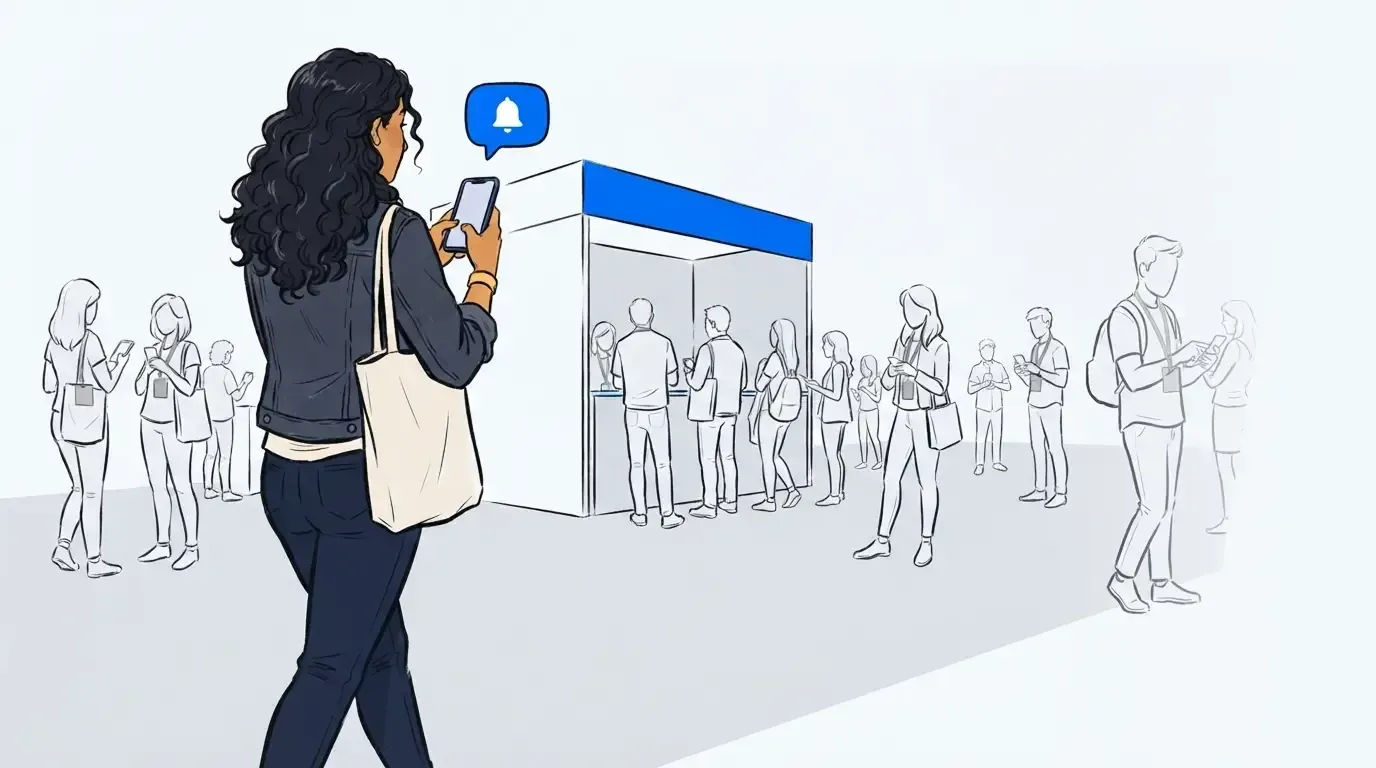
Another issue is guest psychology. In events, people don’t want to stand still for 45 minutes just because the system is organized. They want freedom. They want to roam, grab coffee, visit another booth, then come back when it’s time. A virtual waiting room software model respects that behavior. A rigid schedule often doesn’t.
Pricing, implementation, and value considerations
Acuity’s public pricing starts at $20 per month (monthly) or $16 per month (annual) for their Starter plan, with Standard at $34/mo and Premium at $61/mo adding more calendars, packages, subscriptions, and team features (Acuity Pricing). All plans include a 7-day free trial, making it accessible for smaller service businesses. For a solo or small appointment-led team, it can be a great option.
The story changes when you use the wrong tool for the wrong environment. Cheap software becomes expensive if staff have to babysit the line manually, answer repeat ETA questions, or lose guests who won’t wait in place. If your ops lead is spending the busiest hour of the day answering “how much longer?” instead of serving guests, the software didn’t save you money, it just moved the cost.
Implementation also differs by context. Acuity is easier to launch when the booking flow begins online and the schedule is stable. Event waitlist software gets judged on speed of on-site deployment, guest adoption, and how well it handles bursts without training guests into a formal appointment behavior.
Buyer fit: who should choose Acuity
Acuity is a strong choice for appointment-driven service businesses that want structured booking, intake forms, confirmations, and calendar control. It is less aligned for event organizers, exhibitors, and experiential teams dealing with live demand, physical lines, and shifting service times.
If your customer journey starts with “book a slot,” Acuity belongs on your shortlist. If it starts with “join the line right now,” it probably doesn’t.
How NextMe handles in-person waitlists differently
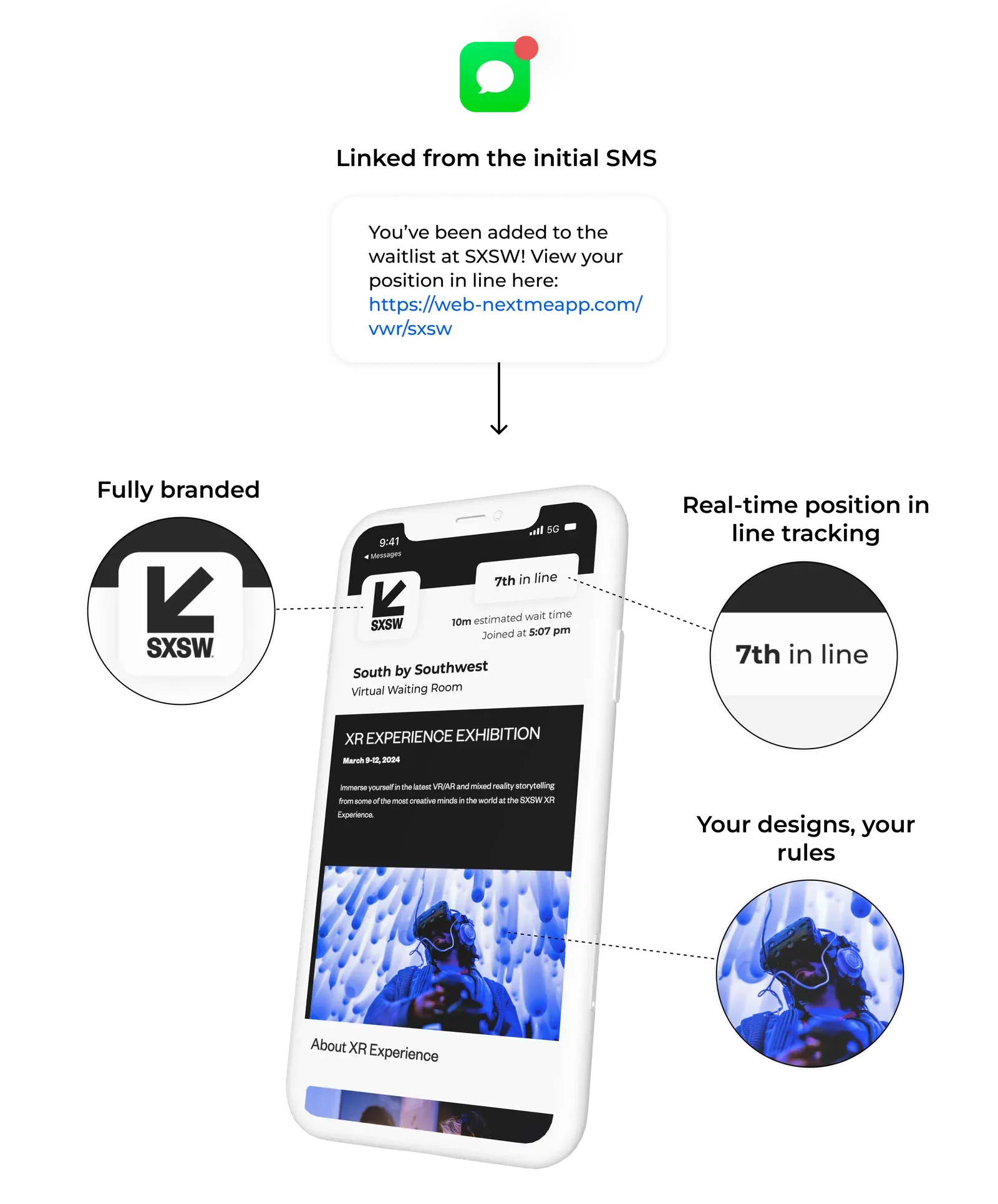
NextMe handles in-person waitlists differently by focusing on live guest flow, mobile waiting, and operator control instead of fixed appointment slots. Guests can wait from their phones, receive updates, and return when it’s time. That model fits activations, exhibits, and high-volume experiences where demand moves in waves.
This is where the category shift becomes useful. You’re no longer trying to turn a live event into a booking calendar. You’re deciding how much line should stay visible and how much should move into a virtual waiting room.
Digital queues instead of physical lines
Digital queues work when the real problem is standing, crowding, and uncertainty rather than booking. NextMe uses a hybrid queue model where guests can join virtually, get updates, and return to a shorter physical line when capacity opens. For event teams, that changes the waiting experience without pretending every visible line should disappear.
That last part matters. A visible line can create demand. We’ve found that the problem starts when the visible line gets too long. Think of it like a theater lobby. A short line signals interest. A line that snakes past three sponsor booths tells the next guest to keep walking.
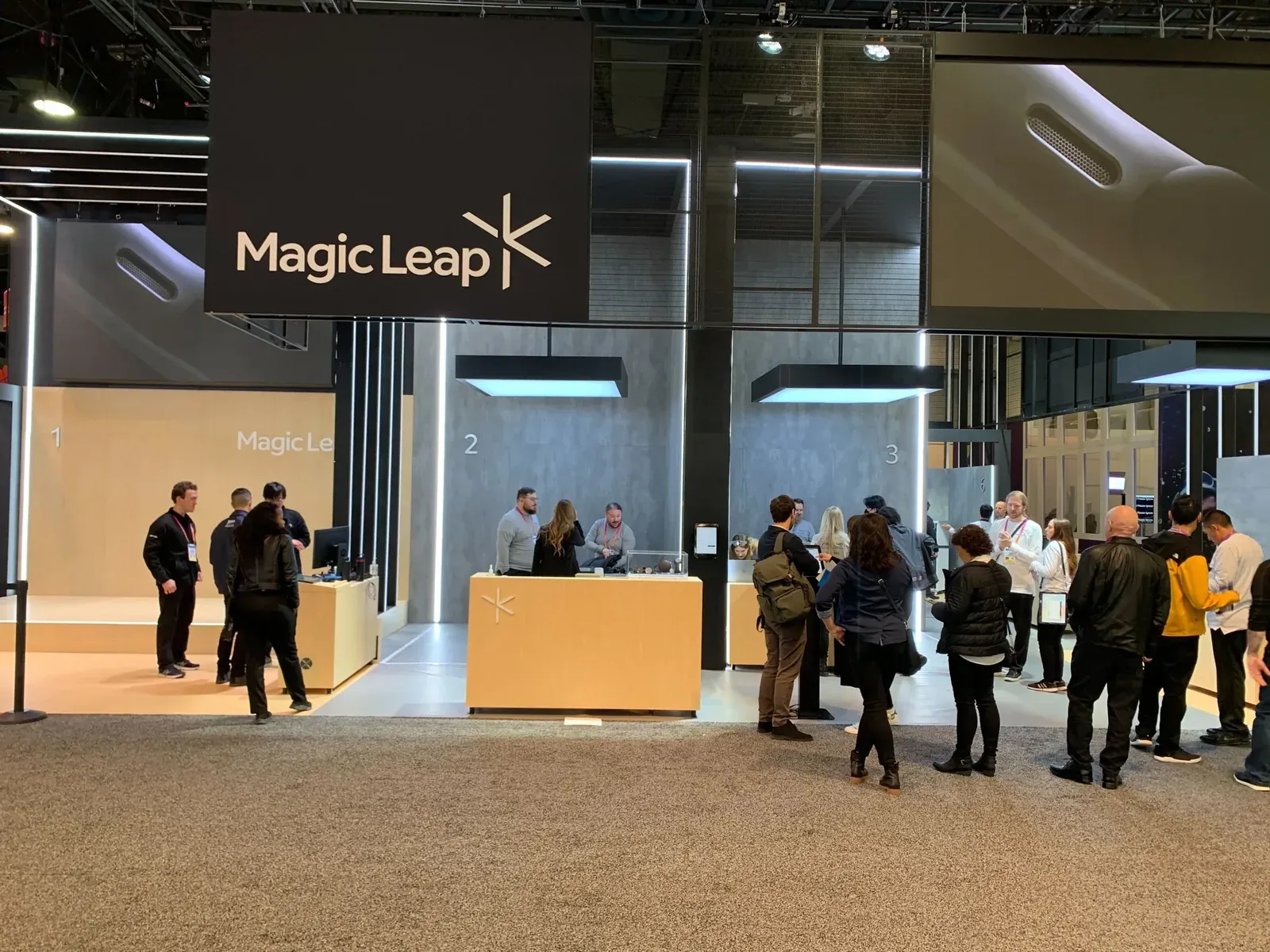
NextMe’s self check-in options are built for real-world waiting: QR code, kiosk, or link. At Magic Leap’s CES booth, attendees used NextMe to join the virtual waitlist from their mobile devices, received real-time updates, and avoided standing in line. This contributed to a 20 percent increase in attendee throughput and 1 hour 20 minutes saved per attendee. Those are the kind of event metrics that event operators actually care about.
If your line routinely exceeds 15 to 20 visible guests, start moving overflow into a virtual queue. Below that, the line may still create energy. Above it, it starts to repel.
Branded waiting experiences and measurable engagement
Wait times can become branded engagement opportunities if the system keeps guests informed and gives them something useful to do while they wait. NextMe’s virtual waiting room is built around that idea, which is especially relevant for sponsors and experiential teams that care about attention, not just line reduction.
This is one of the more overlooked connections in guest flow management software. Queue software isn’t only an ops tool. It can also be a media surface.
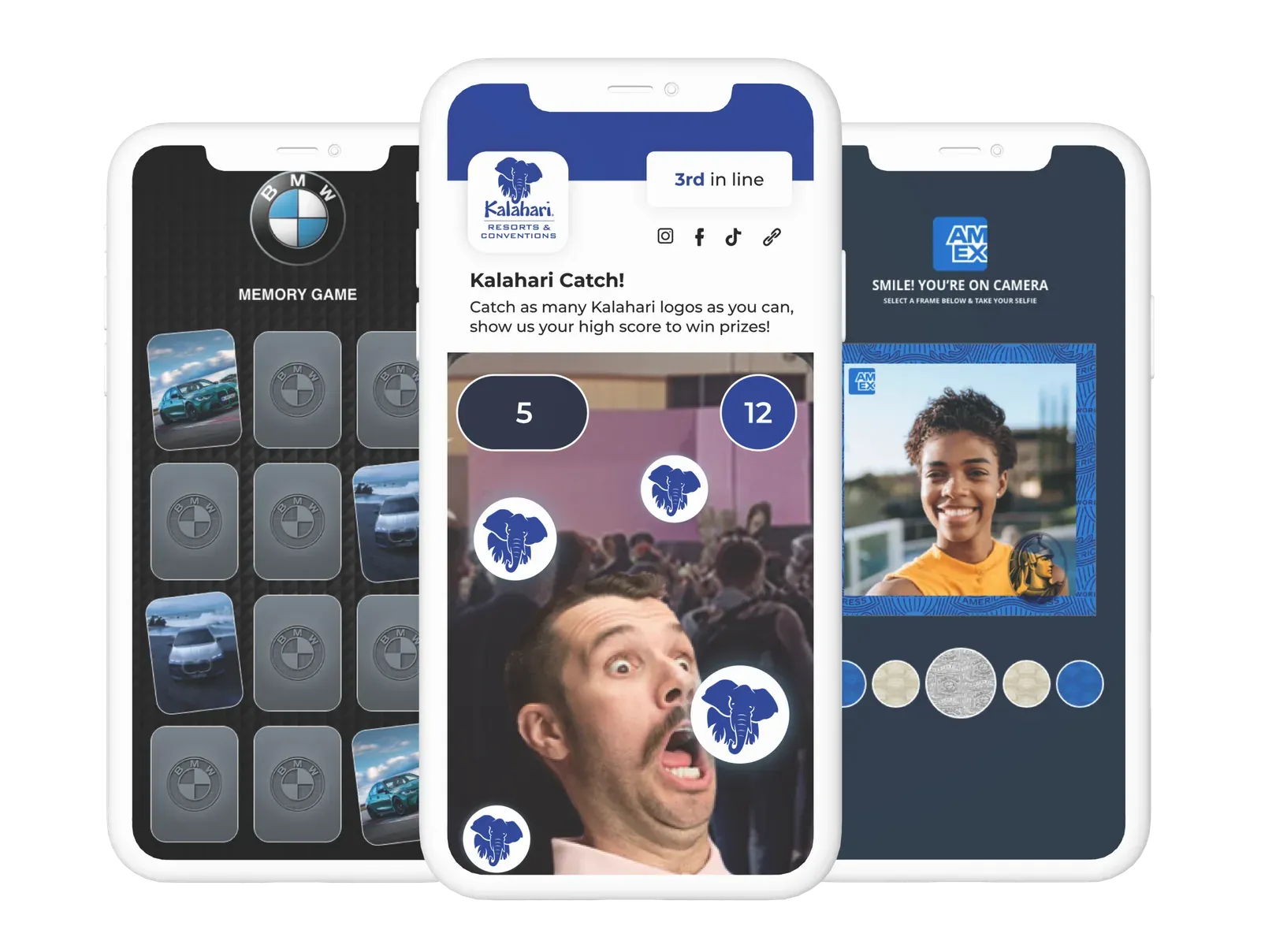
At Brand Apart’s annual conference, the virtual waiting room helped create more transparent communication while opening additional sales opportunities during wait time. At Next Conference, the virtual waiting room supported brand awareness and incentivized new app downloads.
Acuity isn’t built for that, and that’s fine. But if your event team is measured on sponsor value, dwell quality, or brand interaction during the wait, a scheduling-first model leaves that opportunity untouched.
The guests in your line are a captive audience. Whether that time becomes a brand moment or just dead time depends almost entirely on what your queue software puts in front of them while they wait. NextMe’s virtual waiting room turns that window into measurable engagement, with teams using it to drive forward their brand goals before a guest even reaches the front of the line.
Operational visibility for staff and post-event reporting
Staff need live visibility during the event and usable reporting after it. NextMe’s analytics tooling is built for both, with queue oversight during operations and outcome data teams can use to plan future layouts, staffing, and sponsor conversations.
The operator need is simple. Who’s waiting? How long? Where are bottlenecks forming? Are people abandoning the line? A pure scheduler answers calendar questions. Event teams need flow questions answered in real time.
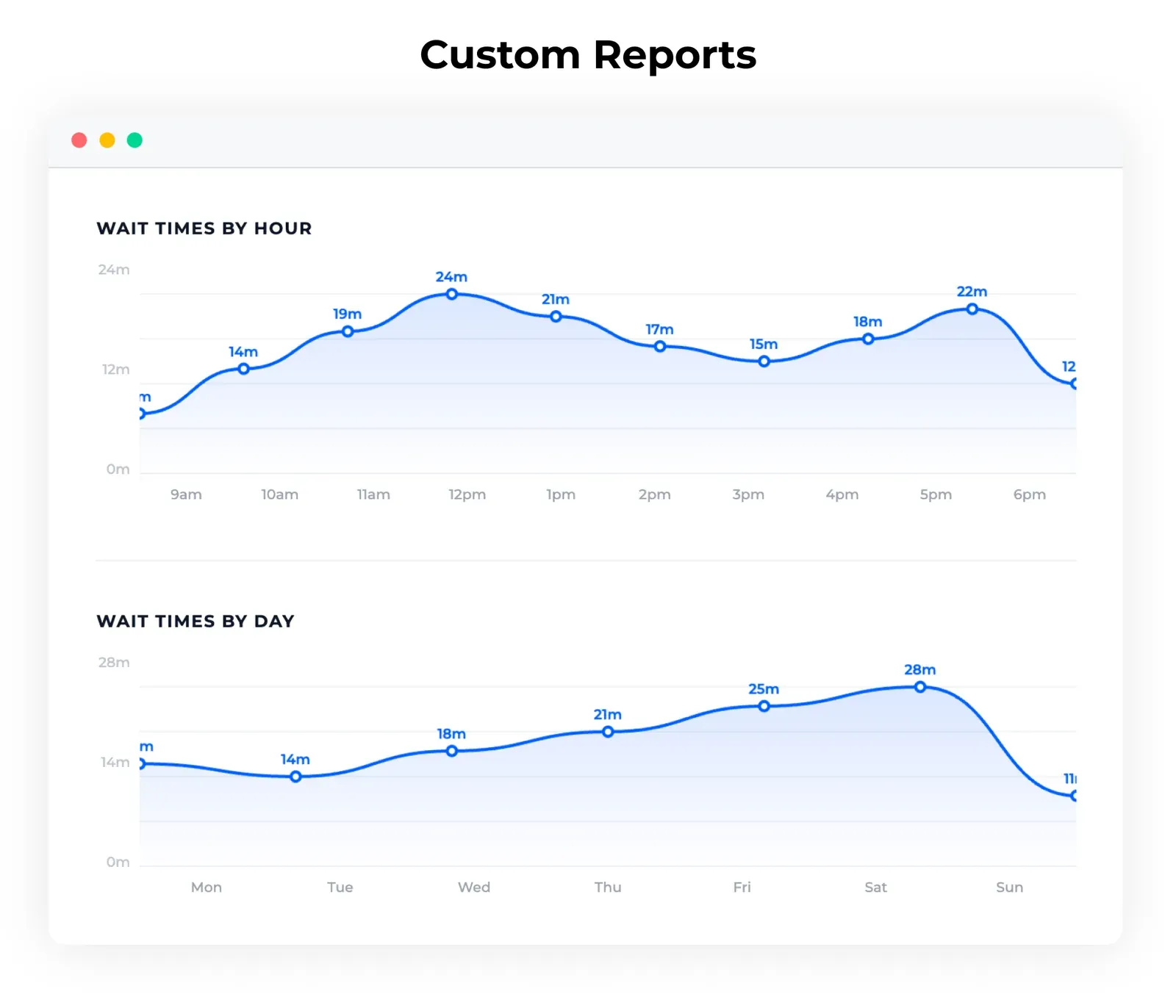
The post-event side matters too. Biostrap used NextMe wait time data from its conference activation to improve future exhibit design, while Brand Apart used waitlist data to get better insight into the funnel and retain more attendees. That bridge between live queue data and future planning is where in-person queue management becomes more than crowd control.
Buyer fit: who should choose NextMe
NextMe is best suited for event organizers, exhibitors, and experiential agencies that need to reduce physical lines, manage high-volume guest flow, and turn wait time into measurable engagement. It fits teams that care about throughput, sponsor value, post-event reporting, and easy on-site deployment more than rigid appointment-slot scheduling.
That buyer fit shows up clearly in the case studies. Deckel & MoneyPenny used the platform to improve check-in and increase 1:1 consultation time by 35 percent for a GE Appliances exhibit, while also avoiding outdated pager costs. Next Conference used it in a live hands-on lab setting and booked 35 percent more 1:1 product demos. Those aren’t scheduling wins. They’re better guest experience wins.
If your environment is dynamic, guest-heavy, and physically constrained, that’s the signal. You’re not buying software to fill a calendar. You’re buying software to keep the experience moving.
NextMe isn’t a stricter version of Acuity. It’s a different answer to a different problem. The cleanest way to decide is to map the tool to the moment demand becomes real.
Acuity is a great solution for structured bookings. But event teams usually don’t lose people because the calendar was weak. They lose them because the wait felt broken.
For event teams, talk to us about a plan built around your needs.