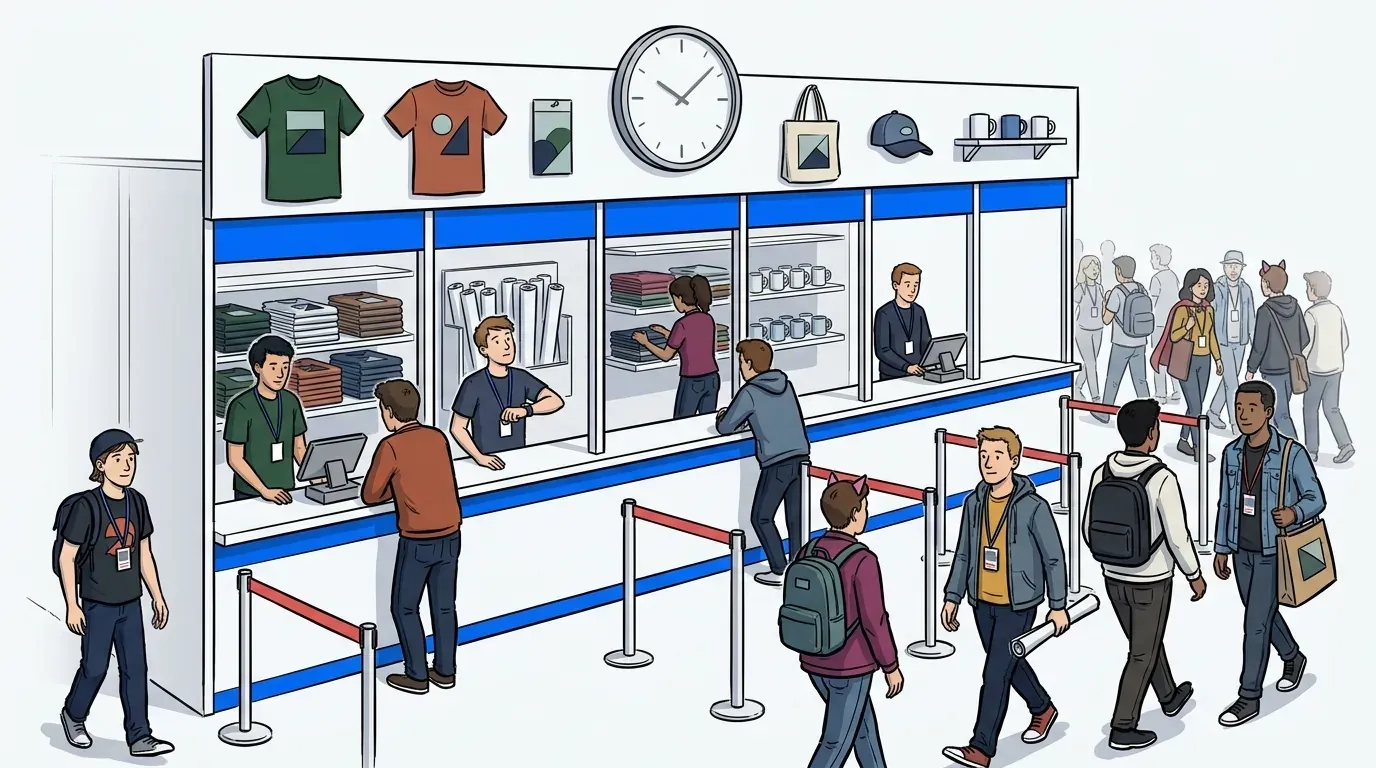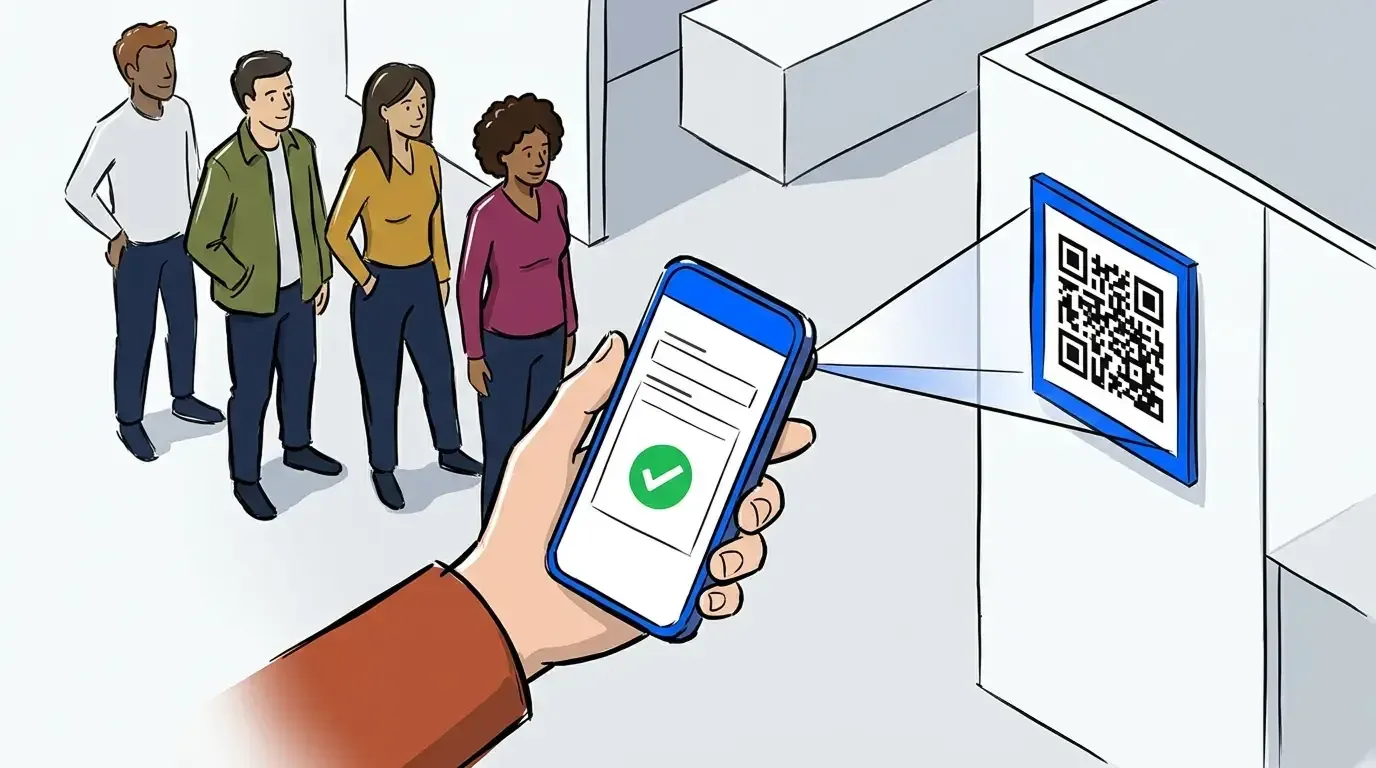
Every event operator knows the feeling. Doors open, the crowd arrives faster than expected, and a line forms before your staff can react. A few minutes later, guests near the back start leaving. Others stand in place asking the same question: “Is this thing moving?” By the time you catch up, the damage is done.
The problem is not that people showed up. The problem is that you lost control of what happened when they did. A line without structure works against you, and if you are running an activation, a pop-up, or a ticketed experience this summer, you cannot afford to hand that control over to chance.
QR code check-in changes that. It gives guests a way to join the queue from their phone the moment they arrive - no staff bottleneck, no paper list, no guessing. What follows is a practical look at how it works, when to use it, and how operators are using it to manage lines on their own terms. For a broader look at queue strategy for events, The Complete Guide to Event Queue Management covers the full picture.
What is QR code check-in for events?
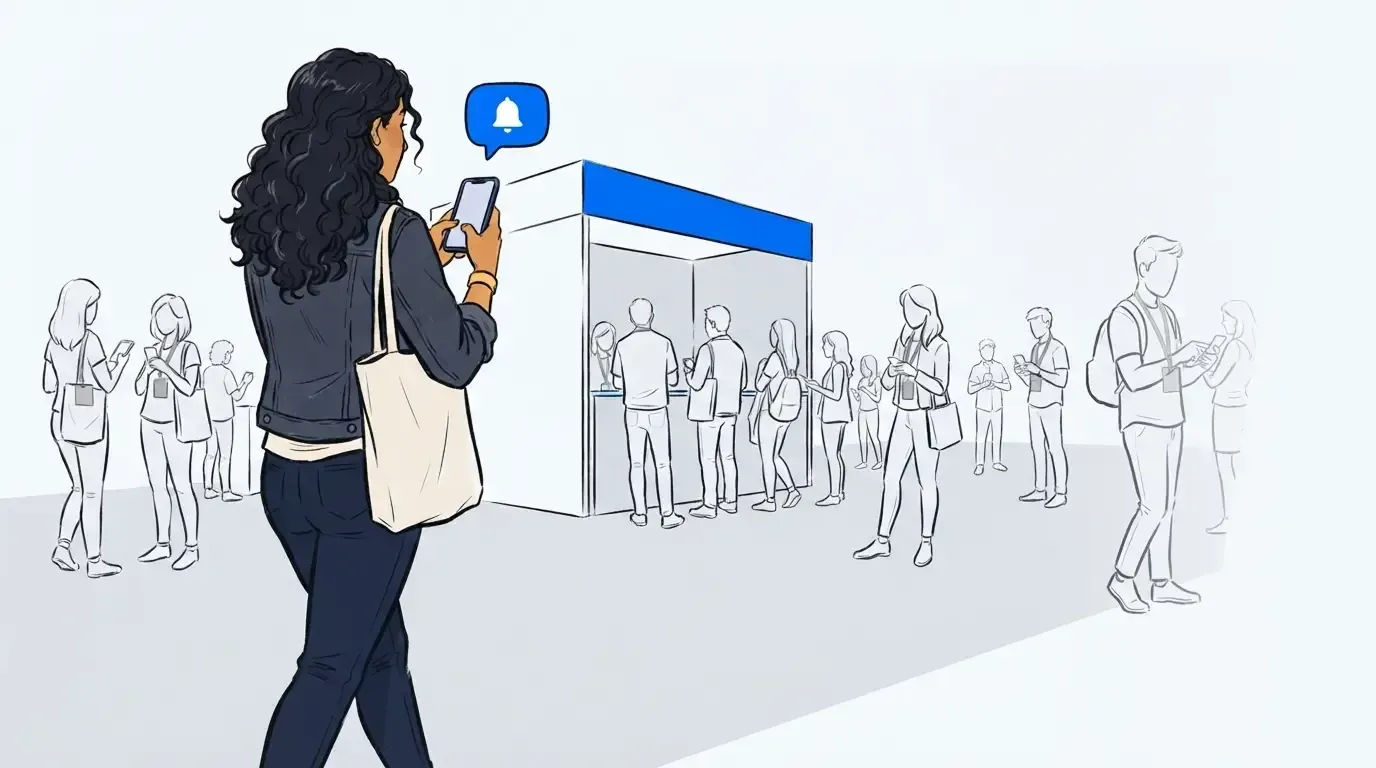
QR code check-in is a self-service entry method that lets guests scan a code with their phone to join a virtual queue. When a guest scans the QR code, they enter their name and phone number, and the system adds them to the waitlist automatically. From that point, they receive SMS updates about their position and get notified when it is their turn.
The operator side is equally simple. Staff see a live queue on a dashboard and can manage capacity, reorder guests, and send messages to the group from one screen. No clipboard. No wristband station. No line of people waiting to talk to a single team member at the door.
The line problem is actually an information problem
Most operators assume a line spiraling out of control is a capacity problem. They plan for more staff, more barriers, or a bigger space. But the line does not become unmanageable because too many people showed up. It becomes unmanageable because guests have no information.
They do not know if the line is moving. They do not know where they stand. They cannot tell whether to grab food or risk losing their spot. So they stand in place, ask staff the same question every five minutes, and their frustration builds regardless of how fast things are actually moving. That is not a capacity issue. That is an information problem.
The stakes are real. Research from Dexibit’s analysis of millions of visitor reviews found that reviews mentioning queues carry an average rating of 3.38 stars, nearly a full star below the overall benchmark of 4.18, and nearly a third of those reviews are one or two stars. By contrast, virtual queuing systems generate 53% positive sentiment and an average rating of 4.79 stars among positive mentions. The same queue situation, with a completely different outcome, because guests had information and control over their time.
QR code check-in solves the information problem directly. Once a guest scans in, they know their position. They get a text when the line moves. They can step away from the physical queue, explore the venue, and come back when they are called. The line does not need to disappear. It just needs to be legible. That distinction matters - and it is covered in more depth in What Is Event Queue Management? A Plain-English Guide for Operators.
Why some operators want a line - and how to keep it controlled
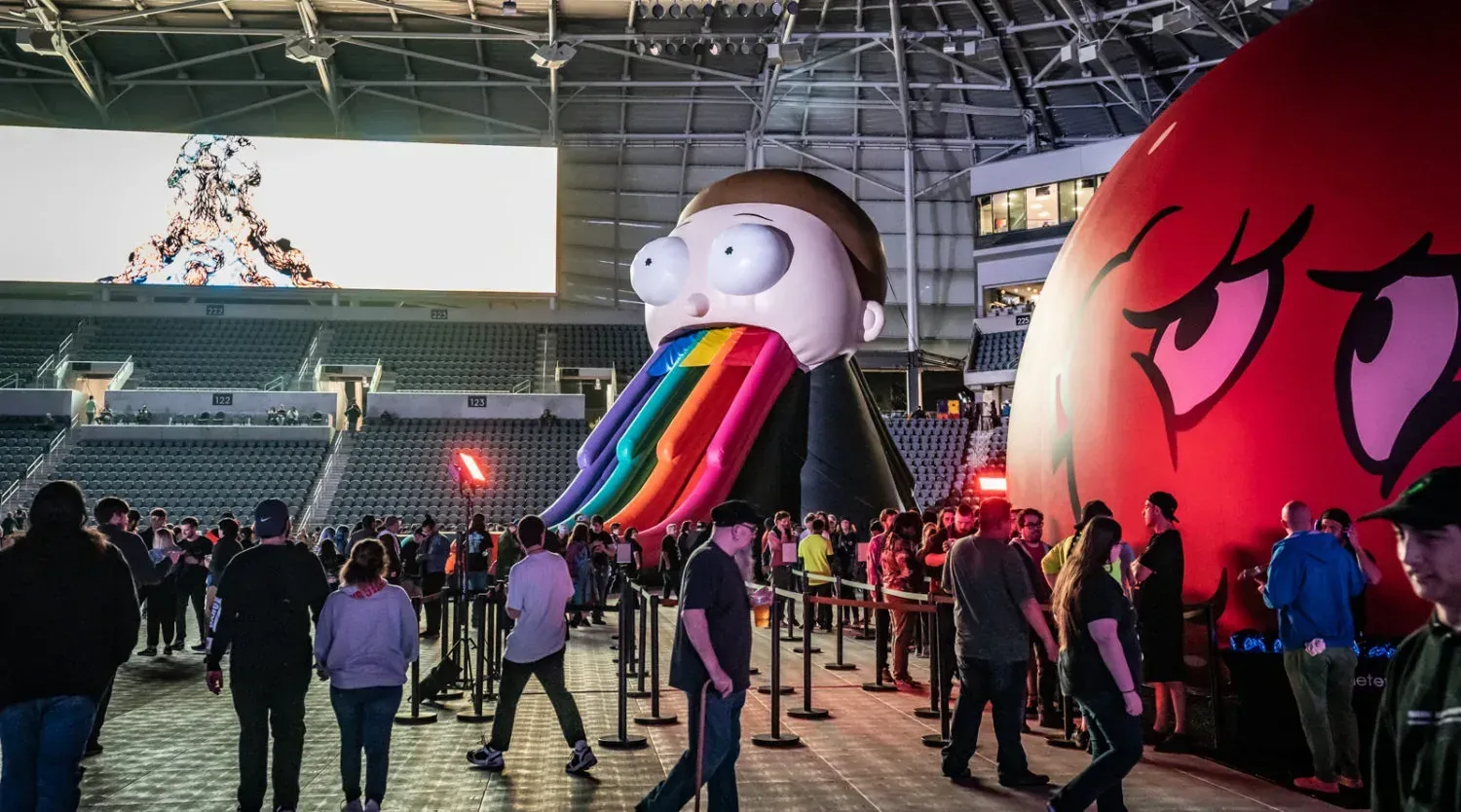
Here is something most queue software companies will not tell you: not every event organizer wants to eliminate lines. For brand activations, pop-ups, and high-demand experiential events, a visible line is a signal. It communicates that something worth waiting for is happening. That line is marketing.
The goal is not to dissolve the queue. The goal is to keep it from getting out of hand.
With QR code check-in, you set the capacity threshold. You decide how many guests are active in the physical queue at once. When the threshold fills, guests join a managed virtual waitlist rather than a physical line that keeps growing. The visible queue stays at the size you want. The rest of the crowd receives a notification, moves freely around the space, and returns when it is their turn.
NCompass International used this model at Adult Swim Festival and reduced physical wait times by up to three hours while keeping energy and buzz intact. The activation felt high-demand because it was. The line just stopped becoming a liability.
How to set up QR code check-in for your event
Setup takes minutes, not days. Here is the standard flow:
- Create your event queue in NextMe and set your capacity limits and queue rules.
- Generate a QR code from the dashboard. NextMe produces a unique code linked to your event.
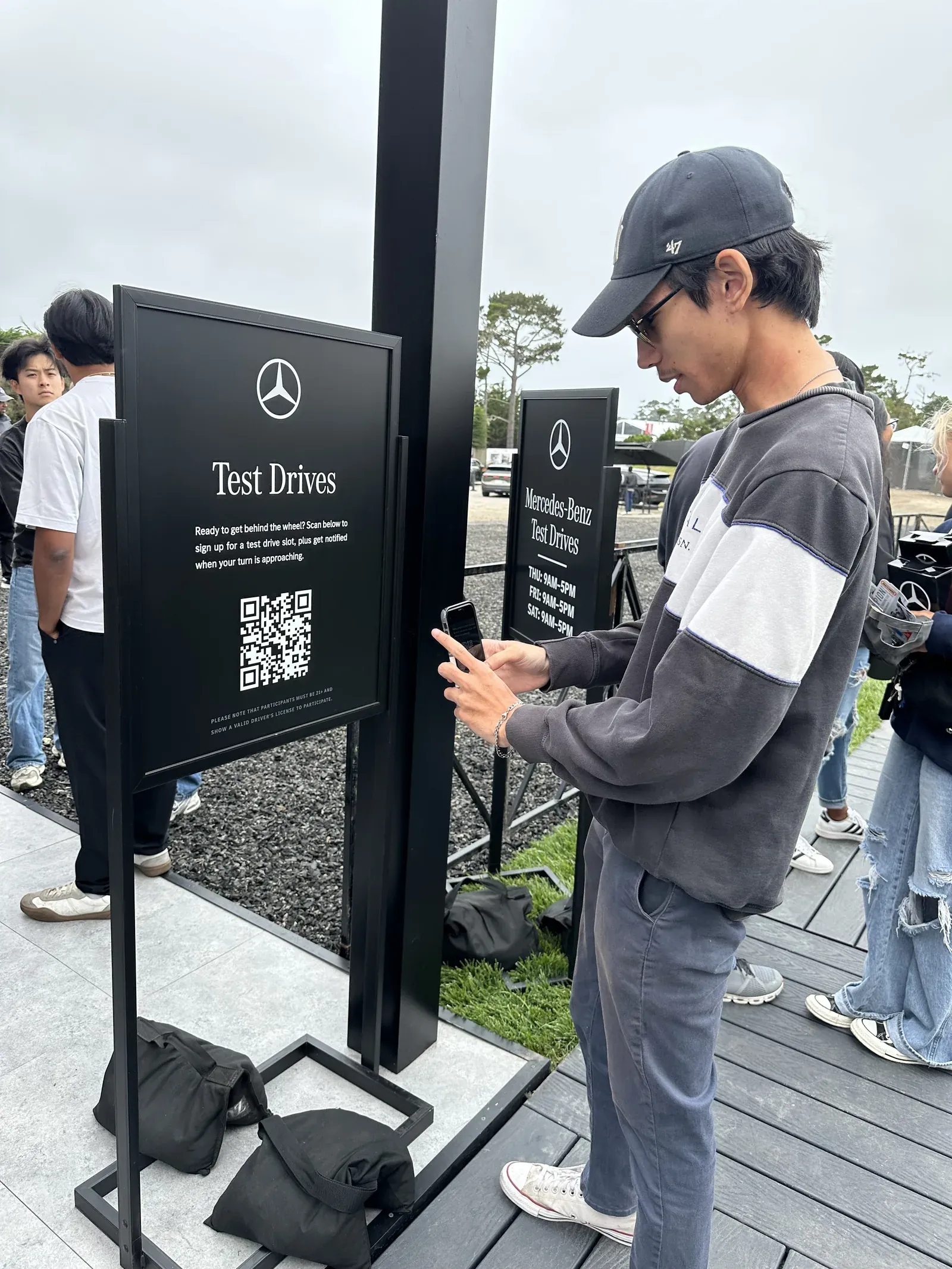
- Display the QR code at the entry point: printed signage, a tablet at the door, or a screen at the activation entrance all work.
- Guests scan, enter their name and number, and join the queue from their phone.
- Staff manage the live queue from the operator dashboard: call guests forward, reorder for VIP or accessibility needs, and send messages to the group.
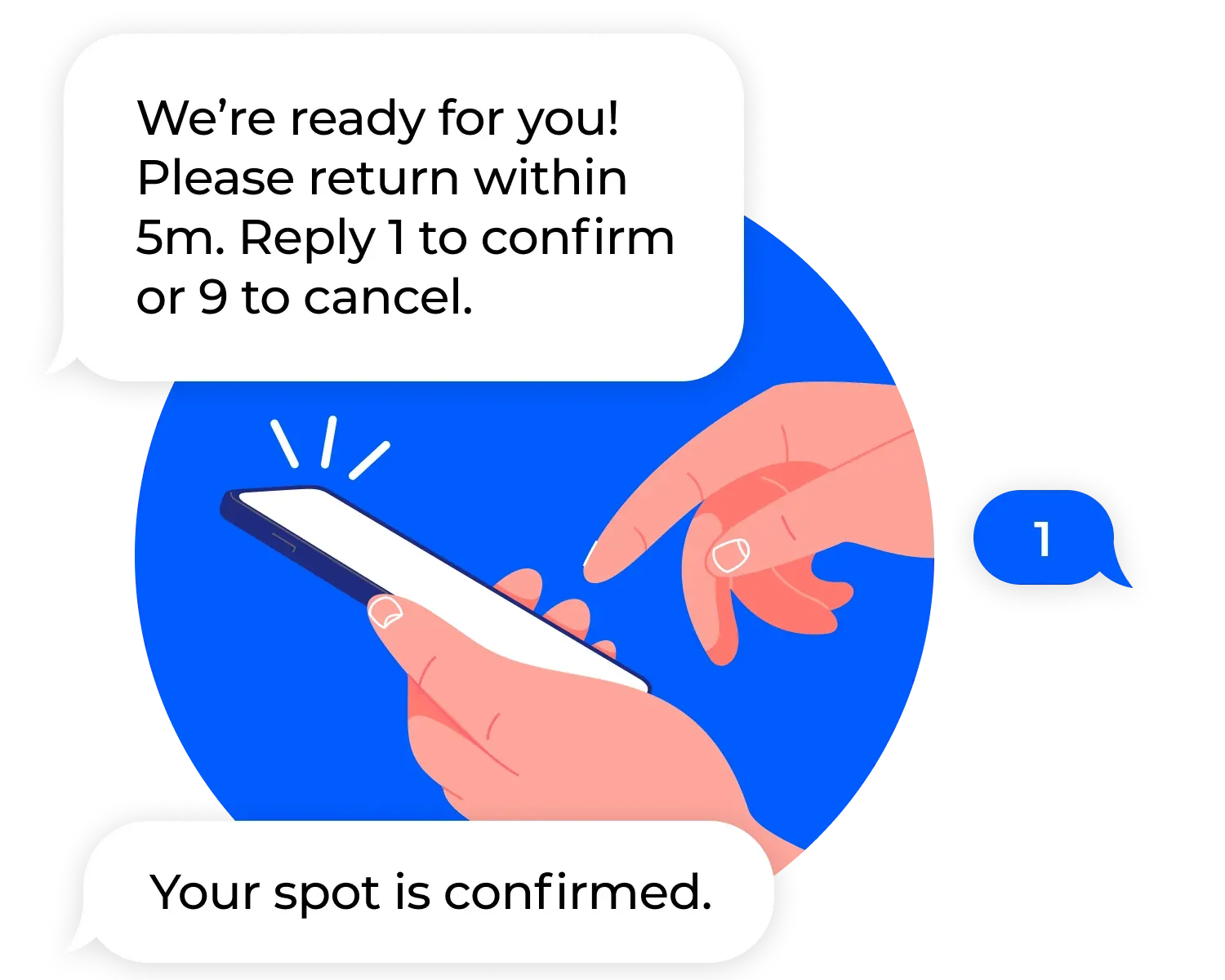
- Guests receive SMS position updates automatically and get a notification when it is their turn.
For events with multiple zones or activation points, you can run separate queues for each and manage them all from one account. The self check-in feature handles the guest-facing side; the operator dashboard handles the rest.
What happens while guests wait: the VWR connection
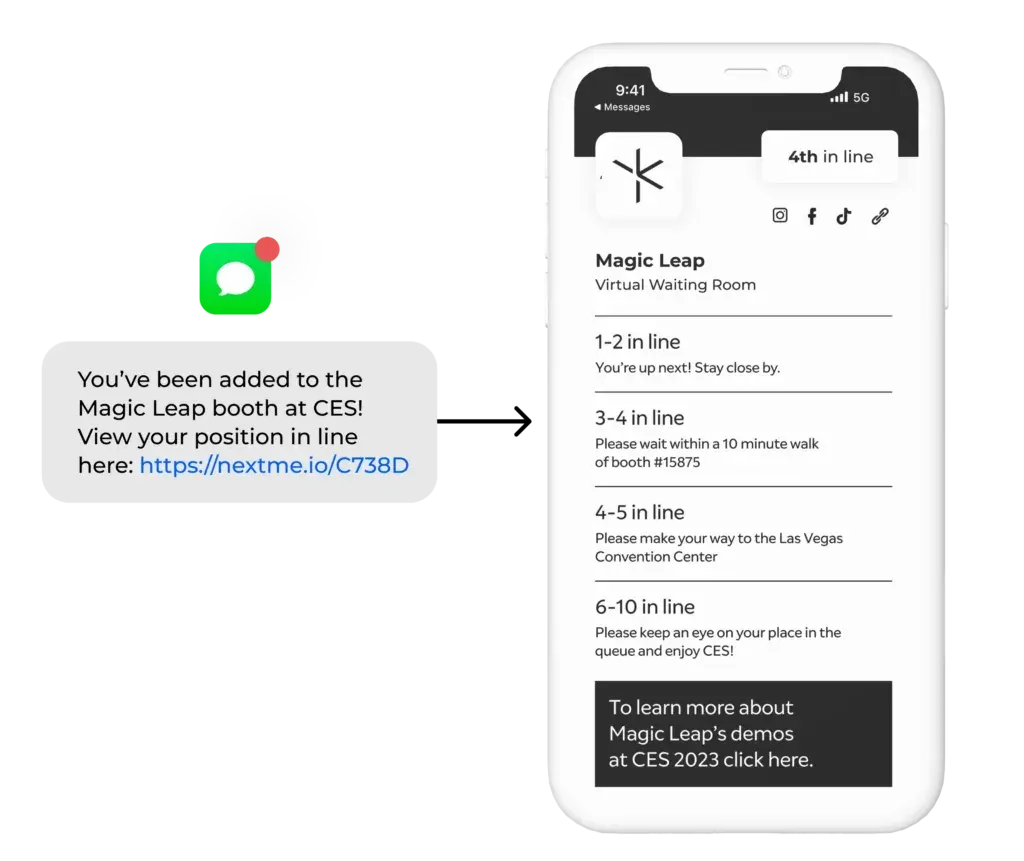
Once a guest checks in via QR and joins the virtual queue, they are not just waiting. They are inside the virtual waiting room, a branded, interactive screen that lives on their phone during the wait.
The VWR is configurable. Operators and sponsors can use it to display product information, run polls, show countdown timers, push ecommerce offers, or collect zero-party data while guests pay attention. The wait becomes part of the experience rather than dead time before it starts. For brand activations in particular, this is where the real ROI compounds - you already have the guest’s attention, and the VWR is what you do with it.
Conclusion
A line at your event is not a failure. It is evidence that people want what you are offering. The failure is letting that line become something you cannot control. QR code check-in gives you the tools to manage demand on your terms: set your capacity, keep your physical queue at a size that feels intentional, and give every guest a clear signal of where they stand.
The information problem is solvable. When guests know their position and trust that the process is fair, frustration drops, walkaways drop, and the experience holds up under pressure. To explore how virtual queue software for events works across different activation formats, visit NextMe’s events page.