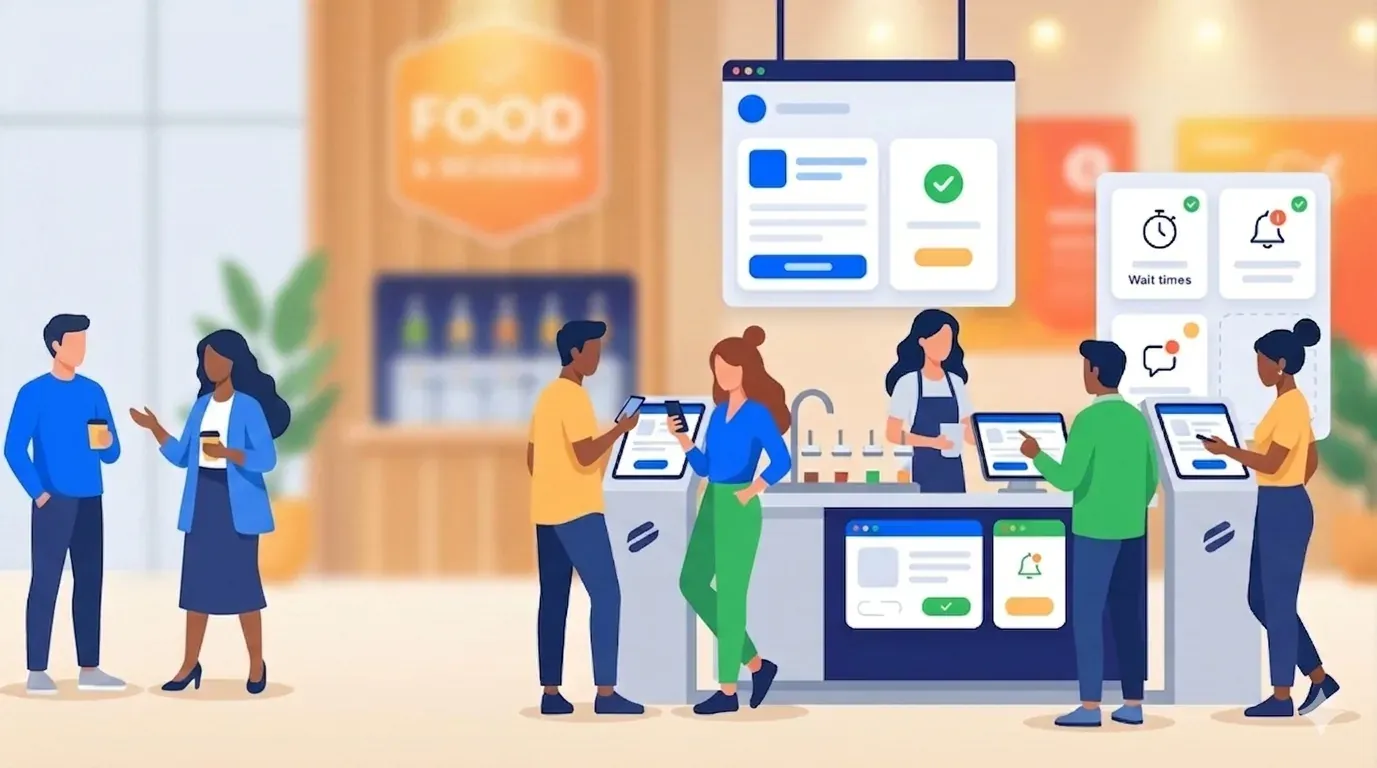
Rigid appointment scheduling breaks the minute a live event gets busy. If you dealt with walk-up traffic this week, you already know the problem: guests don’t arrive in neat blocks, service times shift, and one late pocket of traffic can throw off the whole floor.
Virtual queuing works better for events because it gives attendees a preferred time window they can join remotely. That means you can keep guest flow moving, reduce long lines, and still let people wait from their phones until it’s time to return.
Key Takeaways:
- A line is not always the problem. A long, uncertain line is.
- Virtual queuing fits live events better than rigid appointment times.
- Guests are far more patient when they know what’s happening and when to come back.
- Event teams need a hybrid system that keeps some visible line while moving overflow into a virtual queue.
- The best setup combines self check-in, text updates, and a shorter stand-by line.
- Measurable queue data matters if you want to improve the next event.
Why rigid appointment scheduling breaks at live events
Virtual queuing means guests book or join within a usable time window instead of being locked into one exact minute. For live events, that works better because timing moves constantly, capacity changes by the hour, and guest demand rarely behaves the way a spreadsheet says it should.
A live event is not a doctor’s office
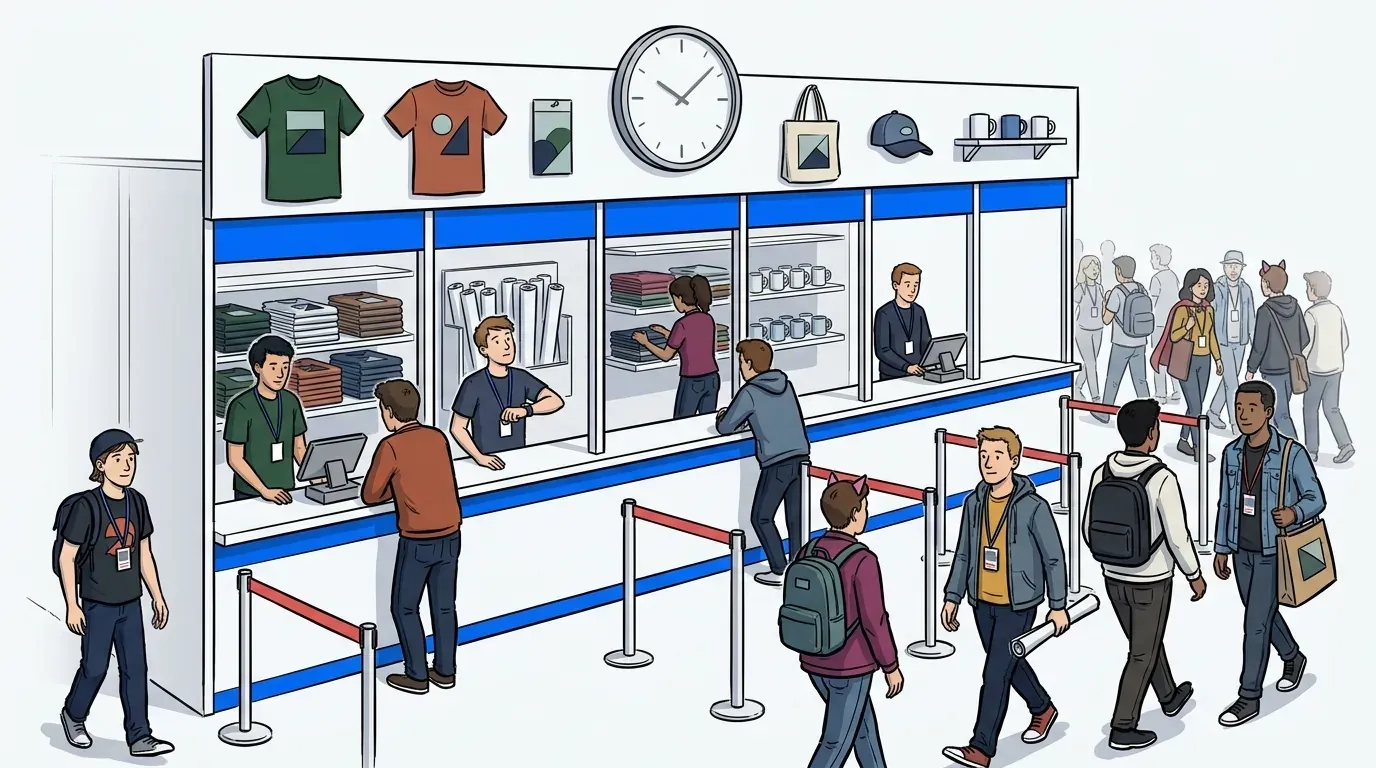
An office can often run on tighter appointment blocks because the setting is controlled. Events are different. Foot traffic spikes after a keynote, after lunch, after doors open, and after a social post suddenly sends a crowd toward your booth.
Picture a brand activation at 1:05 p.m. A group of attendees arrives all at once because a nearby session just ended early. Your staff planned for a steady flow every 10 minutes, but now 40 people want in during the same short stretch. That’s where fixed scheduling starts to fail. It looks organized on paper, but the room itself tells a different story.
The first rule of event queuing is simple: if demand arrives in waves, your scheduling has to bend with it. If it doesn’t, guests either pile into a physical line or walk away.
The real problem is not waiting
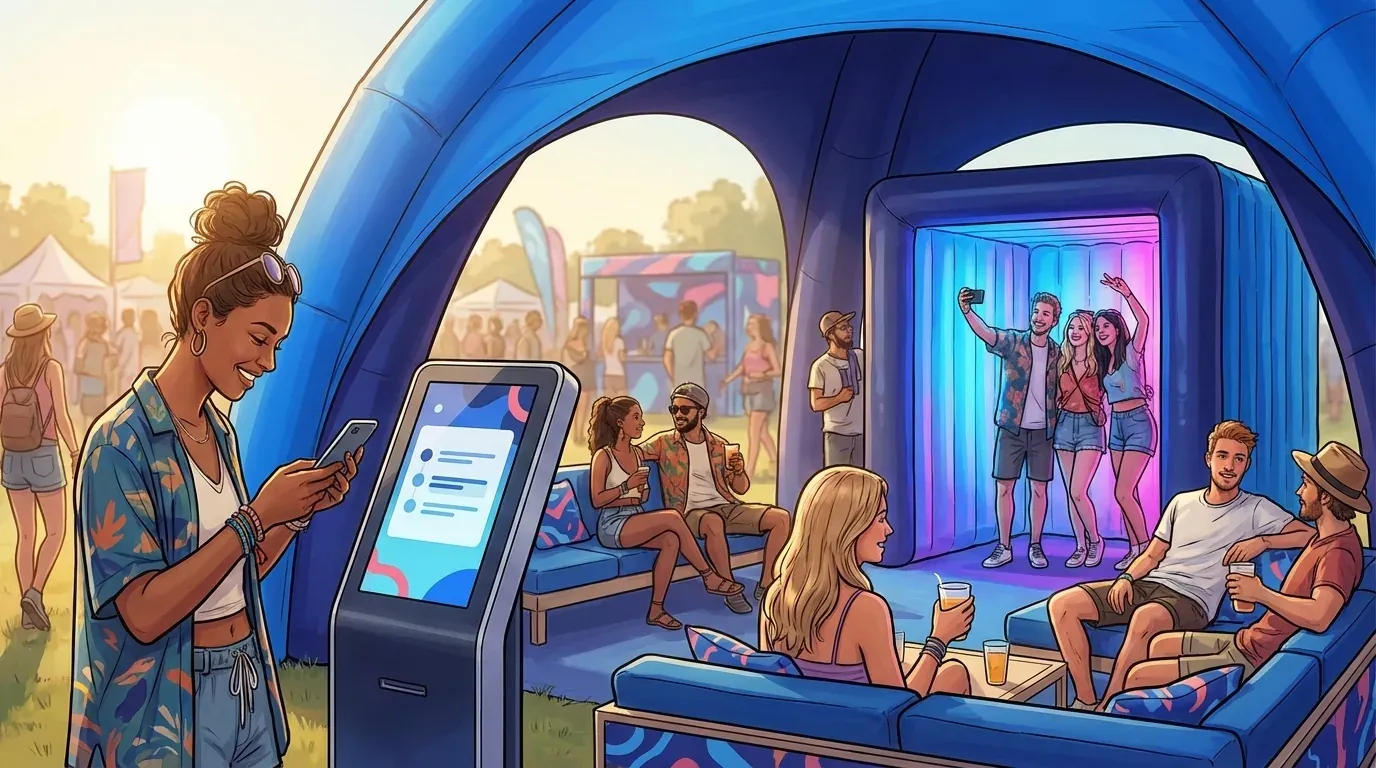
Most guests can handle a wait. What they rarely tolerate is uncertainty. They want to know how long it will take, whether they can grab coffee, and whether they’ll lose their place if they step away.
That’s why flexible appointment scheduling really boils down to one thing: controlled uncertainty. You are not promising an exact second. You are giving people a reliable range and a clear return path. That changes the mood fast.
A visible line can even help in some event settings. It signals demand. But once that line starts taking up too much space, blocking traffic, or scaring away newcomers, the signal becomes friction. Then it’s a problem.
Static schedules create hidden operational costs
A rigid schedule that is behind does more than annoy guests. It puts pressure on staff, squeezes floor space, and makes every small delay feel bigger than it is.
The hidden cost shows up in three places:
- Staff spend time explaining delays instead of moving guests through
- Guests cluster near the activation because they’re afraid to miss their turn
- Walk-up demand gets harder to absorb once the schedule is full
For operations leaders specifically, those costs compound quickly. A schedule that runs 20 minutes behind by noon means staff are fielding complaints instead of running stations, floor capacity is being used inefficiently, and any post-event report is going to show throughput numbers that are hard to explain. The guest experience problem and the operational problem are the same problem. Flexible scheduling is not just a hospitality upgrade. It is a staffing and capacity decision.
At SXSW, physical overflow became a compliance issue, not just a service issue. This is a clear example of why crowded exhibit areas and unclear return timing create risk fast.
You don’t need perfect punctuality at an event. You need enough structure to stay organized and enough flexibility to keep the experience moving.
What virtual queuing actually looks like onsite
Virtual queuing at an event means guests get a realistic time window, clear status updates, and instructions on when to return. The goal is not to erase every line. The goal is to control how much line stays visible and how much moves into a virtual queue.
Think in windows, not promises
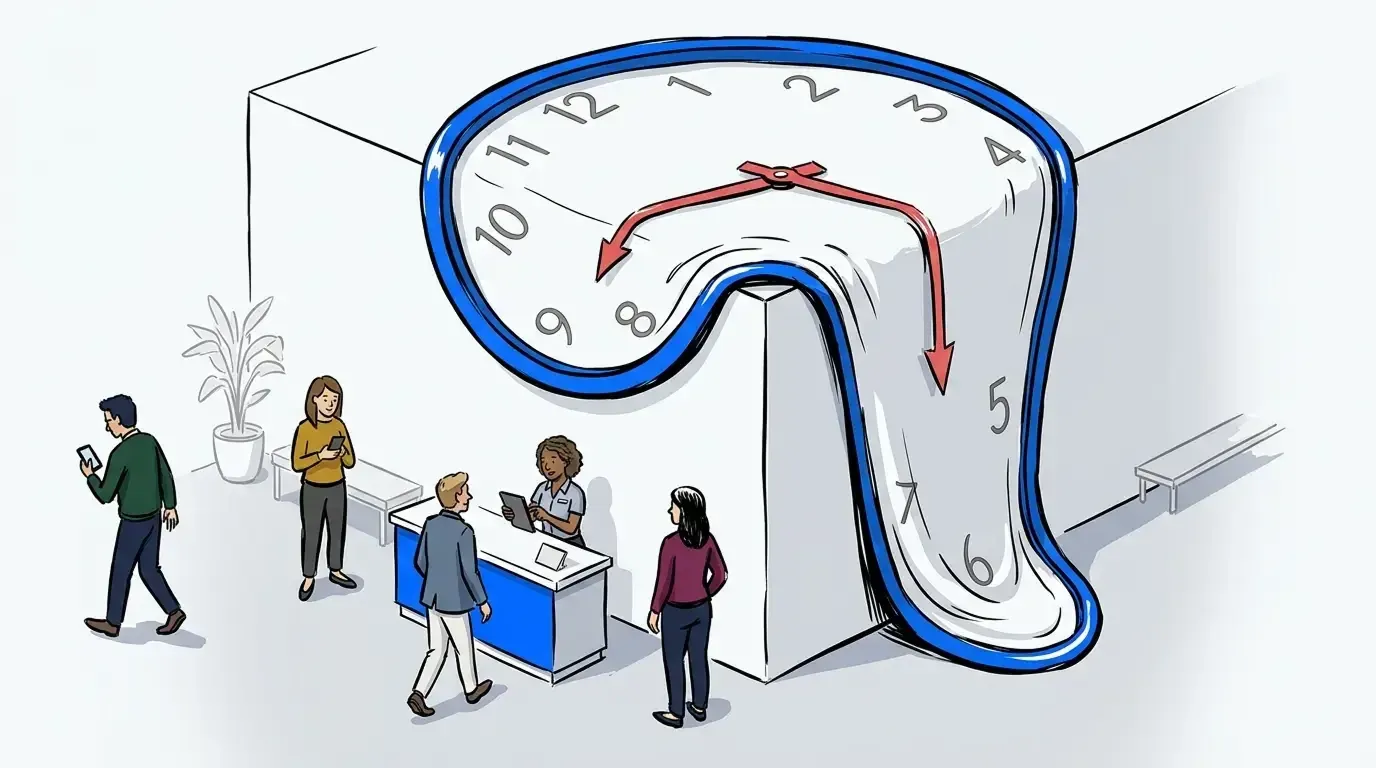
A fixed 2:00 p.m. slot sounds neat until the 1:40 guest arrives late, the 1:50 interaction runs long, and the 2:00 guest has already wandered off. That chain reaction is common at conferences and fan events. Small delays stack up.
A better model is the time window rule. If service duration varies by more than 15%, don’t assign hard minute-by-minute slots. Use a window instead. That gives operators room to absorb normal variation without making guests feel misled.
We were surprised to find how often teams resist this at first because it sounds less precise. In practice, it feels more honest. Guests would rather hear “come back around 2:00 to 3:00” than get told “2:00 sharp” and then stand there irritated at 2:17.
The guest flow should be simple enough to explain in 10 seconds
If the check-in process takes a full speech, it’s too complicated. Event staff need a flow they can repeat all day without confusion.
The clean version looks like this:
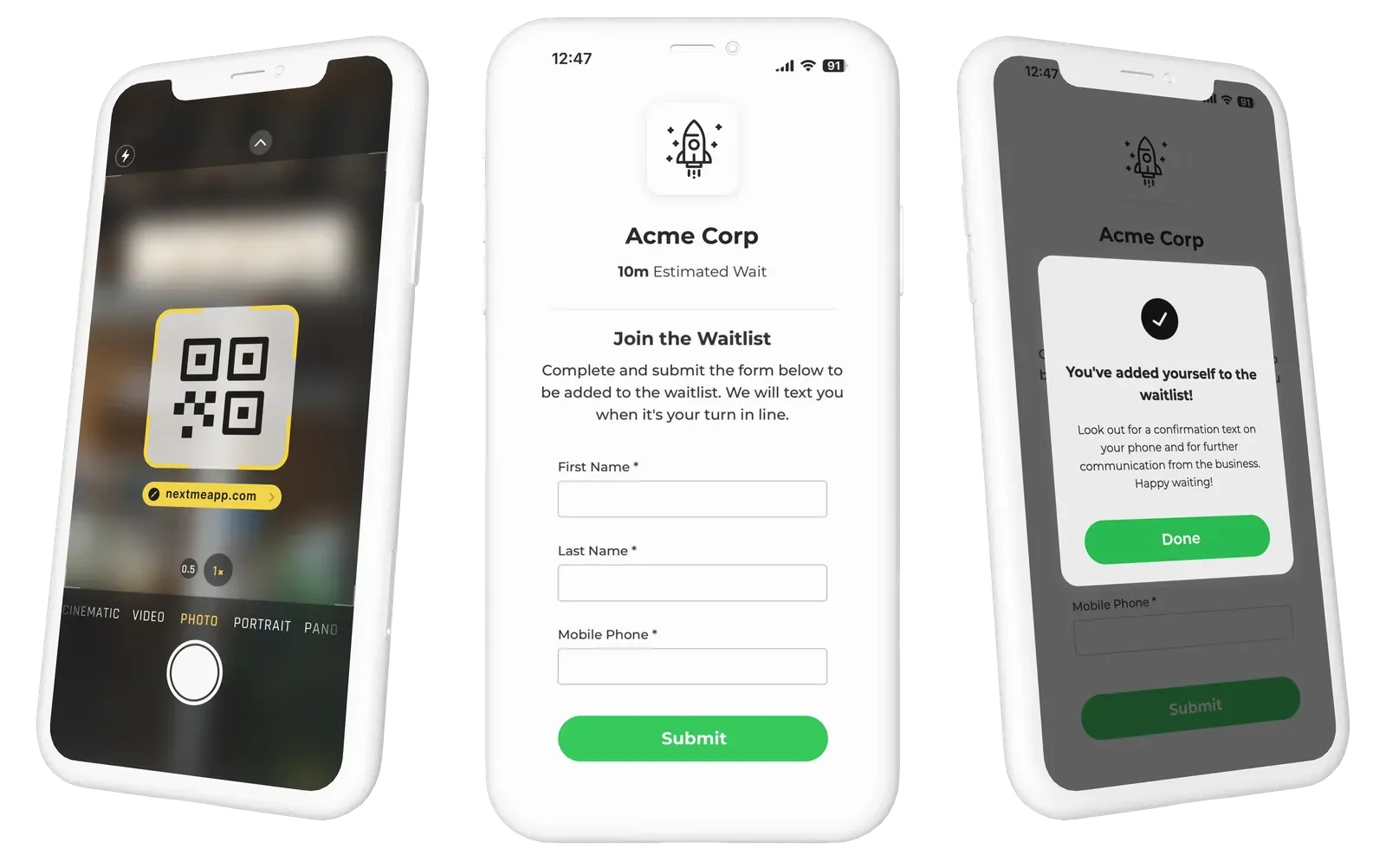
- Guest joins by QR code, kiosk, or link
- Guest gets a text confirmation
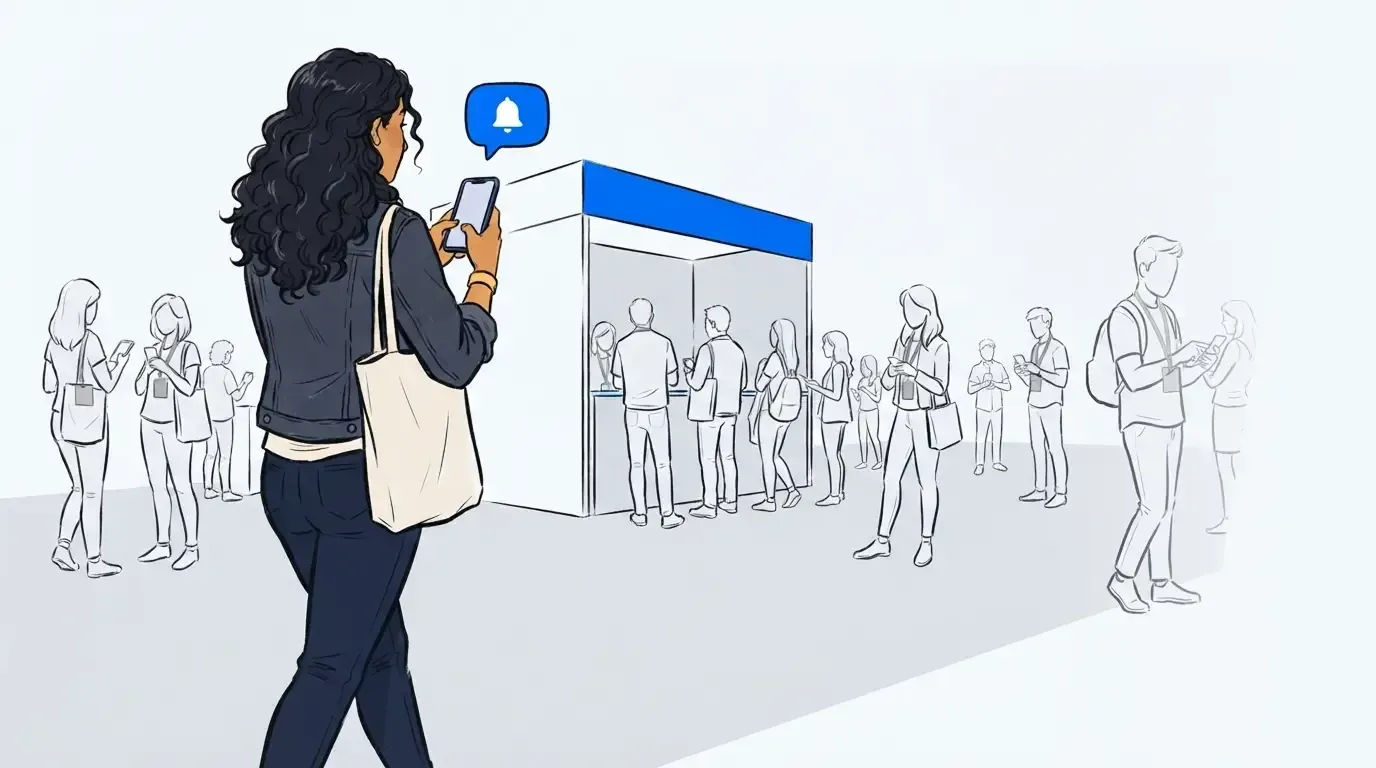
- Guest waits from their phone
- Guest receives updates
- Guest returns to a shorter stand-by line when space opens
That flow matters because it reduces the two questions guests always ask: “Am I in?” and “When should I come back?” If those answers are clear, complaints usually drop before anything else does.
For event organizers, that’s the practical answer to what flexible, virtual queuing should feel like. Not abstract. Not complicated. Simple enough for guests, useful enough for operators.
Long waits do less damage when the guest stays mobile
A guest standing still for 25 minutes feels the wait more than a guest exploring the event for the same 25 minutes. Same clock. Different experience.
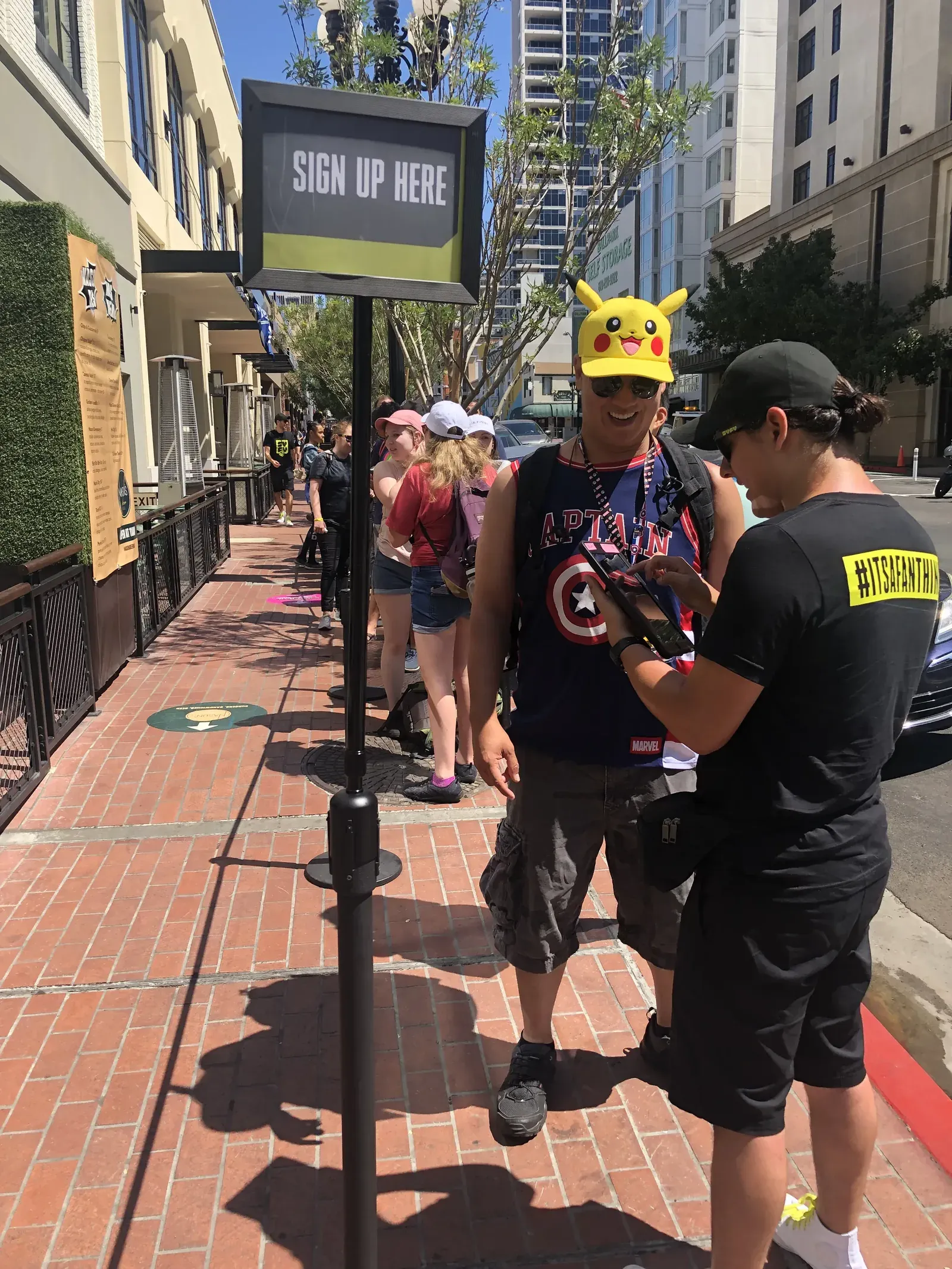
That’s why mobile waiting changes the equation. At San Diego Comic-Con, one experiential campaign dealt with waits of up to two hours. Once attendees could leave the physical line, get updates, and come back when ready, brand engagement increased by 25%. That’s not a small bump. That’s the difference between a line that traps attention and a system that frees it.
There’s a surprising connection here. Virtual queuing is not just an operations tool. It also significantly enhances the attendees’ experience. The more freely guests can move, the more likely they are to attend key sessions, network, or even grab a quick bite.
How event teams build a flexible queue that still feels controlled
A flexible queue works when guests feel informed and operators stay in control. That takes rules, not guesswork. If you leave timing to instinct alone, you will get uneven service, longer physical lines, and frustrated staff by mid-shift.
Start with the 30-40 rule
The 30-40 rule is simple. Keep only 30% to 40% of the total waiting demand visible in the physical line. Move the rest into a virtual queue. That’s enough to show demand without letting the line take over the activation.
At a crowded trade show booth, this matters more than teams expect. A shorter visible line says, “Something interesting is happening here.” A line wrapped around neighboring exhibitors says, “Don’t bother.” There’s a big difference.
Not every event needs the same split. Smaller activations may keep more of the line visible. High-volume setups with narrow footprints usually need less. But if your physical line is eating walkway space or creating uncertainty, you’ve already crossed the threshold.
Diagnose your setup before choosing the model
Before you decide how virtual queuing should work onsite, ask four questions:
- Does service time vary by more than a few minutes from guest to guest?
- Do walk-ups arrive in bursts tied to programming or traffic flow?
- Can guests productively explore nearby while they wait?
- Will a long visible line hurt access, safety, or conversion?
If you answered yes to three or more, you probably need a hybrid virtual queue model, not a rigid appointment grid. That’s the diagnostic most teams skip.
Honestly, this is where plenty of operators go wrong. They choose the tool first. They should choose the traffic pattern first. The queue design needs to match the environment, not the other way around.
Use a two-line model for busy activations
The most reliable event setup runs two lines in parallel. One is short and physical. The other is virtual and larger. Guests move between them through text updates and return prompts.
Here’s when to use it:
- If check-in volume is high, keep a short physical welcome line
- If service stations open and close unpredictably, use the virtual line as the buffer
- If guest dwell time matters, send people back into the event until space becomes available
A mid-market conference used this kind of setup in a hands-on lab environment and booked 35% more 1:1 product demos. When you stop making people guard their place physically, capacity becomes easier to use well.
Where NextMe fits in a virtual queuing model
NextMe is a modern virtual waiting room for in person experiences. It fits a flexible virtual queuing model by letting guests join through QR code, kiosk, or link, receive SMS updates, and return to a shorter physical line when space becomes available.
NextMe supports the hybrid queue guests actually want
NextMe is not an all-or-nothing replacement for every physical line. For events, some visible line can be useful. The problem starts when that line gets too long or too unclear.
With NextMe, guests can use self check-in through a QR code, kiosk, or link. From there, they receive SMS confirmations and queue-related updates without downloading an app. They can wait from their phones and return when staff move them closer to service.
That setup is especially useful for live events because timing shifts. A rigid schedule can’t adapt quickly when one station slows down or a crowd arrives all at once. NextMe’s waitlist management and real-time staff dashboard give operators a live view of who is waiting, who is next, and who is being served. That makes virtual queuing for preferred time windows easier to run without losing control.
The waiting period becomes useful, not dead time
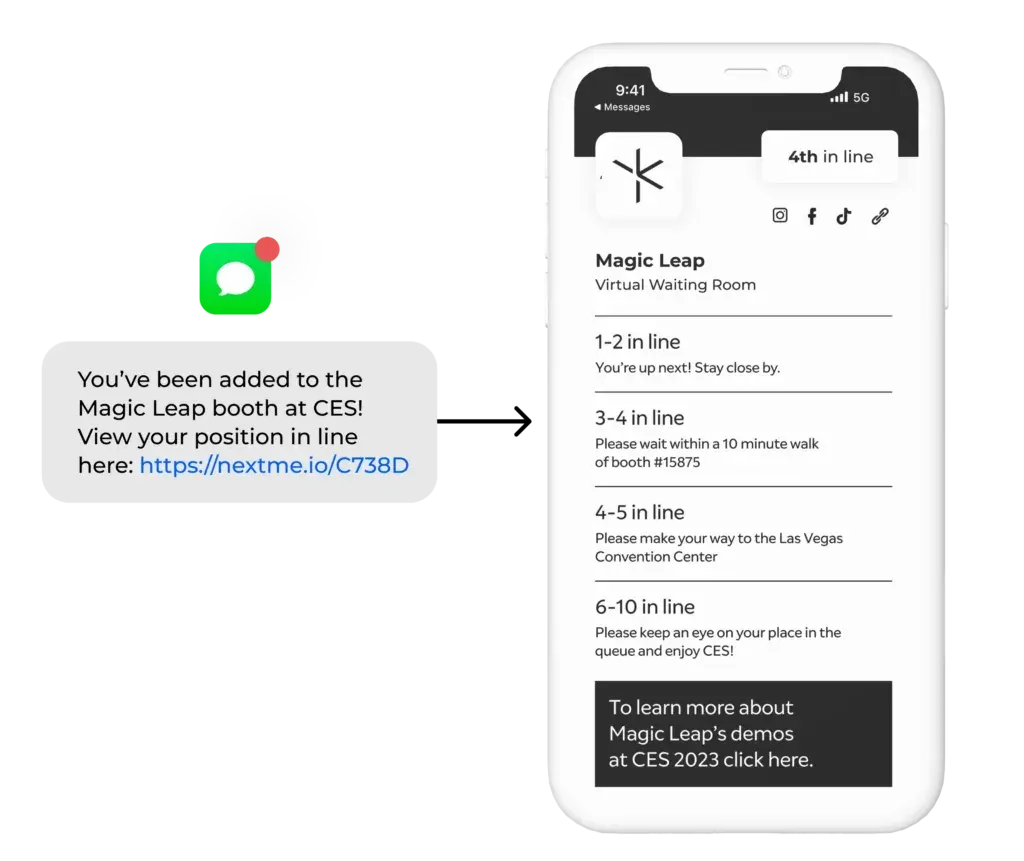
NextMe’s web-based virtual waiting room gives guests live queue information while they wait. For events, that space can also include branded guest engagement content such as sponsorships, product carousels, games, polls, videos, social feeds, maps, and calls to action.
That matters because waiting time at an activation is still event time. If a guest is going to wait 15 or 25 minutes anyway, you can either make that time feel wasted or make it part of the experience. Used well, the virtual waiting room can keep attendees engaged with branded content while they wait, instead of leaving that time empty.
NextMe also supports advance bookings using flexible time-window queues instead of rigid appointment slots. That approach can reduce no-shows and increase throughput by 20% to 25%. For event teams, that is a practical operational gain, not just a nicer guest experience.
Event teams also need proof after the doors close
One reason flexible scheduling gets ignored is that teams struggle to prove what changed. If you can’t show throughput, wait behavior, or engagement, the queue strategy gets treated like a minor detail instead of an event lever.
For larger deployments, NextMe also supports multi-queue management for multi-station activations, high-volume event readiness for simultaneous joins on event plans, and event support options that include onboarding, dry runs, and dedicated account management. In other words, the system is built for real-world waiting, not just ideal conditions.
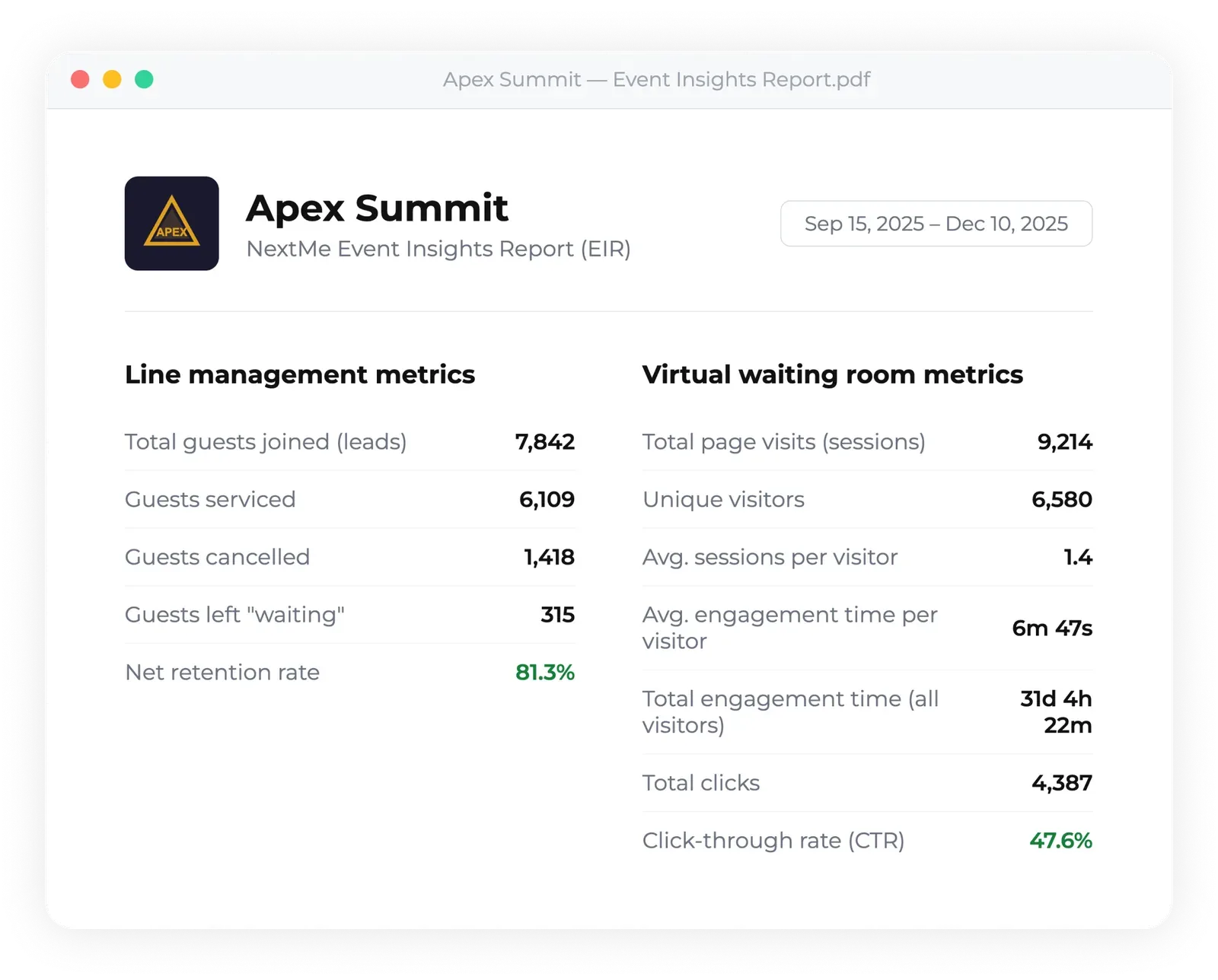
NextMe includes analytics, and event operators also receive a packaged event insight report with throughput metrics, virtual waiting room engagement, and post-event summaries. Those numbers give organizers something concrete to take into the next planning cycle.
Virtual queuing works better when the event still feels human
Virtual queuing works for events because live experiences rarely run on exact-minute precision. What guests need is simple: a clear way to join, updates while they wait, and a shorter return line when space opens up.
That’s the bigger point. A line is not always the problem. Unclear, oversized, frustrating lines are. When you give guests mobility and give operators control, the whole event feels calmer, faster, and more intentional.
If your team is trying to reduce long lines without forcing guests into a rigid schedule, get in touch and we can map out the right flow for your event.