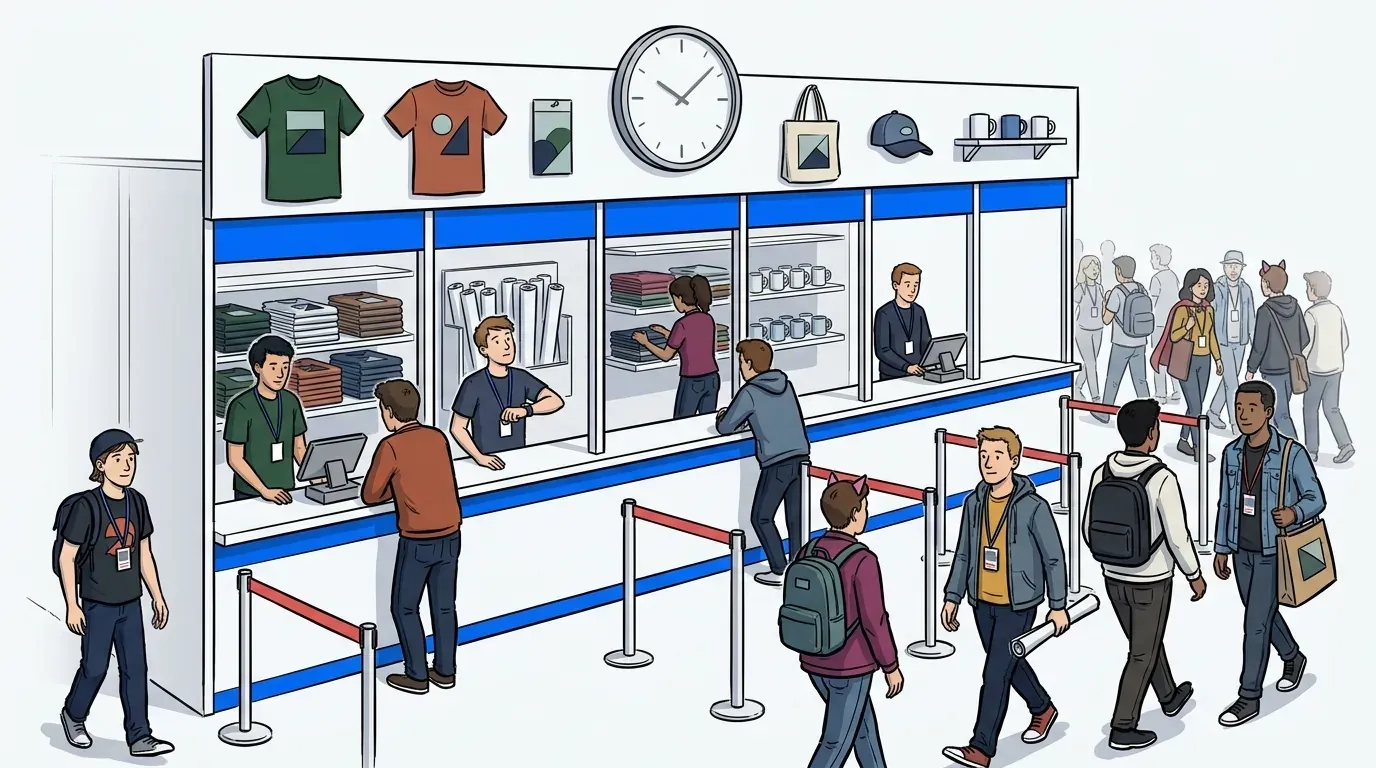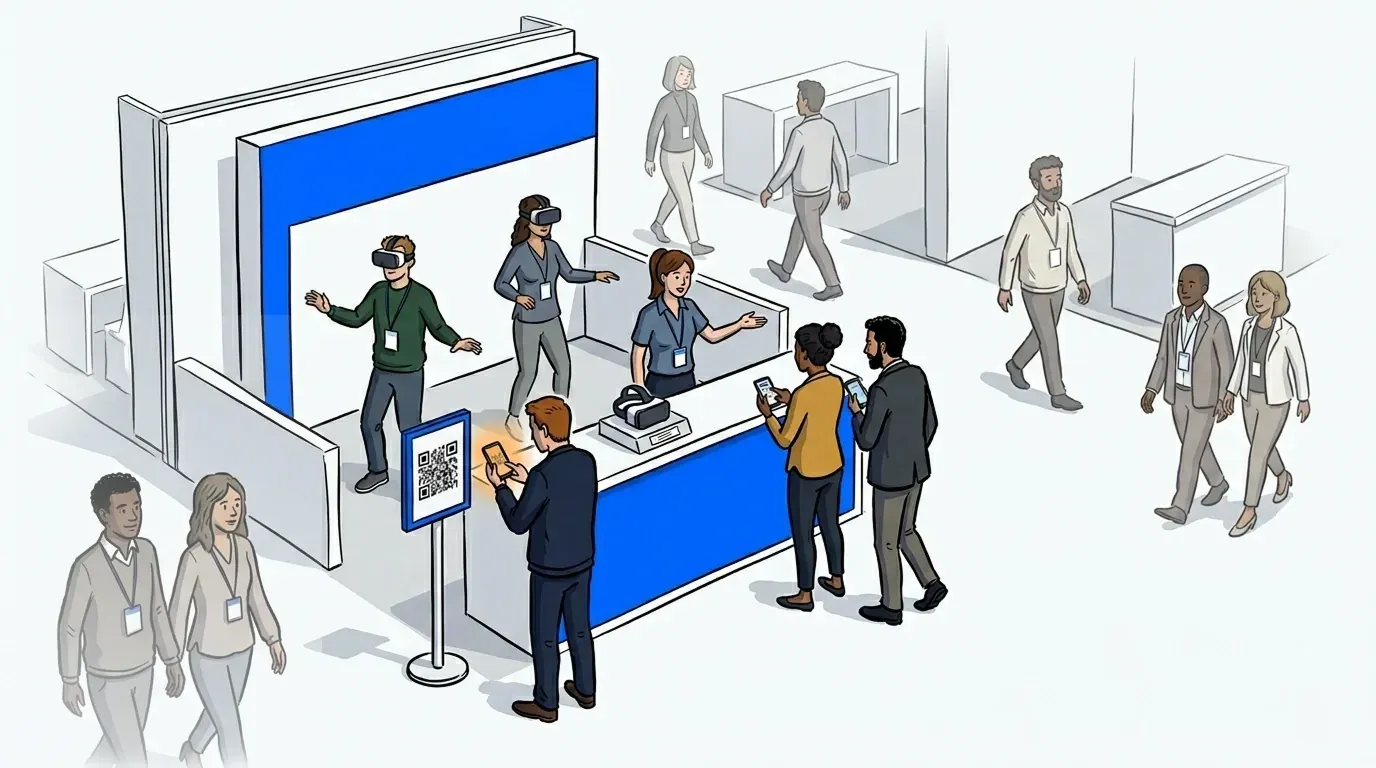
Your booth is drawing a crowd. That’s the goal. But thirty minutes into the show, the entrance is packed, the demo queue has stalled, and a line of visitors is backing up into the aisle. Some wait. Most don’t. They glance at the crowd, decide it isn’t worth it, and move on to the next booth. You never get their contact details. You never get the conversation.
Overcrowded trade show booths don’t just create a bad experience. They cost leads. According to Trade Show PRO, up to 80% of trade show leads never receive any follow-up after an event, making the leads you fail to capture at a busy booth among the most expensive misses in your marketing budget.
Managing booth traffic isn’t about slowing visitors down. It’s about giving everyone a fair place in the flow so nobody walks away empty-handed. This post covers the practical setup for doing exactly that.
Why trade show booth traffic gets out of control
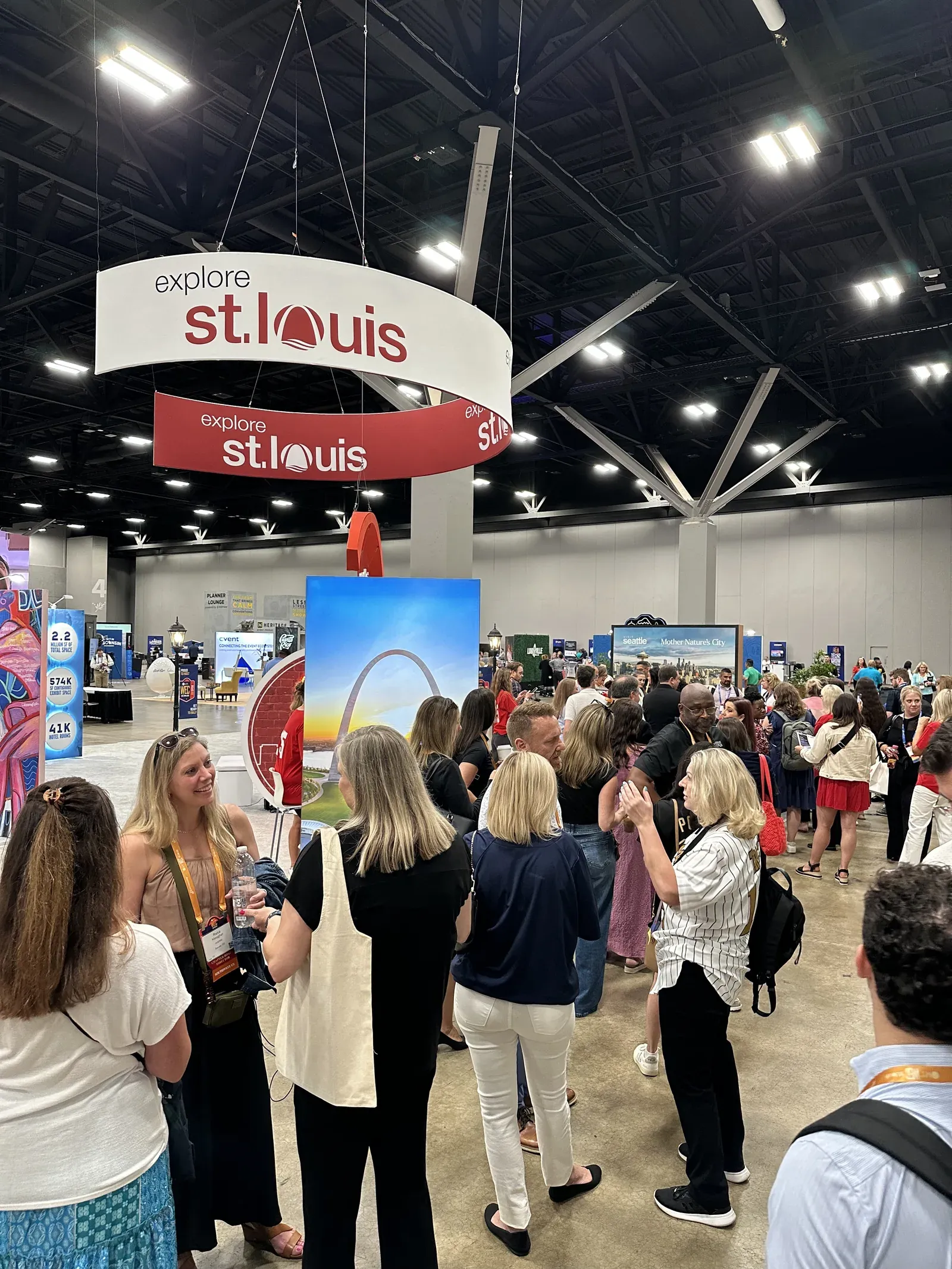
High-demand booths create their own problem. When a product demo runs five to ten minutes and a dozen visitors arrive at once, a physical crowd forms instantly. There’s no clear indication of who arrived first. Visitors can’t tell how long they’ll wait. Staff can’t track how many people are genuinely in queue versus just browsing near the entrance.
The result is chaos that looks like success. Foot traffic numbers from a show floor counter tell you people stopped by. They don’t tell you how many looked at the crowd, turned around, and walked straight to your competitor.
The risks run deeper than walkaways. Crowding at the booth entrance creates real safety concerns, as aisles become blocked, staff become reactive, and the brand impression your booth was designed to create gets buried under the noise of a disorganized entry.
The case for a trade show booth waitlist
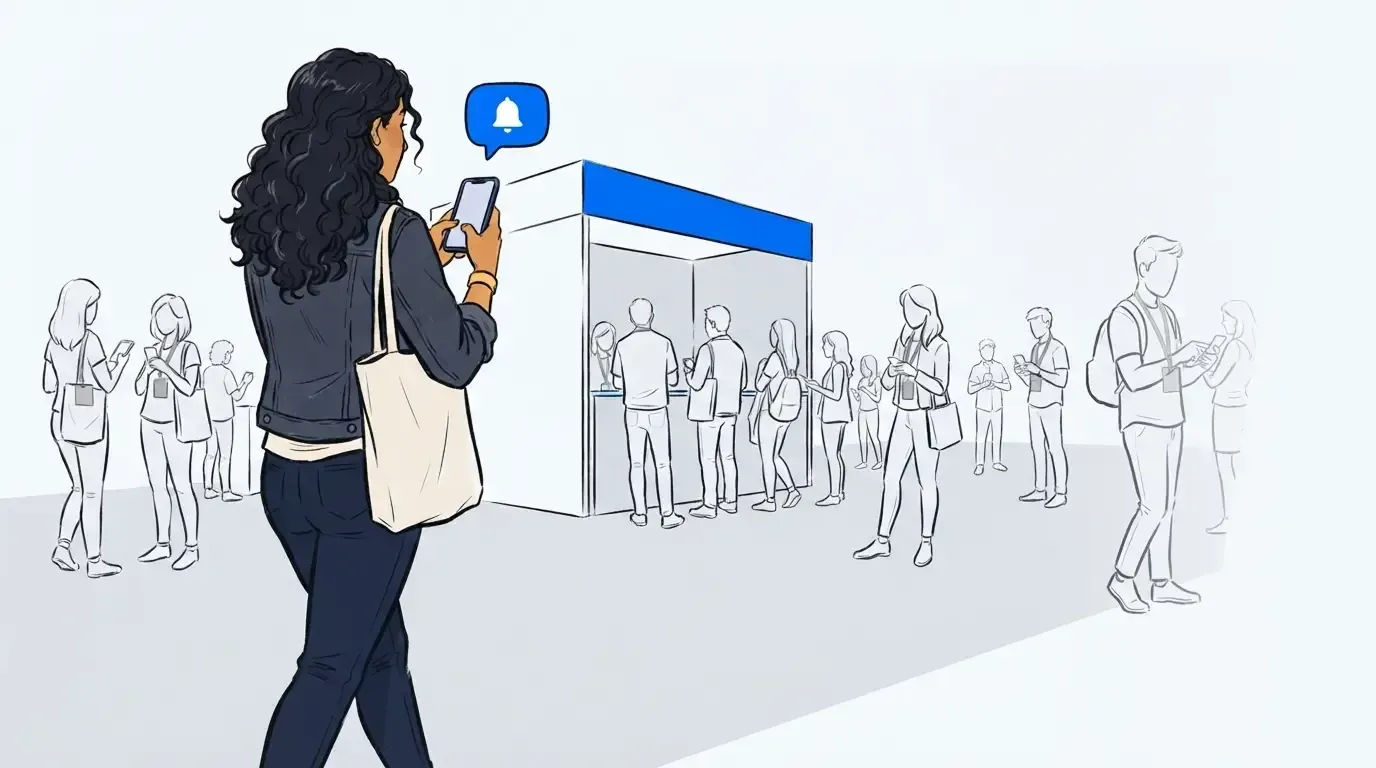
A trade show booth waitlist is the most direct fix for an uncontrolled crowd at a high-demand booth. Visitors scan a QR code at the entrance, enter basic contact details, and receive a confirmed place in line. They’re then free to explore the rest of the floor and attend sessions until an SMS notification tells them their demo slot is ready.
The practical gains are immediate. Staff no longer manage a physical crowd at the entrance. Visitors aren’t standing in a visible pile-up that discourages others from joining. And every person who scans the code is now a captured lead, whether or not they ultimately complete the demo.
This is the core shift: a waitlist converts visitor intent into a data record at the moment of interest, not after a conversation has already happened. The visitor who would have walked away because the line looked too long is now in your CRM.
For a broader look at how virtual queuing works across event formats, see how event operators deploy virtual queue software at brand activations and live experiences.
How to set up a trade show booth waitlist
The setup takes less time than most exhibitors expect. Here’s the sequence:
- Create a queue in your NextMe dashboard before the show. Name the queue after your booth or activation, configure the check-in form fields you need (name, company, email, job title), and set an estimated wait time based on your demo length.
- Generate a QR code and print signage for the booth entrance. Visitors scan to join from their phone’s browser. No app download required.
- Brief your staff on the operator dashboard. They can see the live queue, current wait estimates, and controls to call visitors forward or adjust pacing as traffic shifts throughout the day.
- Open the queue when the show floor opens. Use the notify function to call the next visitor or group forward as each demo completes.
- At the end of each show day, export the lead list. Every visitor who joined the queue is a clean digital record.
The system runs alongside your physical booth presence. Staff can still engage walk-ins who aren’t ready to queue, while the waitlist holds the line for those committed to a full demo. For a detailed breakdown of the lead capture strategy within this flow, see how to manage your trade show booth queue without losing leads.
What good throughput management looks like
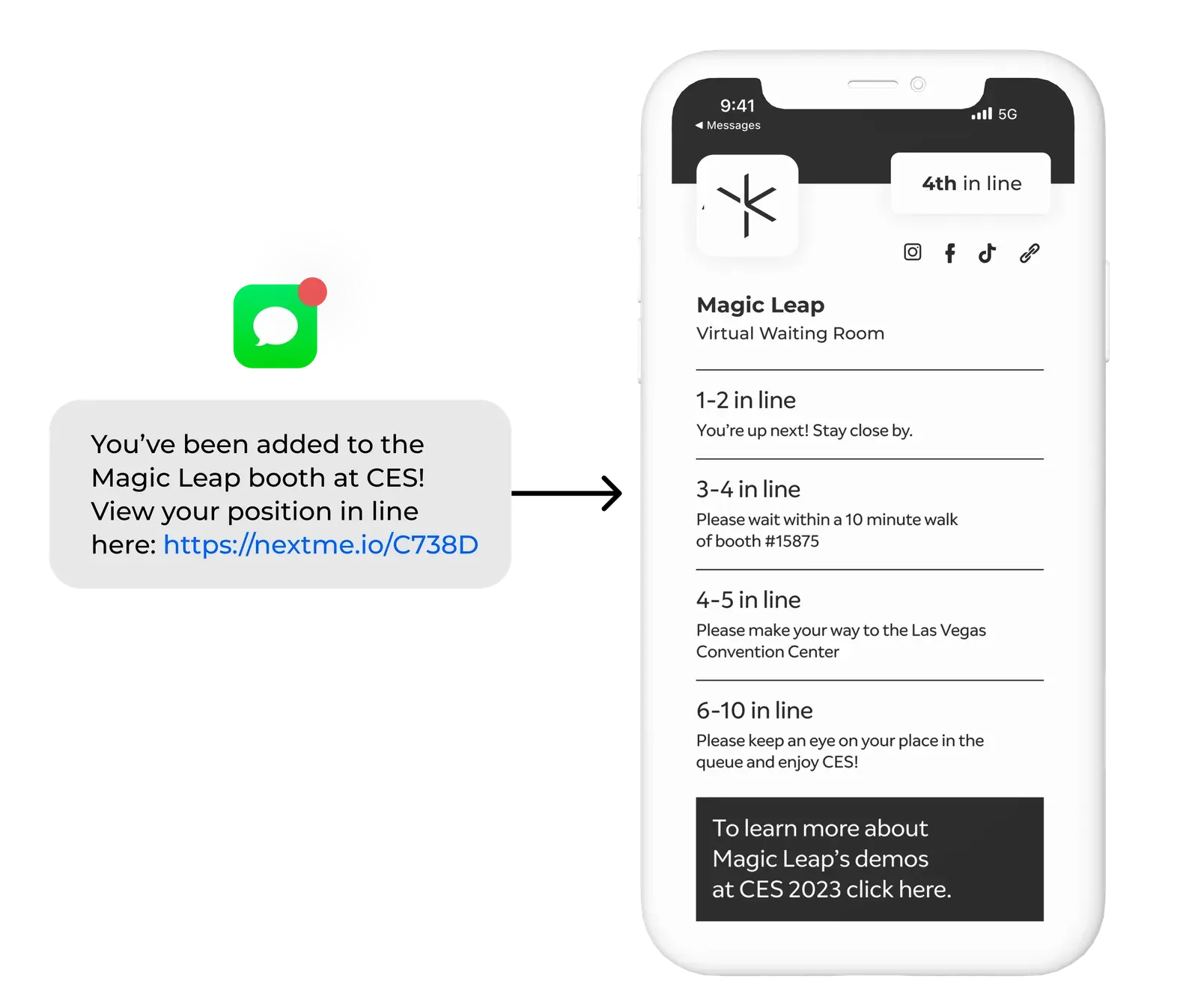
Calling visitors back at the right time is where the system earns its value. The notify function sends an SMS to the next visitor or group. They get a defined window to return before the slot moves on. Staff configure how many visitors to call at once and adjust pacing as the day develops.
Early in the show, when traffic is high and demos are running long, a tighter call window keeps the queue moving. Later in the day, with fewer visitors waiting, the window can be more relaxed. That level of real-time control is what separates a managed queue from a clipboard sign-up sheet.
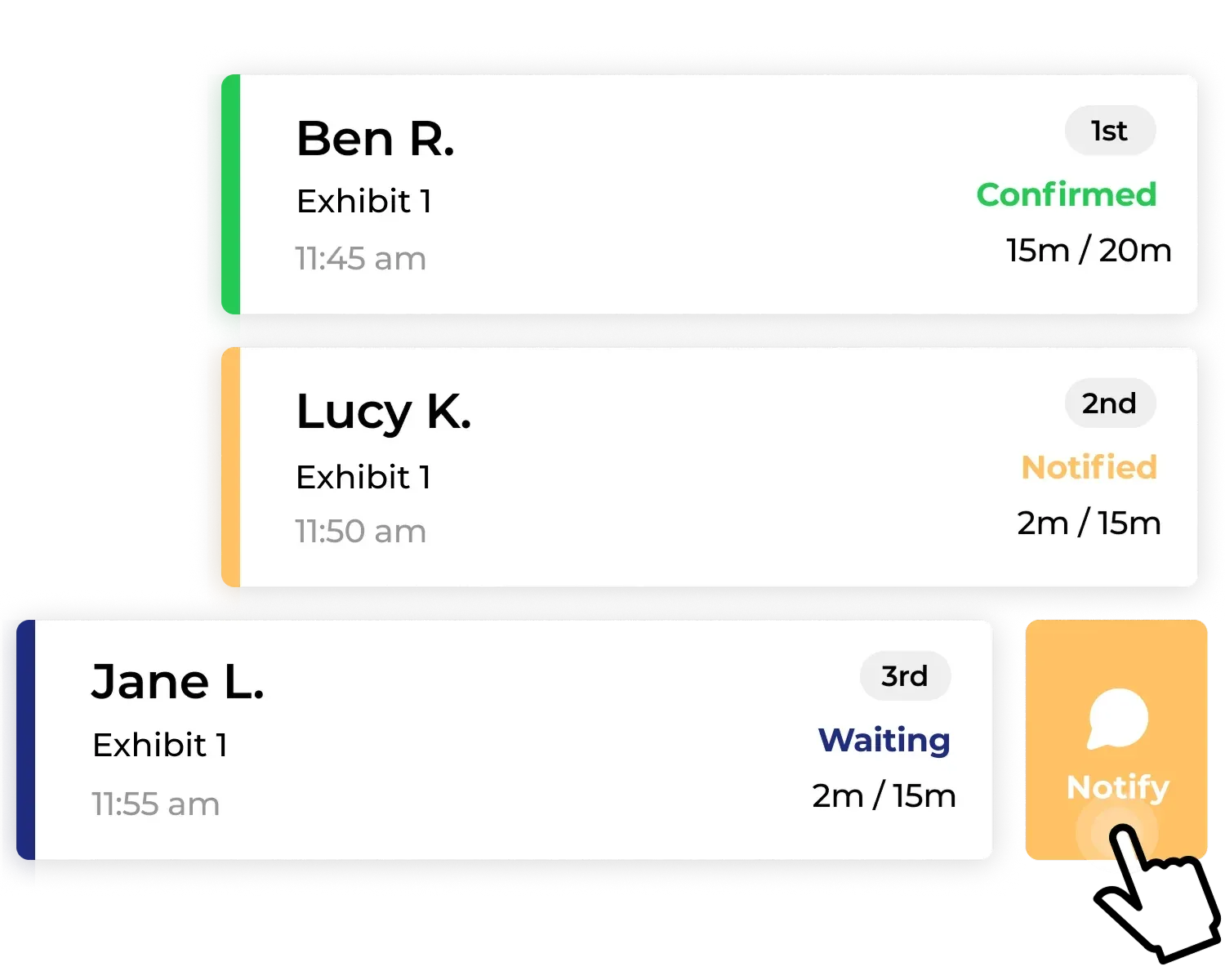
Staff aren’t just collecting names. They’re actively managing who comes in, when, and at what pace. That control makes the demo experience better for everyone who does arrive, and keeps the booth running at capacity throughout the show.
What this looks like with high-demand brand activations
Magic Leap used NextMe to manage the queue for a high-demand tech demo experience at a major event, turning what would have been an uncontrolled crowd at the activation entrance into an orderly, data-rich flow. Every visitor who wanted a demo joined a digital queue, freeing them to explore the event while they waited. See the Magic Leap case study for the full breakdown.
Marvel used the same approach for a brand activation fan experience, managing a high-demand queue that let fans hold their place and return when called rather than standing in an unmanaged line. The Marvel case study shows how it performed in practice.
Both activations share the same core condition with trade show booths: a premium, limited-capacity experience with more demand than can be served at once. A virtual queue is the mechanism that keeps the line orderly, the leads captured, and the experience intact.
Conclusion
A crowded trade show booth is a good problem. An unmanaged one costs leads. The difference between the two is whether visitors have a way to hold their place without standing in the crowd.
A trade show booth waitlist gives every interested visitor that option: scan, hold your place, explore the floor, come back when called. Staff get control over pacing. Marketers get a clean lead list. Visitors get a better experience at the booth and across the show.
For a complete view of how NextMe approaches virtual queue management for events and brand activations, or the complete guide to event queue management, see what operators are doing across every activation format.