If you run a large event, your job is not to fill the floor. It’s to keep the floor safe while it fills. On a busy show day, that means knowing how many people are inside, where they are clustering, and which activation is about to draw a crowd bigger than the space around it can hold.
Most organizers still track this by walking the floor and trusting their gut. That works until it doesn’t. The moment a product drop, a celebrity appearance, or a popular booth pulls an unplanned crowd, your gut stops being enough. This is where event capacity management software earns its place. It gives you a live read on occupancy and crowd movement, so you can act before a dense area becomes a dangerous one.
This playbook covers how to use that visibility as a safety net: setting capacity thresholds, controlling inflow at activations, giving staff a real-time view of the floor, and building the documentation your safety plan needs.
What event capacity management software does
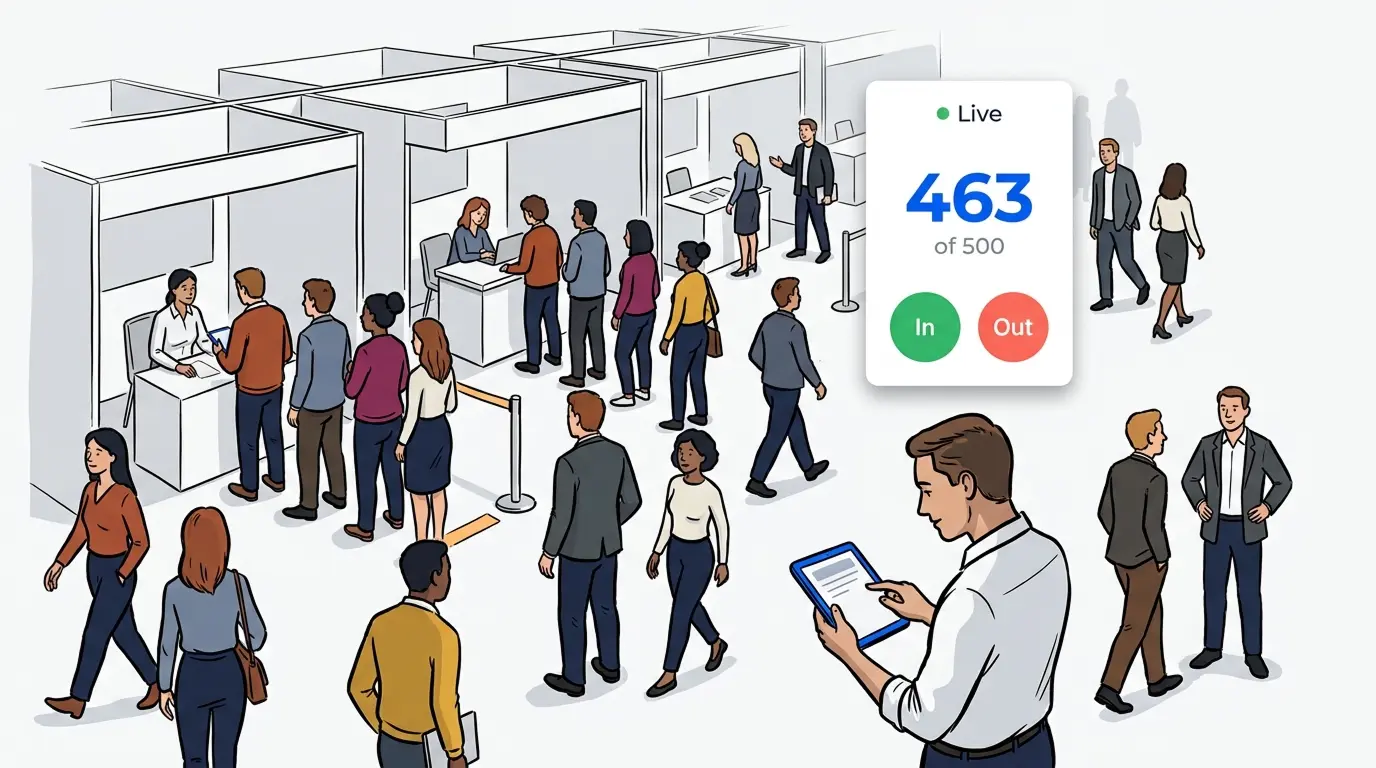
Event capacity management software tracks how many people are inside a venue or a specific area in real time, then gives organizers the tools to manage that flow. It combines self check-in data, live queue counts, and occupancy visibility so you can keep crowds within safe limits across an entire event floor, not just one entrance.
The difference from a basic headcount is coordination. A clicker at the door tells you a total. It does not tell you that the west hall is at capacity while the east hall sits half empty, or that a line at one activation has spilled into a fire lane. Capacity software connects those signals in one place.
For events, this works best when the same system already runs the queues at your booths and activations. NextMe powers a growing number of exhibitor and brand experiences at major events, so the queue data is already flowing. Aggregating it gives organizers a floor-wide picture built from the ground up.
Why crowd safety is an information problem, not just a capacity problem
A crowded event is not automatically an unsafe one. Density becomes risk when no one has a clear picture of it. Guests get frustrated when they cannot tell if a line is moving. Staff get overwhelmed when they cannot see where pressure is building. Both problems come from missing information, not from too many people.
That reframes the goal. You are not trying to eliminate lines. A visible, well-managed line signals demand and energy, and guests read an empty activation as a dead one. The goal is to keep every line legible: known length, known wait, known direction of travel. The discipline of event crowd flow management is built on exactly this idea. When you can see the floor clearly, you keep manageable volume from tipping into chaos.

Set capacity thresholds and make occupancy visible
Every space on your floor has a limit. The venue has a posted occupancy number, individual halls have their own, and each activation has a practical crowd size before it blocks walkways or exits. Capacity management starts by writing these limits down, then watching them in real time.
Good software lets you set a threshold per area and warns you as you approach it. Instead of reacting once a hall feels full, you watch it climb toward the line and slow inflow early. Live occupancy also tells your team where to send guests. When one zone nears capacity, you steer arrivals toward quieter areas and balance the floor.
Multi-session and multi-hall events add complexity. A session-by-session capacity checklist pairs well with live monitoring. The checklist sets the plan, and the software confirms reality matches it.
Control inflow at high-traffic activations
The biggest capacity risks at most events are not the main gates. They are the activations. A product drop, a photo op, or a signing can pull a crowd out of nowhere and choke the aisles around it. This is where a floor plan meets reality.
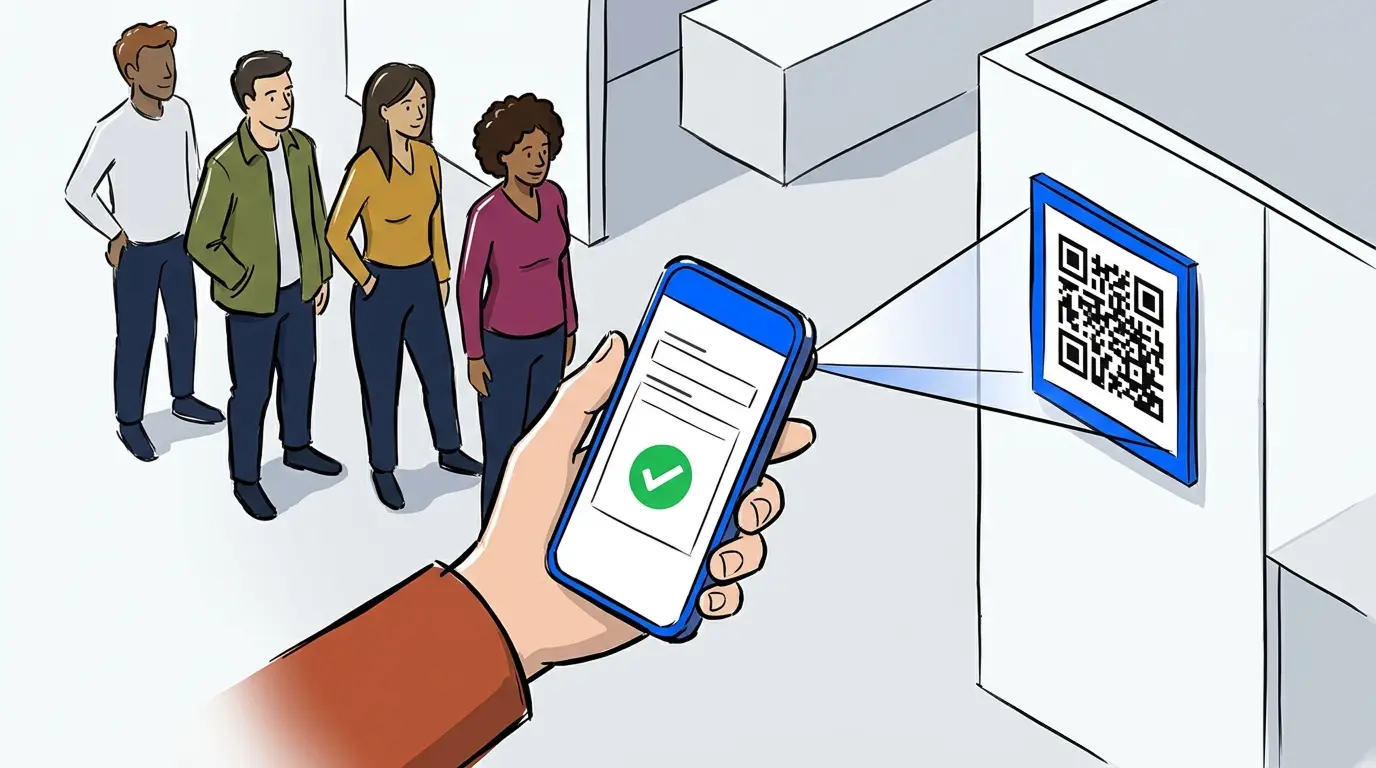
A virtual queue changes the physics of that moment. Instead of a physical line snaking through a walkway, guests join from their phone and wait wherever they like. The virtual waiting room holds their place, texts them when their turn is close, and keeps the area around the activation clear.
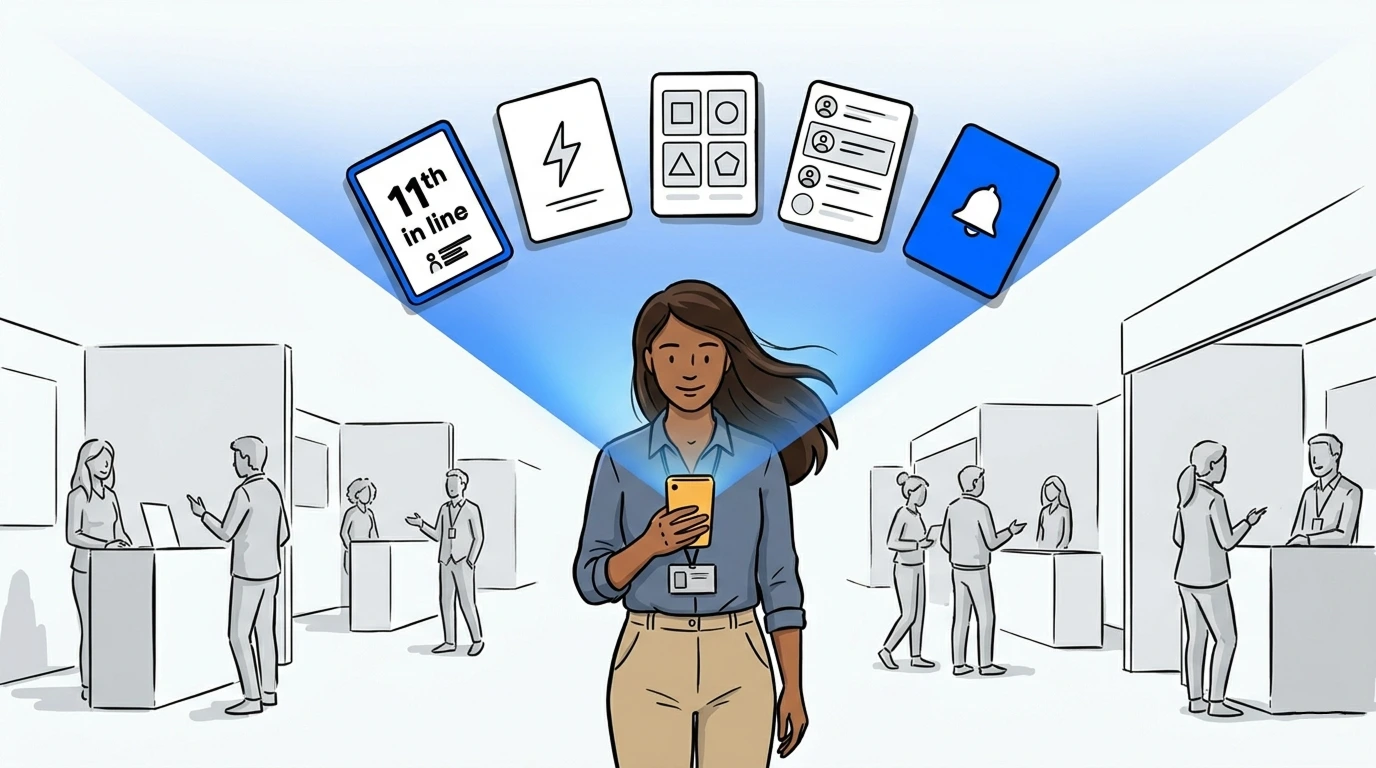
This is where a single system across the floor pays off. When booth queues run on one platform, organizers see them all at once and spot the activation about to overwhelm its space. NextMe already runs high-traffic activations this way. At San Diego Comic Con, our queue management for a Topps product drop kept a high-demand crowd orderly enough to keep the booth running when heavy foot traffic could have forced it to close. The same approach held at the recent Hello Kitty cafe grand opening in Chicago, where managing the launch-day crowd helped keep the space open and within its limits. For the full arrival-to-flow sequence, our guide to managing attendee flow at large outdoor events walks through each step.
Give staff a real-time view of the whole floor
Capacity control only works if the people on the ground can act on it. When your team sees live counts and queue status from a tablet or phone, they stop guessing and start directing. A supervisor watching occupancy climb in one hall can move staff there before it becomes a problem.
The operator view matters as much as the guest view. From one dashboard, your team calls guests back to an activation, pauses intake at an overloaded booth, and reopens it when the crowd thins. These small, fast adjustments keep a busy floor on the management side of the line rather than the control side.
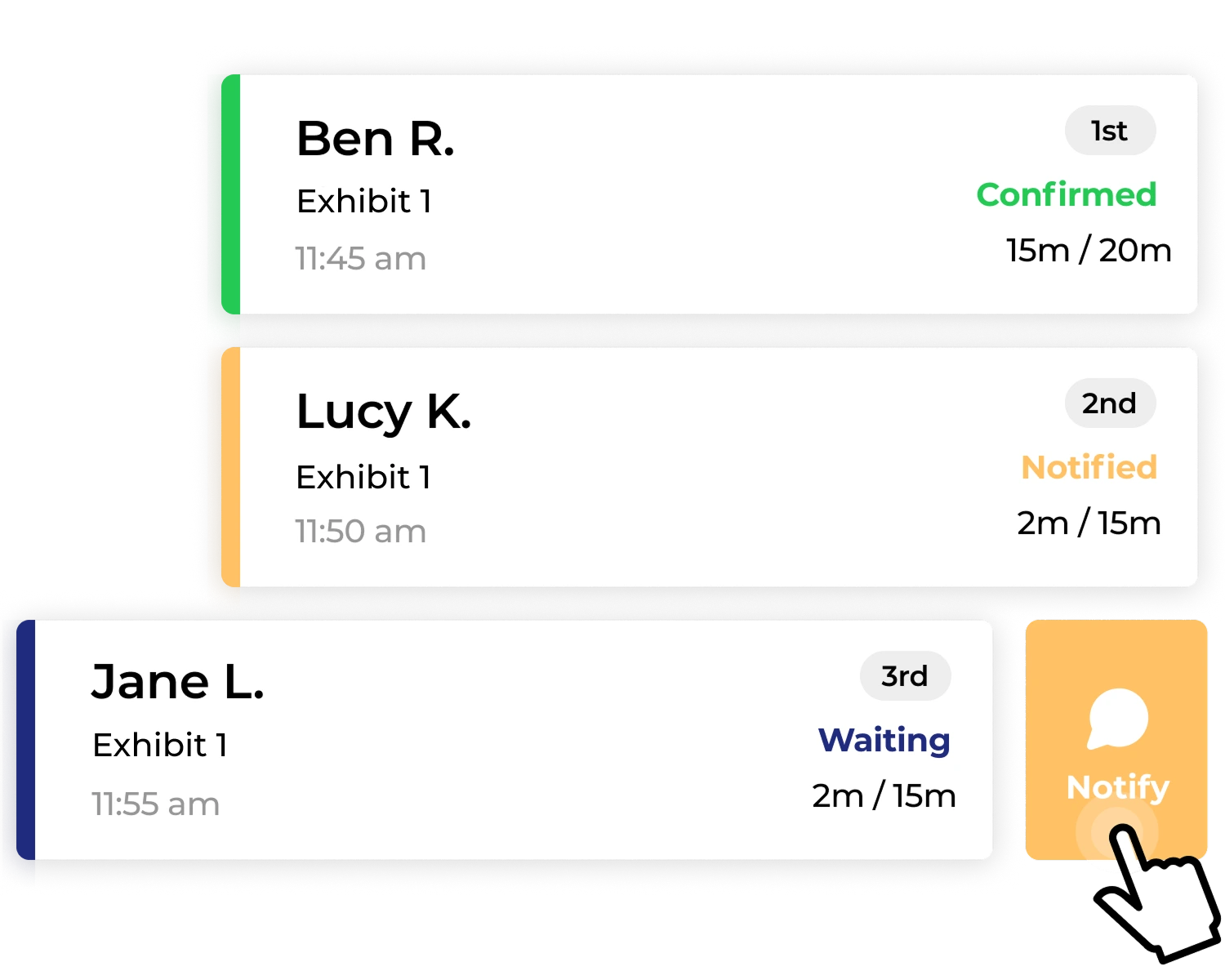
Radios and headcounts still have a role. The point is to give that human judgment better inputs. When staff see the same live picture you do, coordination gets faster and calmer.
Build documentation for your safety plan
Capacity management does not end when the event does. The same data that keeps the floor safe in the moment becomes the record that proves you managed it responsibly. Venues, insurers, and local authorities increasingly expect that record.
The Event Safety Alliance’s ANSI ES1.9 crowd management standard draws a clear line between crowd management, which is proactive and plan-based, and crowd control, which is reactive. It organizes a crowd plan around three phases, ingress, circulation, and egress, and treats after-action documentation as part of the work. Live occupancy logs, queue histories, and throughput reports give you evidence across all three.
Peacock’s activation at San Diego Comic Con shows how this works in practice. NextMe ran the virtual queue for that activation in line with the city’s crowd-safety rules and captured digital waivers in the same flow, so the compliance record built itself as guests moved through.
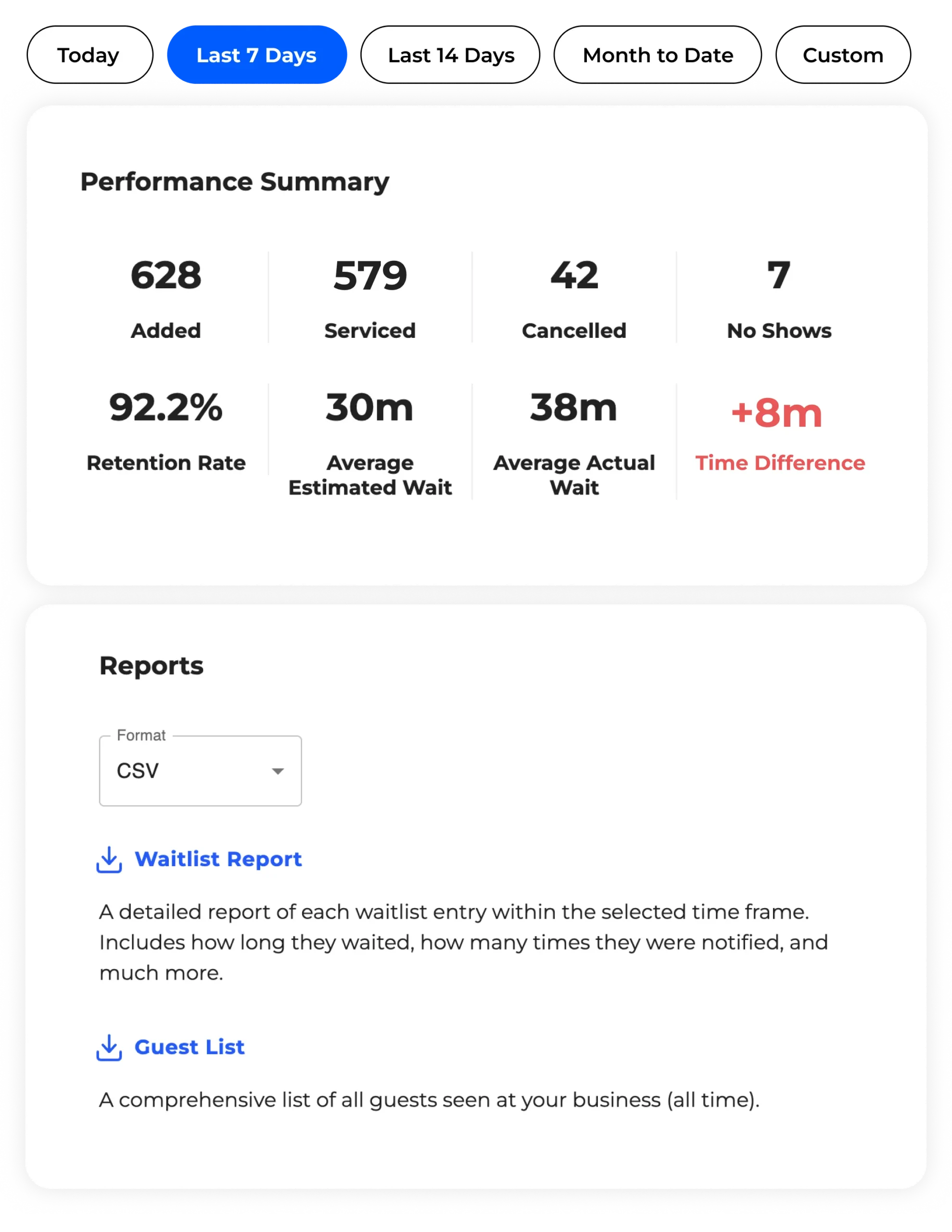
After the event, analytics and reporting turn raw data into something useful for next time. You see which activations drew the largest crowds, when the floor peaked, and where flow broke down, then feed those findings into the next safety plan. Documentation is not paperwork for its own sake. It is how a one-time save becomes a repeatable practice.

Frequently asked questions
What is event capacity management software?
Event capacity management software tracks how many people are inside a venue or area in real time and helps organizers keep those numbers within safe limits. It pulls together check-in data, live queue counts, and occupancy visibility across the whole floor. The goal is to spot crowding before it becomes a safety risk.
How is capacity management different from crowd control?
Capacity management is proactive. You plan limits, watch occupancy, and adjust inflow before an area gets too full. Crowd control is reactive, stepping in once a crowd has already become a problem. The Event Safety Alliance draws the same distinction in its crowd management standard, and the aim is to stay on the management side.
Can one system manage capacity across many booths and activations?
Yes. When each booth and activation runs its queue on the same platform, an organizer sees every line in one place. That combined view shows total occupancy and flags the specific activation about to overwhelm its space. It turns dozens of separate lines into one floor-wide picture.
Does managing capacity mean getting rid of lines?
No. A visible, well-managed line signals demand and keeps energy high, so eliminating lines is not the goal. The goal is to make every line legible, with a known length, wait, and direction. A virtual queue lets guests hold their place without physically crowding the space.
What data should I keep for a safety plan?
Keep live occupancy logs, queue histories, and throughput reports for each area and activation. These records show how you managed ingress, circulation, and egress, which is what venues and insurers look for. After the event, the same data helps you improve the next plan.
Make capacity your safety net
A safe event floor is not one without crowds. It is one where you always know what the crowds are doing. When you see occupancy in real time, control inflow at your busiest activations, and hand your staff the same live picture, a packed venue stays a managed venue.
That visibility is easiest when the tools already running your queues also report your capacity. See how NextMe’s queue and capacity tools for events help organizers keep the whole floor safe, from the first arrival to the final exit.