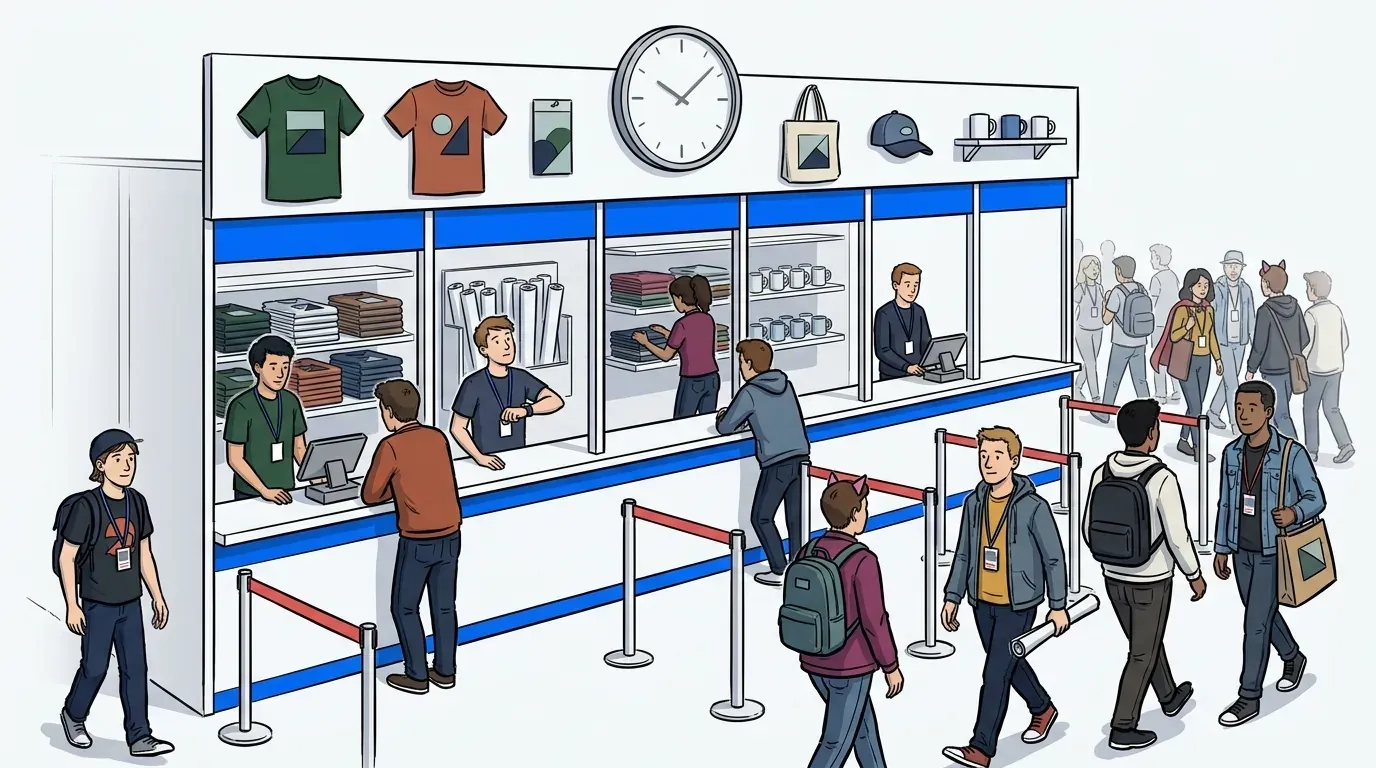
When a conference line swells to 120 people in under 20 minutes, that’s not an attendance problem. That’s a capacity management problem.
If you’ve ever planned a multi-session event, you’ve probably seen this play out firsthand. One breakout is standing room only while another sits half empty. A headshot booth backs up into the aisle. Staff are fielding the same question on a loop: how much longer? These aren’t random inconveniences. They’re the predictable result of a conference without a capacity management plan, and exactly why having a dedicated checklist makes all the difference.
Key Takeaways:
- Capacity management at conferences is not just about room counts. It is about flow, timing, and guest communication.
- A visible line can create demand, but a long unmanaged line creates friction fast.
- The best conference queue setup is usually hybrid, not fully physical and not fully virtual.
- If a station wait goes past 12 to 15 minutes, you need a release valve, not just more signage.
- Multi-session conferences need queue rules by zone, not one blanket rule for the whole event.
- Good capacity planning should produce post-event data you can use for sponsor reporting and next-year staffing.
- Guests tolerate waiting far better when they stay informed, stay mobile, and know when to return.
Need a closer look at how this works in the field? You can book a demo and see how event teams manage high-traffic activations without letting lines take over the floor.
Why conference capacity breaks long before the venue is full
Conference capacity breaks when too many people need the same thing at the same time, in the same footprint, with too little guidance. The issue is rarely total attendance alone. It is uneven demand, limited physical space and aisles, and poor communication at the exact moment traffic spikes.
The line is not always the problem
A short line outside a high-demand session or activation can signal momentum and even pull more people in. But there’s a threshold where that same line starts eating floor space, blocking sightlines, and scaring people away.
That threshold comes faster at multi-session conferences because your traffic keeps mounting. Doors open. A keynote ends. A sponsored experience launches. Then everything collides. The old assumption is that everyone should stand in one line and wait it out. The real problem is that everybody is being asked to stay put when the event around them is still moving.
What a bottleneck looks like on the floor
Picture a conference at 10:55 am. One session is turning over. Another starts at 11:00 am. A brand activation near the expo hall has a giveaway, so traffic surges. The headshot station already has a backlog. One staff member is checking people in manually while another keeps answering irritated guests. Meanwhile, nearby exhibitors start getting crowded out.
That is not a people problem. It is not even a staffing problem first. It is a control problem. If you cannot decide how much of the line stays visible and how much moves into a virtual queue, the floor starts managing you.
It’s a core part of the event experience that many teams underestimate. You can feel the event slipping before any official metric tells you so.
Why multi-session conferences create hidden waste
Most capacity issues at conferences show up as lost opportunity before they show up as complaints. Guests skip a station because the line looks impossible. Sponsors lose attention because attendees are trapped in a queue instead of engaging with the activation. Staff burn time doing crowd control instead of improving the guest experience.
The hidden costs are usually larger than teams expect:
- Missed session attendance because guests do not want to risk losing their place
- Lower sponsor engagement when waiting time has no branded value
- Slower throughput when check-in depends on staff at every touchpoint
- More line abandonment once wait times cross roughly 20 minutes without updates
- Poor post-event reporting because nobody tracked what actually happened
A line does not have to look chaotic to be expensive. It just has to keep people from spending time where you want them.
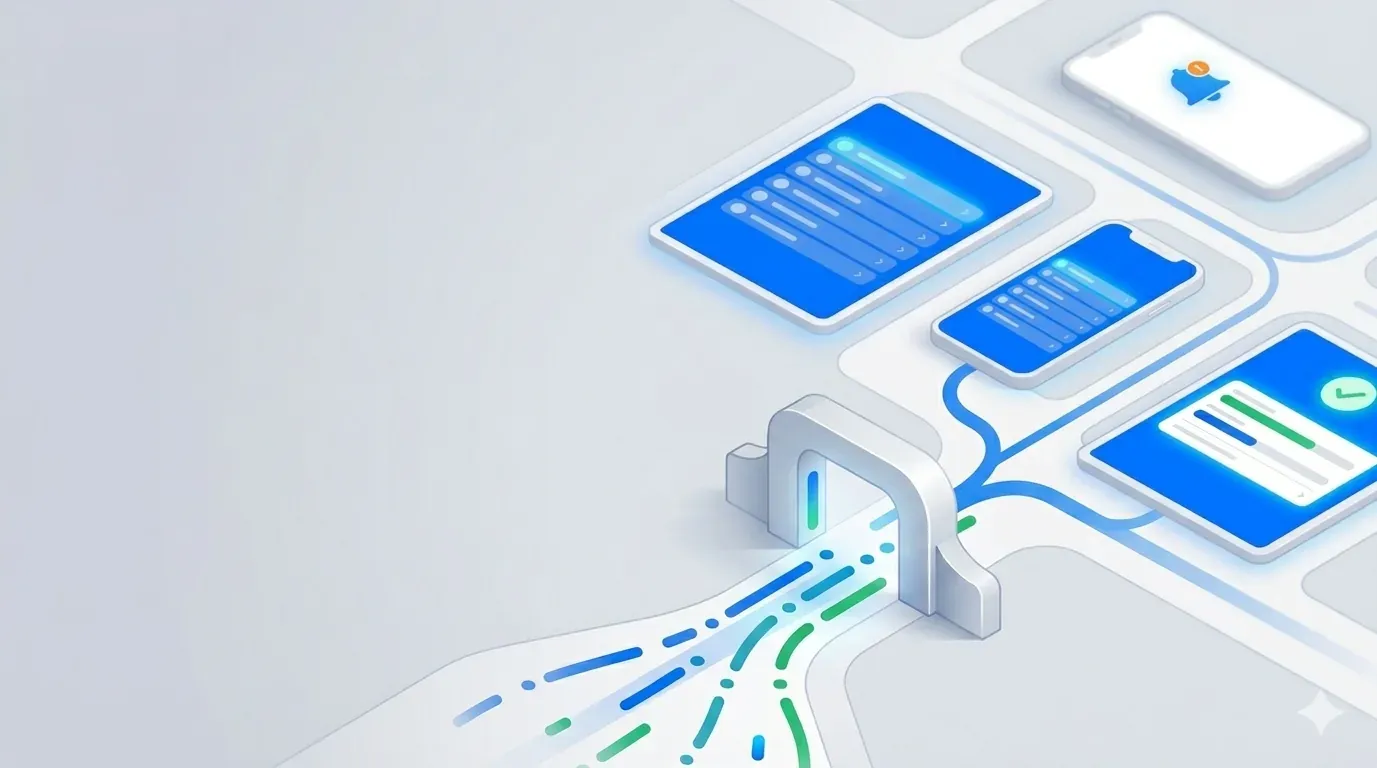
Creating an event capacity management checklist for multi-session conferences
An event capacity management checklist for multi-session conferences helps you determine where demand will bunch up, when to move people out of a physical line, and how to keep guests informed while they wait.
We recommend following this simple model to help craft your checklist: map pressure points, define release rules, script guest communication, and measure what happened after the event.
Start by mapping your pressure zones
Before you choose tools or staffing plans, map the event into four pressure zones: entry, transition, dwell, and premium access. This is the simplest way to see where your conference capacity will actually break.
Entry zones are obvious. Registration, badge pickup, bag check. Transition zones are trickier. Those are hallways, escalator landings, and room entrances that flood right before and after sessions. Dwell zones include lounges, networking bars, sponsor booths, and food areas where people linger. Premium access zones are the places with limited supply and strong demand, like meet-and-greets, demos, labs, custom apparel and embroidery stations, VIP moments, or headshot stations.
If you want a clean decision rule, use this one: if a zone has both walk-in demand and limited service capacity, it needs a queue plan before show day. If it has one but not the other, basic signage and staffing may be enough.
Your checklist for this step should include:
- Identify every station with fewer than 50 people served per hour
- Flag every area where a line could block a nearby booth, aisle, or exit
- Mark every session changeover likely to create a traffic pulse within 10 minutes
- Separate high-demand experiences from high-risk congestion points
This works because it turns vague event stress into something you can actually operate.
Use the 15-minute pivot rule
Once any conference line starts pushing past 12 to 15 minutes, guest behavior changes. People stop feeling excited and start doing mental math. Can I still make my next session? Should I leave and come back? Will I lose my spot? That uncertainty is what really hurts.
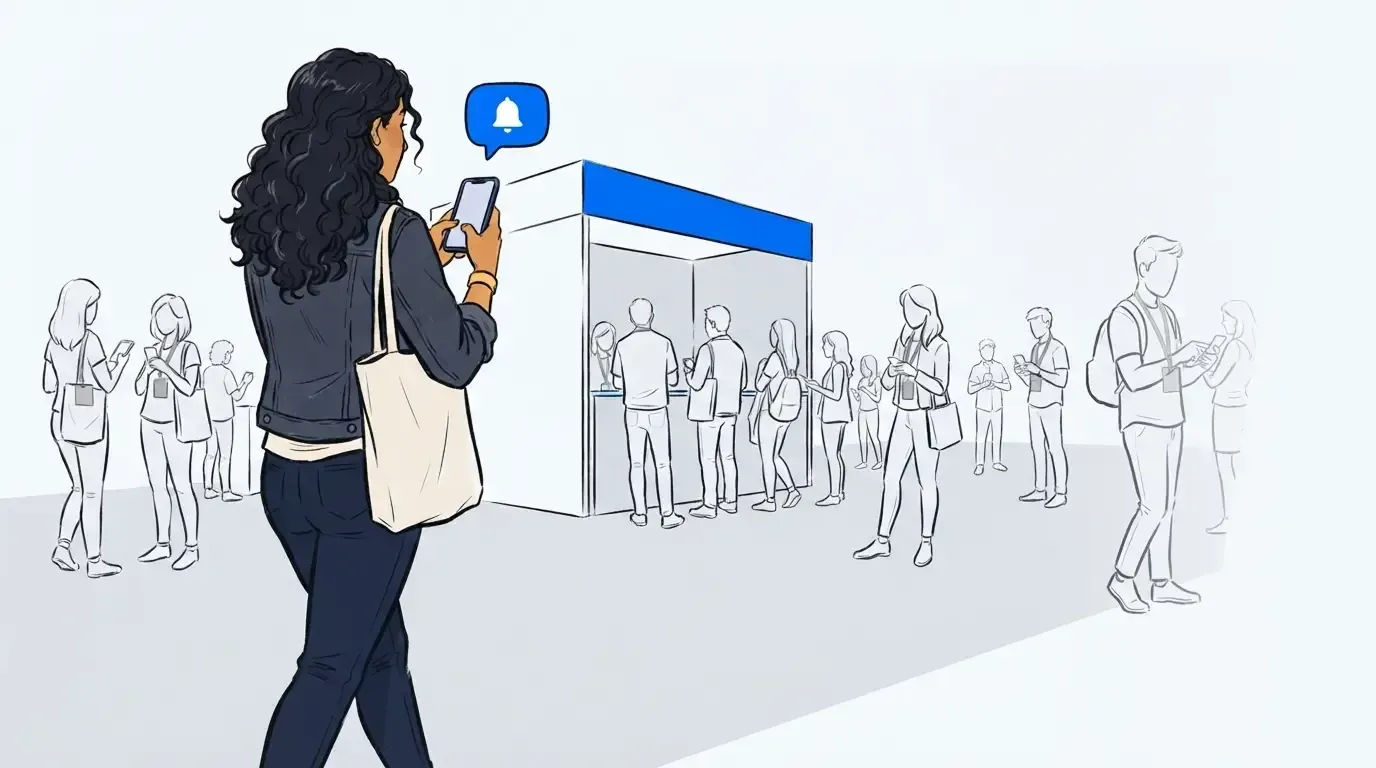
The 15-minute pivot rule is simple. If expected physical wait exceeds 15 minutes, stop forcing everyone to stand there. Move overflow into a virtual waiting flow and keep only a controlled visible line near the experience. That keeps high demand and interest on the floor without letting the queue become the event.
A good hybrid setup usually looks like this:
- Keep a short physical standby line for curiosity and buzz
- Move overflow guests into mobile-based waiting
- Send SMS updates as they move closer to the front
- Call them back when space opens
This is also where a lot of teams get stubborn. They think removing most of the line will kill excitement. Some visible demand can help, but a 40-minute line wrapped around a booth is not social proof anymore. It’s friction.
As a real-world example, the Topps booth at Comic-Con 2025 faced wait times of up to two hours before moving to a virtual waitlist approach. The improvement was not just cleaner traffic flow. Guests were free to explore while staying connected to their place in line, which increased brand engagement instead of trapping it in a physical queue.
Build session-aware capacity rules, not one event-wide rule
Multi-session conferences are too dynamic for one blanket queue policy. A keynote entrance, a breakout room, and a sponsor activation do not need the same treatment. That is why your checklist should define capacity rules by use case:
- Session rooms: protect entry flow and cutoff clarity
- Activations: protect engagement time and throughput
- Service stations: protect fairness and staff speed
- VIP or scheduled moments: protect time windows and no-show recovery
If a breakout room is near capacity, your rule may be simple: visible line only, hard cutoff at room limit, clear signage, staff at door. If a sponsor activation has repeat surges every half hour, your rule should be different: visible teaser line, overflow into virtual queue, return notifications, and branded waiting content.
The difference matters. Rigid appointment-style logic usually fails at conferences because timing keeps shifting. People leave one session late. Panels run over. Foot traffic spikes without warning. That is why flexible time-window thinking works better than hard-slot thinking in most event environments.
Your checklist for this section should ask:
- Which areas need a hard cap?
- Which areas need a hybrid queue?
- Which areas need time-window returns instead of fixed return times?
- Which areas need staff reassignment during session transitions?
- Which sponsor moments need measurable engagement while guests wait?
Turn waiting time into usable engagement time
Waiting at an event doesn’t have to be dead time. It’s one of the biggest opportunities that event organizers consistently overlook. If guests are already committed to an experience, the wait window can do useful work if you design it well.
A branded waiting experience should do at least one of these three things:
- prepare the guest
- inform the guest
- engage the guest
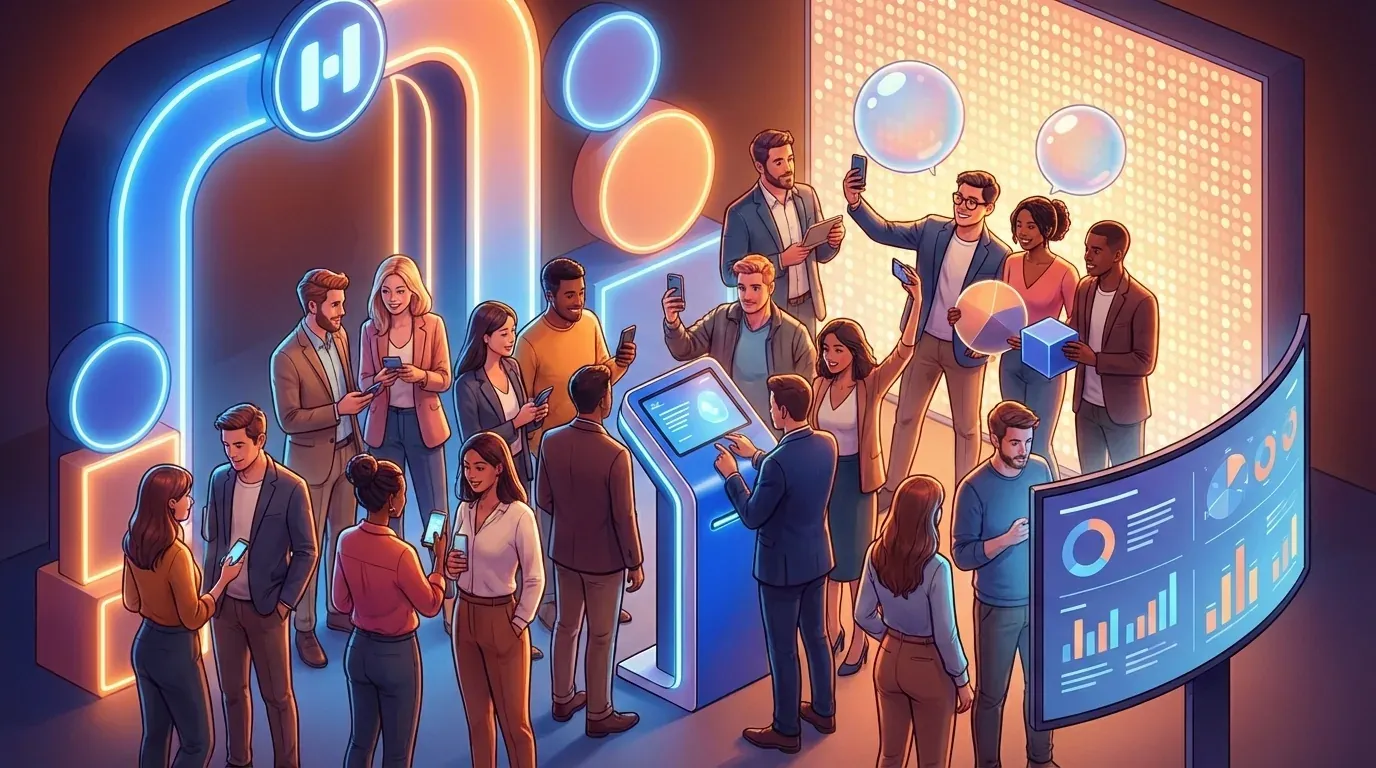
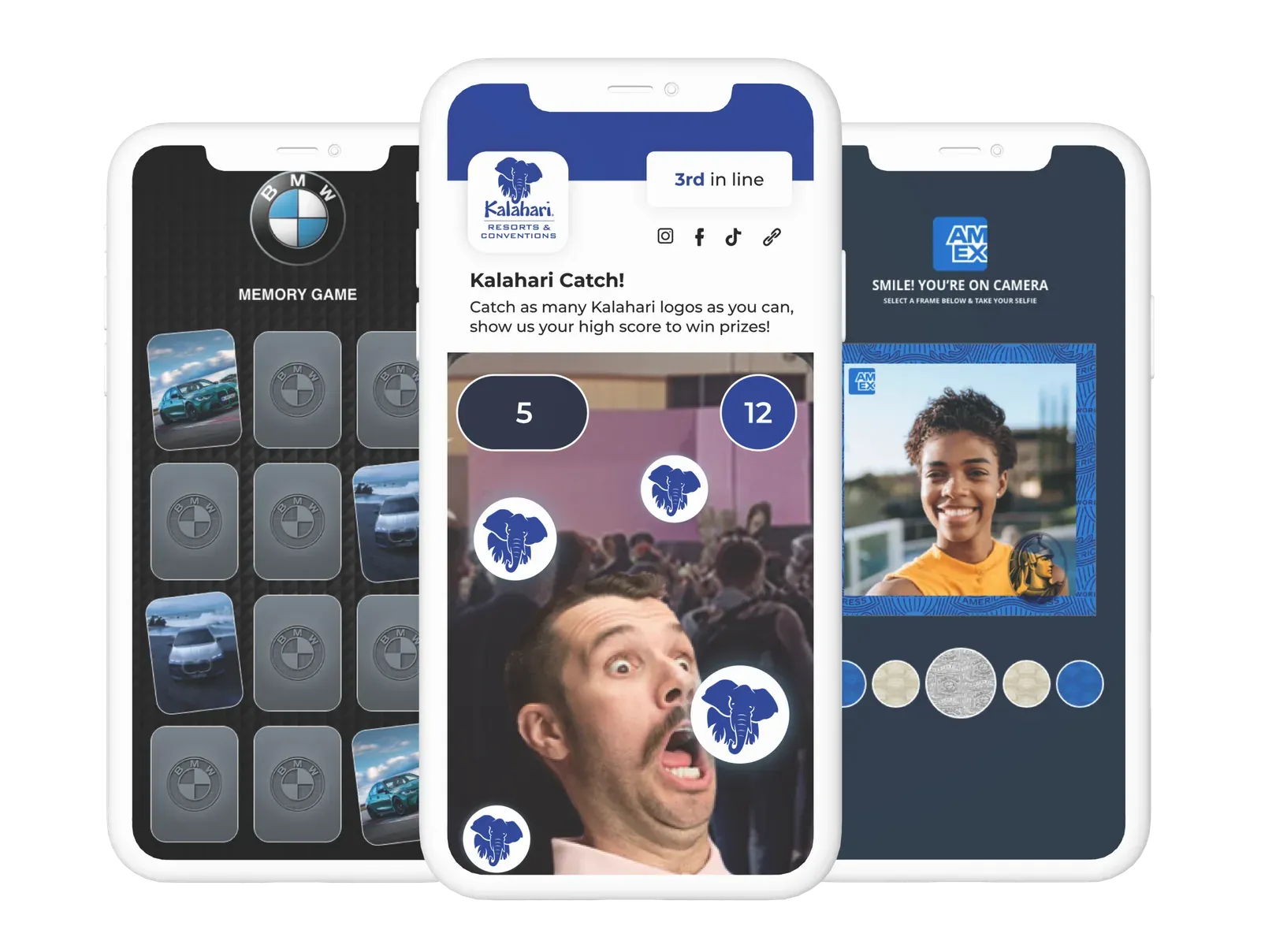
That could mean FAQs before a headshot station, sponsor messages before a prize experience, product content before a demo, or maps that help attendees use the next 10 minutes well. At Magic Leap’s exhibit at CES, the virtual waiting room was used to keep attendees engaged during longer waits while also creating additional sales opportunities. That is a smart move because it treats waiting as part of the event design, not a dead patch you apologize for.
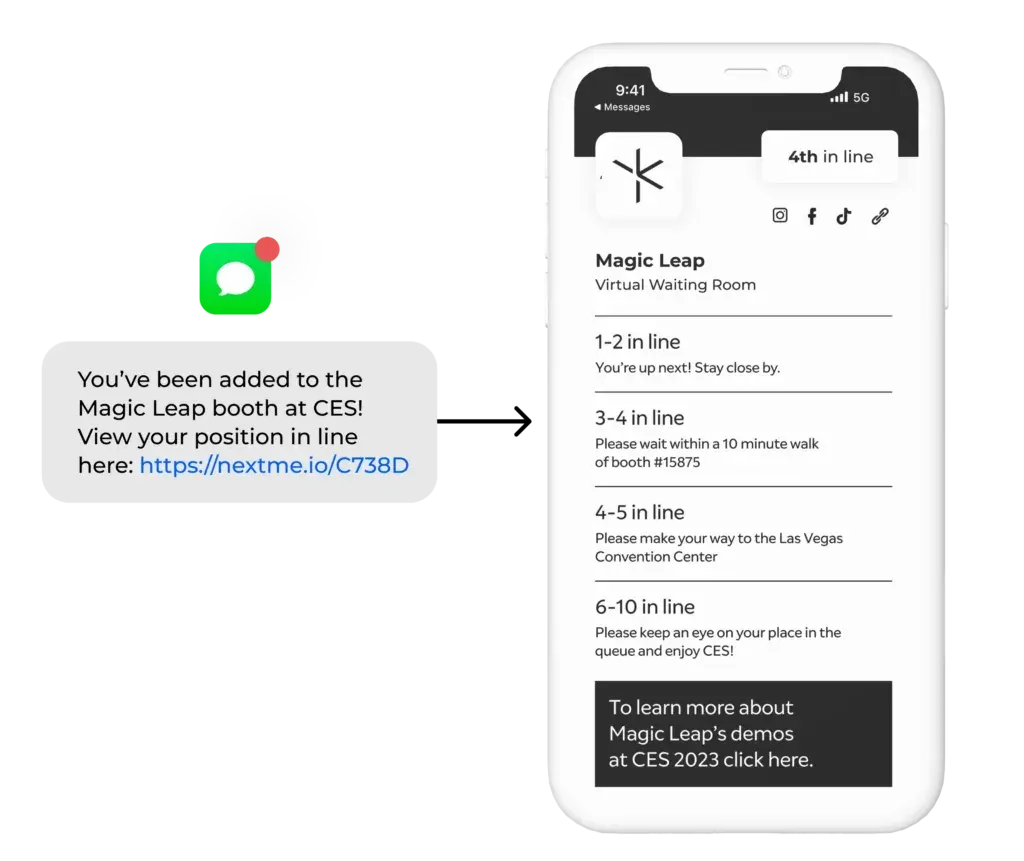
One word of caution. Not every queue needs extra content. If the average wait is under 8 minutes, it’s often best to keep things minimal. Basic status updates may be enough.
If your wait time regularly crosses 15 minutes, then richer waiting content starts pulling real weight. Games and activities can serve double duty in a wait line, advancing your brand goals while making the time fly by.
Measure the event like an operator, not just a marketer
Capacity planning gets stronger when you can prove what happened after the event. That is where most checklists fall apart. Teams do the work upfront, then close the event with nothing but vague comments like, “traffic felt heavy” or “the booth stayed busy.”
That is not enough. If you want next year’s budget, sponsor confidence, or staffing changes, you need operating data. We recommend using a CAP framework here: Capacity, Abandonment, Participation.
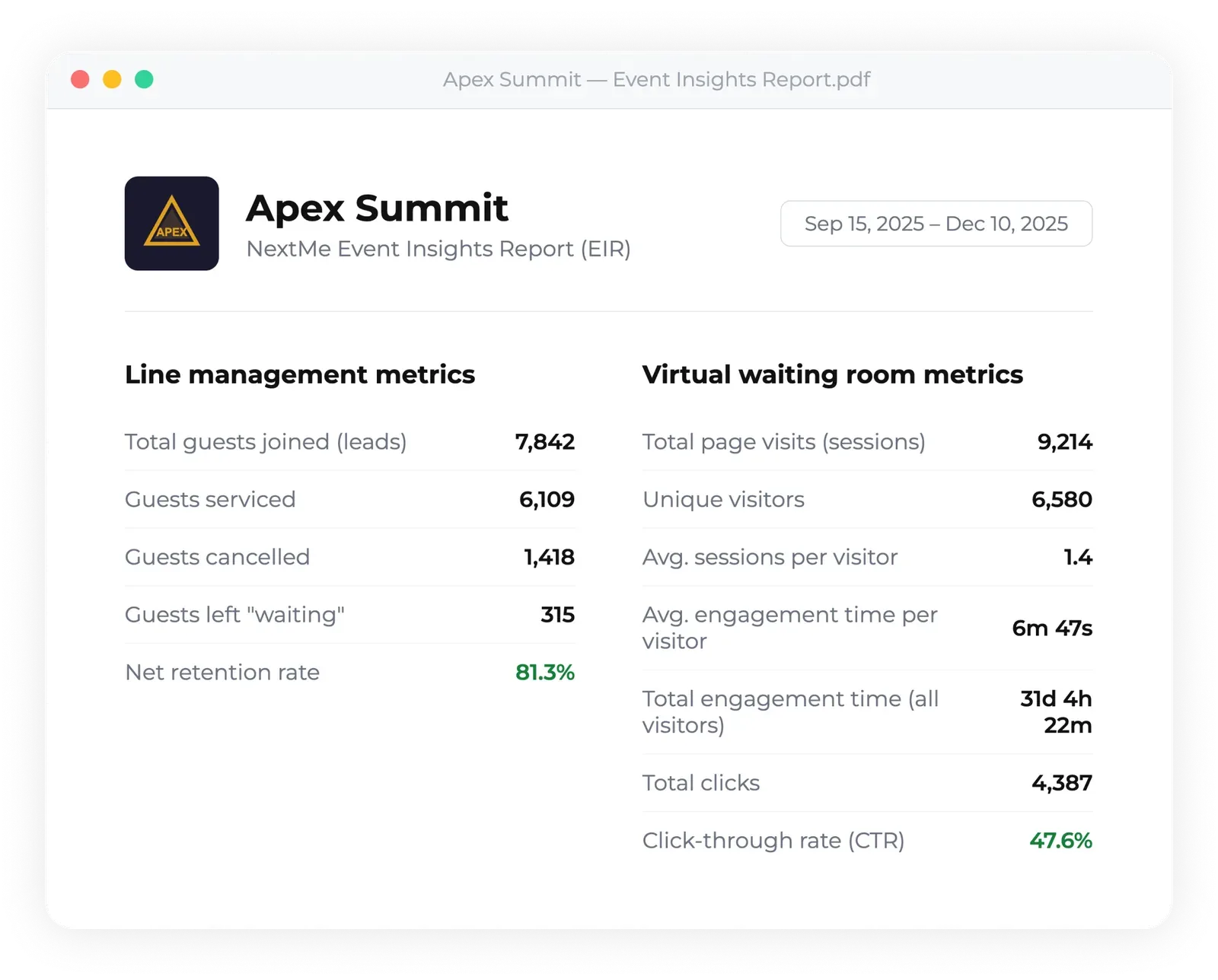
Capacity means throughput by station, average wait time, peak time blocks, and service volume. Abandonment means how many people dropped off before their turn or never returned. Participation means what guests actually did while they waited, especially in branded environments.
Your post-event checklist should include:
- Average and peak wait time by queue
- Throughput by hour and by station
- Return rate after notification
- Check-in source by QR code, kiosk, or staff entry
- Engagement metrics from the waiting experience
- Notes on session transitions that created unusual spikes
This is the operational side that often gets ignored. But it is also where the strongest ROI conversations come from. When you can show that one activation retained more guests, moved more people through, or gave sponsors measurable engagement while they waited, the event story gets a lot clearer.
How NextMe supports hybrid queue control at events
NextMe is built for event teams that need to reduce long lines without pretending every physical line should disappear. It is a modern virtual waiting room for in person experiences, and the hybrid part matters. Guests can join through a QR code, kiosk, or link, get SMS updates, and return when space becomes available.
Built for conference intake, flow, and return timing
NextMe gives event operators several ways to manage demand on the floor. Self check-in lets guests join a queue through QR code, kiosk, or link, which is useful when traffic arrives in bursts and you do not want staff tied up at every check-in point. The core waitlist management flow gives staff a live view of who is waiting, who is next, and who is being served.
For multi-session conferences, that matters because the floor keeps changing. One activation may need a short visible line plus virtual overflow. Another may need multiple queues for separate stations. NextMe supports Multi-Queue Management, which is useful for activations with different service points inside the same event footprint.
Waiting becomes a branded event touchpoint
NextMe also supports the guest experience while people wait. The virtual waiting room is web based, so guests do not need to download an app. SMS Notifications send confirmation, updates, and return messages, which cuts down on the uncertainty that causes frustration and walkouts.
For events, the virtual waiting room can also carry branded guest engagement content like sponsorships, product carousels, videos, maps, games, polls, social feeds, and CTAs. That gives organizers a way to turn waiting time into something more useful. It is not just holding a place in line. It is helping guests stay informed and engaged until it is time to return.
Event insight reports make the post-event story stronger
Instead of guessing which station struggled or which activation kept people engaged, you have a clearer picture of throughput, waiting behavior, and engagement performance. That is a better way to talk about event capacity than saying the floor just “felt busy.”
Better conference capacity starts with better queue decisions
Multi-session conferences do not fail because people show up. They fail when demand bunches up, communication disappears, and every guest is forced to stand in the same line the whole time.
If your next conference includes multiple high-demand sessions, branded activations, or limited-capacity experiences, this is a good time to get in touch. A short conversation can help you decide where a hybrid queue makes sense and where a simple physical line is still the right call.