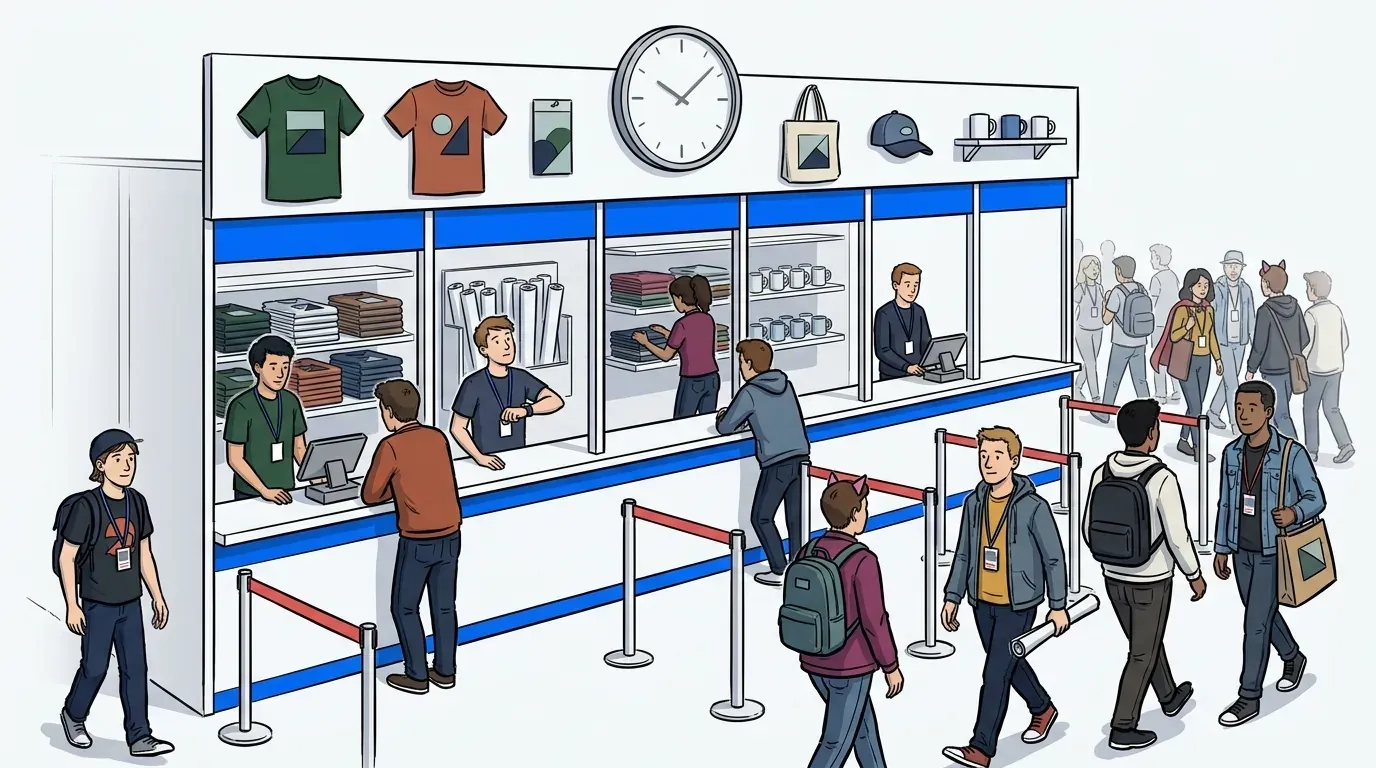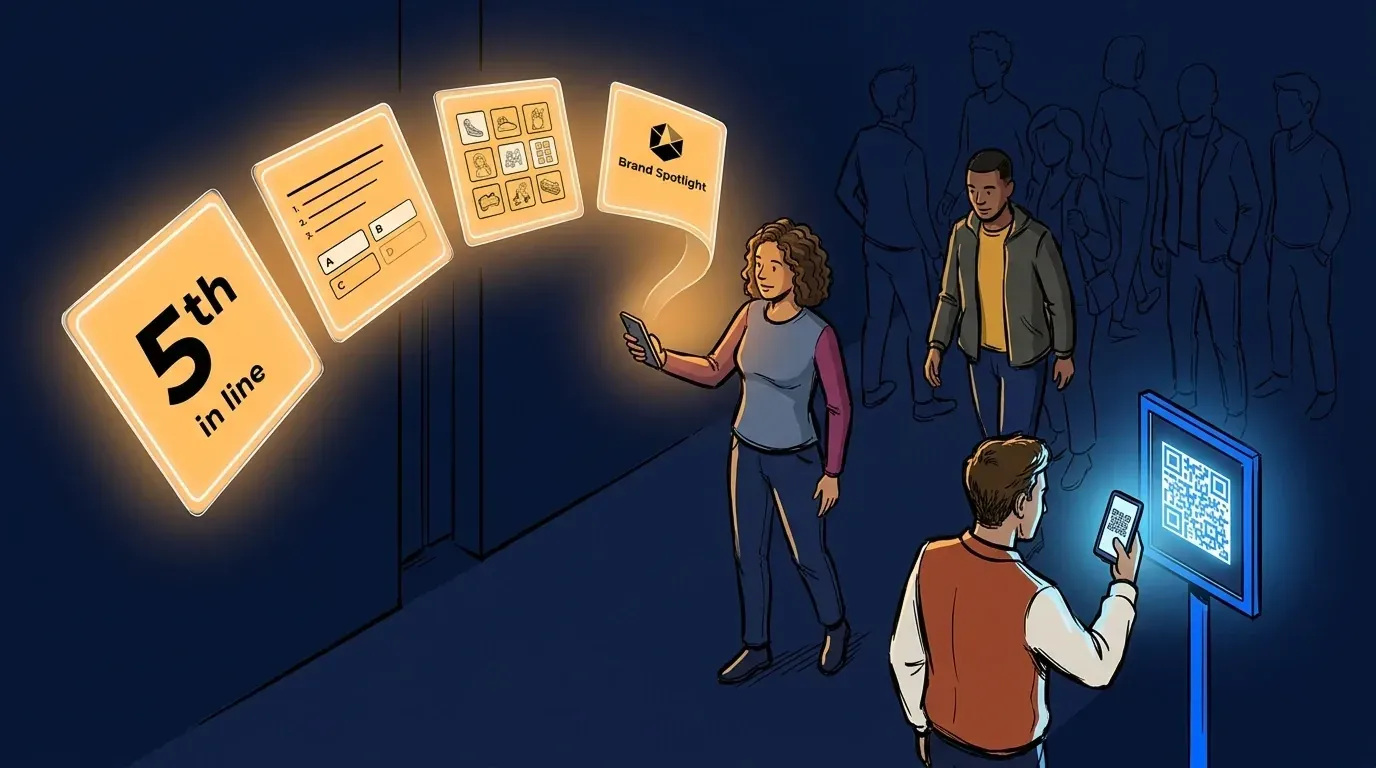
Brand activations work best when guests are engaged, not just waiting. But most activations still rely on physical lines, paper sign-ins, and manual staff counts to manage demand. That means wasted time, missed data, and no way to prove ROI after the event.
A virtual waiting room changes what the queue does. Instead of a line guests endure, it becomes a branded, interactive channel that holds their attention, captures their contact details, and delivers sponsor content while they wait. According to EventTrack 2026, 61% of consumers are more inclined to purchase after attending a live brand experience - and the setup decisions made before doors open determine whether that intent is captured or lost.
This guide walks through how to configure a virtual waiting room brand activation from scratch: QR code placement, custom data fields, branding options, and the lead export flow that turns every check-in into an actionable contact.
Why the setup phase determines what you can measure
Most activation teams think about virtual waiting rooms as a crowd-control tool. That framing is correct but incomplete. The real value is only unlocked if the setup is done right before doors open.
Every lead captured, every sponsor impression delivered, every post-event data export traces back to decisions made during configuration: which fields you ask guests to fill in, how prominently the QR code is placed, and what content loads in the virtual waiting room while guests wait. Get the setup right and the activation runs itself. Skip the configuration steps and you end up with guest flow data but no lead data, which means no ROI story to bring back to the sponsor.
Step 1: Configure your registration fields before the event
The check-in form is the lead capture mechanism. Before the activation goes live, decide which fields guests will complete when they join the virtual queue.
For most brand activations, three to five fields hit the right balance: enough to qualify a contact, not so many that guests abandon before submitting.
Recommended fields:
- First name and last name
- Email address (primary lead deliverable for most sponsors)
- Phone number (needed for SMS-based queue updates)
- 1-3 qualifying questions specific to the activation (keep it brief: product preferences, purchase intent, how they heard about the event, or anything else the brand or sponsor needs to know before the conversation starts)
The qualifying questions are where activation and sponsor-specific data lives. Whatever the brand or sponsor needs to know, put it here and not on a clipboard at the end of the line. The fewer questions the better: guests are more likely to complete a short form, and the data you collect will be cleaner.
Step 2: Place QR codes at every entry point
QR code placement is the single biggest variable in self-check-in volume. If guests don’t see the code, they won’t scan it.
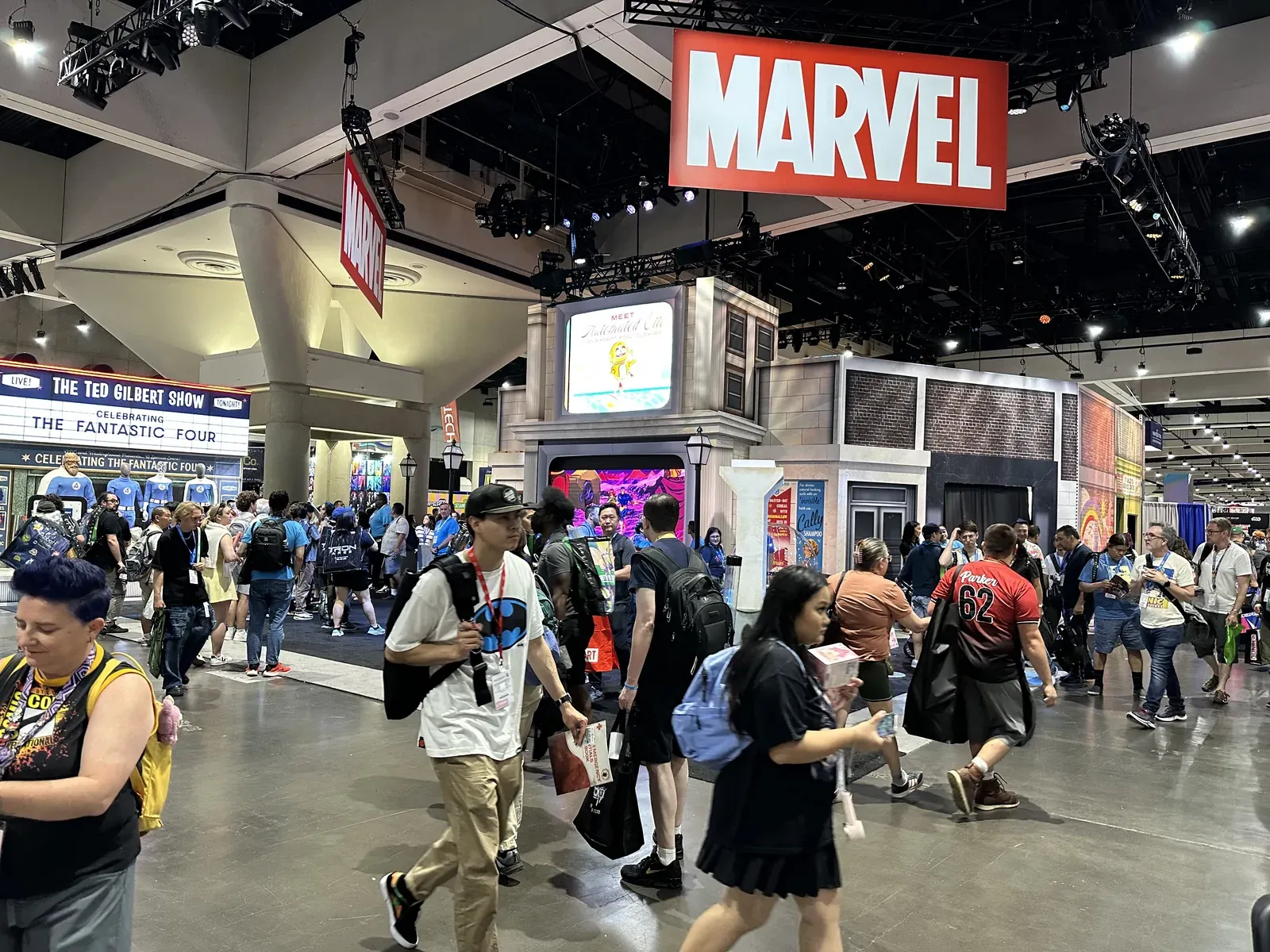
The standard approach used at activations like the BMW test drive and the F1 Arcade Miami Grand Prix: one QR code at eye level at the primary entry point, one on any barrier or stanchion visible to guests approaching from 10 or more feet away, and a staff-held card for mobile ambassadors working the crowd.
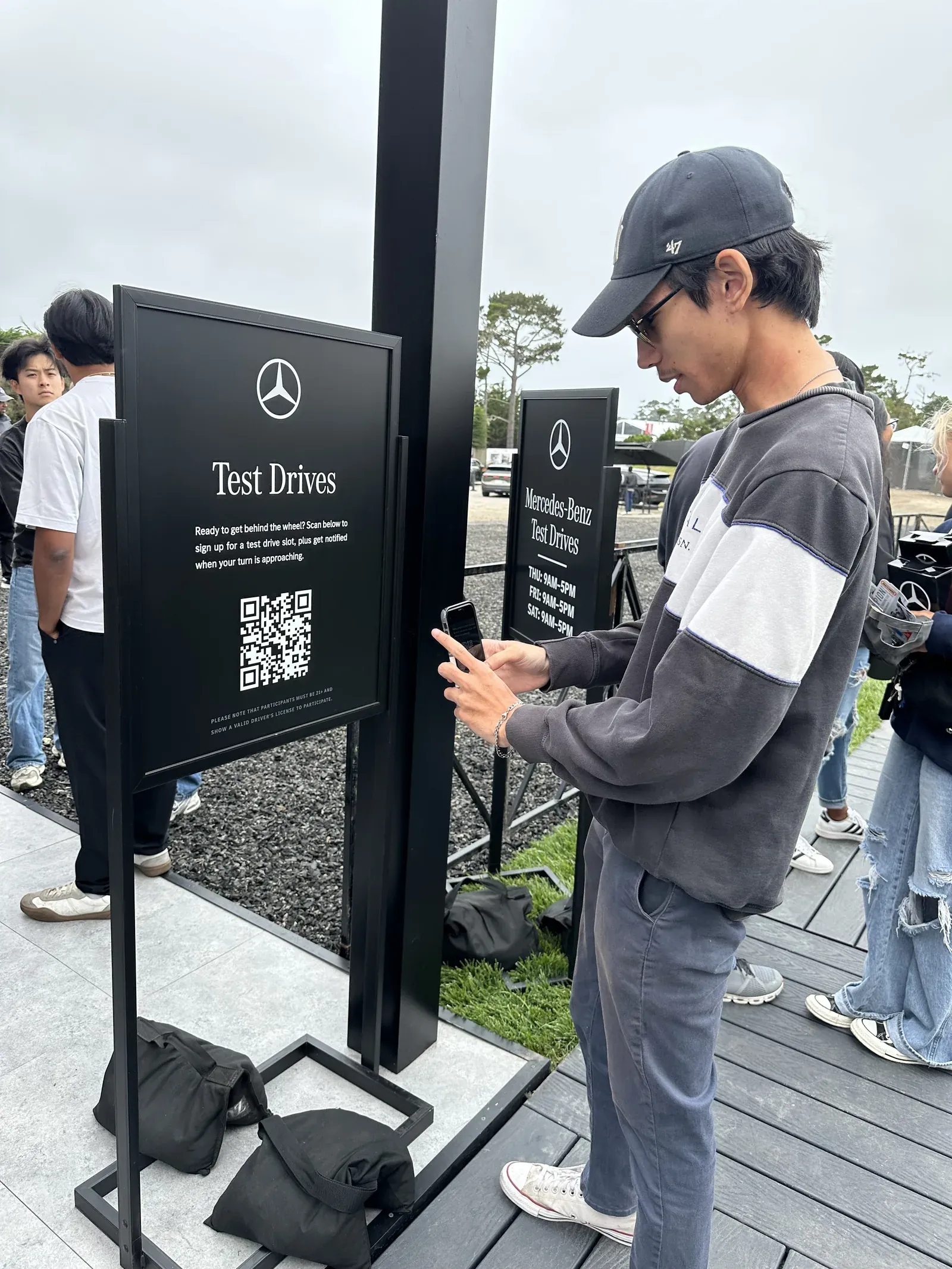
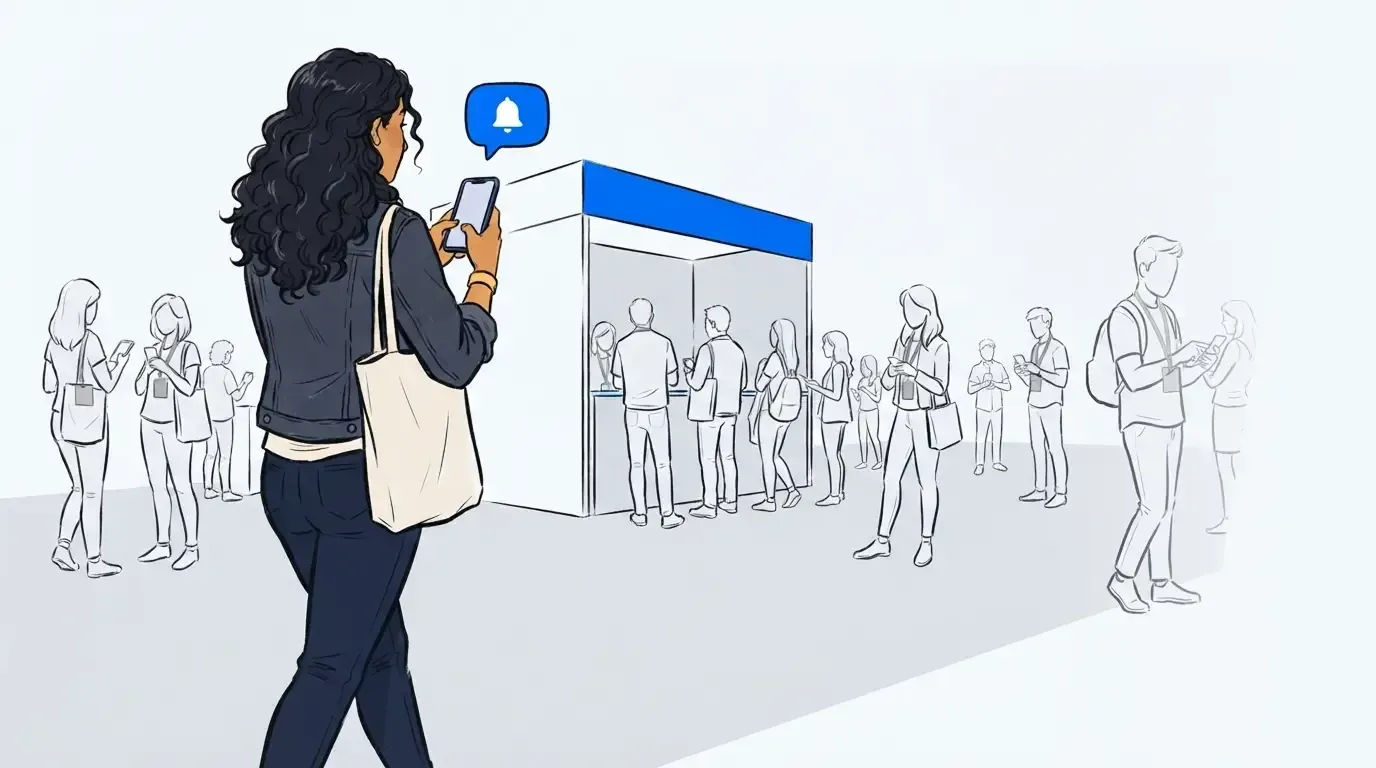
The QR code links directly to the registration form. Once a guest scans and submits, they join the virtual queue and receive an SMS with their position. Staff are freed from manual sign-in. The operator dashboard shows live queue length and average wait times in real time.
For multi-day activations, the same QR code setup works across days. Each day’s registrations are timestamped separately in the data export, so throughput can be compared across the run.
Step 3: Load sponsor content into the virtual waiting room
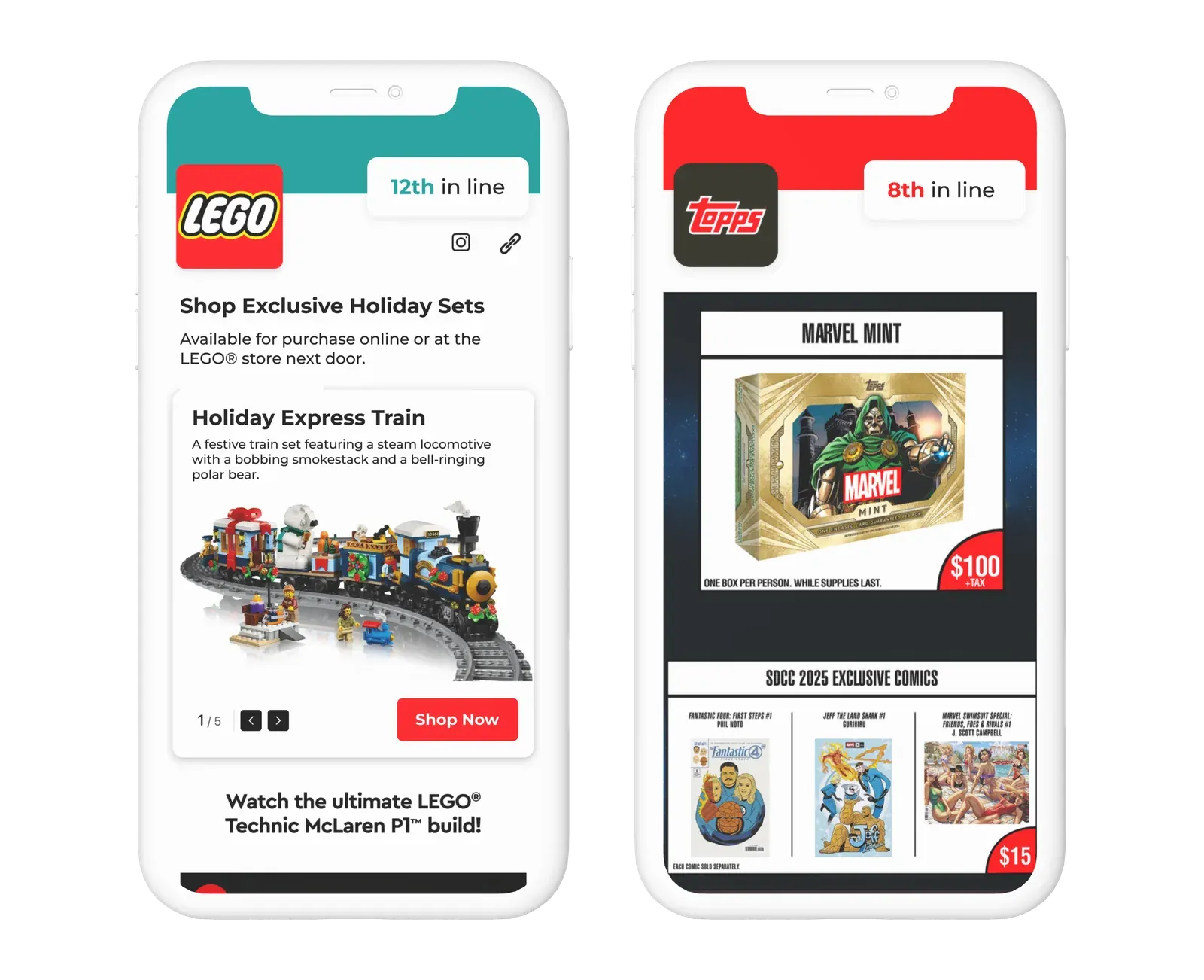
The virtual waiting room is what guests see on their phone while they wait. This is sponsor real estate. Configure it before the event opens.
Available content types include product carousels, embedded video, polls and quizzes, and countdown timers tied to estimated wait time. For a brand activation, the most effective setup pairs a product carousel with an interactive element - so guests are browsing and engaging at the same time, not just watching a timer count down.
At Evereden’s Grove LA pop-up, the brand loaded a custom skincare quiz into the virtual waiting room alongside their product range. Guests could explore the line, complete the quiz, and earn discount codes while they waited their turn. The result: a 37% quiz engagement rate and 755 clicks generated during wait time alone. Guests arrived at the activation already familiar with the products and prepped to purchase.
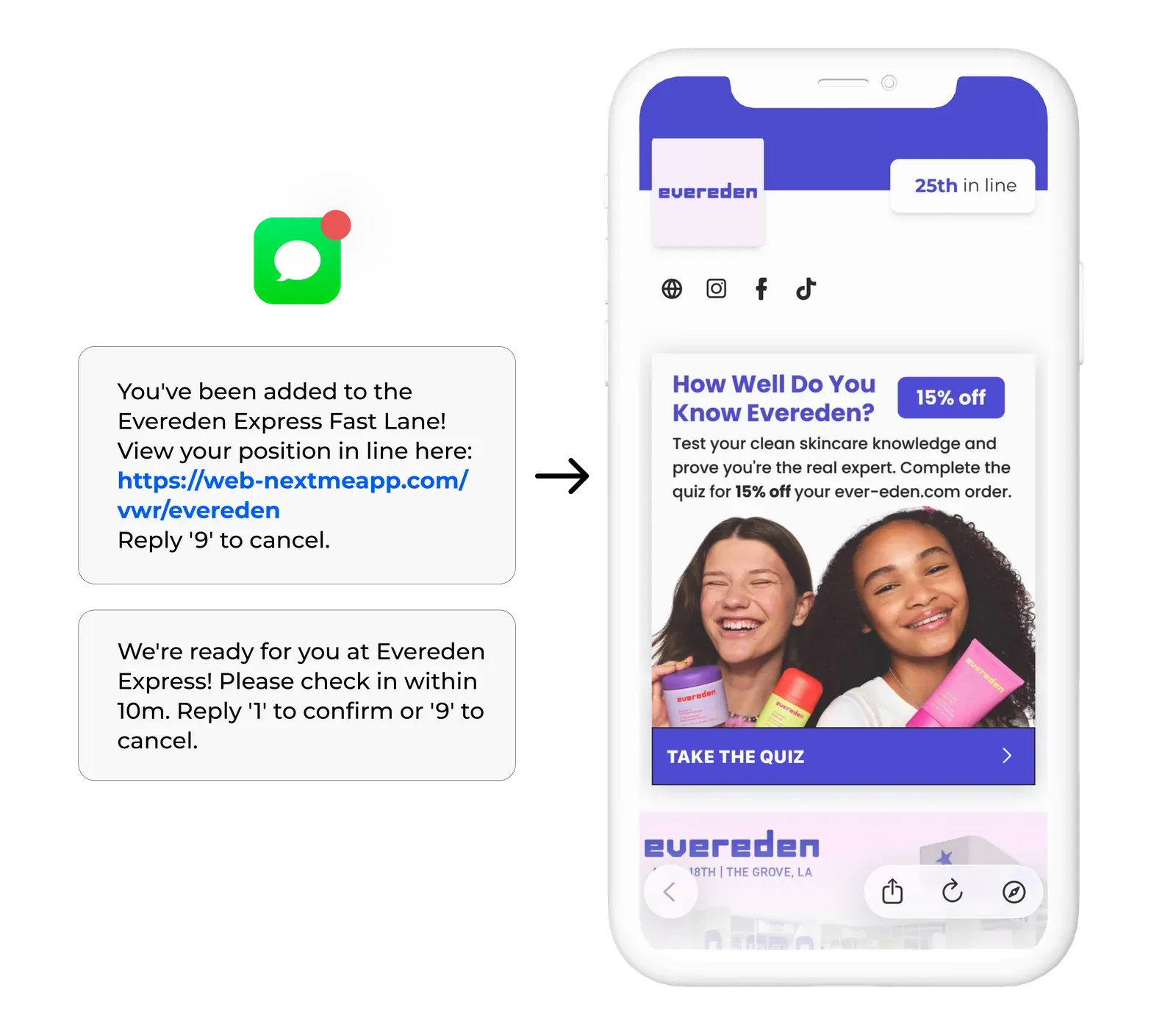
Step 4: Enable zero-party data collection via polls and quizzes
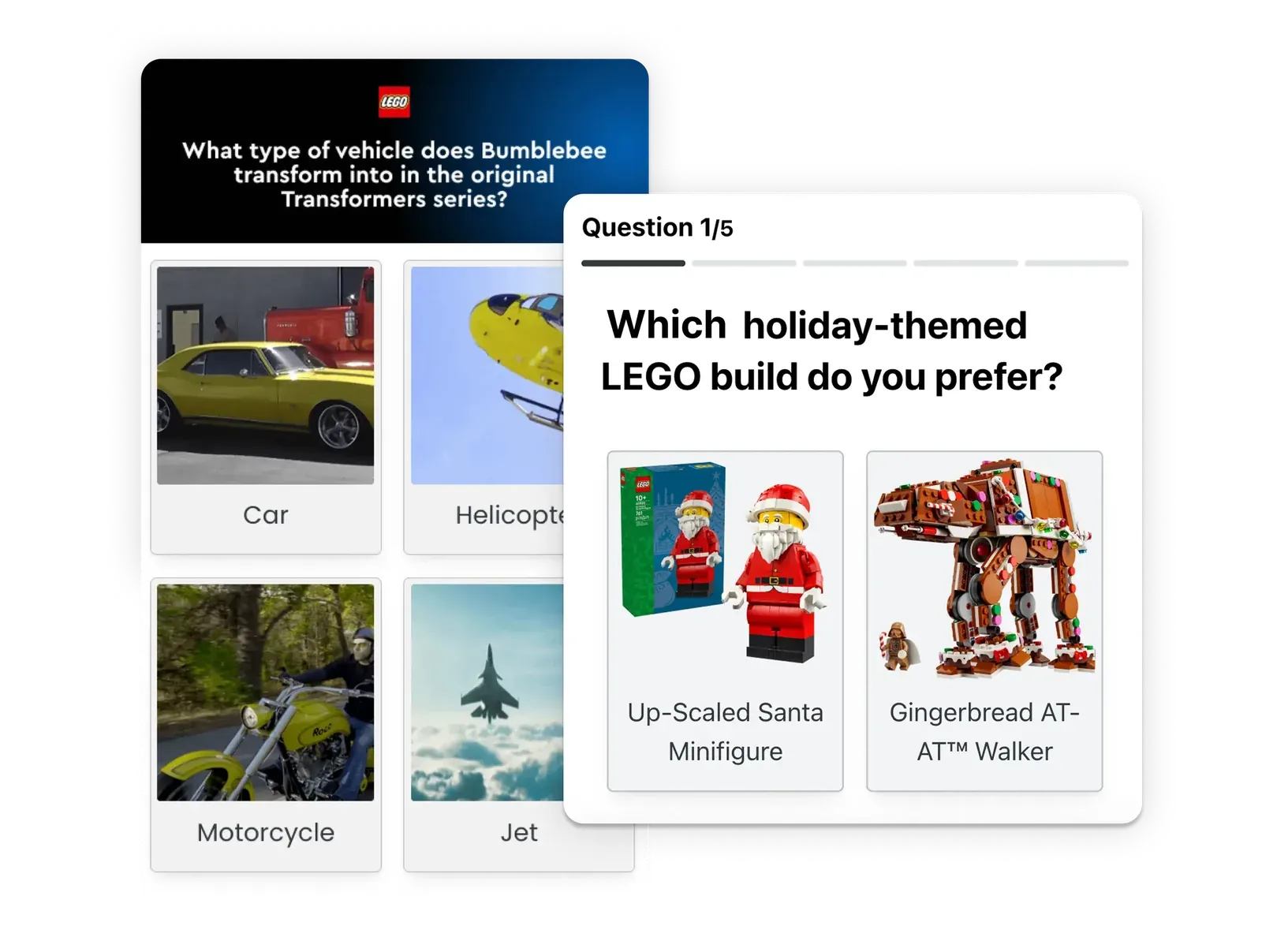
Polls and quizzes inside the VWR serve two purposes: they keep guests engaged while they wait, and they generate structured data the sponsor can use after the event.
At the Evereden activation, guests arrived at the experience already sorted into product-affinity tiers based on their quiz results. That meant staff could open every conversation with context rather than a cold introduction. That kind of insight doesn’t come from a foot-traffic counter. It comes from a VWR configured to collect it.
Configure poll questions before the event. Keep them to two or three maximum - enough to generate useful data without interrupting the wait experience. Results are available in the post-event export alongside lead data, wait times, and throughput numbers.
Step 5: Export leads after the activation closes
The lead export is the deliverable. After the activation ends, export the guest list from the operator dashboard. The export includes every field collected at check-in, poll responses, check-in timestamps, and wait time data.
This is the capture-and-send pattern: configure fields before doors open, capture data automatically during the activation, and deliver a clean export to the sponsor or CRM immediately after close. No manual data entry. No paper sign-in reconciliation.
For activations running across multiple locations or dates, exports can be segmented by day, location, or custom tag - useful when one campaign spans several events. For more on how the data side of brand activations works, see our guide on how to use a brand activation waitlist to drive engagement at live events.
A queue that pays for itself
Setting up a virtual waiting room brand activation the right way is a one-time configuration effort that delivers compounding value across the run. Every guest who scans the QR code becomes a contactable lead. Every sponsor impression in the VWR is measurable. Every poll response feeds the post-event report.
The activations that prove ROI most convincingly are the ones that started with a clean setup. Ready to configure yours? Learn more about how NextMe works for events.