Registration software knows who is coming to your conference. It rarely knows what happens to them once they arrive.
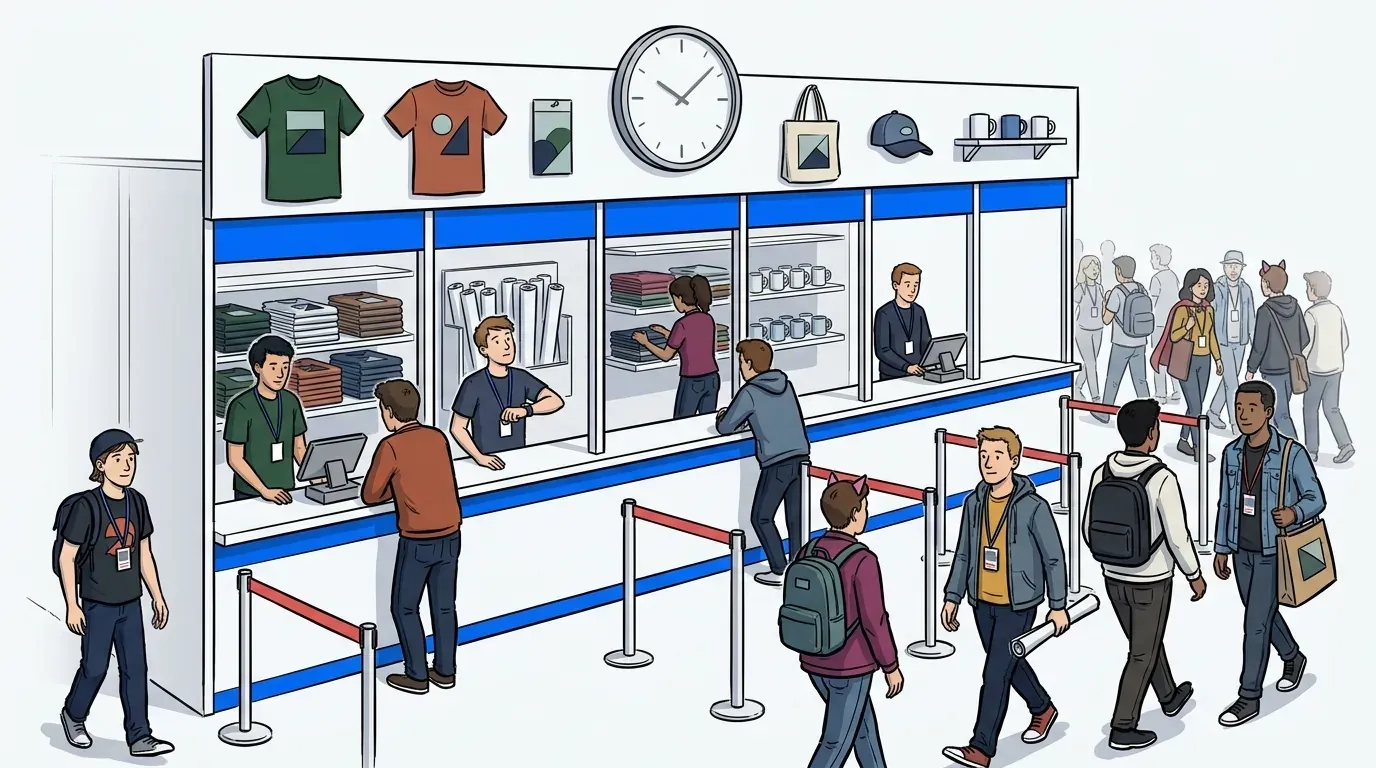
That gap shows up everywhere on the floor. A popular booth demo backs up into the aisle. A breakout session fills before latecomers can be redirected. A sponsor activation loses attendees to a long, unmanaged wait. Registration sold the ticket, but nothing carried that data forward once attendees reached the check-in point. A conference check-in app is supposed to close that gap: it takes what registration already knows and keeps it moving through every queue point on site, all the way into your CRM.
For organizers evaluating a conference check-in app, the decision rarely comes down to whether the tool can manage a line. Nearly all of them can. It comes down to what happens to the data attendees hand over the moment they join one.
What is a conference check-in app?
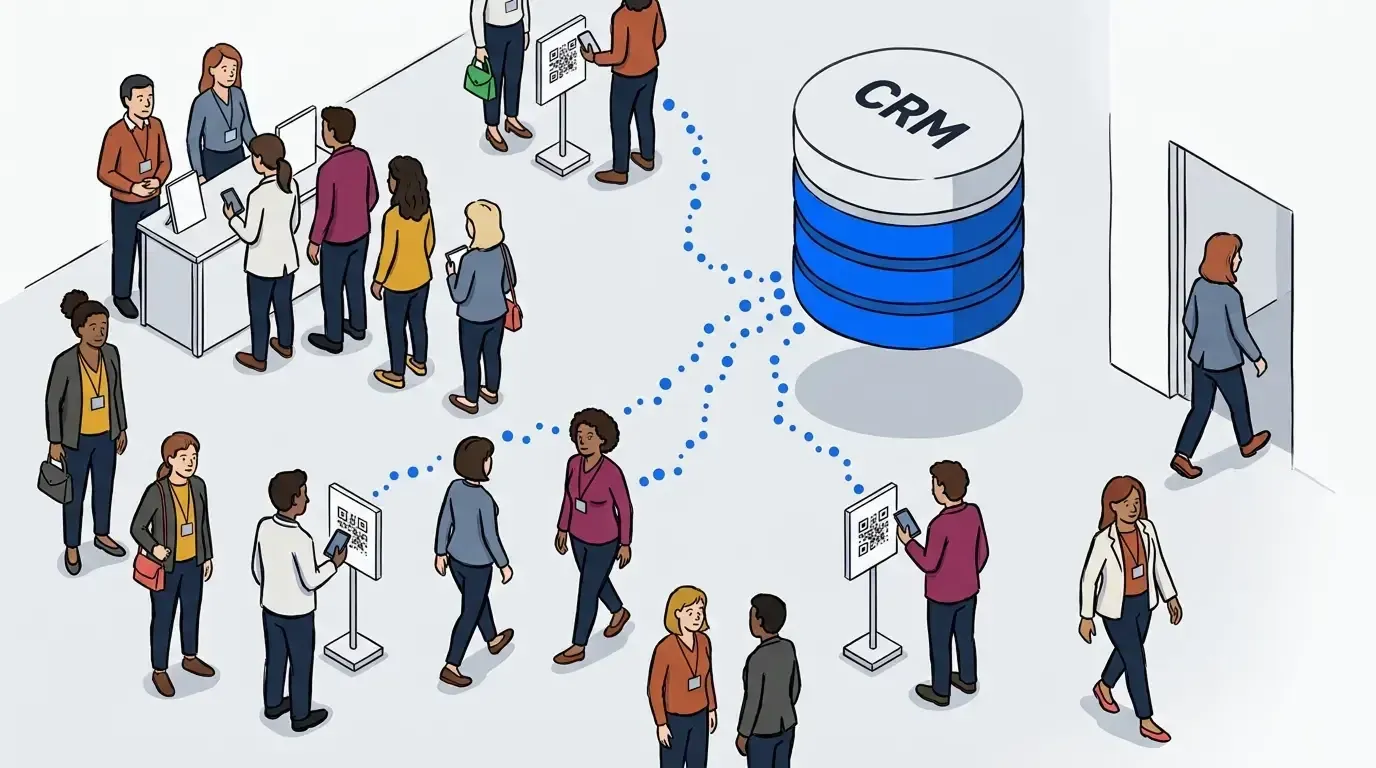
A conference check-in app lets attendees join a queue or confirm their arrival by scanning a QR code instead of standing in a physical line. The stronger ones tie that moment to your registration platform. The details attendees already gave you at signup flow into an active queue, then back out to your CRM as a verified, consented contact.
What to look for in a conference check-in app:
- No app download for attendees, just a QR scan and a short form
- A live connection to your registration platform or CRM, not a manual export
- One dashboard covering every queue point: booths, sessions, activations, and VIP areas
- Bulk notifications that can clear a surge in seconds, not one attendee at a time
- A branded wait page that doubles as measurable sponsor inventory
Self check-in that doesn’t slow down the floor
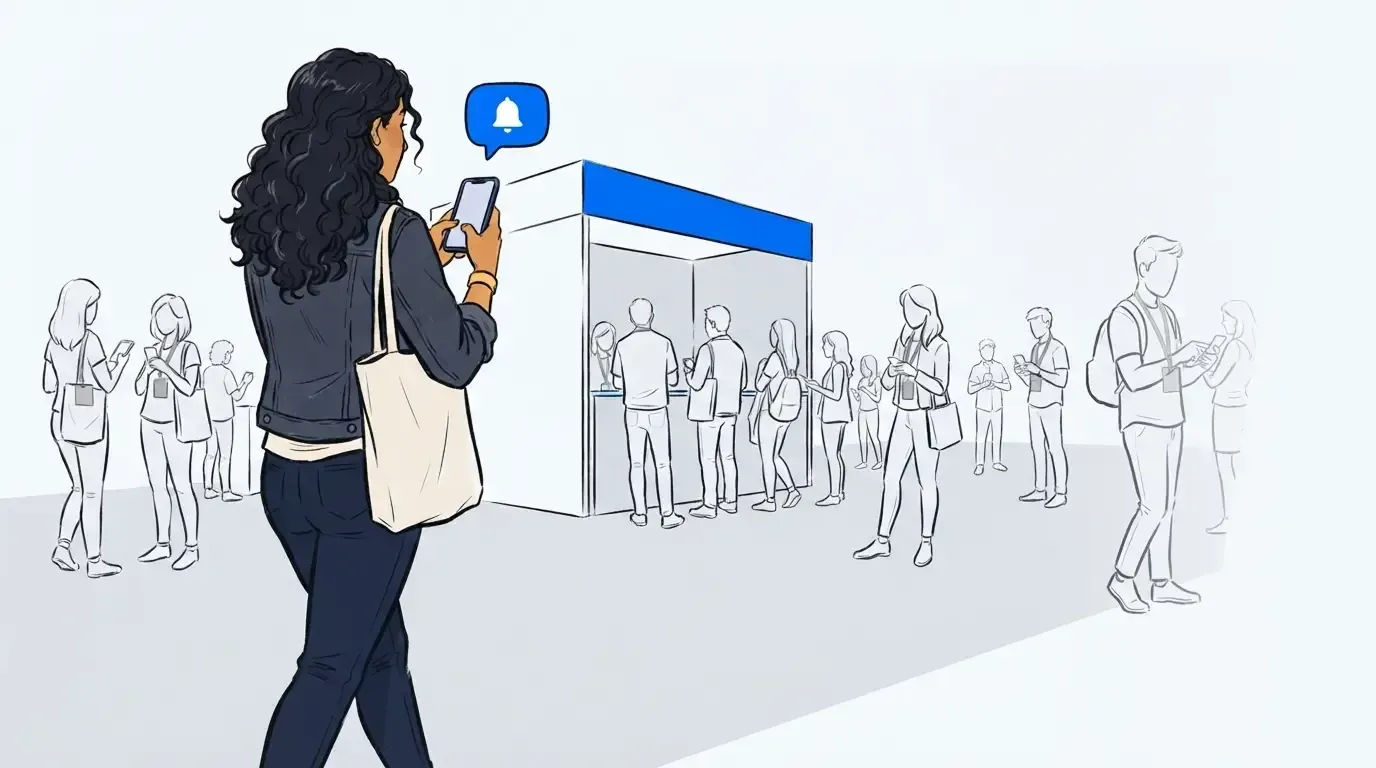
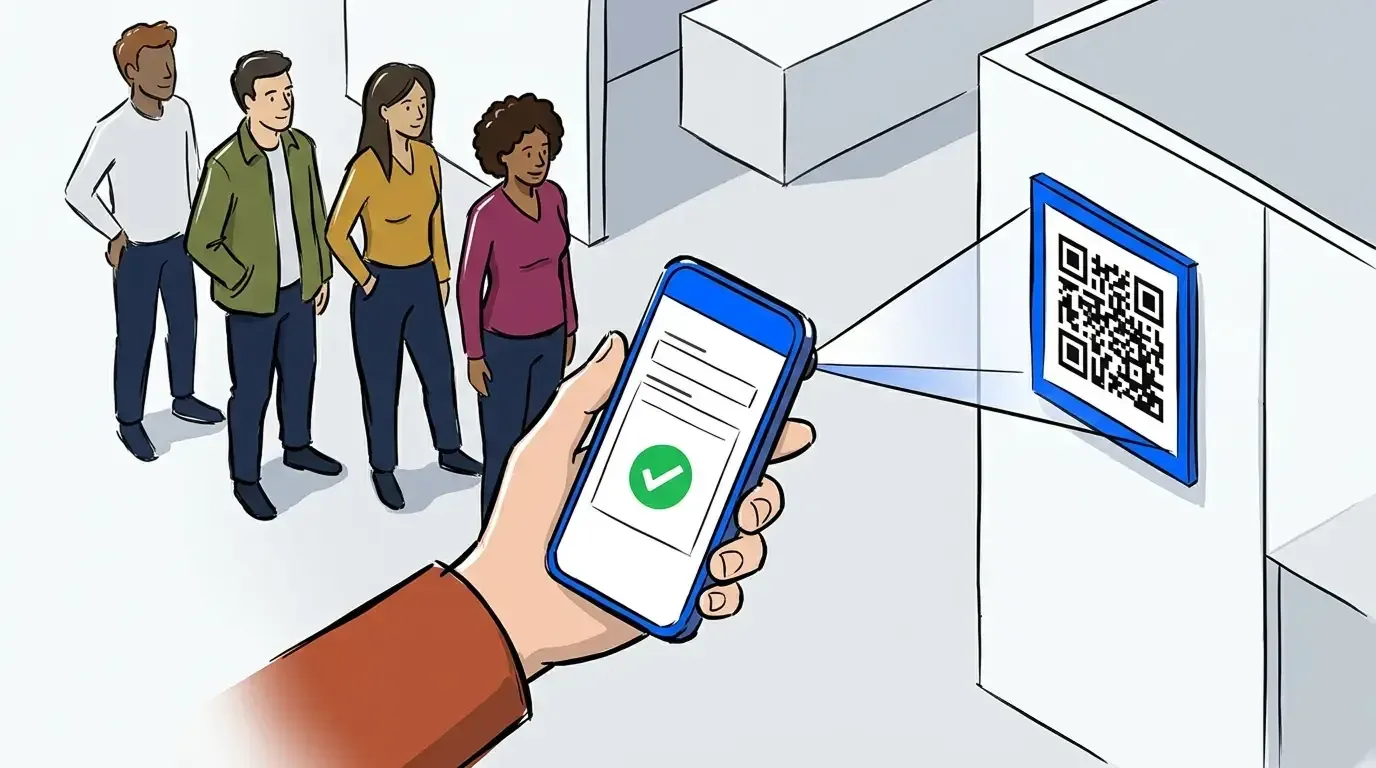
Every queue point starts the same way: an attendee scans a QR code and fills out a brief self check-in form on their own phone. There’s nothing to install and nothing to delete afterward. Once they’ve joined, they’re free to keep moving. They can watch a session, visit another exhibitor, or grab coffee instead of holding a spot in a physical line.
That matters most at the door, where a slow check-in process creates the very bottleneck a conference is trying to avoid. But it works the same way at a session with limited seats or a sponsor activation with a capacity limit. The attendee joins from wherever they are and gets a text when it’s their turn to come back.
Registration data that becomes CRM data
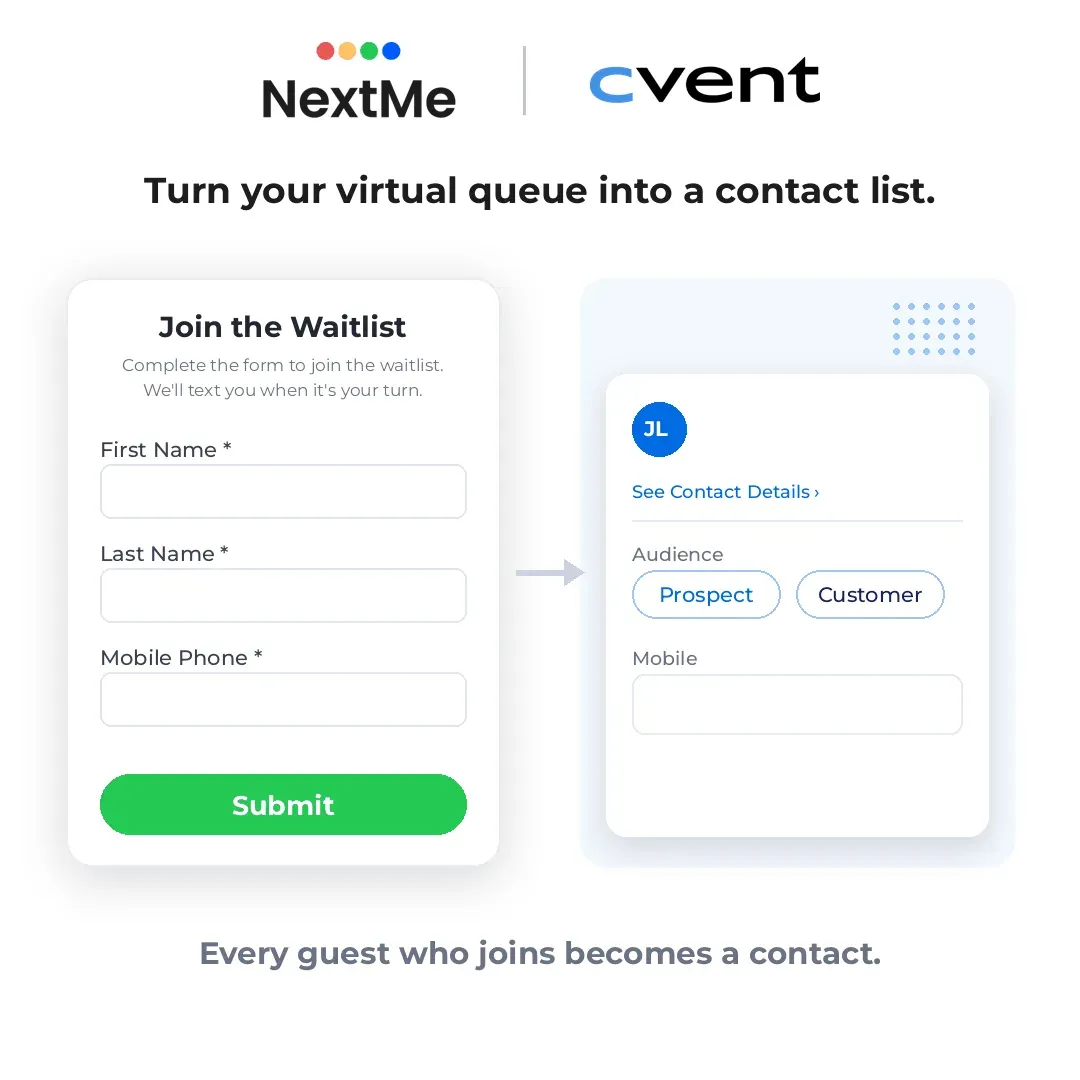
Most check-in tools stop at crowd control. They manage the line and nothing else. The attendee data captured in that moment, including a verified mobile number, sits inside the check-in app until someone exports it and reconciles it against the registration list by hand, usually days after the event ends.
NextMe’s integration with Cvent removes that step. As attendees join a NextMe queue, their contact details post to Cvent automatically and in real time, with no manual export required. Organizers map their NextMe fields to their Cvent fields once, then choose whether to attach the data to a specific event and admission ticket or enrich their Cvent contacts generally. Because attendees enter their own details to join the queue, everything landing in Cvent is first-party data captured at the moment of engagement, not scraped or inferred afterward.
The practical effect: managing the crowd and building a contactable, consented prospect list become the same action, not two separate jobs.
One system for every queue point on the floor
A single conference rarely has just one queue. A popular booth runs a demo queue. A limited-capacity workshop needs an overflow list. A sponsor activation or headshot lounge runs its own line entirely. VIP and speaker areas need controlled access without a visible velvet rope. Running multiple queues at once is standard practice in event queue management, and a check-in app should treat it that way from the start, not as an edge case.
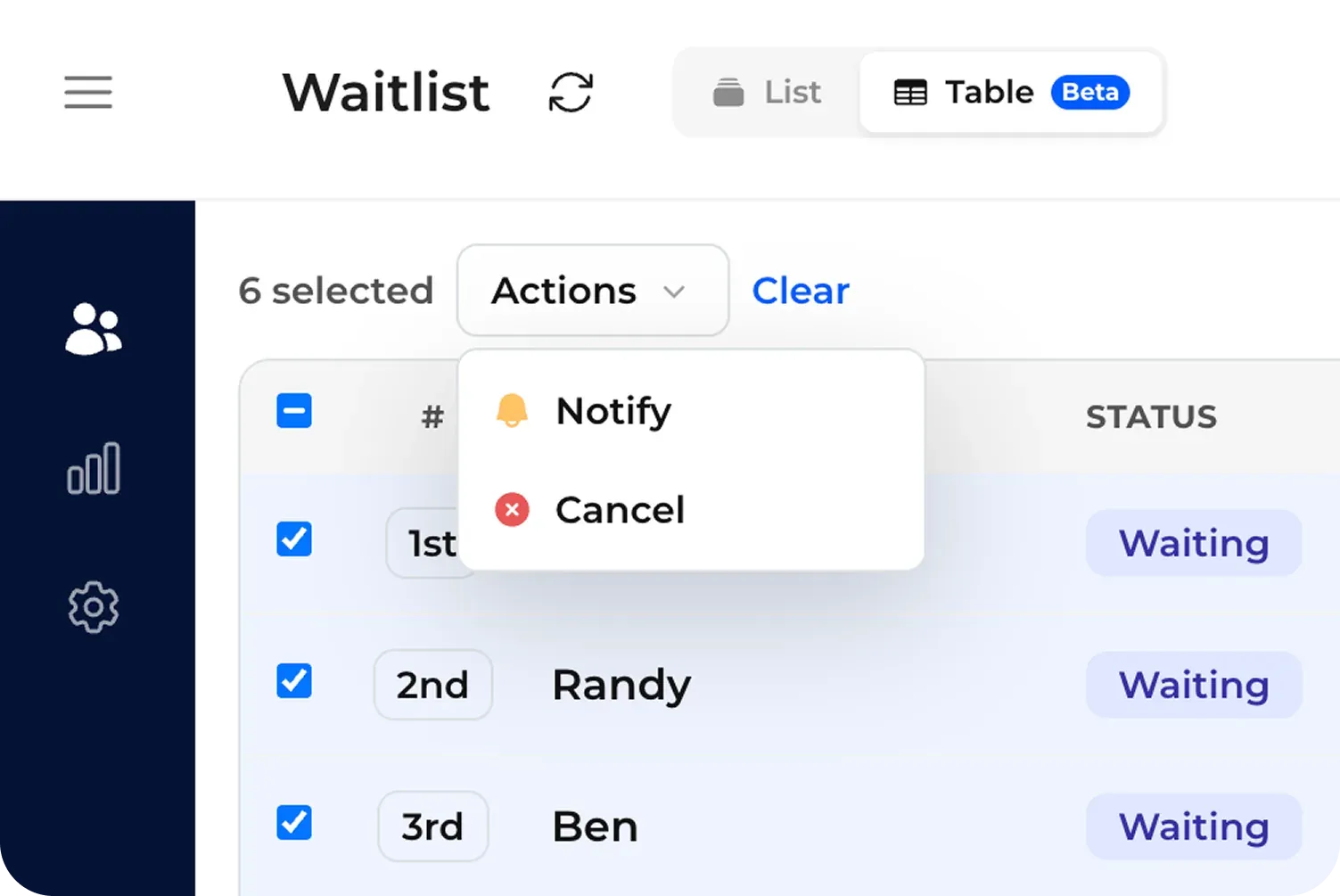
The best setups manage all of this from a single dashboard, with a live list of everyone waiting across every queue and a tab for each one. When a session lets out or a demo backs up, staff can select up to a hundred waiting attendees and notify them by SMS or WhatsApp in a single action, instead of tapping through names one at a time.
Turning the wait into sponsor value
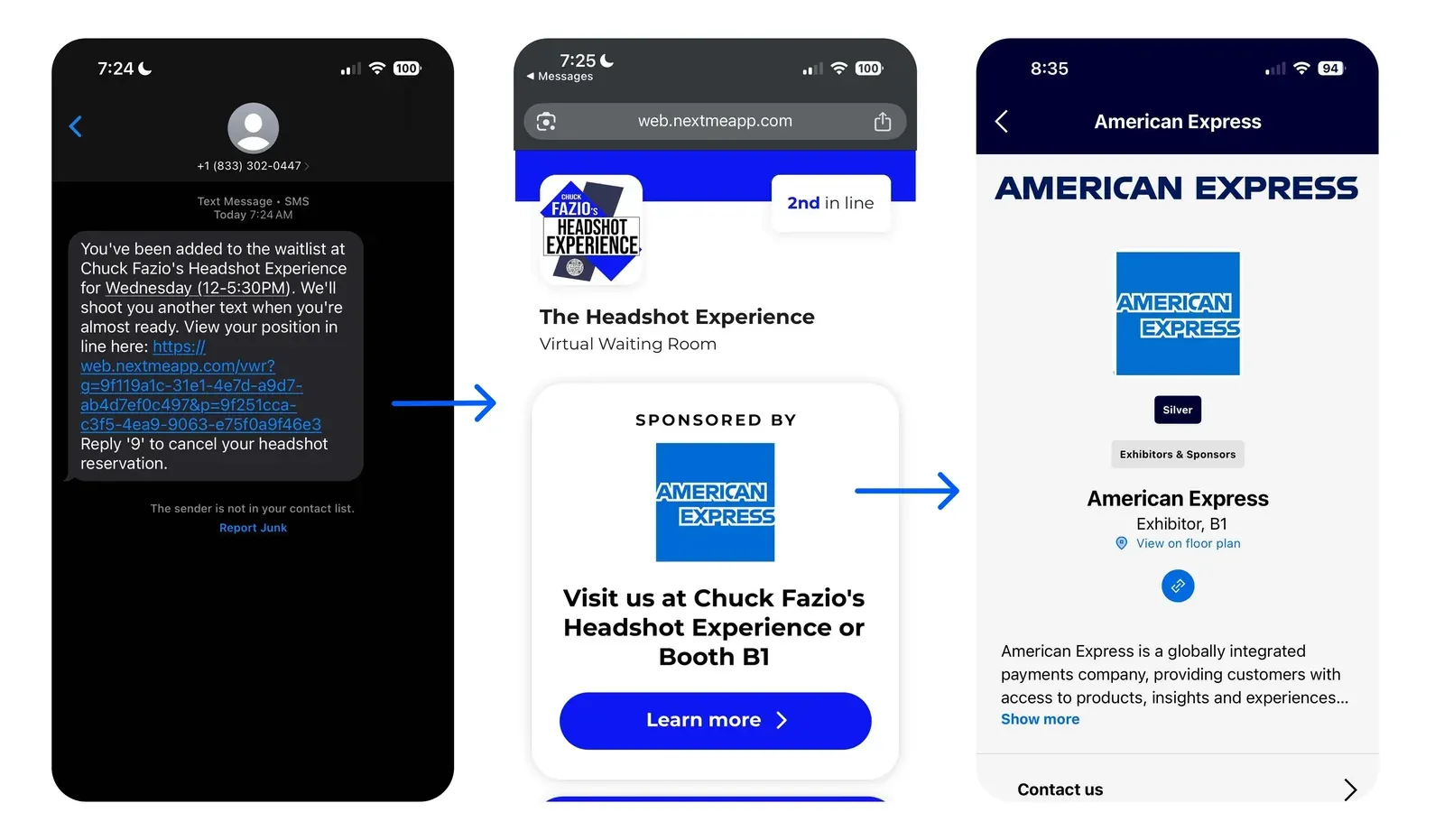
Because the wait page attendees see is fully brandable, the minutes they spend in a queue can work for a sponsor instead of just passing the time. Add a sponsor’s message, an offer, or an interactive poll, and the wait becomes a measurable engagement surface rather than dead air.
Chuck Fazio’s Headshot Experience proved this at Cvent CONNECT 2025. One of the busiest booths on the expo floor was pulling two-hour physical lines. After switching to NextMe’s virtual waiting room, attendees checked in by QR code, tracked their spot from their phone, and explored the show until it was their turn. 25% more attendees completed the experience compared to previous activations, and sponsor AMEX’s content in the virtual waiting room earned a 15.9 percent click-through rate, with attendees engaging for an average of 90 seconds. Those are the kind of numbers a sponsor can take into a renewal conversation.
Why the data has to survive the trip home
An attendee who just finished a demo, sat through a session, or waited in a branded queue is not in the same headspace as someone who filled out a form six weeks before the show. According to EventTrack 2026 from Event Marketer, 85 percent of B2B attendees say they come away from a live event feeling more educated about the brands they engaged with. That interest peaks right when the event ends, and it fades the longer follow-up takes.
A check-in app’s job is not just to let people through the door. Its real job is to make sure everything captured at that door survives the trip into your CRM, still attached to the right contact, still usable the Monday after the show. After the event, an Event Insights Report breaking down each queue by guests joined, serviced, and retained gives organizers the numbers to prove that value and plan the next one.
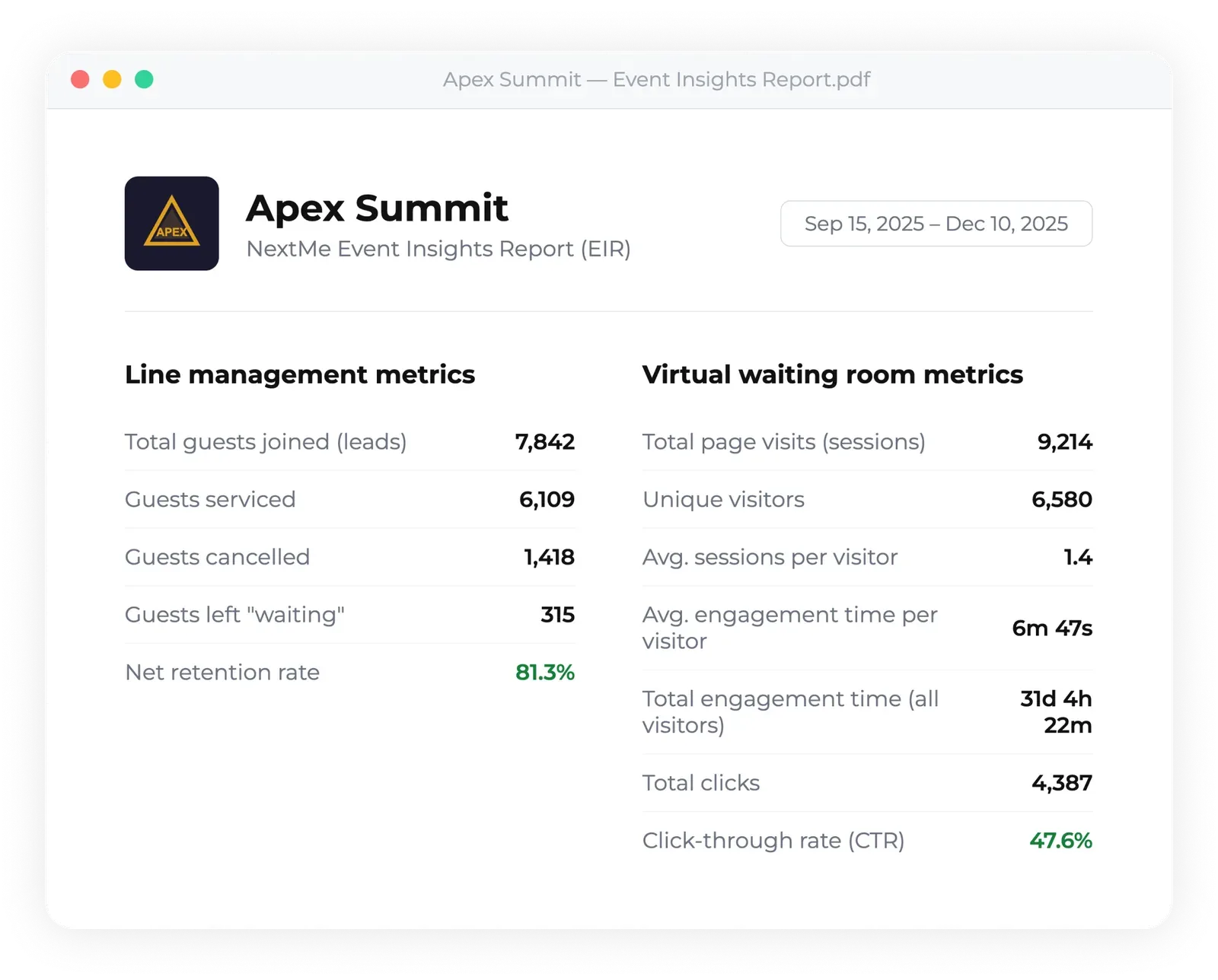
For a broader look at how registration and on-site queue management fit together across a multi-day conference, see how event registration and queue management work together for conference organizers.
Make check-in the start of the record, not the end of the line
A conference check-in app should do more than hold a place in line. It should turn a check-in into a clean, consented contact record that’s still usable weeks after the show ends. That’s the difference between a tool that manages crowds and one that protects the return on an event budget.
NextMe runs the queue and syncs every check-in to Cvent in real time, so your team leaves the floor with a crowd that stayed happy and a CRM that’s already caught up. Book a demo to see how the integration works.