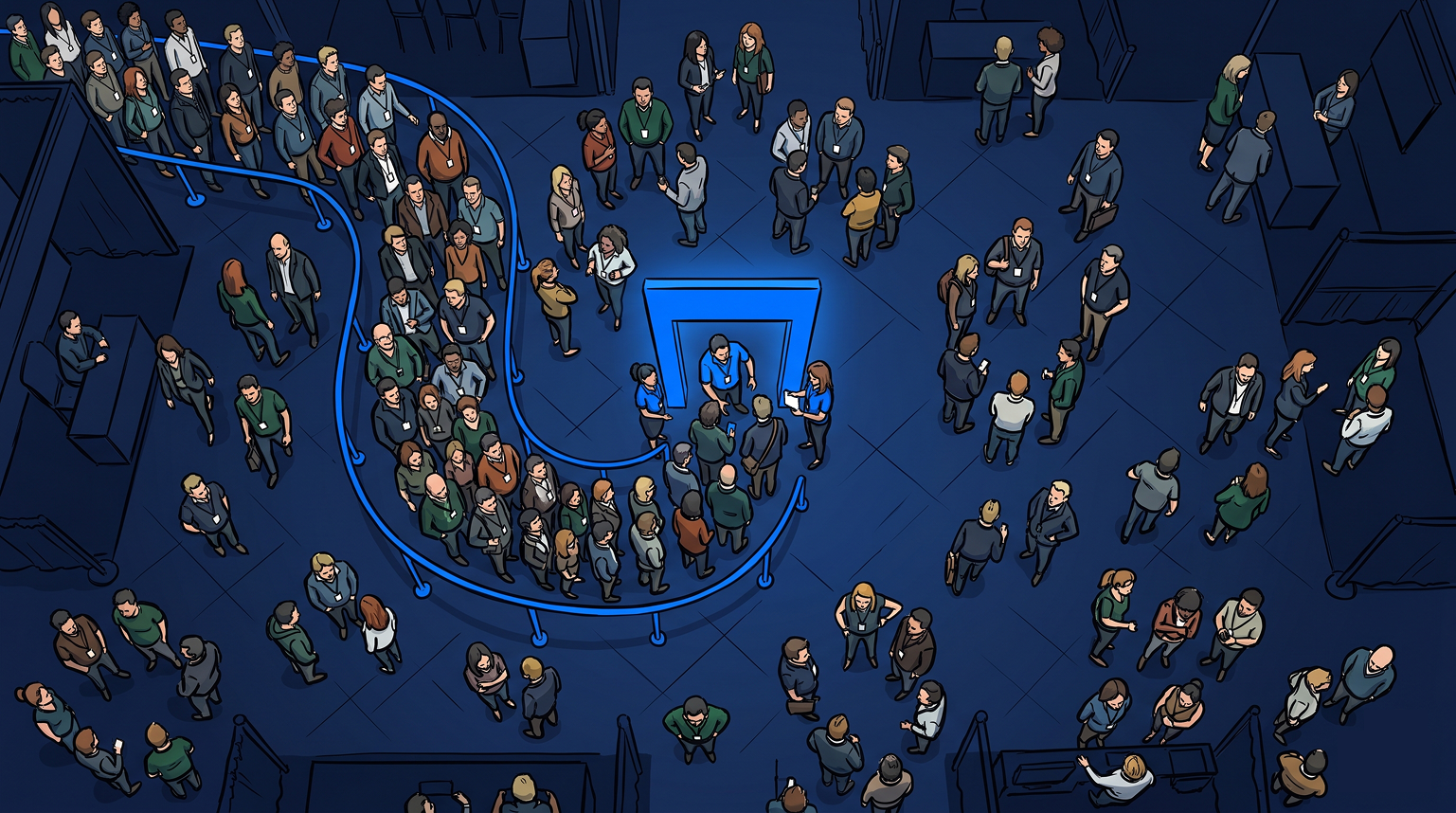
Every event operator knows the feeling. The activation opens, demand spikes faster than expected, and within twenty minutes a manageable crowd has become an unmanageable wall of people. Some guests give up and walk away. Others stay but grow frustrated. The energy that was supposed to define the experience starts working against it.
A line at your event is not necessarily a problem. A visible, busy queue signals demand. It tells passing attendees that something worth waiting for is happening right here. The real issue is when that line becomes uncontrollable. Guests lose their place, wait times grow unpredictable, and staff lose command of throughput. According to Freeman’s research, 95% of working professionals trust brands more after attending their events. That means the operational execution of your event shapes how attendees perceive your brand long after they leave.
Event queue management is how operators stay in control. This guide covers what it is, why it matters, how modern queue systems work, and what to look for when choosing software for your next activation.
What is event queue management?
Event queue management is the process of organizing, controlling, and communicating with guests waiting to access an experience, activation, session, or service at a live event. The goal is not to remove the line. The goal is to make it predictable, fair, and manageable for everyone in it.
Effective event queue management gives operators real-time visibility into demand. It also gives them tools to control admission rates and a system to keep waiting guests informed and engaged. Guests stay connected rather than walking away.
At large-scale events, this means managing hundreds or thousands of guests. They flow across registration desks, breakout session entries, keynote rooms, expo floor activations, and brand experience booths. At smaller activations, it means managing a single queue for a high-demand experience. Every walkaway represents lost brand value.

What event queue management actually involves
Good queue management is not just about the moment guests arrive. It covers the full arc from the point a guest decides to wait through to the moment they are admitted and served.
In practice, this involves several connected decisions.
How guests join the queue and confirm their place. A physical line requires guests to be stationary and present. A virtual queue lets guests register from anywhere in the venue and return when their turn arrives.
How wait time is communicated. Transparent, real-time wait information is one of the highest-leverage tools an event operator has. When guests can see their position moving, they stay. When they can’t, they walk.
How throughput is controlled. Operators need to call guests forward, set admission pace, and adjust capacity in real time as conditions shift across the day.
How data is captured. Every guest who joins a queue is a contact. Every check-in is a chance to capture lead data, measure engagement, and build a follow-up list. 87% of attendees say discovering new products is the most important element of attending an event. That makes the queue part of how purchase intent forms.
How a virtual queue system works
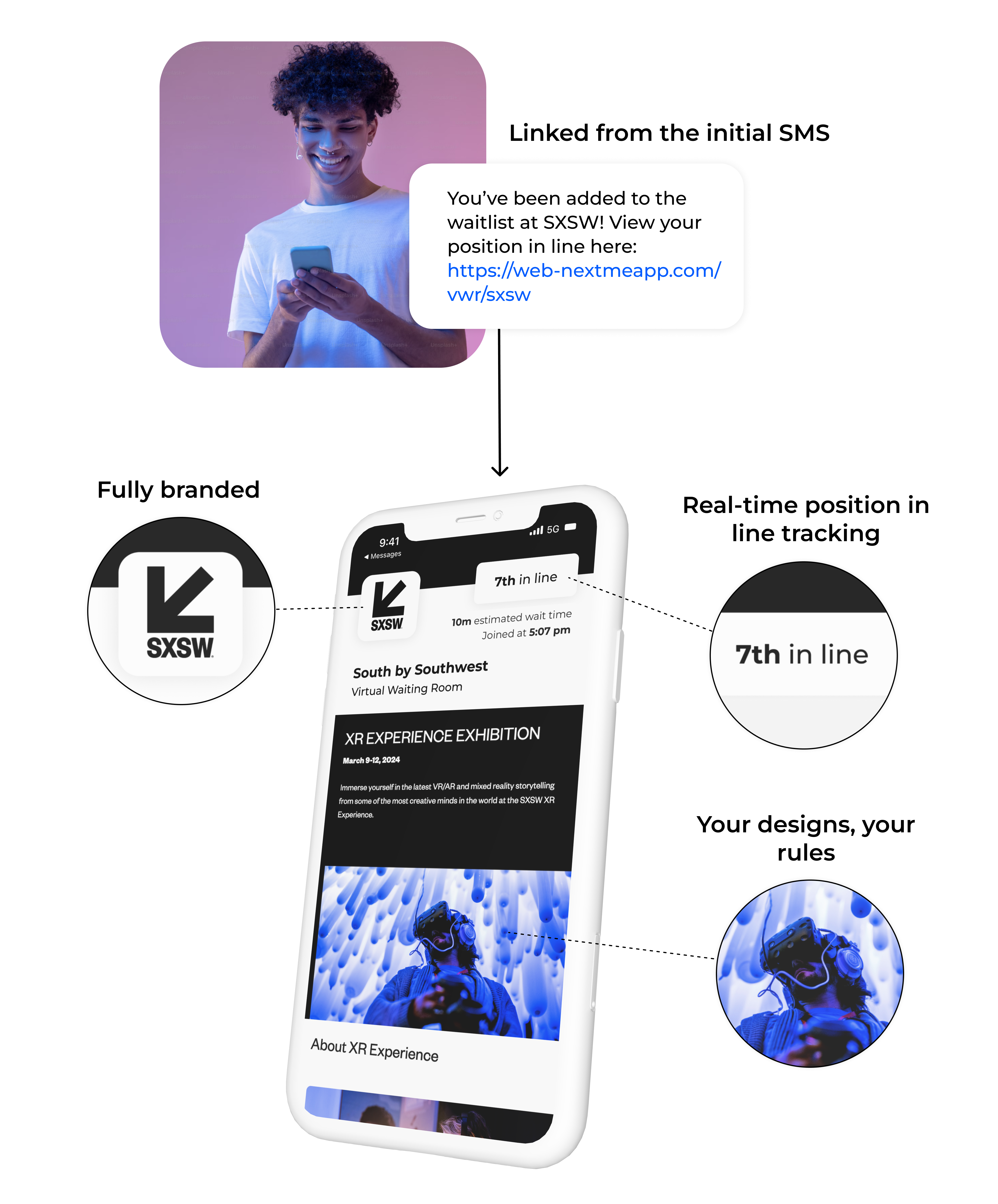
A virtual queue replaces or supplements a physical line with a digital system. Guests scan a QR code or use a self check-in link, provide basic information, and get a confirmation that holds their place. They can then move freely around the venue until an SMS notification tells them their turn is approaching.
Operators see the live queue in real time on their dashboard: who is waiting, how many are ahead, current wait estimates, and controls to call guests forward or adjust flow as conditions change.
The core value is decoupling the wait from the physical space. Guests who roam freely explore more of the event and engage with other activations. They consistently report a better overall experience. Operators who clear the pile-up around their activation reduce crowding, improve safety, and give their experience more room to perform. Freeman data cited by Swoogo shows 44% of attendees rank easy-to-consume event technology as a top element of a positive experience. Nothing undermines that faster than an uncontrolled crowd at the entry point.
For a closer look at virtual queuing at high-traffic activations, see how event operators deploy virtual queue software at brand activations and live experiences.
What event queue management looks like in practice
At Miami Grand Prix 2026, F1 Arcade used NextMe to manage hundreds of guests across a racing simulator activation over three days. Guests scanned a QR code at the entrance and completed a brief self-check-in form. They then explored the fan zone freely while they waited. NextMe’s Virtual Waiting Room kept them connected to their position throughout. F1 Arcade cleared the queue almost entirely at close and captured clean digital lead records for every participant with no manual intake. The team could see who entered, who stayed, and who cancelled – data a physical line never provides.
Read the full F1 Arcade case study for the complete breakdown of results.
The same dynamic applies across activation types. Whether the queue is for a keynote room, a sponsor booth, a photo moment, or a ride-and-drive experience, guests who know their place is secure behave differently. They stay, they engage, and they come back when called.
How to implement event queue management at your next event
Implementing a virtual queue at a live event does not require a lengthy setup or dedicated IT support. The process follows a straightforward sequence:
- Set up your queue in your NextMe dashboard before the event. Define the activation name, configure your check-in form fields, and set estimated wait time parameters.
- Generate a QR code and signage for the activation entrance. Guests scan to join. No app download is required on the guest side.
- Brief your staff on the dashboard. The operator view shows the live queue, current wait times, and the controls to call guests forward or adjust admissions pace.
- Open the queue at event start. Monitor throughput and adjust as demand patterns develop across the day.
- At close, export the guest data for post-event follow-up.
For a detailed walkthrough across different event types, see event queue management for busy activations and better guest flow.
Calling guests back and managing throughput
One of the most overlooked aspects of event queue management is the return step: the moment a guest receives their notification and needs to come back to the activation.
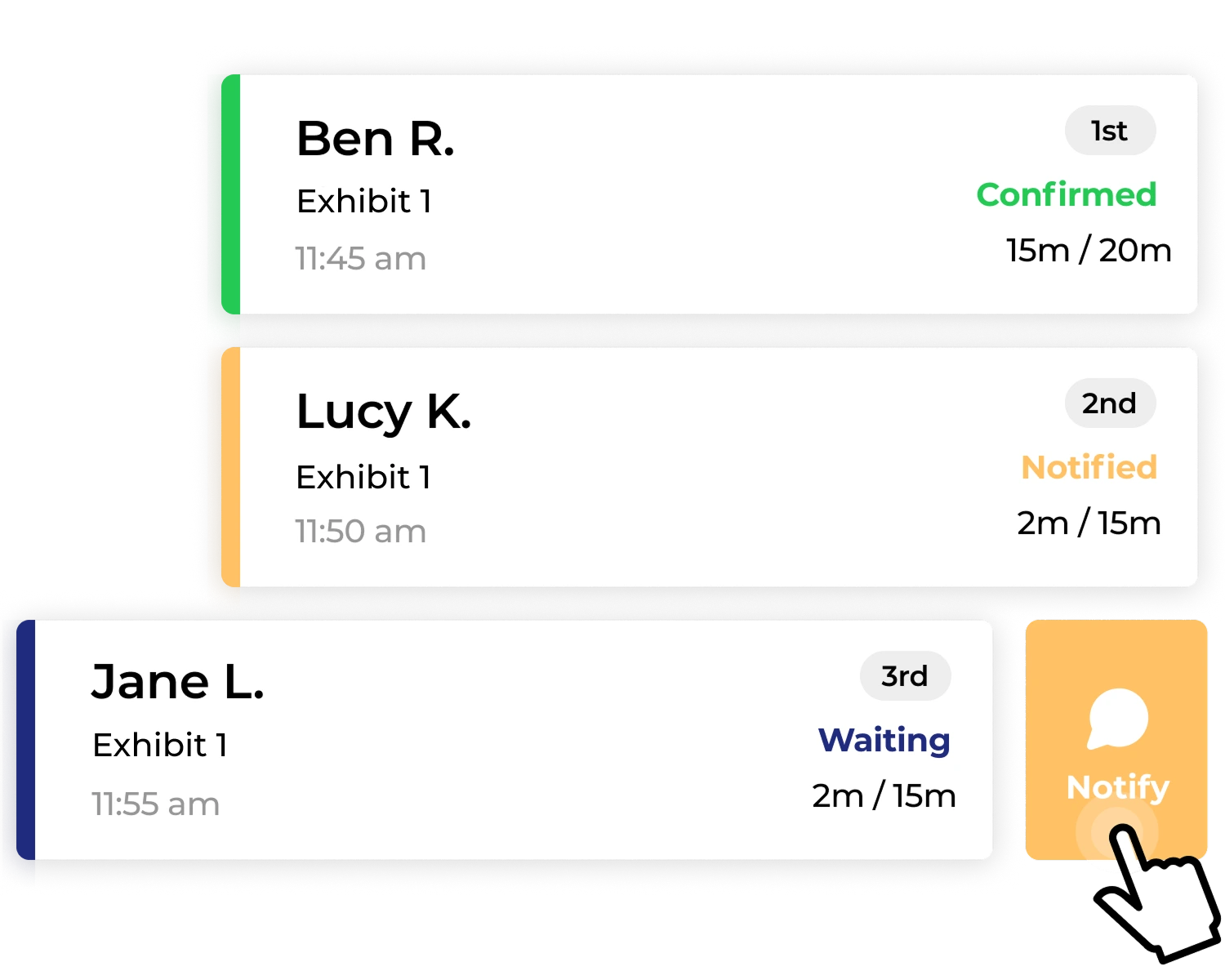
A well-designed system gives operators clear controls for this. The notify function sends an SMS to the next guest or group. They get a window to return before the slot moves on. Operators configure the notification timing, set how many guests to call at once, and adjust as throughput conditions shift.
This level of control is what separates a virtual queue from a sign-up sheet. Operators are not just collecting names – they are actively managing the flow of guests from start to finish.
What to look for in event queue management software
Not all queue management tools are designed for live events. Most were built for restaurants or service counters and lack the features event operators need. When evaluating options, the key criteria are:
No app download required for guests. Friction at the front of a queue is the fastest way to lose participants. The best systems let guests join via QR code or SMS link with no installation step.
Real-time operator dashboard. The operator needs live visibility into the queue: position, wait time, and the ability to call guests forward and manage admissions pace.
SMS notifications to guests. Push notifications require an app. SMS reaches everyone on the list instantly and reliably.
Self-check-in with custom data capture. Operators configure the check-in form to collect what their team needs: contact details, party size, preferences, or custom fields specific to the activation.
Virtual Waiting Room. A branded, guest-facing experience showing wait time, queue position, and space for sponsor content, promotions, or event information while guests wait.
Post-event data export. Every guest in the queue is a lead. The system should make that data easy to access and use after the event closes.
NextMe is built specifically for this use case. It powers virtual queue management for events of all sizes, from single-booth sponsor experiences to multi-activation brand events with thousands of attendees.

Frequently asked questions
What is event queue management?
Event queue management is the process of organizing and controlling access to an event experience or activation. It covers how guests join a queue, how operators communicate wait times, and how guests are called forward when their turn arrives. Modern systems use virtual queues. Guests join via QR code and wait from anywhere in the venue rather than standing in a physical line.
How does a virtual queue work at an event?
Guests scan a QR code or use a self-check-in link, provide basic information, and get a confirmation. They move freely through the event until an SMS tells them their turn is ready. The operator manages the queue in real time and controls when guests come forward.
What events benefit most from queue management software?
Any event with a high-demand, limited-capacity experience benefits from a queue management system. This includes brand activations at conferences and trade shows, festival attractions, sponsor booths, ride-and-drive experiences, photo moments, and premium access areas. The higher the demand relative to capacity, the more value a virtual queue delivers.
Can I capture lead data through an event queue?
Yes. Guests complete a self-check-in form when they join the queue. Operators can configure the form to collect contact details, company information, or any other fields relevant to their activation. The data is available for export after the event.
Is queue management software difficult to set up for an event?
No. NextMe sets up fast. Create a queue in the dashboard, generate a QR code, brief your staff on the operator view, and open the queue at event start. Guests don’t need to download an app.
Conclusion
Event queue management is the difference between a high-demand experience that builds brand momentum and one that collapses under its own pressure.
The goal is not to remove the queue. The goal is to control it: visible, predictable, and tied to a guest experience that keeps people engaged while they wait. NextMe is purpose-built for events of all sizes. See how NextMe works for events or try it free before your next activation.