Running a dispensary means managing two things at once that don’t always cooperate: a regulated environment with real legal consequences for missteps, and a customer experience that determines whether someone comes back. Most of the friction in dispensary operations lives in one place - the wait between arrival and service.
The lobby is where compliance pressure and guest experience collide. Too many people in a small space creates capacity violations. An unclear queue creates confusion, frustration, and walkouts. A rushed check-in flow creates gaps in the ID verification record. None of this has to be the default.
A virtual waiting room is how modern dispensaries solve the lobby problem. This guide covers how it works, how to configure it for a cannabis retail context, how to train your team, and what a well-run system looks like in practice.
What is cannabis dispensary queue management?
Cannabis dispensary queue management is the process of controlling customer flow from arrival through service using a digital system rather than a physical line. Instead of customers gathering in a lobby or standing at a front counter waiting to be seen, a queue management system assigns each customer a place in a digital queue and communicates wait status via SMS.
What makes this distinct from general queue management is the regulatory layer. Dispensaries operate under state-mandated capacity limits, ID verification requirements, and occupancy rules that vary by jurisdiction. A queue management system built for the dispensary context handles these requirements as part of the standard flow, not as workarounds.
How a dispensary virtual waiting room works
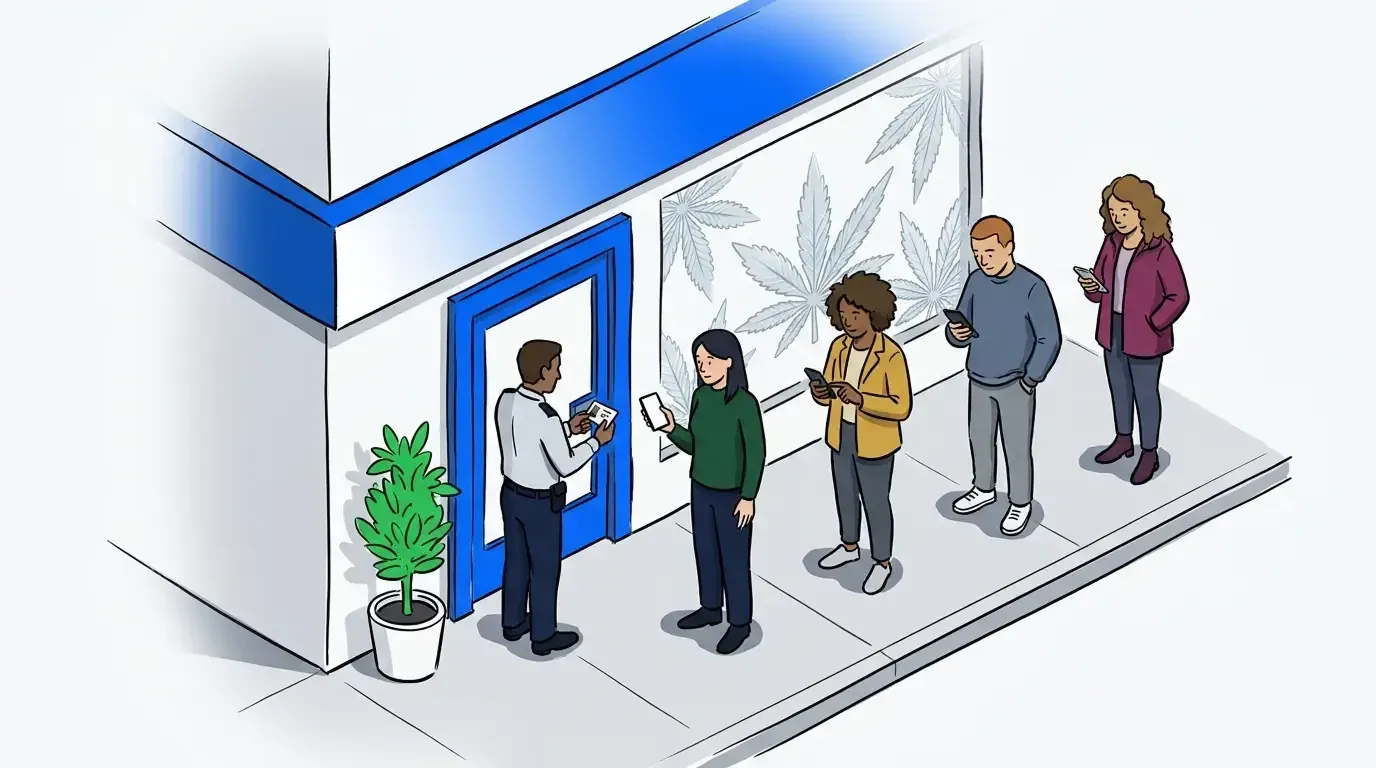
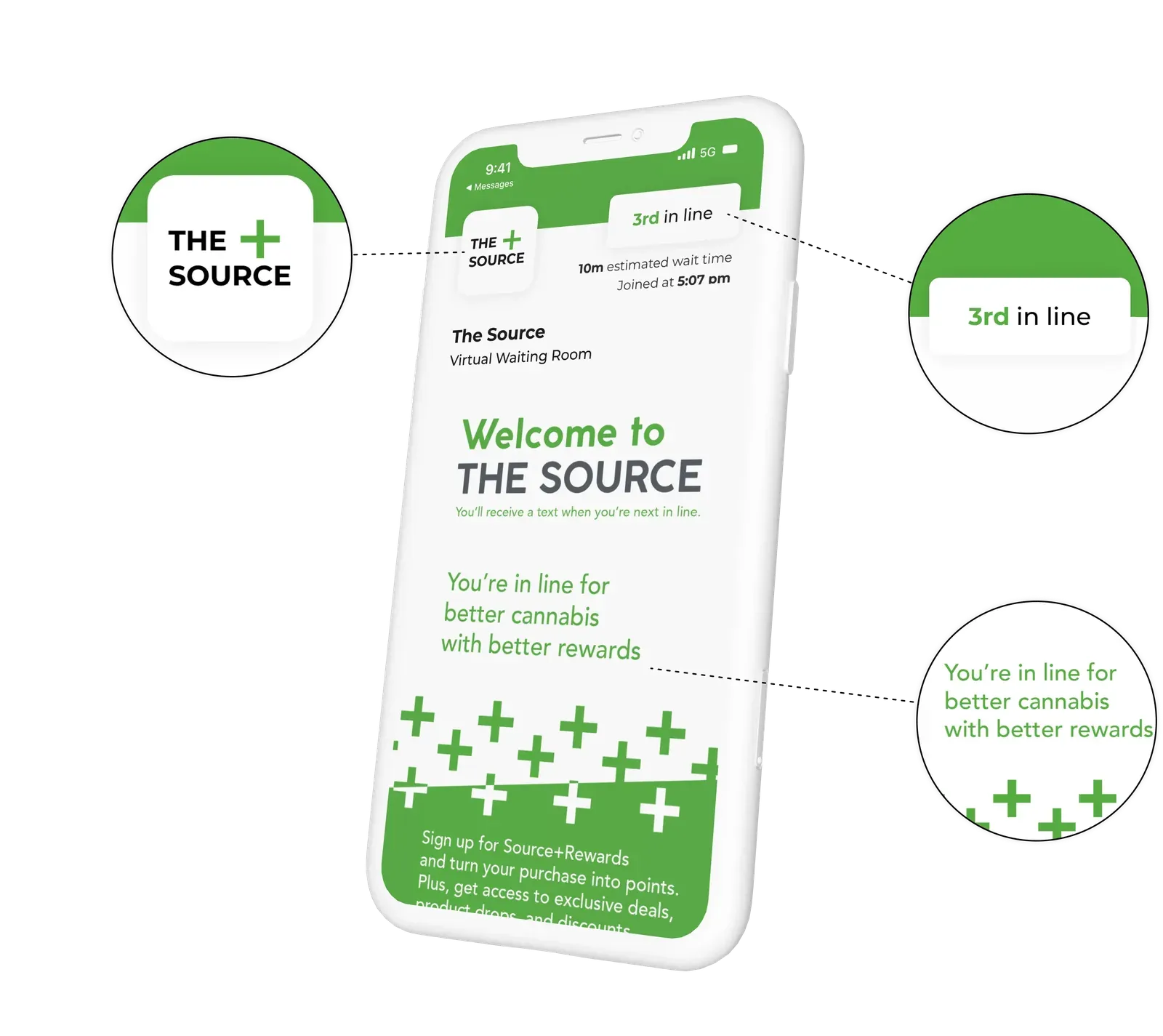
The flow starts before the customer walks through the door. When a guest arrives, they check in using a QR code posted at the entrance, a tablet kiosk at the door, or a staff-assisted entry at the counter. The system assigns them a place in the queue and sends an SMS confirmation with their estimated wait time.
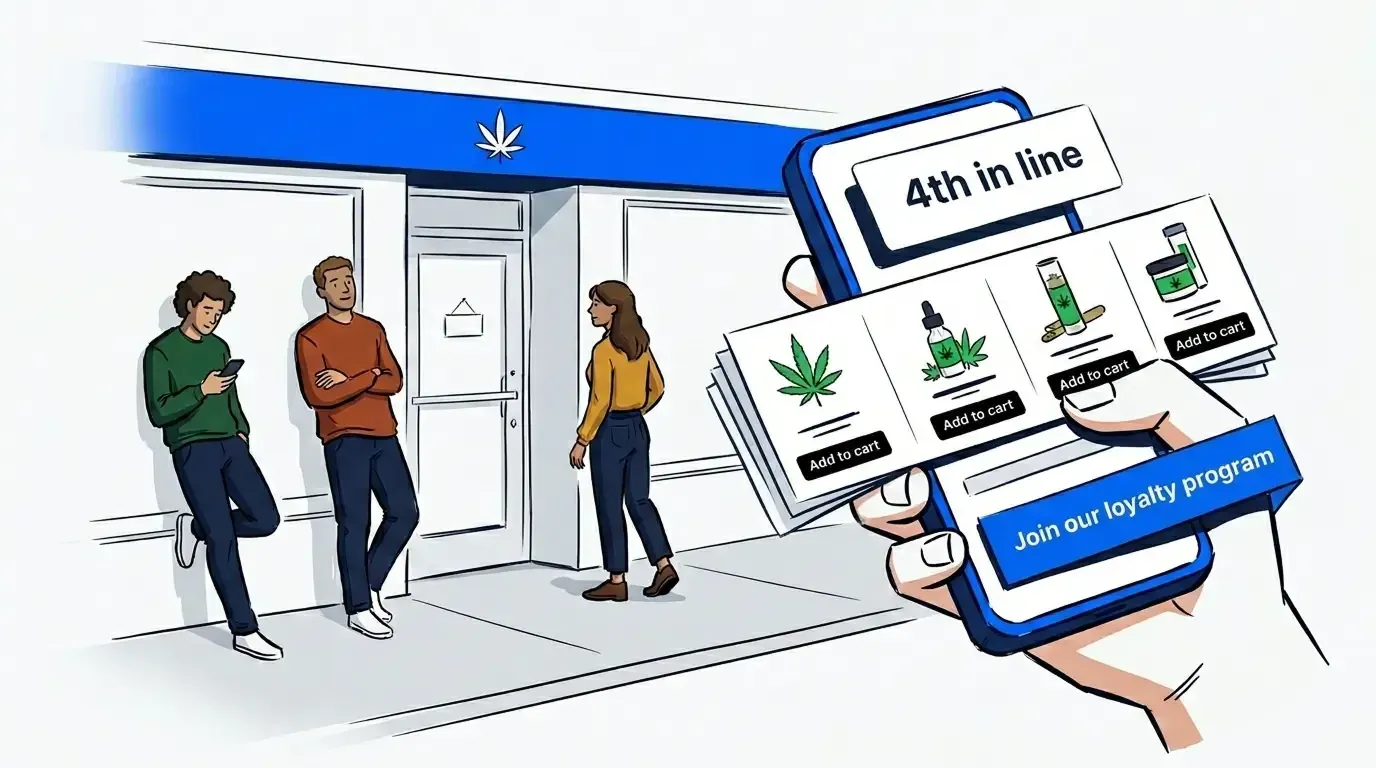
While they wait, guests can stay in their car, browse nearby, or wait outside - anywhere that isn’t crowding your lobby. The virtual waiting room screen gives that wait time a purpose. Dispensaries use it to highlight new product arrivals, feature daily specials, and prompt customers to join a loyalty program before they reach the counter. For dispensaries that accept pre-orders, the VWR screen can surface the pre-order flow directly, so customers arrive at the counter with their selection already made and the transaction moves faster for everyone. It’s worth noting: according to Flowhub’s 2026 Cannabis Retail Trends report, pre-order customers spend roughly 35% more per transaction than walk-in customers. A virtual waiting room that nudges customers toward a pre-order isn’t just a convenience feature - it’s a revenue lever.
When they’re next, the system sends an SMS notification and a staff member admits them directly from the queue dashboard.
From the operator side, the dashboard shows the full queue in real time: who’s waiting, how long each person has been in the queue, and which budtenders have capacity. Staff can add a guest to the queue manually, flag a note against an entry (first-time customer, pickup order, accessibility need), and notify the next guest with one tap.
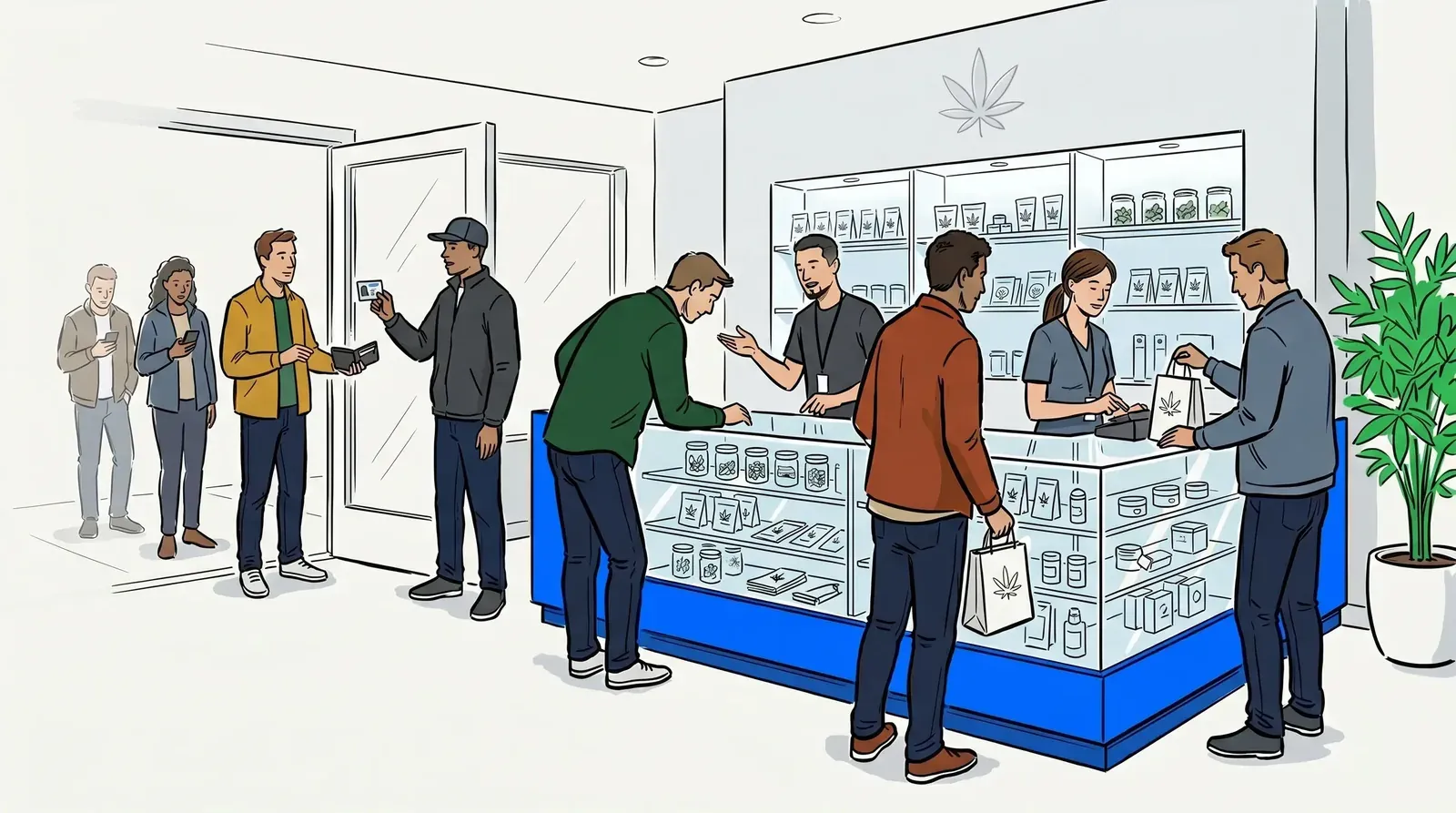
The ID verification step fits cleanly into this flow. Because guests are admitted individually rather than filling a lobby, staff can complete the verification check at the point of entry for each guest without creating a backlog. The queue gives the team a controlled pace rather than a reactive one.
For a deeper look at how the compliance and guest experience angles intersect, see How a Virtual Waiting Room Keeps Your Dispensary Compliant and Efficient.
The compliance window: where dispensaries are most exposed
There’s a brief, high-risk period in every dispensary visit between when a customer arrives and when they’re admitted to the sales floor. This is the compliance window: the moment when capacity violations happen, when ID verification is rushed or skipped under pressure, when lobby crowding draws attention from inspectors or creates safety concerns.
An unmanaged lobby doesn’t just create a poor guest experience. It compresses the compliance window to near zero. When customers arrive and immediately pile into the space, staff are managing crowd control instead of verifying IDs carefully and tracking occupancy accurately.
A virtual waiting room extends the compliance window by design. Guests hold their place outside rather than inside. Admissions happen at a pace the team controls, not a pace the crowd dictates. Occupancy stays within limit because the queue, not the lobby, is where demand absorbs. The result is a more defensible operation, one where compliance records reflect a deliberate process rather than a best-effort one.
Virtual waiting room vs. physical waiting room: a practical comparison
Dispensaries that have run both models consistently report the same pattern. A physical waiting room creates a fixed ceiling on comfortable capacity, generates friction for customers waiting without clear time expectations, and puts staff in a position of managing mood and movement rather than service.
A virtual waiting room removes the ceiling. Because guests wait outside the physical space, lobby capacity is no longer the bottleneck. The bottleneck becomes service throughput, which is the right problem to optimize for.
The other key difference is data. A virtual waiting room generates a record of every entry: timestamp, queue position, wait time, and admission time. That data serves two purposes. First, it gives operators the reporting visibility to optimize staffing and service pacing. Second, it provides a documented audit trail for any compliance review. A physical waiting room generates none of this.
For dispensaries that haven’t yet moved to a digital queue, the general business case is covered in Why Every Dispensary Needs a Waitlist App in 2026.
Setup and staff training
Setup for a dispensary virtual waiting room is lighter than most operators expect. NextMe runs on a standard tablet or laptop - no proprietary hardware required. The configuration steps that matter most for a cannabis context are:
The check-in method. A QR code posted at the entrance is the lowest-friction option for most dispensaries. Guests scan on arrival, enter a name and phone number, and receive their confirmation in seconds. For dispensaries with higher-volume or walk-in-heavy traffic, a tablet kiosk at the entry point reduces the staff input required.
The notification timing. Set the SMS alert to trigger when the guest is two positions away from service, not one. This gives them enough time to move from their car to the entry point without making them wait at the door after the message arrives.
The queue dashboard view. Train every team member on the same dashboard workflow: admit from the top of the queue, use the notes field for relevant flags, and notify via the dashboard rather than verbally across the floor. Consistency here is what makes the system work at scale.
Staff adoption is fastest when the team can see the queue working in real time. A brief walkthrough on shift one, followed by one or two supervised admissions, is typically enough for experienced dispensary staff.
NextMe works alongside the dispensary software you’re already using. If your operation runs on Dutchie, Flowhub, Treez, or another point-of-sale and menu platform, NextMe sits alongside it without requiring a migration or integration project. The queue management layer runs independently, so staff use NextMe for customer flow and their existing POS for transactions, without one system touching the other.

Keeping customers informed during the wait
The SMS flow is where the guest experience is made or broken. A guest who receives a clear confirmation and a timely update when their turn arrives has a fundamentally different experience from one who waits without information and isn’t sure if the system is working.
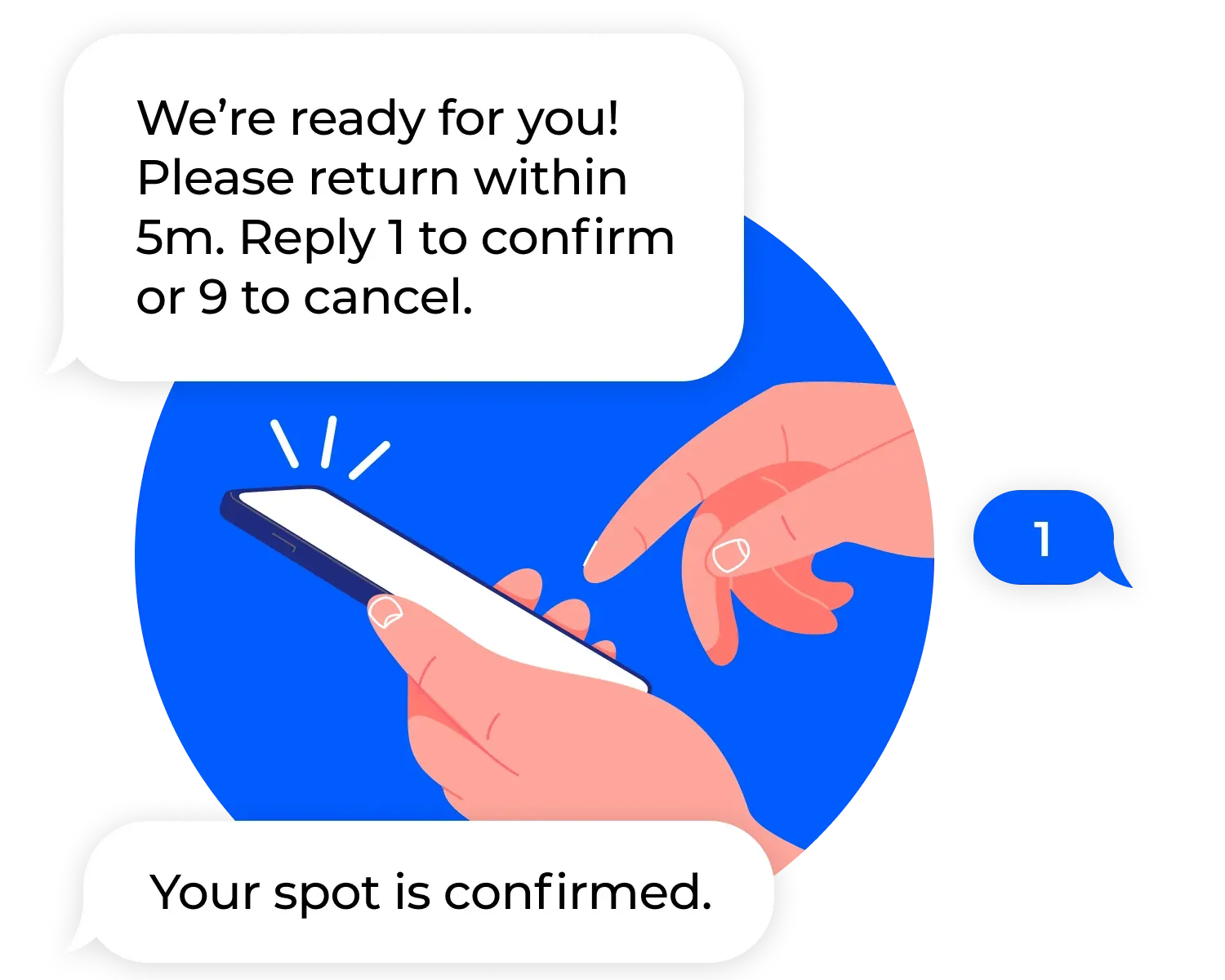
The confirmation message should include the guest’s position in the queue and an estimated wait time. The follow-up message should be specific (“You’re next - head to the door now”) and arrive with enough lead time to avoid a gap between the notification and the admission.
Two-way texting adds an additional layer of flexibility. A guest who receives a notification but needs two more minutes can send a quick reply rather than losing their place or rushing. For dispensaries with a curbside pickup component, two-way texting is particularly valuable for coordinating the handoff without requiring staff to step outside repeatedly.
Conclusion
A virtual waiting room is not a luxury for a dispensary - it’s the operational layer that makes cannabis retail scalable. It solves the lobby compliance problem, improves the guest experience, and gives operators the data they need to run a tighter, more defensible operation.
The setup is fast, the staff training is light, and the impact on both compliance readiness and customer satisfaction is visible from the first week. See how NextMe works for cannabis dispensaries and try it free.